

Turn recordings into transcripts and summaries in minutes
Upload audio or video for multilingual transcription, AI notes, and action items
2026年4款会后行动计划工具实测对比:AI待办谁真的不漏接?
会后行动计划难产,问题不在你不够努力
大多数人的会议记录是「照着听到的话抄一遍」,但真正该记的不是谁讲了什么,而是最后决定了什么、谁在什么时候要交出什么。这两件事差很远。
我管 10 个人的团队,一周大概 15 场会。以前我的会后流程是这样:会议中疯狂打字,散会后看着满满的笔记发呆,因为里面找不到一行写着「谁负责」。两周后老板问「上次那个项目的结论是什么」,我翻了三分鐘还找不到。交代下属的事是当场口头讲的,过两天问进度,他说忘了——没记录,谁也吵不赢。
后来我才认清:会后行动计划不是靠记忆力跟勤劳,是靠流程跟工具。这篇是我自己实测几款之后的整理。
选购会后行动计划工具前,先搞懂这 4 个关键点
1. 它抓不抓得到「负责人 + 期限」 只给你逐字稿的工具,等于把整理工作原封不动还给你。真正省时间的是能直接吐出「谁、做什么、什么时候」的清单,抓不到的字段要主动标记「待确认」。
2. 会不会保留原始录音 AI 一定有听错或误解的时候。有原始录音能回放核对,你才敢把它的产出拿去报告;不保留音频的工具,出事只能自己想辦法。
3. 能不能跨设备、跨会议累积 今天手机录、明天电脑整理,工具不支持跨平台,你就得多花时间手动搬运。
4. 团队能不能共用 会议资料如果只躺在某个人的账号里,他一离职,团队等于集体失忆。人越多越有感。
Tinrec(秒听录音)——我团队留下来的那一套
Tinrec 是一款面向个人与团队的 AI 会议记录和协作工具,支持 iOS、Android、桌面版与网页版。
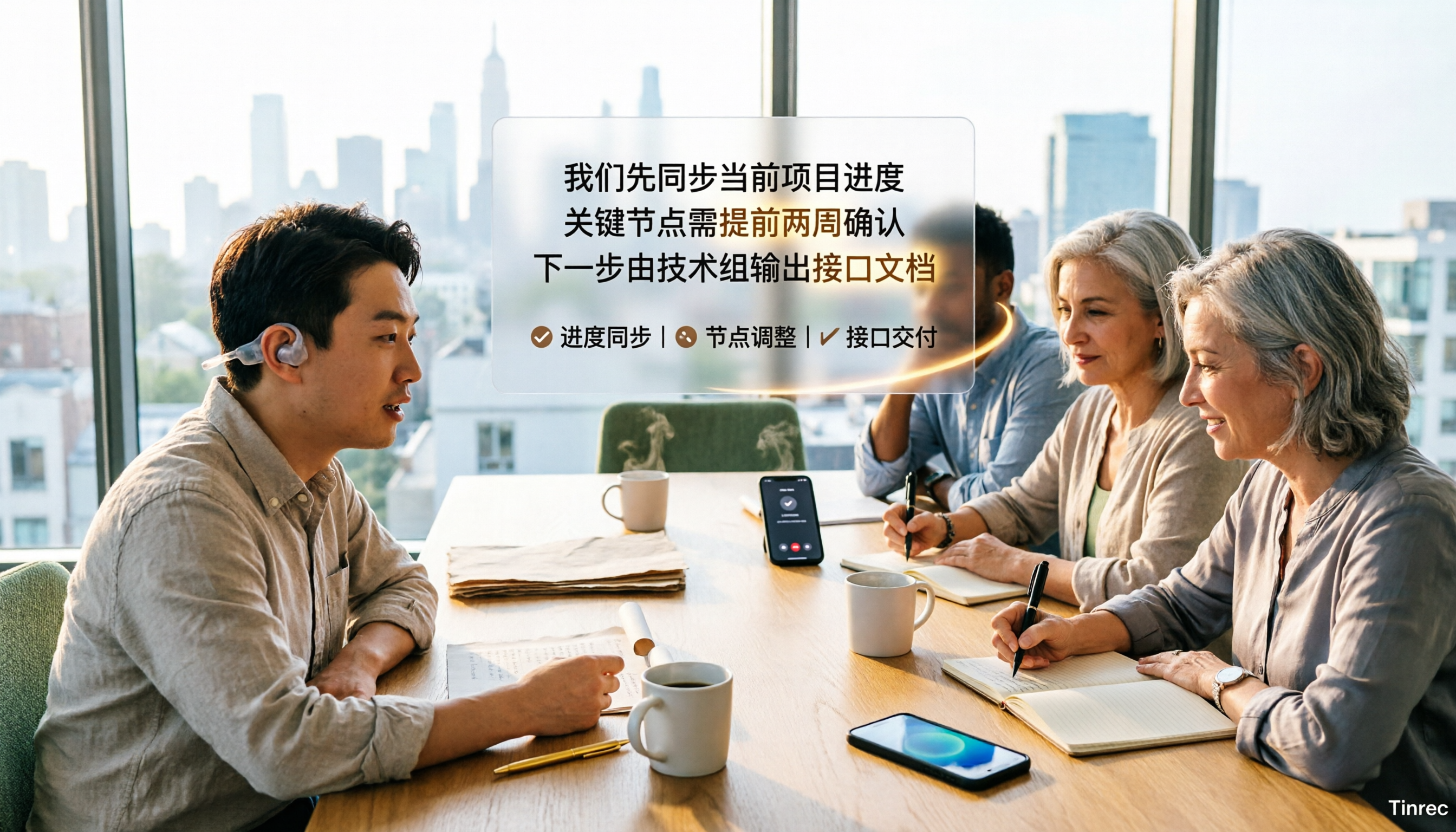
线上会议不用叫机器人进来。 桌面版直接采集电脑系统声音,Zoom、Google Meet、Microsoft Teams、Webex 都能处理,会议里不会多出一个奇怪的与会者。开会时它边录边出逐字稿,散会时摘要、章节、重点跟待办清单已经在那里了。
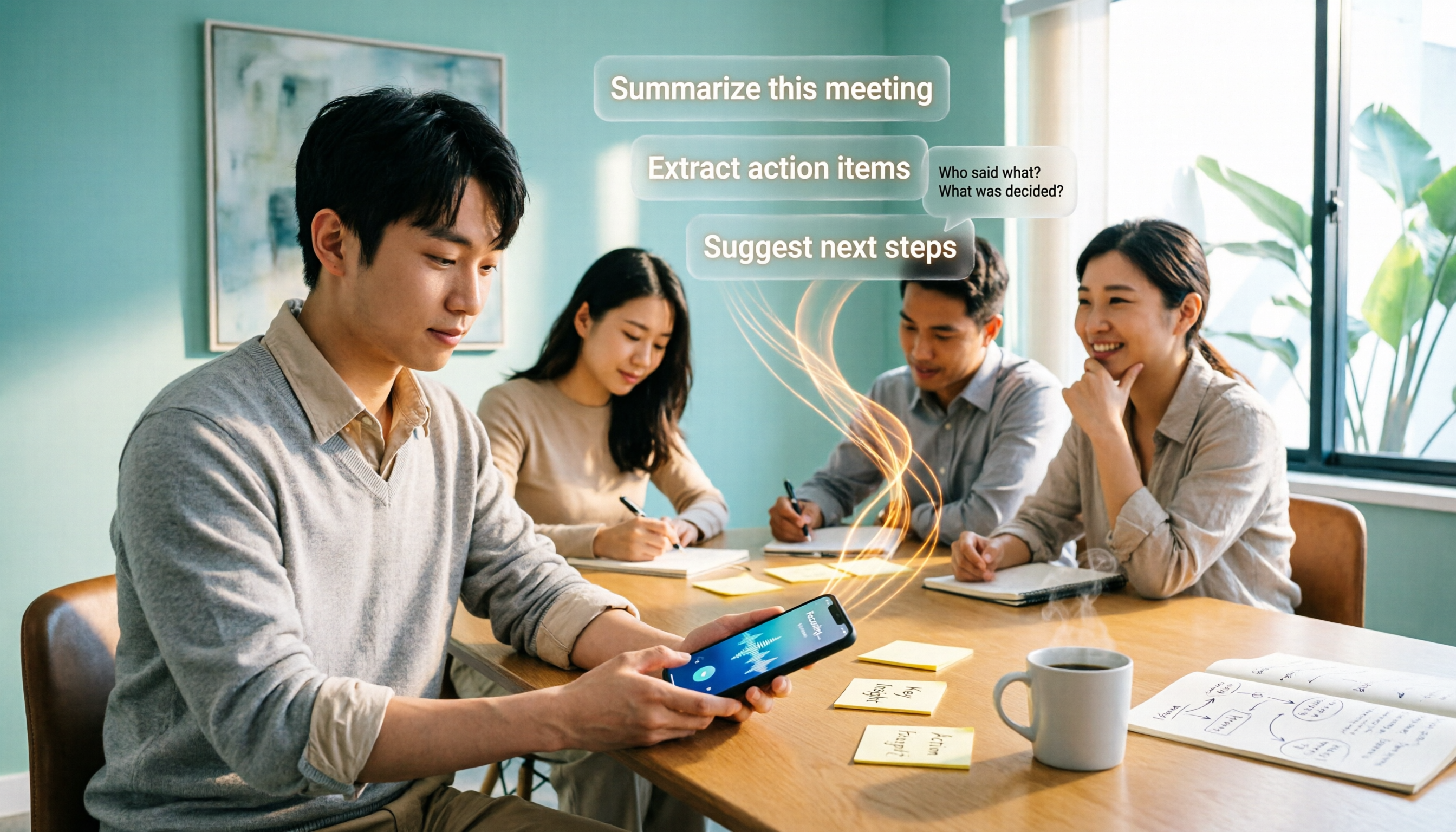
待办可以直接变行动计划。 这是我最常用的部分:它会从讨论里把「要做什么、谁负责、期限」抓出来,没写清楚的会标「待确认」提醒你补。我用一段约 10 分钟、中英夹杂又有人抢话的会议录音测过一轮,摘要跟待办基本上可以直接用,人名和专业术语需要小幅修正。这里要诚实说:任何工具的准确率都会被录音品质、口音、多人叠话影响,官方也不承诺固定数字,所以重要结论我还是会点回录音核对。
录完可以继续追问。 这是它跟多数同价位工具差距最明显的地方。你可以直接问「上次会议谁提到预算」,它基于语义理解回答你,而不是丢一串关键词搜索结果;多场历史会议也能一起丢进去问。
优点: 一,桌面版无机器人录制,线上会议不用改流程;二,产出不是只有逐字稿,还有摘要、章节、待办、思维导图,并可导出到 Notion、Google Docs、OneNote 等工具;三,录音会保留,音频与视频文件也能导入转写。
Stop organizing recordings by hand
Upload audio or video and automatically get a transcript, summary, and action items
限制: 个人版免费额度有限,像我这种天天开会的用量一定得付费;另外团队版目前是团队层级共享,用角色和席位管理使用权限,不是一份文件一份权限的细粒度设置,组织若需要文件级 ACL 要先确认这点。
适合谁: 需要中文会议记录、不想在会议里加机器人、而且希望会后能直接用 AI 追问并产出报告的人。
除了 Tinrec,还有哪些选择?
Otter.ai:英文商务会议的成熟选择,免费版每月 300 分钟相当大方。但它最强的心智在英文场景,中文会议体验不是主场,也没有 Tinrec 这种保留录音后直接对话追问、再导出到多种工作流的完整链路。如果你会议九成是英文,它很值得考虑。
Granola:同样是无机器人采集系统声音,主打「你的手写笔记 + AI 增强」,跨会议上下文做得不错。要注意它不支持上传预录音频,也不保存会议音频——少掉回放核对这条路。Tinrec 则保留录音、支持文件导入,还有即时翻译。
Notta:多语言转写与翻译表现不错,免费版每月 120 分钟、单次上限 3 分钟。它本质还是转写工具,会议后的待办提取、AI 追问与团队资料沉淀,是 Tinrec 相对完整的地方。
避坑指南:选这类工具最容易犯的 3 个错误
坑 1:只看官方宣传的准确率。 那个数字通常来自安静环境。你的会议室有空调声、键盘声、有人抢话,表现一定下滑。用你自己最烂的那段录音去试免费版,比看广告准。
坑 2:把逐字稿当终点。 拿到逐字稿只是开始,真正省时间的是后面那一步——摘要、待办、追问。只用到转写,等于只用了这类工具三分之一的价值。
坑 3:忽略数据归属。 个人账号存下来的会议资料,人一走就带走或消失。团队如果每周都在开决策会议,就该用有团队空间、席位和权限管理的方案,而不是各自存自己电脑。
总结:你到底该选哪一款?
- 需要中文会议、会后要 AI 待办与追问 → Tinrec,这是我目前的日常主力。
- 要无机器人录制线上会议、又要保留录音 → Tinrec(Granola 不存音频)。
- 需要手机、电脑、网页一起用 → Tinrec。
- 团队资料要集中管理、看得到用量与操作记录 → Tinrec 团队版(含角色、席位、用量分析与审计日志)。
- 会议几乎全英文、预算优先 → Otter.ai,这是本文少数例外。
建议先不要付钱:用 Tinrec 免费版,拿你上周最头痛的那场会议录音跑一遍,看它产出的行动清单你敢不敢直接转给团队。敢,再考虑升级。录音与转写请遵守当地法规,必要时先取得与会者同意。
参考来源

Turn every recording into actionable outcomes
Get 60 free transcription minutes when you sign in. No credit card required.
Related Reading
You might also like

5 Best iPhone Transcription Solutions in 2026: Built-in vs. Apps vs. Team Collaboration
Starting with the device and version limitations of iPhone's built-in transcription, we compare Tinrec, Notta, Otter.ai, and Granola on Chinese meeting support, post-meeting organization, AI follow-up questions, and team knowledge retention to help you choose the right transcription solution.

4 iPhone Audio-to-Text Methods Tested in 2026: Shortcuts Have a High Barrier, AI Tools Win on Post-Meeting Organization
How do iPhone's built-in Voice Memos transcript, Notes live transcription, and the Shortcuts 'Create Dictation Note' actually differ? Starting from real-world usage scenarios, this article tests 4 iPhone audio-to-text methods, comparing setup barriers, Chinese recognition, post-meeting organization, and team collaboration to help you decide which is the least hassle.

How to Transcribe iPhone Voice Memos to Text in 2026: Built-in 3-Step Guide + Turn Meetings into Queryable Data
iPhone voice-to-text transcription has version requirements: iOS 18.4 or later and iPhone 12 or later are needed for Traditional Chinese transcripts. This guide starts with the three most common order-of-operations mistakes, walks you through the 3 steps using the built-in Voice Memos app, and then compares Tinrec, Yating Transcription, Otter.ai, and PLAUD to help you decide which tool fits which scenario.
2026 Free Audio-to-Text Tools Comparison: Tinrec vs Otter.ai — Free Limits, Chinese Accuracy, and Post-Meeting Organization
How to choose a free audio-to-text tool? This article compares the free versions of Tinrec and Otter.ai across five dimensions: free quota, Chinese recognition, meeting recording methods, post-meeting organization, and team data ownership. It also includes a 3-step tutorial for the free version and FAQs to help you decide which one truly meets your needs.
2026 Comparison of 4 Free AI Audio-to-Text Tools: Which Free Tier Is Enough and Which Lets You Ask AI Directly After Transcription?
2026 comparison of 4 free AI audio-to-text tools: from how free quotas are calculated and meeting recording methods to whether you can ask questions and organize content directly after transcription. We break down who Tinrec, Otter.ai, Notta, and TurboScribe are best for, plus 4 common pitfalls when choosing a free tool.

2026 Comparison of 4 Speech-to-Text Apps: Which One Actually Saves You Time After Transcription?
2026 speech-to-text app comparison: Tinrec, Otter.ai, Notta, and Granola evaluated on transcription performance, post-meeting output, meeting recording methods, and team collaboration, with key buying factors, common pitfalls, and scenario-based recommendations.

2026 Best 4 Audio-to-Text Tools Tested: Free Minutes Don't Mean Enough
From free quota calculations, online meeting recording methods, post-meeting organization, and team data ownership, we tested and compared Tinrec, Granola, TurboScribe, and PLAUD Note to help you find the audio-to-text tool that truly saves time.

4 Best Speech-to-Text Apps in 2026: Which Free Version Actually Works?
What are the real limits of free speech-to-text apps? We tested 4 tools (Tinrec, Otter.ai, Notta, Granola) across five dimensions: free quota, Chinese and mixed Chinese-English recognition, online meeting recording, post-meeting summaries and AI Q&A, and team data retention. Find the one that truly saves you time within your budget.

2026 Comparison of 4 Audio-to-Text Tools: Free Tiers, AI Summaries, and Team Collaboration
Audio-to-text tools are more than just free quotas. This article addresses common misconceptions, outlines 4 key selection criteria, and compares Tinrec, MyEdit, cSubtitle, and Canva in terms of transcription quality, post-meeting organization, and team collaboration. It also includes a pitfalls guide and scenario-based recommendations to help you choose the tool that truly saves time.