
Turn recordings into transcripts and summaries in minutes
Upload audio or video for multilingual transcription, AI notes, and action items
The keyword "free audio to text" isn't really about "which tool is free"—it's about three questions you need to answer: where the free limit is, how accurate the Chinese recognition is, and whether the transcribed text can be used directly.
So don't rush to sign up. Ask yourself three things first.
First, are you transcribing an existing audio file or an online meeting you're about to have? Second, is the content mainly in Chinese (or mixed Chinese-English) or mainly English? Third, after getting the transcript, do you want to spend time organizing it yourself, or do you want the tool to also provide summaries and action items?
In this article, I compare two tools that both offer free versions and are designed for meeting notes: Tinrec and Otter.ai. The former focuses on Chinese meetings and team data retention, while the latter is a veteran in the English business meeting space.
Tinrec vs Otter.ai | Quick Overview
Tinrec is an AI meeting notes and collaboration tool for individuals and teams. It doesn't just convert audio to text; it also generates summaries, chapters, action items, AI Q&A, and multi-format exports.
Otter.ai is a mature AI meeting assistant covering meeting transcription, speaker identification, AI Chat, workflows, and team management, with a long-standing focus on English business meetings.
| Item | Tinrec | Otter.ai |
|---|---|---|
| Free Plan | Free version offers basic quota; you can try recording, importing, transcription, and summaries | Basic free, 300 minutes per month |
| Paid Starting Point | Personal plans include weekly card, Pro monthly, Pro annual; team plan USD 29.80 per paid seat per month | Pro annual billing equivalent to about USD 8.49 per user per month |
| Use Cases | Live recording, desktop app records online meetings without a bot, audio/video files, mobile | Primarily online meetings, also supports file import and desktop |
| Chinese Experience | Chinese, Traditional Chinese, multilingual, real-time translation and bilingual view | Mainly English meeting market |
Prices and plan details are subject to change; refer to the official pages for the latest information.
Below, I break it down into five dimensions: free quota, Chinese recognition, meeting recording methods, post-meeting organization, and team & data ownership.
Dimension 1 | Free Quota and the Real Boundaries of "Free"
Otter.ai's free limit is clearly stated: Basic gives 300 minutes per month, easy to estimate for those with a few meetings a month. Pro annual billing is about USD 8.49 per user per month, including 1,200 minutes of in-app recording per month and 10 file imports.
Tinrec's free version offers a basic quota, not as explicitly stated as Otter's, but what you get is the entire workflow: transcription, summary, action items, and export—all can be tried. For first-time users, this is more practical than just comparing minutes—you need to verify whether this workflow fits your work habits.
You can try the free version in three steps:
- Log in, choose live recording, or upload an existing audio or video file.
- Set the language (choose Chinese for Chinese meetings; mixed Chinese-English content is also handled), and wait for transcription to finish.
- Open the transcript, check for errors in names, company names, and technical terms, then review the summary and action items, and finally export in your desired format.
→ This dimension: Tie. Otter's free minutes are the most transparent; Tinrec's free version lets you see the complete process from transcription to delivery.
Dimension 2 | Chinese and Mixed Chinese-English Recognition Experience
Otter.ai's strength is English business meetings, with mature speaker identification and meeting workflows; Chinese content is not its main focus, and mixed Chinese-English often requires corrections.
Tinrec's highlights include Chinese meetings, Traditional Chinese, multilingual transcription, and real-time translation and bilingual view during recording. The team plan also has a hotword feature to pre-load internal product names, abbreviations, and job titles.
Note that neither should promise a fixed accuracy rate. Actual performance depends on recording quality, background noise, accents, overlapping speakers, and technical terms; important content should be verified against the recording.
→ This dimension: For readers who mainly have Chinese meetings, Tinrec clearly wins.
Dimension 3 | How Meetings Are Recorded
Otter.ai offers multiple methods, including a bot joining meetings and desktop capabilities, intuitive for those used to existing workflows.
Tinrec takes a different approach: the desktop version directly captures system audio, so for Zoom, Google Meet, Microsoft Teams, Webex, etc., you don't need to invite a bot into the meeting. Note that you still need to open Tinrec and start recording yourself; it's not an automatic meeting bot that joins all calendar events.
→ This dimension: Tie. But if you care about not having an extra account that looks like an observer in the meeting, Tinrec's approach is indeed convenient.
Stop organizing recordings by hand
Upload audio or video and automatically get a transcript, summary, and action items
Dimension 4 | After Transcription: Summaries, Action Items, AI Q&A, and Export
Otter.ai is mature in summaries, action items, and AI Chat, with complete workflows and integrations, especially smooth for English content.
Tinrec focuses on "what you can do after transcription": summaries, chapters, highlights, action items, mind maps, AI Q&A about meeting content, and Agent post-processing to generate reports, tables, and documents. Exports include common formats and can be sent to Notion, Google Docs, OneNote, Dropbox for further processing.
For Taiwanese users, the difference often lies not in the length of the feature list but in whether the output can be sent directly to a supervisor. Chinese meetings combined with directly exportable post-meeting deliverables save more noticeable time.
→ This dimension: Tinrec slightly ahead, especially for Chinese meetings and situations requiring direct deliverables.
Dimension 5 | Team Collaboration and Data Ownership
Otter.ai's Business plan provides management capabilities needed by teams and enterprises, an area where it has long accumulated experience.
Tinrec's team plan centralizes meeting data in a separate team space: you can create multiple teams, invite members via join links, distinguish owners/admins/regular members, and manage seats. It's important to distinguish: roles determine who can manage the team, seats determine who can record, upload, edit, and export; active members without seats can still view, play, and read team data.
Admins can also see team usage trends, member rankings, audit logs, use the audio recycle bin (currently retained for 30 days), and team hotwords. When a member leaves or is removed, their team resources need to be handed over to other members; data is not taken away by individuals.
The team plan is currently USD 29.80 per paid seat per month, or USD 199 per paid seat per year (equivalent to about USD 16.58 per month). The first eligible team trial is 7 days, 1 free seat, 300 minutes of shared team import quota; paid seats provide 2,000 minutes of shared team import quota per seat per month. Under an active plan and seats, live recording currently does not deduct minutes; file and web imports use the shared team quota.
→ This dimension: Tinrec wins when Chinese team collaboration and data governance are needed.
What Are the Unique Advantages of Each?
Tinrec stands out in four areas:
- Bot-free desktop recording, no extra participant in online meetings.
- Chinese, Traditional Chinese, and real-time bilingual translation, keeping up with cross-language meetings.
- Complete post-meeting deliverables, from summaries, chapters, action items to AI Q&A, reports, and tables—all in one go.
- Solid team governance: roles, seats, usage, audit, recycle bin, and hotwords all in one space.
Otter.ai has two clear advantages:
- High maturity in English business meetings, with deep accumulation in speaker identification and workflow integration.
- Clear free 300 minutes/month quota, and Pro's monthly threshold is relatively low.
Conclusion: Which One Should You Choose?
• Your meetings are mainly in Chinese or mixed Chinese-English → Tinrec, its home turf is Chinese and bilingual experience.
• You don't want an extra bot in the meeting → Tinrec, desktop version directly captures system audio.
• You want more than a transcript—summaries, action items, and reports ready to hand over → Tinrec, more post-meeting deliverable options.
• You want to keep meeting data with the team, not taken away when members leave → Tinrec team plan, roles and seats managed separately.
• You mainly have English meetings and only need mature speaker identification and integration → Otter.ai is sufficient.
In short, for most Taiwanese users who communicate mainly in Chinese, Tinrec is a more complete choice. However, I still recommend not rushing to pay—run a real meeting recording through the free version and see how many errors appear in names and technical terms in the transcript; that's more accurate than any spec sheet.
FAQ
Is free audio-to-text really enough?
It depends on how much content you process per month. For occasional interviews or meetings, the free version is usually enough to validate the workflow; if you have regular weekly meetings, you'll need to evaluate paid plan quotas.
Are there duration or file size limits on the free version?
Quotas and limits vary by plan and are subject to change; refer to official pages for the latest, and don't rely on numbers from old articles.
Is Chinese recognition accurate? Can it guarantee 100%?
It's not recommended to expect that. Transcription quality is affected by recording quality, noise, accents, overlapping speakers, and technical terms; important information should be verified by replaying the recording at the transcript timestamps.
Do I need to install a meeting bot for online meetings?
Tinrec's desktop version records by capturing system audio, so no extra bot is needed; but remember you need to start recording yourself—it's not an automatic scheduler that joins all meetings.
What's the difference between the team plan and the personal plan?
Personal plan data belongs to the individual account; the team plan has a separate team space where data belongs to the team, plus members, roles, seats, shared quota, usage analytics, audit logs, and recycle bin.
What should I pay attention to with audio-to-text?
Please comply with local regulations, obtain consent from participants before recording when necessary, and be aware of company policies on meeting data storage and sharing.
Data Sources
- Otter.ai Official Pricing Page
- Granola Official Transcription Documentation
- Notta Official Pricing Page
- TurboScribe Official Pricing Page
- Tinrec Official Features and Pricing Pages
References
- Audio to Text | Free Online Audio File to Transcript | Proactor AI
- Audio to Text - Free Speech to Text Tool
- Audio File to Text Free Online Tool, Supports MP3, M4A, WAV
- Online AI Speech, Video, Audio File Auto Transcription - Free Trial - cSubtitle
- Online Speech to Text AI, Free MP3 or Audio File to Transcript - MyEdit
Turn every recording into actionable outcomes
Get 60 free transcription minutes when you sign in. No credit card required.
Related Reading
You might also like

2026 Complete Guide to Apple Audio Transcription: From iPhone Transcripts to Tinrec Meeting Organization
iPhone's built-in Voice Memos can now generate transcripts, but it only does 'turning speech into text.' This guide starts from real-world use cases, explains the functional boundaries, device and version limitations of Apple's audio transcription, and how Tinrec picks up where it leaves off to turn a recording into summaries, to-dos, queryable, and exportable work data. It also covers 5 key points for choosing an audio transcription tool and answers common questions.

4 Best AI Transcription Tools Worth Trying in 2026: Never Take Meeting Notes by Hand Again
Starting from the real pain points of a mid-level manager juggling 15 meetings a week, this hands-on review covers four AI transcription tools, explaining key selection criteria, each tool's limitations, and ideal use cases to help you find the one that truly saves time on post-meeting cleanup.
4 Audio-to-Text Tools Tested: Which One Actually Saves Time After Meetings?
There are countless audio-to-text tools, but the real differentiator isn't transcription speed—it's how much time you still spend wrapping up after the meeting ends. This article breaks down 4 key buying criteria from a procurement perspective, tests the post-meeting output of 4 tools, and outlines the 3 most common pitfalls to help you choose right the first time.

Best iPhone Transcription Apps in 2026: 6 Tested, This One Excels for Chinese Meetings
When looking for an iPhone transcription app, most people struggle not with whether tools exist, but with which one fits their use case. This guide covers 6 practical options—from iOS built-in free features and file transcription tools to AI recording hardware and team-collaborative AI meeting note platforms—and honestly lists free quotas and paid pricing to help you decide which one to choose.
3 iPhone Transcription Methods Tested for 2026: Which One Actually Saves You Time?
iPhone's built-in Voice Memos can already transcribe audio, but meetings, interviews, and team collaboration require summaries, action items, and searchable records. This article compares three approaches and demonstrates how Tinrec enables a complete workflow from recording to searchable meeting data.

5 Best iPhone Transcription Solutions in 2026: Built-in vs. Apps vs. Team Collaboration
Starting with the device and version limitations of iPhone's built-in transcription, we compare Tinrec, Notta, Otter.ai, and Granola on Chinese meeting support, post-meeting organization, AI follow-up questions, and team knowledge retention to help you choose the right transcription solution.

4 iPhone Audio-to-Text Methods Tested in 2026: Shortcuts Have a High Barrier, AI Tools Win on Post-Meeting Organization
How do iPhone's built-in Voice Memos transcript, Notes live transcription, and the Shortcuts 'Create Dictation Note' actually differ? Starting from real-world usage scenarios, this article tests 4 iPhone audio-to-text methods, comparing setup barriers, Chinese recognition, post-meeting organization, and team collaboration to help you decide which is the least hassle.
How to Transcribe iPhone Voice Memos to Text in 2026: Built-in 3-Step Guide + Turn Meetings into Queryable Data
iPhone voice-to-text transcription has version requirements: iOS 18.4 or later and iPhone 12 or later are needed for Traditional Chinese transcripts. This guide starts with the three most common order-of-operations mistakes, walks you through the 3 steps using the built-in Voice Memos app, and then compares Tinrec, Yating Transcription, Otter.ai, and PLAUD to help you decide which tool fits which scenario.
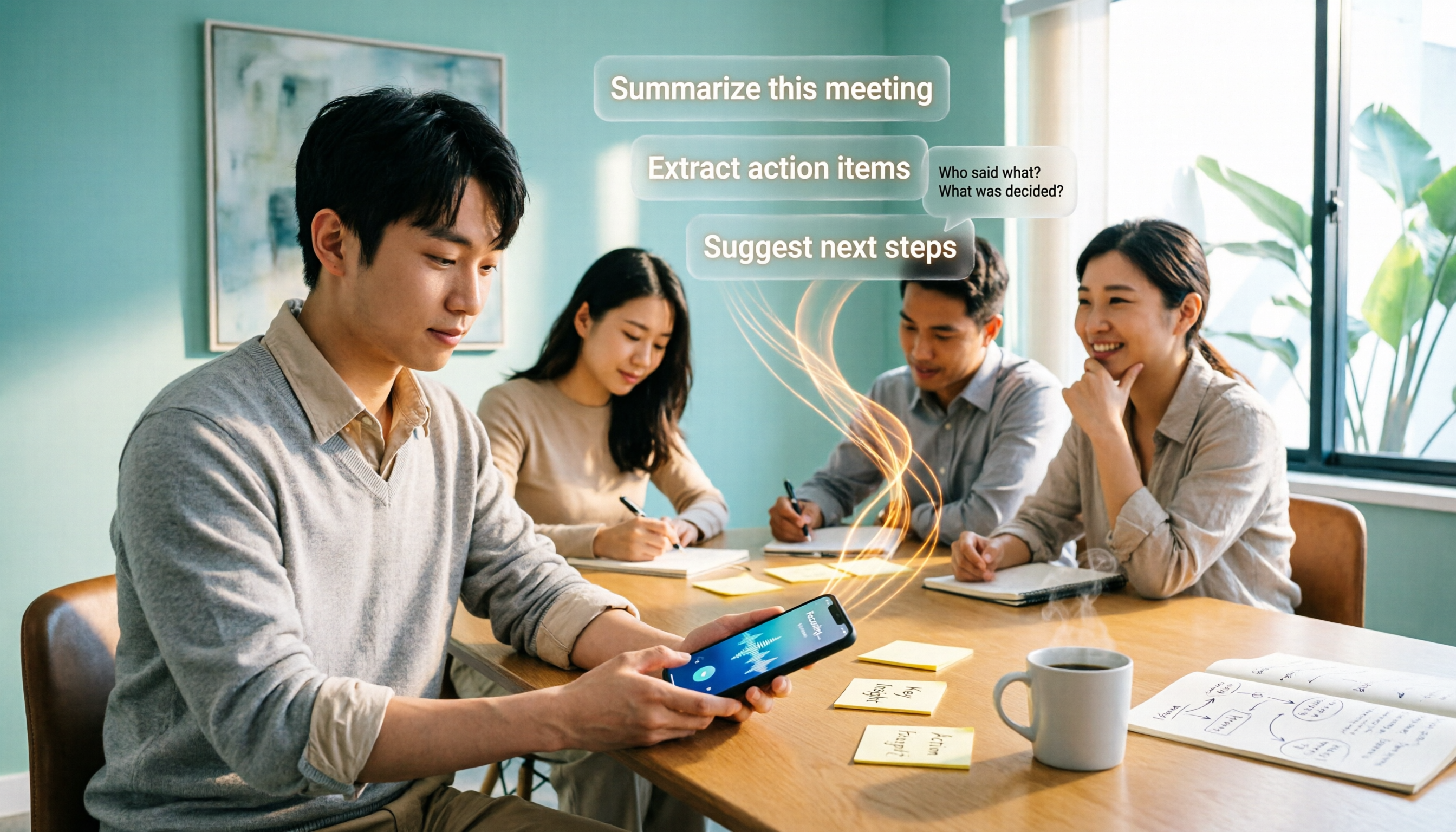
2026 Comparison of 4 Free AI Audio-to-Text Tools: Which Free Tier Is Enough and Which Lets You Ask AI Directly After Transcription?
2026 comparison of 4 free AI audio-to-text tools: from how free quotas are calculated and meeting recording methods to whether you can ask questions and organize content directly after transcription. We break down who Tinrec, Otter.ai, Notta, and TurboScribe are best for, plus 4 common pitfalls when choosing a free tool.