
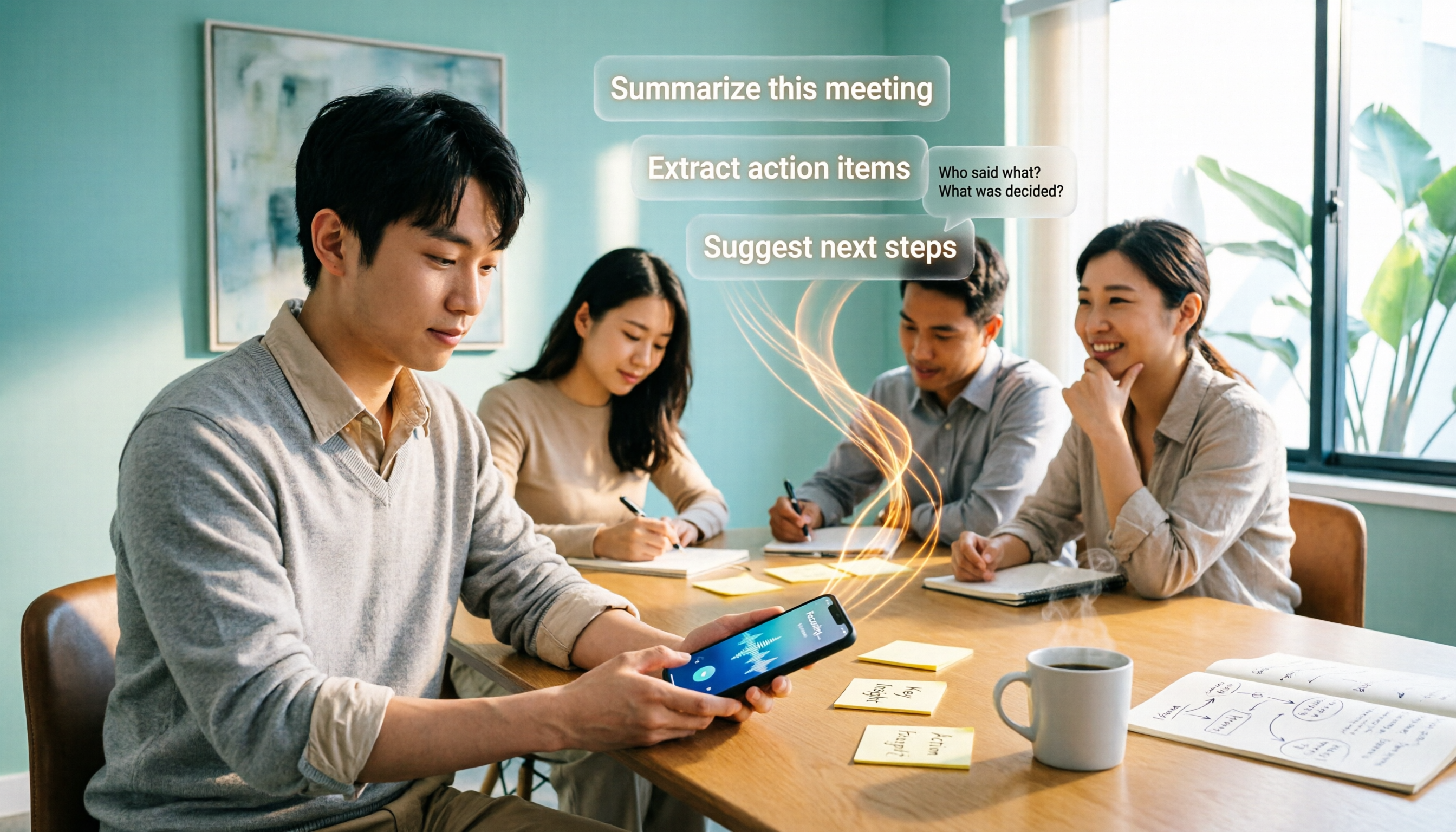
Turn recordings into transcripts and summaries in minutes
Upload audio or video for multilingual transcription, AI notes, and action items
2026 Comparison of 4 Free AI Audio-to-Text Tools: Which Free Tier Is Enough and Which Lets You Ask AI Directly After Transcription?
The moment the meeting ends is when your work begins
"Who said that just now?" "What exactly was the conclusion?" "Who's delivering what next time?"
After an online meeting, the recording sits quietly on your phone, 1 hour and 47 minutes long. You open it, drag the progress bar for half an hour, and still can't find that key budget number. You end up listening to the whole thing again, and an afternoon is gone.
Another scenario: you finally find a "free" audio-to-text tool, upload your meeting file, and after 3 minutes of transcription, a popup says "Free limit reached, please upgrade." I've heard this experience too many times.
The problem usually isn't that the tool is bad, but that the word "free" means completely different things for each company. This article lays out 4 common free AI audio-to-text tools and tells you which free plan is actually enough for someone who has meetings every day.
Before choosing a free audio-to-text AI, understand these 4 key points
1. What kind of "free" is it?
There are three common types: daily credits, fixed monthly minutes, or a one-time trial quota. The third type is the most misleading because your first use goes smoothly, and the second time you find out you have to pay. Actual quotas are subject to each tool's official pricing page; don't just rely on numbers written in blog posts.
2. Can it record meetings directly, or only upload files?
Tools that only accept uploads have a hidden cost: you have to record first, then convert the file, then upload. If it can record and transcribe in real time while you're on Zoom, Google Meet, or Teams, the whole process is much shorter. This makes the biggest difference for people who have meetings every day.
3. After transcription, how much work do you still have to do yourself?
Getting just a text file versus getting a summary, chapters, and action items are two completely different workloads. When choosing a tool, first decide whether you want "a transcript" or "meeting notes you can send directly to your boss."
4. Who ultimately holds your data?
Recordings in a personal account follow the person. Recordings in a shared team space follow the team. If a colleague leaves, will the meeting recordings in their account disappear too? This doesn't matter for personal use, but it's a big problem for teams.
Tinrec (秒聽錄音) — Turn meetings into data you can query and hand over
Tinrec (秒聽錄音) is an AI meeting notes and collaboration tool for individuals and teams, available on web, desktop, and mobile. Its positioning isn't just "audio to text" but turning meeting content into data that can be searched, queried, further processed, and handed over to colleagues.
No need to invite another bot into your meeting
The desktop version directly captures your computer's system audio, so when handling online meetings like Zoom, Google Meet, Microsoft Teams, or Webex, you don't need to invite an extra meeting bot to join as a listener. To be precise: this is the user actively opening Tinrec to start recording, not automatically joining every meeting on your calendar.
After transcription is where it really saves you effort
After recording ends, Tinrec produces a transcript and automatically organizes summaries, chapters, and action items. The most impactful feature in practice is AI Q&A: you can directly ask about the meeting, such as "Where did the client say the budget was stuck?" or "Who was responsible for the version that needed changes last time?" It answers based on the meeting content instead of giving you a bunch of keywords to search through.
When you need to deliver, you can further generate reports, tables, or meeting minutes and export to common tools like Notion, Google Docs, OneNote, and Dropbox. For cross-language meetings, there's real-time translation, and you can switch between original text, translation, or bilingual view.
Is the free version enough?
The free version provides a basic quota to experience recording, importing, summaries, and transcription. Honestly, if you have two or three meetings a day, the free quota will definitely not be enough; but if you have meetings two or three times a week and want to confirm the workflow first, running a round with the free version is reasonable. Actual quotas and plan details are subject to the official website. For those with intensive meetings or interviews in the short term, consider the weekly pass; for steady weekly use, the Pro monthly or annual plan is more suitable.
Things to note for team use
Stop organizing recordings by hand
Upload audio or video and automatically get a transcript, summary, and action items
The team version is an independent team collaboration space, not "multiple people sharing one personal account." It has roles like owner, admin, and member, and also a "seat" concept: members without a seat can still view, play, and read team data, but cannot upload, edit, or export. When a member leaves, team resources are not taken away and need to be handed over to other active members.
Currently, the team version's first trial is 7 days, 1 free seat, and 300 minutes of shared team import quota; paid plans are USD 29.80 per paid seat per month, or USD 199 per paid seat per year (about USD 16.58 per month), with each paid seat providing 2,000 minutes of shared team import quota per month. Under an active team plan and active seat, real-time recording currently does not deduct minutes; file and web imports use the shared team quota. Prices and benefits are subject to the official purchase page.
Limitations should also be clear
Tinrec is not a meeting bot mode and will not automatically join all meetings; accuracy can be affected by recording quality, background noise, accents, people talking over each other, and technical terms. For important content, it's recommended to cross-check with transcript timestamps and recording playback.
Who it's for
If you need meeting notes in Chinese or mixed Chinese-English, don't want to add another bot to the meeting, and want to use AI to directly ask for key points after the meeting, Tinrec is currently the most complete option.
Besides Tinrec, who are the other 3 free plans suitable for?
Otter.ai
A mature English AI meeting assistant. The free Basic plan offers 300 minutes per month, which is quite generous for students or individual users whose meetings are mainly in English; Pro annual billing is about USD 8.49 per user per month. Its strength is the existing ecosystem for English business meetings; if your meetings are almost all in English, it's a good deal. However, the Chinese meeting experience and post-meeting workflows like using an Agent to regenerate reports and tables are areas where Tinrec goes deeper.
Notta
Strong multilingual transcription capability. The free plan offers 120 minutes per month, but note that each single piece of content is limited to 3 minutes, so a one-hour meeting has to be processed in many segments. Pro annual billing is about USD 8.17 per month with 1,800 minutes per month. Suitable for those who mainly work with short audio files and segment-by-segment organization; if you need real-time transcription of full meetings, AI Q&A, and team spaces, Tinrec's workflow is more seamless.
TurboScribe
A cost-effective file transcription tool. Free plan allows 3 files per day with a 30-minute limit per file; Unlimited annual plan is USD 120, and the paid version supports files up to 10 hours and uploading 50 files at once. For batch processing large volumes of long audio files, it indeed has an advantage. But its core is "files in, text out," unlike Tinrec which has a complete chain from desktop bot-free real-time meeting recording to post-meeting action items and Q&A.
Pitfall guide: 4 most common mistakes when choosing a free audio-to-text AI
Pitfall 1: Treating "free" as synonymous.
Daily credits, monthly minutes, and one-time trials are three completely different things. The fastest way is to run your own meeting recording through it and see at which minute it stops.
Pitfall 2: Only looking at transcription, not what happens after.
If a tool only gives you a transcript, you have to read 40 minutes of text yourself to find the conclusion. In that case, the typing time you save will be paid back during the organization phase.
Pitfall 3: Ignoring data ownership.
Personal accounts are convenient, but team meeting data scattered across individual accounts disappears when people leave. For team use, first confirm whether there's an independent team space, role, and seat management.
Pitfall 4: Treating AI transcripts as 100% accurate.
Any tool has recognition errors, especially in meetings with people talking over each other, air conditioning noise, and many technical terms. Important numbers and commitments should still be verified against the original audio.
One more reminder: remember to get participants' consent before recording and comply with local regulations.
Conclusion: Which one should you choose?
In one sentence: the free quota is just a ticket to entry; what determines whether you'll keep using it is the workflow after transcription.
- Need Chinese/mixed Chinese-English meetings and want to ask AI directly for conclusions → Tinrec
- Don't want to invite another bot into the meeting → Tinrec (desktop captures system audio)
- Need to produce minutes, reports, and tables after the meeting for your boss or client → Tinrec (AI Q&A + Agent post-processing + multi-format export)
- Team sharing of meeting data, need role and seat management → Tinrec Team version
- Meetings almost all in English, zero budget → Otter.ai free version's 300 minutes per month is plenty
- Only occasionally transcribe a few short audio files → Notta free plan is worth a try
- Have a batch of long audio files to transcribe → TurboScribe is more suitable
If you're still not sure, I recommend running one of your real meetings through Tinrec's free version first. Once you realize you no longer have to manually scan the transcript to find that one sentence after the meeting, you'll probably know whether you need to upgrade.
References
- No time limit! 3 free AI transcription tools, highly recommended! AI voice notes generate meeting records, presentations, mind maps | 104 Workplace
- Audio to Text - Free Speech-to-Text Tool
- Online Speech-to-Text AI, Free MP3 or Recording to Text Transcript - MyEdit
- Audio File to Text | Free Online Recording to Transcript | Proactor AI
- Speech-to-Text Converter – Free Online | TicNote Cloud
Turn every recording into actionable outcomes
Get 60 free transcription minutes when you sign in. No credit card required.
Related Reading
You might also like

2026 Complete Guide to Apple Audio Transcription: From iPhone Transcripts to Tinrec Meeting Organization
iPhone's built-in Voice Memos can now generate transcripts, but it only does 'turning speech into text.' This guide starts from real-world use cases, explains the functional boundaries, device and version limitations of Apple's audio transcription, and how Tinrec picks up where it leaves off to turn a recording into summaries, to-dos, queryable, and exportable work data. It also covers 5 key points for choosing an audio transcription tool and answers common questions.

4 Best AI Transcription Tools Worth Trying in 2026: Never Take Meeting Notes by Hand Again
Starting from the real pain points of a mid-level manager juggling 15 meetings a week, this hands-on review covers four AI transcription tools, explaining key selection criteria, each tool's limitations, and ideal use cases to help you find the one that truly saves time on post-meeting cleanup.
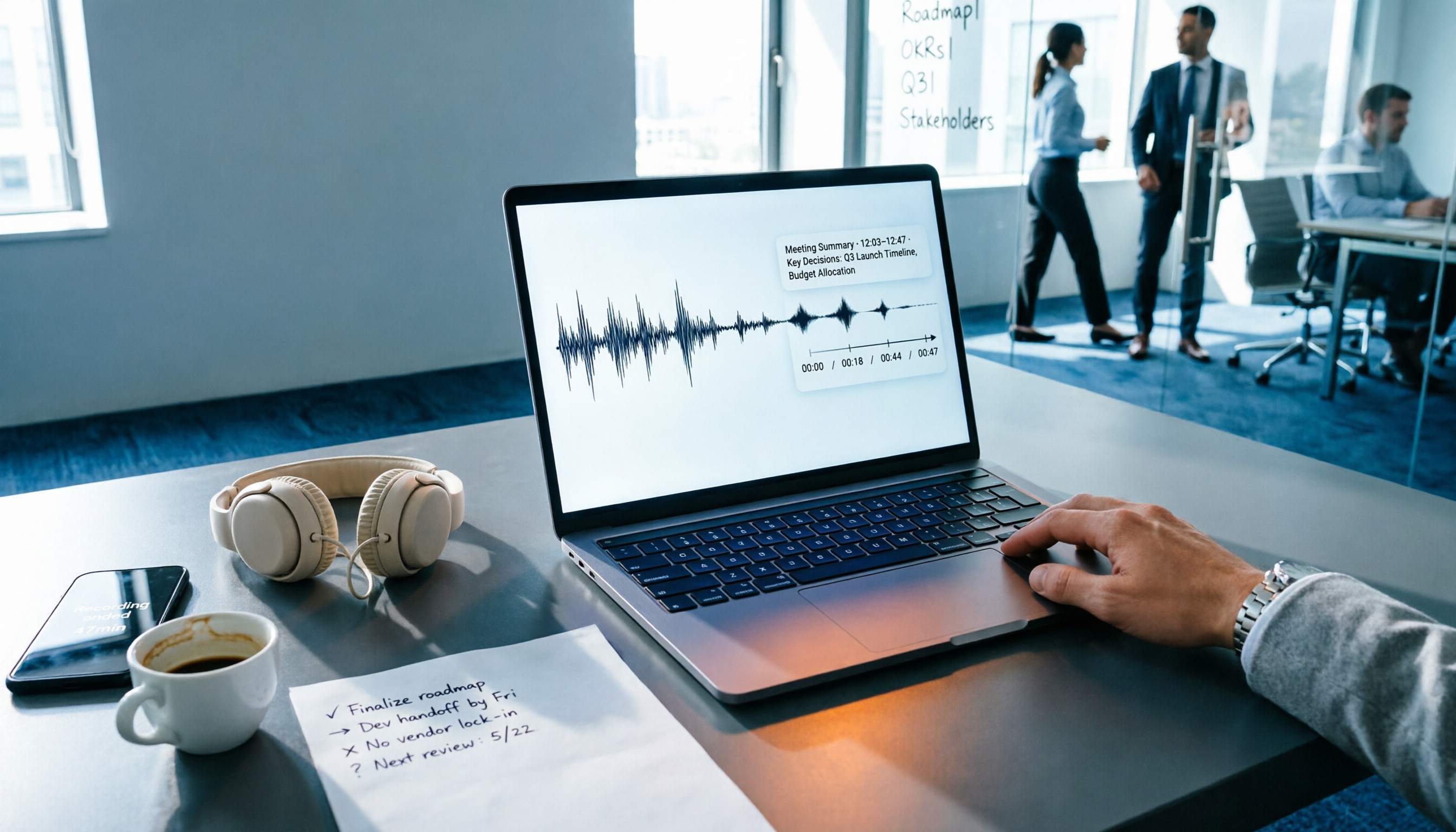
4 Audio-to-Text Tools Tested: Which One Actually Saves Time After Meetings?
There are countless audio-to-text tools, but the real differentiator isn't transcription speed—it's how much time you still spend wrapping up after the meeting ends. This article breaks down 4 key buying criteria from a procurement perspective, tests the post-meeting output of 4 tools, and outlines the 3 most common pitfalls to help you choose right the first time.

Best iPhone Transcription Apps in 2026: 6 Tested, This One Excels for Chinese Meetings
When looking for an iPhone transcription app, most people struggle not with whether tools exist, but with which one fits their use case. This guide covers 6 practical options—from iOS built-in free features and file transcription tools to AI recording hardware and team-collaborative AI meeting note platforms—and honestly lists free quotas and paid pricing to help you decide which one to choose.
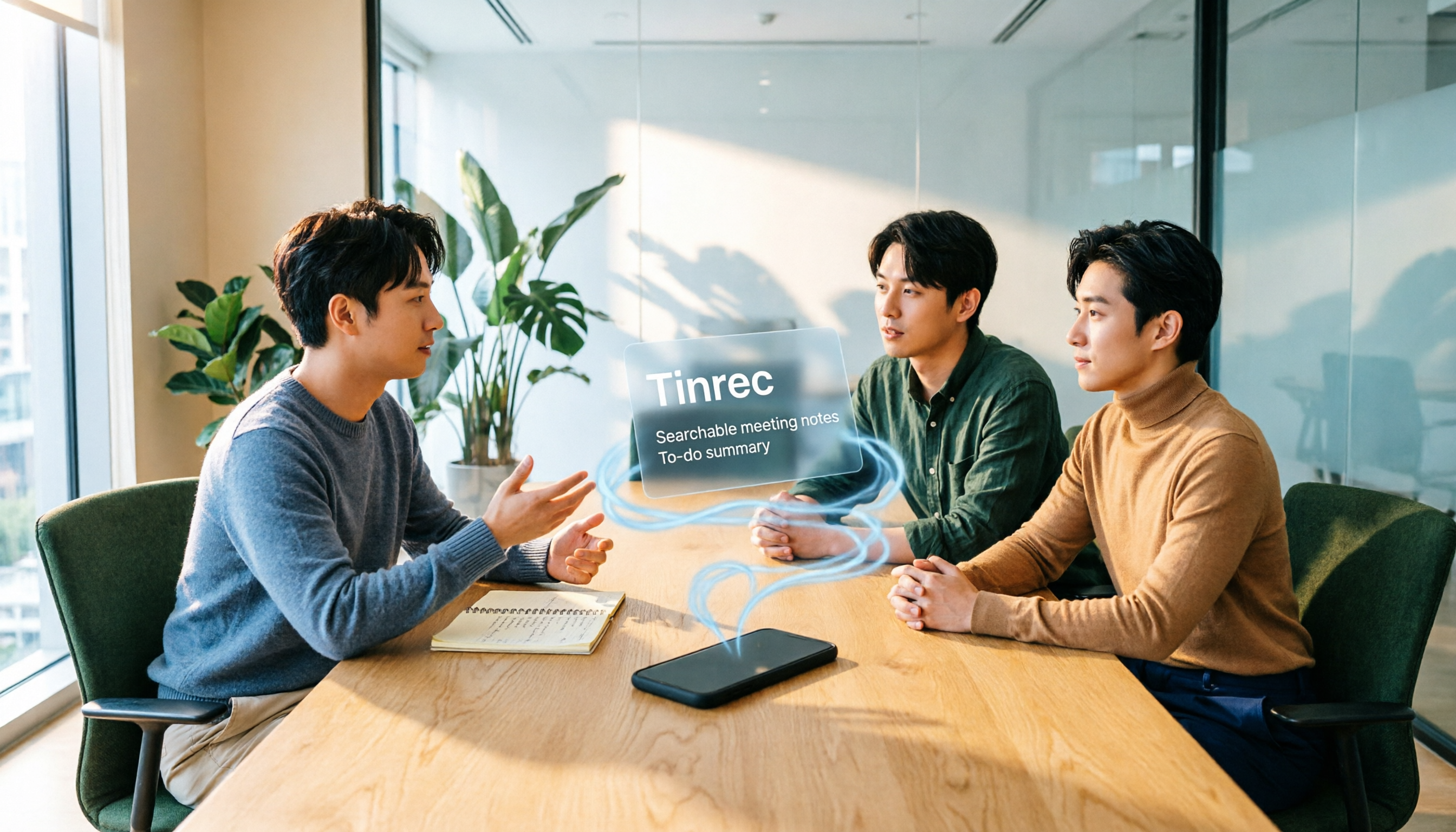
3 iPhone Transcription Methods Tested for 2026: Which One Actually Saves You Time?
iPhone's built-in Voice Memos can already transcribe audio, but meetings, interviews, and team collaboration require summaries, action items, and searchable records. This article compares three approaches and demonstrates how Tinrec enables a complete workflow from recording to searchable meeting data.

5 Best iPhone Transcription Solutions in 2026: Built-in vs. Apps vs. Team Collaboration
Starting with the device and version limitations of iPhone's built-in transcription, we compare Tinrec, Notta, Otter.ai, and Granola on Chinese meeting support, post-meeting organization, AI follow-up questions, and team knowledge retention to help you choose the right transcription solution.

4 iPhone Audio-to-Text Methods Tested in 2026: Shortcuts Have a High Barrier, AI Tools Win on Post-Meeting Organization
How do iPhone's built-in Voice Memos transcript, Notes live transcription, and the Shortcuts 'Create Dictation Note' actually differ? Starting from real-world usage scenarios, this article tests 4 iPhone audio-to-text methods, comparing setup barriers, Chinese recognition, post-meeting organization, and team collaboration to help you decide which is the least hassle.

How to Transcribe iPhone Voice Memos to Text in 2026: Built-in 3-Step Guide + Turn Meetings into Queryable Data
iPhone voice-to-text transcription has version requirements: iOS 18.4 or later and iPhone 12 or later are needed for Traditional Chinese transcripts. This guide starts with the three most common order-of-operations mistakes, walks you through the 3 steps using the built-in Voice Memos app, and then compares Tinrec, Yating Transcription, Otter.ai, and PLAUD to help you decide which tool fits which scenario.

2026 Free Audio-to-Text Tools Comparison: Tinrec vs Otter.ai — Free Limits, Chinese Accuracy, and Post-Meeting Organization
How to choose a free audio-to-text tool? This article compares the free versions of Tinrec and Otter.ai across five dimensions: free quota, Chinese recognition, meeting recording methods, post-meeting organization, and team data ownership. It also includes a 3-step tutorial for the free version and FAQs to help you decide which one truly meets your needs.