

Turn recordings into transcripts and summaries in minutes
Upload audio or video for multilingual transcription, AI notes, and action items
After the Meeting Ends, the Nightmare Begins
It's 5:30 PM. Everyone's cleared out of the conference room, and you're the only one still sitting there. You've got 90 minutes of audio on your phone. Listening to it from the start takes an hour and a half. Then you still have to type up a transcript, write a summary, and sort out "who's doing what and when it's due"—and you don't leave until 7.
Worse yet, at next week's meeting, you ask "Who was following up with Client A last time?" and the room goes silent. Nobody remembers, and nobody knows which folder the notes got buried in.
The problem was never "no notes." It's that the notes never turned into an action plan. That's what this article is here to fix: I tested several meeting notes tools, focusing on which ones can actually turn a recording into a trackable action list with owners and deadlines.
Before Choosing a Meeting Notes Tool, Understand These 5 Key Points
1. Does it output "action items"? Many tools only produce a transcript, leaving you to manually highlight the important parts. What's truly useful is automatic to-do extraction, ideally formatted as "task + owner + deadline," like "Contact KOL to confirm details (Tracy, by 9/30)." When evaluating a tool, check for this field first.
2. Recording method: bot or no bot? A meeting bot has to "join the meeting" as an extra participant, and sometimes the host kicks it out. The no-bot approach captures your computer's system audio directly, so you can record Zoom, Meet, or Teams without an extra name showing up in the participant list.
3. Chinese and Cantonese performance. Plenty of tools are great in English but fall apart when you switch to Cantonese. If your meetings mix Chinese and English, pay special attention to language support and technical terminology recognition.
4. Can you "ask questions" after recording? The traditional approach is Ctrl+F for keywords. Newer tools support AI Q&A—just ask "What was the conclusion from last quarter's meeting?" and it answers you instead of dumping a list of search results. This difference becomes especially obvious when you're digging through old meetings.
5. Does team data accumulate? If notes stay on individual phones forever, they walk out the door when a colleague leaves. Team spaces, member permissions, and usage management are the dividing line between a "personal tool" and a "team asset."
Tinrec — My Top Pick After Testing
Tinrec is an AI meeting notes and collaboration tool for individuals and teams, available on iOS, Android, and web, with a desktop version that can capture your computer's system audio directly.
Live transcript as the meeting happens. Open Tinrec during the meeting, and it transcribes as it records. The moment the meeting ends, AI has already generated a summary, chapters, and to-dos—who's responsible for what and when it's due, all laid out clearly. This step is the key to pushing "meeting notes" into "action plan" territory, so you don't have to open another document and copy things over by hand.
Ask it questions right after recording. This is Tinrec's most eye-catching feature: you can directly ask "Who mentioned the budget in the last meeting?" and it answers based on semantic understanding, not just a list of keyword search results. At the same price point, competitors currently offer almost nothing like this—for people who constantly dig through old meetings, the time saved adds up to hours.
No-bot recording for online meetings. The desktop version captures system audio to handle Zoom, Google Meet, Microsoft Teams, Webex, and more without adding a bot as a participant. It also supports importing audio and video files and real-time translation, so mixed Chinese-English meetings can be viewed as original text, translation, or bilingual side-by-side.
Stop organizing recordings by hand
Upload audio or video and automatically get a transcript, summary, and action items
The team plan is where it really matters. If you're a department or project group, the team plan isn't "a few people sharing one account"—it's an independent team space: meeting data belongs to the team, plus role and seat management, shared import credits, usage analytics, audit logs, an audio recycle bin, and team hotwords. The official configuration is a 7-day trial for first-time eligible users, 1 free seat, and 300 minutes of shared imports; monthly billing is USD 29.80 per paid seat per month, and annual billing is USD 199 (roughly USD 16.58/month), with each paid seat getting 2,000 minutes of shared import credits per month. Under an active team plan, live recording currently doesn't deduct minutes, while file imports use the team's shared credits.
Hands-on impressions. I tested it with real meeting scenarios (Cantonese plus mixed Chinese-English), and it performed consistently with clear audio. But to be honest: any tool's accuracy is affected by audio quality, background noise, accents, people talking over each other, and technical terminology—none can guarantee 100%. For important content, it's best to cross-check against the transcript timestamps and the recording.
Pros: Action item extraction is straightforward, so you get your to-dos right after the meeting; AI Q&A is a genuine differentiator; cross-platform and team capabilities are complete. Limitations: The free tier is limited, so heavy users will need to consider paying.
Who is it for? People who frequently hold mixed Chinese-English meetings, want to use AI to find key points directly after recording, and need to keep data in a team space.
Besides Tinrec, What Else Is Out There?
Notta: Multi-platform transcription and meeting notes. According to official figures, the free version offers 120 minutes per month with a 3-minute cap per session, and Pro annual billing comes to about USD 8.17/month. The biggest gap compared to Tinrec: Tinrec has no-bot online meeting recording, team spaces, AI Q&A, and Agent post-processing, while Notta's strengths lean toward transcription and translation.
Granola: Also a no-bot AI meeting notes tool. Basic is free, and Business is USD 14 per user per month. But it doesn't support uploading pre-recorded audio files, and it doesn't save meeting audio files. If you need to keep recordings, import old files, or get multilingual real-time translation—Tinrec does it, and Granola currently doesn't.
TurboScribe: High-value file transcription. The free version allows 3 files per day with a 30-minute cap per file, and Unlimited annual billing is USD 120. It has the edge for long files and batch transcription; if what you need is live meetings, post-meeting cleanup, Q&A, and team collaboration, that's not its home turf.
Pitfalls to Avoid: The 3 Most Common Mistakes When Building a Meeting Action Plan
Pitfall 1: Only making a transcript, not action items. A transcript is raw material, not a finished product. The value of meeting notes lies in making "who, when, and what" crystal clear. Notes without owners and deadlines are the same as a meeting that never happened.
Pitfall 2: Relying on memory to track progress. "Maria will send the proposal by Friday"—but if you didn't write it down, she won't send it. Action items need to go somewhere shared before they can be tracked.
Pitfall 3: Buying AI features but not using them. Many people treat the tool as just "audio-to-text," which is like using only a third of its capability. After recording, directly ask it "What were the conclusions and to-dos from this meeting?"—far faster than manually scrolling through 30 minutes of transcript.
Summary: Which One Should You Actually Choose?
To put it simply: if you want meeting notes to automatically become an action plan, Tinrec is my top pick after testing.
- Mixed Chinese-English meetings, need accurate Chinese → Tinrec
- Want to use AI to find key points directly after recording, dig through old meetings → Tinrec (AI chat query)
- Cross-platform use on phone + computer → Tinrec (iOS + Android + web)
- Need team space, seats, and usage management → Tinrec team plan
- Only occasionally transcribing long files, looking for low cost → TurboScribe
- Mainly English meetings, only use iPhone → Granola is worth considering
I'd suggest starting with Tinrec's free version to test it on one of your own meeting recordings, see whether the to-dos it extracts are accurate enough, and only consider upgrading if you're impressed—no need to pay right away.
One final reminder: recording and transcription must comply with local laws, and it's best to inform participants clearly before the meeting starts.
References
Turn every recording into actionable outcomes
Get 60 free transcription minutes when you sign in. No credit card required.
Related Reading
You might also like

Best AI Meeting Assistants for Business in 2026: 5 Solutions Compared, AI Note-Taking and Integration Are the Deciding Factors
How to choose an AI meeting assistant for your business in 2026? This article compares 5 common solutions—Google Workspace, Microsoft Teams, Virsical, Manus, and hardware integrators—across 5 dimensions: automated meeting notes, multilingual support, room booking, hardware integration, and security management. It also includes a must-ask checklist before purchase to help you find the best fit for your team.

4 Post-Meeting Deliverable Templates Tested and Compared in 2026: Which Saves the Most Time from Transcript to To-Do List?
The biggest fear after a meeting isn't missing a recording—it's that no one remembers who promised what. This article covers the 3 most common mistakes in post-meeting deliverables, the fields a practical template should have, and demonstrates how Tinrec automatically goes from transcript to summary, to-dos, and team knowledge retention, plus purchasing considerations and FAQs.

2026 AI Meeting Assistant Comparison: 4 Tools Tested — How Meeting Agents Differ from AI Assistants
What's the difference between a meeting agent and an AI meeting assistant? Starting from real meeting scenarios, this article breaks down 4 key buying factors and compares Tinrec, Otter.ai, Granola, and Notta on recording methods, post-meeting output, Chinese language support, and team collaboration — plus 3 common pitfalls to avoid when choosing a tool.

2026 Post-Meeting Deliverables Tools Free Plans Compared: 4 Options at a Glance
Compare the free plans of post-meeting deliverables tools including Tinrec, Notta, Otter, and Granola, with a focus on how Tinrec turns meeting content into actionable deliverables through bot-free recording, AI summaries, action item extraction, and team spaces.

2026 AI Meeting Notes Comparison: Tinrec vs Otter.ai — Which Turns Minutes into Action Plans?
Meetings end, notes are written, but action items still sit at 'to be confirmed'? This article compares Tinrec and Otter.ai across six dimensions, focusing on how meeting minutes become executable action plans. It covers bot-free recording, to-do extraction, AI follow-up, Chinese meeting experience, team seat governance, and export workflows, with FAQs and pricing.
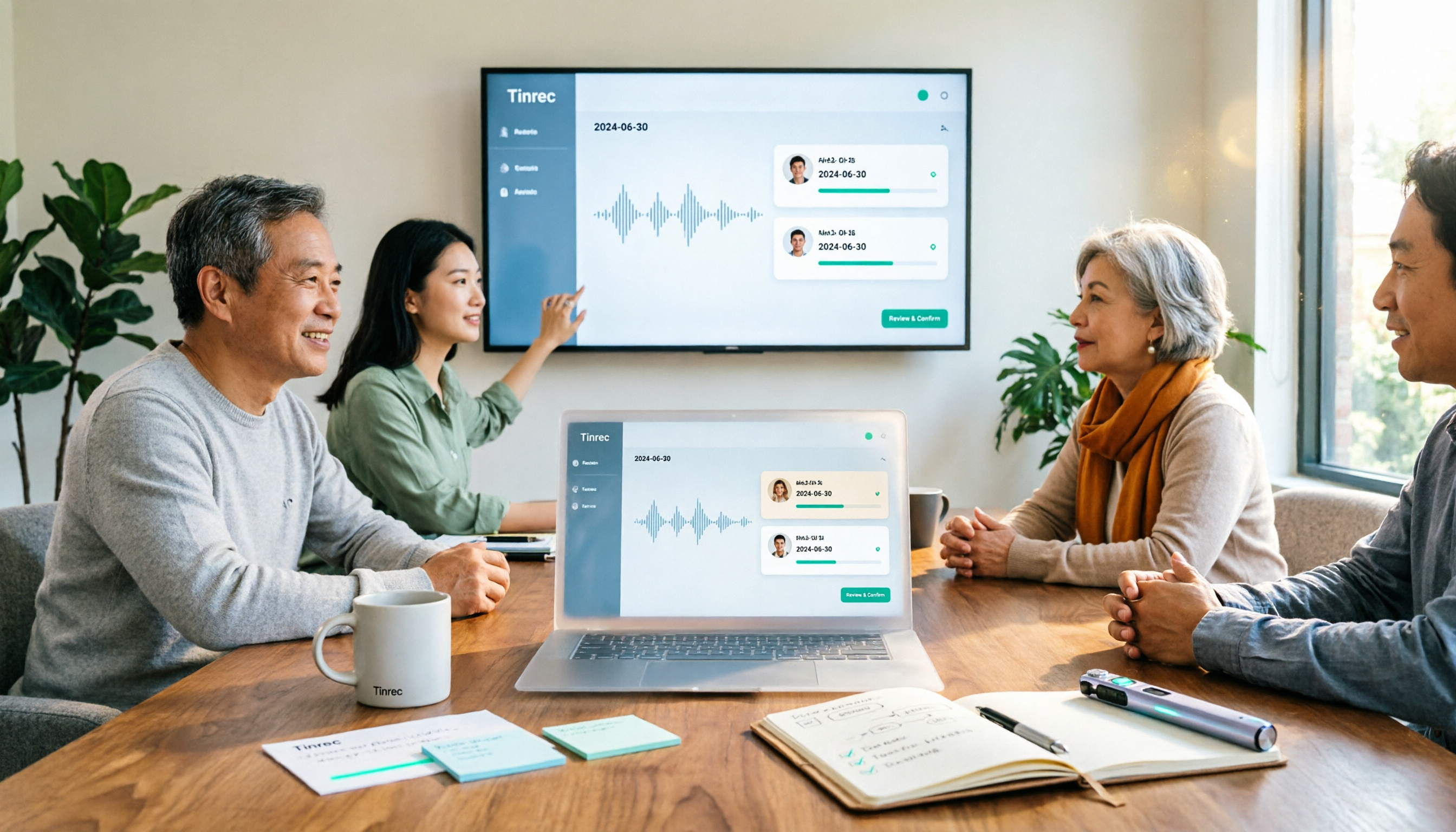
How to Create a Meeting Action Plan in 2026 with Tinrec: Auto-Extract To-Dos + One-Click Export Tracking Sheet
After a meeting, does everyone forget the action plan? This article first provides a ready-to-use meeting action plan example (task + owner + deadline + corresponding goal), then tests how tools like Tinrec automatically turn transcripts into to-dos and summaries. It also compares free and paid plans, common pitfalls, and buying advice.

Tinrec vs Otter.ai 2026: 5-Dimension Comparison — Which Saves More Time on Post-Sales Delivery?
After a sales meeting, transcripts, client commitments, quotes, and action items often end up scattered. This article compares Tinrec and Otter.ai across 5 dimensions, and uses Tinrec to demonstrate how to turn post-sales delivery into a searchable, collaborative, and trackable process.

Tinrec vs Otter.ai 2026: 5-Dimension Comparison for Post-Meeting Deliverables in Chinese Consulting
For consultants, the real work begins after the meeting. This article compares Tinrec and Otter.ai across five dimensions to help you choose the right post-meeting delivery tool: bot-free recording, AI Q&A, report generation, team data ownership, and includes pitfalls and selection advice.
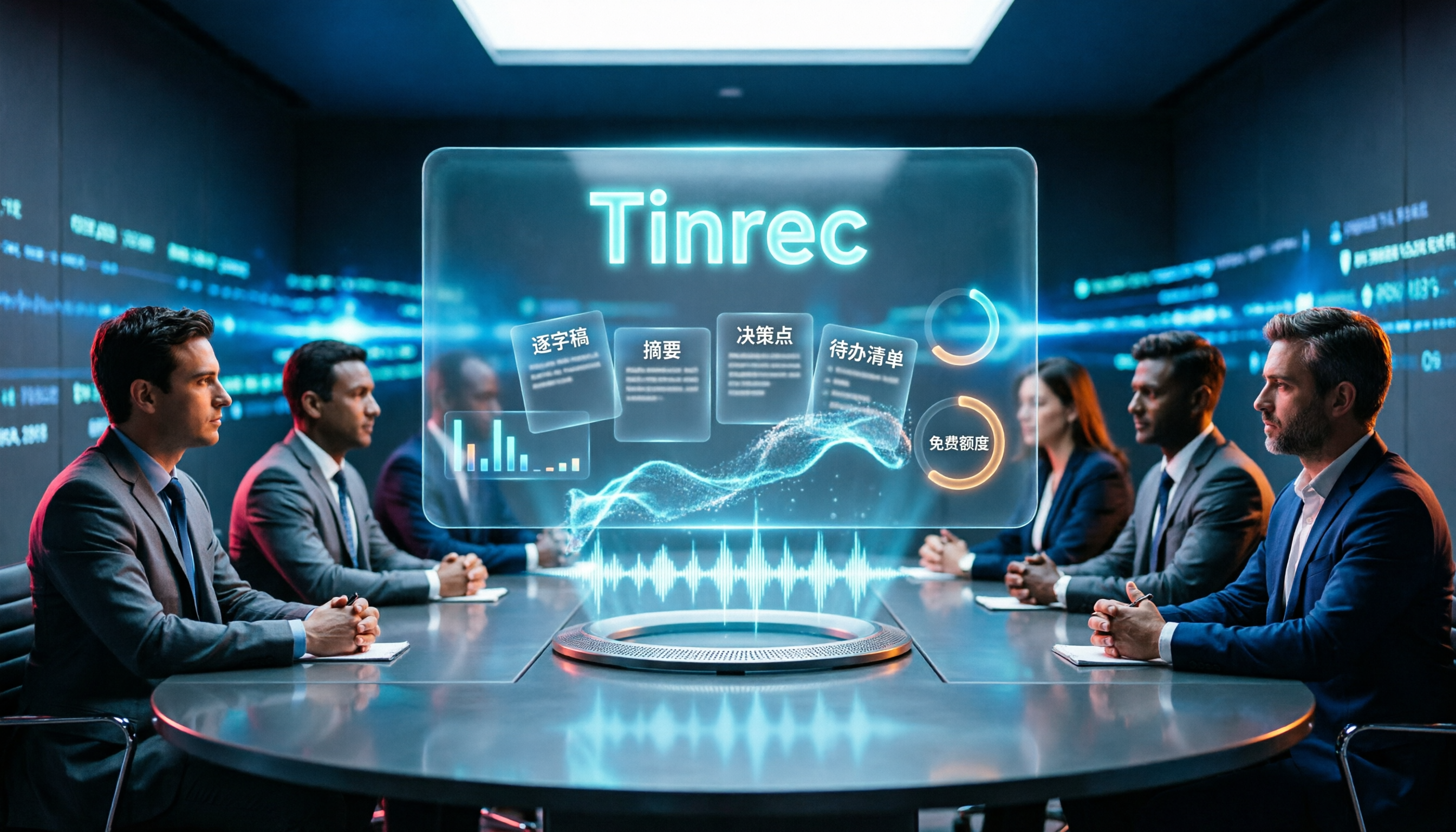
2026 Comparison of 4 AI Meeting Note-Takers: Which Free Version Is Good Enough?
Automating meeting notes isn't just feeding a recording to AI for transcription. This article addresses common misconceptions and tests four tools—Tinrec, Notta, Granola, and Otter.ai—comparing recording methods, post-meeting outputs, team management, and free tiers. It also highlights four common pitfalls when choosing a tool to help you find a free option that works or a paid plan worth the investment.