
Turn recordings into transcripts and summaries in minutes
Upload audio or video for multilingual transcription, AI notes, and action items
2026 Comparison of 4 AI Meeting Note-Takers: Which Free Version Is Good Enough?
Most People Get Meeting Note Automation Wrong from the Start
Many people think automating meeting notes means feeding a recording to AI to transcribe it, then copying and pasting it to send to colleagues.
Honestly, that's the easiest pitfall to fall into. You have a transcript, but no one wants to read 30 pages of rambling, and after the meeting, you still have to manually pick out key points—time is still wasted.
Another common misconception is the blind faith in "meeting bots." The old approach was to invite a bot into the meeting as a participant. It sounds convenient, but some companies don't allow unknown accounts into meetings, and clients might find it odd.
What really needs to be solved are three things: how meeting content is fully recorded, whether key points and action items can be obtained immediately after the meeting, and who ultimately holds this data.
In this article, I tested four meeting note tools and compiled the pitfalls and useful features to help you avoid unnecessary detours.
Before Choosing a Meeting Note Tool, Understand These 4 Key Points
1. How does the recording get into the tool?
There are roughly three methods: a meeting bot joins the meeting, a desktop app directly captures the computer's system audio, or manual audio file upload. The first two differ the most because the bot appears in the participant list. Tinrec takes the desktop app route to capture system audio, so no extra account joins the meeting.
2. Accuracy depends on test conditions, not marketing numbers
Real meeting rooms have air conditioning noise, keyboard sounds, and people talking over each other—very different from test results in a quiet environment. I usually test with my own meeting recordings, especially segments in Chinese and mixed Chinese-English, where the real differences show.
3. Can you use it directly after transcription?
A transcript is only a semi-finished product. Summaries, chapters, action items, the ability to ask questions about the content, and export formats—these are what save time. A tool that only transcribes text does only half the job.
4. Personal use and team use have completely different rules
For teams, it's not about whether you can record, but about members, roles, seats, usage, and auditing. Many tools work well for individuals but become a shared account for the whole team, making data ownership messier.
Tinrec – The Most Hassle-Free Tool in Testing
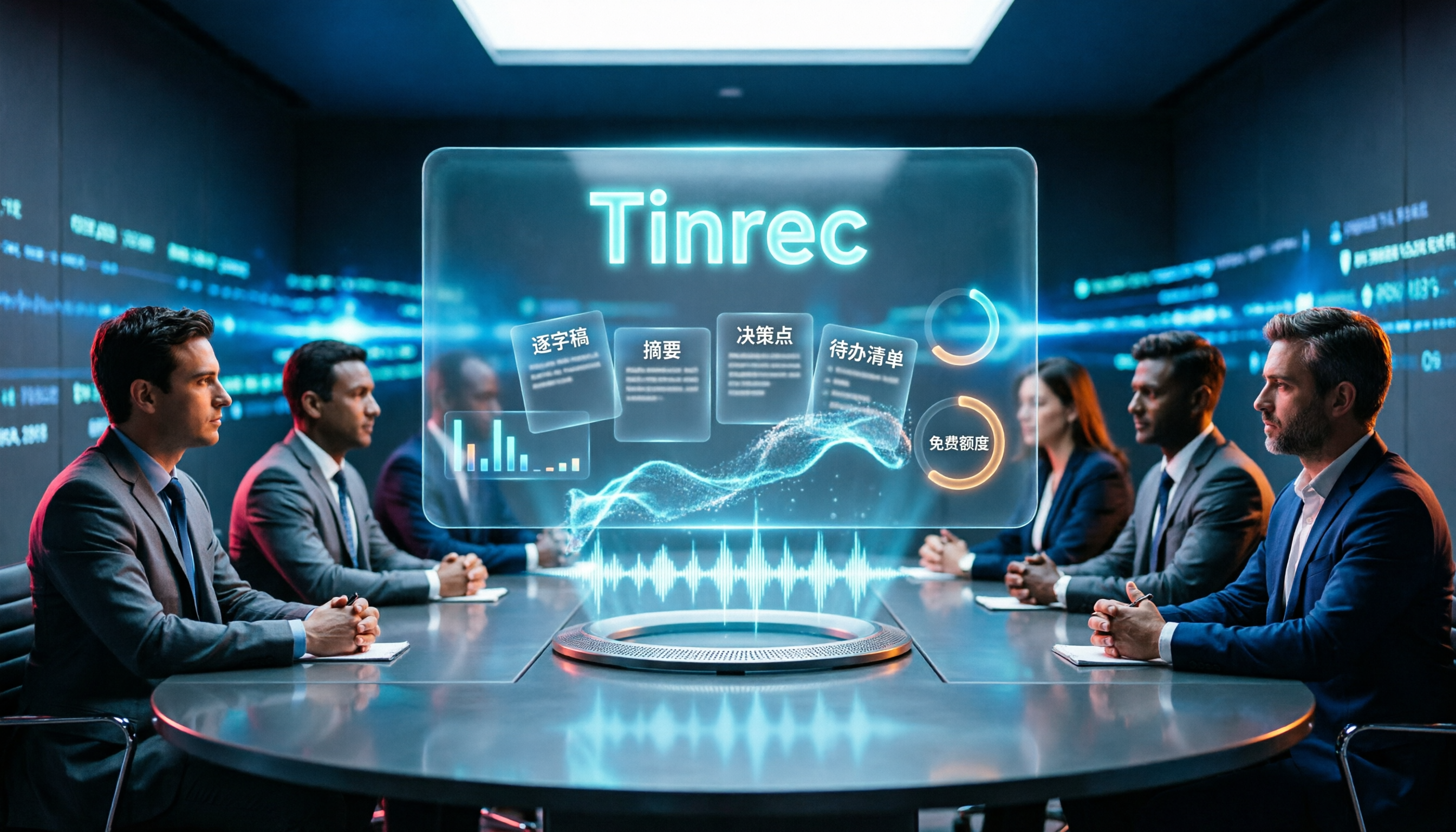
Tinrec is an AI meeting notes and collaboration tool for individuals and teams, supporting web, desktop, and mobile, and handling meetings in Chinese, Traditional Chinese, and multiple languages.
No need to invite a bot during meetings
The desktop version directly captures the computer's system audio, so it can record online meetings on Zoom, Google Meet, Microsoft Teams, and Webex without an extra account joining the room. For in-person meetings, you can record in real-time; for past meetings, interviews, or historical recordings, you can upload audio or video files for transcription—it handles all sources.
Summaries and action items right after the meeting
AI automatically generates summaries, chapters, and key points, and extracts action items from discussions—who is responsible for what and what's next—so you don't have to go through everything yourself. It also supports real-time translation, allowing you to view the original, translation, or bilingual side-by-side for cross-language meetings.
You can keep asking it after recording
This is the most practical part for me. The transcript is no longer just a static text file; you can directly ask questions about the meeting content, such as "What was decided in this meeting?" It answers based on semantics, not just a bunch of keyword search results. Results can be exported to Notion, Google Docs, OneNote, Dropbox, or further processed with Agent to generate reports, tables, and documents.
The team version is where it truly stands out
Stop organizing recordings by hand
Upload audio or video and automatically get a transcript, summary, and action items
The team version is a separate team space, not a shared account. Meeting data belongs to the team; members without a seat can view and play back, while those with a seat can record, upload, edit, and export. Admins can assign seats, view usage trends and member details, maintain team glossaries, query and export audit logs, recover accidentally deleted audio from the recycle bin, and transfer resources when members leave.
Pricing: Team version is USD 29.80 per paid seat per month, or USD 199 per paid seat per year (about USD 16.58 per month), with each paid seat providing 2,000 minutes of shared team import quota per month; eligible teams can try 7 days, 1 free seat, and 300 minutes of shared import quota for the first time. The personal version also has a free version, weekly pass, and Pro monthly/annual plans. For occasional recording, the free version is enough to start. Prices and benefits are subject to the official purchase page.
Things to note
The free version provides basic quota, suitable for light use; if you have intensive meetings every week, you may need a paid plan. Also, transcription quality can be affected by recording quality, background noise, accents, multiple people speaking simultaneously, and technical terms. For important content, it's recommended to cross-check with the transcript timestamps and recording playback.
Besides Tinrec, What Other Options Are There?
Notta: Good multilingual transcription, free version offers 120 minutes per month, max 3 minutes per session; Pro annual plan is about USD 8.17 per month. Its meeting notes mainly rely on a bot joining or file upload. If your company doesn't allow external accounts in meetings, you'll have to manually upload. Tinrec's desktop version doesn't need a bot and adds Agent post-processing and team auditing.
Granola: Also a bot-free AI meeting notes tool, Basic is free, Business is USD 14 per user per month, strong at combining your handwritten notes with AI. But it doesn't support uploading existing audio files or saving meeting audio; Tinrec retains recordings, supports file import and multi-format export, making later review or handover easier.
Otter.ai: A mature choice for English business meetings, Basic is free with 300 minutes per month, Pro annual plan is about USD 8.49 per user per month. If you mostly record English meetings, it's sufficient; but for Chinese and mixed Chinese-English meetings, and the convenience of a Traditional Chinese interface, Tinrec is more suitable for most Taiwanese teams.
Pitfall Guide: 4 Most Common Mistakes When Choosing AI Meeting Notes
Pitfall 1: Only looking at official accuracy claims
Many tools boast high accuracy, but that's usually measured in a quiet environment. Real meeting rooms have air conditioning noise, keyboard sounds, and people interrupting—numbers will drop. Test with your own meeting recordings, don't just look at ads.
Pitfall 2: Thinking a transcript equals meeting notes
A transcript is raw material, not a finished product. If the tool only transcribes text, you still have to summarize, extract action items, and send to colleagues. When choosing a tool, look at post-meeting output, not just transcription.
Pitfall 3: Buying for team needs as if they were personal needs
What works for one person may not work for a team. Sharing among multiple people requires considering data ownership, member permissions, seat allocation, and usage management. If team data is tied to a personal account, when the person leaves, the records go too.
Pitfall 4: Ignoring recording and privacy consent
Before recording, confirm local regulations and company policies, and obtain participant consent when needed. This isn't a tool issue, but it's the most common blocker during adoption.
Conclusion: Which One Should You Choose?
- Need transcription for Chinese and mixed Chinese-English meetings → Tinrec
- Don't want a bot in the meeting → Tinrec (desktop captures system audio)
- Want to ask AI directly for key points after recording → Tinrec (supports AI Q&A around meeting content)
- Team needs to share meeting data, manage seats and usage → Tinrec Team version
- Zero budget, only record English meetings → Otter.ai free version
Overall, what meeting note tools really save is not typing time, but the communication cost of "no one knows what to do after the meeting." To see if it suits you, start with Tinrec's free version, throw a real meeting into it, and see if the summary and action items match your needs before deciding to upgrade.
References
- Meeting Ink - 2026 AI Meeting Notes Tool Test | 7 Voice-to-Text and Summary Speed Comparison | Meeting Ink - AI Meeting Notes Assistant Automatic Transcription and Summary
- Meeting notes too troublesome? ChatGPT+Whisper does it all! Auto transcription, summary, and sending|BusinessNext
- AI Meeting Notes in Notion | Capture Ideas, Summaries ...
- Top AI Meeting Notes Tools of 2026, Time-Saving Must-Haves for Meetings!
- AI Meeting Notes Software Recommendations: 5 Apps Tested and Compared, Auto Transcription Makes Meetings Easy!
Turn every recording into actionable outcomes
Get 60 free transcription minutes when you sign in. No credit card required.
Related Reading
You might also like

4 Meeting Transcription Tools Tested for 2026: From Notta to Tinrec, Which Saves More Time on Post-Client-Visit Follow-Up?
The follow-up begins the moment a client visit ends. This article starts with the three most common pitfalls of post-meeting follow-up, explains why pure transcription tools often fall short, and uses Tinrec as the main focus to compare meeting transcription tools on summaries, action items, AI Q&A, export, and team knowledge retention, with team plan pricing and an FAQ included.

Best Free Team Meeting Knowledge Base Tools in 2026: 5 Options Compared
A team meeting knowledge base isn't just about taking notes during a meeting—it's about being able to find, search, and build on that information three months later. Drawing from real student group experience, this article compares 5 common approaches, explains how Tinrec can help, and breaks down the free tiers and paid thresholds that students care about most.

4 Requirements Interview Tools Tested in 2026: How to Quickly Turn User Interviews into Requirements Documents
User interviews are the first step in creating a requirements document, but interview recordings, transcripts, and requirements organization often take time. This article uses Tinrec as an example to explain how to use an AI meeting notes tool to quickly turn interview content into transcripts, summaries, action items, and requirements documents, and it compiles 5 purchasing considerations and common questions.

6 Best Client Visit Note-Taking Tools in 2026: Which Saves the Most Time on Recording, Notes, and Follow-Up Emails?
After a client visit, organizing notes and writing follow-up emails often takes the most time. This article reviews 6 meeting note-taking tools for client visits, covering live recording, transcripts, AI summaries, action item extraction, post-meeting documents, and follow-up email material. It compares free vs. paid plans, Chinese language support, and team collaboration features to help you find the best fit for your workflow.

5 Meeting Action Plan Templates Tested and Compared for 2026: Which One Actually Tracks To-Dos to Completion?
The key to a meeting action plan template isn't how good it looks—it's whether to-dos are fully captured and tracked to completion. This article compares five templates in real-world tests: 1:1, project weekly, client call, stand-up, and manager review. It explains how Tinrec turns discussions into action lists with owners and due dates using live transcription, AI summaries, action item extraction, and AI Q&A, plus five buying considerations and FAQs.

Best AI Meeting Assistants for Business in 2026: 5 Solutions Compared, AI Note-Taking and Integration Are the Deciding Factors
How to choose an AI meeting assistant for your business in 2026? This article compares 5 common solutions—Google Workspace, Microsoft Teams, Virsical, Manus, and hardware integrators—across 5 dimensions: automated meeting notes, multilingual support, room booking, hardware integration, and security management. It also includes a must-ask checklist before purchase to help you find the best fit for your team.

4 Post-Meeting Deliverable Templates Tested and Compared in 2026: Which Saves the Most Time from Transcript to To-Do List?
The biggest fear after a meeting isn't missing a recording—it's that no one remembers who promised what. This article covers the 3 most common mistakes in post-meeting deliverables, the fields a practical template should have, and demonstrates how Tinrec automatically goes from transcript to summary, to-dos, and team knowledge retention, plus purchasing considerations and FAQs.

2026 AI Meeting Assistant Comparison: 4 Tools Tested — How Meeting Agents Differ from AI Assistants
What's the difference between a meeting agent and an AI meeting assistant? Starting from real meeting scenarios, this article breaks down 4 key buying factors and compares Tinrec, Otter.ai, Granola, and Notta on recording methods, post-meeting output, Chinese language support, and team collaboration — plus 3 common pitfalls to avoid when choosing a tool.

2026 Post-Meeting Deliverables Tools Free Plans Compared: 4 Options at a Glance
Compare the free plans of post-meeting deliverables tools including Tinrec, Notta, Otter, and Granola, with a focus on how Tinrec turns meeting content into actionable deliverables through bot-free recording, AI summaries, action item extraction, and team spaces.