

Turn recordings into transcripts and summaries in minutes
Upload audio or video for multilingual transcription, AI notes, and action items
The Real Work Begins After the Meeting — Consultants' Post-Meeting Delivery Pain Points
Consultants know that the workload really starts when the meeting ends. After a one-hour client interview, you return to the office to listen to the recording, type a transcript, extract key points, write minutes, organize follow-up items, and finally assemble a deliverable document the client can understand. This process often takes twice as long as the meeting itself.
What's more troublesome is mixed-language meetings: clients speak Cantonese, colleagues speak Mandarin, and document terminology is in English. Many tools can't even accurately recognize Cantonese, let alone automatically segment paragraphs, extract action items, and generate reports after the meeting.
If you have to "hold another meeting" to organize every meeting you finish, this article is for you.
Before Choosing a Post-Meeting Delivery Tool, Understand These 5 Key Points
Post-meeting output is more than a transcript. Audio-to-text is just the starting point. What consultants really need to deliver are summaries, chapters, action items, reports, and tables. Before buying a tool, ask: after recording, what else can it do for me?
Look carefully at the recording method. Traditional meeting bots join as a participant, and clients may feel awkward seeing an extra "attendee." Desktop-based system audio capture doesn't add a participant, making client meetings much more natural.
Whether recordings are retained. Some tools only keep text and don't store audio files. But consultants sometimes need to review the client's exact words and confirm commitments, so being able to replay the recording is a real need.
Chinese and mixed-language capabilities. Cantonese, Mandarin, and mixed Chinese-English are daily realities for Hong Kong consultants. Multilingual support and real-time translation directly determine whether you need to spend a lot of time fixing things afterward.
Team delivery and data ownership. One person finishes the minutes, and the next day a colleague needs to take over or someone leaves and needs to hand over. Does the data follow the person or the team? Many people only discover this after getting burned.
Tinrec — Our Top Choice After Hands-On Testing
Tinrec is an AI meeting notes and collaboration tool for individuals and teams, covering iOS, Android, and web. It not only converts audio to text but also helps you organize meetings into searchable, summarizable, queryable, and exportable data.
Bot-free recording for online meetings. Tinrec's desktop version directly captures computer system audio. When handling Zoom, Google Meet, Microsoft Teams, Webex, and other meetings, you don't need to invite a meeting bot to join. The screen stays clean during client meetings, with no unfamiliar attendee added. Note that users need to open Tinrec themselves to start recording; it is not the type that automatically joins all calendar meetings.
Ask directly after recording. After the meeting ends, AI has already generated a summary, chapters, and action items. The most practical feature is AI Q&A: you can directly ask "What were the client's concerns about the quote?" or "Who is responsible for following up on the launch time?" It answers based on semantic understanding, not just giving you a bunch of keyword search results. Most tools at the same price point are still stuck at the transcript stage.
From minutes to deliverable documents. Tinrec can generate reports, tables, and documents based on meetings, then export to Notion, Google Docs, OneNote, Dropbox, and other tools for further processing. For consultants, this means compressing "two to three hours after the meeting" into "ten-plus minutes of review."
In terms of hands-on testing: we tested with real meeting scenarios (indoor environment, mixed Chinese-English content, multiple speakers taking turns), and Tinrec's Chinese and mixed-language transcription performed consistently. To be honest, in situations with multiple people talking over each other, loud air conditioning, or dense terminology, accuracy will still be affected. It's recommended to replay and verify important content with timestamps.
Pros:
Stop organizing recordings by hand
Upload audio or video and automatically get a transcript, summary, and action items
- Bot-free recording for online meetings, no awkwardness with clients, and no need to buy extra hardware.
- One-stop post-meeting: transcript, summary, chapters, action items, AI Q&A, report generation, multi-format export.
- Team version has independent team spaces, meeting data belongs to the team, member roles and seats are managed separately, and data won't be taken away when someone leaves.
Limitations:
- The free version has a basic quota, suitable for trial; for long-term stable use, consider a personal paid plan (weekly card, Pro monthly, or annual).
- Team version monthly payment USD 29.80 per paid seat, annual payment USD 199 per paid seat (equivalent to about USD 16.58 per month), each paid seat gets 2,000 minutes of team shared import quota per month. Team real-time recording is currently not deducted by minutes under an active plan and seat; file and web imports consume the shared quota. Actual prices and benefits are subject to the official purchase page.
Who it's for: Consultants, project managers, and sales teams who frequently meet clients, have mixed Chinese-English meeting content, and need to deliver reports or minutes after meetings, especially teams that need multiple people to share the same meeting data.
Besides Tinrec, What Other Options Are There?
Otter.ai: A mature AI meeting assistant, strongest for English meetings, free version 300 minutes per month. Note that Chinese scenarios are not its main strength. Its official pricing page shows Pro annual payment equivalent to USD 8.49 per user per month (1,200 minutes of in-app recording and 10 file imports per month). If you mainly record English meetings and your team all speaks English, it's a reasonable choice; but for Chinese meetings, bot-free desktop recording, and team data accumulation, that's Tinrec's territory.
Notta: High overlap with Tinrec, with multi-platform transcription, file import, translation, and team plans. Official claims free version 120 minutes per month, max 3 minutes per session, Pro annual payment equivalent to USD 8.17 per month (1,800 minutes per month). However, it lacks Tinrec's AI Q&A and Agent post-processing, so after recording you mostly need to organize it yourself.
Granola: Also takes the bot-free route, generating meeting content from system audio plus user handwritten notes. It does not support uploading pre-recorded audio files and does not save meeting audio files. If you're used to typing during meetings and don't need to keep recordings, you can consider it; but for file transcription, keeping recordings, and outputting deliverable documents, Tinrec is more complete.
Pitfall Guide: The 3 Most Common Traps When Choosing a Post-Meeting Delivery Tool
Pitfall 1: Only looking at the officially stated accuracy rate. Advertised accuracy rates are mostly from quiet studio environments. Real meetings have air conditioning noise, keyboard sounds, and multiple people talking over each other, so the numbers will definitely drop. The right approach is to test with your own meeting recordings, especially the language combinations you use most often.
Pitfall 2: Thinking a transcript is enough. A transcript is just raw material. If the tool doesn't help you extract summaries, action items, and key points, you're actually just turning "listening to recordings" into "reading text," and you'll still spend hours. When choosing a tool, look at post-meeting output, not transcription speed.
Pitfall 3: Ignoring team data ownership. Many teams rely on colleagues' personal accounts to record meetings, and when the person leaves, the data scatters. Choose a solution that supports team spaces, roles, and seat management, so meeting records become company assets. By the way, pay attention to local laws regarding recording and transcription, and obtain participant consent when needed.
Conclusion: Which One Should You Choose?
In short: for Chinese mixed-language, bot-free recording, and direct post-meeting deliverables — Tinrec is the top choice in this article.
- Need to deliver minutes, reports, tables after meetings → Tinrec (summary, action items, Agent post-processing, multi-format export)
- Want to directly ask AI for details after recording → Tinrec (AI Q&A, rare at this price point)
- Need to use on phone, computer, and web → Tinrec (iOS, Android, web all available)
- Team shares meeting data, people come and go → Tinrec team version (team space, seats, usage, and audit)
- Team all speaks English, only records English meetings → Otter.ai (the only exception in this article)
If you want to try, start with Tinrec's free version, record two or three meetings with the basic quota, and see if post-meeting delivery really saves time. If it works for you, consider upgrading. For teams, the first eligible trial includes 7 days, 1 free seat, and 300 minutes of team shared import quota. Trying it with two or three colleagues is the most practical approach.
References
- Public Construction Commission, Executive Yuan, R.O.C. (Taiwan) Global Information Network - 9. Labor Procurement Contract Template
- What is a Sales Enablement Consultant? - Roles, Skills, Tools, and Career Path | Enablement Insights
- Free Inquiry of Proxy Statement Announcements
- Regulations Governing the Use of Proxy Statements by Public Companies at Shareholders' Meetings - Laws and Regulations Database of the Republic of China (Taiwan)
- Application for Procurement Agency Documents - Procurement Office, New Taipei City Government
Turn every recording into actionable outcomes
Get 60 free transcription minutes when you sign in. No credit card required.
Related Reading
You might also like

Best AI Meeting Assistants for Business in 2026: 5 Solutions Compared, AI Note-Taking and Integration Are the Deciding Factors
How to choose an AI meeting assistant for your business in 2026? This article compares 5 common solutions—Google Workspace, Microsoft Teams, Virsical, Manus, and hardware integrators—across 5 dimensions: automated meeting notes, multilingual support, room booking, hardware integration, and security management. It also includes a must-ask checklist before purchase to help you find the best fit for your team.

4 Post-Meeting Deliverable Templates Tested and Compared in 2026: Which Saves the Most Time from Transcript to To-Do List?
The biggest fear after a meeting isn't missing a recording—it's that no one remembers who promised what. This article covers the 3 most common mistakes in post-meeting deliverables, the fields a practical template should have, and demonstrates how Tinrec automatically goes from transcript to summary, to-dos, and team knowledge retention, plus purchasing considerations and FAQs.

2026 AI Meeting Assistant Comparison: 4 Tools Tested — How Meeting Agents Differ from AI Assistants
What's the difference between a meeting agent and an AI meeting assistant? Starting from real meeting scenarios, this article breaks down 4 key buying factors and compares Tinrec, Otter.ai, Granola, and Notta on recording methods, post-meeting output, Chinese language support, and team collaboration — plus 3 common pitfalls to avoid when choosing a tool.

2026 Post-Meeting Deliverables Tools Free Plans Compared: 4 Options at a Glance
Compare the free plans of post-meeting deliverables tools including Tinrec, Notta, Otter, and Granola, with a focus on how Tinrec turns meeting content into actionable deliverables through bot-free recording, AI summaries, action item extraction, and team spaces.

2026 AI Meeting Notes Comparison: Tinrec vs Otter.ai — Which Turns Minutes into Action Plans?
Meetings end, notes are written, but action items still sit at 'to be confirmed'? This article compares Tinrec and Otter.ai across six dimensions, focusing on how meeting minutes become executable action plans. It covers bot-free recording, to-do extraction, AI follow-up, Chinese meeting experience, team seat governance, and export workflows, with FAQs and pricing.
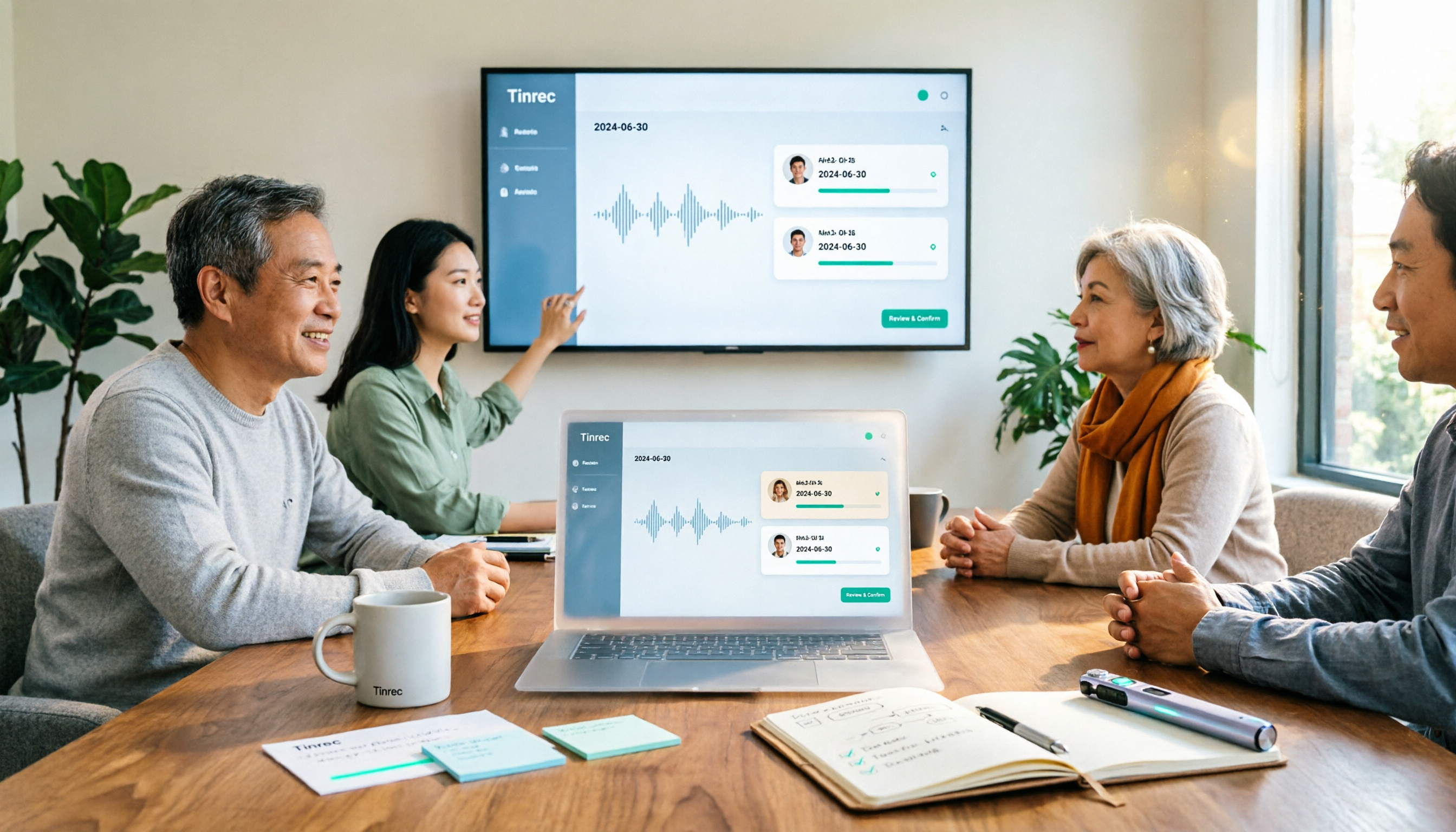
How to Create a Meeting Action Plan in 2026 with Tinrec: Auto-Extract To-Dos + One-Click Export Tracking Sheet
After a meeting, does everyone forget the action plan? This article first provides a ready-to-use meeting action plan example (task + owner + deadline + corresponding goal), then tests how tools like Tinrec automatically turn transcripts into to-dos and summaries. It also compares free and paid plans, common pitfalls, and buying advice.

Tinrec vs Otter.ai 2026: 5-Dimension Comparison — Which Saves More Time on Post-Sales Delivery?
After a sales meeting, transcripts, client commitments, quotes, and action items often end up scattered. This article compares Tinrec and Otter.ai across 5 dimensions, and uses Tinrec to demonstrate how to turn post-sales delivery into a searchable, collaborative, and trackable process.
2026 Comparison of 4 AI Meeting Note-Takers: Which Free Version Is Good Enough?
Automating meeting notes isn't just feeding a recording to AI for transcription. This article addresses common misconceptions and tests four tools—Tinrec, Notta, Granola, and Otter.ai—comparing recording methods, post-meeting outputs, team management, and free tiers. It also highlights four common pitfalls when choosing a tool to help you find a free option that works or a paid plan worth the investment.

4 Meeting Notes Tools Tested for 2026: Which One Actually Generates an Action Plan?
The worst part of a meeting isn't the meeting itself—it's the cleanup afterward. This article puts 4 meeting notes tools to the test, focusing on which ones can automatically turn a transcript into an action plan with owners and deadlines. Includes buying criteria, pitfalls to avoid, and scenario-based recommendations.