

Turn recordings into transcripts and summaries in minutes
Upload audio or video for multilingual transcription, AI notes, and action items
Tinrec vs Otter.ai 2026: 5-Dimension Comparison — Which Saves More Time on Post-Sales Delivery?
The sales meeting just ended. The client said, "Send the quote next week." The rep said, "We need to confirm the customization scope." The manager asked, "So what's the conclusion?" You open your notes and find only three lines. You open the recording and realize you'll need another hour to listen through it. The pain of post-sales delivery was never about lacking a recording — it's that after recording, no one has the energy to organize it.
This article compares Tinrec and Otter.ai across 5 dimensions, using Tinrec as the primary example, to explain how a post-sales delivery tool can turn meetings into searchable, collaborative, and trackable data.
What Can a Post-Sales Delivery Tool Do for You?
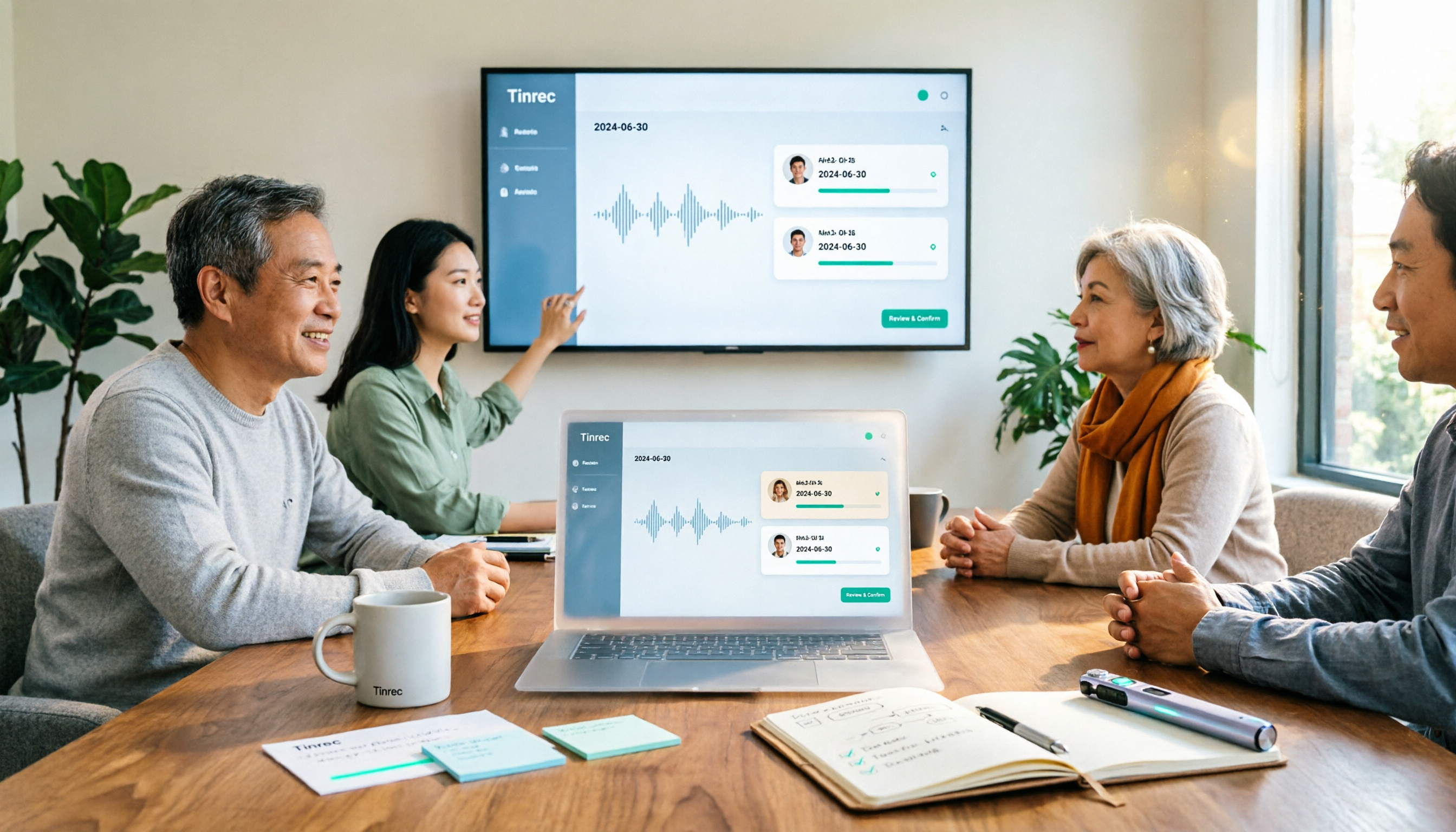
Scenario 1: Quickly produce meeting minutes after a client meeting. In the past, you had to replay the recording and type notes by hand. Now, with Tinrec as an example, after the meeting you can get a transcript, AI summary, chapters, and action items — with client needs, objections, and commitments all in one place.
Scenario 2: Hand off action items to the team. A common post-sales problem is that "who will send the contract" and "who will supplement the technical documents" are discussed and then forgotten. Tinrec can extract action items from the discussion, making it easy to assign and track them later.
Scenario 3: Let managers quickly understand. For long meetings, you don't need to listen from the beginning. Tinrec's summary and chapters let you see conclusions first, then check the transcript for details.
Scenario 4: Build a team asset. After meeting data is placed in Tinrec's team space, new members can search historical client meetings, so handovers no longer rely solely on individual memory.
What Are Tinrec's Core Capabilities?
Real-time recording to text: Transcribe while recording, ideal for in-person visits, phone interviews, and on-site meetings. Tinrec lets content settle in real time, so you don't have to wait until after the meeting to process it.
Bot-free online meeting recording: Tinrec's desktop version captures computer system audio to handle online meetings on Zoom, Google Meet, Microsoft Teams, Webex, and more — without inviting a meeting bot to join. For client meetings, having one less bot attend is usually less disruptive.
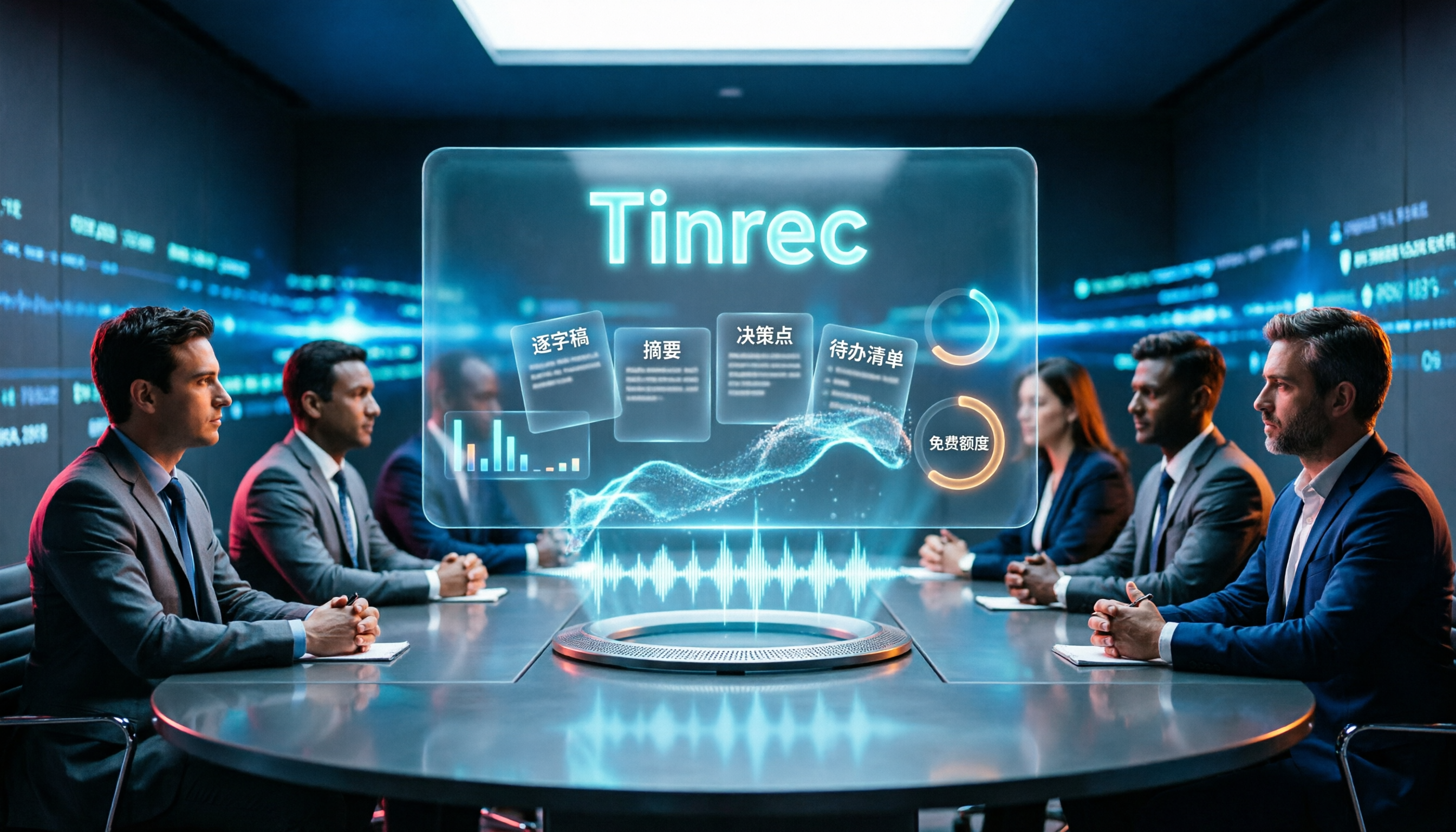
AI summary, chapters, and action items: Tinrec doesn't just provide a transcript; it also organizes the meeting structure, key points, and action items — perfect for post-sales delivery.
AI Q&A and multi-format export: You can directly ask Tinrec, "What budget constraints did the client mention?" or "What is the next commitment?" and then export the results to Notion, Google Docs, OneNote, Dropbox, and other tools for continued use.
Agent post-processing and team space: Tinrec can generate reports, tables, and documents based on meetings. The team version centralizes meeting data and provides members, roles, seats, usage analytics, and audit logs.
Real-World Use Cases: How to Use Tinrec for Sales Meetings
Client interviews: Start Tinrec recording before the visit, then get a requirements transcript and summary afterward to quickly send meeting minutes.
Stop organizing recordings by hand
Upload audio or video and automatically get a transcript, summary, and action items
Solution discussions: When multiple people attend, use Tinrec's segmentation and action items to organize commitments from different departments, avoiding missed technical or legal conditions.
Weekly meetings and pipeline reviews: Managers can use Tinrec summaries to quickly review each opportunity and use AI Q&A to follow up on historical meetings.
Handovers and new hire training: Treat Tinrec's team space as a sales knowledge base. New sales reps can review past client communications, shortening their ramp-up time.
5 Things to Consider When Choosing a Post-Sales Delivery Tool
Chinese meeting experience: Sales conversations often mix Chinese and English with industry jargon. Tinrec supports Chinese, Traditional Chinese, and multilingual meetings, and has team hotwords to maintain professional vocabulary. Otter.ai is mature for English business meetings, but for Chinese sales scenarios, you can try Tinrec first.
Meeting capture method: Does it force a bot to join? Tinrec's desktop version records system audio without an extra bot — this is friendlier for external client meetings.
Post-meeting outputs: A transcript alone isn't enough. Tinrec provides summaries, chapters, action items, Q&A, translation, and export — directly addressing post-sales delivery.
Team governance: For multi-person collaboration, look at roles and seats. Tinrec's team version distinguishes roles and seats. Members without a seat can still view, play, and read; only after obtaining a seat can they record, upload, edit, and export.
Cost and quotas: Tinrec's personal version has a free plan, weekly pass, Pro monthly, and Pro annual. The team version offers a 7-day free seat and 300 shared import minutes; paid seats include 2,000 shared import minutes per month. Real-time recording is currently not deducted by minutes under an active team plan. Actual prices are subject to the official purchase page.
Frequently Asked Questions
How is Tinrec different from regular recording software? Regular recording only keeps audio; Tinrec converts it to a transcript, then generates summaries, chapters, and action items, and supports Q&A, translation, export, and team space.
Does Tinrec need a meeting bot? No. Tinrec's desktop version uses system audio to record online meetings, but users must actively start recording — it does not automatically join all calendar meetings.
Which features are most commonly used for post-sales delivery? Transcript, AI summary, action item extraction, AI Q&A, and multi-format export typically cover minutes, follow-ups, and internal reporting.
Is the free version enough? If you only occasionally organize a recording, you can start with the free version. If you have client meetings every week, consider Pro or the team version.
Can all team members edit data? Tinrec's team version focuses on team-level sharing. Active members can view, play, and read; editing, uploading, importing/exporting, and other operations require a seat.
Conclusion
The key to a post-sales delivery tool isn't whether it records, but whether it can turn meetings into next-step actions. Tinrec connects the post-meeting workflow with transcripts, summaries, action items, AI Q&A, and team space. If you frequently need Chinese sales meeting notes, start with Tinrec's free version or a team trial, run an actual client meeting, and see how much time post-sales delivery can save.
References
Turn every recording into actionable outcomes
Get 60 free transcription minutes when you sign in. No credit card required.
Related Reading
You might also like

Best AI Meeting Assistants for Business in 2026: 5 Solutions Compared, AI Note-Taking and Integration Are the Deciding Factors
How to choose an AI meeting assistant for your business in 2026? This article compares 5 common solutions—Google Workspace, Microsoft Teams, Virsical, Manus, and hardware integrators—across 5 dimensions: automated meeting notes, multilingual support, room booking, hardware integration, and security management. It also includes a must-ask checklist before purchase to help you find the best fit for your team.

4 Post-Meeting Deliverable Templates Tested and Compared in 2026: Which Saves the Most Time from Transcript to To-Do List?
The biggest fear after a meeting isn't missing a recording—it's that no one remembers who promised what. This article covers the 3 most common mistakes in post-meeting deliverables, the fields a practical template should have, and demonstrates how Tinrec automatically goes from transcript to summary, to-dos, and team knowledge retention, plus purchasing considerations and FAQs.

2026 AI Meeting Assistant Comparison: 4 Tools Tested — How Meeting Agents Differ from AI Assistants
What's the difference between a meeting agent and an AI meeting assistant? Starting from real meeting scenarios, this article breaks down 4 key buying factors and compares Tinrec, Otter.ai, Granola, and Notta on recording methods, post-meeting output, Chinese language support, and team collaboration — plus 3 common pitfalls to avoid when choosing a tool.

2026 Post-Meeting Deliverables Tools Free Plans Compared: 4 Options at a Glance
Compare the free plans of post-meeting deliverables tools including Tinrec, Notta, Otter, and Granola, with a focus on how Tinrec turns meeting content into actionable deliverables through bot-free recording, AI summaries, action item extraction, and team spaces.

2026 AI Meeting Notes Comparison: Tinrec vs Otter.ai — Which Turns Minutes into Action Plans?
Meetings end, notes are written, but action items still sit at 'to be confirmed'? This article compares Tinrec and Otter.ai across six dimensions, focusing on how meeting minutes become executable action plans. It covers bot-free recording, to-do extraction, AI follow-up, Chinese meeting experience, team seat governance, and export workflows, with FAQs and pricing.
How to Create a Meeting Action Plan in 2026 with Tinrec: Auto-Extract To-Dos + One-Click Export Tracking Sheet
After a meeting, does everyone forget the action plan? This article first provides a ready-to-use meeting action plan example (task + owner + deadline + corresponding goal), then tests how tools like Tinrec automatically turn transcripts into to-dos and summaries. It also compares free and paid plans, common pitfalls, and buying advice.

Tinrec vs Otter.ai 2026: 5-Dimension Comparison for Post-Meeting Deliverables in Chinese Consulting
For consultants, the real work begins after the meeting. This article compares Tinrec and Otter.ai across five dimensions to help you choose the right post-meeting delivery tool: bot-free recording, AI Q&A, report generation, team data ownership, and includes pitfalls and selection advice.
2026 Comparison of 4 AI Meeting Note-Takers: Which Free Version Is Good Enough?
Automating meeting notes isn't just feeding a recording to AI for transcription. This article addresses common misconceptions and tests four tools—Tinrec, Notta, Granola, and Otter.ai—comparing recording methods, post-meeting outputs, team management, and free tiers. It also highlights four common pitfalls when choosing a tool to help you find a free option that works or a paid plan worth the investment.

4 Meeting Notes Tools Tested for 2026: Which One Actually Generates an Action Plan?
The worst part of a meeting isn't the meeting itself—it's the cleanup afterward. This article puts 4 meeting notes tools to the test, focusing on which ones can automatically turn a transcript into an action plan with owners and deadlines. Includes buying criteria, pitfalls to avoid, and scenario-based recommendations.