
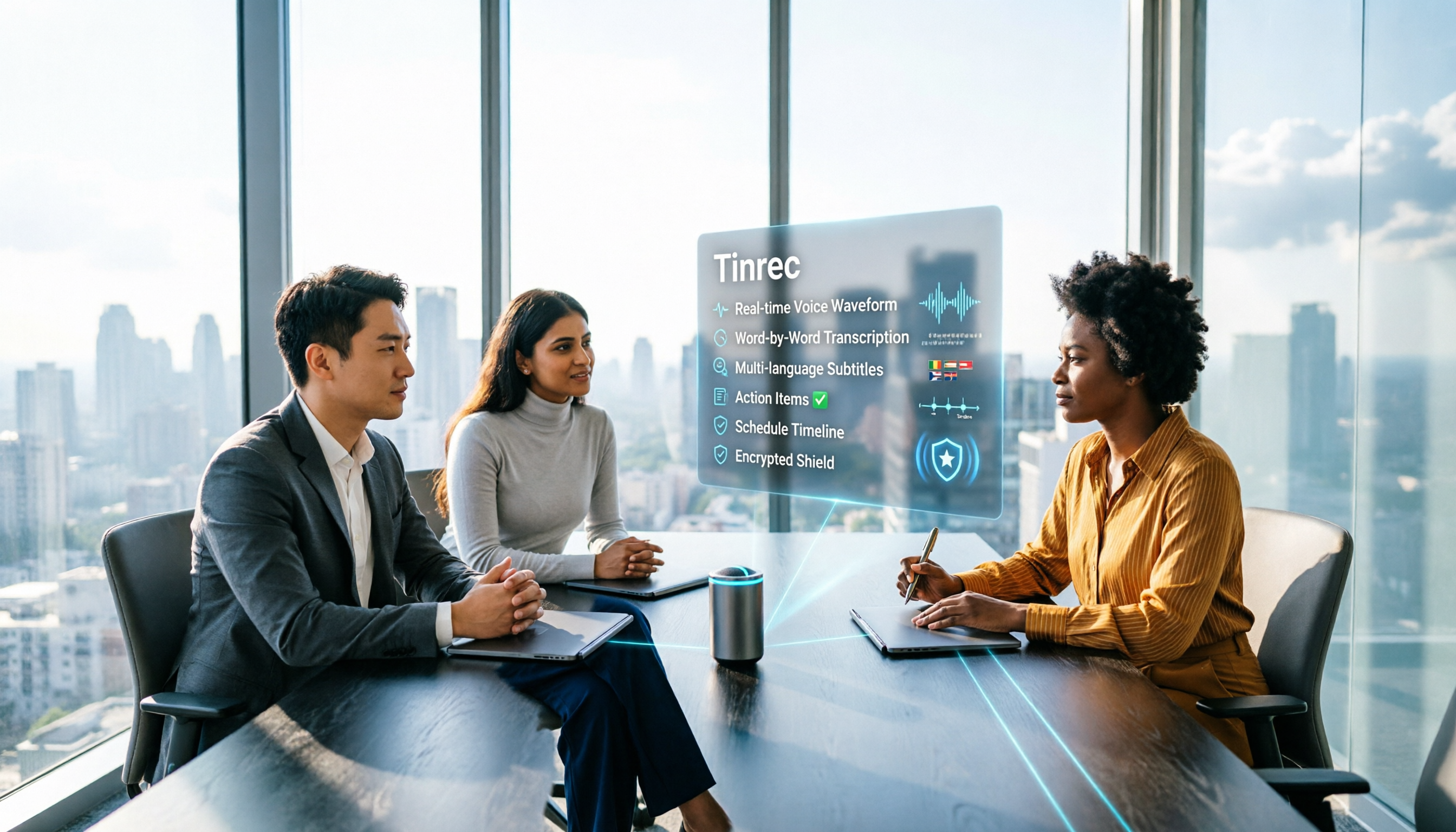
Turn recordings into transcripts and summaries in minutes
Upload audio or video for multilingual transcription, AI notes, and action items
Best AI Meeting Assistants for Business in 2026: 5 Solutions Compared, AI Note-Taking and Integration Are the Deciding Factors
It's 9 a.m. on Monday. Sales, product, and engineering teams squeeze into the same conference room, whiteboard covered in architecture diagrams. After the meeting, the manager asks, "Who's responsible for those three decisions from last time?" Silence for three seconds—because no one wrote down the conclusions.
This is exactly the problem "AI meeting assistants" aim to solve. It's not just about swapping the whiteboard for a digital screen; it's about handing the entire process—from pre-meeting booking to in-meeting recording to post-meeting follow-up—over to a system. In 2026, solutions on the market fall into three categories: AI assistants built into video platforms, standalone AI note-taking tools, and full-service room integrators covering hardware to software. Below, we break down 5 common solutions across 5 dimensions.
AI Meeting Assistant vs. Smart Meeting Room: First, Clarify Which Layer You Need to Solve
Many procurement projects get stuck at step one: confusing "smart meeting room" with "AI meeting assistant." In practice, it can be divided into three layers:
- Hardware layer: Microphones, speakers, cameras, touchscreen whiteboards, environmental controls. This layer determines "can we hear clearly, can we see clearly," and is where large meeting spaces often need extra budget.
- Platform layer: Video conferencing and collaboration platforms like Google Meet and Microsoft Teams, which bring people from different locations into the same space.
- AI layer: Transcription, summaries, action item extraction, post-meeting notifications. This layer is where you truly save on labor costs.
In other words, if your issue is "outdated meeting room equipment," the problem is at the hardware layer. If your pain point is "spending two hours after every meeting organizing notes," you need to strengthen the AI layer. Confirm which layer your pain point falls into before choosing a solution, so you don't buy a digital whiteboard only to still handwrite meeting minutes.
Quick Overview: 5 AI Meeting Assistant Solutions in 2026
| Solution | Positioning | Core Capabilities | Best For |
|---|---|---|---|
| Google Workspace (Gemini in Meet) | AI built into video platform | Meeting notes, summary sent to Gmail, live translated captions, watermark protection | SMBs already using Google ecosystem |
| Microsoft Teams + Surface Hub 3 | Platform + meeting room device | ERP integration, cloud calendar, multi-touch handwriting, MDM remote management | Mid-to-large enterprises, multi-branch organizations |
| Virsical Smart Meeting Management | Meeting resource management system | Search, booking, notifications, status display, approval and maintenance | Companies with many meeting rooms needing scheduling |
| Manus AI Meeting Notes Generator | Standalone AI note-taking tool | Audio/video transcription, speaker identification, action item extraction, recurring summaries | Teams needing flexible handling of various meeting files |
| Cloud準 Technology Digital Smart Meeting Space | Hardware integration and environmental control | Video/audio equipment, wireless conferencing, environmental automation, warranty and support | Enterprises building from scratch or renovating entire meeting rooms |
Most enterprise solutions use custom pricing; official websites typically don't list prices directly. Actual costs vary by number of meeting rooms, seats, and hardware scale.
Dimension 1 | Automated Meeting Notes and AI Summaries
This is the core value of an "AI meeting assistant." Google Workspace puts Gemini directly into Meet. Participants can say "take notes for me" to hand off note-taking to AI, and after the meeting, key points are automatically summarized and sent to Gmail—no need to type while in a meeting. Manus takes a different approach: upload a transcript or recording, and it completes transcription, speaker identification, and action item extraction in one go. You can also adjust tone and structure through conversation, or even use scheduled tasks to compile weekly meetings into executive summaries.
Google's advantage is "no need to open another tool"—the summary is in your inbox when the meeting ends. Manus's advantage is "any file format"—it handles TXT, DOCX, PDF, or audio/video, and you can revise repeatedly to match your team's template. If all your meetings are on the same video platform, the former is easier. If your meeting sources are mixed, including in-person recordings, the latter is far more flexible.
Stop organizing recordings by hand
Upload audio or video and automatically get a transcript, summary, and action items
Dimension 2 | Chinese and Multilingual Support
Cross-border teams care about this. Gemini in Meet can generate translated captions; official documentation states it can translate conversations in over 60 languages in real time, removing language barriers, and also provides live captions for the hearing impaired. For Taiwanese businesses, the real scenario involves mixed Chinese-English and jargon-heavy meetings. We recommend testing with your own meeting recordings—spec sheets won't show this.
Manus offers a multilingual interface and processes uploaded file content. As for hardware-integrated solutions, multilingual capabilities usually follow the video platform and aren't handled separately.
Dimension 3 | Meeting Room Booking and Resource Management
Meeting rooms are never enough—a common pain point for administrative staff. Systems like Virsical target this area: from meeting resource search and booking notifications to status display, approval, maintenance, and personnel services, creating a full lifecycle meeting management system that can integrate seamlessly with various systems and link with smart hardware. It solves not "meeting content" but "meeting scheduling."
In contrast, Google Workspace and Teams both have shared calendars that meet basic room booking needs. But if you need "dozens of meeting rooms, multiple campuses, with approval workflows," a dedicated meeting management system is far more useful than a calendar.
Dimension 4 | Hardware Integration and Environmental Control
AI meeting assistants ultimately need to be deployed in a physical space. Take Taiwanese integrators as an example: Cloud準 Technology offers AI digital smart equipment, cloud-based shared meeting platforms, commercial video/audio equipment, wireless conferencing systems, and environmental automation modules, including warranty and after-sales service. The value of such solutions isn't in software features but in details you won't see on a spec sheet—audio echo, microphone dead zones, cable configuration.
Another route is Surface Hub 3 with Teams: through multi-touch screens and stylus handwriting, team members can write discussions and notes directly on screen during remote meetings. Hardware connects via microphones, speakers, and cameras, adapting to equipment expansion needs in large meeting spaces.
Dimension 5 | Security, Permissions, and IT Management
Meeting content is often a company's most sensitive data. Google Meet can add a faint watermark to shared content and video feeds, displaying the viewer's email address and meeting ID. This helps reduce the risk of unauthorized copying and distribution, and even if leaked, the source can be quickly identified. Multi-branch organizations can use MDM (Mobile Device Management) to remotely manage meeting room devices across locations, centrally controlling information security.
For this dimension, ask three things before purchasing: Where are meeting recordings and transcripts stored? Who has permission to access them? How is data left by departing employees handled?
What Are the Unique Advantages of Each?
Google Workspace (Gemini in Meet): Native integration with Gmail, Calendar, and Drive; meeting summaries go straight to your inbox; translated captions support over 60 languages; watermarks and admin console make IT management easy.
Manus AI Meeting Notes Generator: Handles various meeting file formats; one file completes transcription, speaker identification, and action item extraction; supports conversational revision of note formats; can also produce recurring summaries via scheduled tasks.
Virsical: Treats meeting rooms as resource management; booking, approval, maintenance, and status display all in one; suitable for organizations with many meeting rooms.
Microsoft Teams + Surface Hub 3: Integrates ERP and cloud calendars; brings touch and handwriting into remote meetings; supports MDM remote centralized management.
Cloud準 Technology: Handles everything from equipment planning to wireless conferencing and environmental automation, including warranty and after-sales; suitable for full meeting room renovation projects.
Conclusion: Which One Should You Choose?
- If your team already uses the Google ecosystem and wants meeting notes straight to inbox → Gemini in Meet is the shortest path.
- If your meeting sources are diverse—in-person recordings, uploaded files, and you need to turn transcripts into executive summaries → a standalone AI note-taking tool like Manus is more suitable.
- If your pain point is "can't book a meeting room, scheduling is a mess" → look at meeting resource management systems like Virsical.
- If you're a multi-branch company needing unified management of meeting room devices and permissions → Teams + Surface Hub 3 offers more complete management.
- If you're building a meeting room from scratch or renovating an entire room including audio and environmental control → find an integrator like Cloud準 Technology to handle hardware and platform together.
Before purchasing, write these 5 questions into your requirements document: Where are meeting notes stored? Which languages are supported? Can it connect to existing calendars and ERP? What are the hardware warranty and after-sales terms? How are costs calculated when seats or meeting rooms increase? Once you've asked these, you'll likely be able to present your boss with a solid comparison table at your next meeting.
References
- Large, Medium, and Small Meeting Equipment Integration Planning / Digital Smart Meeting Room / Cloud Video Sharing Meeting Lab / Environmental Control System - Cloud準 Technology
- What Is a Smart Meeting Room? Master the Benefits, Feature Recommendations, and Application Examples in One Article - DC Sales Portal
- Leverage AI in Meetings and Video Conferencing | Google Workspace
- Smart Meeting, Meeting Room Management_Virsical
- AI Meeting Notes Generator
Turn every recording into actionable outcomes
Get 60 free transcription minutes when you sign in. No credit card required.
Related Reading
You might also like

4 Meeting Transcription Tools Tested for 2026: From Notta to Tinrec, Which Saves More Time on Post-Client-Visit Follow-Up?
The follow-up begins the moment a client visit ends. This article starts with the three most common pitfalls of post-meeting follow-up, explains why pure transcription tools often fall short, and uses Tinrec as the main focus to compare meeting transcription tools on summaries, action items, AI Q&A, export, and team knowledge retention, with team plan pricing and an FAQ included.

Best Free Team Meeting Knowledge Base Tools in 2026: 5 Options Compared
A team meeting knowledge base isn't just about taking notes during a meeting—it's about being able to find, search, and build on that information three months later. Drawing from real student group experience, this article compares 5 common approaches, explains how Tinrec can help, and breaks down the free tiers and paid thresholds that students care about most.

4 Requirements Interview Tools Tested in 2026: How to Quickly Turn User Interviews into Requirements Documents
User interviews are the first step in creating a requirements document, but interview recordings, transcripts, and requirements organization often take time. This article uses Tinrec as an example to explain how to use an AI meeting notes tool to quickly turn interview content into transcripts, summaries, action items, and requirements documents, and it compiles 5 purchasing considerations and common questions.

6 Best Client Visit Note-Taking Tools in 2026: Which Saves the Most Time on Recording, Notes, and Follow-Up Emails?
After a client visit, organizing notes and writing follow-up emails often takes the most time. This article reviews 6 meeting note-taking tools for client visits, covering live recording, transcripts, AI summaries, action item extraction, post-meeting documents, and follow-up email material. It compares free vs. paid plans, Chinese language support, and team collaboration features to help you find the best fit for your workflow.

5 Meeting Action Plan Templates Tested and Compared for 2026: Which One Actually Tracks To-Dos to Completion?
The key to a meeting action plan template isn't how good it looks—it's whether to-dos are fully captured and tracked to completion. This article compares five templates in real-world tests: 1:1, project weekly, client call, stand-up, and manager review. It explains how Tinrec turns discussions into action lists with owners and due dates using live transcription, AI summaries, action item extraction, and AI Q&A, plus five buying considerations and FAQs.
4 Post-Meeting Deliverable Templates Tested and Compared in 2026: Which Saves the Most Time from Transcript to To-Do List?
The biggest fear after a meeting isn't missing a recording—it's that no one remembers who promised what. This article covers the 3 most common mistakes in post-meeting deliverables, the fields a practical template should have, and demonstrates how Tinrec automatically goes from transcript to summary, to-dos, and team knowledge retention, plus purchasing considerations and FAQs.

2026 AI Meeting Assistant Comparison: 4 Tools Tested — How Meeting Agents Differ from AI Assistants
What's the difference between a meeting agent and an AI meeting assistant? Starting from real meeting scenarios, this article breaks down 4 key buying factors and compares Tinrec, Otter.ai, Granola, and Notta on recording methods, post-meeting output, Chinese language support, and team collaboration — plus 3 common pitfalls to avoid when choosing a tool.

2026 Post-Meeting Deliverables Tools Free Plans Compared: 4 Options at a Glance
Compare the free plans of post-meeting deliverables tools including Tinrec, Notta, Otter, and Granola, with a focus on how Tinrec turns meeting content into actionable deliverables through bot-free recording, AI summaries, action item extraction, and team spaces.

2026 AI Meeting Notes Comparison: Tinrec vs Otter.ai — Which Turns Minutes into Action Plans?
Meetings end, notes are written, but action items still sit at 'to be confirmed'? This article compares Tinrec and Otter.ai across six dimensions, focusing on how meeting minutes become executable action plans. It covers bot-free recording, to-do extraction, AI follow-up, Chinese meeting experience, team seat governance, and export workflows, with FAQs and pricing.