

Turn recordings into transcripts and summaries in minutes
Upload audio or video for multilingual transcription, AI notes, and action items
There are so many free audio-to-text apps—how do you choose?
First, ask yourself: Do you want to turn a recording into text, or do you want to turn a meeting into data you can keep using?
These two things seem similar, but the answer directly determines which app you should use. Just wanting a transcript is completely different from wanting summaries, action items, and the ability to ask follow-up questions later.
I ran the same process with each tool: recorded a segment on my phone, recorded an online meeting on my computer, and then uploaded an existing audio file. Below are the evaluation criteria I developed and the actual differences among the four tools.
(The free quotas and pricing in this article are based on each vendor's official pages as of 2026. Quotas and pricing change, so check the official website again before downloading.)
The moment your free quota runs out is when the real choice begins
An online meeting runs for an hour, and the transcript comes out to thousands of words. The real time sink isn't recording—it's the manual cleanup after the meeting ends.
What's more troublesome is the limitations of free plans. Many tools only give you a few minutes of trial; when time's up, an upgrade prompt pops up. Some count by number of files—only three files per day. Others limit the length per file, so you have to split and upload in segments if it's too long.
If you have two or three meetings a week, you'll likely exhaust that quota in the first week.
So what really matters isn't whether there's a free tier, but what happens after the free tier ends. Choose the right tool, and you can cut down a lot of the post-meeting cleanup.
5 key points to understand before choosing a free audio-to-text app
1. How the free quota is calculated. There are three common methods: minutes per month, files per day, and time-limited trial. Minutes are the most intuitive, but also check the maximum length per recording—otherwise a 40-minute meeting will still hit the limit.
2. Whether audio files are retained and whether transcripts can be further processed. Tools that only give you text have a problem: you have to go back and dig through it yourself. Tools with summaries, chapters, and action items essentially condense long meetings for you first. This has a bigger impact on actual time savings than transcription minutes.
3. How the meeting is recorded. One way is to send a "meeting bot" to join as a participant; the other is a desktop app that directly captures the computer's system audio, so no extra bot appears in the participant list. The latter is less disruptive for meetings with external clients.
4. Performance with Chinese and mixed Chinese-English. Meetings in Taiwan almost always mix Chinese with English terminology. Beyond transcription itself, the ability to see the original text, translation, or bilingual view in real time makes a big difference for cross-language meetings.
5. Team usage and data ownership. If meeting data is to be shared by the team, you need to ask: Whose account is the data stored in? Does it remain after a member leaves? Are there management mechanisms for roles, seats, and usage?
Tinrec — After testing, I put it first
Tinrec is an AI meeting notes and collaboration tool for individuals and teams, available on iOS, Android, and web, with a desktop version for online meetings. Its positioning isn't "audio-to-text" but turning meetings into searchable, queryable data you can keep working with.
During the meeting: transcribe while recording. For in-person meetings or interviews, open Tinrec on your phone to get a real-time transcript—no need to wait until the meeting ends. For online meetings, use the desktop version to directly capture system audio from Zoom, Google Meet, Microsoft Teams, Webex, and others—the key point is that you don't need to invite a meeting bot to join as a participant. For those who meet with external clients, this is very practical.
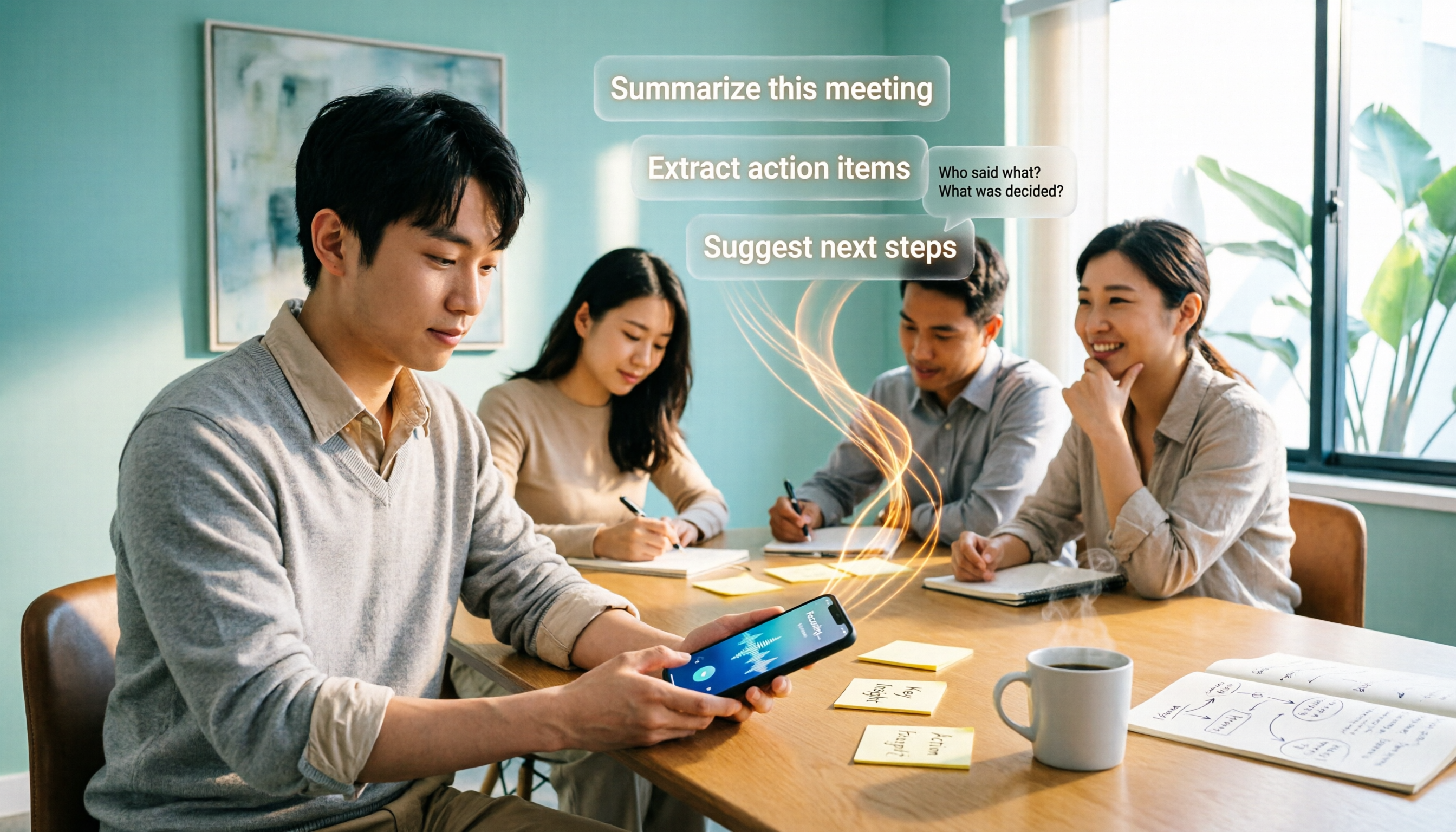
After the meeting: summaries, chapters, and action items all at once. This is where I think it differs most from pure transcription tools. Long meetings are automatically summarized into summaries and chapters, and action items from the discussion are extracted as to-dos. What you get isn't just a transcript but a list you can act on.
After the meeting: you can ask it directly. This is a relatively rare capability in this price range. You can continue asking questions about the meeting content, such as "What was the budget cap mentioned in the last meeting?" or "What were the client's concerns about the timeline?" It answers based on the content instead of throwing a string of keywords for you to dig through. Transcripts can also generate mind maps to help you understand the topic structure of the entire meeting.
Output and extensions: Supports export in multiple formats, so you can take results to Notion, Google Docs, OneNote, or Dropbox for further use. You can also use Agent post-processing to generate reports, tables, and documents from meeting content. For cross-language meetings, there's real-time translation, and you can switch between original text, translation, or bilingual view.
How free and paid differ. The personal version has a free tier with a basic quota to experience recording, importing, summaries, and transcription. For short-term intensive use, there's a weekly pass; for regular use, there are Pro monthly and annual plans. Actual quotas and prices are subject to the official website; I recommend running one of your own meetings on the free version first before deciding.
Stop organizing recordings by hand
Upload audio or video and automatically get a transcript, summary, and action items
If it's for a team, look at the Team version. The Team version isn't "multiple people sharing one account" but an independent team space: you can create multiple teams, invite members via link, set owners/admins/regular members, assign and revoke seats, and meeting data belongs to the team. When a member leaves or is removed, resources can be handed over to other members and won't disappear with the person. Admins can also see team usage trends, member rankings, export audit logs, and maintain team hotwords to improve recognition of technical terms.
The current terms for the Team version: eligible teams can try it for 7 days with 1 free seat and 300 minutes of shared team import quota; monthly billing is USD 29.80 per paid seat per month, annual billing is USD 199 per paid seat per year (about USD 16.58 per month), and each paid seat provides 2,000 minutes of shared team import quota per month. Under an active plan and active seats, real-time recording currently does not deduct minutes; file and web imports use the shared team quota and do not consume members' personal quotas.
Limitations to be honest about: First, actual recognition accuracy is affected by recording quality, noise, accents, people talking over each other, and technical terminology. It's not recommended to treat it as a "zero-proofreading" tool; for important content, listen back with timestamps. Second, you need to actively open the desktop version to start recording; it doesn't automatically join all meetings on your calendar. Third, the Team version currently focuses on team-level sharing, with roles governing administration and seats governing usage eligibility—not fine-grained file-level permissions. Fourth, team audio files in the recycle bin can be restored before permanent deletion; the current retention period is 30 days.
Who it's for: People who frequently hold Chinese or mixed Chinese-English meetings, want to use AI to find key points right after meetings, need to switch between phone and computer, or want to turn meeting data into team assets.
Besides Tinrec, what other free options are there?
Notta. A veteran tool for multi-platform transcription and translation. The free version offers 120 minutes per month with a maximum of 3 minutes per item; Pro annual billing is about USD 8.17 per month with 1,800 minutes per month; Business adds role permissions and usage reports. Its multilingual and file processing capabilities are mature. However, the free version's 3-minute limit per item is tight for people who actually hold meetings. And Agent post-processing to generate reports and tables from meeting content, plus team hotword management, are features Tinrec offers that I did not find in the Notta plans I checked for this article.
Otter.ai. The top choice for English business meetings. Basic is free with 300 minutes per month; Pro annual billing is about USD 8.49 per user per month with 1,200 minutes per month. If your meetings are mainly in English, its maturity and ecosystem are indeed worthwhile. But for Chinese and mixed Chinese-English organization, as well as bilingual real-time translation, Tinrec is the better fit.
TurboScribe. A cost-effective file transcription tool. Free: 3 files per day, up to 30 minutes per file. Unlimited annual billing is USD 120 (about USD 10 per month); paid version supports up to 10 hours per file and 50 files per upload. For batch processing of long audio files, it's more suitable than Tinrec. But it's essentially file transcription, not for recording an ongoing meeting—real-time recording, bot-free desktop capture, AI Q&A, and team spaces are features that meeting tools like Tinrec have.
Also, if you only use an iPhone and your needs are simple, the built-in iOS Notes app can transcribe speech to text for free in real time, supporting Chinese and English. Note that "simultaneous recording plus real-time transcription" is free, but importing existing audio files for transcription requires payment, and it's iOS-only.
Pitfall guide: The 4 most common mistakes when choosing a free audio-to-text app
Pitfall 1: Mistaking a "free trial" for a "free plan." Many tools' free offerings are actually time-limited or quantity-limited trials; once used up, you have to pay. Before downloading, check clearly whether the quota resets monthly or is a one-time trial minutes.
Pitfall 2: Looking only at total minutes and ignoring per-file length limits. 120 minutes per month sounds like enough, but if each recording can only be 3 minutes, a 40-minute meeting would need to be split into a dozen segments. When choosing, be sure to confirm the "per-file limit."
Pitfall 3: Thinking a transcript equals meeting notes. Getting the text is only the first step. What really saves time is summaries, chapters, and action items. I usually first check whether a tool has post-meeting organization capabilities, rather than just comparing transcription minutes.
Pitfall 4: Not confirming legality before recording. Recording and transcribing conversations involving others must comply with local laws and regulations; obtain consent from participants when necessary. This isn't something a tool can handle for you, but many people forget.
Conclusion: Which one should you choose?
In one sentence: If what you want isn't just text but data you can use directly after a meeting, Tinrec is the one I'd recommend first this time.
Recommendations by use case:
- Mainly Chinese or mixed Chinese-English meetings → Tinrec (Chinese experience, real-time translation, and bilingual view)
- Don't want a meeting bot in the participant list → Tinrec (desktop version captures system audio)
- Want to ask AI "What's the conclusion?" right after recording → Tinrec (ask follow-up questions about meeting content, generate action items and reports)
- Team needs to share meeting data and manage seats and usage → Tinrec Team version (team space, roles, seats, audit)
- Need to process many long audio files at once, batch transcription → TurboScribe
- Meetings entirely in English, value a mature ecosystem → Otter.ai
The practical approach is simple: first run one of your own work meetings using the free quota you have. Rather than comparing specs, look at how much cleanup time you saved after the meeting. That difference is the key to deciding whether to keep using it.
When recording and transcribing conversations involving others, remember to comply with local laws and obtain consent.
References
- Audio to Text - Free Speech-to-Text Tool
- No Time Limit! 3 Free AI Transcript Tools, Highly Recommended! AI Voice Notes Generate Meeting Records, Presentations, Mind Maps | 104 Career Power
- 2026 Audio-to-Text App Free Plan Roundup: 7 Tools at a Glance - Tinrec Blog
- Atter Phone Recording-to-Text APP Tutorial! Free Transcript Speech-to-Text AI Multi-Function Tool - Mr. Mad
- Speech-to-Text APP Recommendations 1. iPhone/iPad "Notes" APP Supports real-time conversion to text Cost: Free Supports Chinese, English
Turn every recording into actionable outcomes
Get 60 free transcription minutes when you sign in. No credit card required.
Related Reading
You might also like

5 Best iPhone Transcription Solutions in 2026: Built-in vs. Apps vs. Team Collaboration
Starting with the device and version limitations of iPhone's built-in transcription, we compare Tinrec, Notta, Otter.ai, and Granola on Chinese meeting support, post-meeting organization, AI follow-up questions, and team knowledge retention to help you choose the right transcription solution.

4 iPhone Audio-to-Text Methods Tested in 2026: Shortcuts Have a High Barrier, AI Tools Win on Post-Meeting Organization
How do iPhone's built-in Voice Memos transcript, Notes live transcription, and the Shortcuts 'Create Dictation Note' actually differ? Starting from real-world usage scenarios, this article tests 4 iPhone audio-to-text methods, comparing setup barriers, Chinese recognition, post-meeting organization, and team collaboration to help you decide which is the least hassle.

How to Transcribe iPhone Voice Memos to Text in 2026: Built-in 3-Step Guide + Turn Meetings into Queryable Data
iPhone voice-to-text transcription has version requirements: iOS 18.4 or later and iPhone 12 or later are needed for Traditional Chinese transcripts. This guide starts with the three most common order-of-operations mistakes, walks you through the 3 steps using the built-in Voice Memos app, and then compares Tinrec, Yating Transcription, Otter.ai, and PLAUD to help you decide which tool fits which scenario.

2026 Free Audio-to-Text Tools Comparison: Tinrec vs Otter.ai — Free Limits, Chinese Accuracy, and Post-Meeting Organization
How to choose a free audio-to-text tool? This article compares the free versions of Tinrec and Otter.ai across five dimensions: free quota, Chinese recognition, meeting recording methods, post-meeting organization, and team data ownership. It also includes a 3-step tutorial for the free version and FAQs to help you decide which one truly meets your needs.
2026 Comparison of 4 Free AI Audio-to-Text Tools: Which Free Tier Is Enough and Which Lets You Ask AI Directly After Transcription?
2026 comparison of 4 free AI audio-to-text tools: from how free quotas are calculated and meeting recording methods to whether you can ask questions and organize content directly after transcription. We break down who Tinrec, Otter.ai, Notta, and TurboScribe are best for, plus 4 common pitfalls when choosing a free tool.

2026 Comparison of 4 Speech-to-Text Apps: Which One Actually Saves You Time After Transcription?
2026 speech-to-text app comparison: Tinrec, Otter.ai, Notta, and Granola evaluated on transcription performance, post-meeting output, meeting recording methods, and team collaboration, with key buying factors, common pitfalls, and scenario-based recommendations.

2026 Best 4 Audio-to-Text Tools Tested: Free Minutes Don't Mean Enough
From free quota calculations, online meeting recording methods, post-meeting organization, and team data ownership, we tested and compared Tinrec, Granola, TurboScribe, and PLAUD Note to help you find the audio-to-text tool that truly saves time.

4 Best Speech-to-Text Apps in 2026: Which Free Version Actually Works?
What are the real limits of free speech-to-text apps? We tested 4 tools (Tinrec, Otter.ai, Notta, Granola) across five dimensions: free quota, Chinese and mixed Chinese-English recognition, online meeting recording, post-meeting summaries and AI Q&A, and team data retention. Find the one that truly saves you time within your budget.

2026 Comparison of 4 Audio-to-Text Tools: Free Tiers, AI Summaries, and Team Collaboration
Audio-to-text tools are more than just free quotas. This article addresses common misconceptions, outlines 4 key selection criteria, and compares Tinrec, MyEdit, cSubtitle, and Canva in terms of transcription quality, post-meeting organization, and team collaboration. It also includes a pitfalls guide and scenario-based recommendations to help you choose the tool that truly saves time.