

Turn recordings into transcripts and summaries in minutes
Upload audio or video for multilingual transcription, AI notes, and action items
I used to think "audio-to-text" was simple: drop in a file, wait for the text, copy and paste, done. It wasn't until I actually ran into problems that I realized it's not that simple—when I submitted the first batch of transcripts, my boss asked me, "Who made that decision last week, and at what time?" I stared at a solid block of plain text with no paragraphs, no names, and no timestamps for ten seconds.
That's when I understood: The value of audio-to-text AI isn't in "transcribing"—it's in whether you can use the output directly after transcription. That became the only criterion I cared about when choosing tools.
In this article, I compare Tinrec and Notta using the actual workflow my team runs. It's not about which one is more comprehensive overall—it's about answering a more specific question: for someone like me who has meetings every day, reports upward, and follows up downward, which one saves more time?
Tinrec vs Notta | Quick Overview
Tinrec positions itself as an "AI meeting notes and team collaboration tool": besides converting audio to text, it organizes meeting data into searchable, queryable, exportable records that settle in a team space. Notta is a mature multilingual transcription tool covering multi-platform transcription, meeting notes, file import, translation, and team plans.
| Item | Tinrec | Notta |
|---|---|---|
| Core positioning | AI meeting notes + team knowledge retention | Multilingual transcription + meeting notes |
| Online meetings | Desktop app captures system audio; no bot required | Supports meeting bots, desktop app, or upload |
| Post-meeting outputs | Summary, chapters, action items, mind map, AI Q&A, reports and tables | Transcript, summary, subtitles, translation |
| Team capabilities | Spaces, roles, seats, usage, audit, recycle bin | Business plan offers role permissions and usage reports |
| Pricing | Team monthly USD 29.80 per paid seat/month; annual USD 199 per paid seat/year | Official page: Pro annual equivalent to about USD 8.17/month; Business annual equivalent to about USD 16.67/seat/month |
Prices and benefits are subject to change; refer to each vendor's official purchase page. Below I break it down across five dimensions you'll actually encounter.
Dimension 1 | How Are Online Meetings Recorded?
Notta offers more paths: a meeting bot can join as a participant, you can use the desktop app, or upload a recording afterward. It's flexible, but having a bot join has practical costs—when a "Notetaker" suddenly appears in a client meeting, you have to explain it; cross-department meetings are even trickier, as the other side's IT may block it outright.
Tinrec takes a different path: the desktop app directly captures your computer's system audio. Open Tinrec, press record, and audio from Zoom, Google Meet, Microsoft Teams, and Webex comes in—no extra bot sitting in the meeting room. Note that this requires you to actively start recording; it doesn't auto-join all meetings from your calendar.
→ This dimension: If you often record external meetings and client calls, Tinrec's bot-free approach has less friction.
Dimension 2 | Can Audio Files and Historical Data Get In?
My audio sources are messy: quick phone recordings, old interview recordings, MP4s from colleagues, and some online course videos. Both support file import, so this is a tie. Tinrec supports live recording, online meetings, audio and video files, mobile recording, and can also import some public video content via web links as a supplement.
The difference is "after it gets in." Tinrec keeps the audio file, and the transcript can be played back against the recording for verification—important for scenarios where you need to catch exact quotes and confirm who said what. If you need subtitle files, both can produce time-stamped content, but for pure subtitle work, Notta's workflow is also smooth.
→ This dimension: Tie. File import is sufficient on both sides; the difference is in the organization afterward, not the front door.
Dimension 3 | After Transcription, What Do You Get?
This is what I care about most, and the main reason I ultimately kept Tinrec.
Notta focuses on "turning audio into accurate text," plus summaries, subtitles, and translation—plenty for content creators and those who need subtitles. But if you're a manager like me, the transcript is just raw material—I want "what three decisions were made in this meeting, who's responsible, and when is it due."
Tinrec adds another layer after transcription: automatically generates summaries, chapters, key points, and action items, and can even produce a mind map. More importantly, you can ask AI questions about the meeting content—for example, directly ask "What changed in the acceptance criteria this time?" without re-listening to 40 minutes. After the meeting, you can also use Agent post-processing to generate reports, tables, and documents, and export to Notion, Google Docs, OneNote, or Dropbox for further work.
Stop organizing recordings by hand
Upload audio or video and automatically get a transcript, summary, and action items
→ This dimension: Tinrec clearly wins. The difference isn't transcription accuracy—it's whether you get raw material or a semi-finished product.
Dimension 4 | Handling Chinese Meetings and Technical Terms
Notta's multilingual coverage is its strength; it supports more languages than Tinrec, which matters for cross-language teams.
Tinrec focuses on Chinese meetings and mixed Chinese-English: it supports Chinese, Traditional Chinese, and multilingual meeting transcription, and during recording you can view the original text, translation, or bilingual view—no need to wait until after the meeting for translation in international meetings. The team version also offers "team hotwords," letting you maintain a glossary of internal product codes, project names, and abbreviations to reduce manual corrections each time.
I'll be honest here: No tool can guarantee a fixed accuracy rate. Recording quality, background noise, accents, multiple people talking over each other, and proper nouns all affect results. For important numbers and decisions, I still click back to the corresponding timestamp in the transcript and listen once.
→ This dimension: Notta has the edge in language breadth; Tinrec is closer to local teams for Chinese meeting workflows and terminology management. For someone like me whose meetings are 90% in Chinese, Tinrec is more suitable.
Dimension 5 | Team Collaboration and Governance
This is the most overlooked pitfall that anyone leading a team will encounter: at first everyone shares one account, all data gets mixed together, and when someone leaves, no one knows who those recordings should belong to.
Tinrec's team version is a separate team space that separates "roles" and "seats": roles determine who can manage members, audit, and team settings; seats determine who can record, upload, edit, and export. Members without a seat can still view, play, and read team data, but cannot upload or edit. There's also usage analytics, audit logs, and an audio recycle bin (retained for 30 days, recoverable before permanent deletion), and when a member leaves, resources can be handed over to other active members.
Notta's Business plan also offers role permissions and usage reports—basic governance is there; but for seat and permission granularity, audit records, and data recovery, Tinrec currently provides a more complete set.
→ This dimension: Tinrec wins, especially for teams of five or more that need to account for "why was this data deleted."
Dimension 6 | Quotas and Cost Calculation
Notta's official page shows: free plan 120 minutes per month, max 3 minutes per item; Pro annual equivalent to about USD 8.17/month, 1,800 minutes per month; Business annual equivalent to about USD 16.67/seat/month. For pure individuals focused on file transcription, Pro's barrier is indeed low.
Tinrec's personal plans include free, weekly card, Pro monthly, and Pro annual—choosing "by usage task" rather than "comparing by minutes." The team version offers a 7-day trial for first-time eligible users, 1 free seat, and 300 minutes of shared import quota; after payment, each paid seat provides 2,000 minutes of team shared import quota per month, and live recording under an active team plan currently does not deduct minutes.
In other words: If 80% of your time is in online meetings, Tinrec's pricing structure works in your favor; if you mainly convert large volumes of existing audio files to text, minutes are the number to watch.
→ This dimension: Tie, but depends on your usage pattern. For pure individual high-frequency transcription, Notta Pro is cost-effective; for team meetings primarily, Tinrec's seat-shared quota is more reasonable.
What Are Each One's Unique Advantages?
Tinrec's unique advantages:
- Bot-free online meeting recording: Desktop app captures system audio, no need to send a bot out—client meetings are much cleaner.
- Complete post-meeting outputs: Summary, chapters, action items, mind map, AI Q&A, reports, and tables all in one place—the transcript is just the starting point.
- Solid team governance: Roles and seats separated, usage analytics, audit logs, audio recycle bin—data doesn't vanish when members change.
- Chinese meeting experience and team hotwords: Mixed Chinese-English, bilingual view, internal terminology maintenance—practical for local teams.
Notta's unique advantages:
- Broad multilingual coverage: More flexibility for cross-language teams or those with more foreign-language content.
- Low individual entry cost: Pro annual equivalent to about USD 8.17/month—small burden for pure individual use.
Conclusion: Which One Should You Choose?
• If you have more than five meetings a week and still need to write minutes afterward → Tinrec, summaries, chapters, and action items save a round of organization.
• If your meetings are with external clients and you don't want a bot joining → Tinrec, desktop bot-free recording has minimal friction.
• If you lead a team and need to manage seats, check usage, and keep audit records → Tinrec team version, with roles and seats designed separately.
• If you often need to ask follow-up questions about meeting content → Tinrec, you can directly ask AI about meeting data without re-listening.
• If you mainly convert large volumes of foreign-language audio files to subtitles and work solo → Notta is more suitable, with advantages in multilingual support and price.
• If you need to batch-process dozens of long files at once → These meeting-oriented tools are not the best fit; look for a dedicated batch transcription service.
In one sentence: Rather than saying Tinrec is stronger, it's more accurate to say it connects the "after transcription" part more completely. For those who need to turn meetings into decision records and action items, that's where the real time is spent.
Practical advice: First use the free version with a real meeting recording of your own to see if the transcript can be matched back to timestamps and whether the summary captures the key points. You'll know if it fits after one run—no need to pay first. Also remember to obtain participants' consent before recording in accordance with local regulations.
References
- Online AI voice, video, audio file auto transcription - free trial - cSubtitle
- Online speech-to-text AI, free MP3 or audio file to text transcript - MyEdit
- Speech-to-text converter – free online | TicNote Cloud
- Audio to text - free speech-to-text tool
- Audio file to text | Free online audio file to transcript | Proactor AI
Turn every recording into actionable outcomes
Get 60 free transcription minutes when you sign in. No credit card required.
Related Reading
You might also like

2026 Comparison of 4 Speech-to-Text Apps: Which One Actually Saves You Time After Transcription?
2026 speech-to-text app comparison: Tinrec, Otter.ai, Notta, and Granola evaluated on transcription performance, post-meeting output, meeting recording methods, and team collaboration, with key buying factors, common pitfalls, and scenario-based recommendations.

2026 Best 4 Audio-to-Text Tools Tested: Free Minutes Don't Mean Enough
From free quota calculations, online meeting recording methods, post-meeting organization, and team data ownership, we tested and compared Tinrec, Granola, TurboScribe, and PLAUD Note to help you find the audio-to-text tool that truly saves time.

4 Best Speech-to-Text Apps in 2026: Which Free Version Actually Works?
What are the real limits of free speech-to-text apps? We tested 4 tools (Tinrec, Otter.ai, Notta, Granola) across five dimensions: free quota, Chinese and mixed Chinese-English recognition, online meeting recording, post-meeting summaries and AI Q&A, and team data retention. Find the one that truly saves you time within your budget.

2026 Comparison of 4 Audio-to-Text Tools: Free Tiers, AI Summaries, and Team Collaboration
Audio-to-text tools are more than just free quotas. This article addresses common misconceptions, outlines 4 key selection criteria, and compares Tinrec, MyEdit, cSubtitle, and Canva in terms of transcription quality, post-meeting organization, and team collaboration. It also includes a pitfalls guide and scenario-based recommendations to help you choose the tool that truly saves time.

4 Audio-to-Text Apps Tested for 2026: Which Free Tier Is Actually Enough?
There are plenty of free audio-to-text apps, but most are just free trials. This article compares Tinrec, Notta, Otter.ai, and TurboScribe across five dimensions: free quota, per-file limits, meeting capture method, post-meeting organization, and team data ownership. It also lists four common pitfalls to help you decide which free plan is truly sufficient.

Free Audio-to-Text in 2026: Tinrec Free Tier + AI Summary Hands-On
Searching for "free audio-to-text" turns up plenty of tools, but free isn't always free. This article breaks down three free models, what free quotas can handle, and uses Tinrec as an example to test free-version transcripts, AI summaries, action-item extraction, and export workflows. It ends with 5 buying criteria and upgrade timing.

5 Best Speech-to-Text Apps in 2026: Top Picks from Dcard and Free Tiers Compared
We've rounded up 5 speech-to-text apps that are popular on Dcard and PTT, comparing free tiers, Chinese recognition, post-meeting summaries, and team collaboration. We also highlight the three most common pitfalls when choosing an app, so you can find the tool that truly fits your use case.

Tinrec Review 2026: Cantonese Transcription & Notta Alternative Guide
How to choose a recording-to-text tool? This guide focuses on Tinrec, comparing it with Notta across three key criteria: online meeting capture, post-transcription workflow, and team data ownership. It breaks down real use cases and buying considerations to help you pick the right transcription tool in 2026.
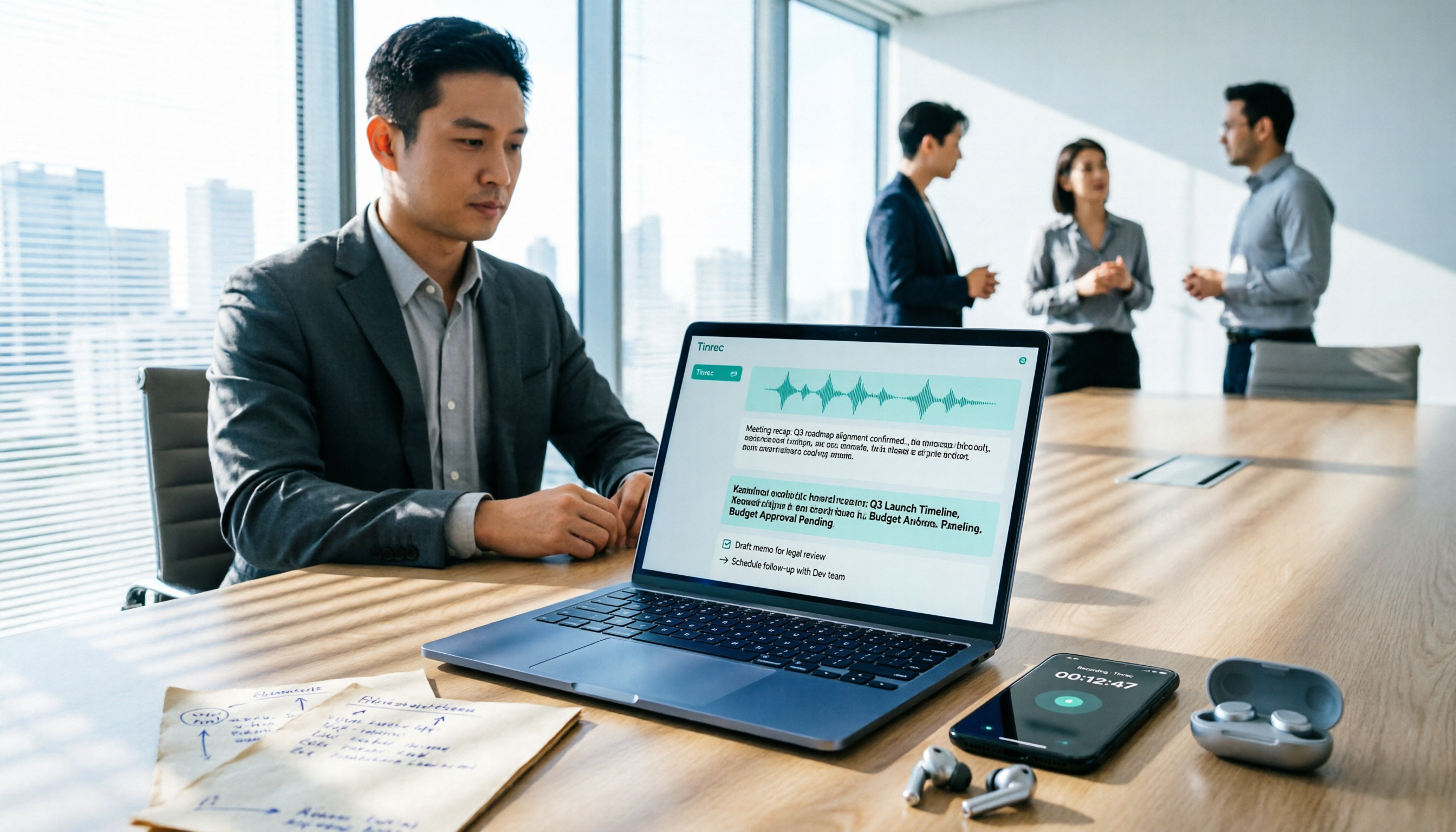
Best Free Audio-to-Text Tools in 2026: 5 Tested, This One Has the Most Generous Free Tier
Meeting recording still sitting there and a transcript due tomorrow? This article covers the 5 key factors for choosing a free audio-to-text tool in 2026—from free tier limits and Chinese recognition to post-meeting organization and team collaboration—and demonstrates the complete workflow from recording, transcription, summarization, and action items to AI Q&A using Tinrec.