

Turn recordings into transcripts and summaries in minutes
Upload audio or video for multilingual transcription, AI notes, and action items
Why You Need a Speech-to-Text App: Avoid These Three Common Pitfalls
Many people start by comparing "how many free minutes" on the pricing page. Honestly, that's the easiest trap to fall into.
Free minutes are just the entry barrier. What really determines usability is whether you can use the transcript right away. If you only look at minutes, you might end up with a tool that "transcribes but can't organize key points."
The second pitfall is treating "having a transcript" as the end goal. A 60-minute meeting can produce tens of thousands of words. Without summaries and action items, you still have to read through it all.
The third pitfall is assuming the tool only needs to handle "live recording." In reality, you'll need to process old MP3s, interview files, and even audio from online meetings played on your computer. Tools that only record live won't help with old files.
This article covers 5 speech-to-text apps that are frequently discussed on Dcard and PTT, comparing free tiers, Chinese recognition, and post-meeting organization all in one place.
Tinrec | The Most Complete AI Recording and Meeting Assistant
Tinrec is an AI meeting notes and collaboration tool for individuals and teams, putting recording, transcription, organization, Q&A, and export into a single workflow.
Its most distinctive feature is the wide range of input sources. Besides live recording in the app and uploading audio/video files, the desktop version can directly capture system audio to handle online meetings on Zoom, Google Meet, Microsoft Teams, and Webex without inviting an extra meeting bot. Note that this is not "automatically joining all meetings on your calendar"—you start recording manually in Tinrec.
What sets it apart is what happens after transcription. Beyond the transcript, it generates summaries, chapters, key points, and action items, and allows AI Q&A about the meeting content—you can ask "what was decided in this meeting" or "what concerns did the client mention." When it's time to report, you can further generate documents, tables, or export to Notion, Google Docs, OneNote, or Dropbox for further editing.
For team use, it offers separate team spaces rather than sharing one account. Meeting data belongs to the team, with roles for owner, admin, and regular members, and a distinction between "roles" and "seats"—members without seats can still view, play, and read data, but need a seat to record, upload, edit, and export. There are also usage analytics, audit logs, team hotwords, and an audio recycle bin.
Pricing: The personal plan includes a free version, weekly card, Pro monthly, and Pro annual, depending on usage frequency; for occasional transcription, the free version is sufficient. The team plan offers a 7-day trial for first-time eligible users (1 free seat, 300 minutes of shared team import quota), then USD 29.80 per paid seat per month, or USD 199 per paid seat per year (about USD 16.58/month), with each paid seat providing 2,000 minutes of shared team import quota per month. Live recording under an active seat is currently not deducted by minutes.
Who it's for: Office workers and project teams who need Chinese meeting notes and want to turn recordings into searchable, queryable team knowledge.
Notta | Multilingual Transcription and Meeting Notes
Notta is a highly discussed transcription tool in Taiwan, supporting multiple platforms, file import, translation, and team plans. It's a strong alternative to Tinrec with significant overlap.
Free version: 120 minutes per month, max 3 minutes per item; Pro annual billing is about USD 8.17/month for 1,800 minutes per month; Business annual billing is about USD 16.67/seat/month, offering unlimited transcription, role permissions, and usage reports.
The difference lies in focus: Notta leans toward "transcription and translation," while Tinrec emphasizes post-meeting summaries, Q&A, and team knowledge retention.
Who it's for: Individual users who need multilingual transcription and primarily work with files.
Otter.ai | The Go-To English Meeting Assistant
Otter is a common choice for English business meetings, supporting platforms like Zoom, Teams, and Meet, with live transcription, speaker identification, AI Chat, and mature team management.
Free Basic: 300 minutes per month; Pro annual billing is about USD 8.49/user/month, including 1,200 minutes of in-app recording per month and 10 file imports; Business offers unlimited meetings and in-app recording. Note that Otter's strength is English meetings; Chinese meetings are not its forte.
Who it's for: Companies whose team meetings are in English and need mature collaboration features.
Granola | Bot-Free AI Meeting Notes
Granola also takes a "bot-free" approach, using system audio and microphone on desktop for live transcription, combined with your own typed notes to generate meeting content.
Stop organizing recordings by hand
Upload audio or video and automatically get a transcript, summary, and action items
Free Basic is available; Business is USD 14/user/month, Enterprise USD 35/user/month. Limitations to note: it does not support uploading pre-recorded audio files and does not save meeting audio files.
Who it's for: People who like to take notes during meetings and don't need to listen back to recordings.
TurboScribe | Cost-Effective Long-Form Transcription
TurboScribe is close to a pure file transcription tool, focusing on long documents, batch uploads, subtitles, and translation.
Free version: 3 files per day, max 30 minutes per file; Unlimited annual billing is USD 120 (about USD 10/month), max 10 hours or 5 GB per file, up to 50 files at once.
If you have a bunch of seminar recordings or lecture audio to batch process, its cost-effectiveness is indeed good; but live meetings, post-meeting Q&A, and team collaboration are not its focus.
Who it's for: Students and researchers with large amounts of long audio files to transcribe at once.
With So Many Options, How Should You Choose?
Pick by scenario:
- Want transcription, summaries, action items, and AI Q&A all in one → Tinrec, one of the few options that integrates the entire workflow into a single tool.
- Need to handle online meetings without inviting a bot → Tinrec desktop or Granola; if you also need to keep recordings, upload old files, and ask follow-up questions, Tinrec is more suitable.
- Meetings are mainly in English and your company already has collaboration habits → Otter.ai.
- Only occasionally transcribe a recording and have zero budget → Try the free versions of Notta or TurboScribe first.
- Need to process many long audio files at once → TurboScribe.
- Team needs to share meeting data, manage members and usage → Tinrec team plan, with roles, seats, usage, and audit all in one place.
5 Things to Know Before Using a Speech-to-Text App
1. Recording quality sets the upper limit of accuracy. Recording in a quiet environment, close to the speaker, or using an external microphone makes a big difference. It's even better if the tool supports custom terminology—like Tinrec's team plan, which offers team hotwords to add company terms and product names in advance.
2. Check the "per-item limit" of free tiers. Notta's free version limits to 3 minutes per item, TurboScribe's free version to 30 minutes per file. These limits are especially noticeable when transcribing long meetings and can block you more than total minutes.
3. Value comes from being able to "use" the transcript. When choosing a tool, first confirm whether it offers summaries, chapters, and action items, rather than just comparing minutes.
4. Understand roles and seats for team sharing. For example, in Tinrec's team plan, roles determine who can manage the team, seats determine who can record and upload, and active members without seats can only view. Confirm this before purchasing to avoid finding out someone can't use it after buying.
5. Confirm authorization before recording. Follow local regulations and company policies, and obtain consent from participants when necessary before recording.
FAQ
Q1: Which speech-to-text app is most recommended on Dcard?
Common names in discussion threads include Notta, Otter.ai, and Yating Transcription, and Tinrec has been appearing more frequently in the past year. However, there's no "universally recommended" one—it depends on whether your scenario is meetings, classes, or interviews.
Q2: Is the free version enough?
For occasional use, absolutely. But if you have meetings every week, the free quota usually runs out after one or two uses. We suggest estimating your monthly recording hours first, then deciding whether to upgrade.
Q3: Is Chinese recognition accurate? Can it guarantee 100% accuracy?
We don't recommend expecting that. Actual performance is affected by recording quality, background noise, accents, overlapping speakers, and technical terminology. For important content, we suggest cross-checking with the original audio using timestamps in the transcript.
Q4: Do online meetings always require inviting a bot?
Not necessarily. Tinrec desktop and Granola directly capture system audio without an extra participant. These tools require you to start them manually; they don't automatically join every meeting on your calendar.
Q5: What's the difference between a team plan and sharing one account?
With a shared account, data belongs to the individual, and it's lost when they leave. Tinrec's team plan keeps data owned by the team, with management of members, roles, seats, and usage, and allows transferring resources to other members when someone leaves.
Q6: Can transcripts be exported?
Most tools support this. Tinrec can export to common file formats or directly to Notion, Google Docs, OneNote, or Dropbox for further editing.
Conclusion
The difference between speech-to-text apps is never "who has more free minutes," but whether you can use the transcript afterward.
If you need Chinese meeting notes, bot-free online meeting recording, and summaries, action items, AI Q&A, and team knowledge retention, Tinrec is the most complete workflow in this list.
If you're still unsure, we suggest running a real meeting recording with the free tier first to experience the transcription quality and organization process, then decide whether to pay.
References
- 2026 Comparison of 5 Speech-to-Text Apps: Is Tinrec, the Notta Alternative Everyone on Dcard Asks About, Worth It? - Tinrec Blog
- 2026 To-Do App Dcard Hot Discussions: From Speech-to-Text to AI Action Items, 5 Productivity Tools Compared - Tinrec Blog
- [Dcard Hot Topic] Speech-to-Text Tools Roundup: The Efficiency Revolution from Manual Labor to AI Automation - Tinrec Blog
- Expert-Reviewed Top 10 Audio-to-Text Rankings | mybest
- 2026 Meeting Notes App Dcard Recommendations: 3 AI Speech-to-Text Tools Tested and Compared - Tinrec Blog
Turn every recording into actionable outcomes
Get 60 free transcription minutes when you sign in. No credit card required.
Related Reading
You might also like

2026 Comparison of 4 Speech-to-Text Apps: Which One Actually Saves You Time After Transcription?
2026 speech-to-text app comparison: Tinrec, Otter.ai, Notta, and Granola evaluated on transcription performance, post-meeting output, meeting recording methods, and team collaboration, with key buying factors, common pitfalls, and scenario-based recommendations.

2026 Best 4 Audio-to-Text Tools Tested: Free Minutes Don't Mean Enough
From free quota calculations, online meeting recording methods, post-meeting organization, and team data ownership, we tested and compared Tinrec, Granola, TurboScribe, and PLAUD Note to help you find the audio-to-text tool that truly saves time.

4 Best Speech-to-Text Apps in 2026: Which Free Version Actually Works?
What are the real limits of free speech-to-text apps? We tested 4 tools (Tinrec, Otter.ai, Notta, Granola) across five dimensions: free quota, Chinese and mixed Chinese-English recognition, online meeting recording, post-meeting summaries and AI Q&A, and team data retention. Find the one that truly saves you time within your budget.
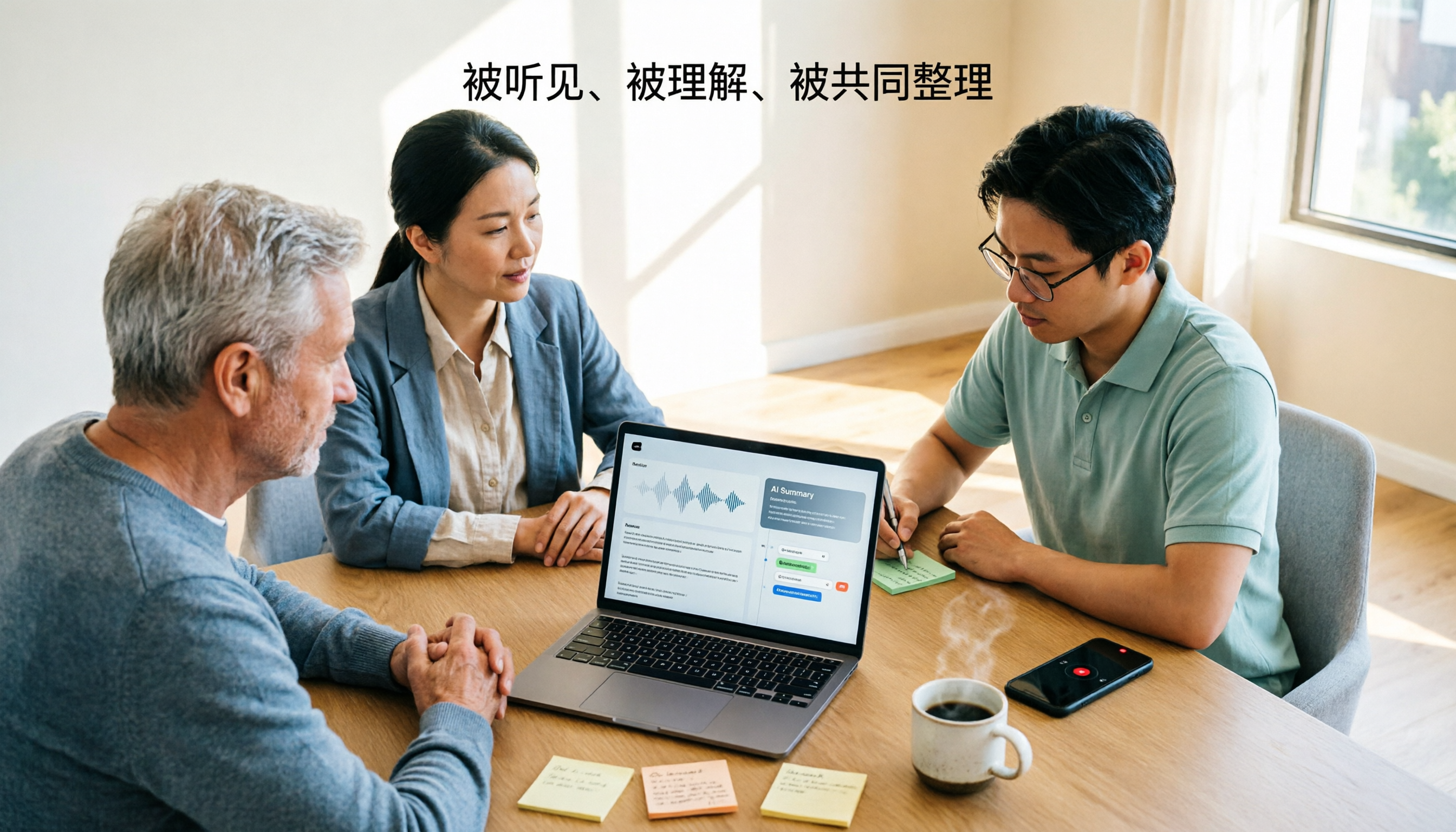
2026 Comparison of 4 Audio-to-Text Tools: Free Tiers, AI Summaries, and Team Collaboration
Audio-to-text tools are more than just free quotas. This article addresses common misconceptions, outlines 4 key selection criteria, and compares Tinrec, MyEdit, cSubtitle, and Canva in terms of transcription quality, post-meeting organization, and team collaboration. It also includes a pitfalls guide and scenario-based recommendations to help you choose the tool that truly saves time.

4 Audio-to-Text Apps Tested for 2026: Which Free Tier Is Actually Enough?
There are plenty of free audio-to-text apps, but most are just free trials. This article compares Tinrec, Notta, Otter.ai, and TurboScribe across five dimensions: free quota, per-file limits, meeting capture method, post-meeting organization, and team data ownership. It also lists four common pitfalls to help you decide which free plan is truly sufficient.

Free Audio-to-Text in 2026: Tinrec Free Tier + AI Summary Hands-On
Searching for "free audio-to-text" turns up plenty of tools, but free isn't always free. This article breaks down three free models, what free quotas can handle, and uses Tinrec as an example to test free-version transcripts, AI summaries, action-item extraction, and export workflows. It ends with 5 buying criteria and upgrade timing.

2026 Audio-to-Text AI Showdown: Tinrec vs Notta — 5 Key Dimensions Compared, Which Saves More Time?
How do you choose an audio-to-text AI tool? This article uses a mid-level manager's real workflow to compare Tinrec and Notta across online meeting recording, file import, post-meeting outputs, Chinese terminology, team governance, and quota costs. It honestly discusses each tool's limitations and best-fit scenarios.

Tinrec Review 2026: Cantonese Transcription & Notta Alternative Guide
How to choose a recording-to-text tool? This guide focuses on Tinrec, comparing it with Notta across three key criteria: online meeting capture, post-transcription workflow, and team data ownership. It breaks down real use cases and buying considerations to help you pick the right transcription tool in 2026.
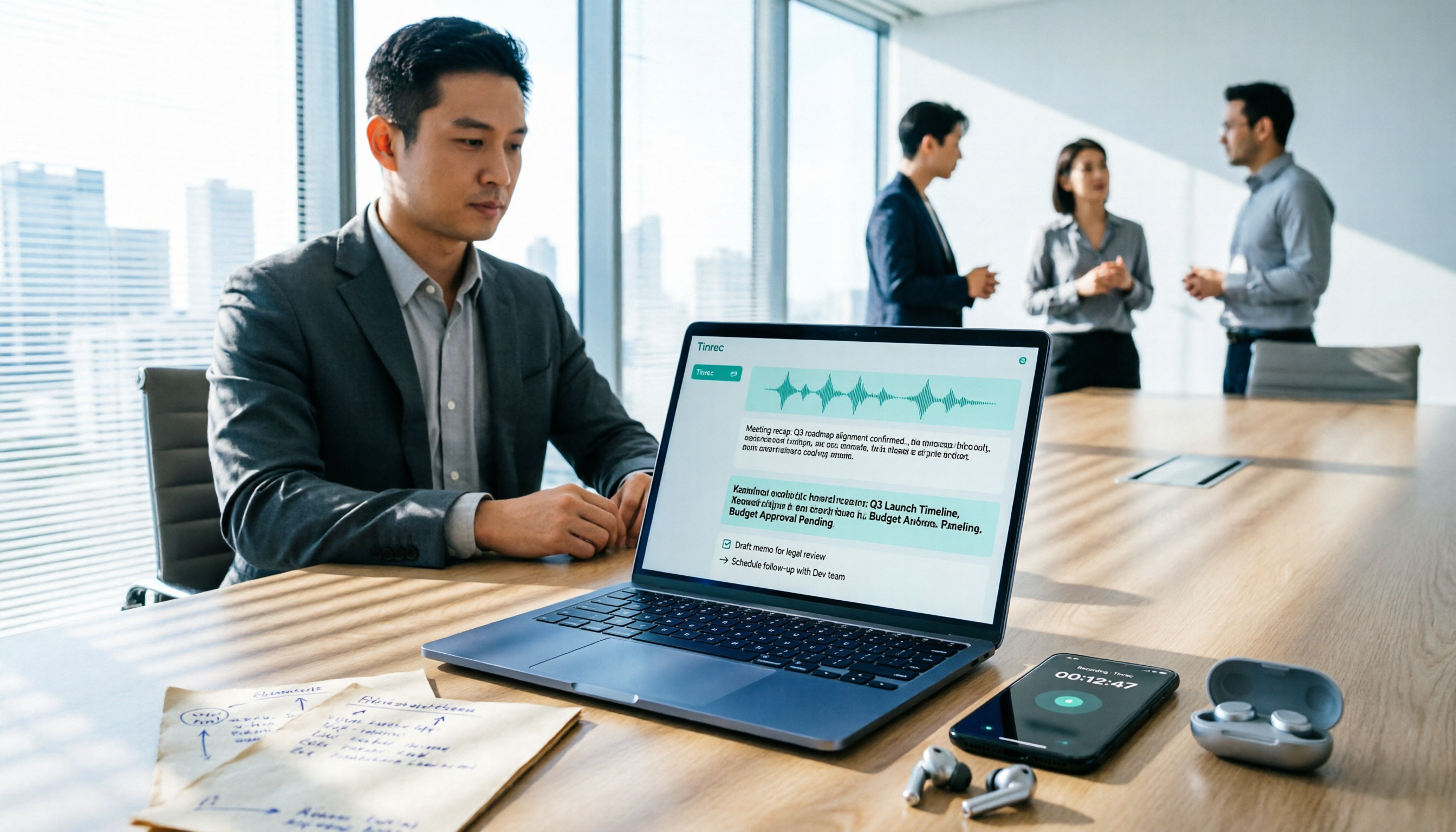
Best Free Audio-to-Text Tools in 2026: 5 Tested, This One Has the Most Generous Free Tier
Meeting recording still sitting there and a transcript due tomorrow? This article covers the 5 key factors for choosing a free audio-to-text tool in 2026—from free tier limits and Chinese recognition to post-meeting organization and team collaboration—and demonstrates the complete workflow from recording, transcription, summarization, and action items to AI Q&A using Tinrec.