
Turn recordings into transcripts and summaries in minutes
Upload audio or video for multilingual transcription, AI notes, and action items
Best Free Audio-to-Text Tools in 2026: 5 Tested, This One Has the Most Generous Free Tier
It's 8 PM, the meeting just ended, the recording is 90 minutes long, and you need to deliver a transcript by tomorrow morning. You search for "free audio to text" and the top five results all claim to be free—but once you start using them, you discover: some only give you 30 minutes, some won't let you edit after transcription, and some lock summaries and exports behind a paywall.
What really matters when comparing free plans isn't whether they're free—it's three things: how the free quota is calculated, whether the Chinese transcription is usable as-is, and whether it can help you organize after transcription. Take Tinrec as an example: the free version provides a basic quota for recording, importing, summarizing, and transcribing—a "confirm Chinese performance first, then decide whether to upgrade" approach.
What Can Free Audio-to-Text Do for You?
No need to re-listen to the recording after a meeting
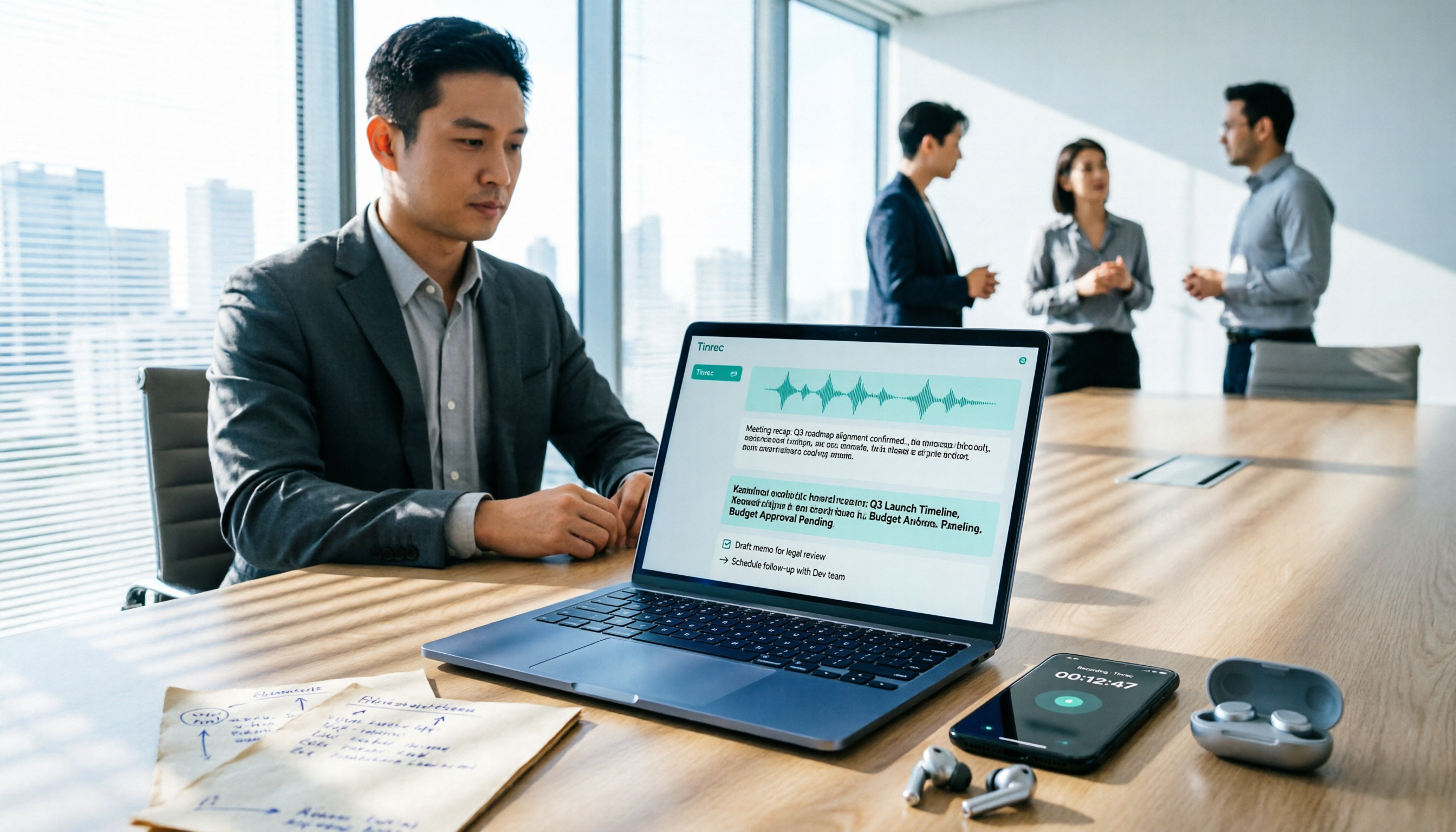
For a two-hour meeting, manual transcription takes about four to six hours. Tinrec transcribes while recording, so by the time the meeting ends, the transcript is already there—complete with summaries, chapters, and action items, so you can see at a glance who's responsible for what.
No more re-listening to interviews and client calls three times
After uploading a recording, you can ask questions directly about the content, such as "What did the client say their budget cap was?" or "What were their concerns about the delivery timeline?" Tinrec's AI Q&A understands semantics and answers directly—no need to drag through the timeline to find that one sentence.
Turn lectures, talks, and online courses into notes quickly
Long audio files are broken into chapters and key points, so when you need to review, you just look at the structure instead of playing from the beginning. When you need to organize the framework, Tinrec can also convert meeting content into a mind map.
Keep up with cross-language meetings even if you don't understand the language
During recording, you can view the original text, translation, or bilingual side-by-side—no need to wait until after the meeting to translate for international meetings or foreign-language courses.
What Are the Core Capabilities of Free Audio-to-Text?
Real-time transcription: text appears as you record
It's not transcribe-after-recording. Tinrec's real-time transcription is great for in-person meetings, interviews, and on-site note-taking—you can watch the text sync and confirm nothing important is missed, and even correct on the spot if a speaker talks too fast or goes off-topic.
Record online meetings without a bot
Most meeting tools work by pulling a bot into the meeting room as a participant—an extra name on the screen that some people find awkward. Tinrec's desktop version directly captures your computer's system audio to handle meetings on Zoom, Google Meet, Microsoft Teams, Webex, and more, without an extra bot joining. The catch is that you need to actively open Tinrec and start recording—it's not the type that automatically joins all calendar meetings.
Post-transcription organization: summaries, chapters, action items
The transcript is just raw material. Tinrec automatically generates summaries and chapters and extracts action items from the discussion; when you need to deliver, you can use Agent post-processing to generate reports, tables, and documents.
AI Q&A: treat meetings as a searchable database
Once transcription is complete, the meeting is no longer an audio file sitting in a folder—it's searchable data you can query. This is especially useful for people who need to trace decision context—"Who said we should run a small-scale test first on this project last time?"
Export to your existing workflow
Tinrec supports multiple export formats and can send results to Notion, Google Docs, OneNote, Dropbox, and other tools for further processing—no need to copy and paste entire sections.
Real-World Use Cases
Weekly department meetings
Instead of trying to recall who said what afterward, let Tinrec transcribe while recording, then review the summary and action items directly. The team version also centralizes meeting data in a team space, so new members can look up past meetings without asking around.
Client interviews and sales follow-up
Key interview points are often in the details: budget, decision chain, concerns. After transcribing with Tinrec, ask questions directly and organize client needs, objections, and commitments into a single page—giving you a basis for follow-up.
Stop organizing recordings by hand
Upload audio or video and automatically get a transcript, summary, and action items
Classes and self-study
A two-hour class is too costly to re-listen to. Tinrec's chapters and key points let you scan the structure in five minutes, then refer back to the original text for details.
Content creation and subtitle prep
The most time-consuming part of organizing video and podcast material is turning audio into editable text. Use Tinrec to produce a transcript first, then move into editing or writing—much faster than transcribing from scratch.
5 Things to Watch When Choosing a Free Audio-to-Text Tool
1. Is the free quota "monthly" or "one-time"?
Some tools give you trial minutes that are gone once used; others reset monthly. The evaluation is simple: calculate based on your actual meeting hours last month. Tinrec's free version provides a basic quota for you to try; if you're really using it every week, then consider a weekly card, Pro monthly, or annual plan. For short bursts of intensive meetings (like a week-long interview marathon), a weekly card is more cost-effective.
2. Chinese and mixed Chinese-English recognition
Meetings in Taiwan and Hong Kong are rarely pure Chinese—proper nouns, product codes, and English abbreviations always get mixed in. Tinrec covers Chinese, Traditional Chinese, and multilingual scenarios, and you can maintain common terms using team hotwords. Note that no tool should promise a fixed accuracy rate—recording quality, noise, accents, and multiple people speaking at once all affect results. For important content, cross-check against the original text and recording.
3. Does it have "post-meeting organization"?
A tool that only gives you a transcript is essentially handing the organization work right back to you. Tinrec's difference is that summaries, chapters, action items, Q&A, and export are all in one workflow—once transcription is done, you can move forward.
4. Supported input sources and devices
Confirm it fits your use case: real-time recording, existing audio files, phone recordings, web and desktop. Tinrec covers real-time recording, audio/video files, mobile and desktop; for online meetings, the desktop version captures system audio.
5. For team use, understand "roles" and "seats" first
The team version isn't multiple people sharing one account. Tinrec's team version provides an independent team space, member invitations, owner/admin/member roles, and seat-based control over who can record, upload, edit, and export; members without seats can still view, play, and read team data. Admins can also see usage trends and audit logs. Pricing: the team version is currently USD 29.80 per paid seat per month, or USD 199 per paid seat per year (about USD 16.58/month). First-time eligible users can try 7 days with 1 free seat and 300 shared onboarding minutes; actual benefits are subject to the official purchase page.
Frequently Asked Questions
Q: Is the free version really enough?
Test it with your real recordings first. If you only have one or two meetings a week, the free quota is usually enough to verify Chinese performance and workflow smoothness; if you have meetings every day, the free quota will definitely run out first—that's when comparing weekly cards and Pro makes sense.
Q: Does it support Zoom, Google Meet, and Teams? Will a bot join?
Tinrec's desktop version captures your computer's system audio to record meetings played on these platforms—no extra meeting bot joins. It's not an official integration with these platforms, nor does it automatically join all calendar meetings.
Q: Is the transcribed text accurate?
Quality is good with clear audio and common scenarios, but no tool can guarantee a fixed accuracy rate. In practice: keep the microphone close to the speaker, reduce background noise, avoid overlapping speech; reinforce technical terms with team hotwords, and double-check key numbers and decisions against the original text.
Q: What's the difference between the personal and team versions?
Personal version data belongs to the individual account; the team version is an independent collaboration space where meeting data belongs to the team, with additional members, roles, seats, shared benefits, usage analytics, audit logs, and an audio recycle bin. When a member leaves or loses their seat, team resources are transferred to other active members—they don't disappear with the individual.
Q: Can deleted recordings be recovered?
The team version's audio recycle bin allows recovery before permanent deletion, with a current retention period of 30 days; action items are not covered by the recycle bin. Also, recording and transcription involve personal data—please handle in accordance with local regulations and company policies, and obtain participant consent when necessary.
Conclusion
Free audio-to-text tools aren't hard to find—what's hard is finding one where "before the free quota runs out, you've already confirmed the Chinese is good enough and that transcription actually saves you some work." If you need Chinese meeting transcripts plus post-meeting organization, Tinrec is worth trying first: run one or two real meetings on the free version and see if the summaries and action items are directly usable; when you need to share meeting data with a team, then evaluate the team version's seats and quota configuration. Choose the right tool, and what you save isn't just a few minutes—it's those hours that regularly disappear every week.
References
- Online Speech-to-Text AI, Free MP3 or Audio File to Text Transcript - MyEdit
- Audio to Text | Free Online Audio File to Transcript | Proactor AI
- No Time Limit! 3 Free AI Transcript Tools, Highly Recommended! AI Voice Notes Generate Meeting Minutes, Presentations, Mind Maps | 104 Career Power
- Audio to Text - Free Speech-to-Text Tool
- 2026 Free Audio-to-Text Plans: 7 Tools at a Glance - Tinrec Blog
Turn every recording into actionable outcomes
Get 60 free transcription minutes when you sign in. No credit card required.
Related Reading
You might also like

2026 Comparison of 4 Speech-to-Text Apps: Which One Actually Saves You Time After Transcription?
2026 speech-to-text app comparison: Tinrec, Otter.ai, Notta, and Granola evaluated on transcription performance, post-meeting output, meeting recording methods, and team collaboration, with key buying factors, common pitfalls, and scenario-based recommendations.

2026 Best 4 Audio-to-Text Tools Tested: Free Minutes Don't Mean Enough
From free quota calculations, online meeting recording methods, post-meeting organization, and team data ownership, we tested and compared Tinrec, Granola, TurboScribe, and PLAUD Note to help you find the audio-to-text tool that truly saves time.

4 Best Speech-to-Text Apps in 2026: Which Free Version Actually Works?
What are the real limits of free speech-to-text apps? We tested 4 tools (Tinrec, Otter.ai, Notta, Granola) across five dimensions: free quota, Chinese and mixed Chinese-English recognition, online meeting recording, post-meeting summaries and AI Q&A, and team data retention. Find the one that truly saves you time within your budget.

2026 Comparison of 4 Audio-to-Text Tools: Free Tiers, AI Summaries, and Team Collaboration
Audio-to-text tools are more than just free quotas. This article addresses common misconceptions, outlines 4 key selection criteria, and compares Tinrec, MyEdit, cSubtitle, and Canva in terms of transcription quality, post-meeting organization, and team collaboration. It also includes a pitfalls guide and scenario-based recommendations to help you choose the tool that truly saves time.

4 Audio-to-Text Apps Tested for 2026: Which Free Tier Is Actually Enough?
There are plenty of free audio-to-text apps, but most are just free trials. This article compares Tinrec, Notta, Otter.ai, and TurboScribe across five dimensions: free quota, per-file limits, meeting capture method, post-meeting organization, and team data ownership. It also lists four common pitfalls to help you decide which free plan is truly sufficient.

Free Audio-to-Text in 2026: Tinrec Free Tier + AI Summary Hands-On
Searching for "free audio-to-text" turns up plenty of tools, but free isn't always free. This article breaks down three free models, what free quotas can handle, and uses Tinrec as an example to test free-version transcripts, AI summaries, action-item extraction, and export workflows. It ends with 5 buying criteria and upgrade timing.

5 Best Speech-to-Text Apps in 2026: Top Picks from Dcard and Free Tiers Compared
We've rounded up 5 speech-to-text apps that are popular on Dcard and PTT, comparing free tiers, Chinese recognition, post-meeting summaries, and team collaboration. We also highlight the three most common pitfalls when choosing an app, so you can find the tool that truly fits your use case.

2026 Audio-to-Text AI Showdown: Tinrec vs Notta — 5 Key Dimensions Compared, Which Saves More Time?
How do you choose an audio-to-text AI tool? This article uses a mid-level manager's real workflow to compare Tinrec and Notta across online meeting recording, file import, post-meeting outputs, Chinese terminology, team governance, and quota costs. It honestly discusses each tool's limitations and best-fit scenarios.

Tinrec Review 2026: Cantonese Transcription & Notta Alternative Guide
How to choose a recording-to-text tool? This guide focuses on Tinrec, comparing it with Notta across three key criteria: online meeting capture, post-transcription workflow, and team data ownership. It breaks down real use cases and buying considerations to help you pick the right transcription tool in 2026.