

Turn recordings into transcripts and summaries in minutes
Upload audio or video for multilingual transcription, AI notes, and action items
Tinrec Review 2026: Cantonese Transcription & Notta Alternative Guide
When it comes to recording-to-text, the real decision isn't about which app transcribes most accurately—it's about three key questions: How does meeting audio get into the tool? What happens to the transcript afterward? And who ultimately owns the data? Different answers mean different tools. Many friends in Central have tried five or six tools, with more misses than hits, and eventually resorted to overtime manual transcription. This article focuses on Tinrec, breaking down these three questions one by one, and explains why Notta users are starting to look for alternatives.
Why are people looking for Notta alternatives?
Notta is a fairly common transcription tool on the market, covering multi-platform transcription, meeting notes, document import, translation, and team plans. It does the job for organizing a recording or producing a transcript. But when usage shifts from "occasionally organizing a recording" to "daily meetings requiring transcripts," several issues emerge: how meeting audio enters the tool, whether there's post-transcription processing, and how data is managed when more than one person on a team uses it.
These aren't problems unique to Notta—they're common limitations of most general-purpose tools centered on transcription. They excel at turning audio into text, but the work after the meeting usually still falls on you. If this resonates, Tinrec deserves a spot on your shortlist.
Tinrec vs Notta: What's different in the core experience?
1. How online meetings are captured
Ninety percent of meetings for Hong Kong office workers happen on Zoom, Google Meet, or Teams. Tinrec's desktop app captures system audio directly—no extra bot joining as a participant—and the transcript is generated right after the meeting. Notta also offers desktop and meeting bot options. The difference: bot-free capture doesn't add a stranger's name to the participant list, which matters especially for client meetings. If your meetings often involve external clients, this directly affects perception.
2. What you can do after transcription
Getting the transcript is just the starting point. Tinrec automatically generates summaries, chapters, and action items, and supports AI Q&A around meeting content—for example, asking "What were the three concerns the client raised in this meeting?" without scrolling through thirty pages of text. You can then use Agent post-processing to generate reports, tables, and meeting minutes. Notta also offers captions, translation, and summaries. The difference: Tinrec treats "post-meeting deliverables" as the main workflow, not an add-on. For those who still have to write minutes after a meeting, this difference directly affects when they can leave work.
3. Who owns team data
With personal transcription tools, data stays in individual accounts and disappears when members leave. Tinrec's team plan is a separate team space: meeting recordings, transcripts, summaries, and action items belong to the team, and new members can review past meetings. Admins can assign roles and seats, view usage trends and audit logs, and recover accidentally deleted audio from the recycle bin (currently retained for 30 days). When a member leaves or is removed, their team resources must be handed over to other active members—they don't leave with the person. Notta's Business plan also offers role permissions and usage reports. The difference: Tinrec separates seats (can record, upload, edit) from roles (can manage the team), making procurement and governance clearer.
4. Input sources and language experience
Tinrec covers live recording, computer meetings, audio/video files, and phone recordings; some public web links can also be imported. For languages, it focuses on Chinese, Traditional Chinese, and multilingual meetings, with real-time translation and the ability to switch between original, translated, or bilingual views during recording. For Hong Kong meetings mixing Chinese and English, this bilingual view is quite practical. Note that actual performance depends on recording quality, ambient noise, accents, overlapping speakers, and technical terminology—important content should be checked against the recording.
Stop organizing recordings by hand
Upload audio or video and automatically get a transcript, summary, and action items
5. How to use the free tier
Notta's free plan offers 120 minutes per month with a 3-minute limit per item (per its official pricing page). Tinrec's free plan provides a basic quota, enough to test transcription and summary quality with your own recordings. Don't just look at minutes—what really determines value is how much time you save after transcription.
Tinrec's core features at a glance
Live recording to text: Open and record, text generated in sync—you can follow along during the meeting without waiting until afterward. Ideal for in-person meetings, interviews, and on-site notes.
Bot-free online meeting recording: Desktop app captures system audio for Zoom, Meet, Teams, and Webex without inviting a bot to join.
AI summaries and chapters: Long meetings are automatically structured—key points from a one-hour client meeting can be grasped in minutes, no need to drag the progress bar during review.
Action item extraction and AI Q&A: Pull follow-up actions from discussions, then ask questions directly—answers based on semantic understanding, no need to re-listen to recordings.
Multi-format export and Agent post-processing: Results can be exported to Notion, Google Docs, OneNote, Dropbox, etc. for further editing, and can also generate reports, tables, and documents.
Team space and governance: One-stop management of members, roles, seats, usage analytics, audit logs, audio recycle bin, and team hotwords. Team monthly billing is USD 29.80 per paid seat per month; annual billing is USD 199 per paid seat per year (about USD 16.58/month), with 2,000 minutes of shared team import quota per seat per month. Prices and benefits are subject to the official purchase page.
Real-world use cases
Weekly department meetings: Record with Tinrec desktop app, and transcripts, summaries, and action items are ready afterward. When writing minutes, pull directly from chapters and action items—saving an hour of re-listening.
Client interviews and sales conversations: Client meetings aren't ideal for adding a bot—bot-free recording solves this. Afterward, use AI Q&A to ask about "the budget range the client mentioned" and "what was promised," then compile follow-up materials.
Courses and lectures: Record and import, generate transcripts and key points, and use bilingual view for English-taught segments.
Personal knowledge base: Historical recordings in one place—searchable, queryable, no longer scattered across phones and cloud drives.
What to look for when choosing a recording-to-text tool
Meeting capture method: Bot joining, desktop capture, or file upload only—this directly determines whether you can use it in client meetings.
What comes after transcription: Just a transcript, or summaries, chapters, action items, and Q&A—this determines how much time you save.
Language and terminology handling: Recognition experience for Chinese, mixed Chinese-English, and technical terms; team plans can maintain common terms via hotwords.
Team permission clarity: Distinguish roles, seats, and member relationships to avoid buying seats assuming everyone can edit, or vice versa.
Data ownership and retention: Whether audio is retained, whether deleted items can be recovered, and how data is handled after members leave—ask before purchasing.
Conclusion: Is Tinrec worth a try?
If you just need a recording-to-text transcript, there are many options on the market. But if you want meeting materials ready to use right after a meeting—transcript, summary, action items, queryable, deliverable, and retained for the team—Tinrec is one of the few tools that connects the entire workflow. Its strengths are bot-free meeting capture, Chinese and bilingual experience, and the ability to turn meetings into team assets. Limitations: it doesn't take a hardware approach, nor is it a specialist for one-off bulk long-file transcription. We recommend starting with Tinrec's free plan basic quota, running one of your real meeting recordings through it, and seeing whether transcription and summaries match your work rhythm—that's more direct than reading any review.
References
- Audio to Text: Convert Recordings to Transcripts Online | Canva
- Online Speech-to-Text AI, Free MP3 or Audio File Transcription - MyEdit
- Audio to Text | Free Online Recording Transcription | Proactor AI
- Online AI Speech, Video, Audio File Auto Transcription - Free Trial - cSubtitle
- No Time Limit! 3 Free AI Transcription Tools Recommended! AI Voice Notes for Meeting Minutes, Presentations, Mind Maps | 104 Career Power
Turn every recording into actionable outcomes
Get 60 free transcription minutes when you sign in. No credit card required.
Related Reading
You might also like

5 Best iPhone Transcription Solutions in 2026: Built-in vs. Apps vs. Team Collaboration
Starting with the device and version limitations of iPhone's built-in transcription, we compare Tinrec, Notta, Otter.ai, and Granola on Chinese meeting support, post-meeting organization, AI follow-up questions, and team knowledge retention to help you choose the right transcription solution.

4 iPhone Audio-to-Text Methods Tested in 2026: Shortcuts Have a High Barrier, AI Tools Win on Post-Meeting Organization
How do iPhone's built-in Voice Memos transcript, Notes live transcription, and the Shortcuts 'Create Dictation Note' actually differ? Starting from real-world usage scenarios, this article tests 4 iPhone audio-to-text methods, comparing setup barriers, Chinese recognition, post-meeting organization, and team collaboration to help you decide which is the least hassle.
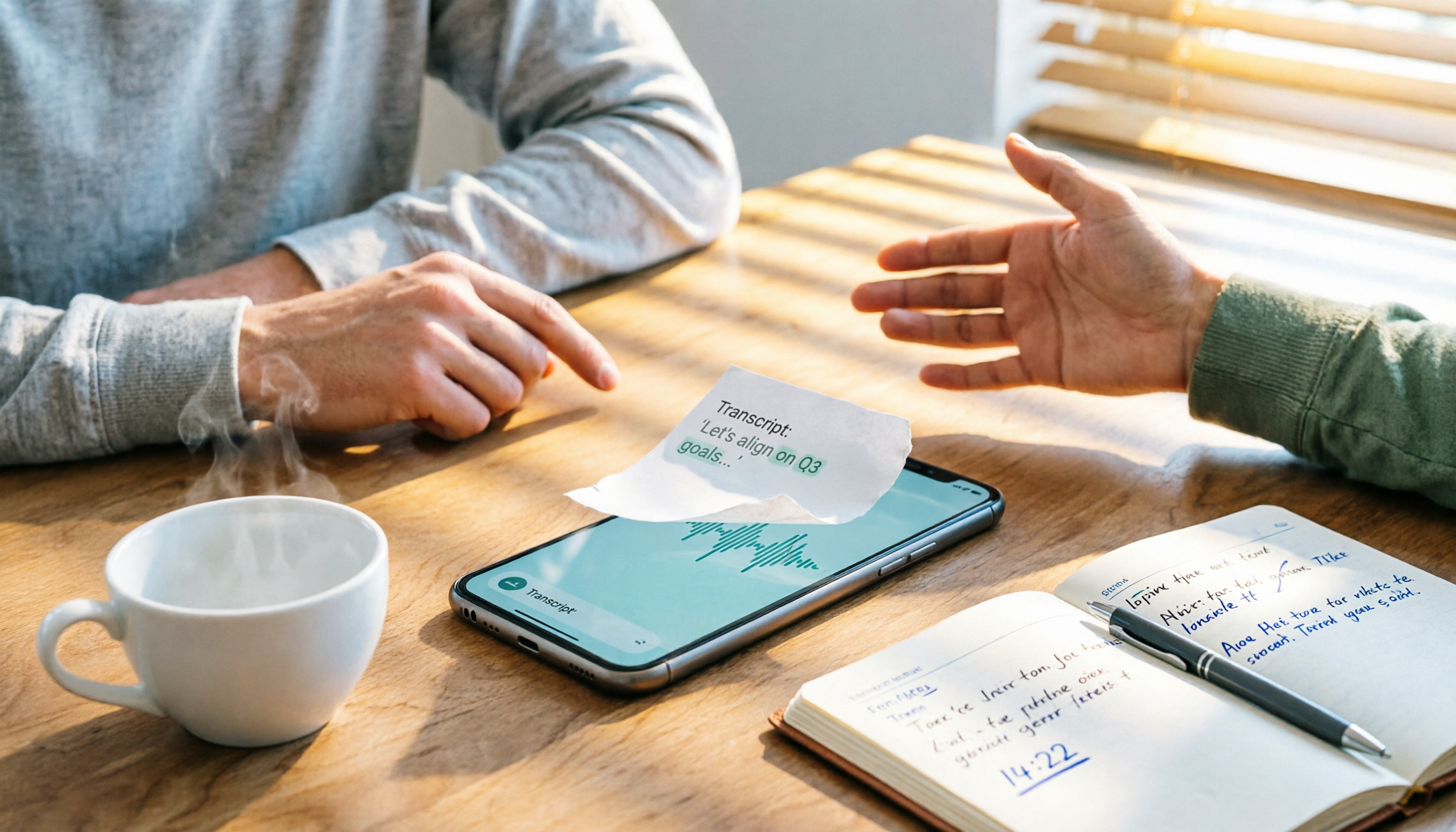
How to Transcribe iPhone Voice Memos to Text in 2026: Built-in 3-Step Guide + Turn Meetings into Queryable Data
iPhone voice-to-text transcription has version requirements: iOS 18.4 or later and iPhone 12 or later are needed for Traditional Chinese transcripts. This guide starts with the three most common order-of-operations mistakes, walks you through the 3 steps using the built-in Voice Memos app, and then compares Tinrec, Yating Transcription, Otter.ai, and PLAUD to help you decide which tool fits which scenario.
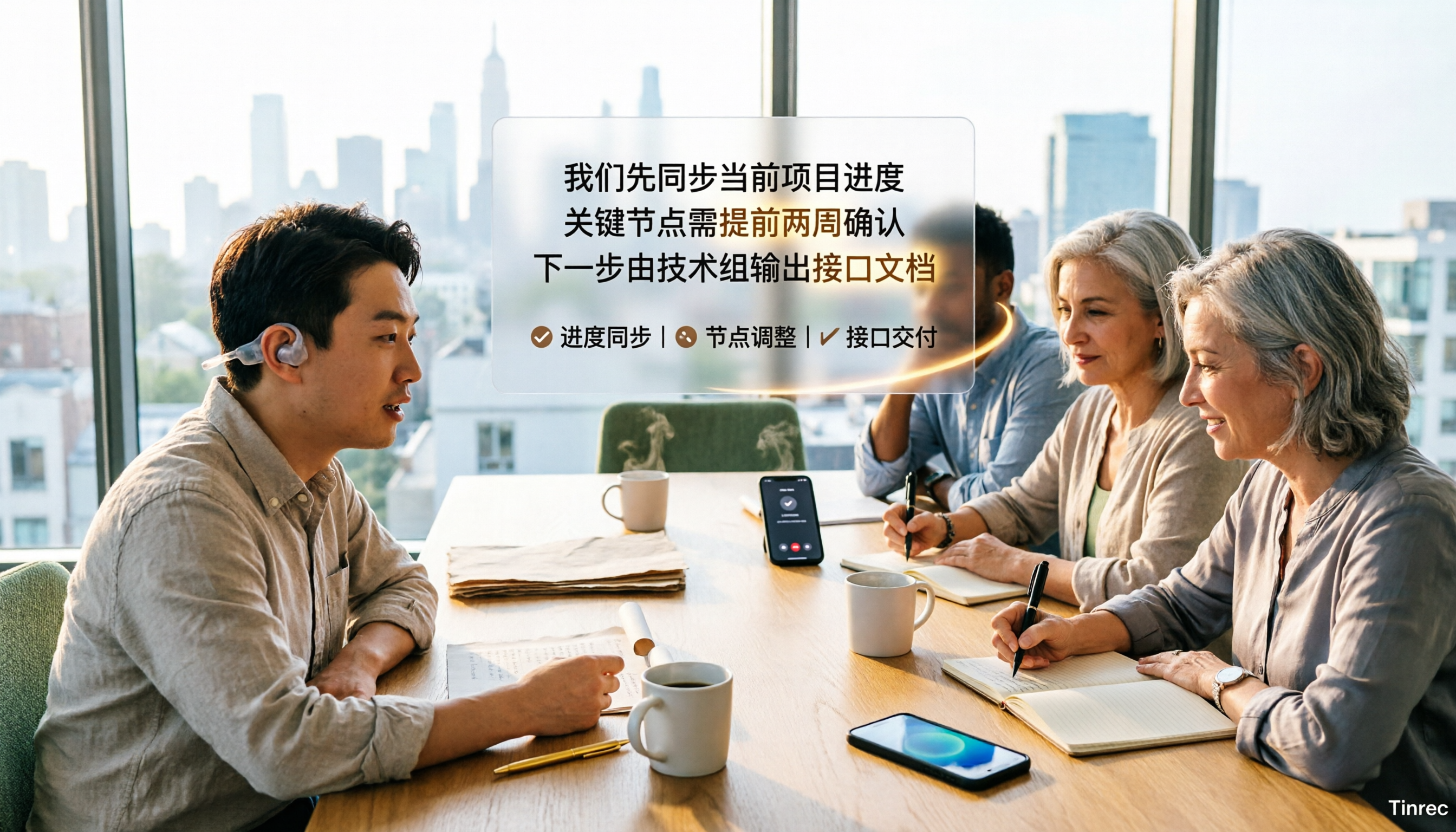
2026 Free Audio-to-Text Tools Comparison: Tinrec vs Otter.ai — Free Limits, Chinese Accuracy, and Post-Meeting Organization
How to choose a free audio-to-text tool? This article compares the free versions of Tinrec and Otter.ai across five dimensions: free quota, Chinese recognition, meeting recording methods, post-meeting organization, and team data ownership. It also includes a 3-step tutorial for the free version and FAQs to help you decide which one truly meets your needs.
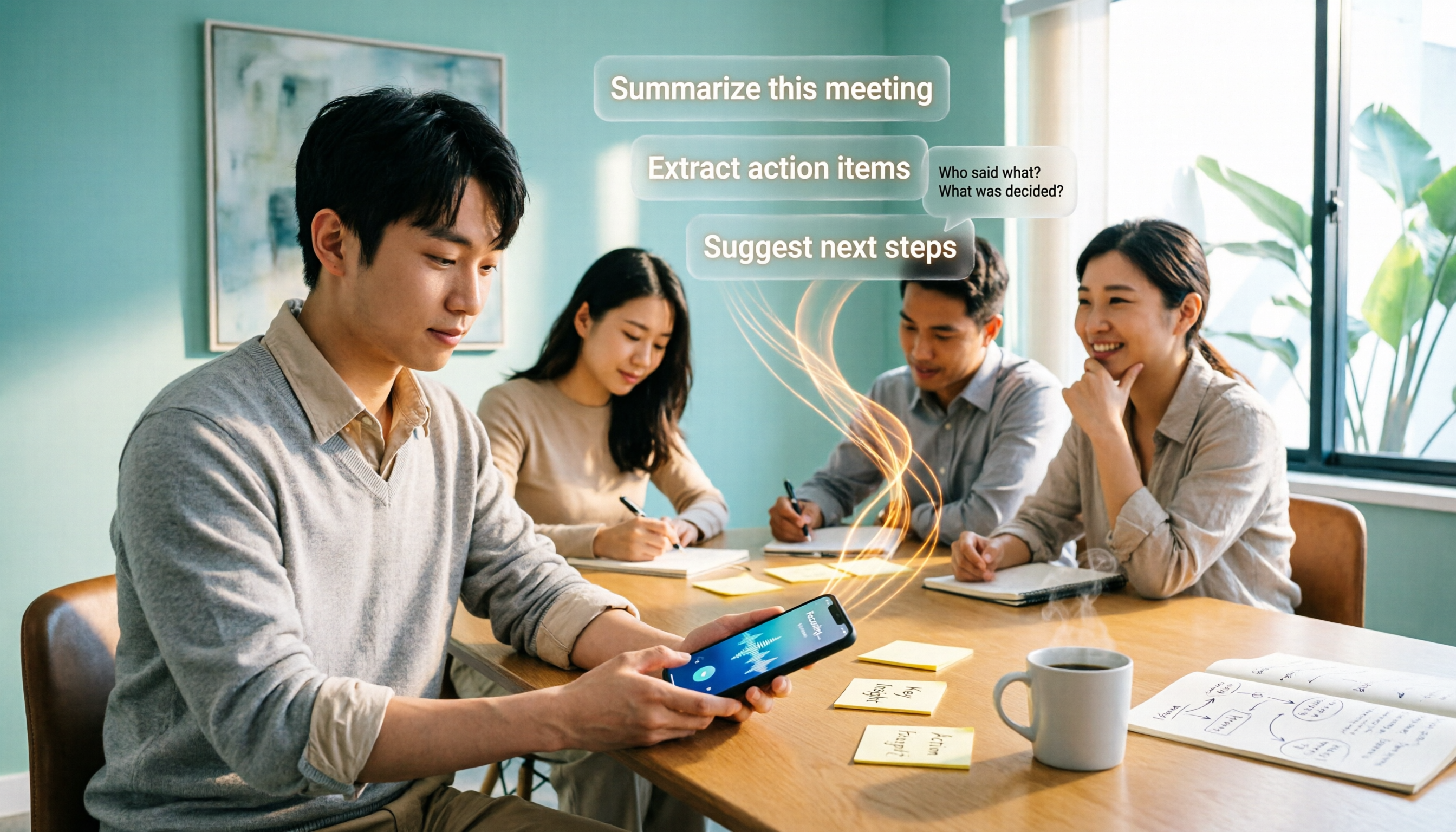
2026 Comparison of 4 Free AI Audio-to-Text Tools: Which Free Tier Is Enough and Which Lets You Ask AI Directly After Transcription?
2026 comparison of 4 free AI audio-to-text tools: from how free quotas are calculated and meeting recording methods to whether you can ask questions and organize content directly after transcription. We break down who Tinrec, Otter.ai, Notta, and TurboScribe are best for, plus 4 common pitfalls when choosing a free tool.

2026 Comparison of 4 Speech-to-Text Apps: Which One Actually Saves You Time After Transcription?
2026 speech-to-text app comparison: Tinrec, Otter.ai, Notta, and Granola evaluated on transcription performance, post-meeting output, meeting recording methods, and team collaboration, with key buying factors, common pitfalls, and scenario-based recommendations.

2026 Best 4 Audio-to-Text Tools Tested: Free Minutes Don't Mean Enough
From free quota calculations, online meeting recording methods, post-meeting organization, and team data ownership, we tested and compared Tinrec, Granola, TurboScribe, and PLAUD Note to help you find the audio-to-text tool that truly saves time.

4 Best Speech-to-Text Apps in 2026: Which Free Version Actually Works?
What are the real limits of free speech-to-text apps? We tested 4 tools (Tinrec, Otter.ai, Notta, Granola) across five dimensions: free quota, Chinese and mixed Chinese-English recognition, online meeting recording, post-meeting summaries and AI Q&A, and team data retention. Find the one that truly saves you time within your budget.

2026 Comparison of 4 Audio-to-Text Tools: Free Tiers, AI Summaries, and Team Collaboration
Audio-to-text tools are more than just free quotas. This article addresses common misconceptions, outlines 4 key selection criteria, and compares Tinrec, MyEdit, cSubtitle, and Canva in terms of transcription quality, post-meeting organization, and team collaboration. It also includes a pitfalls guide and scenario-based recommendations to help you choose the tool that truly saves time.