
![[Guide] Tinrec 2026: Turn Meeting Recordings into To-Dos — Auto-Generate Minutes + Action Items](https://record-img.tos-accelerate.volces.com/images/2026/09/25/1790343296286884955.png)
Turn recordings into transcripts and summaries in minutes
Upload audio or video for multilingual transcription, AI notes, and action items
[Guide] Tinrec 2026: Turn Meeting Recordings into To-Dos — Auto-Generate Minutes + Action Items
Many people think "turning meeting recordings into to-dos" is simple: finish the meeting, drop the audio file into an AI, wait for it to process, copy the output, and you're done. Anyone who's tried it knows that's not how it works — recordings have air conditioner noise, multiple people talking over each other, speakers changing their minds mid-sentence, or someone just saying "follow up on this" without specifying who's responsible or when it's due. The result is an AI-generated to-do list that looks polished, but the owner column is completely blank — or the AI just makes someone up. Even more common: the list looks great, but you have no idea which sentence each item came from, so verifying means listening to a two-hour recording from the start.
The truly time-saving approach isn't "drop the recording and wait for results" — it's a traceable workflow: recording → transcript → semantic organization → to-do extraction → assign owners and deadlines → verify against the original text. Below, we use Tinrec as an example to break down each step.
What can turning meeting recordings into to-dos do for you?
Scenario 1: Get an action list within 5 minutes of the meeting ending In the past, after a two-hour meeting, you'd spend another hour sorting out "who does what by when." With Tinrec, for example, transcription happens live during the meeting, and after it ends, AI directly generates summaries, chapters, and to-dos — no need to start from scratch.
Scenario 2: Multi-person meetings without manual note-taking The hardest part of cross-department meetings is "who said what." Tinrec generates transcripts and segmented content, so you don't need to write while listening — you can keep your attention on the discussion itself.
Scenario 3: Client meetings with a paper trail After aligning on requirements with a client, the biggest fear is them changing their story later. Tinrec turns the entire discussion into a transcript and to-dos that you can check line by line, and follow-up items can be exported to other tools.
Scenario 4: Bringing old recordings back to life Got a pile of historical recordings or interview files? Tinrec supports uploading audio and video files for transcription, and after organizing them, you can ask AI questions like "When did we say delivery would happen in the last meeting?"
What core capabilities does meeting recording-to-to-do need?
1. Bot-free online meeting recording Tinrec's desktop version captures your computer's system audio directly, handling meetings on Zoom, Google Meet, Microsoft Teams, Webex, and other platforms without adding an extra meeting bot. Note that the user manually starts recording in Tinrec — it doesn't automatically join all calendar meetings.
2. Real-time transcription Text appears as you record, not after. In-person meetings, interviews, and on-site notes can also use live recording. Transcripts preserve original speech and support search and review.
3. AI summaries and chapters It doesn't just condense the transcript into one paragraph — it breaks long meetings into structured chapters and key points, so you can jump to relevant sections and quickly grasp the discussion.
4. To-do extraction Action items are organized from the discussion content, giving you a followable list after the meeting instead of items scattered across a 20,000-word transcript.
5. AI Q&A After transcription is complete, you can ask questions directly about the meeting content — "Who's handling the budget this time?" "What objections did the client raise?" — and AI answers semantically, with key points verifiable against the transcript.
6. Post-meeting processing and export Tinrec supports multiple export formats, letting you bring results into Notion, Google Docs, OneNote, Dropbox, and other tools. You can also use Agent post-processing to generate reports, tables, and documents based on the meeting.
7. Real-time translation For cross-language meetings, you can view the original, translation, or bilingual side-by-side — no more missing key quotes.
Practical use cases
Online meetings The desktop version captures system audio without adding a bot. Ideal for teams on Zoom or Teams daily — summaries and to-dos are ready right after the meeting, no manual notes needed.
Stop organizing recordings by hand
Upload audio or video and automatically get a transcript, summary, and action items
In-person meetings and interviews Use a mobile device or computer to start live recording with real-time transcription. Works for interviews, user research, and expert sessions — and you can ask follow-up questions about the content afterward.
Organizing historical archives Upload existing audio or meeting recordings, convert them to searchable text, then generate minutes and to-dos — making old material usable again.
Cross-language meetings Meeting with overseas suppliers? Real-time translation plus bilingual transcripts make it hard to miss quotes or technical terms.
Team weekly meeting tracking The team version puts meeting materials in a shared team space, so new members can review past meetings, and to-dos and post-meeting outputs can be tracked continuously. Admins can monitor usage through member, seat, usage analytics, and audit logs.
5 things to look for when choosing a meeting recording-to-to-do tool
1. To-do lists must be traceable AI can misinterpret or embellish content, so it's best to choose a tool that lets you jump back to the original text with one click. Tinrec preserves transcripts and timestamps, so you can verify which sentence each to-do came from.
2. Does the recording method require a bot? Some solutions require inviting a bot into the meeting, which can be awkward at some companies. Tinrec's desktop version uses system audio capture without adding an extra participant.
3. Language and accent support Not every tool handles Chinese and mixed Chinese-English well. Tinrec covers Chinese, Traditional Chinese, and multilingual meetings, and offers team hotwords for industry-specific terminology. Actual results depend on recording quality, noise, accents, overlapping speech, and technical jargon.
4. Are post-meeting outputs sufficient? Transcription is only the first step. Whether it can generate summaries, chapters, to-dos, Q&A, and exports determines whether you need another round of manual work. Tinrec provides a complete workflow here.
5. Team governance If multiple people share access, check how roles and seats are allocated. Tinrec's team version is a separate team space with owner, admin, and regular member roles, seat allocation, usage trends, and audit log export. Team audio has a recycle bin with a 30-day retention period.
Frequently asked questions
Q: If recording quality is poor, can AI still extract to-dos? Yes, but quality directly affects results. Air conditioner noise, multiple people talking at once, and heavy accents all affect transcription, which in turn affects to-do accuracy. We recommend placing the microphone close to the speaker before the meeting.
Q: Can AI-generated to-dos be used as-is? We recommend verifying them. AI can greatly reduce manual organization, but important information (amounts, deadlines, owners) should be confirmed against transcript timestamps and recording playback.
Q: Does it support Cantonese and mixed Chinese-English? Tinrec covers Chinese, Traditional Chinese, and multilingual meeting scenarios, and can also organize mixed Chinese-English content. Actual accuracy depends on accent and recording environment.
Q: Do online meetings require a bot? No. Tinrec's desktop version captures computer system audio — the user just manually starts recording.
Q: Does team sharing require an account for each person? Yes. The team version is a separate team space, not multiple people sharing one personal account. Members need to join the team and obtain recording, uploading, and editing access through seats. Valid members without a seat can still view, play, and read team materials.
Q: If a member leaves, will meeting data go with them? Team resources belong to the team. When a member leaves, is removed, or loses their seat, their team resources need to be handed over to other valid members.
Q: What's the pricing? The personal version offers a free tier and Pro options — choose based on your usage needs. The current team version configuration includes a 7-day trial for first-time eligible teams, 1 free seat, and 300 minutes of shared team import quota. Team monthly is USD 29.80 per paid seat per month; annual is USD 199 per paid seat per year. Each paid seat provides 2,000 minutes of shared team import quota per month. Under an active team plan, live recording currently does not deduct minutes; file and network imports use the shared team quota. Pricing and benefits are subject to the official purchase page.
Q: Are recordings retained? Tinrec supports audio retention. Team spaces have an audio recycle bin with a 30-day retention period, allowing recovery of accidentally deleted audio or submission for permanent deletion. Remember to notify participants before recording and comply with local regulations.
Summary
Turning meeting recordings into to-dos isn't as simple as "drop in a recording and wait for results." To do it well, you need a complete workflow from transcript and summary to to-dos and traceable verification, plus a set of team governance practices. Using Tinrec as an example, it connects live recording, bot-free online meeting recording, AI summaries and to-dos, AI Q&A, export, and team space into one pipeline — so you have something to follow up on right after the meeting. If you have more than 3 meetings a week, it's worth trying a session or two with the free tier's basic quota to see what AI-organized meetings feel like.
References
Turn every recording into actionable outcomes
Get 60 free transcription minutes when you sign in. No credit card required.
Related Reading
You might also like

How to Write a Meeting Summary Email: 3 AI Tools Tested in 2026, This One Works Best for Chinese Meetings
A meeting summary email isn't just pasting a transcript. This article breaks down the 3 most common mistakes in writing meeting summary emails, the 4 key structures you need to master, and tests Tinrec, Otter.ai, Granola, and Notta in Chinese meeting scenarios to help you produce a meeting recap email with clear decisions and action items in the shortest time.

4 AI Meeting Agents Tested in 2026: Which One Turns Meetings into Trackable Actions?
A hands-on comparison of 4 AI meeting agents in 2026, covering bot-free recording, Chinese transcription, AI Q&A, action item extraction, and team data governance. Tinrec is featured as the main example, with use cases for personal and team plans, pricing limits, and pitfalls to avoid.

2026 Cross-Department Meeting Notes Tools Compared: Which One Captures Decisions and Action Items?
Cross-department meeting notes often turn into verbatim transcripts, leaving decisions and action items lost after the meeting. This article starts with common pitfalls, outlines tool selection criteria, and compares Tinrec, Otter.ai, Notta, and Granola in hands-on testing, plus explains how to use team spaces to retain cross-department meeting data.

2026 Comparison of 4 Sales Meeting Follow-Up Email Tools: How AI Summaries Save Time
After a meeting, the client disappears—how do you write a follow-up email that gets a reply? This article breaks down practical approaches to sales meeting follow-up emails and uses Tinrec to demonstrate the complete workflow from meeting recording, transcription, AI summaries, to action item extraction, with 5 key considerations for choosing a tool and FAQs.
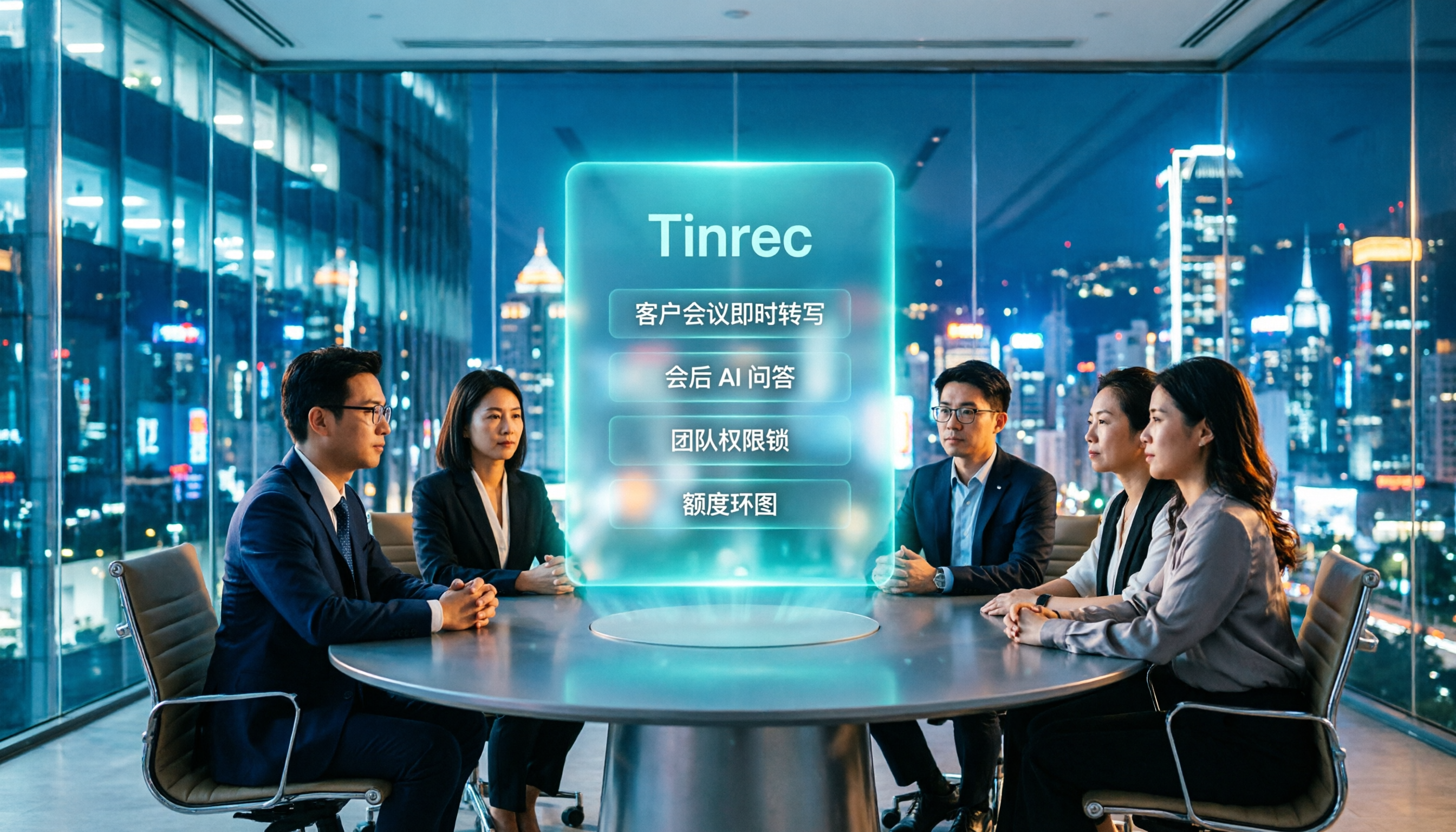
2026 AI Meeting Tools for Client Calls Compared: Tinrec vs Otter.ai vs Notta for Chinese-Language Meetings
How do you choose an AI tool for client meetings? We tested Tinrec, Otter.ai, and Notta across five dimensions—Chinese transcription, bot-free recording, post-meeting AI Q&A, team permissions, and pricing—to help teams find the best fit for recording client meetings.

What Is a Meeting AI Agent and Which One Is Best? 5 Tested in 2026 for Chinese Meetings and Team Knowledge Retention
A meeting AI agent is not just a faster typewriter. This article starts with common misconceptions, breaks down the three layers of meeting AI agents, and uses Tinrec as an example to explain bot-free meeting recording, AI Q&A, action item extraction, and team knowledge retention. It concludes with 5 key points to consider when choosing a tool.

How to Choose Meeting Collaboration Tools in 2026: 5 Steps to Tell Them Apart from Project Management Tools
Meeting collaboration tools vs. project management tools—which one actually fits your team? This article compares Tinrec and Asana across 5 dimensions, covering meeting notes, AI summaries, task tracking, team knowledge retention, and pricing, so you can pick the right tool based on your pain points.

Tinrec vs Notta 2026: 5-Dimension Comparison for Meeting Action Plan Software
After the meeting, who takes action? This article compares Tinrec and Notta across 5 dimensions—automatic to-do extraction, Chinese meeting experience, bot-free online meeting recording, and team data governance—to help you decide which is better for turning meetings into actionable plans.
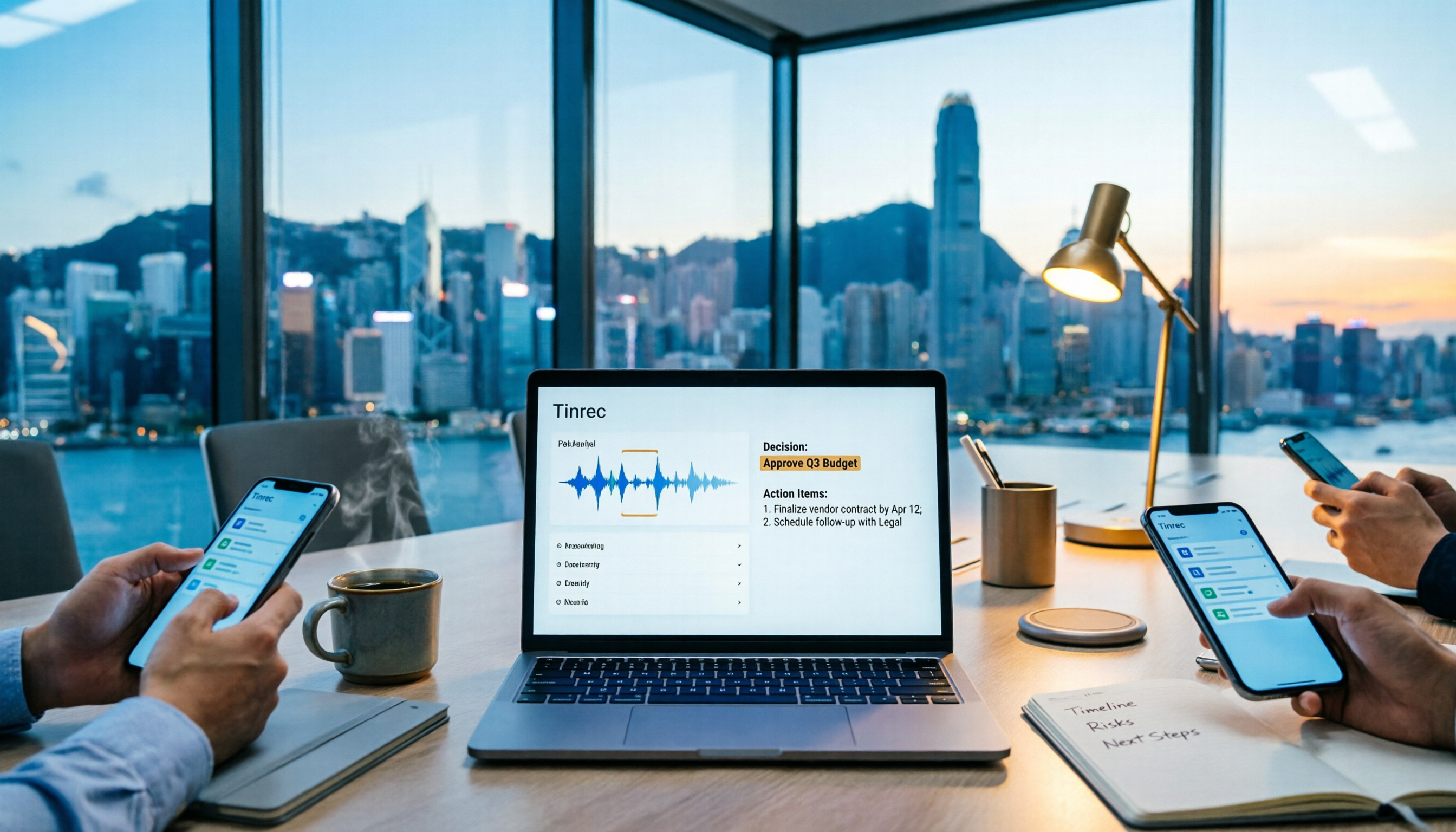
Tinrec vs PLAUD Note 2026: 6-Dimension Comparison for Project Meeting Minutes
Get a ready-to-copy project meeting minutes template, then compare Tinrec and PLAUD Note across 6 dimensions: recording capture, online meeting support, minutes generation, AI Q&A, team collaboration, and pricing structure. Decide between software and hardware for your project meetings.