

Turn recordings into transcripts and summaries in minutes
Upload audio or video for multilingual transcription, AI notes, and action items
When choosing a video-to-transcript tool, many people's first move is to compare prices—whichever is free, they try first.
But those who have been burned know that the real problem usually isn't the price.
It's when you throw in an important interview video and only then discover that it doesn't understand languages other than Chinese, mangles proper nouns, or you have no idea whether it will use your audio to train its models.
This article focuses on Good Tape, which has recently sparked discussions in Taiwan's media and podcast circles, to help you understand how to choose a video-to-transcript tool and where the common pitfalls lie.
Most People Get the First Step Wrong When Converting Video to Transcript
The most common mistake is treating "recording" and "transcribing" as two separate things.
Many people first record with a voice recorder or their phone's built-in recording app, then figure out how to transfer the file to a computer and upload it to another transcription service. This extra step is often the main reason for a whole day's delay.
The second mistake is only looking at the word "free." Free tools aren't unusable, but you need to ask: how much free quota, which languages are supported, and can you edit the transcript directly?
The third mistake is the most easily overlooked—privacy.
Meeting recordings, unpublished interviews, client phone calls—once uploaded, these pass through someone else's servers. If the service's terms state that they use your data to train models, you're essentially handing over confidential content.
Choosing the right tool can solve all three problems at once.
Before Choosing a Video-to-Transcript Tool, Understand These 4 Key Points
Breadth of language support. Don't just look at whether it can transcribe Chinese. If you deal with foreign-language interviews, mixed Chinese-English meetings, or need Cantonese or dialects, the supported language list is the first thing to check. Good Tape officially states support for 100+ languages, placing it among the top tier of such tools.
Privacy and data handling. Go directly to the service's privacy policy. Good Tape explicitly states that they do not use user data to train AI models. For those handling sensitive content, this is more critical than price.
Is recording and transcription integrated? The ideal workflow is: open the app, record directly, and get a transcript simultaneously—no need to transfer files. Fewer steps mean half the chance of errors.
Accuracy depends on testing conditions. Official accuracy rates are usually measured in quiet environments. Real meeting rooms have air conditioning noise, keyboard sounds, and people talking over each other. It's best to test with your own recordings to see the differences between tools.
What Is Good Tape? An AI-Powered Automatic Transcription Tool from Denmark
Good Tape is an AI-driven automatic transcription tool that converts video and audio files into accurate, editable text. It supports 100+ languages and offers iOS, Android apps, and a web version, with a free trial available.
First, its positioning: for those who need to process large amounts of video, interviews, and podcast content, Good Tape aims to solve the issue of "manual typing." According to CommonWealth Magazine, it comes from Copenhagen, Denmark, with CEO Tav Klitgaard, and the team quickly adopted OpenAI's open-source Whisper model, gaining a user base in Taiwan's media and podcast circles in a short time.
The phone itself is a recorder. Good Tape's app can also be used as a standalone recorder. For meetings, interviews, or podcast recording, just use your phone to record, and it syncs immediately to your Good Tape account—no need for a separate voice recorder or manual file transfer. This is especially practical for those who often conduct interviews on the go.
Stop organizing recordings by hand
Upload audio or video and automatically get a transcript, summary, and action items
Converts both video and audio. Besides in-app recording, you can also upload existing video or audio files to get transcripts. The official emphasis is on "fast, secure, and accurate," and the resulting text is directly editable for easy proofreading and organization.
Privacy is its main selling point. Good Tape clearly states on its website that it does not use customer data to train AI models. Compared to many tools on the market that use data to optimize models, this is particularly important for journalists, legal professionals, and healthcare workers—after all, what you upload might be unpublished content.
Multilingual and real-world cases. Officially supports 100+ languages and dialects, used by millions of professionals and teams worldwide. Danish online media Zetland has said it saves about 20,000 hours of manpower per year through automatic transcription services.
If you want to find the latest Good Tape videos, the official YouTube channel (@GoodTape) focuses on "Fast, secure and accurate transcription for all your audio and video files," featuring demonstrations and explanations. Those who want to see the actual operation can search for this channel.
Note: The official free trial is available, but the full free quota is not explicitly stated in search results; if you are a heavy user with long-term, large-volume transcription needs, you will typically need to evaluate paid plans. Actual prices and benefits should be based on the official website.
Who is it for? Journalists dealing with foreign-language interviews, office workers organizing meeting minutes daily, and podcasters producing regular shows are the main user groups for Good Tape.
Besides Good Tape, What Other Options Are There?
If you only need Chinese, especially Taiwan-specific terminology, Taiwan's local Yating Transcription is a familiar option for many, focusing on Chinese recognition and suitable for pure Chinese meetings and interviews. It has its familiar user base, but the breadth of language support and integrated app workflow differ from Good Tape's design direction.
China's iFlytek is also a veteran in speech recognition, with fairly complete Chinese support. CommonWealth Magazine's report mentioned that Good Tape caught up with such established competitors in a short time by quickly adopting the Whisper model.
Keep in mind that these two have different cross-platform experiences and "record on phone and transcribe directly" workflows compared to Good Tape. If your content includes multiple languages and you want a transcript immediately after recording, Good Tape's workflow is much smoother.
Pitfall Guide: The 3 Most Common Mistakes When Choosing a Video-to-Transcript Tool
Pitfall 1: Only looking at price, not language support. There are many cheap options, but if you encounter foreign languages or dialects, insufficient language support makes even the cheapest useless. First confirm the languages you'll actually use, then compare prices.
Pitfall 2: Ignoring privacy terms. Spend two minutes before uploading to see how the service handles your data. Whether it's used to train models and where data is stored are written in the privacy policy.
Pitfall 3: Treating the tool as a pure typewriter without proofreading. Even the best AI can mishear names, company names, and proper nouns. Always scan through after transcription, especially for content to be published externally.
Conclusion: How Should You Choose?
Simply put, first look at your content type, then decide on the tool.
Need to handle multilingual, foreign-language interview videos → Good Tape (officially supports 100+ languages).
Want to get a transcript immediately after recording on your phone, without manual file transfer → Good Tape (in-app recording and real-time sync).
Particularly concerned about data privacy, uploading sensitive content → Good Tape (explicitly does not train models with customer data).
Only pure Chinese, very limited budget → You can try local tools like Yating Transcription first, then compare results.
The recommended approach: first take a segment of your own video or recording for a free trial to see if the output quality meets your needs. Whether a tool is good or not, trying it once is more accurate than reading ten reviews.
References
Turn every recording into actionable outcomes
Get 60 free transcription minutes when you sign in. No credit card required.
Related Reading
You might also like

2026 AI Speech-to-Text Showdown: Tinrec vs Otter for Chinese Meetings
We tested Tinrec and Otter.ai across five dimensions that matter to Chinese-speaking teams: Chinese and mixed Chinese-English transcription, bot-free online meeting recording, AI post-processing and export after transcription, recording retention and team data ownership, and quota and seat pricing. We conclude with clear recommendations based on needs and budget.
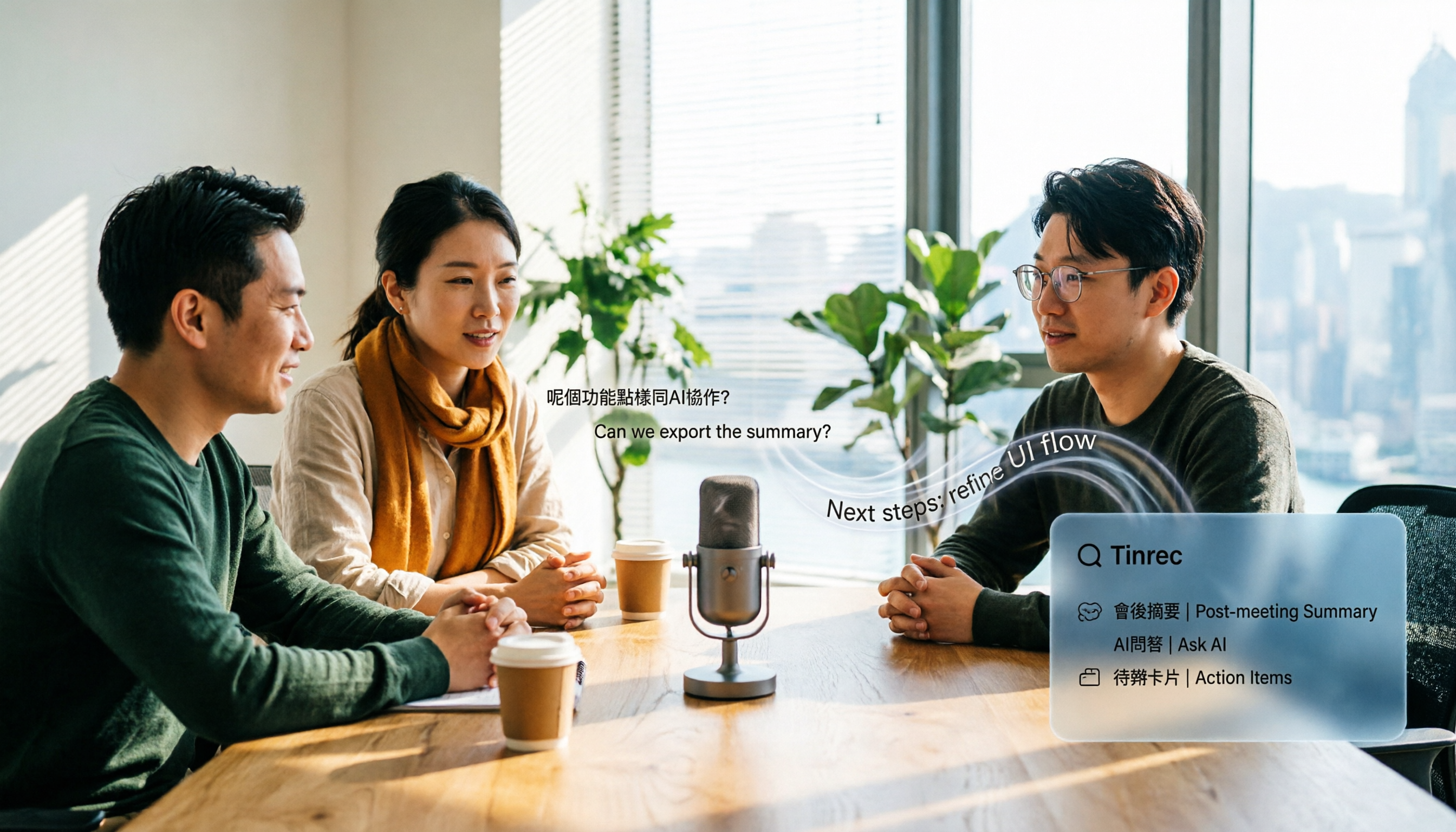
4 Audio-to-Text Apps Tested for Cantonese Recognition in 2026: Which One Is Most Reliable?
The same Cantonese recording can yield very different results across tools. This article breaks down 4 audio-to-text apps, covering Cantonese and mixed Chinese-English recognition, bot-free online meeting recording, post-meeting AI Q&A, and team data management, so you can decide which to choose and which pitfalls to avoid.

2026 Google Speech-to-Text App Buying Guide: Tinrec vs Google Live Transcribe 6-Dimension Test
This article compares Tinrec and Google Live Transcribe across six dimensions based on real-world use cases for Google speech-to-text apps: real-time Chinese transcription, online meeting recording, post-meeting AI organization, file import, cross-platform support, and team collaboration. It helps you decide which one better fits your meeting and workflow needs.

Good Tape 2026 Update: Hands-On Comparison of 3 Speech-to-Text Tools — Which One Fits Chinese Meetings and Team Collaboration?
Good Tape's latest version introduces an official mobile app for recording, instant upload, and automatic transcription. This article covers its current state and free plan limits, and compares Tinrec, Otter.ai, and Notta across Chinese meeting support, AI Q&A, and team collaboration to help you decide which tool to use.

5 Otter Chinese Subtitle Solutions Tested and Compared in 2026: How to Choose Between Chinese Transcripts and Translation?
This article starts from the choice between "real-time Chinese subtitles or post-meeting Chinese transcripts," organizes feasible approaches for Otter Chinese subtitles, and compares the Chinese transcription, translation, subtitle, and meeting organization capabilities of five tools: Tinrec, Otter, Notta, TurboScribe, and EasySub, helping you determine which workflow best suits your work situation.
4 Otter Chinese Lyric Translation Tools Tested: Why Translating Full Passages Beats Looking Up Words
Starting from the Chinese meaning of 'otter,' we tested 4 foreign-language audio-to-Chinese tools, comparing Tinrec, Otter.ai, Notta, and Granola on file support, Chinese output, post-meeting processing, and pricing. Here's a straightforward recommendation for students.

Good Tape Download Guide 2026: 3 Steps to Get Started + Tinrec Meeting Transcription Comparison
Not sure whether to download the Good Tape app or use the web version? This guide covers Good Tape's app and web download options, transcript export formats, and usage limits. It also compares Tinrec, Otter.ai, and Notta on Chinese meeting support, AI Q&A, and team collaboration to help you choose the right transcription tool.

2026 Good Tape Latest Version Review: Which of 3 Audio-to-Text Tools Is Best for Chinese Meetings?
Is the latest version of Good Tape worth using? This article compares Good Tape, Otter.ai, and Tinrec from four angles—language support, meeting capture, post-meeting organization, and team governance—to help you decide which audio-to-text tool is best for Chinese meetings and team collaboration.

2026 AI Transcription Tools Comparison: Good Tape's Latest Features vs Tinrec vs Notta
What are Good Tape's latest features? This article cuts through common misconceptions and compares Good Tape, Tinrec, and Notta side by side, helping you understand the key factors in choosing an AI transcription tool: speaker identification, post-meeting organization, bot-free recording, and team collaboration.