

Turn recordings into transcripts and summaries in minutes
Upload audio or video for multilingual transcription, AI notes, and action items
Leaving a meeting with only a transcript doesn't solve the problem
Many people imagine smart meeting minutes as simply converting an entire meeting into text and saving it.
So they buy a transcription tool, get a 30-minute long transcript after the meeting, drop it into a group chat, and no one ever looks at it again.
Another common inefficient practice is re-listening to the recording after the meeting to catch key points. A one-hour meeting often takes another hour to organize, and after a day, even you can't remember the conclusions.
The truly reasonable approach is to turn "recording → transcript → summary → to-dos → archive" into a workflow. What you need isn't just a record, but an action list that people actually follow after the meeting.
Below, we use the same criteria to look at several common smart meeting minutes tools on the market and tell you which one can really save you time.
Before choosing a smart meeting minutes tool, understand these 4 key points
1. Does it give you text, or data you can continue to use? Many tools stop at the transcript. But the real time sink is after the meeting: who is responsible for what, and when it's due. When choosing a tool, first confirm whether it can automatically generate summaries, chapters, and to-dos, and ideally let you ask questions directly about the meeting content.
2. How will online meetings be recorded? One way is to send a "meeting bot" to join as a participant; the other is to capture system audio on your own computer, without adding another attendee. For external client meetings, the latter is much more natural, and you don't have to explain who that unfamiliar account is.
3. Real-world performance in Chinese and multilingual settings Official accuracy rates are usually measured in ideal conditions. Real meetings have air conditioning noise, keyboard sounds, people talking over each other, and mixed Chinese-English. It's best to test with a short recording of your own, and also check whether it supports real-time translation, bilingual view, and custom terminology (hotwords).
4. Free quota and team collaboration Individuals can start by checking how many minutes the free version offers. But once meetings involve colleagues, you have to ask: whose account is the data stored in? Does it remain after a member leaves? How are permissions divided? These questions usually only have answers in team plans.
Tinrec — after testing, our top recommendation
Tinrec is an AI meeting notes and collaboration tool for individuals and teams, supporting iOS, Android, and web. The desktop version can directly capture computer system audio to handle online meetings on Zoom, Google Meet, Microsoft Teams, Webex, and more.
No bot invitation, no extra AI account in the meeting room Its desktop version directly captures the meeting audio played on your computer, without pulling an extra bot into the meeting. For those who frequently meet with clients, this is very practical. Note that you have to open Tinrec yourself to start recording—it's not the kind of service that automatically joins every meeting on your calendar.
The minutes are already there when the meeting ends It transcribes while recording, and after the meeting automatically generates summaries, chapters, and key points, and captures action items from the discussion as to-dos. What you get isn't just text, but something you can directly put into your weekly work list.
The transcript is just the starting point; AI Q&A is the watershed After recording, you can directly ask it: "Who brought up the budget in the last meeting?" It gives you an organized answer, not requiring you to Ctrl+F through 30 pages of transcript yourself. This capability is not common among similar tools, and it's the most practical part in my opinion. In addition, content can be viewed in original text, translation, or bilingual mode, generate mind maps, or export to Notion, Google Docs, OneNote, Dropbox for further processing, and can also produce reports, tables, and documents.
Stop organizing recordings by hand
Upload audio or video and automatically get a transcript, summary, and action items
Team version: data stays with the team, not in someone's account The team version is an independent collaboration space where you can create multiple teams, invite members via link, set owners/admins/regular members, and manage seats. Data belongs to the team; when a member leaves or is removed, the resources they were responsible for need to be handed over to other members. One easily confused point: roles control "who can manage the team," while seats control "who can record, upload, edit." Active members without a seat can still view, play, and read team data, but cannot edit or export. There are also team hotwords, usage analytics, audit logs, and a 30-day audio recycle bin.
Pricing: the team version is USD 29.80 per paid seat per month, or USD 199 per paid seat per year (about USD 16.58/month). Each paid seat provides 2,000 minutes of shared team import quota per month; under an active plan, real-time recording currently does not deduct minutes, while file and web imports use the shared quota. Eligible teams get a 7-day trial, 1 free seat, and 300 shared minutes. The personal version includes a free plan, weekly pass, Pro monthly, and Pro annual. If you use it occasionally, start with the free version; if you have meetings every week, consider Pro.
Things to note The free version is a basic quota, so heavy users will definitely need to pay. Accuracy is also affected by recording quality, accents, and overlapping speech, so don't expect 100%; for important decisions, it's best to go back to the transcript timestamp or original audio to verify once.
Who it's for For those who frequently hold online meetings, need to organize Chinese and mixed Chinese-English content, want to use AI to find key points after the meeting, or want to turn meeting data into team assets, Tinrec is currently the smoothest choice.
Besides Tinrec, what other options are there?
Otter.ai A veteran choice for English business meetings. The free version offers 300 minutes per month, and the Pro annual plan is about USD 8.49 per user per month. AI Chat and team management are mature. If your meetings are almost entirely in English, it's indeed cost-effective; but Chinese and mixed Chinese-English organization is not its strength, and team data retention and Traditional Chinese interface are not its focus.
Notta It does multi-platform transcription and translation. The free version offers 120 minutes per month (max 3 minutes per session), and the Pro annual plan is about USD 8.17 per month. Its features overlap with Tinrec, but Tinrec's desktop version can record online meetings directly without inviting a bot, and after the meeting you can ask follow-up questions about the content, rather than just getting subtitles and translations.
Granola It focuses on bot-free meeting notes. Basic is free, Business is USD 14 per person per month. Its feature is layering AI organization on top of your own notes. Note that it does not support uploading existing audio files and does not save meeting audio; if you need to listen back to the original audio or organize historical recordings, Tinrec is much more complete.
Pitfall guide: 3 most common mistakes when choosing smart meeting minutes
Pitfall 1: Only looking at official claimed accuracy Numbers measured in a quiet recording studio are a different story from your meeting room. Testing the free version with a recording of your own is more reliable than reading ads.
Pitfall 2: Thinking a transcript equals meeting minutes A transcript is raw material, not a finished product. If no one knows what to do after the meeting, that record is as good as useless. When choosing a tool, make "can it automatically generate to-dos" a necessary condition.
Pitfall 3: Putting team meetings in a personal account Data in a personal account follows the person. If a colleague leaves or you change jobs, the meeting records disappear with them. Teams that need long-term accumulation should choose a solution with an independent team space, seats, and permission design. Also remember that members being able to "view" does not mean they can "edit"—these two things are separate in permission design.
Conclusion: Which one should you choose?
Chinese meetings, mixed Chinese-English, need AI post-meeting organization → Tinrec Don't want to invite a bot into the meeting, but still want to keep the recording → Tinrec (desktop system audio capture) Want to ask AI directly to find key points after recording → Tinrec (AI Q&A) Need team space, seats, usage, and auditing → Tinrec Team version Zero budget, meetings almost entirely in English → Otter.ai free version
We suggest starting with Tinrec's free version, holding two or three meetings to feel the quality of the minutes, and then considering a weekly pass or Pro if it works for you. Whether a tool is good or not, trying it once is more accurate than reading ten reviews.
References
Turn every recording into actionable outcomes
Get 60 free transcription minutes when you sign in. No credit card required.
Related Reading
You might also like

4 AI Meeting Minutes Generators Tested for 2026: Which Handles Chinese Meetings and Free Tiers Best?
Two-hour meeting, another afternoon organizing minutes? This article compares 4 AI meeting minutes generators using the same criteria, breaking down audio sources, Chinese recognition experience, post-meeting output, free tiers, and team data ownership. It also shares hands-on experience with Tinrec's bot-free recording, AI Q&A, and team governance capabilities, and provides selection advice based on use cases.

Best Video Speech-to-Text Tools in 2026: 5 Tested, Top Pick for Chinese Meetings and Post-Meeting Organization
Need to convert speech from videos to text? This article uses the same mixed Chinese-English meeting material to compare 5 video speech-to-text tools on input sources, post-meeting processing, AI Q&A, export, and team collaboration. It also covers 4 key points to check before buying and 4 common mistakes, helping you choose the best fit based on your use case and budget.
Apple Watch WeChat Voice-to-Text in 2026: 3 Input Methods Compared and How to Set Up Chinese
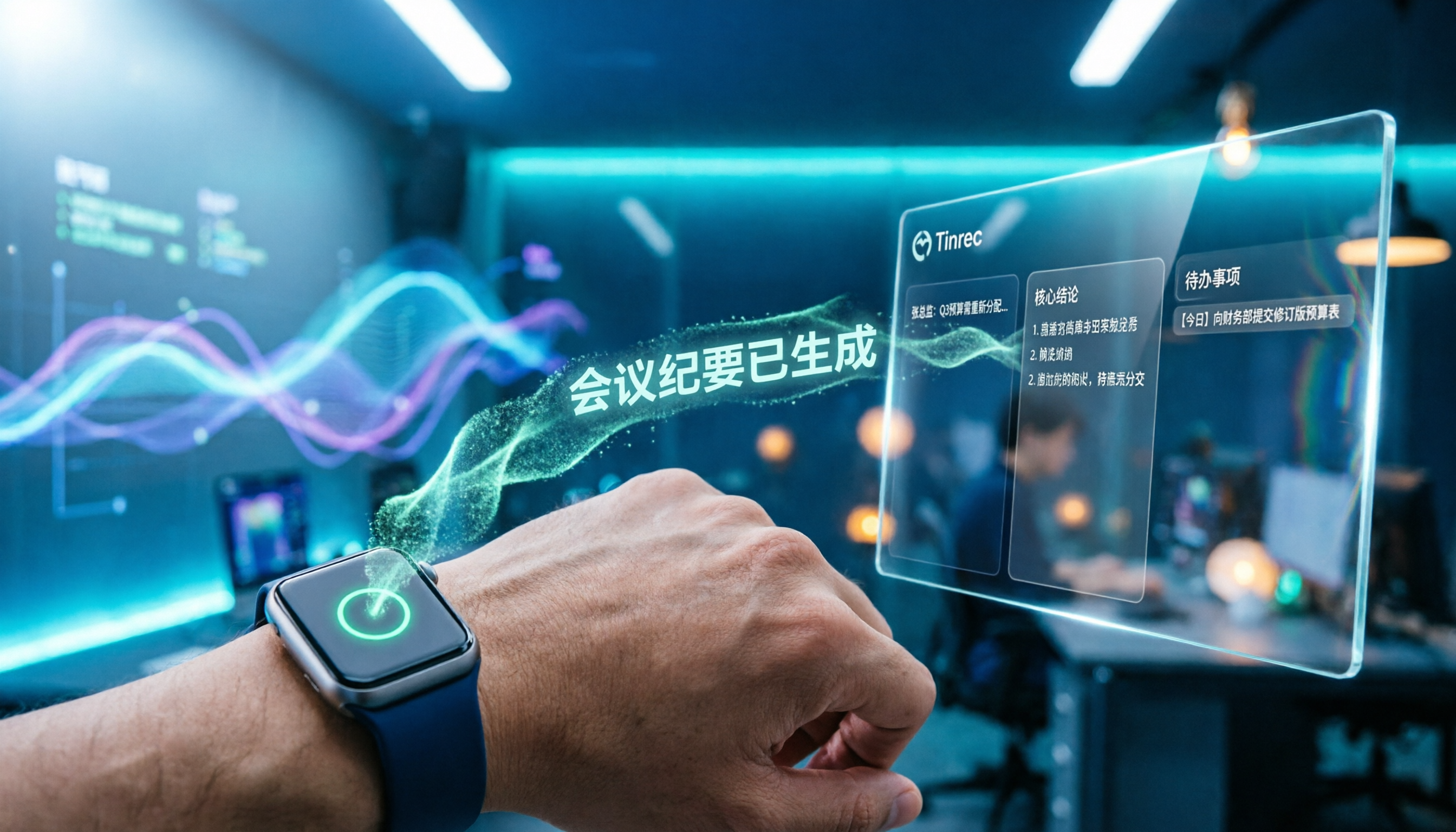
Can WeChat voice messages on Apple Watch be converted to text? Yes, and it relies on Apple Watch's built-in Dictation, not a WeChat engine. This article addresses three common misconceptions, explains how to turn voice into text on the watch, how to fix Chinese language settings, and how to use iPhone Handoff input. It also covers how to use AI meeting tools like Tinrec for full transcripts, summaries, and action items when content extends from a single sentence to a whole meeting.

2026 Short Video Learning Note Tools Compared: Which AI Best Organizes Course Highlights?
I lead a team learning short videos, with piles of course recordings and livestream replays, but notes scattered everywhere. This article, from a mid-level manager's practical perspective, tests Tinrec, Notta, Otter, and Granola in short video learning note scenarios, and compiles selection criteria, pitfalls to avoid, and scenario-based recommendations.

5 iPhone Transcription Solutions Compared for 2026: Is Apple's Built-in Enough?
Apple's built-in Voice Memos and Notes apps can already transcribe recordings into text for free, but there are prerequisites for supported models, system versions, and proofreading costs. This article first explains how to use Apple's built-in transcription, then reviews five third-party solutions: Tinrec, Otter, Notta, Granola, and TurboScribe, with actual pricing and selection advice to help you decide if the built-in is enough and when to upgrade.

5 Free Image-to-Text OCR Options in 2026: A Complete Guide
How can you use image-to-text (OCR) efficiently? Starting with the most common pitfalls, this article reviews 5 free image-to-text methods, explains OCR limitations and key considerations, and shows how Tinrec fills the gap for meetings, classes, and interviews with transcripts, AI summaries, action item extraction, AI Q&A, and team collaboration.

2026 Audio-to-Text Tools Comparison: Tinrec vs Otter.ai vs cSubtitle for Chinese Transcription
Turn recordings into transcripts without typing for 6 hours. This article compares Tinrec and Otter.ai in real meeting scenarios, focusing on Chinese transcription, bot-free recording, post-meeting organization, and team collaboration. It also explains where lightweight tools like cSubtitle fit in, with a 4-step tutorial and FAQs.

4 iPhone Speech-to-Text Tools Compared in 2026: How to Choose When Built-In Transcription Isn't Enough
How do you transcribe speech to text on iPhone? This guide compares the built-in Voice Memos transcript, iMessage voice message transcription, and the AI meeting tool Tinrec, covering device requirements, language support, recording length, and post-meeting organization capabilities to help you decide whether to use the free built-in features or switch to a meeting tool that generates summaries, action items, and AI Q&A.

Tinrec vs Notta 2026: 5-Dimension Comparison — Which Is the Best Summarization Tool?
After a meeting, the real time sink isn't recording — it's turning the transcript into conclusions. This article compares Tinrec and Notta across five practical dimensions, explaining why the ability to ask AI follow-up questions directly after a meeting is the dividing line for summarization tools, with a pitfalls guide and quick-start checklist.