

Turn recordings into transcripts and summaries in minutes
Upload audio or video for multilingual transcription, AI notes, and action items
5 Best Honor Phone Audio-to-Text Tools in 2026: Which Transcript Export Format Actually Works?
The real pitfall in audio-to-text usually isn't recognition—it's "export"
The meeting ends, and the recording sits quietly on your Honor phone. When you need it, you open the built-in recorder and find it only gives you an audio file with no segmentation and no time codes. If you want to turn it into text, you're on your own.
Many people think the hard part of audio-to-text is "whether it can understand Chinese." But after running through it once, you realize the real bottleneck in daily work is often the export step: pasting the transcript into Word turns it into one big blob, subtitle files lack timestamps, and if you want to hand it to a colleague, you can only send an audio file.
A second common misconception is thinking your phone can directly record online meeting audio. Under Android's system restrictions, internal system audio recording isn't easy. In practice, you usually need another device or switch to desktop processing.
This article won't focus on spec stacking. Instead, it focuses on "after recording on an Honor phone, how do you turn it into data you can immediately use?"
Before choosing an Honor phone audio-to-text tool, understand these 5 key points
Does the export format match your workflow? Plain text TXT is good for pasting into notes. DOCX can go straight into Word for formatting and editing. SRT with time codes can be used for video subtitles. A tool that supports all three will save you much more hassle than one that only offers one.
Are time codes and paragraphs preserved? If a transcript has no timestamps, going back to verify against the recording later is painful. For people making subtitles or meeting minutes, this matters more than a few percentage points of recognition accuracy.
Performance with Chinese and mixed Chinese-English. Meetings in Taiwan often mix three English words into a single sentence. Pure English tools struggle noticeably in these scenarios.
Is the range of recording sources broad enough? On-site phone recording, computer-based online meetings, and importing existing audio files are three different needs. A tool that handles all of them means you don't have to switch tools for different occasions.
Can you continue processing after export? Getting only a transcript means you're only half done. Whether it can automatically generate summaries, chapters, to-dos, or even let you ask questions directly about the meeting content determines whether you save 10 minutes or 1 hour.
Tinrec — Our top pick after hands-on testing
Tinrec is an AI meeting notes and collaboration tool for individuals and teams. It supports iOS, Android, and web, and the desktop version can directly capture computer system audio. For the need of "Honor audio-to-text export," its value isn't just that it can transcribe—it's that after transcription, it can directly become a deliverable file.
Phone recording and file import transcription. Record on-site meetings, interviews, or classes on your Honor phone, then import the audio file into Tinrec when you're back at your seat to get a searchable, reviewable transcript. Note that under phone system restrictions, it's not easy to directly record online meeting audio internally. A smoother approach: use your Honor phone for on-site recording and let the desktop version handle online meetings.
Desktop version records online meetings without a bot. When you open Zoom, Google Meet, Microsoft Teams, or Webex, just open the Tinrec desktop app to capture system audio and generate a transcript while recording. No need to throw a bot account into the meeting room.
The export step is complete. Transcripts can be exported to common formats like TXT, DOCX, and SRT—TXT for pasting into notes, DOCX for direct Word editing, and SRT with time codes for video subtitles. Besides downloading files, you can also bring results into existing workflows like Notion, Google Docs, OneNote, and Dropbox.
Continue processing after export. In addition to the transcript, it automatically generates summaries, chapters, and to-dos, and supports mind maps. Even better is AI Q&A: you can directly ask "What was the conclusion of this meeting?" or "Who mentioned the budget?" without having to Ctrl+F through a 40-minute transcript yourself.
Stop organizing recordings by hand
Upload audio or video and automatically get a transcript, summary, and action items
Team version keeps your data. The team version is a separate team space, not multiple people sharing one personal account. Meeting data belongs to the team. Members can be invited via a join link. Admins can set owners, admins, and regular members, and assign or revoke seats. Roles determine who can manage the team; seats determine whether someone can record, upload, edit, and export. Currently, the team monthly plan is USD 29.80 per paid seat per month, and the annual plan is USD 199 per paid seat per year (about USD 16.58 per month). Each paid seat provides 2,000 minutes of team shared import quota per month. Real-time recording under an active seat is currently not deducted by minutes. First-time eligible teams also get a 7-day trial with 1 free seat and 300 minutes of shared import quota.
To be honest: the personal free version provides a basic quota, and long-term heavy use still requires an upgrade. Transcription quality is also affected by recording quality, background noise, accents, and multiple people talking over each other. For important content, it's recommended to verify against the original text and recording.
If you often record meetings and interviews on your Honor phone, need to export transcripts as DOCX or SRT, or want to use AI to follow up on key points after recording, Tinrec is currently the smoothest choice.
Besides Tinrec, what other options are there?
Notta. A multi-platform transcription and meeting notes tool with significant overlap with Tinrec. The official free version currently offers 120 minutes per month with a maximum of 3 minutes per single item. The Pro annual plan is about USD 8.17 per month with 1,800 minutes per month. For occasionally converting a short recording to text, it's sufficient. But bot-free desktop recording, AI Q&A for Chinese meetings, and team data retention are areas where Tinrec goes further. Prices are subject to the official page.
Otter.ai. A mature choice for English meetings. The free version offers a generous 300 minutes per month, and Pro annual is about USD 8.49 per user per month. If 90% of your meetings are in English, it's worth considering. But note that Chinese and mixed Chinese-English are not its strong suit. For Traditional Chinese meeting transcript export and team data retention, Tinrec is closer to the need.
MyEdit. An online speech-to-text tool. Upload an MP3 or recording file and it transcribes. It supports 9 languages including Traditional Chinese, is free to use, can export .txt and .srt, and the official description says its output can be used commercially. It's great for one-off tasks like "I have an audio file and want to turn it into text quickly." But it's not a meeting tool—no real-time meeting transcription, AI Q&A, to-do extraction, or team space.
Pitfall guide: The 4 most common mistakes in Honor phone audio-to-text
Pitfall 1: Thinking it's over once you get text. A transcript without time codes will make you want to cry when you need to go back and verify a specific sentence. When choosing a tool, first confirm whether it can export time-coded formats like SRT.
Pitfall 2: Only looking at recognition rate, not formatting. Even with DOCX, some tools export with clear paragraphs, while others cram everything into one block. The details of export formatting affect your daily experience more than marketing numbers.
Pitfall 3: Thinking your Honor phone can record everything. System audio from online meetings is hard to record internally on phones. This isn't a tool problem—it's a system limitation. Use your Honor phone for on-site recording and your computer for online meetings. Clear division of labor prevents wasted effort.
Pitfall 4: Ignoring who ultimately owns the data. If recordings and transcripts all sit in a personal account, they could disappear entirely when a colleague leaves or changes phones. For teams that need long-term retention, it's best to use a team space from the start and clarify data ownership. Also, please follow local regulations for recording and transcription, and obtain consent from participants when necessary.
Conclusion: Which one should you choose?
Simply put, choose your tool based on your scenario:
- Record on-site with Honor phone, need to export DOCX or SRT transcripts → Tinrec (all three formats available, and can bring to Notion, Google Docs)
- After recording, want to use AI to ask key points and extract to-dos → Tinrec (AI Q&A and summaries are built-in)
- Need to work across phone and computer, and handle online meetings → Tinrec (phone, desktop, and web all work; desktop version records without a bot)
- Team needs to share meeting data, manage seats and usage → Tinrec team version (separate space, data belongs to the team)
- Only have one audio file and want free quick transcription → MyEdit (great for one-off tasks)
- Meetings are almost entirely in English → Otter.ai (more cost-effective for this scenario)
Honestly, nobody cares about export before buying. You only notice the difference when you use it. We recommend first using Tinrec's free version basic quota to run one or two of your own meeting recordings. See if the exported DOCX formatting and SRT time codes work smoothly for you. If it fits, then consider upgrading. No need to pay from the start.
References
- 5 Honor Phone Audio-to-Text Tools Tested: Chinese Accuracy, AI Summary, Multi-Device Sync at a Glance - Tinrec Blog
- Online Speech-to-Text AI, Free MP3 or Recording to Text Transcript - MyEdit
- Yating Transcript
- Audio to Text - Speech to Text Assistant - Free Download and Install on Windows | Microsoft Store
- Speech-to-Text, Audio File Transcription Tool: Word - YouTube
Turn every recording into actionable outcomes
Get 60 free transcription minutes when you sign in. No credit card required.
Related Reading
You might also like

4 Audio-to-Text Tools Tested and Compared in 2026: Which Free Version Is Good Enough?
Want to turn audio recordings into text but not sure which tool to pick? Starting from the question "where do you want to end up?" this article tests and compares 4 common audio-to-text tools, breaking down Chinese and mixed Chinese-English recognition, AI post-meeting organization, recording retention and old file import, and team collaboration, plus 3 common pitfalls in choosing a tool, to help you pick the most time-saving approach for your situation.

4 Meeting Minutes Tools Tested and Compared in 2026: How to Write Meeting Minutes Without Turning Them Into a Transcript
The key to writing meeting minutes isn't typing speed—it's making three judgments: topics, decisions, and action items. This article covers the essentials of writing meeting minutes and common mistakes, and tests and compares four tools—Tinrec, Otter.ai, Notta, and PLAUD—to help you find the most time-saving post-meeting workflow.

4 Best Meeting Transcription Apps in 2026: Which Saves the Most Time for Chinese Meetings?
Tired of meeting notes dragging past quitting time? This article covers 5 key factors for choosing a meeting transcription app, compares Tinrec, Otter.ai, Notta, and PLAUD Note on recording method, Chinese recognition, post-meeting output, and pricing, and highlights 4 common pitfalls to help you find the one that truly saves time.
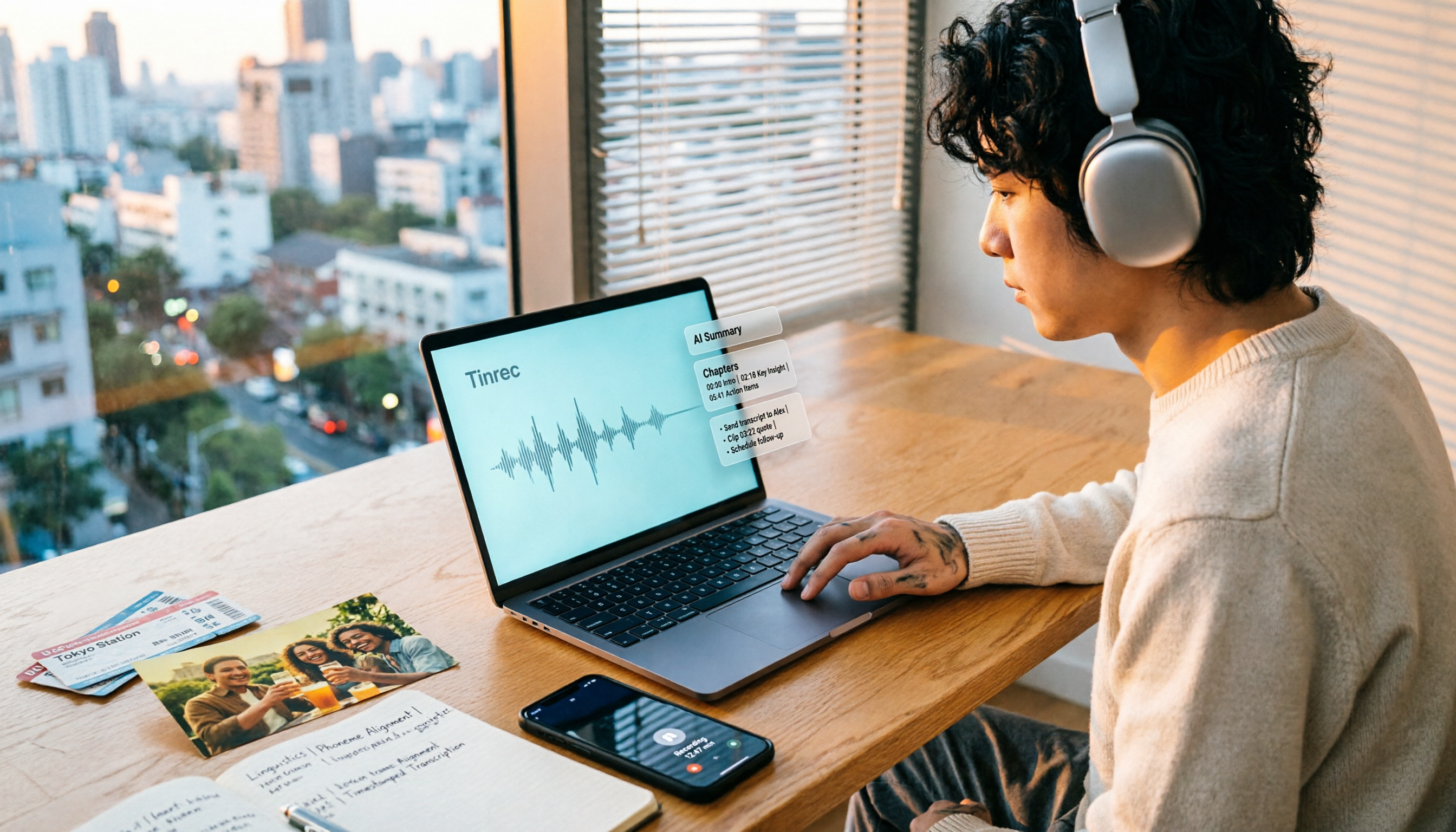
How to Make a 2026 Life Recap Video: Tinrec Audio-to-Text + AI Summary
Want to turn travel, party, or class videos into a life recap but stuck on transcripts and organization? This guide covers common pitfalls and shows how to use Tinrec to convert audio/video to transcripts, then use AI summaries, chapters, to-dos, and Q&A to organize key points. It also compares Notta, TurboScribe, and YouTube Summary with ChatGPT for different scenarios.

5 Best iPhone Audio-to-Text Solutions in 2026: Built-in Features vs. AI Meeting Tools
iPhone's built-in transcription isn't available on every model, and recording is just the beginning. This article debunks common myths and compares five solutions—Apple Voice Memos, Otter.ai, PLAUD recording hardware, and Tinrec—covering device compatibility, usage limits, cross-platform support, and team data ownership. Includes a buyer's guide and scenario-based recommendations to help you choose the most time-saving audio-to-text workflow.
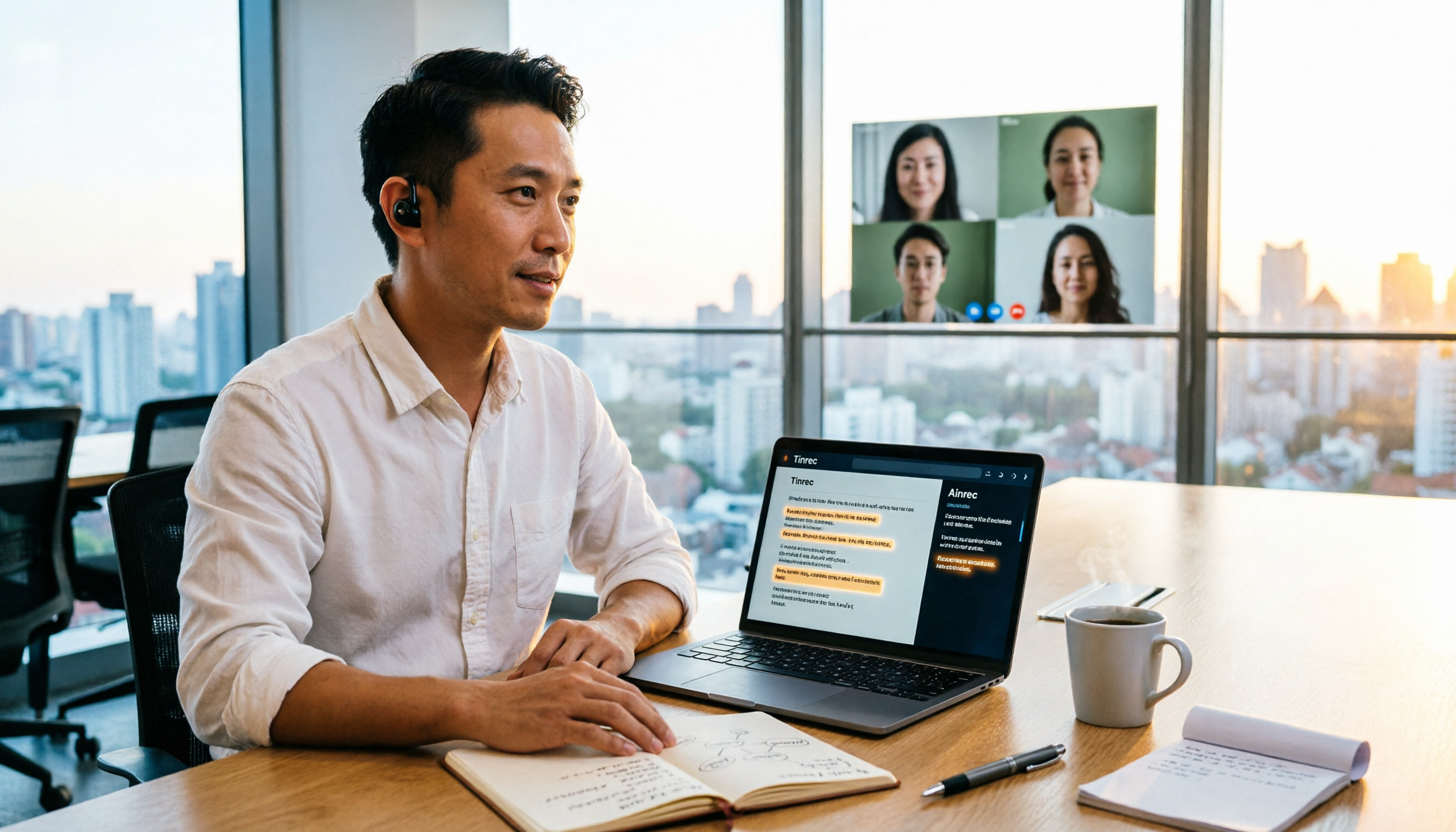
2026 Speech-to-Text Tools Compared: Which Is Best for Chinese Meeting Transcripts?
A mid-level manager who attends over a dozen meetings weekly tests four speech-to-text tools. The article first clarifies the decision focus: do you need a verbatim transcript or usable meeting data? It then covers four key selection criteria, Tinrec's real-world performance in bot-free online meeting recording and AI Q&A, suitable scenarios for the other three tools, four common pitfalls, and scenario-based recommendations.

2026 Complete Guide to Chinese-English Translation: Why Tinrec Beats Google Translate for Meetings
Chinese-English translation shouldn't be limited to translating one sentence at a time. This article focuses on meeting scenarios, breaks down common pitfalls of general translation tools, and compares Tinrec's practical approach to real-time bilingual transcripts, post-meeting organization, AI Q&A, and team collaboration—helping you decide which tool truly saves time.

Tinrec vs iPhone Voice Memos in 2026: 5-Dimension Comparison for Chinese Meeting Notes
After iOS 18, iPhone's built-in Voice Memos can transcribe audio to text, but organizing transcripts, cross-platform access, and team collaboration still fall short. This article compares Tinrec and iPhone Voice Memos across 5 dimensions to explain who should stick with personal notes and who needs meeting minutes and team knowledge retention for weekly meetings.

Tinrec vs Yating: Which Real-Time Transcription App Is Better for Chinese Meetings in 2026?
There are countless real-time transcription apps, but many users download one only to realize they need usable meeting materials, not just a transcript. This article compares Tinrec and Yating across six dimensions—online meeting recording, post-meeting organization, language support, cross-device use, team collaboration, and pricing—to help you decide which fits your workflow.