
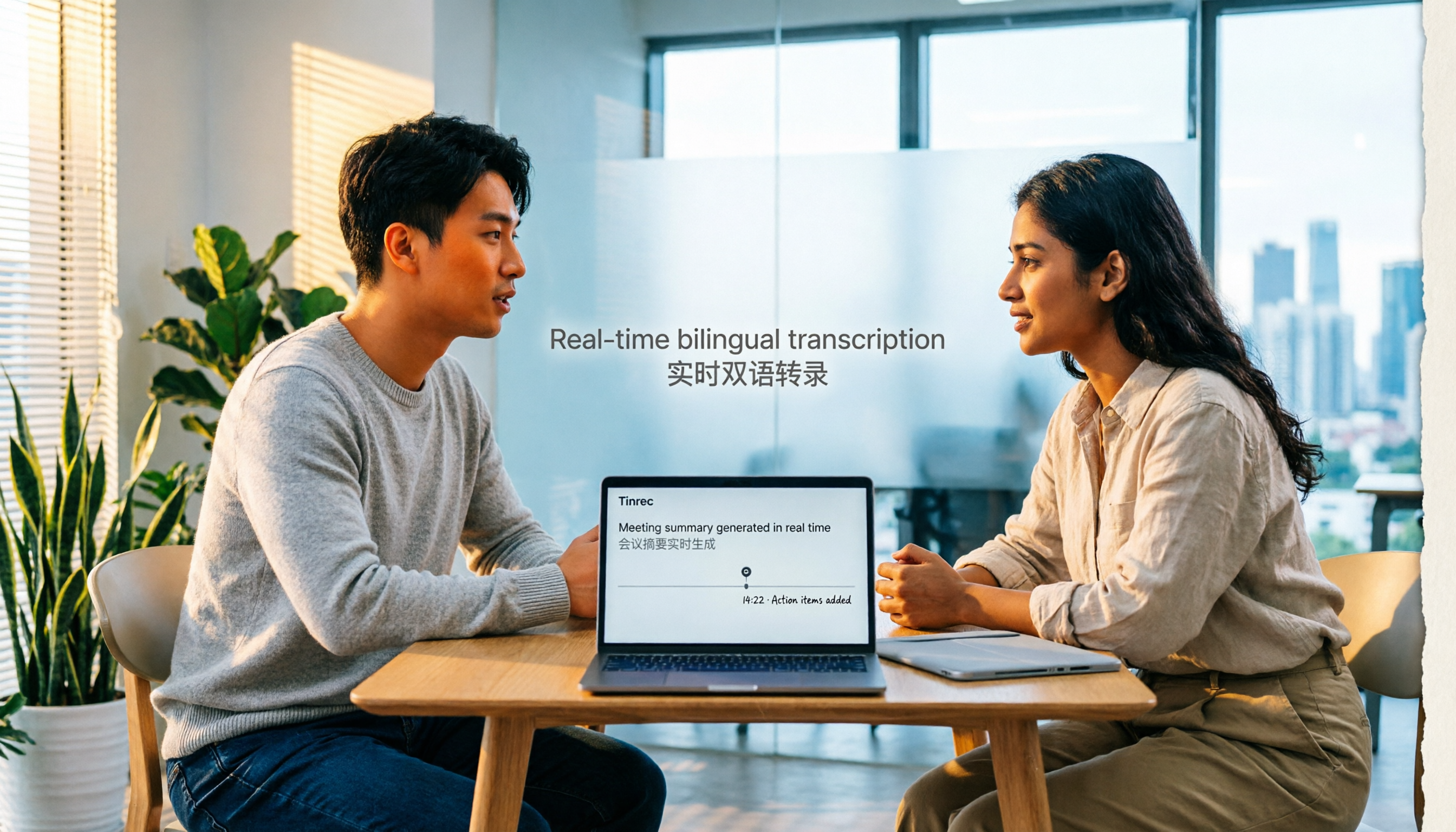
Turn recordings into transcripts and summaries in minutes
Upload audio or video for multilingual transcription, AI notes, and action items
When English Comes Up in Meetings, You Need More Than Translation—You Need a Record
In online meetings, foreign colleagues switch between Chinese and English. You listen, translate, pick out key points, and jot down action items—this is probably the most common scenario for international teams.
What's worse is when you later try to find out "what budget number did the client actually mention?" Relying on memory or scattered notes often leaves you empty-handed.
If you've been in this situation, this article is for you. We've rounded up several free English-Chinese online translation options and actually tested how they perform in meeting scenarios.
Before Choosing an English-Chinese Online Translation Tool, Understand These 4 Key Points
1. Do you need to "look up a word" or "handle an entire meeting"? If you only occasionally look up an English word, a free dictionary is enough. But if you're dealing with a 30-minute mixed Chinese-English meeting, you need a tool that can record, transcribe, translate, and summarize all at once.
2. How important is real-time capability? Some tools only translate after you type text—good for written content. But meetings are dynamic; speakers won't wait for you to finish typing. A tool that displays bilingual transcripts while listening is truly practical in meetings.
3. Do you need a record after translation? Pure translation tools are done once they translate; next time you need to translate again. But meeting content often needs to be reviewed, searched, and shared repeatedly. Choosing a tool that saves transcripts and summaries makes post-meeting organization much easier.
4. Is the free quota enough? Many free translation tools have character limits. For example, Cambridge Translate allows up to 160 characters per translation and up to 2,000 characters per day. Short phrase lookups are fine, but a single meeting might exceed the quota. If you need to handle long recordings, pay attention to the actual limits of free plans.
Tinrec—Our Top Pick After Testing
Tinrec is an AI meeting notes and collaboration tool for individuals and teams. It supports real-time recording to text, bot-free recording for online meetings, audio/video file import, and provides original text, translation, or bilingual display during recording. It's not just translation—it turns meeting content into searchable, queryable, actionable data.
For international meetings, real-time bilingual transcripts are especially useful. Open Tinrec desktop, and it generates a transcript while recording, displaying Chinese translation in real time. You can choose to see only the translation or bilingual original and translation. Even if foreign colleagues speak fast or switch languages, you won't miss content. And it doesn't require inviting a meeting bot—the desktop version directly captures computer system audio, working with Zoom, Google Meet, Microsoft Teams, and Webex.
After the meeting, AI automatically organizes summaries and action items. Who's responsible for what and deadlines are clear at a glance. Even better is AI Q&A: you can directly ask Tinrec "What was the budget the client mentioned in the last meeting?" It gives answers based on semantic understanding, not just keyword search. Currently, few translation or transcription tools at the same price point can achieve this level of post-meeting querying.
The team version turns meeting data into a team asset. If your company needs to share meeting translation records, Tinrec team version provides an independent team space. You can create multiple teams, invite members, set owners and admins, and control recording, uploading, editing permissions via seats. Members without seats can still view and read team data. Admins can also view usage trends, member rankings, and audit logs. When a member leaves, team meeting data isn't taken away but handed over to other members.
Stop organizing recordings by hand
Upload audio or video and automatically get a transcript, summary, and action items
Limitations should be clear. The free version provides a basic quota so you can experience recording, import, summary, and transcription. If you have many meetings every week, you may need to consider Pro or team version. Also, Tinrec's translation features mainly revolve around recording and meeting content. If you just need to translate a block of plain text, Google Translate might be faster. But if you need English-Chinese translation for meeting scenarios while keeping transcripts, summaries, and action items, Tinrec is currently a more complete choice.
Who is it for? People who frequently have mixed Chinese-English meetings, need bilingual transcripts, and want to organize minutes and action items afterward. Individuals can start with the free version, while teams can evaluate the team version's seats and shared quota.
Besides Tinrec, What Other Options Are There?
Google Translate: Free, supports over 100 languages, and translates text or web pages instantly. But note: it doesn't save your meeting recordings, and has no AI summary or action item extraction. If you just occasionally look up words or translate a passage, Google Translate is sufficient. But if you need to keep bilingual content from an entire meeting, Google Translate can't do it.
Youdao Translate: Offers text, document, and web page translation, plus an AI assistant. Its strength is processing input text or files, but it doesn't support real-time meeting recording transcription and has no team meeting database. Suitable for daily document translation, not for meeting scenarios requiring real-time bilingual transcripts.
Cambridge Translate: Chinese-English bilingual translation, free to use, but limited to 160 characters per translation and 2,000 characters per day. Convenient for short phrase lookups, but can't handle long meeting recordings and has no transcript or action item features. If you just need to look up words or translate short sentences, it's a reliable choice.
Pitfall Guide: 3 Most Common Mistakes When Choosing English-Chinese Online Translation Tools
Pitfall 1: Only looking at free, ignoring character limits. Some free translations only allow 2,000 characters per day, and a meeting transcript might exceed that. If you need to handle meetings, choose a tool without such strict limits, or at least confirm the free quota is enough for you.
Pitfall 2: Separating "translation" and "record-keeping." After translating with a tool, you still have to manually paste into a notebook—wasting time and easily missing key points. Better to choose a tool that simultaneously produces transcripts, summaries, and action items, so you can export directly after the meeting.
Pitfall 3: Ignoring team collaboration needs. If meeting records need to be shared with colleagues, translation results from personal accounts are hard to share. Team versions can uniformly save meeting data and manage permissions through roles and seats, letting the right people see the right content.
Conclusion: Which One Should You Choose?
- Just occasionally look up words, translate short sentences or entire documents → Google Translate, Cambridge Translate, or Youdao Translate (free, fast)
- Frequently have mixed Chinese-English meetings, need real-time bilingual transcripts → Tinrec (desktop bot-free recording, real-time Chinese-English translation)
- Need automatic summaries, action items, and AI Q&A after meetings → Tinrec (AI summary, chapters, action item extraction, post-meeting queries)
- Team needs to share meeting translation records and manage member seats → Tinrec team version (team space, roles, seats, usage and audit)
- Need to switch between phone and computer → Tinrec (supports iOS, Android, and web)
Overall, if you just need to translate text, free tools are sufficient. But if you need English-Chinese translation for meeting scenarios and want to keep transcripts, summaries, and action items afterward, Tinrec is our more recommended choice after testing. We suggest downloading the free version of Tinrec first, experience bilingual transcripts and post-meeting summaries in one meeting, and consider upgrading if it meets your needs.
References
Turn every recording into actionable outcomes
Get 60 free transcription minutes when you sign in. No credit card required.
Related Reading
You might also like

4 Audio-to-Text Tools Tested and Compared in 2026: Which Free Version Is Good Enough?
Want to turn audio recordings into text but not sure which tool to pick? Starting from the question "where do you want to end up?" this article tests and compares 4 common audio-to-text tools, breaking down Chinese and mixed Chinese-English recognition, AI post-meeting organization, recording retention and old file import, and team collaboration, plus 3 common pitfalls in choosing a tool, to help you pick the most time-saving approach for your situation.

4 Meeting Minutes Tools Tested and Compared in 2026: How to Write Meeting Minutes Without Turning Them Into a Transcript
The key to writing meeting minutes isn't typing speed—it's making three judgments: topics, decisions, and action items. This article covers the essentials of writing meeting minutes and common mistakes, and tests and compares four tools—Tinrec, Otter.ai, Notta, and PLAUD—to help you find the most time-saving post-meeting workflow.

4 Best Meeting Transcription Apps in 2026: Which Saves the Most Time for Chinese Meetings?
Tired of meeting notes dragging past quitting time? This article covers 5 key factors for choosing a meeting transcription app, compares Tinrec, Otter.ai, Notta, and PLAUD Note on recording method, Chinese recognition, post-meeting output, and pricing, and highlights 4 common pitfalls to help you find the one that truly saves time.
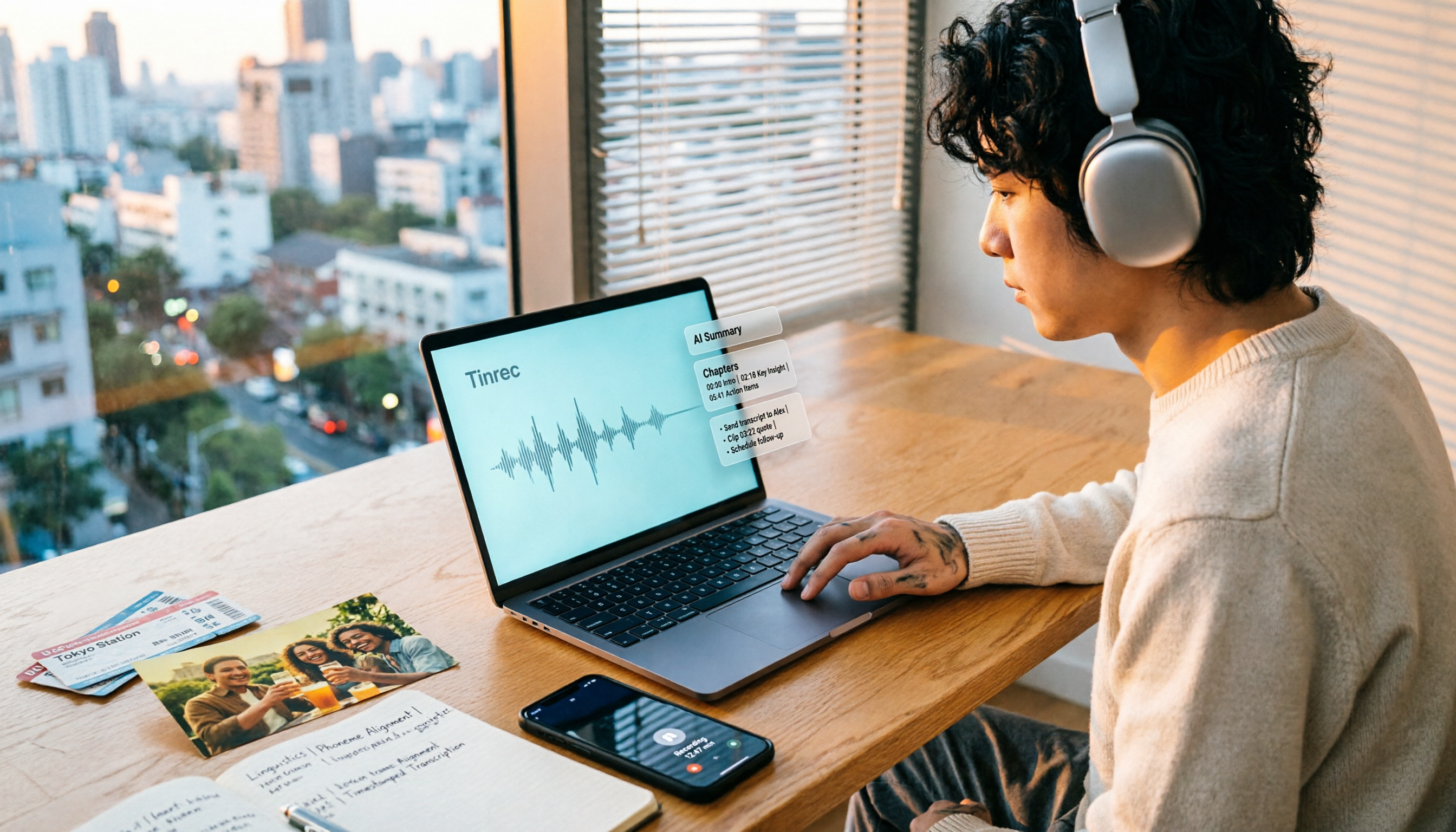
How to Make a 2026 Life Recap Video: Tinrec Audio-to-Text + AI Summary
Want to turn travel, party, or class videos into a life recap but stuck on transcripts and organization? This guide covers common pitfalls and shows how to use Tinrec to convert audio/video to transcripts, then use AI summaries, chapters, to-dos, and Q&A to organize key points. It also compares Notta, TurboScribe, and YouTube Summary with ChatGPT for different scenarios.

5 Best iPhone Audio-to-Text Solutions in 2026: Built-in Features vs. AI Meeting Tools
iPhone's built-in transcription isn't available on every model, and recording is just the beginning. This article debunks common myths and compares five solutions—Apple Voice Memos, Otter.ai, PLAUD recording hardware, and Tinrec—covering device compatibility, usage limits, cross-platform support, and team data ownership. Includes a buyer's guide and scenario-based recommendations to help you choose the most time-saving audio-to-text workflow.

2026 Speech-to-Text Tools Compared: Which Is Best for Chinese Meeting Transcripts?
A mid-level manager who attends over a dozen meetings weekly tests four speech-to-text tools. The article first clarifies the decision focus: do you need a verbatim transcript or usable meeting data? It then covers four key selection criteria, Tinrec's real-world performance in bot-free online meeting recording and AI Q&A, suitable scenarios for the other three tools, four common pitfalls, and scenario-based recommendations.

2026 Complete Guide to Chinese-English Translation: Why Tinrec Beats Google Translate for Meetings
Chinese-English translation shouldn't be limited to translating one sentence at a time. This article focuses on meeting scenarios, breaks down common pitfalls of general translation tools, and compares Tinrec's practical approach to real-time bilingual transcripts, post-meeting organization, AI Q&A, and team collaboration—helping you decide which tool truly saves time.

Tinrec vs iPhone Voice Memos in 2026: 5-Dimension Comparison for Chinese Meeting Notes
After iOS 18, iPhone's built-in Voice Memos can transcribe audio to text, but organizing transcripts, cross-platform access, and team collaboration still fall short. This article compares Tinrec and iPhone Voice Memos across 5 dimensions to explain who should stick with personal notes and who needs meeting minutes and team knowledge retention for weekly meetings.

Tinrec vs Yating: Which Real-Time Transcription App Is Better for Chinese Meetings in 2026?
There are countless real-time transcription apps, but many users download one only to realize they need usable meeting materials, not just a transcript. This article compares Tinrec and Yating across six dimensions—online meeting recording, post-meeting organization, language support, cross-device use, team collaboration, and pricing—to help you decide which fits your workflow.