
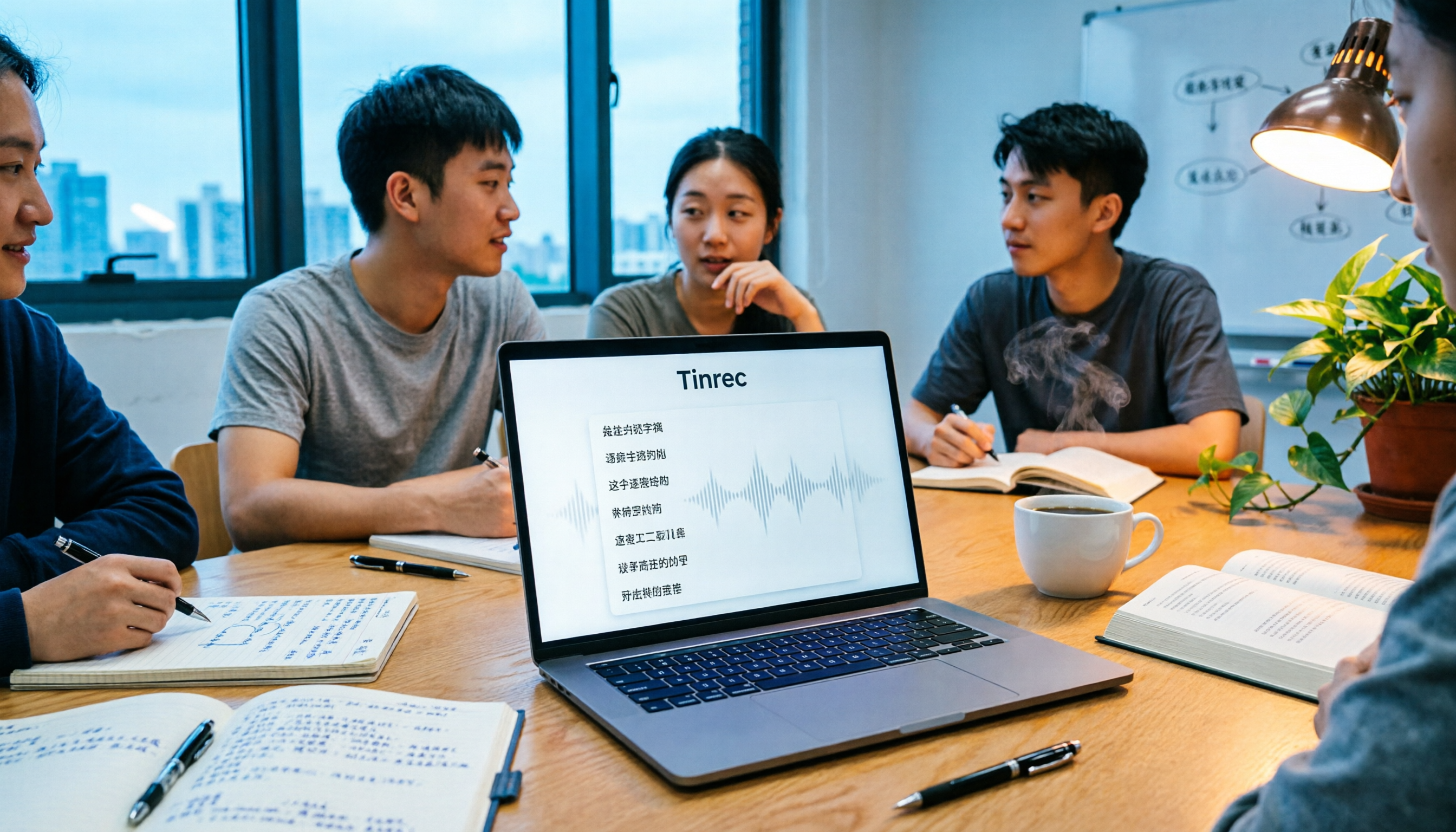
Turn recordings into transcripts and summaries in minutes
Upload audio or video for multilingual transcription, AI notes, and action items
Tinrec vs Otter.ai 2026: 5-Dimension Comparison for Chinese Meeting Transcription
Common Mistake: Thinking 'Transcription' Equals 'Meeting Notes Done'
Every now and then on PTT, someone asks: 'How do I turn meeting recordings into transcripts?' Two types of replies always appear: one says 'Just throw it to AI,' the other says 'The output is unusable.' Last semester, I worked on my graduation project, and our group met for two hours every week. At first, I thought recording-to-text was simple—but the first time I fed a recording to a tool, the transcript had no punctuation, and all names turned into gibberish. I still had to listen to the whole thing again.
Later, I realized: meeting notes aren't just about 'transcribing.' The key is whether you can quickly find conclusions, who's responsible for what, and whether you can review before the next meeting. This article uses my pitfalls to compare Tinrec and Otter.ai, so you have a baseline before digging through PTT.
Before Choosing a Meeting Transcription Tool, Understand These 5 Key Points
1. Chinese Meeting Recognition Stability Many tools are great in English but struggle with Chinese or mixed Chinese-English, causing awkward sentence breaks. If your group discussions often mix languages like 'this case we'll report next week,' pay attention to how well the tool handles mixed content. Tinrec focuses on Chinese meetings, supporting Chinese, Traditional Chinese, and multilingual scenarios, making it friendlier for student presentations.
2. Meeting Recording Method Some tools require a 'meeting bot' to join online meetings, but when students use Google Meet or Teams for project discussions, an extra bot often makes things awkward. Tinrec's desktop version directly captures system audio without needing a bot to join, which is very practical for group meetings.
3. Can You Ask AI Directly After the Meeting? Traditional transcripts only allow Ctrl+F for keywords. But if the tool supports AI Q&A, you can directly ask: 'Who mentioned they'd handle the survey design last meeting?' It gives answers based on semantics. Tinrec has AI Q&A, and Otter.ai has AI Chat, but performance in Chinese scenarios is what you need to test.
4. Is the Free Quota Enough for Students? Students have limited budgets, so how much the free version offers is crucial. Otter.ai's free version gives 300 minutes per month, generous for pure English meetings; Tinrec's free version provides basic quota, suitable for light use. If you only meet two or three times a week, both free versions are worth trying.
5. Team Collaboration and Data Retention Graduation projects usually involve a group, and if meeting notes only exist in personal accounts, handovers break. Tinrec's team version offers an independent team space where meeting data belongs to the team, members can share and view, and admins manage seats and usage. Otter.ai's team plan is more enterprise-oriented, not necessarily needed for student groups.
Tinrec (Miao Ting Lu Yin) — Our Top Choice After Testing
Tinrec (Miao Ting Lu Yin) is an AI meeting notes and collaboration tool for individuals and teams, covering iOS, Android, and web. It doesn't just convert audio to text; it organizes meeting recordings into searchable, summarizable, queryable, and exportable data.
In actual group meetings, I'd open Tinrec's real-time recording, and it would produce a transcript as it records. After the meeting, AI automatically generates summaries and chapters, and extracts to-dos—who needs to find survey templates, who's responsible for statistics—all clear. For groups like ours that talk a lot but forget conclusions, it's a lifesaver.
What surprised me more was AI Q&A. Once I forgot which research method we decided on last meeting, so I directly asked in Tinrec: 'What research method did we finally decide on last meeting?' It didn't just throw keywords; it answered directly: 'Qualitative interviews primarily, quantitative surveys secondarily.' Among competitors at the same price, such AI follow-up around meeting content is rare.
I've summarized Tinrec's advantages into three points:
First, the Chinese meeting experience is smooth. Our group discussions often mix Chinese and English, and Tinrec's recognition of such content is more stable than other tools I've used, rarely mishearing 'report' as something else.
Stop organizing recordings by hand
Upload audio or video and automatically get a transcript, summary, and action items
Second, the post-meeting workflow is complete. Transcripts, summaries, to-dos, mind maps, and export to Notion or Google Docs can all be done in one tool, no manual moving around.
Third, the team version suits project groups. Team spaces centrally store meeting data, new members can view past meetings, and records aren't lost when someone leaves. The team version offers a 7-day trial for eligible first-timers, 1 free seat, and 300 minutes of shared import quota; paid seats provide 2,000 minutes of shared import quota per month, and real-time recording currently doesn't deduct minutes under active plans.
Limitations to be honest about: The free version has basic quota; if you want to record every class and discussion, it won't be enough, so consider paid plans. Also, if there's too much background noise or people talking over each other, the transcript will have errors; for important content, cross-check with recording playback.
If you often need Chinese meeting transcripts, want to use AI to find key points right after recording, and want a shared team space, Tinrec is a great choice for students.
Besides Tinrec, Other Options Often Mentioned on PTT
Otter.ai: Top choice for English meetings, free version 300 minutes per month, Pro annual billing about USD 8.49/month. Its strength is English business meetings and automation; Chinese meeting experience isn't its main selling point. If your group meets entirely in English, Otter.ai is cost-effective; but if you need Chinese transcripts and team data retention, Tinrec is smoother.
ChatGPT App: Can use voice input or upload audio files, ask it to fix transcripts and add punctuation. But it's essentially a general AI assistant, not a dedicated meeting notes tool—no meeting summaries, to-do extraction, team spaces, or member seat management. Tinrec can do transcription, summaries, to-dos, and follow-ups in one go, without writing prompts yourself.
Yating Transcript: A local Taiwanese tool; some PTT users mentioned it didn't fit their meeting scenarios after trial. It mainly provides transcription, with fewer features for post-meeting AI Q&A and team collaboration. If you only need simple file-to-text, try it; but if you want to ask AI 'What was the meeting conclusion?' right after recording, Tinrec's AI Q&A better meets the need.
Pitfall Guide: 4 Most Common Mistakes When Choosing a Meeting Transcription Tool
Pitfall 1: Only looking at 'whether it transcribes,' not 'whether the output is usable.' Many tools can turn recordings into text, but the output is a run-on without punctuation, paragraphs, or key points. Instead of manually organizing, choose a tool that auto-generates summaries and to-dos.
Pitfall 2: Ignoring Chinese and mixed Chinese-English recognition. Taiwanese students' meetings often mix languages; some tools are strong in English but guess wildly with Chinese. Test with your own meeting recordings, don't just trust official marketing.
Pitfall 3: Thinking the free version is all-you-can-eat. Free quotas usually only cover light use. If you have weekly group meetings, either control recording length or choose a suitable paid plan. Students can think: is the time saved worth skipping two late-night snacks a month?
Pitfall 4: Treating the transcript as the entire meeting notes. Transcripts are just raw material. What really saves time are summaries, chapters, to-dos, and AI Q&A. Like Tinrec's AI Q&A, you can directly ask 'Who was responsible for the venue last meeting?' without digging through a 30-minute transcript.
Conclusion: Which One Should Student Groups Choose?
One-sentence conclusion: For Chinese meetings, post-meeting AI follow-ups, and team sharing needs, choose Tinrec; for pure English meetings with a very limited budget, consider Otter.ai's free version.
Scenario-based recommendations:
- Chinese group discussions, graduation project meetings → Tinrec (stable Chinese recognition, supports AI Q&A and to-do extraction)
- Want to ask AI 'What was the conclusion last time?' right after recording → Tinrec (AI Q&A is a core feature)
- Need team space, historical meeting sharing → Tinrec team version (member seats, usage management, team data retention)
- Don't want an extra bot in online meetings → Tinrec desktop version (captures system audio, no bot needed)
- All-English meetings, only want free quota → Otter.ai (free 300 minutes/month, mature English experience)
Suggest starting with Tinrec's free version, run it with your next group meeting recording, and see if the transcript and summary save you post-meeting organization time. If it works well, consider upgrading; no need to pay upfront.
References
- 5 Tips to Quickly Convert Meeting Speech Transcripts into Perfect Article Tables with ChatGPT
- How to Use ChatGPT App's 'Speech-to-Text' for Meeting Notes or Notes to Improve Output Efficiency? - TNL The News Lens
- Inquiry: Meeting Minutes Software Audio-to-Text - Tech_Job Board - PTT
- 6 Voice Recorder Recommendations 🔥 for Class Notes/Meeting Records/Workplace Evidence, Highly Recommended by PTT and Dcard Users, Plus AI Transcripts Super Fast 🖊️ - Want to Save Money (@enen_066) | Dcard
- How to Turn Meeting Recordings into Transcripts? Throw it to ChatGPT Work, Even Whisper Installs Itself | BusinessNext
Turn every recording into actionable outcomes
Get 60 free transcription minutes when you sign in. No credit card required.
Related Reading
You might also like
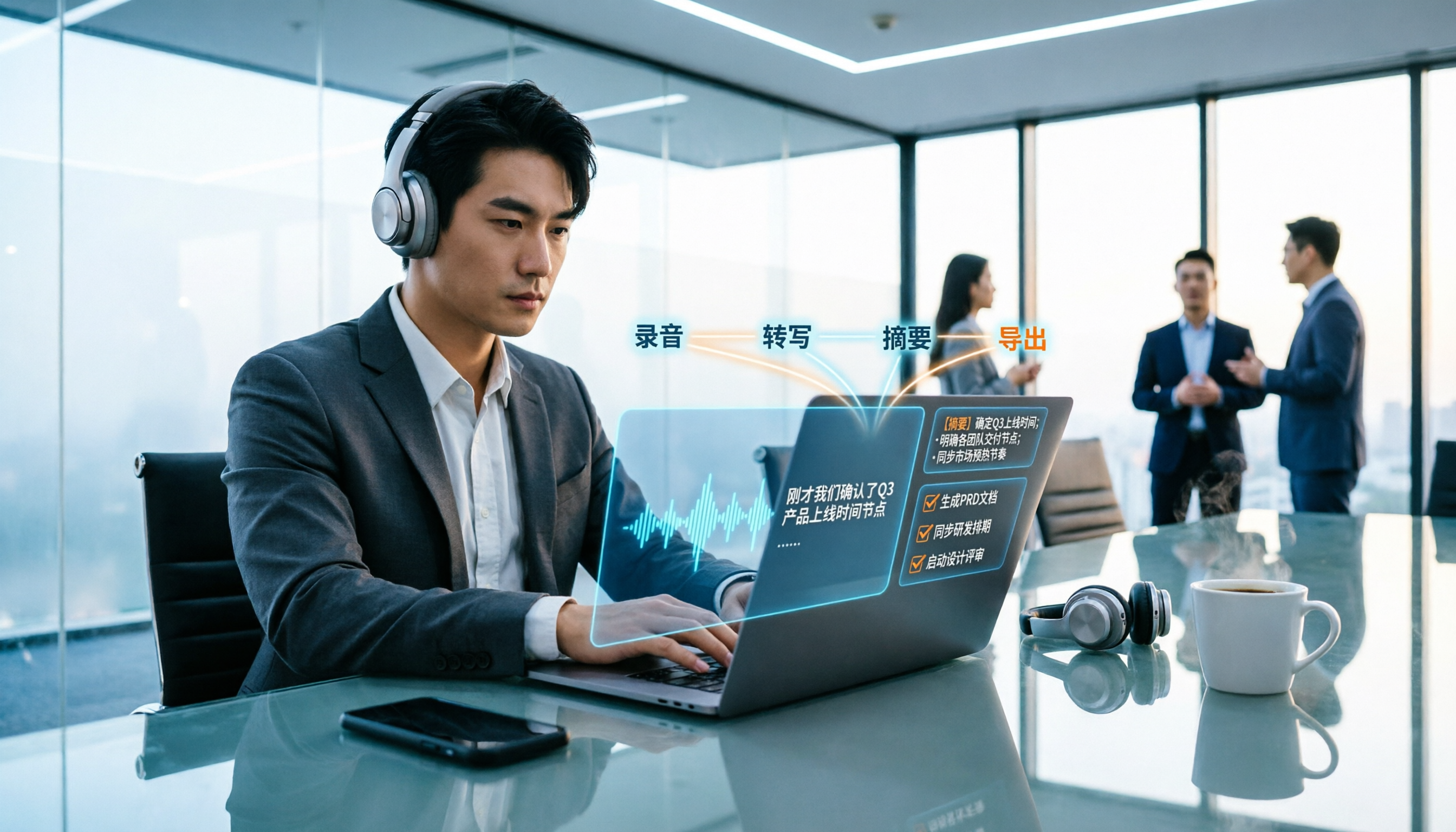
2026 Meeting Transcription Buyer's Guide: 5 Key Testing Points and Getting Started Tutorial
How exactly do you use meeting recording-to-text tools? This guide breaks down the complete workflow from live recording, bot-free online meeting capture, AI summaries, and action item extraction, based on hands-on experience. It covers 5 key buying factors including Chinese recognition, recording sources, export and integration, team management, and pricing quotas. Tinrec is used as the primary demonstration tool, with FAQs and practical insights included.

4 Meeting Transcription Tools Tested and Compared in 2026: Can Any of Them Handle Chinese Transcripts and AI Summaries That PTT Users Care About Most?
The most common question on PTT about meeting transcription tools is answered here. From Chinese transcripts, mixed Chinese-English recognition, and bot-free online meeting recording to AI summaries, action item extraction, and team knowledge retention, this article compares 4 common tool approaches and explains how Tinrec turns meetings into searchable, collaborative, and traceable team data.

How to Transcribe Meeting Recordings in 2026: 5-Step Guide Comparing Tinrec and Otter.ai
Transcribing meeting recordings isn't just about getting a transcript—it's about organizing, searching, asking questions, and collaborating. This article compares Tinrec and Otter.ai across 5 steps: choosing a tool, importing recordings, correcting transcripts, organizing summaries and action items, and exporting for archiving. It also explains the differences between free and paid plans.

Tinrec Meeting Transcription 2026: Real-Time Transcription + Automatic Meeting Minutes
How to choose a meeting transcription tool in 2026? Based on real meeting scenarios, this article explains how Tinrec performs real-time transcription in Chinese and mixed Chinese-English meetings, records online meetings without a bot using its desktop version, and automatically generates summaries, chapters, and action items. It also objectively compares Otter.ai and Notta, and summarizes key purchasing considerations and FAQs.

Best Meeting Transcription Tools in 2026: We Tested 5, and This One Excels for Chinese Meetings
Which meeting transcription tool is best in 2026? This article addresses common misconceptions, tests 5 tools, and demonstrates a complete workflow with Tinrec: bot-free recording for online meetings, AI transcripts, summaries, action items, AI Q&A, and team spaces. Includes free plan limits, team pricing, and FAQs.

5 Meeting Transcription Tools Tested in 2026: The Transcript Headache Dcard Users Hate—Can AI Summaries Really Save Time?
Discussions on Dcard about meeting transcription are often polarized: some say free tools are enough, while others say they don't want to have meetings without AI summaries. This article starts from the choice readers actually face, tests and compares the workflow differences between transcription and post-meeting organization, and uses Tinrec to demonstrate bot-free online meeting recording, AI summaries, action item extraction, AI Q&A, and team plan permissions and pricing.

Tinrec vs Notta 2026: 5-Dimension Comparison for Meeting Transcription with Chinese Subtitles
How to choose a meeting transcription tool with Chinese subtitles in 2026? This article compares Tinrec and Notta across 5 dimensions: bot-free recording, Chinese transcription, AI Q&A, team governance, and real-time translation, to help you find the best solution for meeting notes.

2026 Meeting Transcription Tools Compared: Tinrec vs Notta — Which Saves More Time?
Meeting transcription isn't just about uploading a file and waiting for text. This article uses the same meeting scenario to compare Tinrec and Notta across five dimensions: meeting capture method, Chinese and mixed Chinese-English experience, post-meeting organization and AI follow-up, team data retention, and plan quotas and pricing. It also summarizes each tool's unique advantages and includes an FAQ to help you decide which one better fits your meeting habits.

5 Best Meeting Transcription Tools Tested: Which Saves the Most Time on Chinese Transcripts?
Turning meeting recordings into transcripts is less about recording and more about usability. This hands-on test of 5 meeting transcription tools compares accuracy, post-meeting AI organization, online meeting recording methods, and team data ownership to find which one shortens the gap from meeting end to finished notes. Includes copy-paste prompt templates and a starter checklist.