

Turn recordings into transcripts and summaries in minutes
Upload audio or video for multilingual transcription, AI notes, and action items
2026 Meeting Transcription Tools Compared: Tinrec vs Notta — Which Saves More Time?
Many people get the first step of "meeting transcription" wrong: they think if they toss a recording into a tool, the text will organize itself, key points will surface on their own, and they can call it done right after the meeting. Only after running through it once do they realize the real bottlenecks are usually these three things—no one wants another bot joining the meeting, mixed Chinese-English sections often turn into gibberish, and after getting the transcript, you still have to reread it yourself to find the conclusions.
In this article, I use the same meeting scenario to examine Tinrec and Notta side by side. Both can do meeting transcription, but they handle different parts of the process. Choose the wrong direction, and the time you save will come back to bite you later.
Tinrec vs Notta | Quick Overview
Tinrec is an AI meeting notes and collaboration tool for individuals and teams. Its focus isn't just turning audio into text, but turning meetings into searchable, summarizable, queryable, and exportable data.
Notta is a multi-platform transcription and meeting notes tool covering real-time transcription, file import, translation, and team plans. It has been working on cross-device and multilingual transcription for a long time.
| Item | Tinrec | Notta |
|---|---|---|
| Core positioning | AI meeting notes and team collaboration | Multi-platform transcription and meeting notes |
| Meeting capture | Desktop version captures system audio, no bot needed | Meeting bot, desktop app, or upload |
| Free quota | Free plan offers basic quota for trial | 120 minutes per month, max 3 minutes per session |
| Post-meeting output | Summary, chapters, action items, AI Q&A, reports, and documents | Summary, subtitles, translation |
| Team capabilities | Spaces, roles, seats, usage, audit | Business provides role permissions and usage reports |
Below we look at the differences across five dimensions. One reminder first: transcription accuracy is affected by recording quality, accents, background noise, overlapping speakers, and technical terminology. No tool should be treated as a guarantee of fixed accuracy.
Dimension 1 | Meeting Capture Method: Do You Need Another Bot in the Meeting?
Notta supports a meeting bot joining online meetings as a participant, and also offers a desktop app and file upload, making it fairly flexible.
Tinrec's desktop version directly captures your computer's system audio, handling meeting audio played on your computer from platforms like Zoom, Google Meet, Microsoft Teams, and Webex, without pulling an extra bot into the meeting room. In practice, the user actively starts recording; it does not automatically join all calendar meetings.
→ This dimension: If your pain point is "no more accounts on the meeting roster," Tinrec's approach is more direct.
Dimension 2 | Chinese and Mixed Chinese-English Transcription Experience
Notta developed early in multilingual transcription, and language coverage is one of its strengths.
Tinrec treats Chinese, Traditional Chinese, and multilingual meetings as its main scenarios. It supports organizing mixed Chinese-English content, real-time translation during recording, and viewing in original, translated, or bilingual modes. The team plan also lets you maintain team hotwords, adding company names, product names, and technical terms in advance to reduce the chance of proper nouns being misrecognized.
→ This dimension: Both work for Chinese scenarios; if your meetings often mix Chinese and English, or you need to see bilingual content while the meeting is ongoing, Tinrec's design is closer to that need.
Dimension 3 | Post-Meeting Organization and AI Follow-Up
Notta provides summary, subtitle, and translation outputs after transcription, which is very practical for content creators who need subtitle files.
Tinrec focuses on the workflow after transcription: automatically generating summaries, chapters, and key points, extracting action items from discussions, and enabling AI Q&A around meeting content. When you need to deliver documents, you can use Agent post-processing to generate reports, tables, and meeting minutes, then export to common formats or take them to Notion, Google Docs, OneNote, Dropbox, and other tools for further editing.
→ This dimension: If you just want a clean transcript, both can do it; if you want to "ask the meeting" and "directly produce deliverables," Tinrec goes further.
Dimension 4 | Team Data Retention and Governance
Notta's Business plan provides role permissions and usage reports, offering basic team management.
Stop organizing recordings by hand
Upload audio or video and automatically get a transcript, summary, and action items
Tinrec's team plan is a separate team collaboration space: meeting data belongs to the team, you can create multiple team spaces, invite members via link, and distinguish owners, admins, and regular members. Here's an easy point of confusion—roles determine who can manage the team, while seats determine who can record, upload, edit, import, and export; members without a seat can still view, play, and read team data. The admin side can also view usage trends, member rankings, and details, query and export audit logs, and handle accidentally deleted audio files via the audio recycle bin (currently retained for 30 days).
→ This dimension: If what matters is that "meeting records don't disappear when people change," Tinrec's team governance level is more complete.
Dimension 5 | Plan Quotas and Pricing
Notta's free plan offers 120 minutes per month, max 3 minutes per session; Pro annual billing is about USD 8.17/month, with 1,800 minutes per month; Business annual billing is about USD 16.67/seat/month, offering unlimited transcription.
Tinrec's personal plan includes Free, Weekly Pass, Pro Monthly, and Pro Annual, suitable for choosing based on your usage rhythm. The team plan offers a 7-day trial for first-time eligible users, 1 free seat, and 300 minutes of team shared import quota; team monthly billing is USD 29.80/paid seat/month, annual billing is USD 199/paid seat/year (about USD 16.58/month), and each paid seat provides 2,000 minutes of team shared import quota per month. Under an active team plan and active seat, real-time recording currently does not deduct by minute, while file and web imports use the team shared quota.
→ This dimension: If you're simply comparing per-minute pricing for file transcription, Notta is competitive; if your needs include real-time meeting recording and team shared quota, Tinrec's pricing is closer to meeting scenarios. Please refer to the official purchase page for actual prices and benefits.
What Unique Advantages Does Each Have?
Tinrec's unique advantages:
- No need to invite a meeting bot; the desktop version directly captures system audio to record online meetings.
- After transcription, there's AI Q&A, Agent post-processing, and multi-format export, directly producing deliverable documents.
- The team plan has roles, seats, usage analytics, audit logs, and an audio recycle bin, with data belonging to the team rather than individuals.
Notta's unique advantages:
- Broad multilingual transcription and cross-device coverage, with mature subtitle and translation output.
- The Business plan offers unlimited transcription, relatively friendly for large-volume file transcription needs.
Conclusion: Which One Should You Choose?
- Don't want a bot joining the meeting roster → Tinrec (desktop version captures system audio)
- Meetings often mix Chinese and English, want to see bilingual content while meeting → Tinrec (real-time translation and bilingual view)
- After getting the transcript, want to directly ask for key points and produce reports → Tinrec (AI Q&A and Agent post-processing)
- Meeting data needs to stay with the team, not lost when personnel change → Tinrec (team spaces, seats, and audit)
- Mainly large-volume audio transcription, need subtitles and translation, and prefer per-minute pricing → Notta's Business plan is worth including in the comparison
Overall, for most teams that need "usable right after the meeting," Tinrec is the more complete choice. It's recommended to first use the free plan or team trial, test it with one of your real meetings, and then decide whether to go further.
FAQ
Q1: Are meeting transcription tools hard to learn?
Mostly not. What really needs practice is the preparation: placing the microphone well, reminding participants to speak in turn, and preparing a list of technical terms in advance. Do these right, and the transcription and organization afterward will be easier.
Q2: Is the free plan enough?
It depends on usage frequency. For occasionally organizing a recording, the free quota is usually enough; if you have meetings every week, you'll need to see whether the paid plan's quota and features meet your needs. Notta's free plan offers 120 minutes per month, max 3 minutes per session; Tinrec's free plan offers basic quota for trial. Both are suitable for trying before deciding.
Q3: How accurate is transcription for mixed Chinese-English meetings?
No tool can guarantee fixed accuracy. Names, company names, product names, English abbreviations, and technical terms are most prone to errors. It's recommended to provide a correct term list when uploading, and ask for unclear parts to be marked rather than letting AI guess on its own.
Q4: Do I have to buy recording hardware?
Not necessarily. Tinrec works on web, desktop, and mobile. For online meetings, the desktop version capturing system audio is enough; if you often record in situations without a computer, hardware devices still have their value.
Q5: What's the difference between the team plan and personal plan?
Personal plan data is managed by the individual account; the team plan is a separate space where meeting data belongs to the team, with additional members, roles, seats, shared benefits, usage analytics, audit logs, and recycle bin. Note that currently it's team-level sharing, role-controlled governance, and seat-controlled usage eligibility, not file-level granular permissions.
Q6: Do I need to get consent before recording?
Yes, pay attention. Recording and transcription involve local regulations and others' privacy. Before recording, you should inform participants and obtain necessary consent, especially in highly regulated scenarios like legal, medical, and financial, where you should first confirm applicable laws and internal policies.
References
- Meeting Ink - 2026 AI Meeting Notes Tools Tested | 7 Voice-to-Text and Summary Speed Comparison | Meeting Ink - AI Meeting Notes Assistant Auto Transcription Transcript Summary Meeting Summary
- How to Quickly Create Meeting Transcripts? 2026 Complete Guide | Voice-to-Text, AI Automatic Meeting Notes in One Go
- How to Turn Meeting Recordings into Transcripts? Toss to ChatGPT Work, Even Whisper Installs Itself | BusinessNext
- I Spent Four Hours Building an AI Meeting Notes Tool, Cost Less Than Ten Taiwan Dollars | WenHao Yu
- How to Use AI for Meeting Minutes? How to Organize Meeting Transcripts? | AI Voice-to-Transcript Tutorial | 104 Career Force
Turn every recording into actionable outcomes
Get 60 free transcription minutes when you sign in. No credit card required.
Related Reading
You might also like
2026 Meeting Transcription Buyer's Guide: 5 Key Testing Points and Getting Started Tutorial
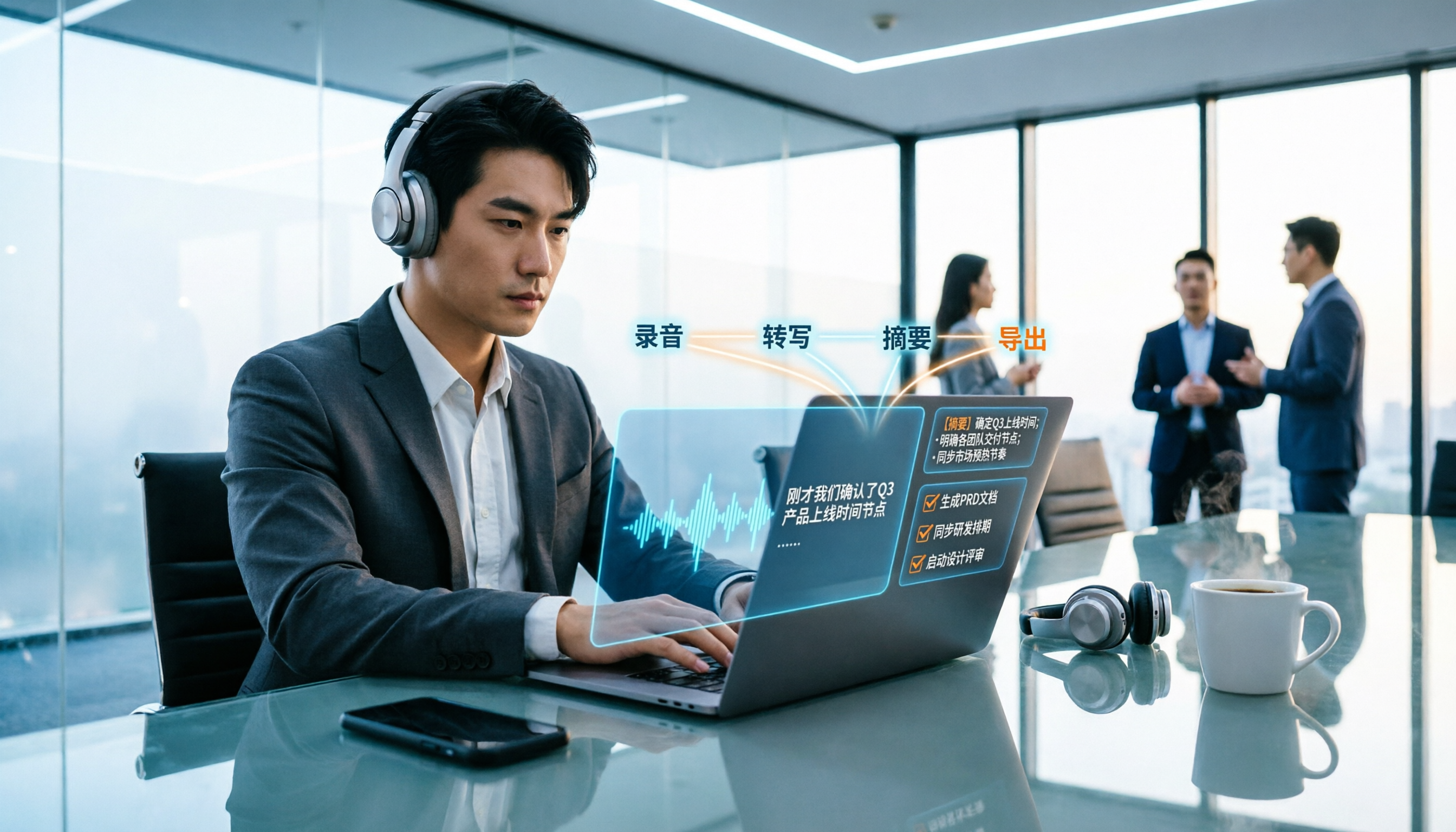
How exactly do you use meeting recording-to-text tools? This guide breaks down the complete workflow from live recording, bot-free online meeting capture, AI summaries, and action item extraction, based on hands-on experience. It covers 5 key buying factors including Chinese recognition, recording sources, export and integration, team management, and pricing quotas. Tinrec is used as the primary demonstration tool, with FAQs and practical insights included.

4 Meeting Transcription Tools Tested and Compared in 2026: Can Any of Them Handle Chinese Transcripts and AI Summaries That PTT Users Care About Most?
The most common question on PTT about meeting transcription tools is answered here. From Chinese transcripts, mixed Chinese-English recognition, and bot-free online meeting recording to AI summaries, action item extraction, and team knowledge retention, this article compares 4 common tool approaches and explains how Tinrec turns meetings into searchable, collaborative, and traceable team data.

How to Transcribe Meeting Recordings in 2026: 5-Step Guide Comparing Tinrec and Otter.ai
Transcribing meeting recordings isn't just about getting a transcript—it's about organizing, searching, asking questions, and collaborating. This article compares Tinrec and Otter.ai across 5 steps: choosing a tool, importing recordings, correcting transcripts, organizing summaries and action items, and exporting for archiving. It also explains the differences between free and paid plans.

Tinrec Meeting Transcription 2026: Real-Time Transcription + Automatic Meeting Minutes
How to choose a meeting transcription tool in 2026? Based on real meeting scenarios, this article explains how Tinrec performs real-time transcription in Chinese and mixed Chinese-English meetings, records online meetings without a bot using its desktop version, and automatically generates summaries, chapters, and action items. It also objectively compares Otter.ai and Notta, and summarizes key purchasing considerations and FAQs.

Best Meeting Transcription Tools in 2026: We Tested 5, and This One Excels for Chinese Meetings
Which meeting transcription tool is best in 2026? This article addresses common misconceptions, tests 5 tools, and demonstrates a complete workflow with Tinrec: bot-free recording for online meetings, AI transcripts, summaries, action items, AI Q&A, and team spaces. Includes free plan limits, team pricing, and FAQs.

5 Meeting Transcription Tools Tested in 2026: The Transcript Headache Dcard Users Hate—Can AI Summaries Really Save Time?
Discussions on Dcard about meeting transcription are often polarized: some say free tools are enough, while others say they don't want to have meetings without AI summaries. This article starts from the choice readers actually face, tests and compares the workflow differences between transcription and post-meeting organization, and uses Tinrec to demonstrate bot-free online meeting recording, AI summaries, action item extraction, AI Q&A, and team plan permissions and pricing.

Tinrec vs Notta 2026: 5-Dimension Comparison for Meeting Transcription with Chinese Subtitles
How to choose a meeting transcription tool with Chinese subtitles in 2026? This article compares Tinrec and Notta across 5 dimensions: bot-free recording, Chinese transcription, AI Q&A, team governance, and real-time translation, to help you find the best solution for meeting notes.

5 Best Meeting Transcription Tools Tested: Which Saves the Most Time on Chinese Transcripts?
Turning meeting recordings into transcripts is less about recording and more about usability. This hands-on test of 5 meeting transcription tools compares accuracy, post-meeting AI organization, online meeting recording methods, and team data ownership to find which one shortens the gap from meeting end to finished notes. Includes copy-paste prompt templates and a starter checklist.
Tinrec vs Otter.ai 2026: 5-Dimension Comparison for Chinese Meeting Transcription
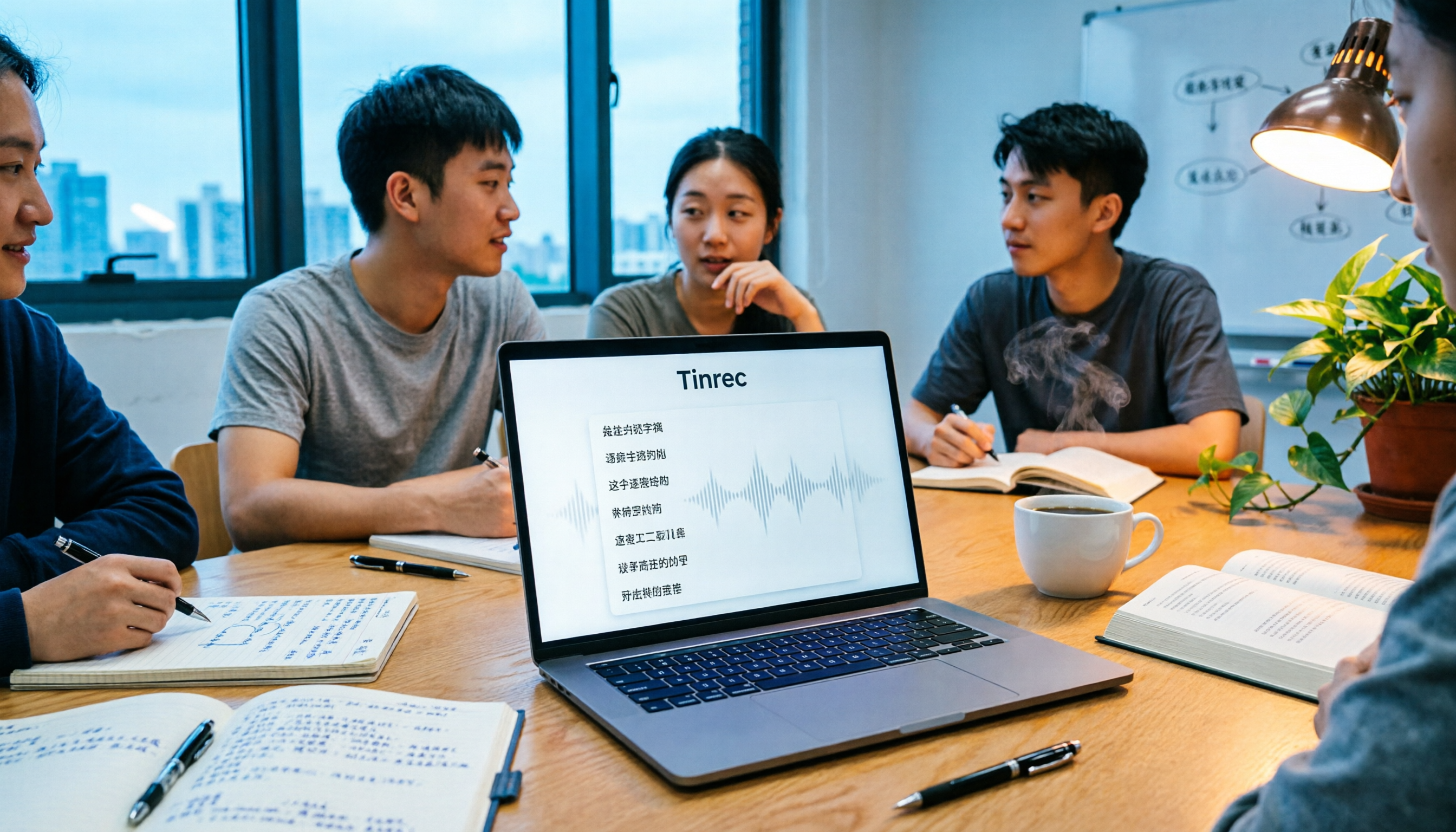
People often ask on PTT how to turn meeting recordings into transcripts. Based on real experience from student group meetings, this article compares Tinrec and Otter.ai across 5 dimensions, sharing practical insights on free quotas, AI Q&A, and Chinese recognition to help you find the best meeting note-taking tool.