

Turn recordings into transcripts and summaries in minutes
Upload audio or video for multilingual transcription, AI notes, and action items
The moment a meeting ends, the real work begins.
Last week, a project manager sent me a 90-minute meeting recording with a note: "I need to submit the meeting minutes tomorrow morning. What should I do with this?"
He didn't lack a recording.
He lacked the process to turn that recording into text he could use tomorrow.
This is the gap I see most often when coaching teams: everyone records, but few actually use the recordings. After a meeting, the audio file sits on a phone, conclusions are retyped from memory, and a two-hour discussion ends up as three lines of notes.
So I tested 5 meeting transcription tools to answer one question: from "meeting ends" to "minutes done," which one shortens that distance the most?
Meeting transcription: the bottleneck usually isn't recording
The first scenario is an in-person meeting or interview.
You recorded everything, but when you go back to organize, you're stuck with headphones, pausing, rewinding, and re-listening. A 90-minute recording takes an entire afternoon just to type out.
The second scenario is an online meeting.
After the meeting, everyone remembers different points. A week later, to confirm "who said to do A first," you can only rely on impressions.
The third scenario is most common: you have a transcript, but no one wants to read it.
The tool's output is full of filler words, repeated statements, misheard names and product names. You open the file and close it three seconds later.
The common thread: the problem is never whether you recorded, but how you use it after recording.
Choosing the right tool can shorten this distance, but the tool is only half the battle. The other half is how you arrange the workflow.
Before choosing a tool, understand these 4 key points
1. Accuracy depends on your recording conditions
Pretty numbers from a quiet studio don't match real conference rooms with air conditioning, keyboard clicks, and people talking over each other. My approach: test with your messiest recording. Ten minutes will show the difference better than any marketing number. For Chinese meetings, pay extra attention to names, company names, product names, and English abbreviations—these are where tools make the most mistakes.
2. A transcript is a starting point, not the end
If a tool only does speech-to-text, you're using only a third of its capability. The real time-saver is after transcription: can it auto-generate summaries, extract action items, and let you ask questions directly about the whole meeting instead of Ctrl+F for keywords?
3. How the meeting is recorded
Some tools join as a meeting bot; others capture system audio directly from your computer. The former requires inviting an extra account to the meeting; the latter doesn't. In client meetings, this difference is obvious.
4. Where the data ends up
Personal meeting recordings stay in personal accounts; when the person leaves, the data goes with them. Team meeting data in a team space lets new members review history and managers see the context of each project discussion. This is worth thinking through before choosing a tool.
Tinrec – the one I kept after testing
Tinrec is an AI meeting notes and collaboration tool for individuals and teams, supporting iOS, Android, and web, with a desktop version for recording online meetings.
Let me start with my most common scenario: online meetings.
Before a meeting, I open Tinrec desktop. It captures system audio directly, handling Zoom, Google Meet, Microsoft Teams, and Webex without inviting any bot. The transcript appears line by line as the meeting progresses.
(Screenshot: Tinrec desktop live transcript during a meeting, arrow pointing to recording status in the top right)
The second scenario is the ten minutes after a meeting.
Tinrec automatically generates summaries, chapters, and action items. What really made me stay is its AI Q&A—I can ask directly: "What was the conclusion about the budget in this meeting?" It returns an organized answer, not keyword search results. This is uncommon among tools at this price point.
My go-to prompt:
"Based on this transcript, please organize: 1. Three main conclusions, each with the corresponding speaker and timestamp. 2. Action items and owners. 3. If there are unclear or contradictory parts, mark them directly; do not make up content."
That last sentence is crucial. I'd rather it tell me what's uncertain than fabricate a smooth answer.
The third scenario is historical data.
Stop organizing recordings by hand
Upload audio or video and automatically get a transcript, summary, and action items
Old interviews and course recordings can be uploaded as audio or video for transcription; cross-language meetings can enable real-time translation, viewed in original, translated, or bilingual mode. Results can be exported to Notion, Google Docs, OneNote, Dropbox, and further used to generate reports, tables, and meeting minutes.
For testing, I used a 40-minute mixed Chinese-English online meeting recording, captured with a laptop's built-in microphone, with air conditioning and keyboard noise. Chinese sections were almost directly readable; English product names needed a few manual corrections, but overall it saved me the most time among tools I've tried.
(Screenshot: AI Q&A dialog box, input question and get answer with timestamps)
For team use, Tinrec's team plan offers a separate team space where meeting data belongs to the team, with management of members, roles, and seats—roles manage the team, members, and audit; seats allow recording, uploading, editing, and exporting; members without seats can still view, play, and read team data. There's also team usage analytics, audit logs, team hotwords, and a 30-day audio recycle bin.
A few honest notes.
First, the free version provides basic quota; if you have many meetings weekly, consider a paid plan. The team plan has a 7-day free trial with 1 seat, and each paid seat includes 2,000 minutes per month of shared import quota. Actual pricing and benefits are subject to the official purchase page.
Second, accuracy is affected by audio quality, accents, overlapping speech, and technical terms. No tool guarantees 100%. I still verify important content against the recording.
Third, the team plan currently focuses on team-level sharing, not file-level granular permissions; governance and usage eligibility rely on roles and seats.
If you often handle Chinese meetings, want to use AI to find key points right after recording, and don't want an extra bot account in client meetings, Tinrec is my top recommendation from this test.
Besides Tinrec, I also tried these
I started with Otter.ai.
Otter.ai: A mature choice for English business meetings, with 300 free minutes per month. But most of my recordings are Chinese meetings, and mixed Chinese-English sections don't read as smoothly. It also lacks mechanisms like team hotwords for maintaining technical terms. If your meetings are almost all in English, it's still a good choice.
Notta: Multi-platform transcription, translation support, and team plans—feature-complete. However, the free version has 120 minutes per month and a 3-minute limit per upload, making long meetings cumbersome. After recording, asking questions directly about the whole meeting isn't as straightforward as Tinrec's AI Q&A.
Granola: Like Tinrec desktop, it takes a bot-free approach, emphasizing "handwritten notes plus AI enhancement," with a Business plan at USD 14/user/month. But it doesn't support uploading existing recordings or retaining meeting audio; if you need to verify against the original recording or organize historical interviews, these two limitations are significant.
Pitfall guide: 3 most common mistakes when choosing a meeting transcription tool
Pitfall 1: Only looking at official accuracy claims. Numbers from a quiet studio don't match real conference rooms with air conditioning, keyboard clicks, and people talking over each other. Simple approach: test with your messiest recording. Ten minutes will show the difference.
Pitfall 2: Treating the transcript as the end. Using the tool only as a typewriter leaves the most time-consuming organization to you. Summaries, action items, and Q&A after transcription are where real time savings happen.
Pitfall 3: Ignoring where data ends up. Personal recordings in personal accounts are convenient for individuals; but for teams, think ahead about where meeting data should live, who can view, who can edit, and how to hand over when members leave.
One more reminder: before recording, confirm compliance with local laws and obtain consent when needed. This matters more than which tool you choose.
Conclusion: Which one should you choose?
If you don't want to read the whole article, just look at these:
- Need transcripts and minutes for Chinese meetings with mixed Chinese-English content → Tinrec (Chinese experience and post-meeting organization are its strengths)
- Don't want to invite a bot to online meetings → Tinrec (desktop captures system audio directly)
- Want to ask AI about meeting content right after recording → Tinrec (AI Q&A can query the whole meeting)
- Meeting data should become a team asset → Tinrec team plan (team space, roles, seats, usage, and audit)
- Almost all meetings are in English → Otter.ai (generous free quota, mature English understanding)
- Need portable hardware recording, often take calls → AI recording devices like PLAUD still have their place
Finally, a starter checklist:
- Pick your messiest old meeting recording.
- Check if the transcript is readable and how many names and proper nouns are wrong.
- Then use summaries, chapters, and action items to see if it captures key points.
- Ask a specific question about the transcript and see if it gives an answer with timestamps.
- Export results to your usual documents and confirm the workflow connects.
- For teams, first decide where meeting data goes and who has seats.
With the right method, tools start saving you time.
I suggest starting with the free version on one of your own recordings, and upgrade only if it feels right. No need to pay upfront.
Test step by step, and you'll gradually turn meeting recordings into truly usable data.
References
Turn every recording into actionable outcomes
Get 60 free transcription minutes when you sign in. No credit card required.
Related Reading
You might also like
2026 Meeting Transcription Buyer's Guide: 5 Key Testing Points and Getting Started Tutorial
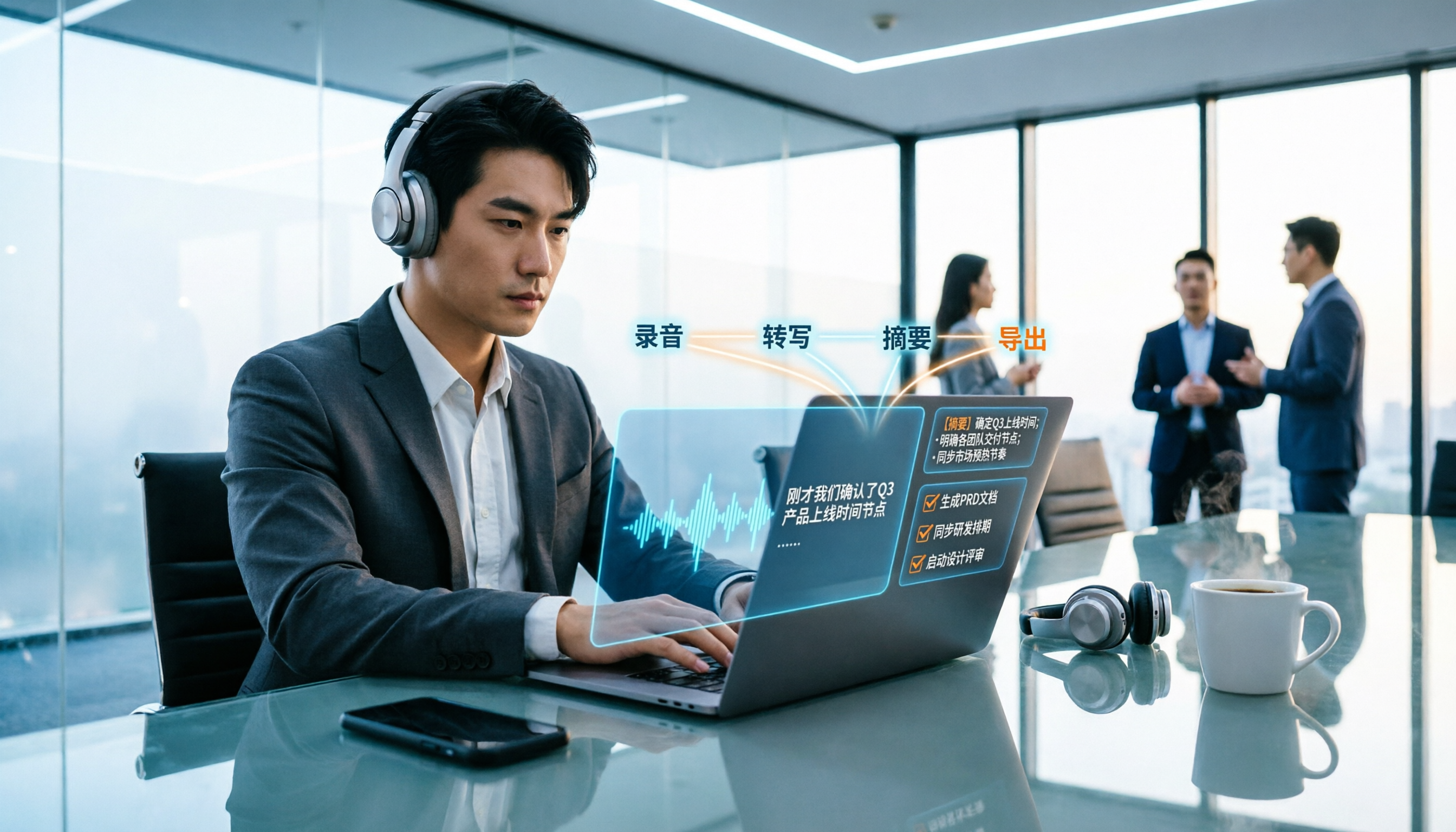
How exactly do you use meeting recording-to-text tools? This guide breaks down the complete workflow from live recording, bot-free online meeting capture, AI summaries, and action item extraction, based on hands-on experience. It covers 5 key buying factors including Chinese recognition, recording sources, export and integration, team management, and pricing quotas. Tinrec is used as the primary demonstration tool, with FAQs and practical insights included.

4 Meeting Transcription Tools Tested and Compared in 2026: Can Any of Them Handle Chinese Transcripts and AI Summaries That PTT Users Care About Most?
The most common question on PTT about meeting transcription tools is answered here. From Chinese transcripts, mixed Chinese-English recognition, and bot-free online meeting recording to AI summaries, action item extraction, and team knowledge retention, this article compares 4 common tool approaches and explains how Tinrec turns meetings into searchable, collaborative, and traceable team data.

How to Transcribe Meeting Recordings in 2026: 5-Step Guide Comparing Tinrec and Otter.ai
Transcribing meeting recordings isn't just about getting a transcript—it's about organizing, searching, asking questions, and collaborating. This article compares Tinrec and Otter.ai across 5 steps: choosing a tool, importing recordings, correcting transcripts, organizing summaries and action items, and exporting for archiving. It also explains the differences between free and paid plans.

Tinrec Meeting Transcription 2026: Real-Time Transcription + Automatic Meeting Minutes
How to choose a meeting transcription tool in 2026? Based on real meeting scenarios, this article explains how Tinrec performs real-time transcription in Chinese and mixed Chinese-English meetings, records online meetings without a bot using its desktop version, and automatically generates summaries, chapters, and action items. It also objectively compares Otter.ai and Notta, and summarizes key purchasing considerations and FAQs.

Best Meeting Transcription Tools in 2026: We Tested 5, and This One Excels for Chinese Meetings
Which meeting transcription tool is best in 2026? This article addresses common misconceptions, tests 5 tools, and demonstrates a complete workflow with Tinrec: bot-free recording for online meetings, AI transcripts, summaries, action items, AI Q&A, and team spaces. Includes free plan limits, team pricing, and FAQs.

5 Meeting Transcription Tools Tested in 2026: The Transcript Headache Dcard Users Hate—Can AI Summaries Really Save Time?
Discussions on Dcard about meeting transcription are often polarized: some say free tools are enough, while others say they don't want to have meetings without AI summaries. This article starts from the choice readers actually face, tests and compares the workflow differences between transcription and post-meeting organization, and uses Tinrec to demonstrate bot-free online meeting recording, AI summaries, action item extraction, AI Q&A, and team plan permissions and pricing.

Tinrec vs Notta 2026: 5-Dimension Comparison for Meeting Transcription with Chinese Subtitles
How to choose a meeting transcription tool with Chinese subtitles in 2026? This article compares Tinrec and Notta across 5 dimensions: bot-free recording, Chinese transcription, AI Q&A, team governance, and real-time translation, to help you find the best solution for meeting notes.

2026 Meeting Transcription Tools Compared: Tinrec vs Notta — Which Saves More Time?
Meeting transcription isn't just about uploading a file and waiting for text. This article uses the same meeting scenario to compare Tinrec and Notta across five dimensions: meeting capture method, Chinese and mixed Chinese-English experience, post-meeting organization and AI follow-up, team data retention, and plan quotas and pricing. It also summarizes each tool's unique advantages and includes an FAQ to help you decide which one better fits your meeting habits.
Tinrec vs Otter.ai 2026: 5-Dimension Comparison for Chinese Meeting Transcription
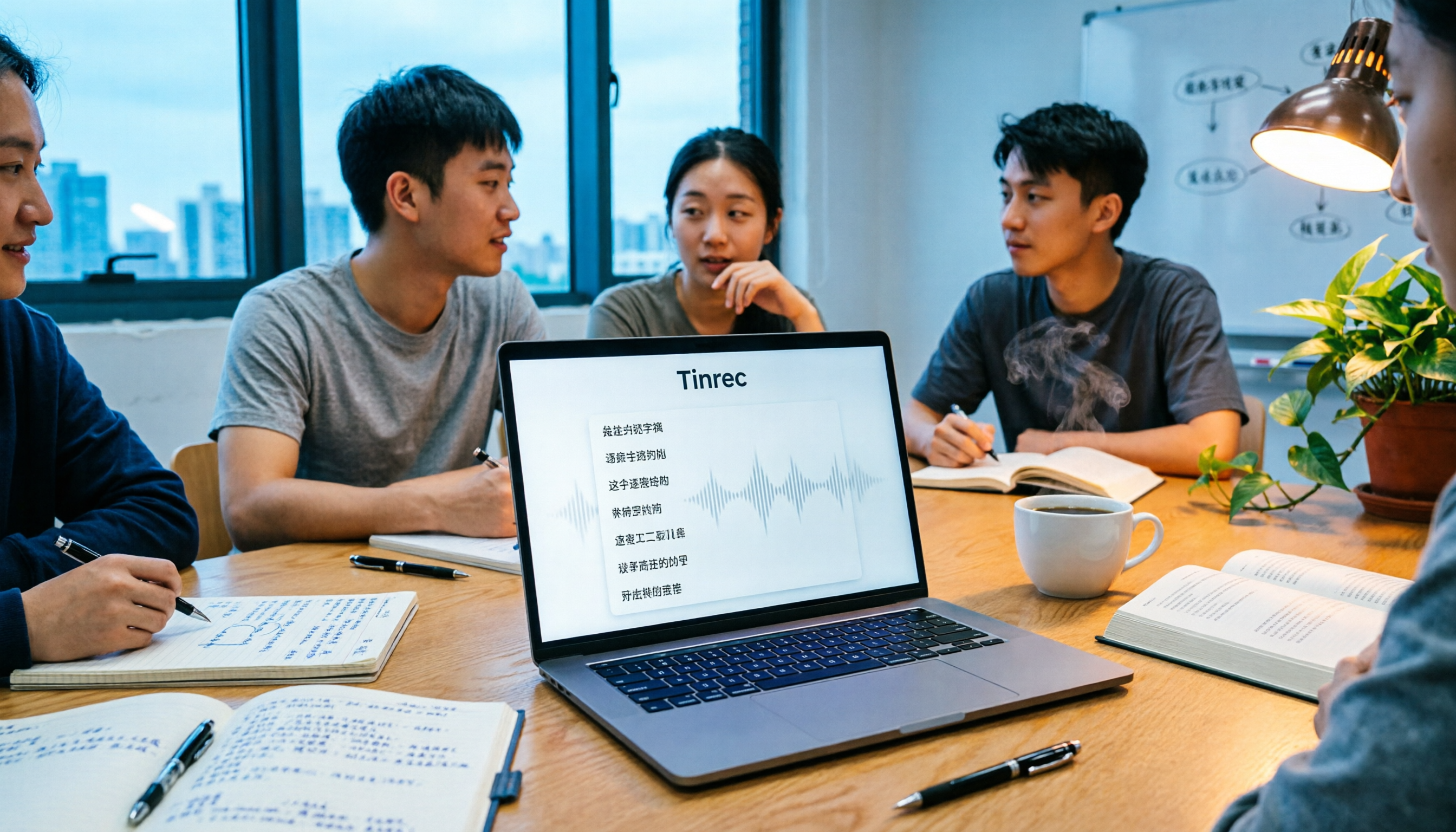
People often ask on PTT how to turn meeting recordings into transcripts. Based on real experience from student group meetings, this article compares Tinrec and Otter.ai across 5 dimensions, sharing practical insights on free quotas, AI Q&A, and Chinese recognition to help you find the best meeting note-taking tool.