

Turn recordings into transcripts and summaries in minutes
Upload audio or video for multilingual transcription, AI notes, and action items
5 Meeting Transcription Tools Tested in 2026: The Transcript Headache Dcard Users Hate—Can AI Summaries Really Save Time?
If you search for "meeting transcription" on Dcard, you'll see two completely opposite conclusions.
One camp says free tools are good enough, while the other says they don't want to have meetings without AI summaries. Actually, neither camp is wrong—they're answering different questions.
So before rushing to compare tools, ask yourself one question: Do you want to "turn sound into text," or do you want to "turn meetings into data you can act on"?
If the answer is only the former, free tools or built-in transcription features are usually sufficient.
But if after the meeting you still need to write notes, follow up on action items, and three months later look back to find "who said they were going to change the specs," then what you actually need is the second type—the transcript is just an intermediate product, not the end goal.
Tinrec is a tool built for the second need. It is an AI meeting notes and collaboration tool for individuals and teams, integrating real-time recording and transcription, bot-free online meeting recording, audio and video file import and transcription, and automatically generating summaries, chapters, action items, and AI Q&A. It works on web, desktop, and mobile apps. The free version offers basic quota, suitable for office workers, students, and teams that need to digest meeting data to try it out.
Below, we'll start with "what it can do for you," then discuss how to choose a tool, and how to look at team plan permissions and pricing.
What Can Meeting Transcription Do for You?
Scenario 1: No more spending an hour organizing notes after a meeting
Previously, after a 60-minute department meeting, you might spend double the time re-listening, typing, and formatting. With Tinrec, after the meeting, AI has already organized the summary, chapters, and action items—who is responsible for what and when it's due, listed directly.
Scenario 2: Customer interviews no longer rely on memory alone
The worst part of an interview is missing that key sentence. Tinrec keeps the full transcript, and after the meeting you can directly ask it "What are the customer's top three concerns?" using semantic search instead of slowly dragging the timeline.
Scenario 3: Quickly turn online courses and video content into notes
Besides meetings, Tinrec can also process audio and video files, and some public link content can be imported as supplementary material. When watching foreign courses, you don't have to take notes while watching—let AI organize the key points first, then go back to verify with the original text.
Scenario 4: Historical meetings become searchable data
The most troublesome part of meeting recordings is never the recording itself, but finding a specific conclusion three months later. Tinrec puts transcripts, summaries, and action items in one space, searchable and queryable, instead of scattered across everyone's phone.
What Are Tinrec's Core Capabilities?
Bot-free online meeting recording: Tinrec's desktop version directly captures computer system audio, so when handling online meetings on Zoom, Google Meet, Microsoft Teams, Webex, etc., there's no need to invite an extra meeting bot. Note that you still have to open Tinrec yourself to start recording—it's not a mode that automatically joins all calendar meetings.
Real-time transcription and translation: For offline meetings and interviews, you can see the text while recording; for cross-language meetings, you can view the original text, translation, or bilingual content simultaneously, so you don't discover you misheard a key point only after the meeting ends.
AI summary, chapters, and action item extraction: It's not just condensing the transcript into a paragraph, but structuring it—meeting topic, discussion conclusions, and action items listed separately, suitable for direct reporting or follow-up.
AI Q&A: After transcription, you can continue to ask questions, such as "Who mentioned the budget in the meeting" or "What's different between the last decision and this one," and it will answer based on the content.
Post-meeting output and export: Generate reports, tables, and documents, and export to Notion, Google Docs, OneNote, Dropbox, etc., to continue editing in your existing workflow.
Team space and governance: The team plan provides an independent team space to centrally store Audio, Folder, and TODO, with members, roles, seats, usage analytics, audit logs, team hotwords, and audio recycle bin. This will be explained later.
Practical Application Scenarios
Department weekly meetings and project meetings: Regular meetings are best left to AI. Tinrec leaves summaries and action items after the meeting; before the next meeting, looking back at the last decisions is much faster than scrolling through chat logs. The team plan also allows new members to directly access historical meetings, so you don't have to re-ask everything.
Stop organizing recordings by hand
Upload audio or video and automatically get a transcript, summary, and action items
Classroom and online courses: The most common complaint from students is "I can't take notes fast enough." Real-time transcription plus summaries equals a searchable draft of notes; before an exam, you can find sections by keyword, much faster than listening to the recording from the beginning.
Customer interviews and sales meetings: Requirements, objections, and commitments are often mixed in an hour-long conversation. Tinrec's transcript and action item extraction can separate "what the customer said" from "what we promised to do."
Content creation and interview organization: After converting interview recordings to transcripts, you can directly pick key points and find quotes, saving time from repeatedly listening to files.
5 Things to Note When Choosing a Meeting Transcription Tool
1. First, look at how it "captures" sound: Meeting bots need to join the meeting as a participant, which some companies block; built-in platform transcription is usually tied to a single platform. Tinrec takes the route of capturing system audio via desktop version, suitable for those who don't want an extra bot in the meeting. By the way, tools like Otter.ai, Notta, Fireflies, etc., often mentioned in Dcard discussions, each have their strengths; when choosing, it's best to judge based on your own meeting type.
2. Actual performance with Chinese and mixed Chinese-English: Meetings in Taiwan are rarely pure Chinese; terminology, product names, and English abbreviations are mixed in as the norm. Tinrec supports Chinese, Traditional Chinese, and mixed Chinese-English content, and the team plan has a hotword feature to improve recognition of professional terminology. Actual results will still be affected by recording quality, noise, accents, and multiple people talking over each other; official numbers don't equal your meeting room.
3. What can be produced after transcription: A tool with only transcripts is equivalent to turning typing work into reading work. In addition to transcripts, Tinrec provides summaries, chapters, action items, mind maps, AI Q&A, and document and table generation—these are where real time savings come from.
4. Look clearly at quota and pricing: Tinrec's personal plan has a free version to experience basic quota; for short-term intensive use, consider a weekly card; for long-term stable use, there are Pro monthly and annual cards. The team plan currently offers a 7-day trial (1 free seat, 300 minutes of team shared import quota), paid seats are USD 29.80/seat/month for monthly, USD 199/seat/year for annual (about USD 16.58/month), each paid seat includes 2,000 minutes of team shared import quota per month; under an active team package and active seat, real-time recording is currently not deducted by minutes, while file and web imports use the team shared quota. Prices, currencies, and promotions are subject to the official purchase page.
5. Think clearly about team governance first: Tinrec's team plan separates "roles" and "seats"—roles determine who can manage the team, view usage and audits; seats determine whether members can record, upload, edit, import/export. Active members without a seat can still view, play, and read team data, but cannot perform resource-consuming operations like editing. Also, team resources belong to the team; when a member leaves or is removed, the data they are responsible for needs to be handed over to other active members, and will not disappear with the individual.
Final reminder: Recording and transcription involve others' privacy; before recording, please confirm compliance with local regulations and obtain consent from participants when necessary.
Frequently Asked Questions
Q1: Is Tinrec's free version enough? The free version offers basic quota, allowing you to experience recording, import, summary, and transcription, suitable for those who occasionally organize a recording. If you have meetings every week, it's recommended to directly evaluate Pro or team plans, which will be more efficient than constantly deleting files and re-recording.
Q2: Does it support Chinese meetings? Can it handle mixed Chinese-English? Yes. Tinrec covers Chinese, Traditional Chinese, and mixed Chinese-English content, and also supports multilingual meetings and real-time translation. Accuracy will be affected by audio quality, accents, and overlapping speech; for important content, it's recommended to cross-check with transcript timestamps and recording playback.
Q3: Do I need to invite a meeting bot? No. Tinrec's desktop version directly captures computer system audio, so it can record online meetings and generate real-time transcripts. But it's not a service that automatically joins all meetings; you need to start recording yourself—keep this in mind.
Q4: What's the difference between the team plan and personal plan? Personal plan data belongs to the individual account; the team plan is an independent team space, data belongs to the team, and it adds member invitations, role and seat management, shared benefits, usage analytics, audit logs, team hotwords, and audio recycle bin.
Q5: Can transcription results be exported to other tools? Yes, Tinrec supports export in multiple formats and can bring content to Notion, Google Docs, OneNote, Dropbox, etc., for further editing.
Q6: Can deleted recordings be recovered? The team plan provides an audio recycle bin, which can be restored before permanent cleanup begins; the current retention period is 30 days. Note that TODO is not covered by the team recycle bin.
Conclusion
The debate on Dcard about "meeting transcription" ultimately comes back to the same question: Do you want a typing tool, or a tool that helps you organize, search, and track meetings?
If you only occasionally need a transcript, free tools can solve it. But if you have meetings every week, need to write notes after each meeting, and periodically dig through old records to find decisions, then it's worth spending some time trying a workflow like Tinrec that connects recording, transcription, summaries, Q&A, and team digestion.
First use the free version's basic quota to run one of your own meetings, and see if the AI-organized output can be used directly—the answer is usually clear.
References
- [Dcard Hot Discussion] Audio File to Text Tool Roundup: The Efficiency Revolution from Manual Labor to AI Automatic Generation - Tinrec Blog
- Free AI Transcript (with Timeline), Create Meeting Notes! - Teacher forum | Dcard
- 3 Audio to Text Tools Tested in 2026: The Transcript Pain Points Discussed on Dcard, How Tinrec Saves a Lot of Time? - Tinrec Blog
- Sharing 'AI Speech to Text' Tools - National Cheng Kung University forum | Dcard
- 2026 Meeting Notes App Dcard Popular Recommendations: 3 AI Speech to Text Tools Tested and Compared - Tinrec Blog
Turn every recording into actionable outcomes
Get 60 free transcription minutes when you sign in. No credit card required.
Related Reading
You might also like
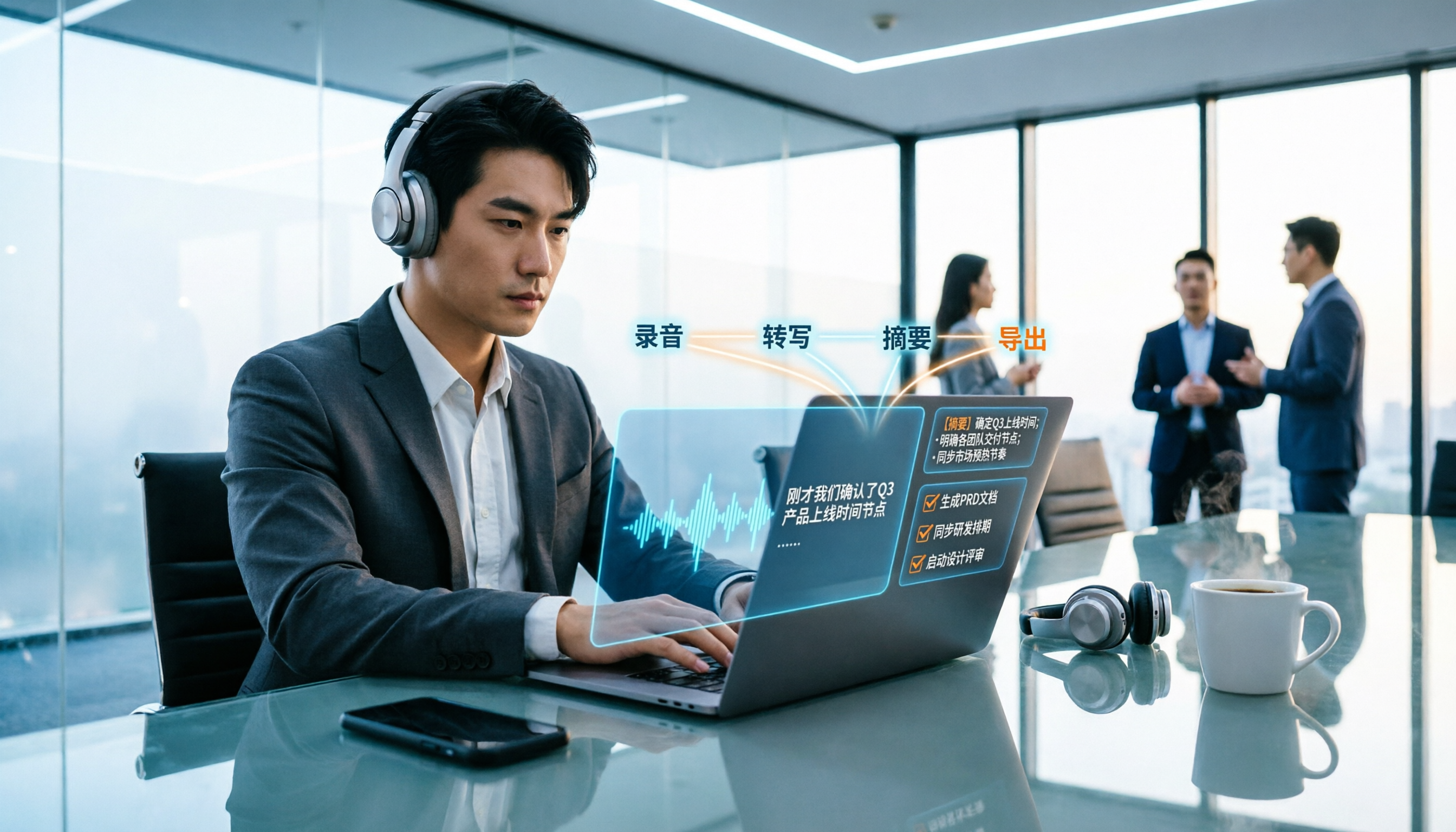
2026 Meeting Transcription Buyer's Guide: 5 Key Testing Points and Getting Started Tutorial
How exactly do you use meeting recording-to-text tools? This guide breaks down the complete workflow from live recording, bot-free online meeting capture, AI summaries, and action item extraction, based on hands-on experience. It covers 5 key buying factors including Chinese recognition, recording sources, export and integration, team management, and pricing quotas. Tinrec is used as the primary demonstration tool, with FAQs and practical insights included.

4 Meeting Transcription Tools Tested and Compared in 2026: Can Any of Them Handle Chinese Transcripts and AI Summaries That PTT Users Care About Most?
The most common question on PTT about meeting transcription tools is answered here. From Chinese transcripts, mixed Chinese-English recognition, and bot-free online meeting recording to AI summaries, action item extraction, and team knowledge retention, this article compares 4 common tool approaches and explains how Tinrec turns meetings into searchable, collaborative, and traceable team data.

How to Transcribe Meeting Recordings in 2026: 5-Step Guide Comparing Tinrec and Otter.ai
Transcribing meeting recordings isn't just about getting a transcript—it's about organizing, searching, asking questions, and collaborating. This article compares Tinrec and Otter.ai across 5 steps: choosing a tool, importing recordings, correcting transcripts, organizing summaries and action items, and exporting for archiving. It also explains the differences between free and paid plans.

Tinrec Meeting Transcription 2026: Real-Time Transcription + Automatic Meeting Minutes
How to choose a meeting transcription tool in 2026? Based on real meeting scenarios, this article explains how Tinrec performs real-time transcription in Chinese and mixed Chinese-English meetings, records online meetings without a bot using its desktop version, and automatically generates summaries, chapters, and action items. It also objectively compares Otter.ai and Notta, and summarizes key purchasing considerations and FAQs.

Best Meeting Transcription Tools in 2026: We Tested 5, and This One Excels for Chinese Meetings
Which meeting transcription tool is best in 2026? This article addresses common misconceptions, tests 5 tools, and demonstrates a complete workflow with Tinrec: bot-free recording for online meetings, AI transcripts, summaries, action items, AI Q&A, and team spaces. Includes free plan limits, team pricing, and FAQs.

Tinrec vs Notta 2026: 5-Dimension Comparison for Meeting Transcription with Chinese Subtitles
How to choose a meeting transcription tool with Chinese subtitles in 2026? This article compares Tinrec and Notta across 5 dimensions: bot-free recording, Chinese transcription, AI Q&A, team governance, and real-time translation, to help you find the best solution for meeting notes.

2026 Meeting Transcription Tools Compared: Tinrec vs Notta — Which Saves More Time?
Meeting transcription isn't just about uploading a file and waiting for text. This article uses the same meeting scenario to compare Tinrec and Notta across five dimensions: meeting capture method, Chinese and mixed Chinese-English experience, post-meeting organization and AI follow-up, team data retention, and plan quotas and pricing. It also summarizes each tool's unique advantages and includes an FAQ to help you decide which one better fits your meeting habits.

5 Best Meeting Transcription Tools Tested: Which Saves the Most Time on Chinese Transcripts?
Turning meeting recordings into transcripts is less about recording and more about usability. This hands-on test of 5 meeting transcription tools compares accuracy, post-meeting AI organization, online meeting recording methods, and team data ownership to find which one shortens the gap from meeting end to finished notes. Includes copy-paste prompt templates and a starter checklist.
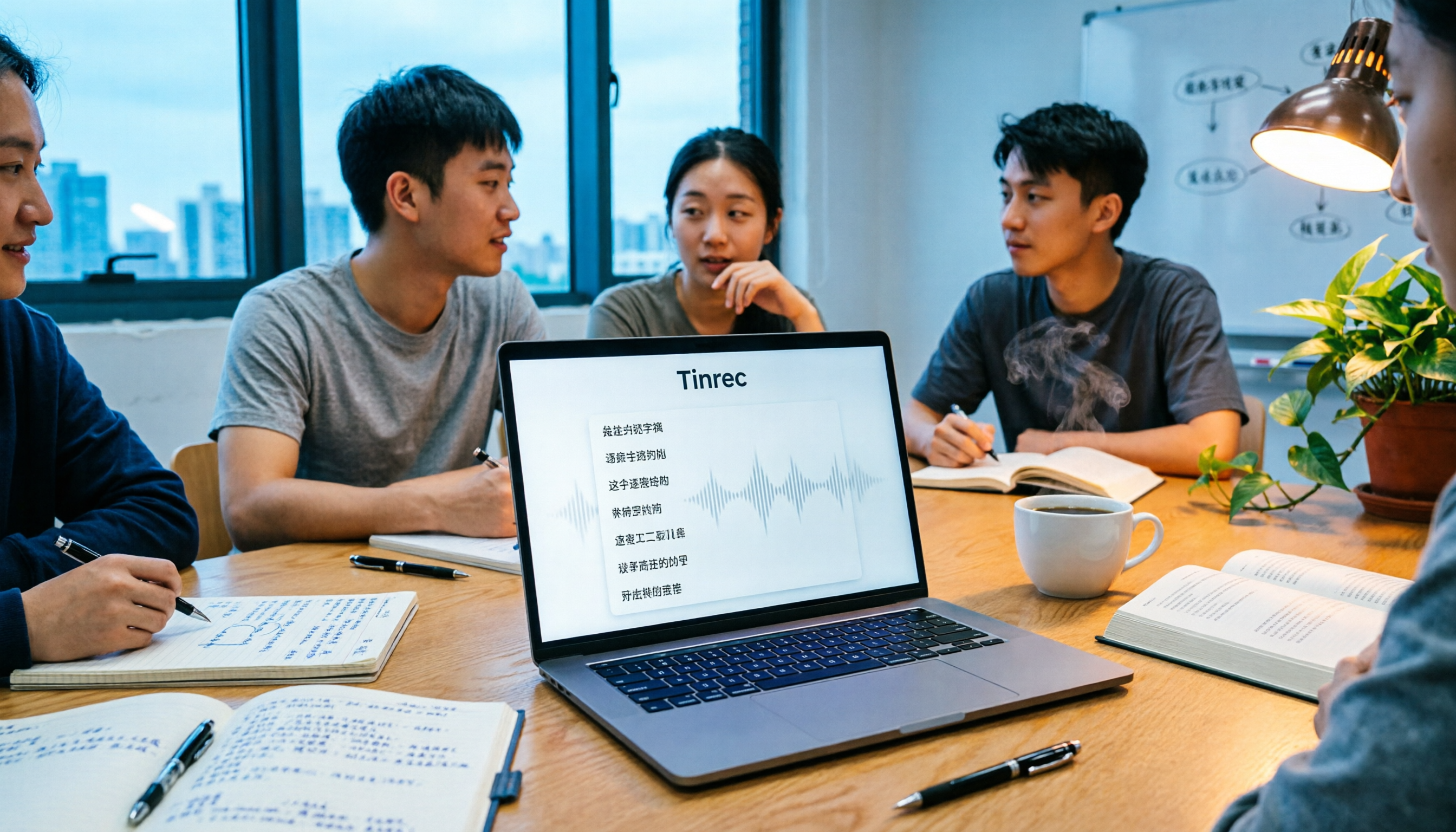
Tinrec vs Otter.ai 2026: 5-Dimension Comparison for Chinese Meeting Transcription
People often ask on PTT how to turn meeting recordings into transcripts. Based on real experience from student group meetings, this article compares Tinrec and Otter.ai across 5 dimensions, sharing practical insights on free quotas, AI Q&A, and Chinese recognition to help you find the best meeting note-taking tool.