

Turn recordings into transcripts and summaries in minutes
Upload audio or video for multilingual transcription, AI notes, and action items
Tinrec vs Notta 2026: 5-Dimension Comparison for Meeting Transcription with Chinese Subtitles
If you're looking for a tool that can turn meeting recordings into Chinese subtitles, the two names most often compared in 2026 are probably Tinrec and Notta. One focuses on bot-free desktop recording, Chinese meeting experience, and team knowledge retention; the other is known for multilingual transcription, file processing, and a lower entry price. Which one should you choose? This article breaks it down using 5 dimensions, and after reading, you should have an answer.
Tinrec vs Notta | Quick Overview
Tinrec is an AI meeting notes and collaboration tool for individuals and teams. It supports real-time recording, bot-free online meeting transcription, audio/video file import, real-time translation, and can automatically generate summaries, chapters, to-dos, and mind maps. It also allows AI Q&A around meeting content, export to third-party tools, and retains data in team spaces.
Notta is a mature multilingual transcription tool on the market, covering multi-platform transcription, meeting notes, file import, translation, and team plans. The free version offers 120 minutes per month, with a maximum of 3 minutes per session; Pro annual billing is approximately USD 8.17/month for 1,800 minutes per month; Business annual billing is approximately USD 16.67/seat/month, providing unlimited transcription, role permissions, and usage reports. Prices are subject to Notta's official page.
The 5 dimensions compared in this article: meeting recording method, Chinese meeting transcription, post-meeting AI Q&A and reprocessing, team space and governance, real-time translation and bilingual subtitles.
Dimension 1 | Meeting Recording Method: Bot-Free Desktop Recording
Notta offers multiple methods such as meeting bots, desktop client, and file upload. It's convenient for users who are used to adding bots to meetings and can also handle pre-recorded audio files. However, if the meeting platform doesn't allow bots to join, or you don't want an extra account appearing in the participant list, you'll need to use other methods.
Tinrec's desktop version directly captures computer system audio without needing a meeting bot to join as a participant. It can record online meetings on Zoom, Google Meet, Microsoft Teams, Webex, etc., and generate transcripts in real time. Note that this is not "automatically joining all calendar meetings," but rather the user actively opening Tinrec to start recording.
→ In this dimension: Tinrec is more straightforward in bot-free recording experience.
Dimension 2 | Chinese Meeting Transcription and Chinese Subtitles
Notta supports multilingual transcription and has accumulated many users in file transcription and translation, with some support for English, Japanese, and other content. However, the product introduction does not particularly emphasize the post-meeting organization workflow for Chinese meetings. If you need a Chinese transcript that can directly serve as meeting minutes, you'll still have to spend time segmenting and extracting key points yourself.
Tinrec focuses on Chinese meeting transcription and minutes, supporting Chinese, Traditional Chinese, and multilingual meeting scenarios, and can be paired with team hotword management for professional terminology. Actual transcription results are still affected by recording quality, accents, noise, overlapping speakers, and professional terminology. It is not recommended to promise a fixed accuracy rate.
→ In this dimension: Tinrec is more suitable for teams primarily using Chinese meetings.
Dimension 3 | Post-Meeting AI Q&A and Content Reprocessing
Notta's core strengths are transcription, translation, and subtitle processing. Post-meeting output is mainly transcripts and translated content. If your need is to "turn what you hear into text," Notta can handle it; but if you want to continue asking questions about meeting content, automatically organize to-dos, or generate reports, it may not be a one-step solution.
Tinrec not only provides transcripts but also automatically generates AI summaries, chapters, key points, and to-dos. It supports AI Q&A around meeting content and can generate reports, tables, and documents through Agent post-processing. For those who still need to write weekly reports and organize client requirements after meetings, this workflow can save a lot of time.
→ In this dimension: Tinrec is clearly more complete in post-meeting AI reprocessing.
Stop organizing recordings by hand
Upload audio or video and automatically get a transcript, summary, and action items
Dimension 4 | Team Space and Data Governance
Notta's Business plan provides role permissions and usage reports, suitable for organizations with team management needs. However, in terms of data retention and governance, Notta's public information mentions fewer details such as team recycle bin, seat and role separation, and audit logs.
Tinrec's team version provides an independent team space where meeting data belongs to the team, and distinguishes roles and seats: roles determine who can manage the team, seats determine whether members can record, upload, edit, import/export. Administrators can view usage trends, member rankings, and details, as well as query and export audit logs, and restore accidentally deleted content through the audio recycle bin. When a member leaves or loses their seat, team resources can be handed over to other valid members.
→ In this dimension: Tinrec is more detailed in team data governance.
Dimension 5 | Real-Time Translation and Bilingual Subtitles
Notta provides translation features, helpful for cross-language meetings. If you need to translate an entire transcript after the meeting, Notta is a good choice.
Tinrec supports real-time translation, allowing you to view original text, translation, or bilingual content during recording, suitable for real-time understanding in cross-language meetings. The team version also allows maintaining team hotwords, making professional terminology recognition closer to team habits.
→ In this dimension: Both can handle translation, but Tinrec adds real-time bilingual and team hotword integration.
What Are the Unique Advantages of Each?
Tinrec's unique advantages:
- Bot-free desktop recording: directly captures system audio without adding meeting participants.
- Post-meeting AI workflow: summaries, chapters, to-dos, AI Q&A, Agent-generated reports and tables.
- Team data governance: team space, role-seat separation, usage analysis, audit logs, audio recycle bin.
- Chinese meetings and hotwords: provides corresponding capabilities for Chinese meetings and professional terminology management.
Notta's unique advantages:
- Multilingual file transcription: accumulated multilingual transcription experience, suitable for processing multilingual audio files.
- Lower entry price: Pro annual billing is approximately USD 8.17/month, Business offers unlimited transcription, friendlier for budget-conscious users.
Conclusion: Which One Should You Choose?
• If you need bot-free recording of online meetings → Tinrec
• If you want post-meeting AI Q&A, to-dos, and report generation → Tinrec
• If you value team space, seat management, auditing, and recycle bin → Tinrec
• If you primarily use Chinese meetings and need Chinese subtitles and bilingual content → Tinrec
• If you only need multilingual file transcription, have a limited budget, and don't need AI Q&A and team governance → Notta is sufficient
In one sentence: For most teams that need "meeting recording to Chinese subtitles + post-meeting organization," Tinrec is a more complete choice. It is recommended to first use Tinrec's free version, test with your own meeting recordings, and then decide whether to upgrade.
FAQ
Is Tinrec's free version enough?
Tinrec's free version provides basic quota, allowing you to experience recording, import, summaries, and transcription. If you only occasionally organize a recording, the free version can be tried first; if you have regular meetings every week, consider Pro or team version.
What are the limitations of Notta's free version?
According to Notta's official information, the free version offers 120 minutes per month, with a maximum of 3 minutes per session. Suitable for light testing, but not for long meetings.
Can Tinrec automatically join Zoom or Google Meet meetings?
Tinrec's desktop version captures computer system audio and does not require a meeting bot to join. Users need to actively open Tinrec to start recording. It should not be understood as automatically joining all calendar meetings.
What's the difference between team and personal versions?
Personal version data is managed by the individual account; team version provides an independent team space where meeting data belongs to the team, and adds capabilities such as members, roles, seats, sharing rights, usage analysis, audit logs, and recycle bin.
How accurate is meeting recording to Chinese subtitle transcription?
Actual accuracy is affected by recording quality, noise, accents, overlapping speakers, and professional terminology. Tinrec provides high-quality transcription under clear audio and common scenarios. For important content, it is recommended to verify with transcript timestamps and recording playback.
Will meeting data disappear after team members leave?
No, it won't be taken away by individuals. Team resources belong to the team; when a member exits, is removed, or loses their seat, their responsible team resources can be handed over to other valid members.
References
- Online AI speech, video, audio file auto transcription - Free trial - cSubtitle
- Meeting Ink - 2025 Meeting Ink real-time subtitles + AI translation tutorial | No more cross-border meeting hurdles! Professional meeting notes efficiency accelerator | Meeting Ink - AI meeting notes assistant auto transcription transcript summary meeting minutes
- [AI voice notes] Top 5 recommended AI transcription tools! Generate transcripts and meeting notes highlights, free vs subscription, pros and cons review | 104 Workplace
- Must-see in 2026! 4 AI audio-to-text tools recommended: Meeting notes, Podcast transcript神器 review - Mobile01
- Use Google Meet's translated captions feature - Computer - Google Meet Help
Turn every recording into actionable outcomes
Get 60 free transcription minutes when you sign in. No credit card required.
Related Reading
You might also like
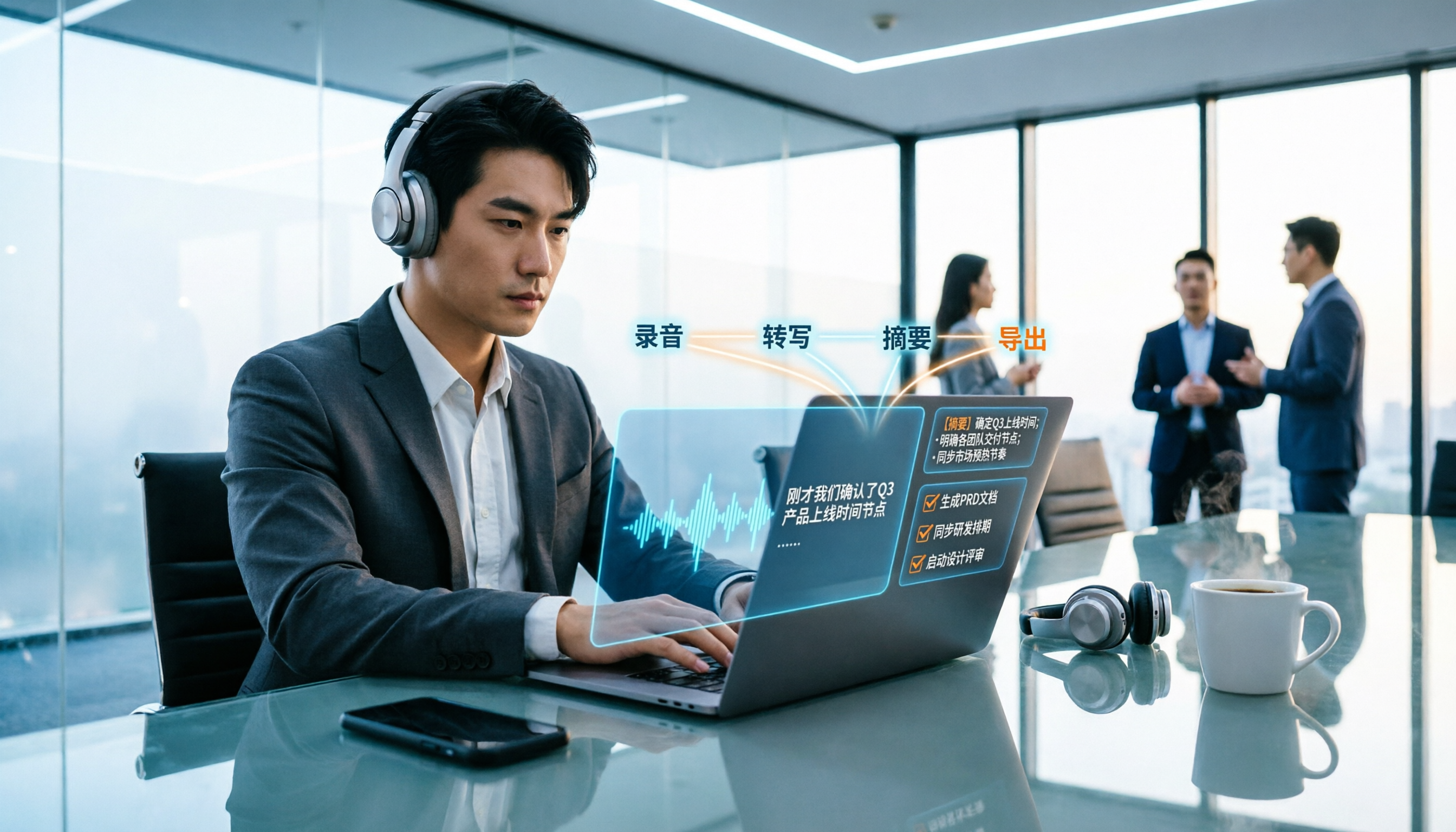
2026 Meeting Transcription Buyer's Guide: 5 Key Testing Points and Getting Started Tutorial
How exactly do you use meeting recording-to-text tools? This guide breaks down the complete workflow from live recording, bot-free online meeting capture, AI summaries, and action item extraction, based on hands-on experience. It covers 5 key buying factors including Chinese recognition, recording sources, export and integration, team management, and pricing quotas. Tinrec is used as the primary demonstration tool, with FAQs and practical insights included.

4 Meeting Transcription Tools Tested and Compared in 2026: Can Any of Them Handle Chinese Transcripts and AI Summaries That PTT Users Care About Most?
The most common question on PTT about meeting transcription tools is answered here. From Chinese transcripts, mixed Chinese-English recognition, and bot-free online meeting recording to AI summaries, action item extraction, and team knowledge retention, this article compares 4 common tool approaches and explains how Tinrec turns meetings into searchable, collaborative, and traceable team data.

How to Transcribe Meeting Recordings in 2026: 5-Step Guide Comparing Tinrec and Otter.ai
Transcribing meeting recordings isn't just about getting a transcript—it's about organizing, searching, asking questions, and collaborating. This article compares Tinrec and Otter.ai across 5 steps: choosing a tool, importing recordings, correcting transcripts, organizing summaries and action items, and exporting for archiving. It also explains the differences between free and paid plans.

Tinrec Meeting Transcription 2026: Real-Time Transcription + Automatic Meeting Minutes
How to choose a meeting transcription tool in 2026? Based on real meeting scenarios, this article explains how Tinrec performs real-time transcription in Chinese and mixed Chinese-English meetings, records online meetings without a bot using its desktop version, and automatically generates summaries, chapters, and action items. It also objectively compares Otter.ai and Notta, and summarizes key purchasing considerations and FAQs.

Best Meeting Transcription Tools in 2026: We Tested 5, and This One Excels for Chinese Meetings
Which meeting transcription tool is best in 2026? This article addresses common misconceptions, tests 5 tools, and demonstrates a complete workflow with Tinrec: bot-free recording for online meetings, AI transcripts, summaries, action items, AI Q&A, and team spaces. Includes free plan limits, team pricing, and FAQs.

5 Meeting Transcription Tools Tested in 2026: The Transcript Headache Dcard Users Hate—Can AI Summaries Really Save Time?
Discussions on Dcard about meeting transcription are often polarized: some say free tools are enough, while others say they don't want to have meetings without AI summaries. This article starts from the choice readers actually face, tests and compares the workflow differences between transcription and post-meeting organization, and uses Tinrec to demonstrate bot-free online meeting recording, AI summaries, action item extraction, AI Q&A, and team plan permissions and pricing.

2026 Meeting Transcription Tools Compared: Tinrec vs Notta — Which Saves More Time?
Meeting transcription isn't just about uploading a file and waiting for text. This article uses the same meeting scenario to compare Tinrec and Notta across five dimensions: meeting capture method, Chinese and mixed Chinese-English experience, post-meeting organization and AI follow-up, team data retention, and plan quotas and pricing. It also summarizes each tool's unique advantages and includes an FAQ to help you decide which one better fits your meeting habits.

5 Best Meeting Transcription Tools Tested: Which Saves the Most Time on Chinese Transcripts?
Turning meeting recordings into transcripts is less about recording and more about usability. This hands-on test of 5 meeting transcription tools compares accuracy, post-meeting AI organization, online meeting recording methods, and team data ownership to find which one shortens the gap from meeting end to finished notes. Includes copy-paste prompt templates and a starter checklist.
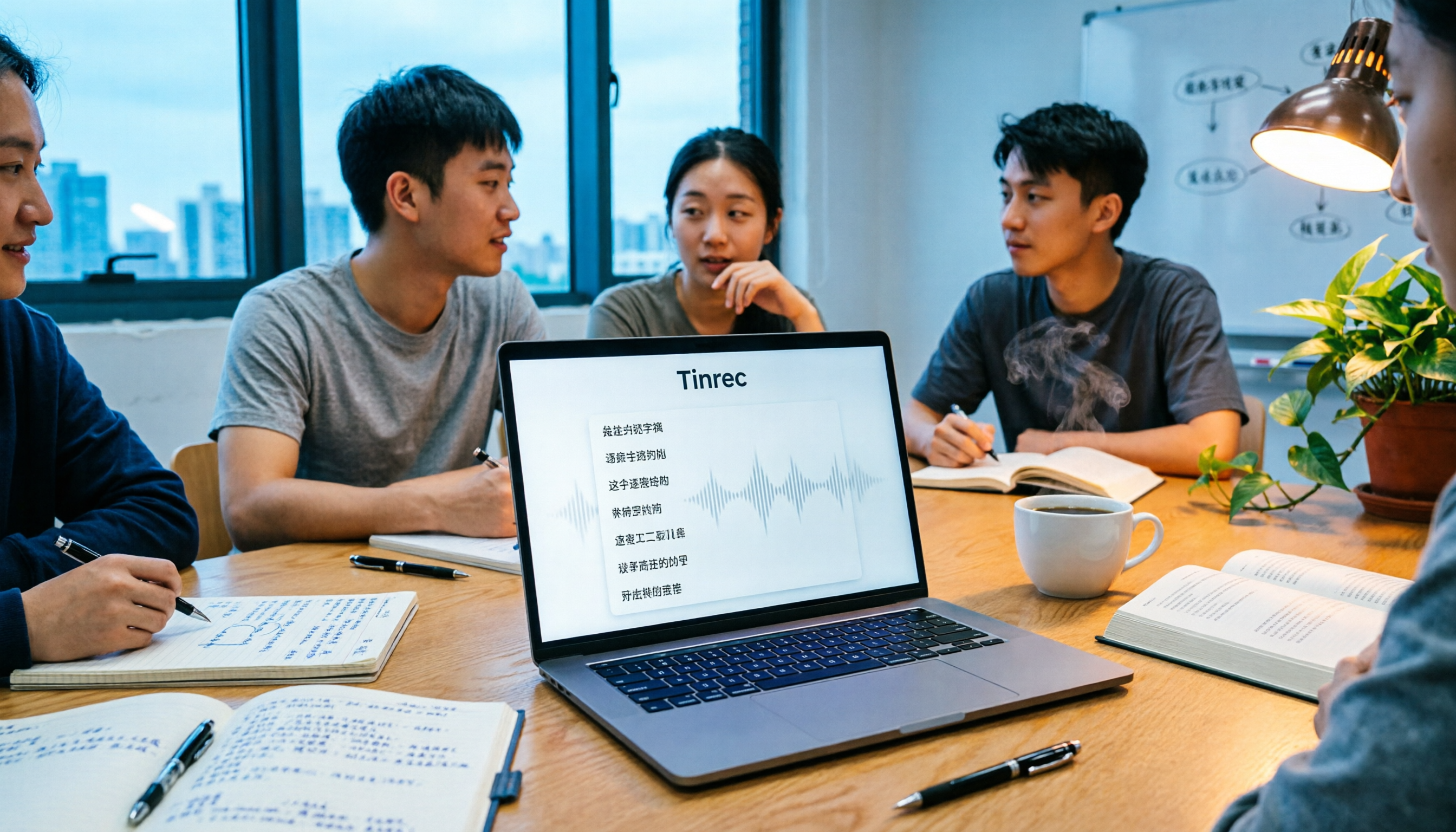
Tinrec vs Otter.ai 2026: 5-Dimension Comparison for Chinese Meeting Transcription
People often ask on PTT how to turn meeting recordings into transcripts. Based on real experience from student group meetings, this article compares Tinrec and Otter.ai across 5 dimensions, sharing practical insights on free quotas, AI Q&A, and Chinese recognition to help you find the best meeting note-taking tool.