
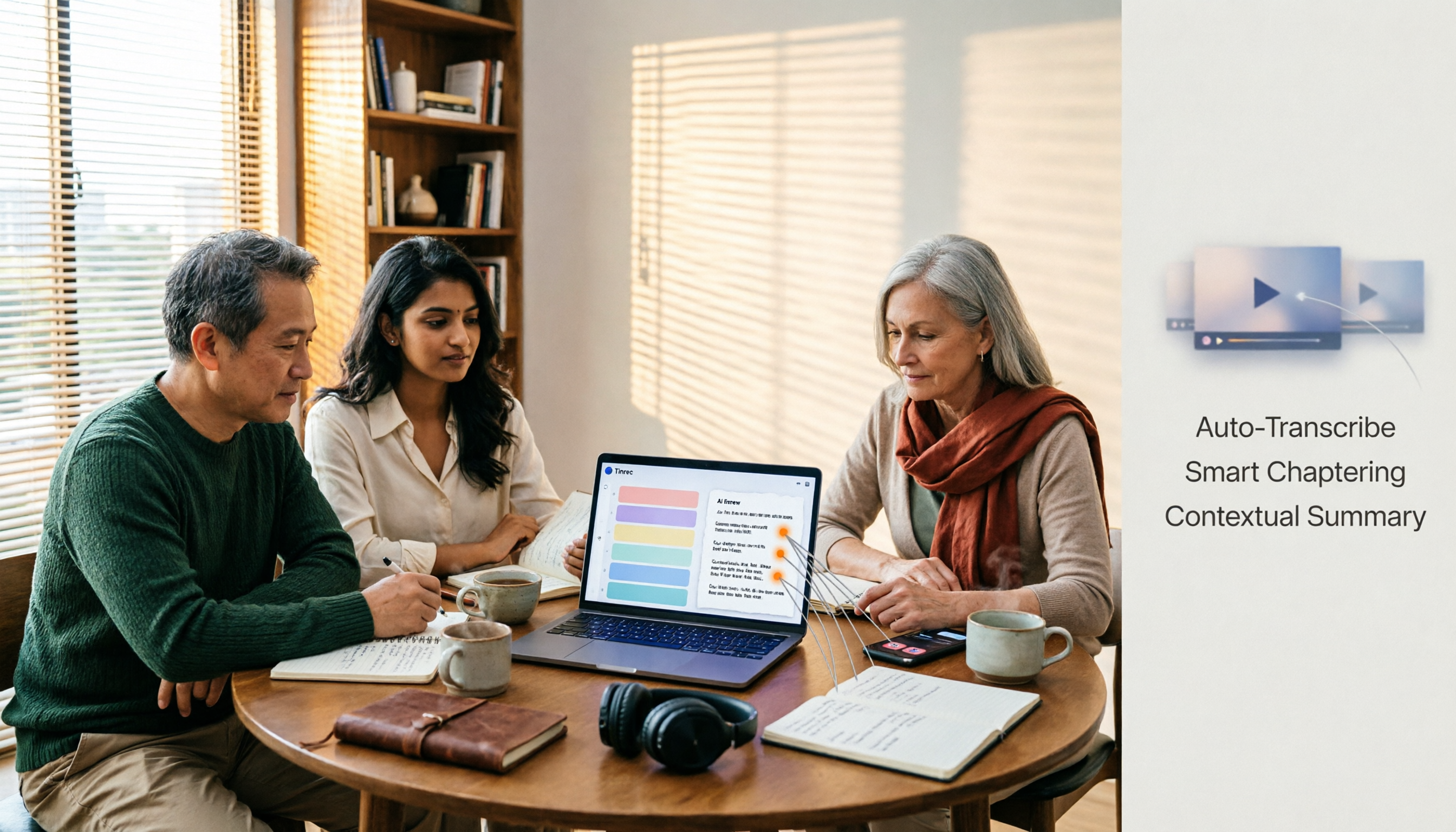
Turn recordings into transcripts and summaries in minutes
Upload audio or video for multilingual transcription, AI notes, and action items
2026 Comparison of 5 Video Summarization Tools: Extract Key Points from Long Videos Without Subtitles
Having a dozen meeting recordings, twenty unwatched online courses, and a whole batch of interview footage—this is probably the daily reality for many office workers. But what you really need to figure out first isn't "which tool is fastest," but "what am I going to do with these videos after I summarize them?"
If you just want to know what a video is roughly about, a summary is enough. But if you need to go back and check who said a specific sentence, turn conclusions into to-dos, or integrate material into presentations or writing workflows, then you need to look at what the tool can give you beyond transcription.
In this article, I use Tinrec as the primary test subject to break down "bulk video summarization" into several practical decision points to help you decide where to start.
What Can Bulk Video Summarization Do for You?
Scenario 1: Digest an entire series of meeting recordings at once
A project runs for three months with one meeting recording per week, accumulating over a dozen videos. Previously, you had to open each one, fast-forward, and rely on impressions to catch key points. Now, import the videos into Tinrec, and it will transcribe each one, then automatically generate summaries and chapters. You can scan the summaries first, identify the controversial segments, and go back to the original video.
Scenario 2: Turn courses and lectures into searchable notes
Buying online courses but not finishing them is a common problem. With Tinrec, after transcribing course videos, the entire content becomes searchable text like a document. If you want to find "which part discussed pricing strategy," searching keywords is much faster than scrubbing the timeline.
Scenario 3: Organize interviews and footage videos, and integrate them directly into your workflow
Self-media and marketing professionals often interview several people at once, with footage scattered across various files. Tinrec can uniformly transcribe and summarize these videos, then use AI Q&A to extract the viewpoints you need, and finally export to Notion or Google Docs to continue writing.
What Are the Core Capabilities of Bulk Video Summarization?
Video and audio transcription: Tinrec supports uploading audio and video files for transcription, suitable for organizing existing meeting, interview, and course recordings. Note that its handling of online video links is supplementary; the main focus is on your existing files.
AI summaries and chapters: It doesn't just condense the entire video into one paragraph; it breaks down chapters and key points according to the content structure, so you can browse long videos in segments without having to consume it all at once.
AI Q&A: After transcription, you can directly ask questions about the content—"What are the three risks mentioned in this video?" It will answer based on semantic understanding, so you don't have to rewatch it yourself.
To-dos and key point extraction: Organize follow-up action items from discussions, especially useful for meeting recordings and project discussions.
Multi-format export and post-processing: Supports export to Notion, Google Docs, OneNote, Dropbox, and other tools. You can also use Agent post-processing to generate reports, tables, and documents, turning video content directly into work outputs.
Team space (Team version): Videos and transcripts are stored centrally in the team space, viewable and playable by all active members; only members with seats can upload, edit, and export. Data belongs to the team and does not follow individual accounts.
Tinrec's Plans and Pricing
The personal version is divided into four types based on usage frequency. When choosing, consider your task type rather than just the price:
- Free version: For those who want to try it out and occasionally organize one or two videos.
- Weekly pass: For short-term concentrated meetings, courses, or interviews.
- Pro monthly: For those with steady weekly usage needs.
- Pro annual: For those who need to build a long-term video database, with a lower monthly equivalent.
The Team version is an independent team collaboration space, not multiple people sharing a personal account. Eligible teams get a 7-day trial on first use, including 1 free seat and 300 minutes of team shared import quota. Paid plans are USD 29.80 per paid seat per month, or USD 199 per paid seat per year (about USD 16.58 per month). Each paid seat provides 2,000 minutes of team shared import quota per month; under an active team plan and seat, real-time recording currently does not deduct minutes.
Stop organizing recordings by hand
Upload audio or video and automatically get a transcript, summary, and action items
Prices, currencies, and promotional content are subject to change. Please refer to the official purchase page before ordering.
Practical Application Scenarios
Monthly review of meeting and project recordings
I've tried this with several teams: import a whole month's project meeting recordings into Tinrec at once, quickly scan weekly progress with summaries, then use AI Q&A to ask "which decisions haven't been implemented yet." A review that used to take half a day is now completed within one or two hours.
Online courses and lectures
For courses you bought but haven't had time to watch, you can first use Tinrec to transcribe and generate chapters, then go back to the video for segments you're truly interested in. When taking notes, copying key paragraphs directly is more efficient than scrubbing the timeline back and forth.
Interviews and research data
For qualitative interviews with multiple respondents, transcripts and summaries are automatically organized. Later, when you need to quote a passage, you have the original text to verify—a huge help for research work.
Content creation and competitor observation
When you need to quickly grasp what others have said about a topic, organize related videos into Tinrec, use AI Q&A to compare statements from different sources, then export as an outline or quote blocks to enter the writing process directly.
5 Things to Note When Choosing a Bulk Video Summarization Tool
Test transcription accuracy with your own material: Don't just look at official promotional numbers. Actual performance is affected by recording quality, background noise, accents, overlapping speech, and technical terminology. Test with the type of video you handle most often.
Subtitles are not an absolute barrier: Some tools fail outright when encountering videos without subtitles. Tinrec is relatively stable in handling content without subtitles, but the audio quality of the video itself is still key.
What you can do after transcription is the real differentiator: Tools that only provide transcripts still require you to read through them. Tinrec integrates summaries, chapters, to-dos, Q&A, and export into one workflow, saving you the second round of organization.
Searchability and follow-up questions: When videos pile up, the ability to find information is more important than generating summaries. Confirm that the tool supports full-text search and AI Q&A. Tinrec is a feature I use relatively often in this area.
Team collaboration and data ownership: If videos are shared by the team, confirm that data is stored in the team space, not personal accounts. Tinrec's Team version distinguishes roles (management permissions) and seats (usage eligibility). When members change, resources can be handed over to other active members.
Also note: when recording and transcribing, please comply with local regulations and obtain consent from relevant parties when necessary.
Frequently Asked Questions
Q1: How is bulk video summarization different from general video summary tools?
General summary tools mostly output "what this video is about," suitable for quick browsing. Bulk video summarization deals with "many videos," so it requires full-text search, chapter structure, cross-video follow-up questions, and export capabilities to avoid becoming just another pile.
Q2: Can Tinrec handle videos without subtitles?
Yes, it transcribes from the audio itself and does not rely on platform-provided subtitles. This is one of the differences I care about most when testing different tools.
Q3: Is the free version enough?
It depends on how much content you need to process at once. If you only occasionally organize one or two videos, the free version is enough to experience the full workflow; if you have regular weekly meetings or course loads, consider a Pro plan or a short-term weekly pass.
Q4: Can it handle very long videos?
As long as it's within your plan's quota, long videos can also be imported for transcription and summary/chapter generation. The actual number depends on the minutes provided by your plan; the Team version uses team shared import quota.
Q5: Will video data disappear after a team member leaves?
It won't be taken away directly. Team resources belong to the team. When a member exits, is removed, or loses their seat, their team resources need to be handed over to other active members, and the data remains in the team space.
Q6: Can Tinrec's accuracy be guaranteed?
It's not recommended to understand it with a fixed number. In clear audio and common scenarios, Tinrec's transcription quality is quite reliable, but for important content, it's still advisable to verify with timestamps and original audio playback.
Conclusion
The real value of bulk video summarization is not helping you watch fewer videos, but turning those videos into data that can be searched, questioned, and reused.
If you already have a batch of recordings and audio files you can't finish organizing, start with Tinrec's free version to experience the workflow from import to transcription to summary, then decide whether to upgrade.
Tools have no absolute good or bad, only whether they suit the problem you need to solve right now—think clearly about what you want to do after summarizing, and choosing will be much faster.
References
- Using GPT to Summarize YouTube: Free Online Video Summary Tool
- Free AI Video Summary Tool—Accurate, Fast, with Timestamps
- Video too long and no time to watch? Essential for learning and fandom! Quickly summarize long videos and translate foreign language videos! - PanSci
- ChatGPT YouTube Video Summary Tips: From Transcript to Summary - Mr. Mad
- AI Video Summary: Quickly Summarize YouTube Video Highlights with AI - JJTECHSHOW
Turn every recording into actionable outcomes
Get 60 free transcription minutes when you sign in. No credit card required.
Related Reading
You might also like
2026 Short Video Learning Efficiency Tools Buying Guide: 4 Tested Picks and Recommendations
Watched tons of short videos but can't remember them? This article breaks down 5 key points for choosing short video learning tools, compares 4 tools with hands-on testing, and shares 5 common pitfalls to avoid. It also explains how to use transcripts, AI summaries, and content Q&A to turn fragmented viewing into notes you can find and explain.

4 Real-Time Speech-to-Text Tools Compared for 2026: Which One Is Best for Chinese Meetings?
Chinese meetings, mixed Chinese-English, multiple people talking over each other—how do you choose a real-time speech-to-text tool? This article compares Tinrec, Otter.ai, Granola, and PLAUD based on real-world usage scenarios, covering meeting recording methods, post-meeting organization, AI follow-up questions, team collaboration, and pricing limits, and summarizes key buying factors and common pitfalls to help you decide which tool best fits your workflow.

6 Best MP3 to Text Tools in 2026: Which Free Version Is Actually Enough?
Meeting and interview MP3s pile up on your phone, and manual transcription takes far too long. This guide compares 6 MP3-to-text tools, from free online transcription to AI meeting assistants with summarization and Q&A, covering free limits, pricing, and best use cases to help you find the most time-saving option.

2026 Speech-to-Text Comparison: Tencent Cloud ASR vs. Meeting Bots vs. Tinrec
Speech-to-text isn't just about uploading an audio file. This article addresses three common mistakes office workers make, comparing cloud ASR services like Tencent Cloud Speech Recognition, AI assistants that join meetings as bots, and Tinrec's desktop-based bot-free meeting transcription workflow. It covers real-time transcription, AI summaries, action item extraction, team spaces, and key purchasing considerations.

2026 Comparison of 4 Automatic Meeting Minutes Software: From Free to Team Editions
How to choose automatic meeting minutes software? This article addresses common misconceptions and compares Tinrec, Otter.ai, Notta, and Granola on meeting capture methods, post-meeting organization, Chinese language support, and team collaboration. It also provides selection criteria and pitfalls to help you find the right solution for Chinese meetings and team knowledge retention.

2026 Video Note-Taking Tools Compared: Which One Turns a 2-Hour Lecture into Exam-Ready Notes?
A week before finals, I opened a dozen lecture recordings and couldn't find the key points. This student-perspective comparison of 4 video note-taking tools covers whether they accept your video files, whether they produce summaries and action items, whether you can ask follow-up questions, and whether the free tier is enough. I also share my full-semester experience with Tinrec, including its workflow and limitations.

The Complete Guide to Image Text Recognition in 2026: OCR Principles, Tool Selection, and Practical Workflow
Should you use an online tool, a mobile app, or built-in features for image text recognition? This article starts with OCR principles, helps you assess image types and choose the right tool, walks through the complete workflow from cropping and recognition to proofreading and archiving, and explains which tool to use for meeting recordings.

2026 Voice Recorder Guide: Turn Meeting Audio into Transcripts and AI Summaries with Action Items
Most people searching for a "voice recorder" actually need a tool that turns meeting audio into usable text. This guide covers common misconceptions, four key factors for choosing the right tool, and a hands-on review of Tinrec's bot-free meeting recording, AI Q&A, and team spaces, plus a brief look at Otter.ai, Notta, and Granola for different use cases and pitfalls to avoid.

4 Best EPUB to PDF Converters in 2026: Which Free Version Is Good Enough?
Bought an ebook but can't open it? This article shares hands-on testing of 4 online EPUB to PDF converters, comparing free limits, file size restrictions, layout preservation, and privacy handling, with step-by-step instructions and pitfalls to avoid.