

Turn recordings into transcripts and summaries in minutes
Upload audio or video for multilingual transcription, AI notes, and action items
Tinrec vs Otter.ai in 2026: 5-Dimension Comparison — Which Is Better for Real-Time Chinese Meeting Captions and Translation?
Two-hour meeting, two more hours to organize notes — what you need isn't more effort, it's the right tool
The scariest part of an international online meeting isn't not understanding — it's thinking you understood. When the other person speaks fast or has a heavy accent, built-in platform captions have limited accuracy, and key numbers and conclusions slip away.
What's worse is after the meeting. The recording sits in a folder, and you have to listen to it all over again to write notes. For cross-language meetings, you have to listen and translate at the same time — by the time a transcript is done, so is your overtime.
If you have remote meetings every week and your team has both Chinese and English speakers, this article is for you.
Before choosing a remote meeting real-time caption translation tool, understand these 5 key points
Language coverage and accent adaptation: Most tools have impressive language lists, but what really matters is accents, speaking speed, and mixed Chinese-English. When choosing a tool, first confirm whether it handles Chinese and mixed Chinese-English content smoothly, rather than just looking at how many languages it supports.
How captions are displayed: Some tools only show translations, while others let you switch between original text, translation, or bilingual side-by-side. In cross-language meetings, bilingual captions are far more valuable than pure translation — you can confirm both the original words and your understanding at the same time.
How meeting audio gets in: This is the most easily overlooked point. One approach is to send a meeting bot to join as a participant; another is to capture computer system audio directly from the desktop, without an extra bot. The latter doesn't appear on the participant list, which is especially friendly for external client meetings.
What you can do after the transcript: A tool that only gives you a transcript is basically handing the organizing work right back to you. Whether it can automatically generate summaries, chapters, to-dos, and whether you can ask questions directly about the meeting content — that's where real time savings happen.
Cross-platform and team knowledge retention: Record on phone, organize on computer, share with team — if data is scattered across individual accounts, it breaks when people leave. Whether it can be stored centrally and whether member permissions can be managed makes a big difference long-term.
Tinrec — our top pick after hands-on testing
Tinrec is an AI meeting notes and collaboration tool for individuals and teams. It supports real-time recording, bot-free online meeting transcription, audio and video file import, real-time translation, and can automatically generate summaries, chapters, to-dos, and mind maps. It covers iOS, Android, and web.
During the meeting: no need to invite a meeting bot. Tinrec's desktop version captures your computer's system audio directly, with recording initiated by the user. It can handle meeting audio played on your computer from Zoom, Google Meet, Microsoft Teams, and Webex, without an extra bot joining the meeting. During recording, you can switch between original text, translation, or bilingual content, and keep up with mixed Chinese-English discussions.
After the meeting: the transcript is just the starting point. After recording, Tinrec produces a transcript, AI summary, chapter highlights, and to-dos — who's responsible for what and what the deadlines are, no need to dig through it yourself. The most practical feature is AI Q&A: you can directly ask "Who mentioned the budget in the last meeting?" or "What did the client say about the delivery date?" and it answers based on the meeting content, rather than dumping a list of keyword search results on you. Currently, tools in the same price range may not all have this kind of meeting-focused follow-up capability.
When it's time to deliver: Transcripts, summaries, and to-dos can be exported to Notion, Google Docs, OneNote, Dropbox, and other common tools for further processing, and Agent post-processing can generate reports, tables, and meeting minutes.
In actual use, mixed Chinese-English meeting discussions are transcribed reliably, and viewing both original text and translation simultaneously in cross-language meetings is very convenient. One caveat: accuracy is affected by recording quality, ambient noise, accents, overlapping speakers, and technical terminology. The official site does not promise a fixed number, and for important content, it's recommended to verify against transcript timestamps and recording playback.
Stop organizing recordings by hand
Upload audio or video and automatically get a transcript, summary, and action items
Three notable advantages:
- Bot-free recording — no unfamiliar participant appears in external client meetings.
- Complete workflow after the transcript — summaries, chapters, to-dos, AI Q&A, and multi-format export all in one place.
- Chinese and multilingual experience — mixed Chinese-English, bilingual captions, plus team hotwords to maintain your own professional terminology.
Limitations to be clear about: The free version provides a basic quota to experience recording, import, summaries, and transcription; heavy users need to upgrade. File and web imports consume plan quota. Also, Tinrec requires the user to actively start recording — it doesn't automatically join all meetings on your calendar.
Who it's for: If you have remote meetings every week, your meetings mix Chinese and English, you want to use AI to find key points right after the meeting, or you need to retain meeting data in a team space, Tinrec is currently one of the most suitable choices. The team version provides an independent team space where meeting data belongs to the team, and you can manage members, roles, seats, usage, and audit logs. Eligible new teams also get a 7-day trial with 1 free seat and 300 minutes of shared team import quota. Team monthly is USD 29.80 per paid seat per month, annual is USD 199 per paid seat per year (about USD 16.58 per month). Actual prices and benefits are subject to the official purchase page.
Besides Tinrec, what other options are there?
Otter.ai: A mature AI meeting assistant with the longest track record in English business meetings. It covers Zoom, Teams, and Google Meet, with real-time transcription, speaker identification, AI Chat, and team management. The official pricing page shows Basic free at 300 minutes per month, and Pro annual billing works out to about USD 8.49 per user per month (subject to the official page). If your meetings are almost entirely in English, it's worth considering; but if your focus is on mixed Chinese-English organization, bilingual caption viewing, and team hotwords, Tinrec goes deeper.
Granola: A bot-free AI meeting notes tool that uses desktop system audio combined with handwritten notes to generate content. Basic is free, Business is USD 14 per user per month. It supports viewing, copying, and searching real-time transcripts, but does not support uploading pre-recorded audio files and does not save meeting audio files. If you only have live meetings and don't need to keep recordings, it's worth a look; if you need to keep recordings, import historical files, and manage team data, Tinrec fills in more completely.
Notta: Multi-platform transcription and team plans. Free is 120 minutes per month (max 3 minutes per single item), Pro annual billing works out to about USD 8.17 per month, Business annual billing works out to about USD 16.67 per seat per month. Multilingual transcription is its strength; Tinrec focuses on bot-free desktop recording, post-meeting AI Q&A and Agent post-processing, plus team space hotwords and audit capabilities.
Pitfall guide: The 4 most common mistakes when choosing a real-time caption translation tool
Pitfall 1: Only looking at the officially claimed accuracy rate. High accuracy is usually measured in a quiet environment. Real meeting rooms have air conditioning noise, keyboard sounds, and people talking over each other, so performance drops. It's best to try it with your own meeting recordings, not just look at advertising numbers.
Pitfall 2: Ignoring "how meeting audio gets in." If a tool relies on a meeting bot joining, your external client meetings will have an unfamiliar participant, and some companies even prohibit this. Desktop system audio capture is less likely to cause problems in these situations.
Pitfall 3: Thinking the transcript is the end point. Using a tool only as "audio-to-text" means you're only using a third of its capability. After recording, directly asking AI "What was the conclusion of this meeting?" is much faster than manually scrolling through a 30-minute transcript.
Pitfall 4: Treating the team version as "multiple people sharing one account." The team version should be an independent space where data belongs to the team, with roles (who can manage) and seats (who can use resources) distinguished. Members without seats can still view data but cannot upload, edit, or export. Confusing these two things will cause trouble later when members change.
Conclusion: Which one should you actually choose?
Need real-time caption translation for Chinese and mixed Chinese-English → Tinrec (bilingual captions, team hotwords)
Don't want a meeting bot joining client meetings → Tinrec (bot-free desktop recording)
Want to use AI to find key points, to-dos, and summaries right after recording → Tinrec (meeting Q&A, chapter and to-do extraction)
Need to generate reports, tables, meeting minutes, and other deliverables → Tinrec (Agent post-processing and multi-format export)
Meetings almost entirely in English, limited budget → Otter.ai (mature choice for English scenarios)
Only live meetings, no need to keep recordings → Granola (bot-free notes)
We recommend starting with Tinrec's free version, using the basic quota to experience recording, import, summaries, and transcription. If it works for you, then consider upgrading — there's no need to pay from the start.
References
- AI real-time translation captions: 90+ languages, 95% high accuracy, secure encryption
- Meeting Ink - 2025 Meeting Ink real-time captions + AI translation tutorial | International meetings no longer stuck! The efficiency accelerator for professional meeting notes | Meeting Ink - AI meeting notes assistant automatic transcription and summary
- Simultaneous caption recording and real-time translation for online meeting transcripts
- 2026 real-time meeting translation software comparison: which is most accurate, smooth, and easy to use?
- Online meeting translation: supports 60+ languages
Turn every recording into actionable outcomes
Get 60 free transcription minutes when you sign in. No credit card required.
Related Reading
You might also like

How to Transcribe Audio on Samsung Phones in 2026: Built-in Speech-to-Text + AI Meeting Notes
Samsung phones have a built-in Voice Recorder app with a speech-to-text mode, but getting a transcript doesn't mean you have usable meeting notes. This guide covers five key factors—Chinese recognition, post-meeting organization, recording online meetings, cross-device use, and team collaboration—and compares Samsung's built-in feature, Otter.ai, Notta, and Tinrec to help you find the best audio transcription solution for your needs.
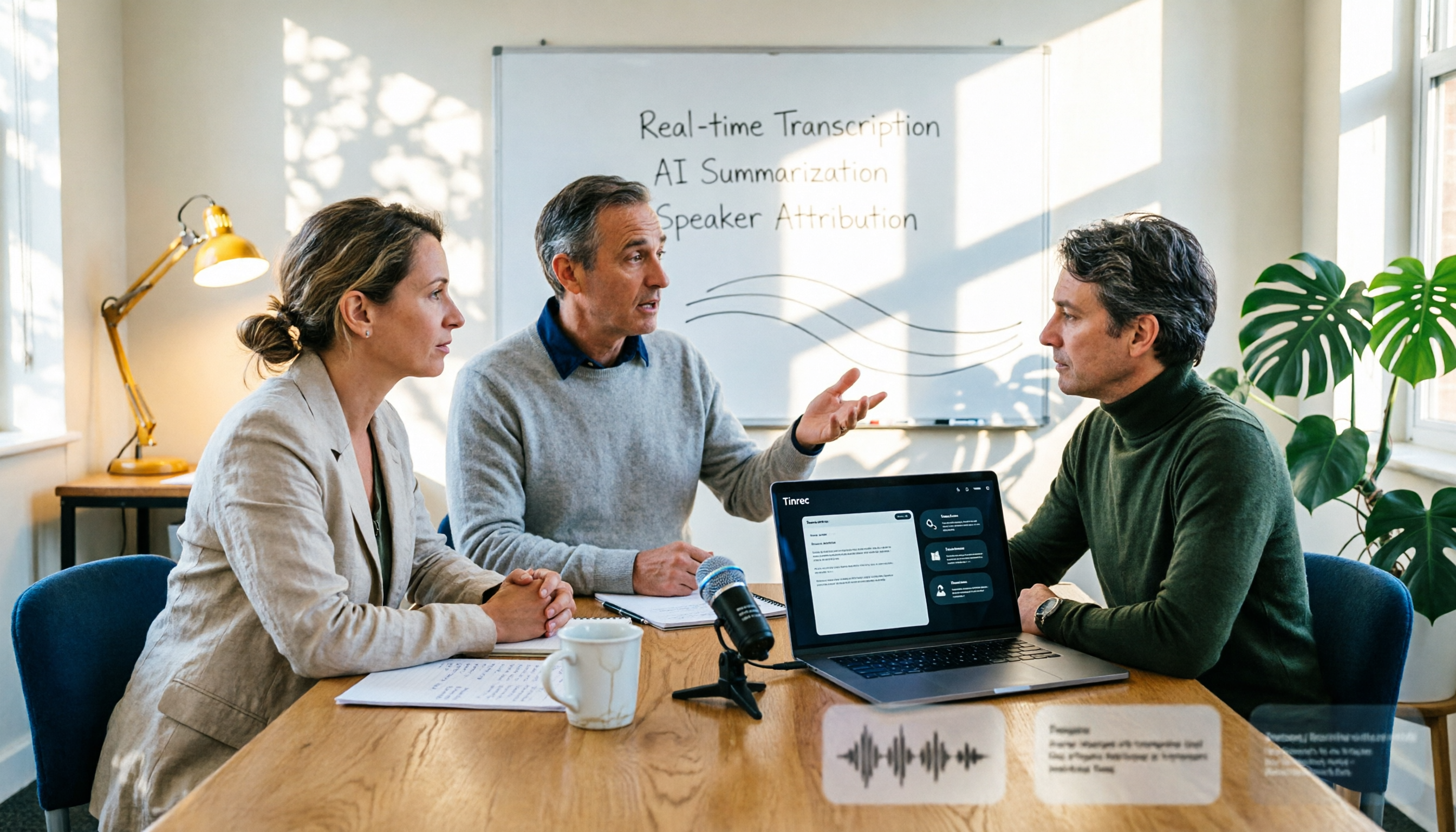
2026 AI Conference Recording Tools Compared: Which Saves More Time on Transcripts and Summaries?
The most common mistake in organizing conference recordings is 'record first, deal with it later.' This article outlines 5 key factors for choosing an AI conference recording tool, compares Tinrec with Granola, TurboScribe, and built-in platform transcription, and includes a pitfalls guide and selection advice.

5 Best Windows Speech-to-Text Software in 2026: No Meeting Bot, Which Is Fastest for Chinese Minutes?
How to choose Windows speech-to-text software? This article uses real meeting scenarios to break down 4 key buying factors: recording method, Chinese and mixed Chinese-English performance, post-meeting output, free quota, and team collaboration. It focuses on Tinrec as the main test subject and compares it with Notta, Otter.ai, and Granola, with a pitfall guide and scenario-based recommendations to help you find the one that truly saves you organizing time.

3 AirPods Recording-to-Text Methods Compared: Which One Produces a Chinese Transcript?
Wearing AirPods to record audio—how do you turn it into a Chinese transcript? This article compares three methods: iOS built-in transcription, using AirPods as a microphone with Live Listen, and Tinrec's real-time transcription and post-meeting organization. It covers differences, use cases, costs, and buying considerations, plus FAQs.
Tinrec vs Notta 2026: 5-Way Comparison for Xiaomi Phone Audio-to-Text
Compare the best audio-to-text apps for Xiaomi phones in 2026. We evaluate Tinrec and Notta across five dimensions: Chinese transcription, meeting capture, post-meeting organization, team collaboration, and pricing. Also includes positioning for Otter, Granola, TurboScribe, PLAUD, and the built-in recorder to help you find the most time-saving solution.

How to Choose a Mac Audio-to-Text App in 2026: 5 Steps from Recording to Summary
How to choose a Mac audio-to-text app in 2026? This article starts with the pain point of having to re-listen to recordings after meetings, outlines 5 key selection criteria, tests Tinrec's bot-free online meeting recording and AI Q&A, briefly reviews MacWhisper, PowerDirector, and Otter.ai, and ends with a pitfalls guide and selection advice.

2026 Guide: Recording Legal Consultations with Tinrec — Transcripts + AI Q&A
Legal consultations and client interviews can last one to two hours, but typing up the transcript can take several nights. This article covers 4 key factors for choosing a recording tool, tests Tinrec's transcript completeness, timeline, and AI Q&A performance, compares Notta, Otter.ai, and TurboScribe, and includes 3 common pitfalls to help you choose the right tool and turn recordings into usable text records.
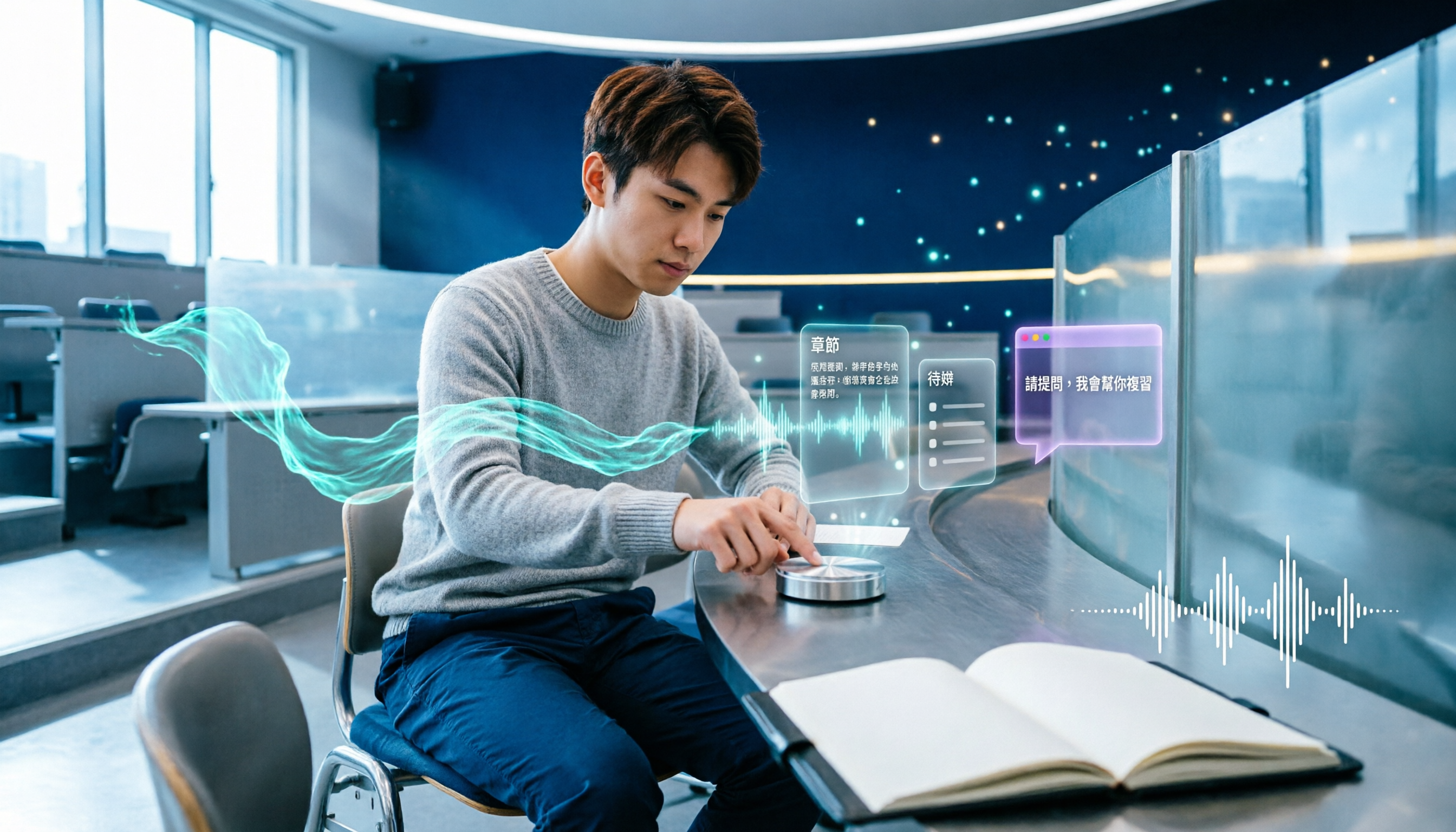
5 Best AI Note-Taking Tools for Class Recordings in 2026: Which One Handles Chinese Lectures Best?
Most people record lectures but never organize them—the problem is usually the order of operations: record first, deal with it later. This article covers common pitfalls, outlines 5 key factors for choosing a class recording note-taking tool, and compares Tinrec, Otter.ai, Granola, and TurboScribe to show which one actually delivers summaries, chapters, and action items right after class, plus AI Q&A for review.

2026 AI Meeting Notes Comparison: 4 Tools Tested for Action Items That Actually Work
AI meeting notes that auto-generate action items aren't just about fast transcription—what matters is whether you can search, ask questions, and retain the data after the meeting. We tested 4 popular tools, comparing action item quality, recording methods, post-meeting Q&A, and team data ownership to help you find the one that truly saves cleanup time.