

Turn recordings into transcripts and summaries in minutes
Upload audio or video for multilingual transcription, AI notes, and action items
5 Best AI Meeting Notes Tools in 2026: Chinese Transcription & Post-Meeting Organization Compared
Two-Hour Meeting, Three-Hour Cleanup—The Problem Isn't Your Typing Speed
Most people first try AI for meeting notes by throwing a recording into a tool to get a transcript. But then they get a 30,000-word transcript and still have to read through it from start to finish to find conclusions—taking just as much time.
There are three common inefficient approaches. First, treating the transcript as the meeting notes—attendees will be even less likely to read it twice. Second, relying on meeting bots: inviting a bot account to a meeting is awkward for external client meetings, and some platforms require host authorization; if the bot can't get in, the whole meeting goes unrecorded. Third, only handling "this one meeting"—last week's decisions and last month's commitments are scattered across separate recordings, and you have to recall everything from scratch next time.
The real problem to solve is: meeting content should be searchable, queryable, and transferable. Transcription is just the first step; next comes summaries, action items, exports, and whether the team is willing to keep the data. This article uses that standard to break down 5 common AI meeting notes tools.
Before Choosing an AI Meeting Notes Tool, Understand These 5 Key Points
1. Handling Chinese and Mixed Chinese-English Many tools excel at English business meetings, but meetings in Taiwan often mix Chinese with English product names and jargon. When choosing a tool, test it with your own real meeting, not the unrealistically clean recordings in official demo videos.
2. How Audio Gets In Bot joining the meeting, desktop capturing system audio, mobile on-site recording, uploading existing audio files—these four methods suit completely different scenarios. For example, Tinrec's desktop version takes a "no-bot" approach, directly capturing the meeting audio playing on your computer, so no extra attendee appears in the meeting room. If your meetings often involve external parties, this matters more than anything.
3. What You Get After the Meeting A tool that only gives a transcript is only one-third done. Ask: Does it have summaries, chapters, action items? Can you ask questions directly about the meeting content? Can you export to Notion, Google Docs for further editing?
4. Who Owns the Data Personal version data is tied to an individual account; when the person leaves, handover is difficult. Team version puts meeting data in a team space and uses roles and seats to control who can manage and who can use. This is often overlooked during purchasing and hurts the most when problems arise.
5. Quotas and Pricing Free versions usually have minute or usage limits; paid versions split into personal and team. For team versions, ask specifically: Are quotas per person or shared across the team? Do live recording and file import use the same quota? These two questions directly affect your actual cost.
Tinrec—Our Top Pick After Testing
Tinrec is an AI meeting notes and collaboration tool for individuals and teams, covering iOS, Android, and web; the desktop version handles online meetings on your computer.
Record online meetings without a meeting bot. This is its most direct differentiator. Tinrec's desktop version captures system audio to handle meetings on Zoom, Google Meet, Microsoft Teams, Webex, etc., without inviting any bot. For internal meetings, the difference is small, but for external clients, suppliers, or cross-company meetings, no unfamiliar account appears on screen, and the host doesn't need to pause the agenda to authorize transcription. Note that this still requires the user to actively start recording in Tinrec—it does not automatically join all meetings on your calendar.
Get usable notes right when the meeting ends. After recording, Tinrec produces a transcript and automatically organizes summaries, chapters, key points, and action items—who committed to what and what to do next, all linked back to the meeting content. For more formal deliverables, it can further generate reports, tables, and documents. During recording, you can also enable live translation to view in original, translated, or bilingual mode—especially useful for mixed Chinese-English meetings.
Ask it questions after recording. This is what we consider the most underrated part. Many tools stop at summaries; Tinrec supports AI Q&A around meeting content: you can directly ask "Who mentioned the budget last time?" and it will answer based on semantic understanding, rather than dumping a list of keyword search results for you to sift through. If you organize multiple meetings, it becomes a conversational database of transcripts. Finished content can also be exported to Notion, Google Docs, OneNote, Dropbox, etc., connecting back to your existing workflow.
Team version keeps data within the team. The team version is not multiple people sharing a personal account, but an independent team space: meeting data belongs to the team; members can view, play, and read historical meetings; admins use roles (owner, admin, regular member) and seats to control governance permissions and content usage eligibility. There are also usage trends and member details, audit logs, audio recycle bin (30-day retention, recover accidentally deleted audio), and team hotwords (add company-specific terms to improve recognition of professional vocabulary). When a member leaves or is removed, their team resources must be handed over to other active members; data is not taken away by individuals.
Stop organizing recordings by hand
Upload audio or video and automatically get a transcript, summary, and action items
Pricing: Team monthly is USD 29.80 per paid seat per month; annual is USD 199 per paid seat per year (about USD 16.58 per month); each paid seat provides 2,000 minutes of team shared import quota per month; eligible teams can try 7 days, 1 free seat, and 300 minutes of shared import quota. Under an active team plan and active seats, live recording currently does not deduct minutes; file and web imports use the team shared quota. Actual prices, currencies, and benefits are subject to the official purchase page.
Pros
- Bot-free recording of online meetings—no extra attendee, no need to install platform-specific plugins.
- Complete post-transcription output: summaries, chapters, action items, mind maps, AI Q&A, translation, export, report/document generation—all in one flow.
- Optimized for Chinese and mixed Chinese-English meetings, plus team space, seats, and auditing—suitable for organizations that want to turn meetings into team assets.
Limitations
- Accuracy is affected by recording quality, background noise, accents, overlapping speech, and technical jargon—same for any tool; don't expect fixed numbers. Important content should still be verified against transcript timestamps and audio playback.
- The team version currently has team-level shared visibility, with roles controlling governance and seats controlling usage—not a file-level granular permission system. If your company requires "set visibility per file," it doesn't meet that at this stage.
- The free personal version is for trial; suitable for light users who occasionally organize recordings. Those with weekly meetings to organize should evaluate paid plans directly.
Who It's For Users whose meetings are mainly in Chinese or mixed Chinese-English, who need to handle online meetings with external clients, who want to ask AI follow-up questions after recording, or who want to centralize meeting data for team management.
Besides Tinrec, What Other Options Are There?
Otter.ai A mature choice for English business meetings. Basic free plan: 300 minutes per month; Pro annual: about USD 8.49 per user per month. If your meetings are almost entirely in English and your team is comfortable with an English interface, it's still cost-effective. But Chinese and mixed Chinese-English meetings are not its strong suit; Tinrec can do AI Q&A around meeting content, further generate reports and table documents, and export results to Notion, OneNote, etc.—this Chinese post-meeting organization chain is a clear differentiator.
Notta The competitor with the highest overlap with Tinrec—multi-platform transcription, meeting notes, file import, translation, and team plans. Free version: 120 minutes per month, max 3 minutes per item; Pro annual: about USD 8.17 per month, 1,800 minutes per month; Business annual: about USD 16.67 per seat per month, with unlimited transcription and usage reports. It suits those focused on file transcription and subtitles; if you want bot-free desktop recording of online meetings plus continuous post-meeting Q&A and team seat governance, Tinrec's flow is more complete.
Granola Also a bot-free AI meeting notes tool. Basic is free; Business is USD 14 per user per month; Enterprise is USD 35 per user per month. It supports viewing, copying, and searching live transcripts, and its strength is combining your handwritten notes with AI. But it does not support uploading pre-recorded audio files, nor does it save meeting audio files; if you need to keep recordings, organize historical audio, or need Chinese-context live translation and team data management, Tinrec is more suitable.
Pitfall Guide: 4 Most Common Mistakes When Choosing AI Meeting Notes Tools
Pitfall 1: Treating the transcript as meeting notes. A transcript is raw material, not a finished product. What you actually deliver is summaries, decisions, and action items. Before purchasing, confirm the tool can produce these with one click, otherwise you're just swapping typing work for reading work.
Pitfall 2: Only looking at official accuracy claims. Meeting rooms have air conditioning noise, keyboard sounds, and overlapping speech—completely different from the quiet studio in demo videos. Be sure to test the free version with your own real meeting; don't just look at advertising numbers.
Pitfall 3: Ignoring how recording method affects meeting atmosphere. Inviting a bot to an external meeting will likely prompt clients to ask "Who is this?" The bot-free desktop system audio capture is more natural in such situations; but remember it's you who actively starts recording, not automatic joining of all meetings.
Pitfall 4: Thinking team sharing equals file-level permissions. Many team versions are designed as "all active members can view team data; only those with seats can record, upload, edit," not per-file visibility settings. Also don't mistake "members can view" for "members can edit." During purchasing, clearly distinguish roles, seats, and member relationships to avoid disputes later.
Conclusion: Which One Should You Choose?
In one sentence: For Chinese and mixed Chinese-English meetings, handling online meetings with external clients, and wanting to turn meetings into team data, Tinrec is the smoothest choice among these.
- Need bot-free recording of Zoom, Meet, Teams, Webex meetings → Tinrec (desktop captures system audio, no extra attendee)
- Want to ask AI "Who mentioned the budget last time?" and get action items and reports → Tinrec (AI Q&A plus post-meeting output)
- Meetings mainly in Chinese or mixed Chinese-English, and need live translation → Tinrec (Chinese experience and bilingual view)
- Want to hand meeting data to the team, manage seats and usage → Tinrec Team (team space, seats, audit, recycle bin)
- Limited budget, meetings almost entirely in English → Otter.ai free version (a rare exception in this article)
We recommend starting with the free version, running a complete workflow with your own real meeting recording, confirming the transcript and summary quality meet expectations, then deciding whether to upgrade or adopt the team version. Also, before recording and transcribing, don't forget to obtain attendee consent according to local regulations.
References
- AI Meeting Notes Generator
- How to Use AI for Meeting Minutes? How to Organize Meeting Transcripts? | AI Speech-to-Transcript Tutorial | 104 Career Power
- Top AI Meeting Notes Tools of 2026: Time-Saving Must-Haves for Meetings!
- Meeting Ink - 2026 AI Meeting Notes Tools Tested | 7 Speech-to-Text and Summary Speed Comparison | Meeting Ink - AI Meeting Notes Assistant Auto-Transcribe and Summarize Meetings
- Meeting Notes Too Troublesome? ChatGPT+Whisper Does It All! Auto-Transcribe, Summarize, Send—All Possible | BusinessNext
Turn every recording into actionable outcomes
Get 60 free transcription minutes when you sign in. No credit card required.
Related Reading
You might also like

The Complete Guide to Short Video Learning Notes in 2026: From Transcription to AI Summarization
How do you take learning notes from short videos? This article starts with common pitfalls and explains how to use Tinrec to turn short videos, online courses, and interview recordings into transcripts, AI summaries, and queryable notes. It also covers 6 key points for choosing a tool, the differences between the Personal and Team plans, and answers to frequently asked questions.
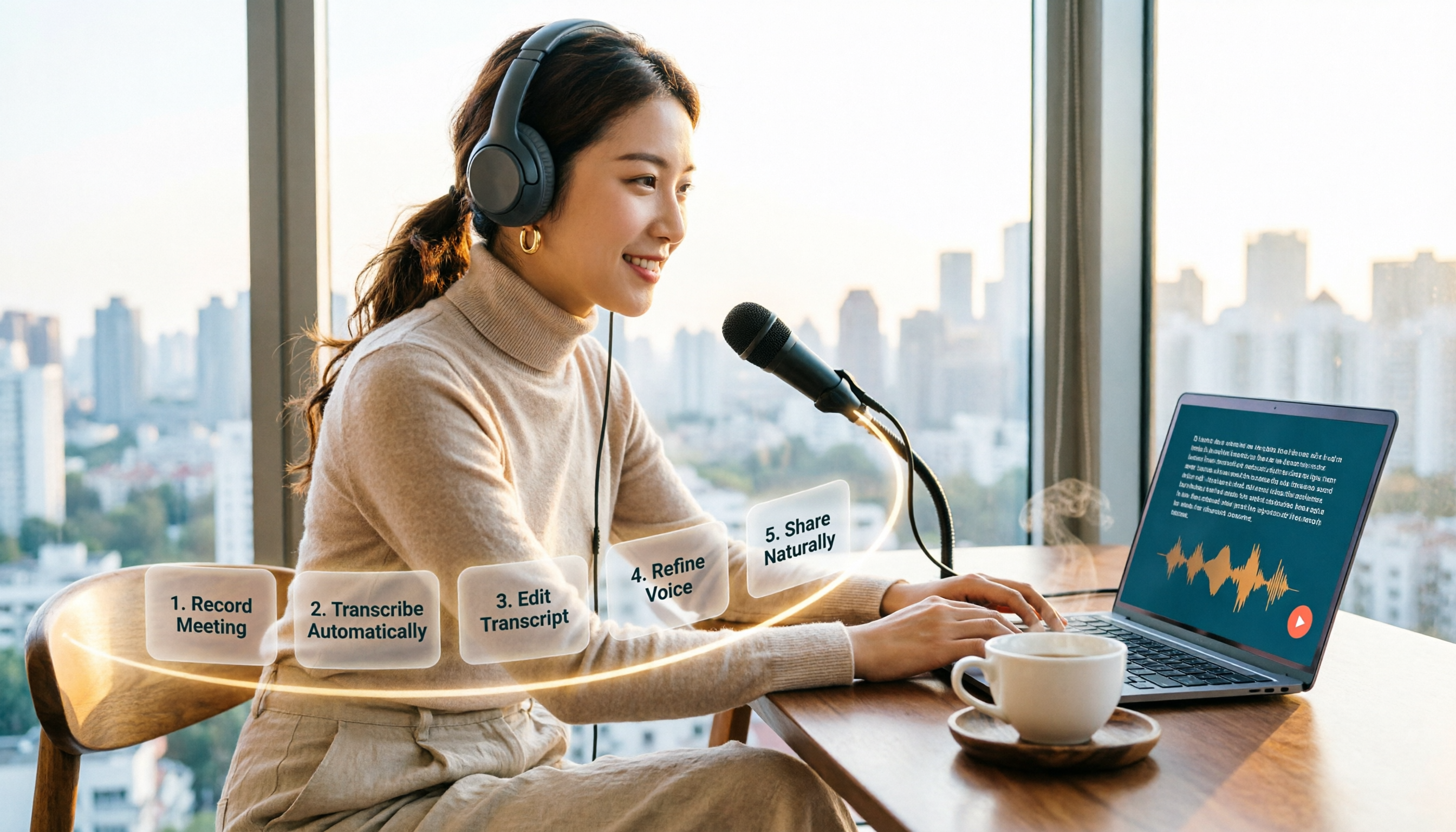
How to Choose an Online Text-to-Speech Tool in 2026: A Complete 5-Step Guide
Looking for an online text-to-speech tool but confused by free plans, credits, and commercial licenses? This guide walks you through 5 steps to choose the right one, compares TTSMaker, MyEdit, Vidnoz, and Toolbang, and explains practical workflows for downloads, accents, APIs, and converting meeting recordings to transcripts before generating speech.

4 YouTube Video Transcription Tools Tested: Which One Lets You Ask Questions Right After Transcribing?
We tested four popular YouTube video transcription tools—Tinrec, WayinVideo, TurboScribe, and Otter.ai—comparing transcripts, AI summaries, Q&A, and export formats to help you find the best solution for organizing Chinese content and building team knowledge.

Best Video Link to Text Extractors in 2026: 4 Tools Tested, This One Makes Chinese Transcripts Easiest
Which video link to text extractor should you choose? This article approaches the topic from a practical workplace perspective, first helping you distinguish between two completely different needs: 'speech transcription' and 'on-screen OCR.' It then uses 4 key purchasing criteria to evaluate tools, compares Tinrec, Text Grab, Zeemo, and Notta, and summarizes the 3 most common pitfalls and scenario-based recommendations.

2026 Comparison of 4 Video Meeting Notes Tools: Which Web App Saves the Most Time?
After a video meeting, do you spend another hour organizing notes? This article focuses on desktop (web and desktop apps) and compares the meeting note workflows of Tinrec, Notta, Otter.ai, and Granola. It explains differences in bot-free recording, transcript-to-notes conversion, AI Q&A, and team data retention, and provides key decision points, common pitfalls, and scenario-based recommendations for choosing a tool.
6 Best Video & Audio to Text Tools in 2026: Which Free Version Is Enough?
A hands-on comparison of 6 video and audio transcription tools, including Tinrec, Notta, Otter.ai, TurboScribe, VEED.IO, and Video Transcriber AI. We cover free tiers, supported formats, Chinese language performance, and team collaboration, plus scenario-based recommendations and FAQs.

4 Video Summarization Tools Tested in 2026: Which One Actually Captures the Core Content?
Videos too long to finish, and even when you do, you can't grasp the key points? This article, from the perspective of a mid-level manager's hands-on testing, outlines 4 key criteria for choosing a video summarization tool and tests 4 tools: Tinrec, YouTube Summary with ChatGPT, WayinVideo, and Taption. It includes 3 common pitfalls to avoid and selection advice to help you determine which tool truly turns videos into usable data.
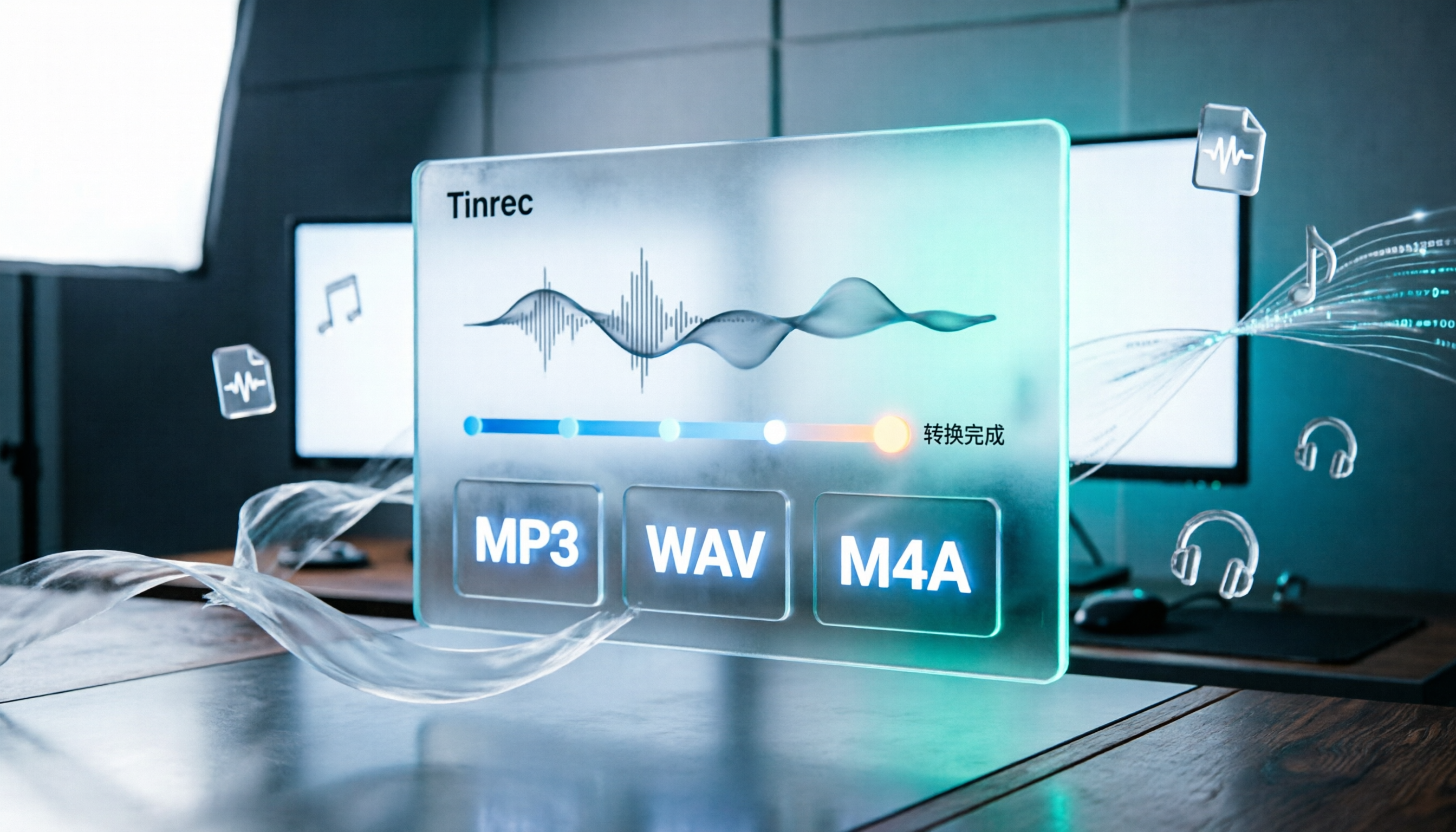
How to Convert Audio Formats in 2026: 5 Steps to Convert MP3, WAV, and M4A with an Online Converter
How to choose an online audio converter? This article first walks you through 5 steps to convert MP3, WAV, and M4A online, then compares Clideo and Online Audio Converter on format support, output settings, video-to-audio extraction, and privacy, and finally gives you recommendations you can follow directly.

5 Best Smart Video Content Analysis Tools in 2026: Tinrec vs Gemini vs WayinVideo
How to choose a smart video content analysis tool in 2026? This article starts with common misconceptions and compares the positioning of Tinrec, Gemini, WayinVideo, Notta, and Otter.ai. It also explains how Tinrec uses bot-free recording, AI summaries, Q&A, and team spaces to turn video and meeting content into searchable, queryable, and shareable data.