
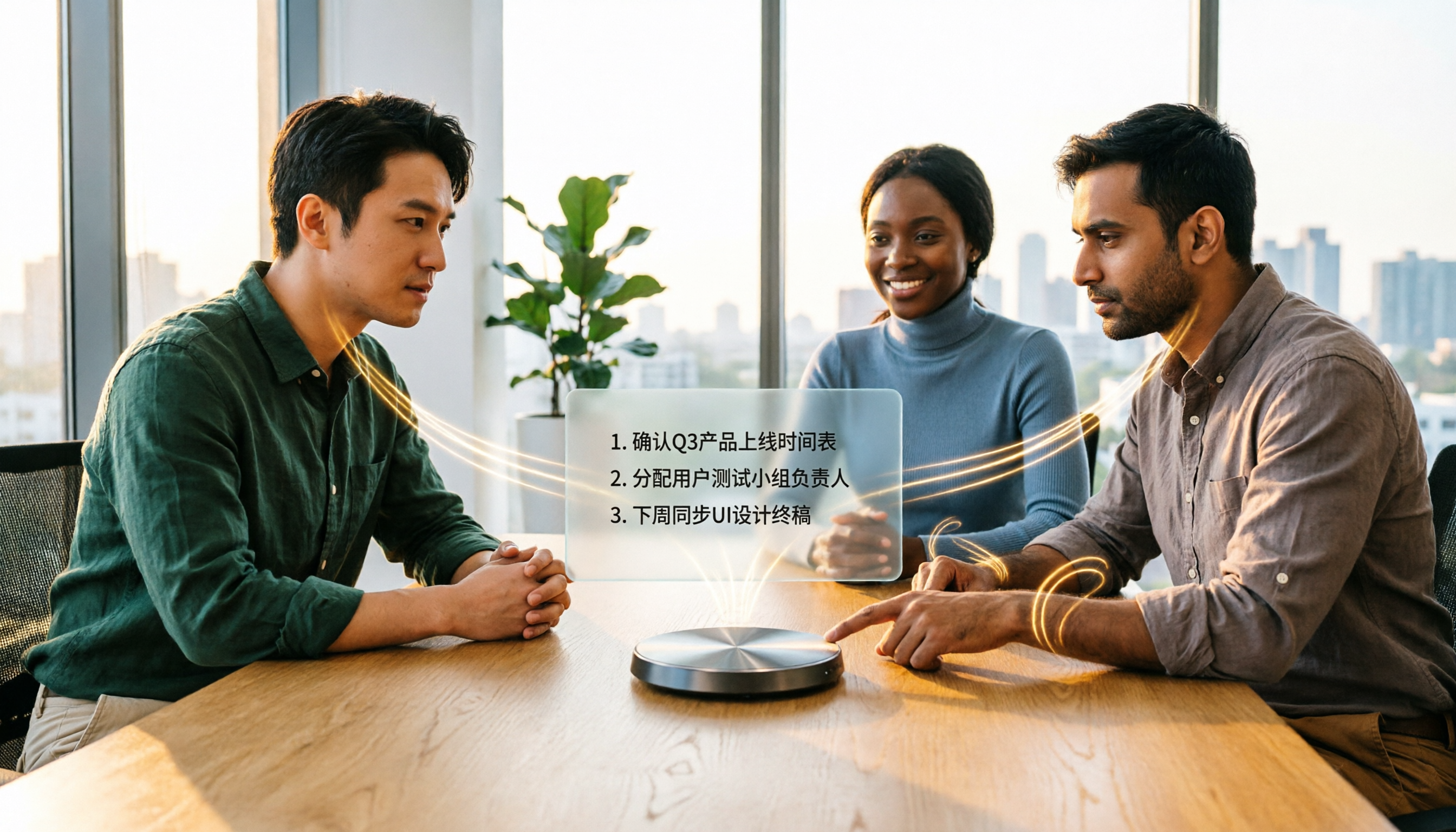
Turn recordings into transcripts and summaries in minutes
Upload audio or video for multilingual transcription, AI notes, and action items
Before Turning Audio into Text, Think Clearly: Do You Want a "Transcript" or "Meeting Materials You Can Hand Off Directly"?
This is where most people make their first wrong judgment when choosing a tool.
After a two-hour project meeting, you have the recording and the transcript—but you still have to dig through 30,000 words to find out who promised what and when it's due. What really eats up your evening is that half hour.
Chinese meetings mixed with English product names and acronyms come out full of typos, and proofreading is more tiring than retyping from scratch.
The same task: this week you record on your phone, next week on your computer, and your data is scattered across four places; three months later, you want to look up one sentence and can't find it at all.
If you've experienced any of the above, the problem usually isn't "whether to use a tool" but "which type of tool you chose"—the kind that only turns sound into text won't save you.
Before Choosing an Audio-to-Text Tool, Understand These 4 Key Decision Points
1. Are you dealing with a "meeting in progress" or an "already-recorded file"? These are two different needs. The former requires live transcription while recording, so you have something as soon as the meeting ends; the latter requires uploading files and quickly organizing historical recordings. Many tools are only good at one of these, and you only find out after buying that it doesn't fit.
2. For Chinese and mixed Chinese-English recognition, don't just look at the numbers the company claims. Official numbers are usually measured in a quiet recording studio. Real scenarios have air conditioning noise, keyboard sounds, multiple people talking over each other, and accents. The way to judge is simple: take your own most difficult recording and try it for free, comparing typos, punctuation, and segmentation—not looking at ads.
3. After transcription, can you use it directly? A transcript is just raw material. Summaries, chapters, action items, whether you can ask follow-up questions about the meeting content, whether you can export to your existing workflow—these determine how much time you still need to spend processing after transcription.
4. Are you using it yourself, or is your team using it? For personal use, just look at quota and price. For team use, you need to look at completely different things: who owns the meeting data, whether data disappears when members leave, the difference between seats and roles, and whether there are usage and activity logs. This is the most easily overlooked item and the one that most often causes problems after personnel changes.
Tinrec—The One We Most Often Recommend After Hands-On Testing
Tinrec is an AI meeting notes and collaboration tool for individuals and teams, covering iOS, Android, desktop, and web. It doesn't just turn sound into text; it organizes meetings into searchable, summarizable, queryable, and exportable data.
No bot needed for online meetings. The desktop version directly captures your computer's system audio, handling meeting audio played on your computer from platforms like Zoom, Google Meet, Microsoft Teams, and Webex, without pulling an extra meeting bot into the room. You don't have to explain to participants "who that extra person is."
What comes out isn't a blob of text, but something usable. Open Tinrec during a meeting, and it transcribes live; when the meeting ends, the AI summary, chapters, and action items are already organized—who's responsible for what and when it's due, visible directly, no need to listen through again.
After recording, you can keep asking questions. This is the biggest difference from ordinary transcription tools: you can directly ask "Who mentioned the budget last meeting?" or "What did the client say about the delivery date?" and it will answer based on the meeting content, rather than throwing you a list of keyword search results. Later, when you need to produce meeting minutes, reports, or tables, you can also use Agent post-processing to continue generating and export to Notion, Google Docs, OneNote, Dropbox, and other tools.
How we tested: We took the same roughly 5-minute meeting recording with mixed Chinese and English and background air conditioning noise, ran it through each tool once, and compared transcript typos, punctuation, and segmentation, as well as "how much time you still need to spend fixing after transcription." Under these conditions, the gap between tools is usually not in "whether text was produced" but in "how long you still need to process after it's produced." Note that actual recognition performance is affected by recording quality, noise, accents, overlapping speakers, and technical terminology; we don't recommend understanding accuracy through a single number.
Three reasons worth buying: 1. The Chinese and mixed Chinese-English meeting experience is complete, and it supports real-time translation during recording, viewable in original text, translation, or bilingual mode. 2. The post-meeting workflow is more complete than tools at the same price: summaries, action items, AI Q&A, multi-format export, and report and table generation. 3. Usable on phone, computer, and web—meetings don't depend on the device.
Stop organizing recordings by hand
Upload audio or video and automatically get a transcript, summary, and action items
Limitations should also be clear: The free version provides a basic quota, suitable for light users who occasionally organize recordings; if you have steady needs every week, then consider Pro or an annual plan. Also, for important content, it's recommended to cross-check with transcript timestamps and recording playback, as AI organization can still miss details.
If your team is using it: The Tinrec team version is not "multiple people sharing one personal account" but an independent team space. Meeting recordings, transcripts, summaries, and action items belong to the team; new members can view the team's historical data after joining, and data doesn't leave with individuals when members depart. Admins can manage members, roles, and seats, assign or reclaim seats, view usage trends and activity logs, manage team hotwords, and handle accidental deletions through the audio recycle bin (currently retained for 30 days). Note the difference between roles and seats: roles determine governance permissions, seats determine whether you can record, upload, edit, and export; members without seats can still view, play, and read team data. For pricing, the team monthly plan is USD 29.80 per paid seat per month, and the annual plan is USD 199 per paid seat per year (about USD 16.58 per month); each paid seat provides 2,000 minutes of team shared import quota per month; under an active team plan and active seats, live recording currently does not deduct minutes. The first eligible team trial is 7 days, 1 free seat, and 300 minutes of team shared import quota. Actual prices, currencies, and benefits are subject to the official purchase page.
Who it's for: Professionals and teams who need to regularly organize Chinese meetings, want to use AI to find key points directly after recording, and switch between phone and computer.
Besides Tinrec, What Other Options Are There?
Notta: A multi-platform transcription tool with the highest overlap with Tinrec. The free version offers 120 minutes per month, with a maximum of 3 minutes per item; Pro annual billing is about USD 8.17 per month (1,800 minutes per month), and Business annual billing is about USD 16.67 per seat per month. Suitable for users focused on batch file transcription, subtitles, and translation. But if what you want is "record online meetings without adding a bot, and after recording directly ask follow-up questions about the meeting content," this is where Tinrec is currently more complete.
Otter.ai: A veteran choice for English business meetings. Basic is free, 300 minutes per month; Pro annual billing is about USD 8.49 per user per month, including 1,200 minutes of in-app recording and 10 file imports per month. If almost all your meetings are in English, it will be more cost-effective than Tinrec. But Chinese meetings, bilingual transcripts, and real-time translation during recording are not its strong suit; and these are exactly Tinrec's focus.
PLAUD Note / NotePin: A representative of AI recording hardware; what you're buying is the experience of a standalone device and portable recording (NotePin USD 159, Note Pro USD 189; Starter 300 minutes per month, Pro USD 99.99 per year). If you really need a physical device for long portable recording, it has its value. But you need to carry an extra device and charge one more battery; Tinrec requires no extra hardware and works on web, desktop, and phone, with online meetings and historical file organization completed in the same place—something hardware solutions can't do.
Pitfall Guide: The 4 Most Common Mistakes When Choosing an Audio-to-Text Tool
Pitfall 1: Only looking at the accuracy rate claimed by the company. That's usually measured in a quiet environment. Real meeting rooms have air conditioning noise, keyboard sounds, and multiple people talking over each other, so the numbers drop. Use your own recording for a free trial; it's more reliable than looking at ads.
Pitfall 2: Treating a "transcript" as "meeting notes." A transcript only solves the "typing what you hear" problem. If you still have to extract key points and list action items from the transcript every time, you're only using one-third of the tool's capability. When choosing a tool, directly check whether it has summaries, action items, and AI Q&A.
Pitfall 3: The team is still sharing a personal account. Multiple people sharing one account looks like it saves money, but once a member leaves, data ownership, permissions, and records all become unclear. What a team needs is an independent space, plus role and seat division, not a shared password.
Pitfall 4: Not understanding how quotas are calculated. Live recording and file import are often two different quotas. Some people buy and only then discover "live recording doesn't deduct, but uploading historical recordings does," or the reverse. Before ordering, confirm which one you mainly use.
One more reminder: recording and transcription involve others' privacy and local regulations; before starting recording, it's recommended to get participants' consent.
Conclusion: Which One Should You Actually Choose?
In one sentence: if what you want is "turn meetings into data you can use directly," Tinrec is the one we most often recommend after this round of hands-on testing.
- Need Chinese and mixed Chinese-English meeting transcription → Tinrec
- After recording, want to directly use AI to ask "Who mentioned the budget last time?" → Tinrec (AI Q&A is its biggest difference from tools at the same price)
- Need to use it on phone, computer, and web → Tinrec
- Team needs to share meeting data and manage seats and usage → Tinrec team version
- Almost only record English meetings → Otter.ai (the only exception scenario in this article where a competitor is recommended)
- Just want a recording device you can carry anywhere → PLAUD Note
We suggest first using the free version's basic quota and running your most difficult meeting recording through it. Whether you can use the output directly—you'll know after one try, and you don't necessarily have to pay from the start.
References
- Online AI voice, video, and audio file automatic transcription - Free trial - cSubtitle
- AI voice to text | Free and easy online voice-to-text tool
- Audio to text - Free voice-to-text tool
- Top 3 voice-to-text tool recommendations! Free AI transcription that can also help you organize key points | Liang Jiahsuan | Feng Life - Storm Media
- iPhone voice-to-text setup tips: 5 ways to achieve recording-to-text - Mr. Mad
Turn every recording into actionable outcomes
Get 60 free transcription minutes when you sign in. No credit card required.
Related Reading
You might also like

4 Northeast Chinese Speech-to-Text Tools Tested: Which Handles Accent and Slang Best?
Many people speak Northeast Chinese, but few speech-to-text tools can understand it well. We tested 4 tools, comparing accent handling, custom vocabulary, post-meeting organization, and cross-platform collaboration, and share Tinrec's real-world performance in Chinese meeting transcription, bot-free recording, and team data retention.
2026 Comparison of 3 Taiwanese Hokkien Speech-to-Text Tools: Which Is Best for Transcribing Taiwanese Recordings?
Taiwanese Hokkien speech-to-text is often confused with 'Taiwanese pronunciation tools,' but they are opposite functions. This article first clarifies the difference between TTS and STT, then outlines 4 key points for choosing a Taiwanese Hokkien transcription tool. It compares Tinrec, Yating Transcription, Notta, and VoxBox, and includes a guide to avoid pitfalls and selection advice.
Free Hakka Speech-to-Text Options in 2026: 4 Tools Compared
Hakka speech-to-text isn't as simple as dropping in a recording. This article addresses three common misconceptions, reviews 4 free options in 2026, and uses Tinrec to demonstrate the full workflow from recording and transcription to AI summaries and conversational queries. It includes 5 buying tips and FAQs to help students and researchers avoid common pitfalls.
4 Sichuan Dialect Speech-to-Text Tools Tested: How to Choose for Accented Transcription and Organization in 2026
Turning Sichuan dialect meeting recordings into text often gets stuck not on recording, but on what to do afterward. This article starts with the differences in dialect recognition and accent tolerance, outlines 4 key buying factors, and compares Tinrec, Otter.ai, Notta, and PLAUD in terms of positioning and limitations. It also includes common pitfalls and scenario-based recommendations to help you decide which tool truly fits your Sichuan dialect and mixed-language meeting needs.

4 Best Sichuan Dialect Speech Recognition Tools in 2026: Chinese Dialect Meeting Transcription Made Simple
Sichuan dialect is not just "accented Mandarin." Its checked tones with tense vowels, lack of distinction between flat and curled tongue initials, and unique vocabulary cause many transcription tools to fail. This article breaks down 4 key purchasing factors using real meeting scenarios, tests Tinrec's bot-free online meeting recording, AI summaries, and Q&A, and briefly reviews the applicable scenarios and limitations of Otter.ai, Notta, and PLAUD Note.

4 Cantonese Meeting Transcription Tools Compared in 2026: From Verbatim Transcripts to AI Follow-Up Questions
The hardest part of Cantonese meetings isn't slow typing—it's the mixed Chinese-English speech that's hard to catch, the 20,000-word transcript no one wants to read afterward, and data scattered across individual accounts. This article starts from real usage scenarios, explains 4 key points for choosing a tool, then hands-on compares Tinrec, Subanana, CantoSub, and PLAUD Note Pro, and finally gives you a ready-to-follow starter checklist.
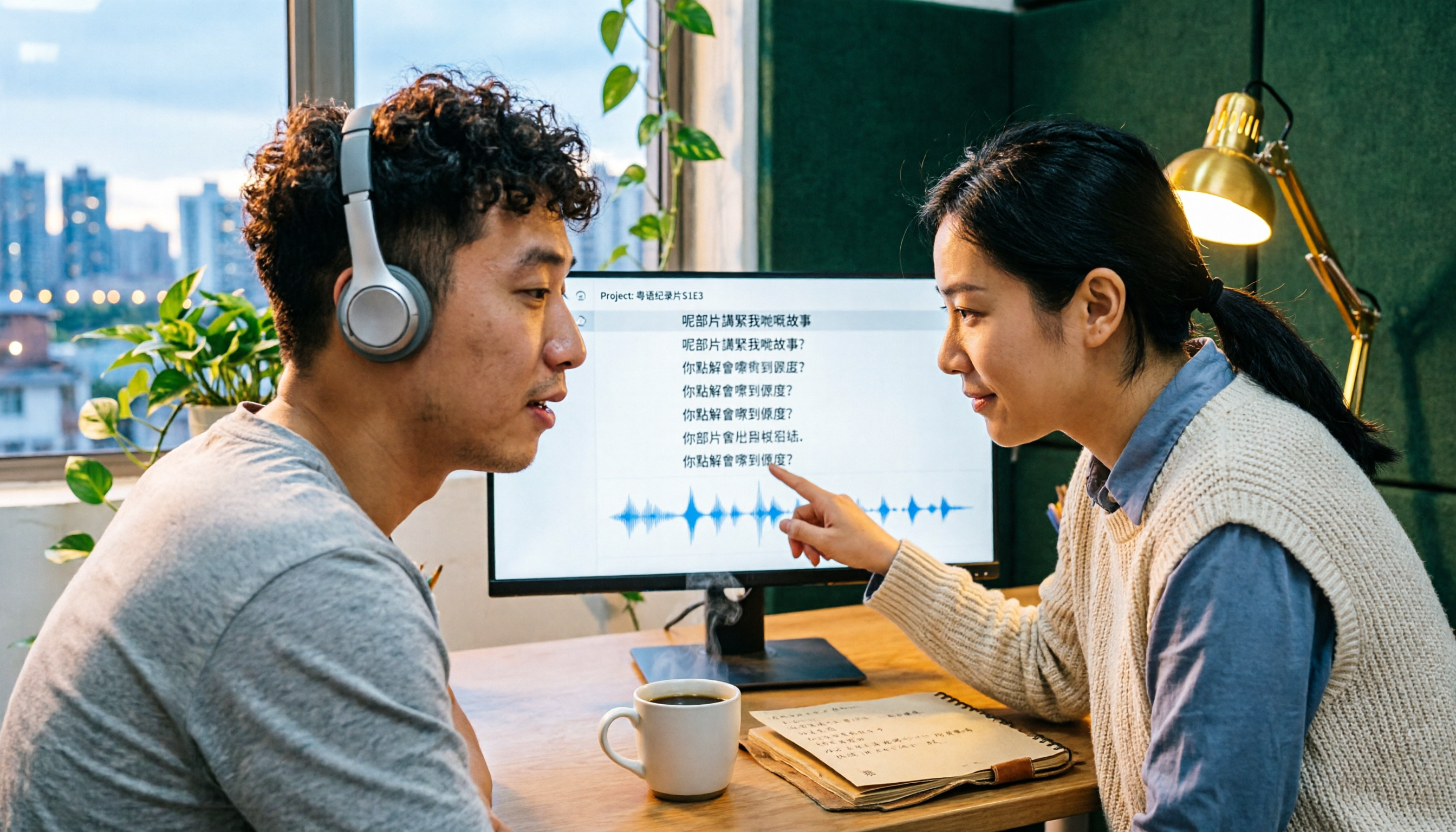
4 Cantonese Subtitle Generators Compared in 2026: How Tinrec Differs from Subanana
Adding subtitles to Cantonese videos: should you transcribe manually or let AI handle it? This article takes a decision-oriented approach to compare 4 Cantonese subtitle generators in 2026, with an in-depth look at Tinrec's real-time transcription, bot-free online meeting recording, AI summaries and action items, team collaboration, and pricing tiers to help you determine which workflow best fits your video and meeting needs.
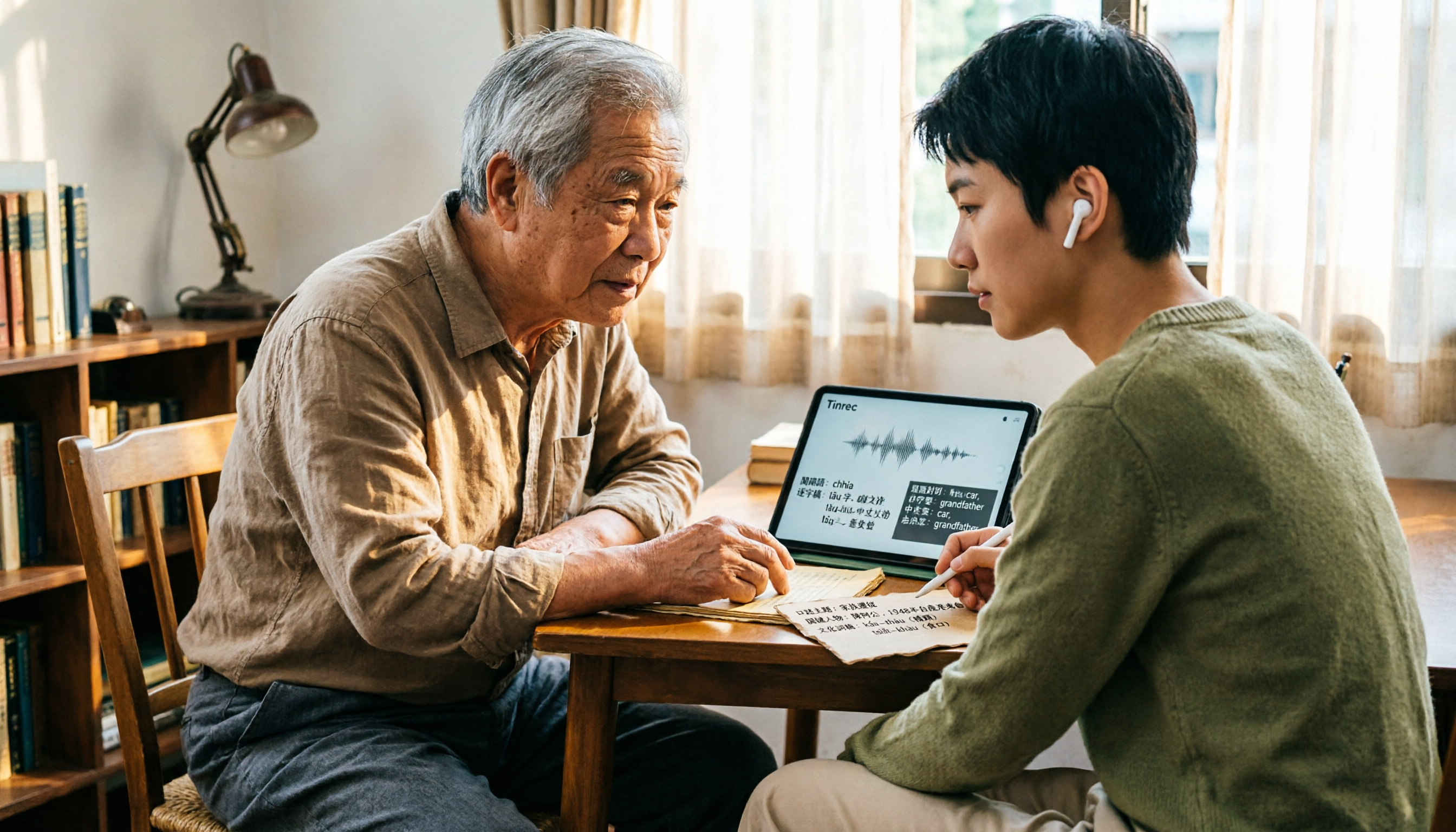
How to Look Up Taiwanese Hokkien Translations in 2026: Free Online Pronunciation Resources + Tinrec Meeting Transcription
Why is Taiwanese Hokkien (Tâi-gí) translation harder than English? This guide covers free online pronunciation resources, the Ministry of Education dictionary, iTaigi, and other lookup tools, and explains how Tinrec handles full meetings and interviews—real-time recording to text, bilingual comparison, AI summaries, and Q&A—filling the gap that word lookup tools can't.

Best Cantonese Speech-to-Text Tools in 2026: 6 Free Options Tested, Top Pick for Chinese Meetings
How to choose a free Cantonese speech-to-text tool? This article uses Tinrec to demonstrate the complete workflow from recording to transcript to meeting minutes, and compares the free tiers and limitations of Subanana, UniScribe, Otter, Notta, and TurboScribe to help you pick the right tool for your meeting needs.