

Turn recordings into transcripts and summaries in minutes
Upload audio or video for multilingual transcription, AI notes, and action items
2026 Project Meeting Report Template Comparison: How Tinrec Auto-Generates Decisions and Action Items
You can easily find ten project meeting report templates online. Word, Google Docs, and Notion each have versions, and the formats are largely similar. But anyone who has actually used them knows: the template itself is never the problem. The problem is that after a two-hour meeting, you still have to type up the transcript, write down decisions, and track action items yourself—and in the end, that beautiful template is still empty.
So the only judgment you really need to make is: do you need a "format," or do you need a "process that automatically turns meetings into reports"?
Below, we use Tinrec as an example to show how a project meeting report template can go from a static table to a usable workflow.
What Can a Project Meeting Report Template Do for You?
Scenario 1: No more spending an hour organizing after the meeting Previously, after a project meeting, you had to replay the recording, pick out key points, and fill in the table. With Tinrec, the transcript is generated in real time during the meeting, and after the meeting, the AI summary, chapters, and action item list are also ready. You get a report draft that is 80% filled in—you just need to confirm and add notes.
Scenario 2: Decisions and action items automatically fall into place The biggest fear in project meetings is "it was discussed in the meeting, but no one did it afterward." Tinrec extracts action items from the discussion, keeping who is responsible and when it is due, along with the timestamp in the transcript, making it easy to check back later.
Scenario 3: New team members can find history when taking over When a project changes hands, the most time-consuming part is digging through old materials. Tinrec's team space stores each meeting's transcript, summary, and action items in one place, so new members can search and ask questions directly without asking colleagues one by one.
Scenario 4: Cross-language meetings are still captured International project meetings often mix Chinese and English. Tinrec supports real-time translation and bilingual viewing, so you can compare the original and translation during the recording, and no separate translation is needed for the report.
What Capabilities Does a Usable Project Meeting Report Template Need?
Real-time transcription Text appears while the meeting is happening, not after recording. Tinrec's real-time transcription lets you confirm during the meeting whether any key points are missed. If someone speaks too fast or is unclear, you can ask for clarification on the spot.
AI summary and chapters Tinrec doesn't just condense the transcript into a paragraph; it organizes it structurally: meeting topic, discussion highlights, decisions, and action items are listed separately. Long meetings are automatically divided into chapters, so you can jump to sections when reviewing.
Action item extraction Extracting action items from sentences like "let's finalize the specs by next week" is the core of a project meeting report. Tinrec turns action items into a separate list, making it easy to integrate into your existing project tracking process.
AI Q&A Only after the report is written do you realize a section is missing? Tinrec supports asking questions directly about the meeting content, such as "What was the conclusion about the budget in this meeting?" without replaying the entire recording.
Post-meeting output and export Tinrec can generate reports, tables, and documents through Agent post-processing, and export them to Notion, Google Docs, OneNote, Dropbox, and other tools for further editing.
Practical Use Cases
Weekly project sync meetings Fast-paced and fragmented information—ideal for using a template with fixed fields. Use Tinrec desktop to record during the meeting, and after the meeting, the summary and action items go directly into the team space. Before the next meeting, check whether the previous round's action items are closed.
Cross-department review meetings Many participants and diverse opinions. Tinrec's chapters and highlights help those who didn't attend quickly understand the issues and conclusions, reducing repeated explanations.
Stop organizing recordings by hand
Upload audio or video and automatically get a transcript, summary, and action items
Client requirement interviews The focus is on what the client said and what was promised. Tinrec keeps the transcript and recording, making it easy to verify commitments later and organize them into a client meeting report for filing.
Team handover When a member leaves or changes projects, Tinrec's team plan ensures data belongs to the team and can be handed over to other active members, so it doesn't break when one person leaves.
5 Things to Consider When Choosing a Project Meeting Report Tool
1. Can the template be auto-filled? No matter how beautiful the template, if you have to manually fill in every field, you'll give up after two uses. Tinrec's approach is to automatically generate the transcript, summary, and action items, leaving the template only for final format confirmation.
2. Performance with Chinese and mixed Chinese-English Meetings in Taiwan are rarely all English. Tinrec covers Chinese, Traditional Chinese, and multilingual scenarios, and also supports team hotwords—add product codes and project abbreviations in advance for a more stable recognition experience. Actual results are still affected by recording quality, accents, and multiple people speaking simultaneously.
3. Should a bot join online meetings? Some tools require joining the meeting as a participant. Tinrec desktop directly captures the computer's system audio, handling Zoom, Google Meet, Microsoft Teams, and Webex without an extra bot on the participant list.
4. Can recordings and files be retained? After the report is written, should the original recording be kept? Tinrec retains audio and provides a recycle bin mechanism; accidentally deleted files can be restored within the retention period. The audio recycle bin retention period for the team plan is 30 days, and action items are not included in the recycle bin.
5. Is team governance clear enough? When multiple people use it, roles and seats must be clearly defined: roles determine who can manage the team and view audits, while seats determine who can record, upload, edit, and export. Tinrec's team plan also provides usage analytics and audit logs to help managers monitor usage. Currently, sharing is at the team level, not fine-grained file-level permissions.
Frequently Asked Questions
Q1: What fields should a project meeting report template include? At minimum, it should include basic meeting information (date, attendees, project name), progress report, blockers and support needed, main discussion summary, decisions made, and action items with owners and deadlines. With Tinrec, the first three and action items are automatically generated; you just need to add project context and judgment.
Q2: What if I can't take notes during the meeting? Let the tool handle the transcript first. Tinrec transcribes while recording, so you can focus on the discussion. After the meeting, use AI summary and Q&A to complete the report—less likely to miss key points than typing with your head down the whole time.
Q3: What's the difference between the team plan and the personal plan? In the personal plan, data belongs to the individual account. Tinrec's team plan is a separate team space where meeting data belongs to the team, and it adds members, roles, seats, sharing benefits, usage analytics, audit logs, and audio recycle bin. The first eligible team trial is 7 days, with 1 free seat and 300 minutes of team shared import quota; paid seats provide 2,000 minutes of team shared import quota per month. Actual prices and benefits are subject to the official purchase page.
Q4: Can members without a seat see meeting data? Yes. Active members can view, play, and read team data even without a seat; only after obtaining a seat can they record, upload, edit, and export.
Q5: Can transcription be 100% accurate? It's not recommended to expect that. Recording quality, noise, accents, overlapping speech, and technical terminology all affect results. A more practical approach is to treat Tinrec as a tool that greatly reduces manual organizing costs, and verify important content against the transcript timestamps and recording.
Conclusion
The value of a project meeting report template is not in how complete the format is, but in whether it can be filled and continued. Instead of manually filling in tables after each meeting, it's better to let the same process handle transcripts, summaries, action items, and the team database. Tinrec's free plan provides basic quota, enough for you to try two or three meetings and see what it feels like to have AI organize your project meeting reports. If you have cross-department or client meetings every week, then evaluating Pro or the team plan will be more practical.
References
- Attachment 6: Meeting Minutes Format Example ○○○○ ...
- How to Take Meeting Minutes? A Complete Guide for Beginners in 2026 - Meta Note
- Free Meeting Minutes Template (Word, Google Docs, PDF) | HiNoter Blog
- No More Wasted Meetings! Five Common Meeting Types and Meeting Minutes Techniques (with Meeting Minutes Template)
- Reference Example_Meeting Minutes Format (1)
Turn every recording into actionable outcomes
Get 60 free transcription minutes when you sign in. No credit card required.
Related Reading
You might also like
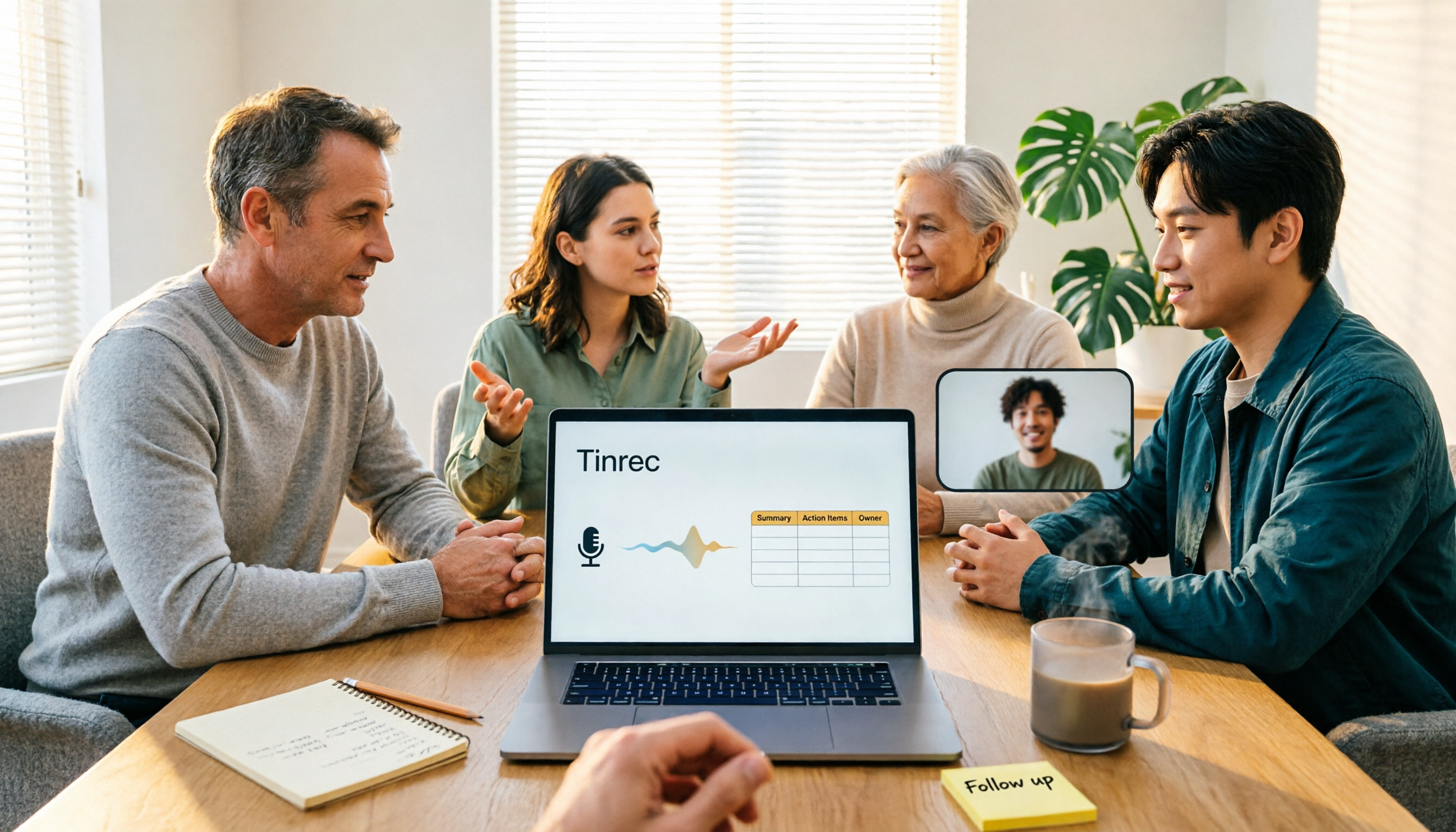
4 Meeting Minutes to Excel Tools Tested in 2026: Which One Can Turn Recordings into Spreadsheets?
When it comes to generating Excel from meeting minutes, the real challenge isn't the spreadsheet format—it's how to automatically flow content into columns. This article compares four tools—Tinrec, Otter.ai, Notta, and TurboScribe—on their meeting capture methods, post-meeting outputs, and team collaboration capabilities. It also outlines 5 key purchasing criteria and 4 common pitfalls to help you determine which tool can truly turn recordings into deliverable spreadsheets.

5 Meeting Action Item Table Formats Tested for 2026: Which One Actually Tracks To-Dos to Completion?
Meetings end, but action items often go untracked. This article compares 5 common meeting action item table approaches, breaking down field design, owner assignment, and cross-meeting tracking, and tests how Tinrec automatically generates transcripts and to-dos during meetings. Includes a pitfalls guide and selection advice.

4 Meeting Minutes Tools Tested for 2026: Which One Automatically Builds Owner and Due Date Tables?
The biggest fear with meeting minutes is writing down only the discussion and not who is responsible or when it is due. This article starts with common mistakes in owner and due date tables, then tests and compares Tinrec, Granola, TurboScribe, and PLAUD. It covers buying criteria, pitfalls to avoid, and selection advice to help you track post-meeting action items all the way to completion.

2026 Comparison of 4 Meeting Task Tools: Which One Turns Discussions into Trackable To-Dos?
After a meeting, are your to-dos scattered across chat logs and sticky notes? This article starts from the practical criteria for choosing a meeting task tool, explains what problems these tools can solve for professionals, the 5 key points to consider when selecting one, and uses Tinrec as an example to demonstrate the complete workflow from recording, transcription, AI summary to to-do extraction and team collaboration.
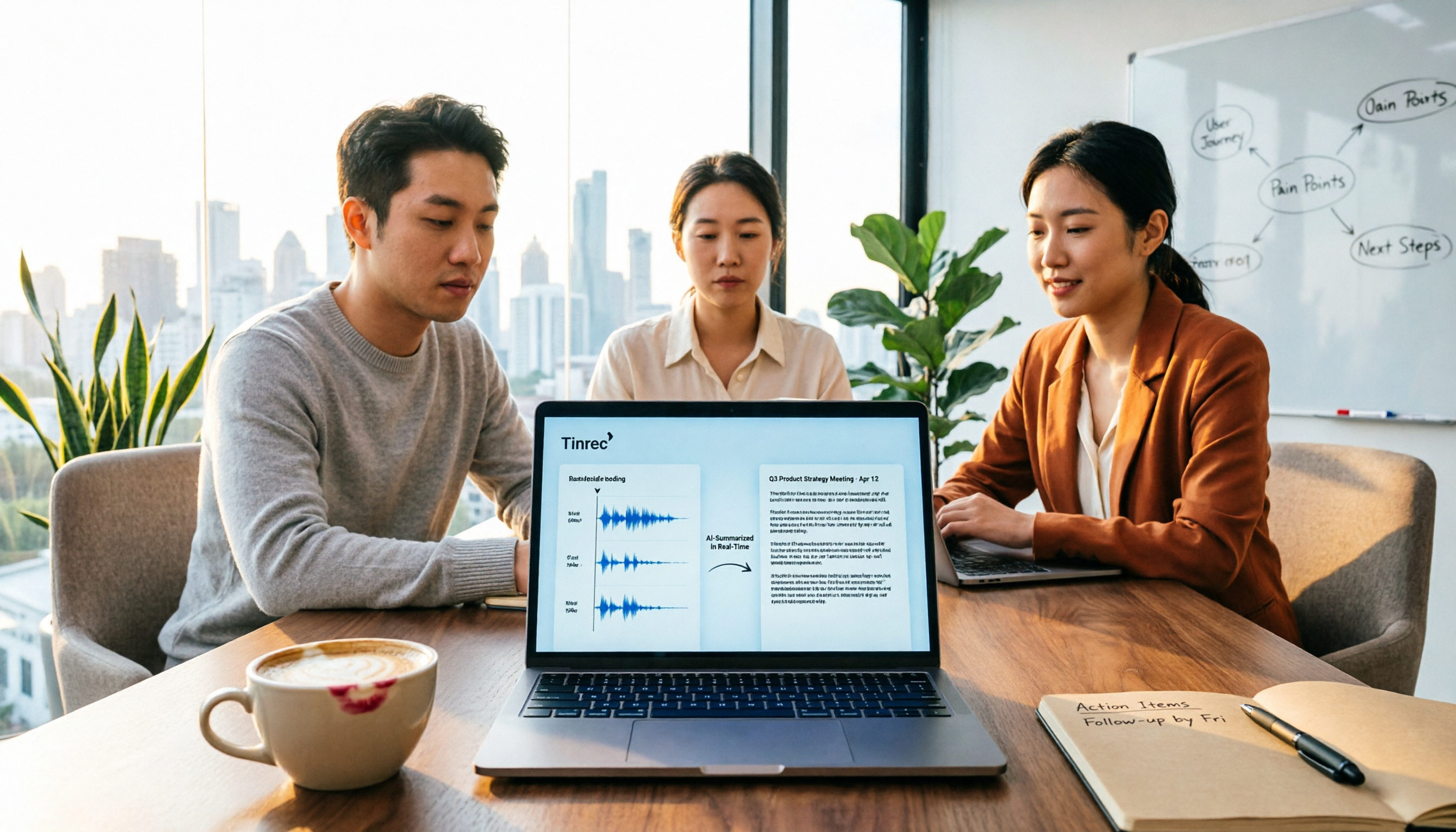
Meeting Minutes vs. Meeting Report: Key Differences Explained in 3 Minutes (2026 Guide)
What's the difference between meeting minutes and a meeting report? This guide breaks down the readers, purposes, and writing styles of each in a comparison table, teaches you 3 things to decide before you start writing, and shares how our team uses Tinrec to generate both from a single recording.

2026 Guide: Auto-Generate Meeting Summary Reports with Tinrec — Bot-Free Recording + AI Summaries & Action Items
Tired of working overtime after meetings end? This guide breaks down the 4 key factors for choosing an auto meeting summary report generator, compares Tinrec, Notta, Granola, and PLAUD, explains how to choose bot-free recording, AI summaries, action item extraction, and team seat management, and highlights the 4 most common pitfalls.

2026 AI Meeting Report Tools Comparison: Which Handles Chinese Meetings and Team Knowledge Best?
The real work begins after the meeting ends. This article explores key considerations, core capabilities, and common questions for AI meeting report tools in 2026, using Tinrec as an example to illustrate bot-free online meeting recording, real-time transcription, AI summaries and action items, and team spaces.

Tinrec vs Notta 2026: How to Write Meeting Reports? 5-Dimension Comparison, Which Saves More Time for Chinese Meeting Minutes?
How to write meeting reports without re-listening to two hours of recordings? This article breaks down 5 key principles for writing meeting minutes, 4 common mistakes, and compares Tinrec with Notta, Otter.ai, and Granola across 5 dimensions to help you find a meeting notes tool that automatically generates transcripts, summaries, and action items.

2026 Comparison of 4 Meeting Minutes Tools: Which One Can Turn Transcripts into Word Reports?
Do you still spend time after meetings organizing minutes and manually formatting them into Word reports? This article starts with common mistakes, breaks down 4 key points for choosing a meeting minutes tool, and compares Tinrec, Notta, Otter.ai, and Granola on Chinese recognition, bot-free recording, AI summaries, and report output. Finally, it summarizes the most common pitfalls in generating meeting minutes and offers scenario-based selection advice.