
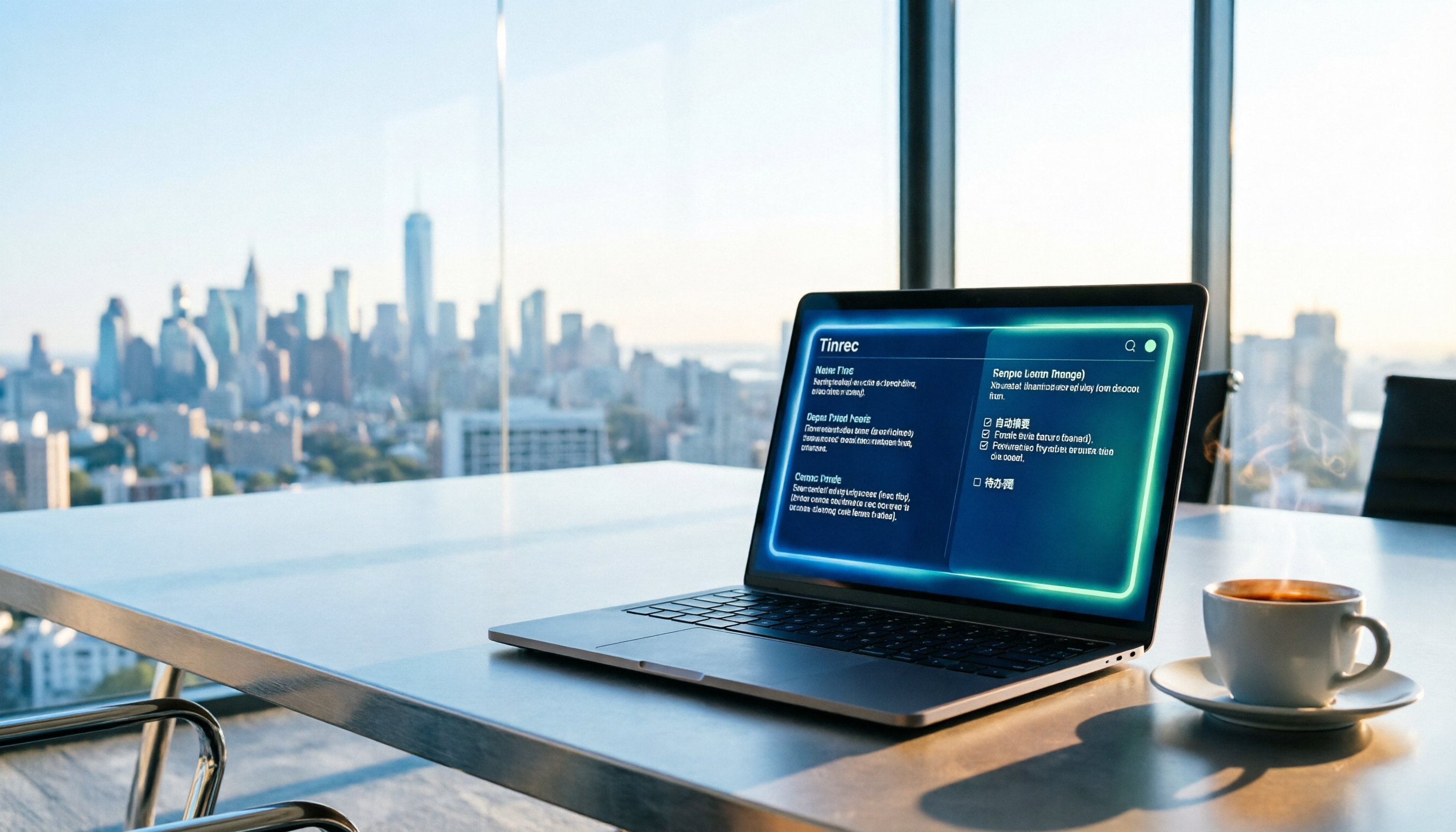
Turn recordings into transcripts and summaries in minutes
Upload audio or video for multilingual transcription, AI notes, and action items
2026 Guide: Auto-Generate Meeting Summary Reports with Tinrec — Bot-Free Recording + AI Summaries & Action Items
Still Writing Reports After the Meeting? That's What's Really Eating Your Time
The moment the meeting ends, the work actually begins.
Your manager drops a message in the group chat: "Please summarize today's conclusions." You open a two-hour recording and start listening from the beginning — just listening takes another two hours. Three people talking at once, jargon and English abbreviations flying everywhere. When you later need to find out "who promised what and when it's due," you're stuck Ctrl+F-ing through the transcript word by word.
If you repeat this process every week, the problem isn't that you're not diligent enough — it's that your tools only record, they don't organize. This article covers auto-generating meeting summary reports, from recording, transcription, summarization, and action items all the way to team sharing.
4 Key Factors Before Choosing a Meeting Notes Tool
1. Transcription is just the baseline — post-meeting output is the real deal. Almost every tool can turn audio into text now. The difference is what happens after: can it automatically segment, extract decisions and action items, and generate a report or table you can hand off directly? Tools that only give you a transcript mean you still have to process it yourself.
2. For online meetings, do you need to invite a bot? The traditional approach is to invite a meeting bot as a participant. Some companies are wary of external accounts. Another approach is using a desktop app to capture system audio directly — no stranger appears in the meeting room.
3. Are recordings kept? Can old files be imported? Some tools only provide text without audio, so you can't replay to verify a specific statement. Whether you can upload existing audio and video files determines whether you can organize past meetings all at once.
4. Chinese and mixed Chinese-English recognition experience. Office meetings are rarely pure Chinese or pure English — mixed language, technical terms, and name abbreviations are the norm. There's no shortcut here; it depends on how well the tool is tuned for Chinese scenarios.
The last key factor is whether the team can see and find the notes. If meeting notes only exist in one person's account, they disappear when that person leaves.
Tinrec — Turn Meetings into Searchable, Queryable Team Data
Tinrec is an AI meeting notes and collaboration tool for individuals and teams, available on iOS, Android, and web. It's not just audio-to-text — it organizes the entire meeting into searchable, queryable, and further processable data.
No bot invitation needed for online meetings. The desktop version captures system audio directly, handling meeting content played on your computer from Zoom, Google Meet, Microsoft Teams, Webex, and other platforms — no bot account appears in the meeting room. Note that this doesn't mean it automatically joins every meeting on your calendar, nor does it imply official partnerships with these platforms — the user actively opens Tinrec to start recording.
Post-meeting output is generated automatically. After recording, Tinrec produces a transcript, AI summary, chapters, and key points, and extracts action items from the discussion. When you need to submit a report, the built-in Agent post-processing can further generate reports, tables, and documents; results can also be exported to Notion, Google Docs, OneNote, Dropbox, and other tools to continue your existing workflow. For the need to "auto-generate meeting summary reports," this is where the real time savings come from.
Keep asking questions after recording. This is the biggest difference between Tinrec and pure transcription tools. You can ask questions directly about the meeting content, such as "Who mentioned the budget in the last meeting?" or "What concerns did the client have about the delivery date?" It answers based on semantics rather than dumping a list of keyword search results. Transcript, summary, chapters, action items, mind map, plus AI Q&A — it's like breaking one meeting into multiple use cases.
Cross-language meetings are handled too. Tinrec supports mixed Chinese-English and multilingual meeting scenarios. During recording, you can view the original text, translation, or bilingual content, and maintain common terms using team hotwords. Actual recognition performance is affected by recording quality, background noise, accents, overlapping speakers, and technical terminology, so it's not recommended to treat it as a zero-error tool — important information should still be verified against the transcript timestamps and recording.
Stop organizing recordings by hand
Upload audio or video and automatically get a transcript, summary, and action items
For team collaboration, there's a separate team space. The team version isn't multiple people sharing one personal account — it's an independent team space: meeting data belongs to the team, you can create and switch between multiple teams, invite members via join links, and set owners, admins, and regular members. It's important to distinguish "roles" from "seats" — roles determine who can manage the team, members, and audit settings; seats determine whether a member can record, upload, edit, import, and export. Members without seats can still view, play, and read team data, but cannot perform resource-consuming operations. The admin side also shows usage trends, member rankings, and details, allows querying and exporting audit logs, and can restore accidentally deleted audio via the audio recycle bin.
Pricing and quotas. The personal plan offers a free version, weekly pass, Pro monthly, and Pro annual — choose based on usage frequency: use the free version for occasional recording organization, consider the weekly pass for short-term intensive meetings or interviews, and go Pro for regular weekly use or long-term accumulation. The team version offers a 7-day trial for first-time eligible users, including 1 free seat and 300 minutes of team shared import quota; team monthly is USD 29.80 per paid seat per month, annual is USD 199 per paid seat per year (about USD 16.58 per month), with each paid seat providing 2,000 minutes of team shared import quota per month. Under an active team plan and active seat, live recording currently does not deduct minutes; file and web imports consume team shared import minutes. Actual prices, currencies, and promotions are subject to the official purchase page.
Who it's for. If you need to produce meeting notes or summary reports every week, your meetings mix Chinese and English, you need to handle online meetings without adding a bot, and you want to use AI to find key points right after recording, Tinrec is currently a relatively suitable choice. For teams with multiple users who need seat management and audit logs, evaluating the team version directly will better fit your needs.
Besides Tinrec, What Are the Alternatives?
Notta: Multi-platform transcription, file import, and translation are all available, with plans from personal to enterprise — it's the most overlapping similar tool. However, it still focuses on transcription, subtitles, and translation; generating reports or tables after meetings usually requires connecting other AI tools. Tinrec, on the other hand, uses Agent post-processing within the same tool to directly produce reports and documents — something Notta currently lacks.
Granola: Also bot-free, using desktop system audio and microphone for real-time transcription, combined with user-written notes. But it doesn't save meeting audio and doesn't support uploading pre-recorded files. Tinrec keeps recordings and supports audio and video file imports, and can use AI Q&A to revisit past meetings — different approaches.
PLAUD Note / NotePin: A representative of AI recording hardware, suitable for portable recording, phone call recording, and long standby. The trade-off is buying additional hardware — on the US official site, NotePin is USD 159 and Note Pro is USD 189. Tinrec requires no hardware purchase and works on web, desktop, and mobile; its strength is online meetings and post-meeting workflows. Hardware and software each have their own appeal.
Pitfall Guide: 4 Most Common Mistakes in Auto-Generating Meeting Reports
Pitfall 1: Treating "98% accuracy" as a selling point. That number is usually measured in a quiet environment with a single speaker. Real meeting rooms have air conditioning noise, keyboard sounds, people talking over each other, and accents — actual performance drops. Test with your own real recording instead of just looking at marketing numbers.
Pitfall 2: Only looking at transcription, not post-meeting output. If your goal is "auto-generating meeting summary reports," then summaries, chapters, action items, export formats, and report generation capability are more worth comparing than transcription speed. Buying a bunch of minutes and still organizing manually is a waste of money.
Pitfall 3: Ignoring data ownership. Meeting notes in a personal account follow the person. If meeting content belongs to a project or department, it should go into a team space, and you should confirm how data is handed over when members leave. Tinrec's team version is designed so resources belong to the team; when a member exits, is removed, or loses their seat, they need to hand over their responsible resources to other active members.
Pitfall 4: Forgetting notification and consent. Recording involves local regulations and participant rights. Get consent before recording — this isn't something a tool can solve for you.
Summary: Which One Should You Actually Use?
Back to the original question — what you need isn't a transcript, but a meeting summary report you can hand off directly.
- Need meeting notes with mixed Chinese-English, plus auto-generated summaries and action items → Tinrec
- Want to ask questions directly about meeting content after recording, and dig out decisions and commitments → Tinrec (AI Q&A is the key difference from pure transcription tools)
- Don't want to invite a bot into online meetings → Tinrec desktop version captures system audio
- Need to connect to Notion, Google Docs, OneNote, Dropbox to continue working → Tinrec supports multiple formats and third-party exports
- Multiple users, need seat management, usage analytics, and audit logs → Tinrec team version
If you just want to test the waters, the personal plan has a free version — run one or two real meetings through the full process, see if the auto-generated summaries and action items closely match your needs, then decide whether to go Pro or team.
References
- Meeting Ink - AI Meeting Notes Assistant: Auto-Transcribe, Summarize Meeting Minutes
- I Spent Four Hours Building an AI Meeting Notes Tool for Under NT$10 | WenHao Yu
- Meeting Notes Too Troublesome? ChatGPT + Whisper Does It All! Auto-Transcribe, Summarize, Send — BusinessNext
- No More Taking Turns Writing Meeting Notes! 3 AI Tools for Real-Time Notes and Summaries So You Can Focus on the Meeting | Manager Today
- 2026's Most Recommended AI Meeting Notes Tools — Time-Saving Must-Haves for Meetings!
Turn every recording into actionable outcomes
Get 60 free transcription minutes when you sign in. No credit card required.
Related Reading
You might also like

4 Meeting Minutes to Excel Tools Tested in 2026: Which One Can Turn Recordings into Spreadsheets?
When it comes to generating Excel from meeting minutes, the real challenge isn't the spreadsheet format—it's how to automatically flow content into columns. This article compares four tools—Tinrec, Otter.ai, Notta, and TurboScribe—on their meeting capture methods, post-meeting outputs, and team collaboration capabilities. It also outlines 5 key purchasing criteria and 4 common pitfalls to help you determine which tool can truly turn recordings into deliverable spreadsheets.

5 Meeting Action Item Table Formats Tested for 2026: Which One Actually Tracks To-Dos to Completion?
Meetings end, but action items often go untracked. This article compares 5 common meeting action item table approaches, breaking down field design, owner assignment, and cross-meeting tracking, and tests how Tinrec automatically generates transcripts and to-dos during meetings. Includes a pitfalls guide and selection advice.

4 Meeting Minutes Tools Tested for 2026: Which One Automatically Builds Owner and Due Date Tables?
The biggest fear with meeting minutes is writing down only the discussion and not who is responsible or when it is due. This article starts with common mistakes in owner and due date tables, then tests and compares Tinrec, Granola, TurboScribe, and PLAUD. It covers buying criteria, pitfalls to avoid, and selection advice to help you track post-meeting action items all the way to completion.

2026 Comparison of 4 Meeting Task Tools: Which One Turns Discussions into Trackable To-Dos?
After a meeting, are your to-dos scattered across chat logs and sticky notes? This article starts from the practical criteria for choosing a meeting task tool, explains what problems these tools can solve for professionals, the 5 key points to consider when selecting one, and uses Tinrec as an example to demonstrate the complete workflow from recording, transcription, AI summary to to-do extraction and team collaboration.
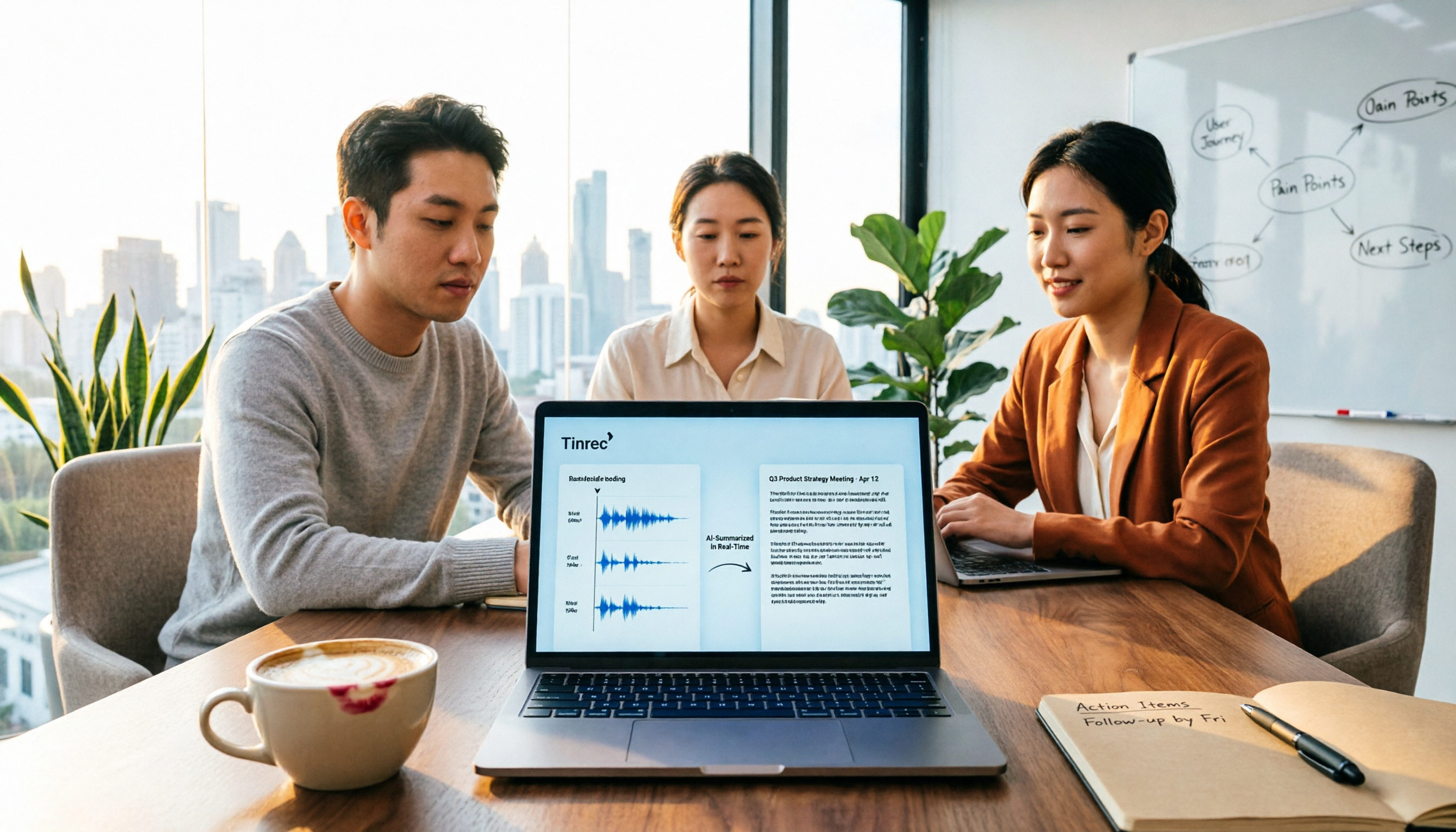
Meeting Minutes vs. Meeting Report: Key Differences Explained in 3 Minutes (2026 Guide)
What's the difference between meeting minutes and a meeting report? This guide breaks down the readers, purposes, and writing styles of each in a comparison table, teaches you 3 things to decide before you start writing, and shares how our team uses Tinrec to generate both from a single recording.

2026 AI Meeting Report Tools Comparison: Which Handles Chinese Meetings and Team Knowledge Best?
The real work begins after the meeting ends. This article explores key considerations, core capabilities, and common questions for AI meeting report tools in 2026, using Tinrec as an example to illustrate bot-free online meeting recording, real-time transcription, AI summaries and action items, and team spaces.

2026 Project Meeting Report Template Comparison: How Tinrec Auto-Generates Decisions and Action Items
A project meeting report template is more than just a table. Using Tinrec as an example, this article explains how to turn a static template into an automated workflow—from live transcription and AI summaries to action item extraction and team spaces—and includes 5 key considerations and FAQs.

Tinrec vs Notta 2026: How to Write Meeting Reports? 5-Dimension Comparison, Which Saves More Time for Chinese Meeting Minutes?
How to write meeting reports without re-listening to two hours of recordings? This article breaks down 5 key principles for writing meeting minutes, 4 common mistakes, and compares Tinrec with Notta, Otter.ai, and Granola across 5 dimensions to help you find a meeting notes tool that automatically generates transcripts, summaries, and action items.

2026 Comparison of 4 Meeting Minutes Tools: Which One Can Turn Transcripts into Word Reports?
Do you still spend time after meetings organizing minutes and manually formatting them into Word reports? This article starts with common mistakes, breaks down 4 key points for choosing a meeting minutes tool, and compares Tinrec, Notta, Otter.ai, and Granola on Chinese recognition, bot-free recording, AI summaries, and report output. Finally, it summarizes the most common pitfalls in generating meeting minutes and offers scenario-based selection advice.