

Turn recordings into transcripts and summaries in minutes
Upload audio or video for multilingual transcription, AI notes, and action items
2026 AI Meeting Report Tools Comparison: Which Handles Chinese Meetings and Team Knowledge Best?
Your 10 AM project meeting just ended, the conference room lights are still on, and you're back at your desk replaying the recording. In two hours of discussion, you need to figure out who's responsible for what and which decisions to report to your boss—but the audio file only plays from start to finish, and you don't even know at what minute the "budget" section appears.
I've encountered this situation too many times. I used to type while in meetings, taking scattered notes; later I switched to recording everything and listening again afterward, which actually took more time.
In recent years, AI meeting report tools have matured, and the approach has truly changed. Take Tinrec as an example—it's an AI meeting recording and collaboration tool for individuals and teams. It doesn't just convert voice to text; it organizes the entire meeting into searchable, queryable data that teams can continue to use.
Below, from real-world usage scenarios, we'll discuss what these tools can help with, which capabilities to look for, and what's easily overlooked when choosing.
What Can AI Meeting Report Tools Do for You?
Scenario 1: Meeting ends, draft is already waiting
Previously, after a two-hour meeting, you'd spend another hour writing up notes. Now, while the meeting is happening, Tinrec transcribes in real-time, and afterward generates summaries, chapters, and action items—who's responsible for what and when it's due, all clearly listed.
Scenario 2: Three months later, someone asks "What was that decision again?"
The worst part of meeting notes isn't not writing them—it's not being able to find them. Tinrec supports AI Q&A around meeting content. You can directly ask, "What were the client's concerns when we discussed the budget last time?" and it will find the relevant section semantically, no need to scroll through the transcript.
Scenario 3: Cross-language meetings and interviews
For meetings with mixed Chinese and English or foreign languages, Tinrec offers real-time translation, allowing you to switch between original text, translation, or bilingual view. For those who need to organize foreign language interviews, this saves much more effort than finding a translator afterward.
Scenario 4: People come and go, meeting data stays
The team version centralizes meeting data in a team space. When members leave or transfer, meeting records don't disappear with their personal accounts, and new members can review past discussion context.
Core Capabilities of AI Meeting Report Tools
1. Real-time recording to text
Transcribes while recording, not after. Works for offline meetings, impromptu interviews, and on-site communication. Text appears synchronously, so you can confirm key points are captured during the meeting.
2. Bot-free online meeting recording
This is a top concern for many when choosing a tool. The traditional approach is to send a meeting bot into the conference, adding an extra participant on screen; Tinrec's desktop version instead captures the computer's system audio directly, handling meeting audio played on the computer from platforms like Zoom, Google Meet, Microsoft Teams, and Webex, without inviting an extra bot.
Note: this doesn't mean "automatically join all calendar meetings"—you still need to actively open Tinrec to start recording.
3. AI summaries and chapters
Not just condensing the transcript into one big paragraph, but structured organization: meeting topic, discussion points, conclusions, and action items listed separately. Long meetings are also divided into easy-to-browse chapters.
4. Action item extraction
Extracts follow-up actions from discussions, ideal for project and client meetings. Honestly, AI occasionally misses details; for important matters, it's recommended to cross-check with the transcript timestamps and recording.
5. AI Q&A
After transcription, you can continue asking questions about a single meeting or multiple meetings. This is key to turning "records" into "searchable data."
6. Export and further processing
Meeting results can be exported to Notion, Google Docs, OneNote, Dropbox, and other common tools for continued use, and can further generate reports, tables, and documents, directly integrating into your existing workflow.
7. Team space and governance
The team version provides an independent team collaboration space, including member invitations, role and seat management, usage analytics, audit logs, team hotwords, and audio recycle bin. Meeting data belongs to the team, not the person who uploaded it.
Practical Application Scenarios
Project weekly meetings and cross-department meetings
In regular weekly project meetings, the most common issue is "no one remembers what was supposed to be done last time." With Tinrec, transcribe while meeting, and summaries and action items go directly into the team space. Before the next meeting, a quick review keeps you on track.
Client interviews and sales communications
Stop organizing recordings by hand
Upload audio or video and automatically get a transcript, summary, and action items
Client needs, objections, and commitments are often scattered throughout the conversation. Tinrec organizes content into transcripts and summaries. You can later use AI Q&A to confirm "what the client said about the budget limit" and export it as proposal material.
Classes, lectures, and research interviews
Research or continuing education often requires transcripts and citation materials. Upload audio or video files for transcription, then use chapters and key point summaries—much faster than typing it out yourself.
Internal training and knowledge retention
Put recordings of training sessions and product briefings into the team space. New members can search and ask questions themselves, reducing repetitive explanations.
6 Things to Note When Choosing an AI Meeting Report Tool
1. How is the meeting recorded?
There are two common approaches: sending a meeting bot to join, or capturing system audio from the computer. The former may raise security or etiquette concerns in some corporate meetings; the latter requires the user to actively start the tool. Tinrec is the latter—the desktop version doesn't need a bot to join the meeting.
2. What can you do after transcription?
Tools that only provide transcripts still require you to organize afterward. When choosing, confirm whether there are summaries, chapters, action items, Q&A, and export options. Tinrec's positioning is to handle the post-transcription organization work as well.
3. Chinese and multilingual performance
Chinese meetings often include mixed Chinese-English, technical terms, and names. Tinrec covers Chinese, Traditional Chinese, and multilingual meeting scenarios, and provides team hotwords for teams to maintain their own terminology. Actual recognition performance is affected by recording quality, noise, accents, and multiple people speaking simultaneously. It's recommended to test with your own recording.
4. Are audio files retained?
Some tools only keep text, not audio, making it impossible to verify tone or context later. Tinrec retains recordings, and the team version has an audio recycle bin. Accidentally deleted audio can be restored before permanent cleanup (currently 30-day retention; action items are not covered by the recycle bin).
5. For team use, is governance sufficient?
When adopting for a team, distinguish between "roles" and "seats": roles determine who can manage the team and view audits; seats determine whether members can record, upload, edit, and export. In Tinrec's team version, members without a seat can still view, play, and read team data, but cannot perform editing, exporting, and other resource usage operations.
6. How are quotas and costs calculated?
Individuals can start with the free version's basic quota; for short-term intensive use, there's a weekly pass; for long-term use, consider the Pro monthly or annual plan. The team version currently offers a 7-day trial for first-time eligible users, 1 free seat, and 300 minutes of team shared import quota; paid seats are USD 29.80/seat/month or USD 199/seat/year (about USD 16.58/month), with each paid seat providing 2,000 minutes of team shared import quota per month. Real-time recording under an active team plan is currently not deducted by minutes; file and web link imports use team shared import minutes. Actual prices, currencies, and benefits are subject to the official purchase page.
Frequently Asked Questions
Q1: How is Tinrec different from regular recording software?
Regular recording software only handles "recording." Tinrec converts recordings to text, then organizes summaries, chapters, key points, and action items, and supports AI Q&A, translation, export, and team collaboration—handling the entire post-meeting usage.
Q2: Do I have to let a meeting bot join?
No. Tinrec's desktop version directly captures computer system audio, handling meeting audio played on the computer from platforms like Zoom, Google Meet, Microsoft Teams, and Webex. Users need to actively open Tinrec to start recording.
Q3: Is the free version enough?
The free version provides a basic quota, suitable for occasionally organizing a recording or trying out the workflow. If you have regular weekly meetings, you'll likely need a weekly pass or Pro; for teams, first check if you qualify for the 7-day trial, and run a real test with 1 free seat and 300 minutes of shared import quota.
Q4: Can transcription accuracy be guaranteed?
We don't recommend promising fixed numbers. Actual performance is affected by recording quality, ambient noise, accents, overlapping speech, and technical terms. Tinrec provides high-quality transcription in clear audio and common scenarios, and improves recognition of technical vocabulary through team hotwords. For important content, it's still recommended to cross-check with transcript timestamps and recording playback.
Q5: What's the difference between the team version and the personal version?
Personal version data is managed under the individual account; the team version is an independent team space where meeting data belongs to the team, with added capabilities like member invitations, role and seat management, shared benefits, usage analytics, audit logs, and audio recycle bin.
Q6: If a member leaves the team, will meeting data be taken away?
No. Team resources belong to the team. When a member exits, is removed, or loses their seat, their team resources need to be handed over to other active members.
Conclusion
AI meeting report tools solve not "slow typing," but the entire post-meeting organization work that no one wants to do. From transcripts, summaries, action items to AI Q&A, if these steps can be connected in one flow, the time saved per meeting is more than you'd imagine.
Take Tinrec as an example—it puts bot-free online meeting recording, real-time transcription, summary and action items, AI Q&A, and team space into one workflow. Individuals can start with the free version's basic quota; teams can use the trial to run a real meeting and see how much time post-meeting organization can save.
One final reminder: recording and transcription involve others' privacy. Before use, please ensure compliance with local regulations and obtain consent from participants when necessary.
References
Turn every recording into actionable outcomes
Get 60 free transcription minutes when you sign in. No credit card required.
Related Reading
You might also like
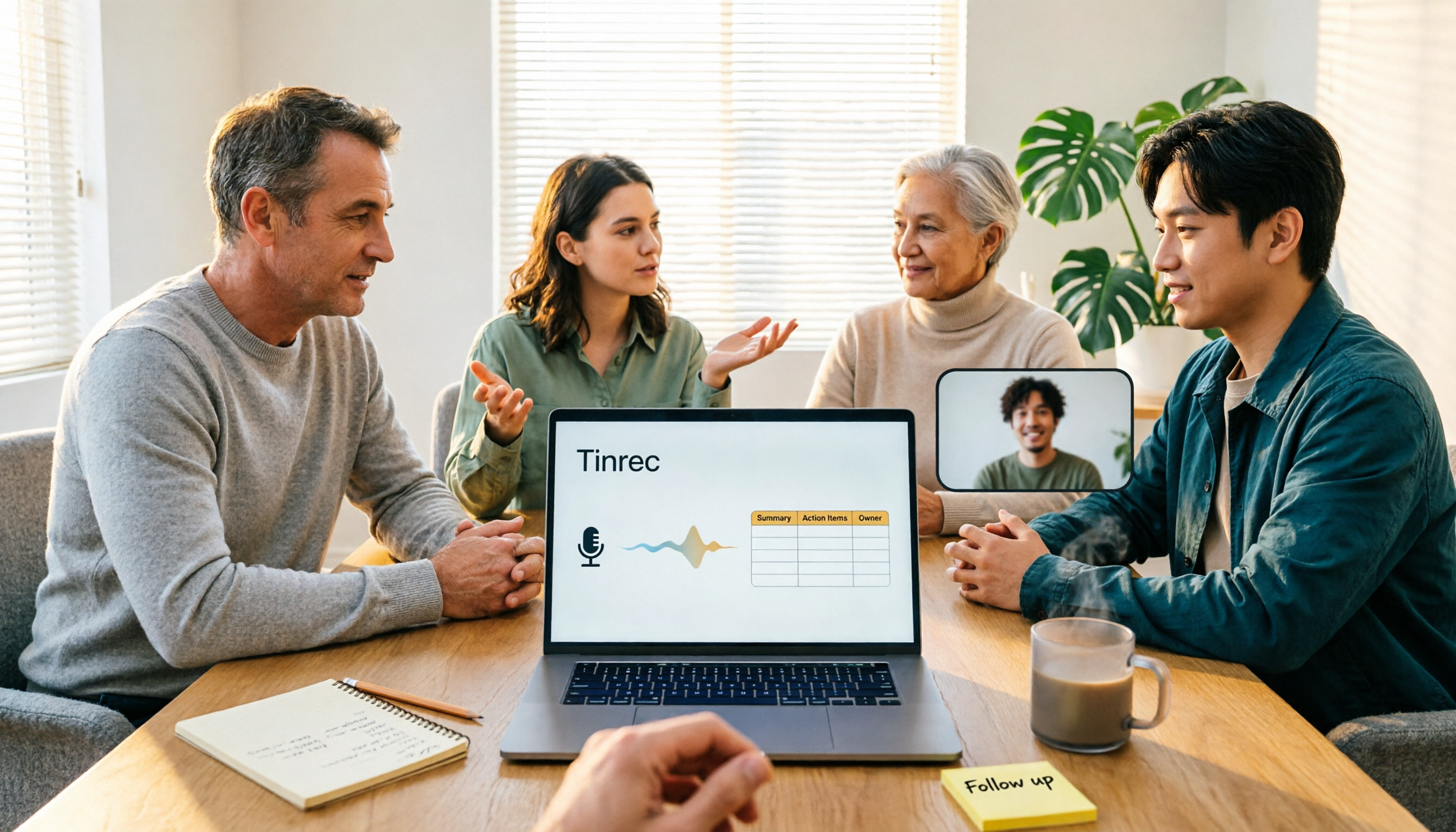
4 Meeting Minutes to Excel Tools Tested in 2026: Which One Can Turn Recordings into Spreadsheets?
When it comes to generating Excel from meeting minutes, the real challenge isn't the spreadsheet format—it's how to automatically flow content into columns. This article compares four tools—Tinrec, Otter.ai, Notta, and TurboScribe—on their meeting capture methods, post-meeting outputs, and team collaboration capabilities. It also outlines 5 key purchasing criteria and 4 common pitfalls to help you determine which tool can truly turn recordings into deliverable spreadsheets.

5 Meeting Action Item Table Formats Tested for 2026: Which One Actually Tracks To-Dos to Completion?
Meetings end, but action items often go untracked. This article compares 5 common meeting action item table approaches, breaking down field design, owner assignment, and cross-meeting tracking, and tests how Tinrec automatically generates transcripts and to-dos during meetings. Includes a pitfalls guide and selection advice.

4 Meeting Minutes Tools Tested for 2026: Which One Automatically Builds Owner and Due Date Tables?
The biggest fear with meeting minutes is writing down only the discussion and not who is responsible or when it is due. This article starts with common mistakes in owner and due date tables, then tests and compares Tinrec, Granola, TurboScribe, and PLAUD. It covers buying criteria, pitfalls to avoid, and selection advice to help you track post-meeting action items all the way to completion.

2026 Comparison of 4 Meeting Task Tools: Which One Turns Discussions into Trackable To-Dos?
After a meeting, are your to-dos scattered across chat logs and sticky notes? This article starts from the practical criteria for choosing a meeting task tool, explains what problems these tools can solve for professionals, the 5 key points to consider when selecting one, and uses Tinrec as an example to demonstrate the complete workflow from recording, transcription, AI summary to to-do extraction and team collaboration.
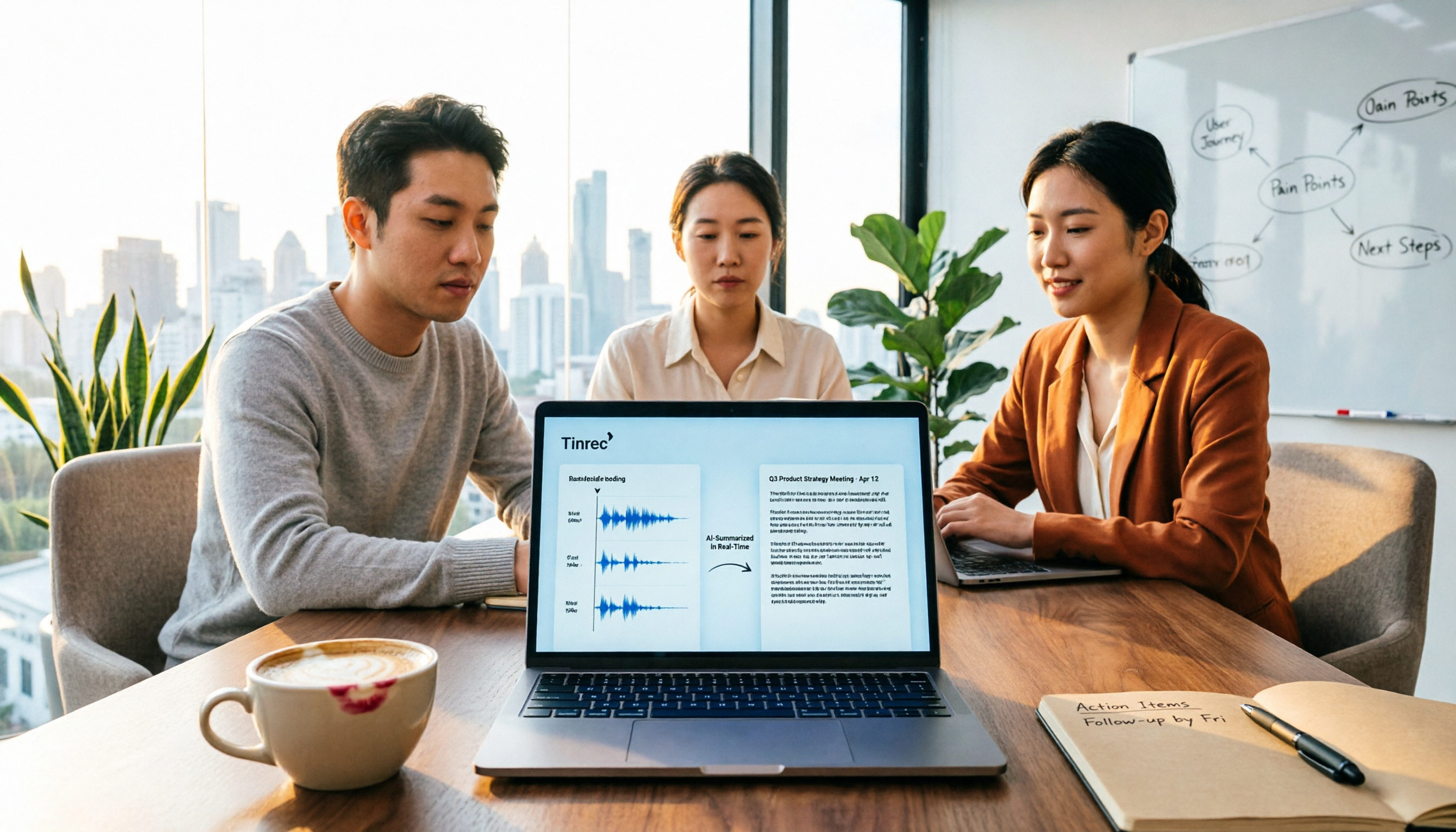
Meeting Minutes vs. Meeting Report: Key Differences Explained in 3 Minutes (2026 Guide)
What's the difference between meeting minutes and a meeting report? This guide breaks down the readers, purposes, and writing styles of each in a comparison table, teaches you 3 things to decide before you start writing, and shares how our team uses Tinrec to generate both from a single recording.
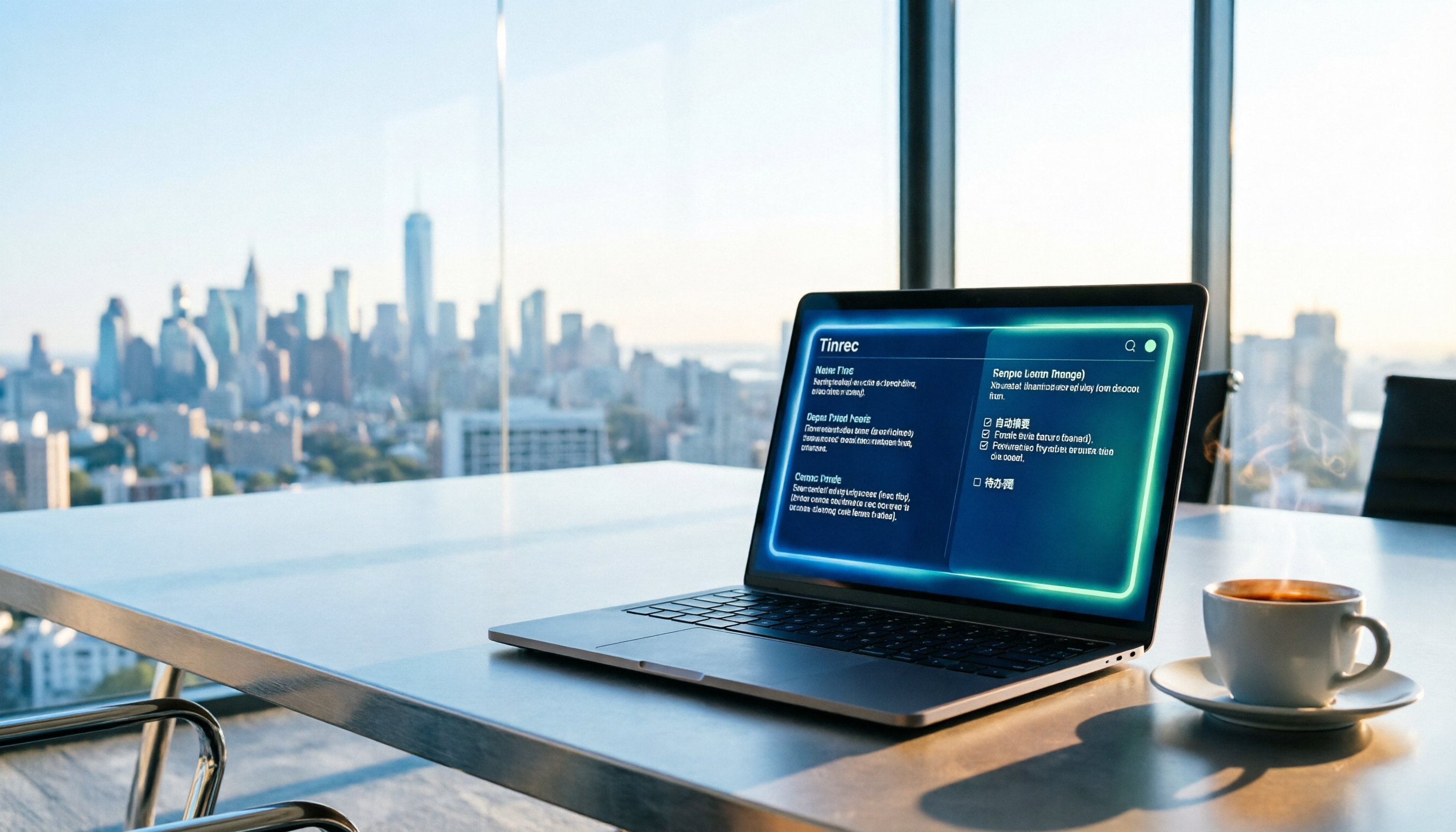
2026 Guide: Auto-Generate Meeting Summary Reports with Tinrec — Bot-Free Recording + AI Summaries & Action Items
Tired of working overtime after meetings end? This guide breaks down the 4 key factors for choosing an auto meeting summary report generator, compares Tinrec, Notta, Granola, and PLAUD, explains how to choose bot-free recording, AI summaries, action item extraction, and team seat management, and highlights the 4 most common pitfalls.

2026 Project Meeting Report Template Comparison: How Tinrec Auto-Generates Decisions and Action Items
A project meeting report template is more than just a table. Using Tinrec as an example, this article explains how to turn a static template into an automated workflow—from live transcription and AI summaries to action item extraction and team spaces—and includes 5 key considerations and FAQs.

Tinrec vs Notta 2026: How to Write Meeting Reports? 5-Dimension Comparison, Which Saves More Time for Chinese Meeting Minutes?
How to write meeting reports without re-listening to two hours of recordings? This article breaks down 5 key principles for writing meeting minutes, 4 common mistakes, and compares Tinrec with Notta, Otter.ai, and Granola across 5 dimensions to help you find a meeting notes tool that automatically generates transcripts, summaries, and action items.

2026 Comparison of 4 Meeting Minutes Tools: Which One Can Turn Transcripts into Word Reports?
Do you still spend time after meetings organizing minutes and manually formatting them into Word reports? This article starts with common mistakes, breaks down 4 key points for choosing a meeting minutes tool, and compares Tinrec, Notta, Otter.ai, and Granola on Chinese recognition, bot-free recording, AI summaries, and report output. Finally, it summarizes the most common pitfalls in generating meeting minutes and offers scenario-based selection advice.