
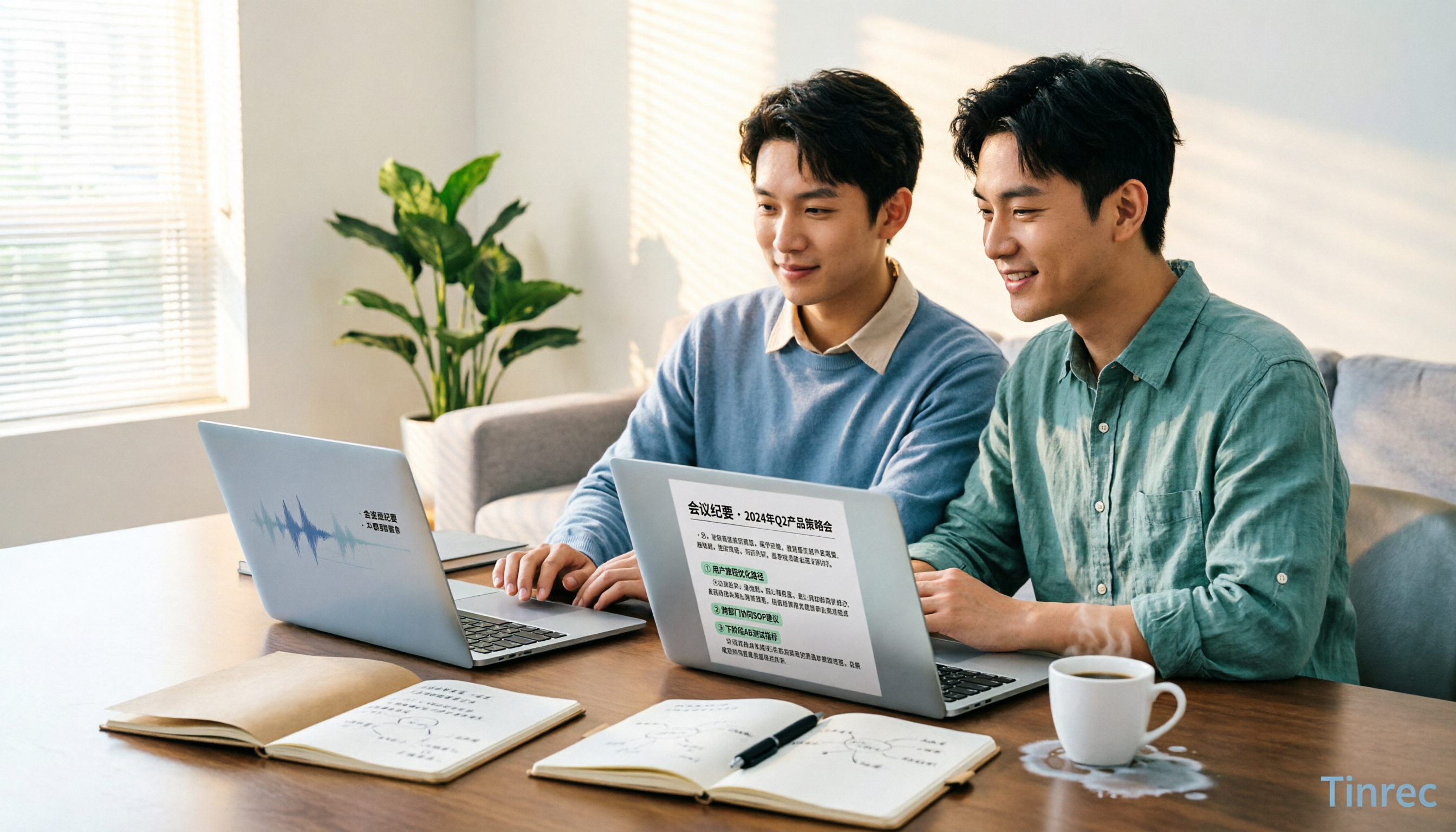
Turn recordings into transcripts and summaries in minutes
Upload audio or video for multilingual transcription, AI notes, and action items
2026 Comparison of 4 Meeting Minutes Tools: Which One Can Turn Transcripts into Word Reports?
Many people don't know how to write meeting minutes—they're just using the wrong method
When it comes to "generating Word reports from meeting minutes," most people get stuck not on formatting, but on the earlier part.
The most common approach is: frantically take notes during the meeting, then paste the entire transcript into Word afterward, change fonts, add headings—it looks complete, but has no conclusions, no owners, no deadlines.
I used to submit things like that. My manager would just reply: "So what exactly did we decide?"
Another inefficient approach is believing "record first, listen later." As a result, a 60-minute meeting takes another 60 minutes to reconstruct afterward, and the missed segments are different each time.
A more reasonable order is actually the reverse: first confirm what questions the report should answer—who attended, what was discussed in order, what decisions were made, who will complete what by when—then let the tool organize the transcript into that structure. The value of meeting minutes never lies in how complete the transcript is, but in whether readers can take action directly after reading.
Before choosing a meeting minutes tool, understand these 4 key points
1. Does it produce a transcript or minutes you can hand in directly? A transcript is just raw material. A usable set of minutes needs attendees, agenda, discussion summary, decisions, and action items. If the tool just dumps a large block of text on you, you still have to split paragraphs and extract key points yourself.
2. Recognition performance for Chinese and mixed Chinese-English. Don't just look at the accuracy rate stated by the vendor—that's usually measured in a quiet environment. Real meetings have air conditioning noise, keyboard sounds, multiple people talking over each other, and jargon flying everywhere. It's best to test directly with a real recording of your own.
3. Can the output format connect back to your existing workflow? What you ultimately submit might be Word, Google Docs, or Notion. If the tool only lets you read on its web page, you still have to manually copy and paste—wasting effort.
4. How is the meeting recorded, and who owns the data? A meeting bot joins as a "participant," which some companies are reluctant to allow; a desktop version that directly captures system audio avoids this problem. For team sharing, you also need to distinguish "roles" (who can manage) from "seats" (who can record, upload, export).
Tinrec — after testing, we put it first
Tinrec is an AI meeting notes and collaboration tool for individuals and teams, available on desktop, web, and mobile. Its core value is turning meeting recordings into searchable, queryable, deliverable data.
When you open Tinrec to record during a meeting, the transcript appears synchronously on screen; after the meeting, AI summaries, chapters, and to-dos are already organized—who is responsible for what, what the deadlines are, listed directly for you. This is exactly where most people spend the most time.
Online meetings don't need an extra bot either. Tinrec's desktop version directly captures your computer's system audio, handling sound played on the computer from Zoom, Google Meet, Microsoft Teams, Webex, etc., without adding an unfamiliar account to the participant list.
What's even better is after recording. You can ask questions directly about the meeting content, such as "What was the final budget we discussed last time?" It will answer using semantic understanding, rather than throwing a string of keywords at you to search through the transcript yourself. When you need to submit documents, you can also use Agent post-processing to turn the meeting into reports, tables, or documents, then export to Google Docs, Notion, OneNote, etc. for further editing; if your final deliverable is a Word file, usually just go "generate document → export → fine-tune formatting." Cross-language meetings can also enable real-time translation, viewed in original, translated, or bilingual mode.
Team use is another level. Tinrec for Teams is a separate team space, not "multiple people sharing one account." Meeting data belongs to the team, and new members can view and reuse historical meetings; admins can allocate seats, view usage trends and member details, query and export audit logs, maintain team hotwords, and there's an audio recycle bin to recover accidentally deleted recordings.
Stop organizing recordings by hand
Upload audio or video and automatically get a transcript, summary, and action items
A few things to clarify first. The free version provides a basic quota, suitable for running through the process once; actual recognition performance is affected by recording quality, noise, accents, overlapping speech, and jargon—for important content, it's recommended to cross-check with transcript timestamps and the recording; the team version currently focuses on team-level sharing, where roles govern administration and seats determine usage eligibility, not file-level granular permissions.
Overall, if you need Chinese meeting minutes, don't want a bot joining the meeting, and want to directly ask AI follow-up questions and generate reports after recording, Tinrec is currently the smoothest choice.
Besides Tinrec, what other options are there?
Notta: A tool focused on transcription, translation, and file processing. Free version: 120 minutes per month, max 3 minutes per item; Pro annual billing is about USD 8.17/month. If you have a pile of existing audio files to organize, it's a good fit. But if you want "direct recording during meetings and AI-generated reports afterward," Tinrec's desktop workflow is closer to the need.
Otter.ai: A mature English AI meeting assistant. Basic free: 300 minutes per month; Pro annual billing is about USD 8.49/user/month. If your meetings are entirely in English and your budget is limited, it's more cost-effective than Tinrec. But for Chinese and mixed Chinese-English meeting scenarios, and unified accumulation of team meeting data, Tinrec has more focus.
Granola: A bot-free AI meeting notes tool. Basic free; Business USD 14/user/month. It does not retain meeting audio and does not support uploading pre-recorded audio files; if you need to listen back afterward or organize existing recordings, Tinrec retains recordings and supports file import, making it much more practical. Suitable for English real-time meetings and those who prefer to write notes while letting AI enhance them.
Pitfall guide: 4 most common pitfalls in generating meeting minutes
Pitfall 1: Treating the transcript as meeting minutes. A transcript is raw material, not a finished product. Minutes without decisions, owners, and deadlines are equivalent to no conclusions. The correct approach is to define fields first (attendees, agenda, decisions, action items), then let the tool fill into that structure.
Pitfall 2: Only looking at vendor-claimed accuracy. Numbers measured in a quiet recording studio are not the same as your meeting room. Testing with your own recording is most accurate, especially for meetings with lots of jargon and people talking over each other.
Pitfall 3: Ignoring output format. Some tools write beautifully, but have few export options, so you still have to manually copy to Word. First confirm whether the "generate → export → edit" path works.
Pitfall 4: Getting permissions wrong in team sharing. "Everyone can view together" does not equal "everyone can edit." Team tools usually need to distinguish roles (management) from seats (recording, uploading, exporting). When members leave, the data they were responsible for should also be handed over, otherwise meeting assets disappear with the person.
Conclusion: Which one should you choose?
- Need Chinese, mixed Chinese-English transcripts and minutes → Tinrec
- Don't want a meeting bot joining Zoom, Meet, Teams → Tinrec (desktop captures system audio)
- After recording, want to directly ask AI "what was decided last time" and generate reports, tables → Tinrec (AI Q&A and Agent post-processing)
- Team wants to turn meetings into a searchable, transferable database → Tinrec for Teams
- Meetings entirely in English, budget is 0 → Otter.ai (Basic free 300 minutes per month)
My advice is to first run through a real workflow: pick a recent meeting you had, throw the recording or file in, and see if the transcript is usable, whether the AI-organized minutes capture the decisions, and whether exporting to your usual delivery format is smooth. You'll know if it's handy after one try—you don't necessarily have to pay first.
References
- Free meeting minutes templates (Word, Google Docs, PDF) | HiNoter Blog: https://hinoter.com/zh-tw/blog/free-meeting-minutes-template-word-google-docs-pdf
- [Meeting Minutes Writing 2026] Format Tutorial | Free Templates + Template Downloads - ProjectManager: https://projectmanager.com.tw/%E5%B7%A5%E5%85%B7/%E6%9C%83%E8%AD%B0%E8%A8%98%E9%8C%84/
- Meeting Minutes Format Template [Ready to Copy] 4 Key Points + Writing Examples: https://runningmatemarketing.com/blog/2026/09/23/%E6%9C%83%E8%AD%B0%E8%A8%98%E9%8C%84%E6%92%B0%E5%AF%AB%E6%96%B9%E5%BC%8F/
References
- Free meeting minutes templates (Word, Google Docs, PDF) | HiNoter Blog
- [Meeting Minutes Writing 2026] Format Tutorial | Free Templates + Template Downloads - ProjectManager
- 9-2-Meeting Minutes Form
- Meeting Minutes Format Template [Ready to Copy] 4 Key Points + Writing Examples, Fill It In and Submit
- Meeting Minutes Word Templates_Word Theme Background Materials Free Download - Pikbest
Turn every recording into actionable outcomes
Get 60 free transcription minutes when you sign in. No credit card required.
Related Reading
You might also like
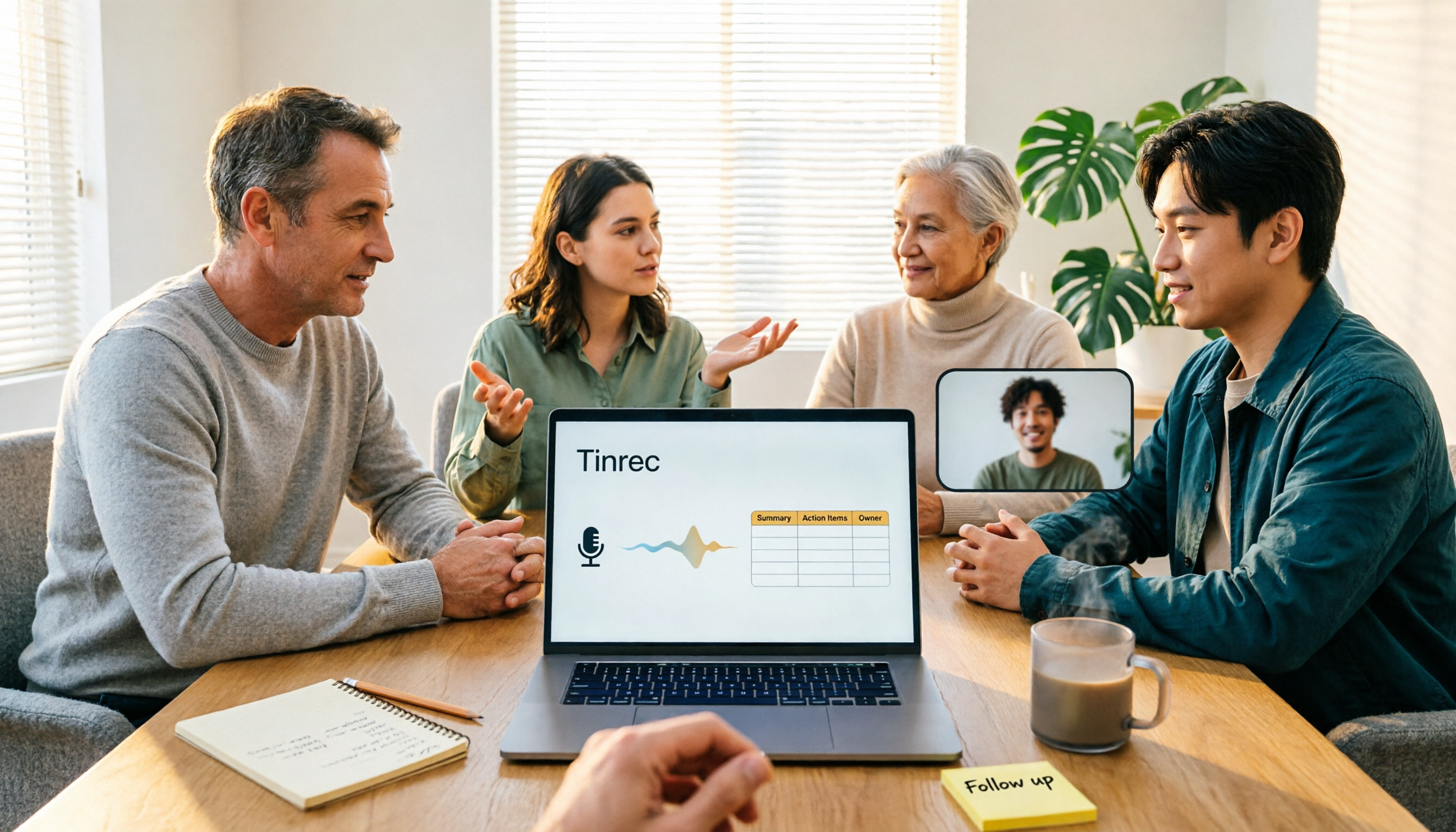
4 Meeting Minutes to Excel Tools Tested in 2026: Which One Can Turn Recordings into Spreadsheets?
When it comes to generating Excel from meeting minutes, the real challenge isn't the spreadsheet format—it's how to automatically flow content into columns. This article compares four tools—Tinrec, Otter.ai, Notta, and TurboScribe—on their meeting capture methods, post-meeting outputs, and team collaboration capabilities. It also outlines 5 key purchasing criteria and 4 common pitfalls to help you determine which tool can truly turn recordings into deliverable spreadsheets.

5 Meeting Action Item Table Formats Tested for 2026: Which One Actually Tracks To-Dos to Completion?
Meetings end, but action items often go untracked. This article compares 5 common meeting action item table approaches, breaking down field design, owner assignment, and cross-meeting tracking, and tests how Tinrec automatically generates transcripts and to-dos during meetings. Includes a pitfalls guide and selection advice.

4 Meeting Minutes Tools Tested for 2026: Which One Automatically Builds Owner and Due Date Tables?
The biggest fear with meeting minutes is writing down only the discussion and not who is responsible or when it is due. This article starts with common mistakes in owner and due date tables, then tests and compares Tinrec, Granola, TurboScribe, and PLAUD. It covers buying criteria, pitfalls to avoid, and selection advice to help you track post-meeting action items all the way to completion.

2026 Comparison of 4 Meeting Task Tools: Which One Turns Discussions into Trackable To-Dos?
After a meeting, are your to-dos scattered across chat logs and sticky notes? This article starts from the practical criteria for choosing a meeting task tool, explains what problems these tools can solve for professionals, the 5 key points to consider when selecting one, and uses Tinrec as an example to demonstrate the complete workflow from recording, transcription, AI summary to to-do extraction and team collaboration.
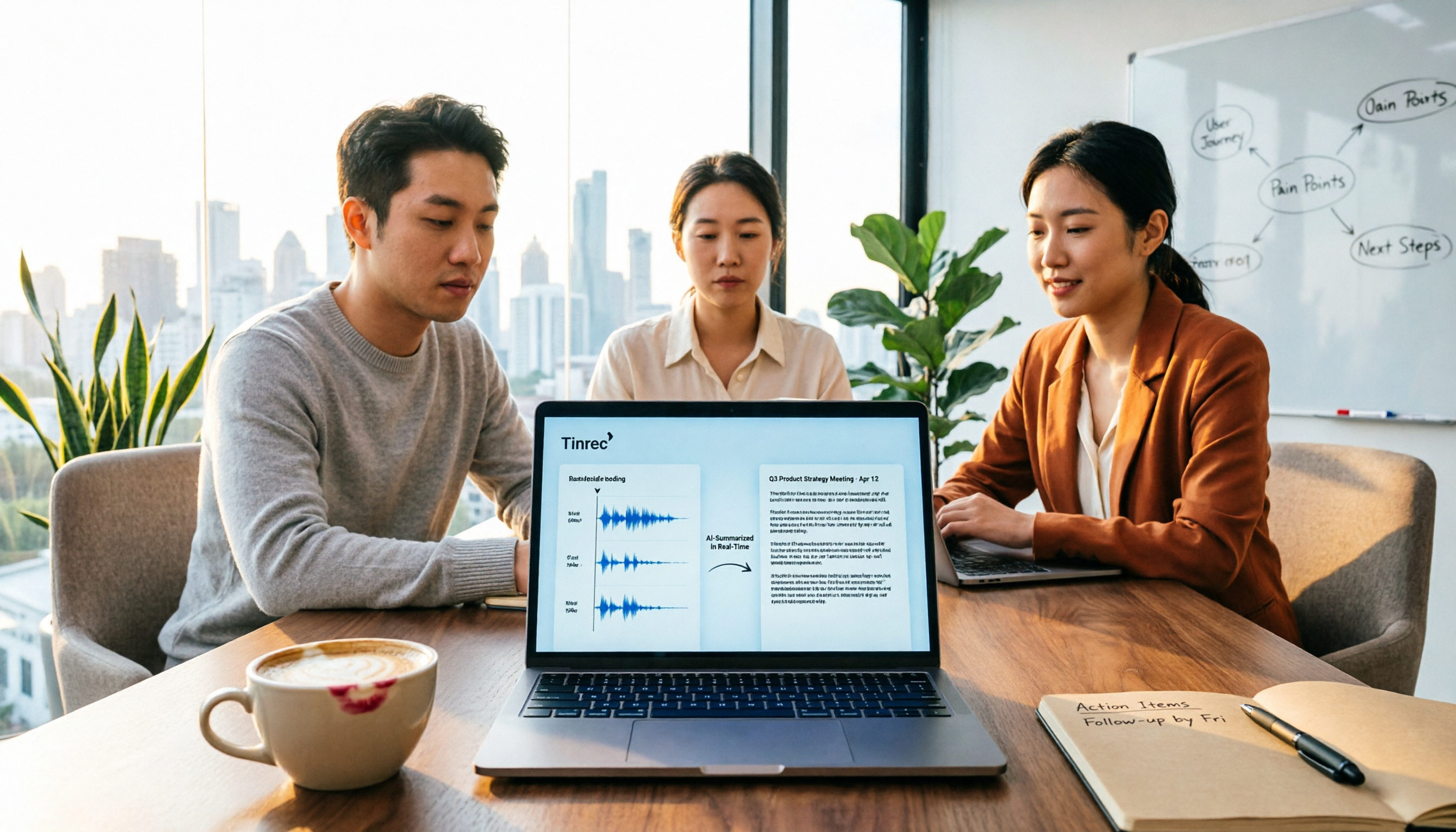
Meeting Minutes vs. Meeting Report: Key Differences Explained in 3 Minutes (2026 Guide)
What's the difference between meeting minutes and a meeting report? This guide breaks down the readers, purposes, and writing styles of each in a comparison table, teaches you 3 things to decide before you start writing, and shares how our team uses Tinrec to generate both from a single recording.
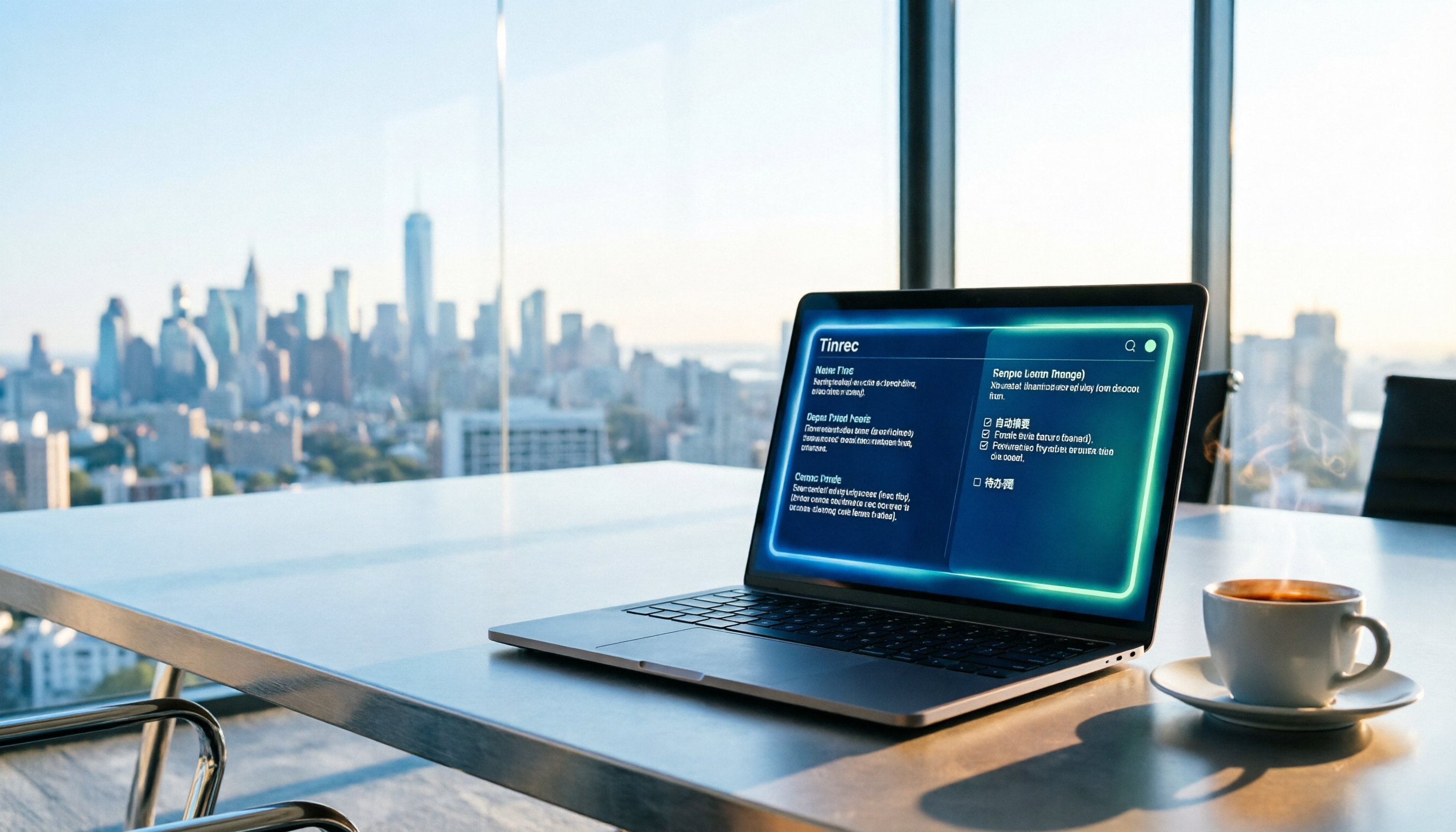
2026 Guide: Auto-Generate Meeting Summary Reports with Tinrec — Bot-Free Recording + AI Summaries & Action Items
Tired of working overtime after meetings end? This guide breaks down the 4 key factors for choosing an auto meeting summary report generator, compares Tinrec, Notta, Granola, and PLAUD, explains how to choose bot-free recording, AI summaries, action item extraction, and team seat management, and highlights the 4 most common pitfalls.

2026 AI Meeting Report Tools Comparison: Which Handles Chinese Meetings and Team Knowledge Best?
The real work begins after the meeting ends. This article explores key considerations, core capabilities, and common questions for AI meeting report tools in 2026, using Tinrec as an example to illustrate bot-free online meeting recording, real-time transcription, AI summaries and action items, and team spaces.

2026 Project Meeting Report Template Comparison: How Tinrec Auto-Generates Decisions and Action Items
A project meeting report template is more than just a table. Using Tinrec as an example, this article explains how to turn a static template into an automated workflow—from live transcription and AI summaries to action item extraction and team spaces—and includes 5 key considerations and FAQs.

Tinrec vs Notta 2026: How to Write Meeting Reports? 5-Dimension Comparison, Which Saves More Time for Chinese Meeting Minutes?
How to write meeting reports without re-listening to two hours of recordings? This article breaks down 5 key principles for writing meeting minutes, 4 common mistakes, and compares Tinrec with Notta, Otter.ai, and Granola across 5 dimensions to help you find a meeting notes tool that automatically generates transcripts, summaries, and action items.