

Turn recordings into transcripts and summaries in minutes
Upload audio or video for multilingual transcription, AI notes, and action items
Tinrec vs Notta 2026: How to Write Meeting Reports? 5-Dimension Comparison, Which Saves More Time for Chinese Meeting Minutes?
Two Hours After the Meeting, You're Still Piecing Together That Meeting Report
The 2 PM project meeting ends, you return to your seat, and realize two hours of discussion have been reduced to a page of scribbled keywords. You remember there were three decisions and five action items, but who needs to complete what by when is all a blur.
Next week is even more troublesome. Your boss asks, "How was that budget dispute resolved last time?" You can only re-listen to the entire recording or answer from memory.
The hardest part of writing meeting reports has never been typing speed—it's listening while judging which sentence is a decision and which is just small talk. This is why many people end up submitting something that's actually a transcript, not a meeting report.
If you've encountered these situations, this article will break down "how to write meeting reports" into actionable steps and compare several tools that can save you most of the time.
Before Writing a Meeting Report, Understand These 5 Key Points
1. First clarify who will read it and what they'll do after reading For managers, include decisions and risks; for the execution team, include action items and deadlines. The same meeting requires different versions for different readers. Decide the audience first, then decide how detailed to be.
2. Use a fixed skeleton, don't start from scratch every time A common skeleton is: progress report, blockers/support needed, main discussion summary, decisions made, action items (with timeline and checkpoints). With a fixed skeleton, you'll know what to listen for during the meeting and won't miss key points while taking notes.
3. Write only decisions and actions, not transcripts Workplace training repeatedly reminds us: meeting minutes are not typing practice; their job is to converge conclusions and highlight key points. Compressing "who said what" into "what the team decided" is the value of a meeting report.
4. Action items must have a person, a task, and a deadline "Who will send the proposal by Friday" only happens when written down. An action item without an owner and deadline means the meeting never happened.
5. Tools must both "produce" and "retrieve" If you're still using a plain voice recorder, you'll still have to manually transcribe after the meeting. The truly time-saving approach is to have a tool that produces transcripts, summaries, and action items while you're in the meeting, and can later find them with a single query. As you'll see, this is where most tools differentiate themselves.
Tinrec (Miao Ting Lu Yin) — The Most Effortless Path After Testing
Tinrec (Miao Ting Lu Yin) is an AI meeting notes and collaboration tool for individuals and teams, supporting iOS, Android, desktop, and web. It doesn't just convert voice to text; it organizes meeting recordings into searchable, summarizable, queryable, and exportable data.
Starts organizing during the meeting The desktop version directly captures computer system audio, handling Zoom, Google Meet, Microsoft Teams, Webex, and other online meetings without needing an extra meeting bot to join. You just open Tinrec and start recording; it produces a transcript in real time. For offline meetings or interviews, you can use the mobile app or desktop version for live recording.
Get meeting report material directly after the meeting After the meeting ends, AI generates a summary and chapters, breaking long meetings into readable sections and extracting action items from the discussion. For "how to write meeting reports," this completes the most time-consuming first half: condensing two hours of conversation into a few key points.
You can continue asking after recording This is what I find most useful. You can directly ask, "Who mentioned the budget in the last meeting?" or "What was the reason for this decision?" It doesn't just throw keyword search results at you; it gives answers based on semantics. The era of manually Ctrl+F through 30 minutes of transcript is over.
Output goes directly into your workflow Transcripts, summaries, and action items can be exported to Notion, Google Docs, OneNote, Dropbox, and other tools, and can further generate reports, tables, and meeting minutes documents. There's also real-time translation; for cross-language meetings, you can switch between original, translated, or bilingual views. During recording, mind maps are also supported to help you understand relationships between topics.
Team version: Turn meetings into transferable assets If you're a department or project team, Tinrec's team version provides an independent team space where meeting data belongs to the team, with member and role management, seat allocation, sharing rights, usage analytics, audit logs, team hotwords, and audio recycle bin. When members leave or lose seats, data isn't taken away by individuals and can be transferred to other active members. Eligible teams can try 7 days, 1 free seat, 300 minutes of team shared import quota for the first time; paid plans are USD 29.80 per paid seat per month (monthly) or USD 199/year (annual, about USD 16.58/month), with 2,000 minutes of team shared import quota per paid seat per month. Actual prices and benefits are subject to the official purchase page.
Stop organizing recordings by hand
Upload audio or video and automatically get a transcript, summary, and action items
Things to note Under an active team plan and active seats, real-time recording currently doesn't deduct minutes, but document and web imports consume team shared import minutes. Also, transcription quality is affected by recording quality, background noise, accents, overlapping speech, and technical terms. It's not recommended as a final draft without human review; important content should be verified by replaying the transcript with timestamps. The personal version offers a free version and weekly card, Pro monthly, Pro annual options. Starting with the free quota to test one meeting is most practical.
Who it's for People who have two or three meetings per week and need to write meeting reports themselves; those who need Chinese and multilingual meeting transcription; those who want to use AI to find key points directly after recording instead of manually searching transcripts; and department managers who want to accumulate meeting data as team assets.
Besides Tinrec, What Other Options Are There?
Notta: The direct competitor with the highest overlap with Tinrec, offering multi-platform transcription, meeting notes, document import, translation, and team plans. Free version: 120 minutes per month, max 3 minutes per item; Pro annual is about USD 8.17/month (1,800 minutes per month). Suitable for those who simply need bulk transcription, but bot-free desktop meeting recording, team space, and Agent post-processing are not its main focus—these are areas where Tinrec is currently more complete.
Otter.ai: A mature choice for English meetings. Basic free: 300 minutes per month; Pro annual is about USD 8.49/user/month, including 1,200 minutes of in-app recording and 10 document imports per month. If almost all your meetings are in English, it's a reasonable option. Chinese meeting experience and post-meeting team data accumulation are areas where Tinrec focuses more.
Granola: Also bot-free, using desktop system audio and microphone for transcription, combined with your handwritten notes to generate content. Basic free; Business is USD 14/user/month. Note that it doesn't support uploading pre-recorded audio files and doesn't save meeting audio; if you need archiving, importing existing recordings, Chinese transcripts, or team data management, Tinrec is more complete in these areas.
Competitor prices above are from official pages at the time of writing. Actual plans and prices are subject to each official pricing page.
Pitfall Guide: The 5 Most Common Mistakes in Writing Meeting Reports
Pitfall 1: Submitting a transcript as a meeting report The meeting is long, the minutes are long, and readers have to find key points themselves. The correct approach is to keep the transcript as an attachment and put only decisions and action items in the main text.
Pitfall 2: Writing only the discussion process, not the conclusion "Everyone discussed the marketing budget" is not a decision. "Decided that this year's marketing budget cap is a certain number, with the marketing department responsible" is. If you can't write a decision, it usually means the meeting itself didn't converge; you can ask the chair to confirm at the end.
Pitfall 3: Action items without owners and deadlines An action item without a name and date is no action item. Each action item must have at least three things: what to do, who does it, and by when.
Pitfall 4: Recorded audio, but can't find that segment afterward Many people think having a recording is safe, but actually they have to re-listen for 60 minutes to find that 30 seconds. When choosing a tool, first confirm whether it can answer "who said what when" with a single query—this is far more important than the recording file itself.
Pitfall 5: Ignoring recording consent and regulations Recording and transcription involve local regulations and participant rights. Notifying participants and obtaining consent before recording is a basic step.
Conclusion: Which One Should You Choose?
In one sentence: The quality of a meeting report depends on whether you've assigned the three stages of "listening, organizing, and retrieving" to the right tools. Pure handwriting isn't impossible, but you have faster ways.
- Need Chinese meeting transcripts plus automatic summaries and action items → Tinrec (covers Chinese, Traditional Chinese, and multilingual meetings)
- Want to use AI to directly ask for decisions and numbers after recording → Tinrec (can query around single or multiple meetings)
- Don't want an extra meeting bot for online meetings → Tinrec (desktop version captures system audio)
- Want to keep meeting data in the team and transfer when members change → Tinrec team version (team space, seats, usage, and audit)
- Zero budget, only recording English meetings → Otter.ai (free 300 minutes per month, the only alternative scenario recommended in this article)
It's recommended to start with the free version and test with a meeting you were going to have anyway: see how the summary and action items it produces compare to your usual handwritten meeting report. If it really saves time, then consider upgrading or introducing the team version—no need to pay from the start.
Quick Q&A
- Must meeting reports have a fixed format? The format can be simplified, but the "decisions" and "action items" sections cannot be omitted—they are the only content readers will look back at.
- Do we still need to keep transcripts? Yes, they are the basis for verification, but they shouldn't be the main text; tools with AI Q&A let you almost never need to search them.
- Can AI-generated meeting minutes be sent directly? It's recommended to manually verify numbers, names, and decisions at least; AI may still miss or misunderstand details.
- What's the difference between team and personal versions? Personal version data belongs to the individual account; team version is an independent space with members, roles, seats, sharing rights, usage analytics, audit, and recycle bin.
- Can members without seats see data? Active members can still view, play, and read team data even without a seat; only after obtaining a seat can they record, upload, and edit.
References
- How to Take Meeting Minutes? 2026 Complete Guide for Beginners - Yuan Notes
- Meeting Minutes = Transcript? Professional Meeting Minutes Only Record 3 Key Points | Writing Tips and Templates | 104 Workplace
- Attachment 6: Meeting Minutes Format Example ○○○○ ...
- Meeting Minutes Format Template [Copy Directly] 4 Key Points + Writing Examples, Fill In and Submit
- Free Meeting Minutes Template (Word, Google Docs, PDF) | HiNoter Blog
Turn every recording into actionable outcomes
Get 60 free transcription minutes when you sign in. No credit card required.
Related Reading
You might also like
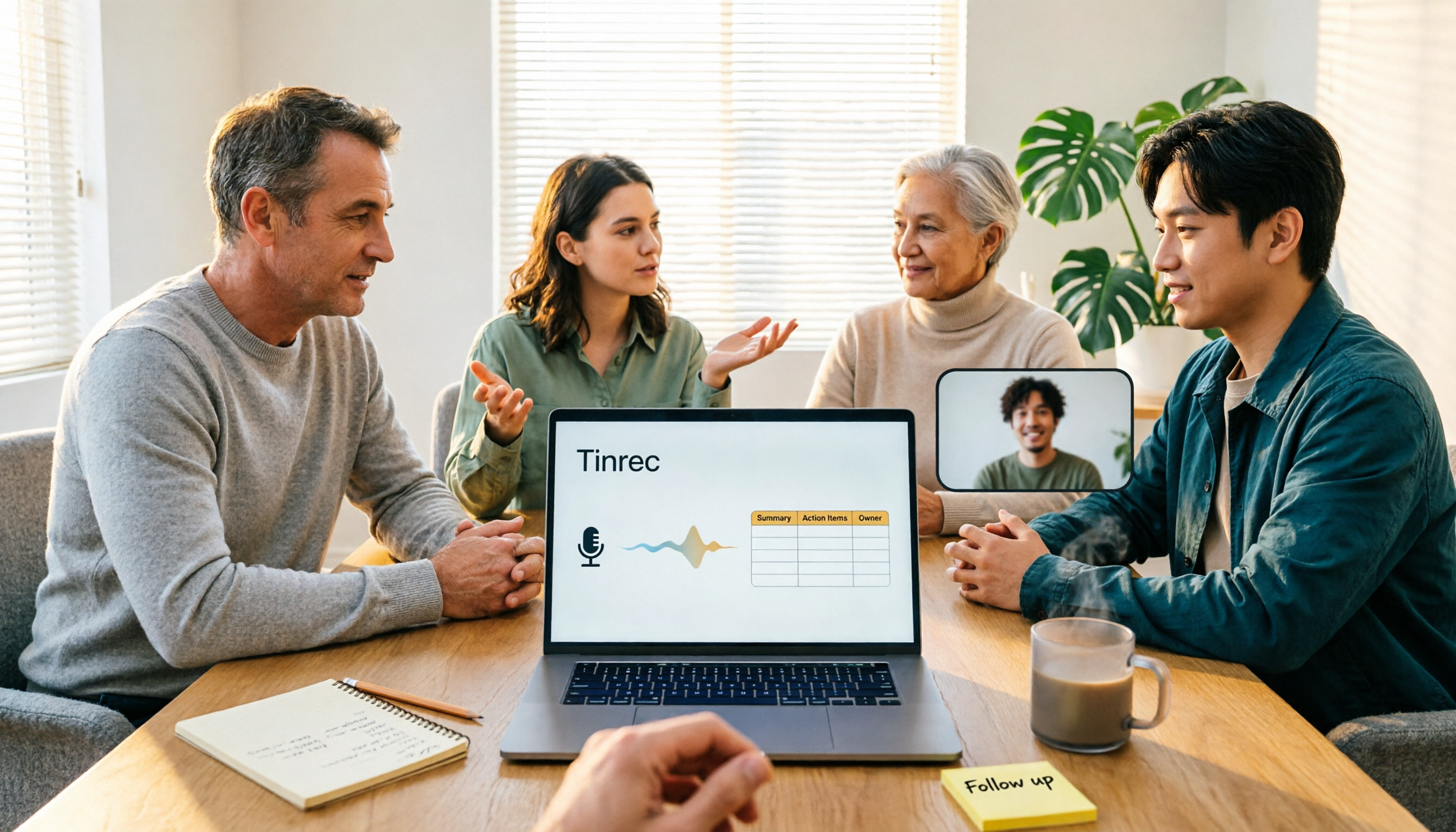
4 Meeting Minutes to Excel Tools Tested in 2026: Which One Can Turn Recordings into Spreadsheets?
When it comes to generating Excel from meeting minutes, the real challenge isn't the spreadsheet format—it's how to automatically flow content into columns. This article compares four tools—Tinrec, Otter.ai, Notta, and TurboScribe—on their meeting capture methods, post-meeting outputs, and team collaboration capabilities. It also outlines 5 key purchasing criteria and 4 common pitfalls to help you determine which tool can truly turn recordings into deliverable spreadsheets.
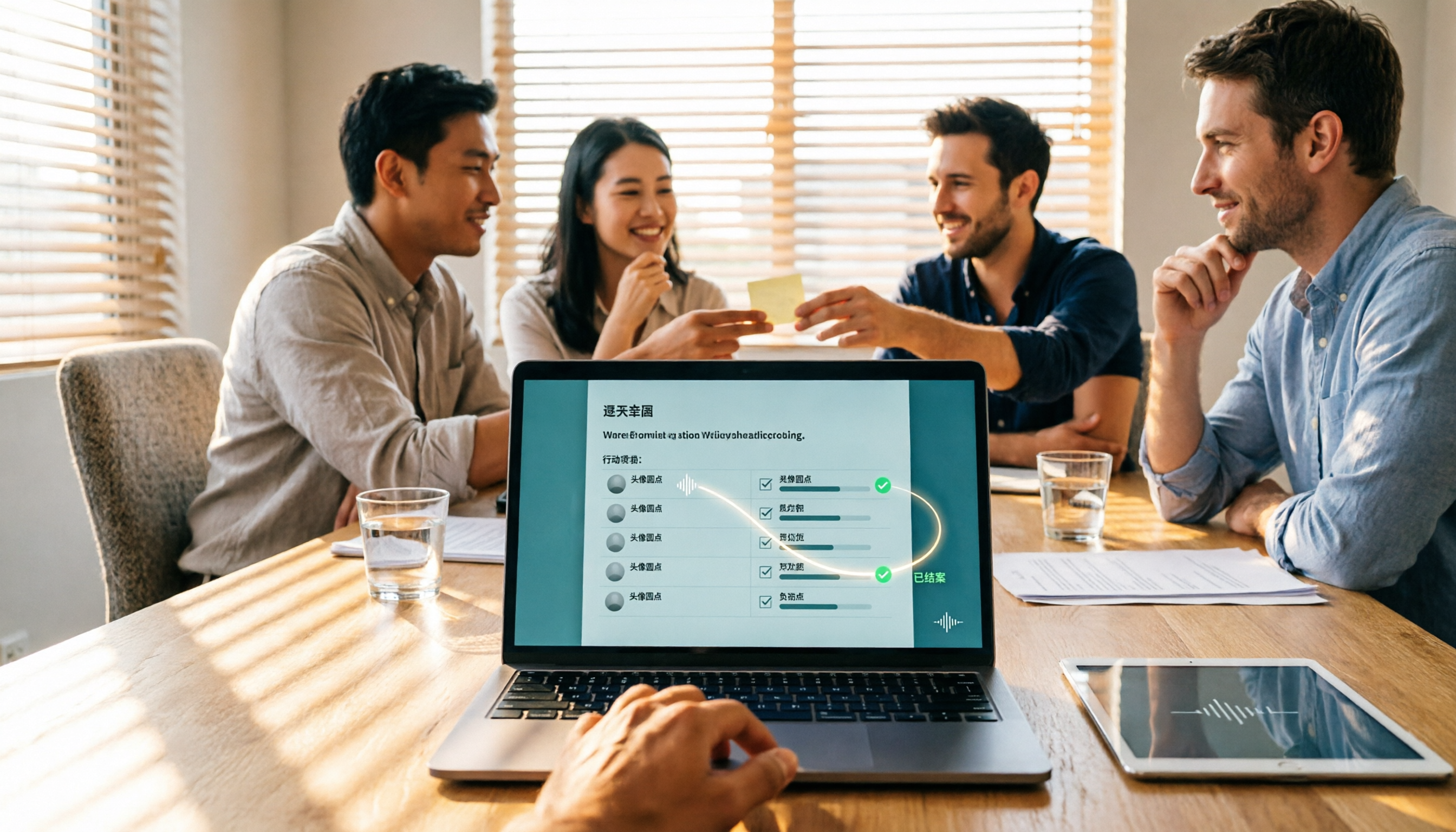
5 Meeting Action Item Table Formats Tested for 2026: Which One Actually Tracks To-Dos to Completion?
Meetings end, but action items often go untracked. This article compares 5 common meeting action item table approaches, breaking down field design, owner assignment, and cross-meeting tracking, and tests how Tinrec automatically generates transcripts and to-dos during meetings. Includes a pitfalls guide and selection advice.

4 Meeting Minutes Tools Tested for 2026: Which One Automatically Builds Owner and Due Date Tables?
The biggest fear with meeting minutes is writing down only the discussion and not who is responsible or when it is due. This article starts with common mistakes in owner and due date tables, then tests and compares Tinrec, Granola, TurboScribe, and PLAUD. It covers buying criteria, pitfalls to avoid, and selection advice to help you track post-meeting action items all the way to completion.

2026 Comparison of 4 Meeting Task Tools: Which One Turns Discussions into Trackable To-Dos?
After a meeting, are your to-dos scattered across chat logs and sticky notes? This article starts from the practical criteria for choosing a meeting task tool, explains what problems these tools can solve for professionals, the 5 key points to consider when selecting one, and uses Tinrec as an example to demonstrate the complete workflow from recording, transcription, AI summary to to-do extraction and team collaboration.
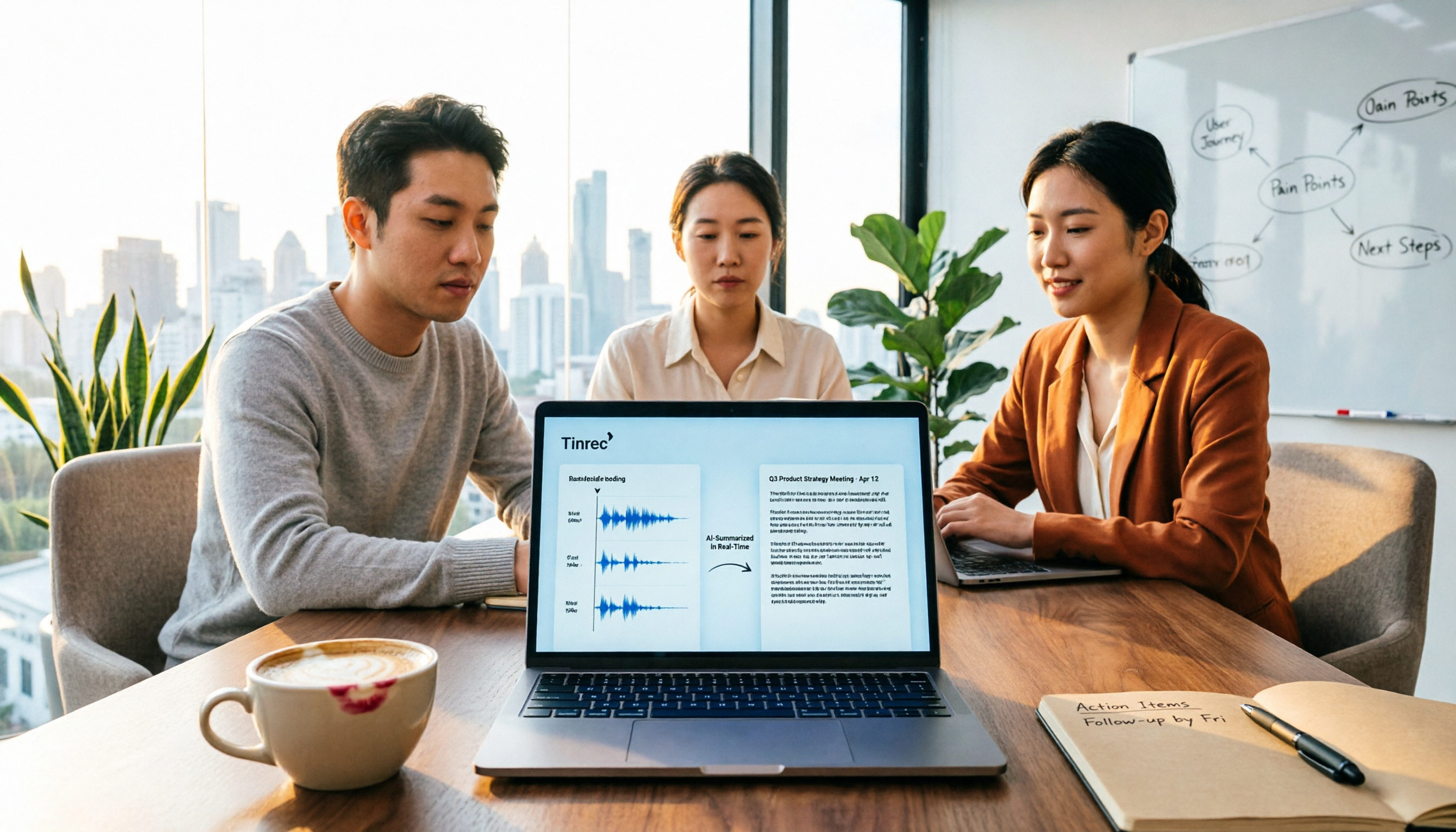
Meeting Minutes vs. Meeting Report: Key Differences Explained in 3 Minutes (2026 Guide)
What's the difference between meeting minutes and a meeting report? This guide breaks down the readers, purposes, and writing styles of each in a comparison table, teaches you 3 things to decide before you start writing, and shares how our team uses Tinrec to generate both from a single recording.
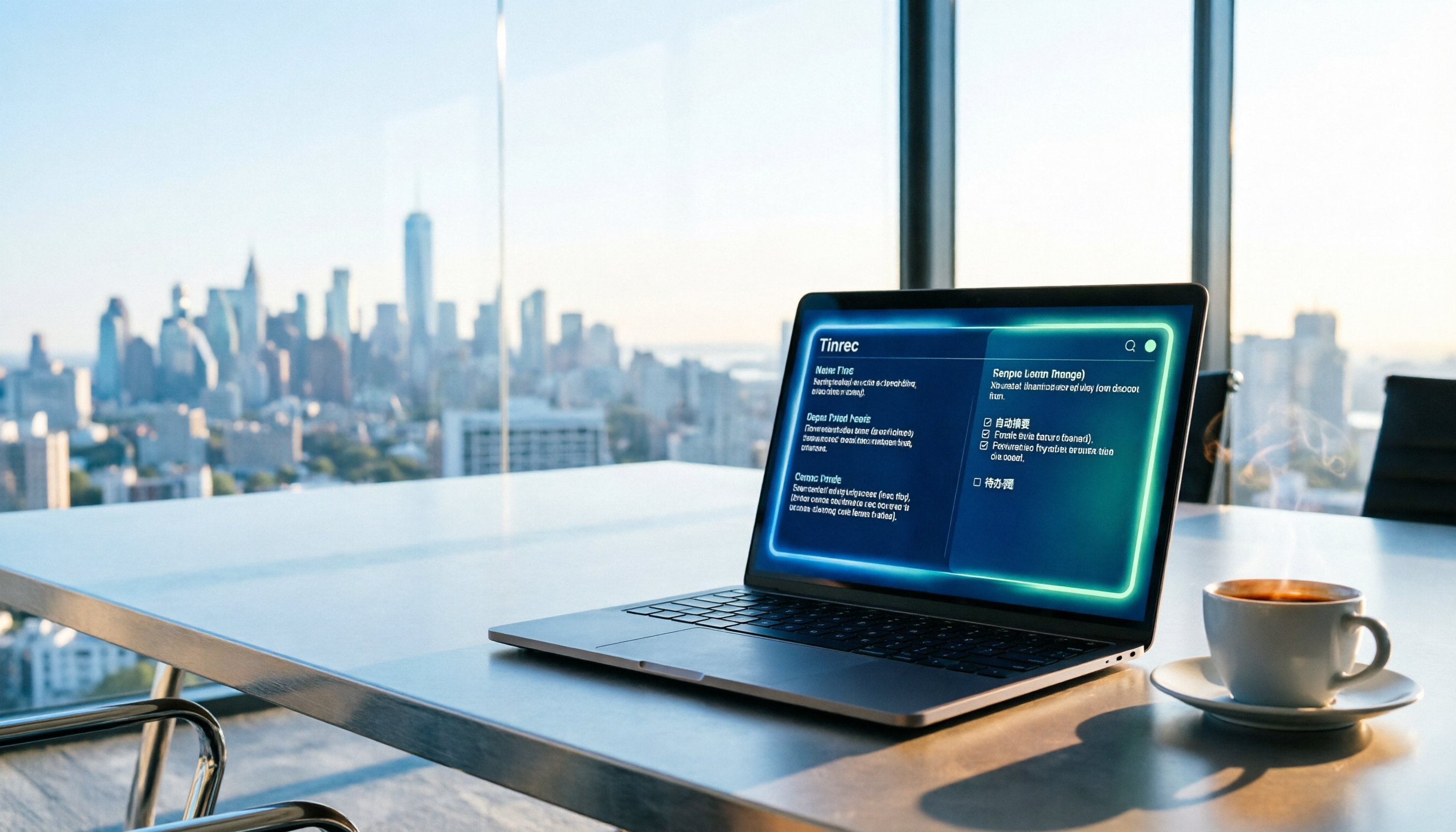
2026 Guide: Auto-Generate Meeting Summary Reports with Tinrec — Bot-Free Recording + AI Summaries & Action Items
Tired of working overtime after meetings end? This guide breaks down the 4 key factors for choosing an auto meeting summary report generator, compares Tinrec, Notta, Granola, and PLAUD, explains how to choose bot-free recording, AI summaries, action item extraction, and team seat management, and highlights the 4 most common pitfalls.

2026 AI Meeting Report Tools Comparison: Which Handles Chinese Meetings and Team Knowledge Best?
The real work begins after the meeting ends. This article explores key considerations, core capabilities, and common questions for AI meeting report tools in 2026, using Tinrec as an example to illustrate bot-free online meeting recording, real-time transcription, AI summaries and action items, and team spaces.

2026 Project Meeting Report Template Comparison: How Tinrec Auto-Generates Decisions and Action Items
A project meeting report template is more than just a table. Using Tinrec as an example, this article explains how to turn a static template into an automated workflow—from live transcription and AI summaries to action item extraction and team spaces—and includes 5 key considerations and FAQs.
2026 Comparison of 4 Meeting Minutes Tools: Which One Can Turn Transcripts into Word Reports?
Do you still spend time after meetings organizing minutes and manually formatting them into Word reports? This article starts with common mistakes, breaks down 4 key points for choosing a meeting minutes tool, and compares Tinrec, Notta, Otter.ai, and Granola on Chinese recognition, bot-free recording, AI summaries, and report output. Finally, it summarizes the most common pitfalls in generating meeting minutes and offers scenario-based selection advice.