

Turn recordings into transcripts and summaries in minutes
Upload audio or video for multilingual transcription, AI notes, and action items
4 Otter Chinese Alternatives Compared in 2026: Why Tinrec Handles Chinese Meeting Notes Better
Last month, after a one-hour meeting with a Hong Kong client, I did what I usually do: dropped the recording into Otter.ai and figured I'd check the transcript the next morning. But when I opened it the next day, the Chinese sections were awkward to read, almost all the product model numbers the client mentioned were wrong, and even my own Chinese was broken into strange phrases. I ended up spending that hour listening to the recording again with headphones.
I manage a team of 10 and have 15 meetings a week. I can't stand this kind of "post-meeting rework," so over the past two or three months I tried several tools on the market one after another. This article explains clearly why I ultimately stuck with Tinrec and what you should look for when choosing a tool.
Why Are People Starting to Look for Otter.ai Chinese Alternatives?
Let's first address a problem many people get stuck on: when you search for "otter Chinese," you may actually have two completely different intentions.
If you're looking up the English word otter, the answer is "水獺" (shuǐ tǎ). The traditional Chinese version of the Cambridge Dictionary gives exactly that; when used alone it can also mean "otter skin," and only in sea otter does it mean sea otter. Sites like cdict.net that integrate multiple English-Chinese dictionaries have more information, listing plural forms, North American otter, European otter, and otter skin, suitable for people who want complete entries. This part is just dictionary lookup and has nothing to do with tool selection.
But if you're asking about Otter.ai, the situation is different. Otter.ai is a very mature AI meeting assistant that covers Zoom, Microsoft Teams, and Google Meet, with real-time transcription, speaker identification, AI Chat, workflows, and team management. Its free version offers 300 minutes per month; Pro annual billing works out to about USD 8.49 per user per month, including 1,200 minutes of in-app recording per month and 10 file imports. For English business meetings, its maturity is indeed high.
The problem is Chinese. Many reviews from Chinese-speaking users mention that Otter.ai is mainly optimized for English-language scenarios, and its recognition quality and terminology handling for Chinese conversations clearly lag behind. My own tests gave similar results—it's not unusable, but every time requires extra time to fix. If you've had similar troubles, Tinrec is worth checking out.
Tinrec vs Otter.ai: What's Different in the Core Experience?
I tried more than just these two. At first I used Otter.ai; English meetings went smoothly, but Chinese meetings started having problems. Then I switched to Notta; its multilingual and file transcription were good, but the thing I wanted—"ask directly for key points after the meeting"—was never solved. I also tried Granola in between; the no-bot experience was great, but it doesn't save meeting audio files and doesn't support uploading pre-recorded files, which doesn't work for scenarios where I need to go back and verify. Finally I tried Tinrec, and I'm still using it now.
Here are the five dimensions I consider most critical.
1. Chinese and Multilingual Transcription Experience
For teams in Taiwan and Hong Kong, mixing Chinese and English in meetings is the norm—sentences like "let's review this feature next week" are everywhere. Tinrec can handle Chinese meeting transcription and minutes, supports organizing mixed Chinese-English content, and also supports multilingual meeting transcription, real-time translation, and bilingual side-by-side viewing. It should be noted that actual results are affected by recording quality, background noise, accents, overlapping speakers, and technical terminology; no tool can guarantee a fixed accuracy rate. But on the question of "can Chinese meetings be used directly," this is the least troublesome of the several tools I've tried.
2. How Meetings Are Captured
This is a dimension many people overlook but which has a big impact. Tools like Otter.ai and Fireflies were early on centered on the meeting bot—the bot joins the meeting as a participant. Tinrec's desktop version takes another path: it directly captures the computer's system audio. You don't need to invite any extra participants; just open the desktop version and it can record meeting audio playing on Zoom, Google Meet, Microsoft Teams, and Webex and generate a transcript in real time. When sharing your screen with a client, having an extra recording bot on the screen just feels different.
3. Post-Meeting Output: A Transcript Alone Is Not Enough
This is the key reason I ultimately chose Tinrec. A transcript is just raw material; what I really need is "what was concluded in this meeting, and who needs to do what." Tinrec automatically generates summaries, chapters, and key points, extracts action items from discussions, and can also do AI Q&A around the meeting content—after recording a one-hour meeting, just ask "what was the conclusion" or "who is responsible for what," and it will answer based on semantic understanding, without you having to flip through 30 pages of transcript. It can also use Agent post-processing to generate reports, tables, and documents.
Stop organizing recordings by hand
Upload audio or video and automatically get a transcript, summary, and action items
4. Team Collaboration and Governance
I lead 10 people, and data can't just live on someone's phone. Tinrec's team version operates with independent team spaces; meeting data belongs to the team. It supports creating multiple team spaces, inviting members via join links, and distinguishing owners, admins, and regular members; you can assign, reclaim, or transfer seats, view team usage trends, member rankings, and import details, and query and export audit logs. Team monthly billing is USD 29.80 per paid seat per month; annual billing is USD 199 per paid seat per year (about USD 16.58 per month). Each paid seat provides 2,000 minutes of team shared import quota per month; real-time recording under an active seat is currently not deducted by minutes.
One thing that's easy to confuse needs to be clarified first: roles determine who can manage the team, members, and settings; seats determine whether a member can record, upload, edit, and import/export. Members who are active but have no seat can still view, play, and read team data, but cannot perform resource-usage operations.
5. Data Retention and Handover
I've encountered situations where a colleague left the company and the meeting recordings in their personal account disappeared—that feels terrible. Tinrec's team resources belong to the team; when a member leaves, is removed, or loses their seat, the team resources they were responsible for can be handed over to other active members. Accidentally deleted audio goes into the team recycle bin and is currently retained for 30 days, recoverable before permanent cleanup.
Tinrec's Core Features at a Glance
Real-time recording to text: Open it and start recording; it transcribes as it records, so during the meeting you can check the text in sync to confirm nothing important is missed, and by the time the meeting ends the transcript is already done. Suitable for offline meetings, interviews, and ad-hoc discussions.
Bot-free online meeting recording: The desktop version captures system audio to handle meetings on Zoom, Meet, Teams, and Webex without extra participants.
AI summaries, chapters, and action item extraction: Long meetings are automatically broken into easy-to-browse structure, with key points and action items pulled out directly, saving the time of going back through recordings after the meeting.
AI Q&A and Agent post-processing: Ask follow-up questions about a single meeting or across meetings, and turn data into reports, tables, and documents—suitable for scenarios where you need to report upward.
Multi-format export: Results can be taken to Notion, Google Docs, OneNote, Dropbox, and other tools for further processing without retyping.
Team spaces and hotwords: Centrally store team meeting data and maintain team-specific terminology to improve recognition of professional terms.
Real-World Usage Scenarios
Weekly department meeting: I just start recording in the desktop version, and within ten minutes after the meeting the summary and action items are out. I used to spend 40 minutes organizing; now I just copy the action items into the project tracker and I'm done.
Cross-department coordination meeting: The most troublesome thing about these meetings is "what exactly did we say last time." Now before the meeting I use AI Q&A to look through past meetings and confirm the previous conclusions before entering the room, so when the boss asks I don't need to flip through notes for 3 minutes.
Client interviews and requirements confirmation: The requirements, concerns, and commitments the client mentions all stay in the transcript; you can search and ask follow-up questions afterward without reporting from memory.
One-on-one conversations: These conversations aren't suitable for frantic typing on the spot. Keep recording on, and afterward review the summary of what the team member said—much more reliable than trying to recall it yourself.
Things to Watch When Choosing a Speech-to-Text Tool
1. Do you mainly hold Chinese or English meetings? This determines everything. If 90% of your meetings are in Chinese or mixed Chinese-English, the tool's depth in handling Chinese matters more than anything else.
2. Do you need extra participants to join the meeting? Some tools enter as a bot; others capture system audio. Pay special attention to this for external meetings and client presentations.
3. Is the workflow after the transcript smooth? With only a transcript, you still have to organize it yourself. Check whether there are summaries, chapters, action items, Q&A, and export.
4. Is team data ownership clear? When multiple people use it, confirm whether it's "sharing one account" or "independent team spaces." The former is convenient at first but gets messy as the team grows.
5. Is the quota calculation transparent? Billing for real-time recording and file import is often different; check clearly before trying to avoid suddenly getting stuck.
Conclusion: Is Tinrec Worth a Try?
If your meetings are mainly in Chinese, you need to handle online meetings without letting a bot join, and you still need to organize minutes and action items afterward—Tinrec is currently one of the few choices that can satisfy all three at once. It turns meetings into searchable, queryable, collaborative data rather than a pile of audio files sitting in a folder.
If you only occasionally need to look up the Chinese meaning of an English word, then the Cambridge Dictionary or an integrated English-Chinese dictionary is enough; don't overthink it. But if you're like me before—chased by a dozen meetings every week—I suggest starting with Tinrec's free version basic quota and testing it on one of your most common Chinese meetings. Rather than reading ten reviews, try it once with your own recording.
One final reminder: recording and transcription involve personal data and local regulations. For external meetings, it's recommended to obtain participants' consent first, and for important decisions, it's also advisable to cross-check with transcript timestamps and recording playback.
References
- OTTER Chinese (Traditional) Translation: Cambridge Dictionary
- Which Otter Chinese Translation Is Best? 4 Tested in 2026, Cambridge Dictionary Most Complete - Tinrec Blog
- OTTER Chinese (Simplified) Translation: Cambridge Dictionary
- Otter Chinese Translation | English-Chinese Dictionary
- Otter.ai Doesn't Support Chinese? 2026 Best Chinese Speech-to-Text and AI Meeting Notes Alternatives - Tinrec Blog
Turn every recording into actionable outcomes
Get 60 free transcription minutes when you sign in. No credit card required.
Related Reading
You might also like

Otter Chinese Alternatives in 2026: 3 Tools Tested, Tinrec Best for Chinese Meetings
Otter.ai has limited Chinese support. This article addresses two search intents behind 'which Otter Chinese is best' and compares Tinrec, Notta, and TurboScribe in Chinese meeting transcription, post-meeting organization, and team collaboration to help you choose the right tool.

4 Chinese Subtitle Tools Worth Trying in 2026: Alternatives for Otter Users
Otter officially supports only English, Spanish, and French—no Chinese interface and no Chinese subtitles. Based on real-world use, this article explains Otter's Chinese limitations and compares Tinrec, Otter, Notta, and TurboScribe on Chinese transcripts, mixed Chinese-English speech, post-meeting organization, and team collaboration to help you choose a truly usable Chinese subtitle solution.

Tinrec vs Otter.ai 2026: 5-Dimension Comparison for Chinese Meeting Notes
Can Otter.ai handle Chinese? This article compares Tinrec and Otter.ai across 5 practical dimensions: Chinese and Traditional Chinese recognition, online meeting recording methods, post-meeting outputs, team collaboration governance, and pricing quotas, helping teams decide which is better suited for their meeting scenarios.

Otter in Chinese: 2026 Guide to 6 Chinese Books and Transcription Tools
People searching for "Otter Chinese" have two needs: finding a meeting transcription tool that understands Chinese, or looking up the Chinese meaning of otter or related Chinese books. This article covers 6 practical options, including Tinrec, Otter.ai, Notta, TurboScribe, plus free dictionary and book-finding resources, with pricing and buying advice.

Otter.ai Chinese Free Trial Guide 2026: 6 AI Meeting Tools Tested and Recommended
Can Otter.ai really handle Chinese, and what are the free trial limitations? Based on real meeting scenarios for mid-level managers, this article breaks down Otter's Simplified Chinese support status, the Basic free 300 minutes and 3 lifetime import credits, and compares the Chinese performance, pricing, and use cases of 6 tools including Tinrec, Notta, TurboScribe, Granola, and PLAUD—so you can test with a real meeting before paying for a subscription.

Free Otter Chinese Subtitles in 2026: 6 Tools Compared
Many people download Otter hoping to generate Chinese subtitles for free, only to find that the language list shows Simplified Chinese and the free plan only exports plain text. This article reviews six options that can handle Chinese transcripts and subtitles, including completely free tools and those with free quotas, and honestly outlines their limitations and pricing.

Tinrec vs Otter.ai in 2026: 5-Dimension Comparison — Which Is Better for Chinese-Language Meetings?
Is Otter.ai actually good for Chinese? This article compares Tinrec and Otter.ai across five dimensions — Chinese recognition, meeting capture method, post-meeting outputs, team governance, and pricing/quotas — to help you decide which tool to choose for Chinese meetings, and when Otter might actually be the better fit.
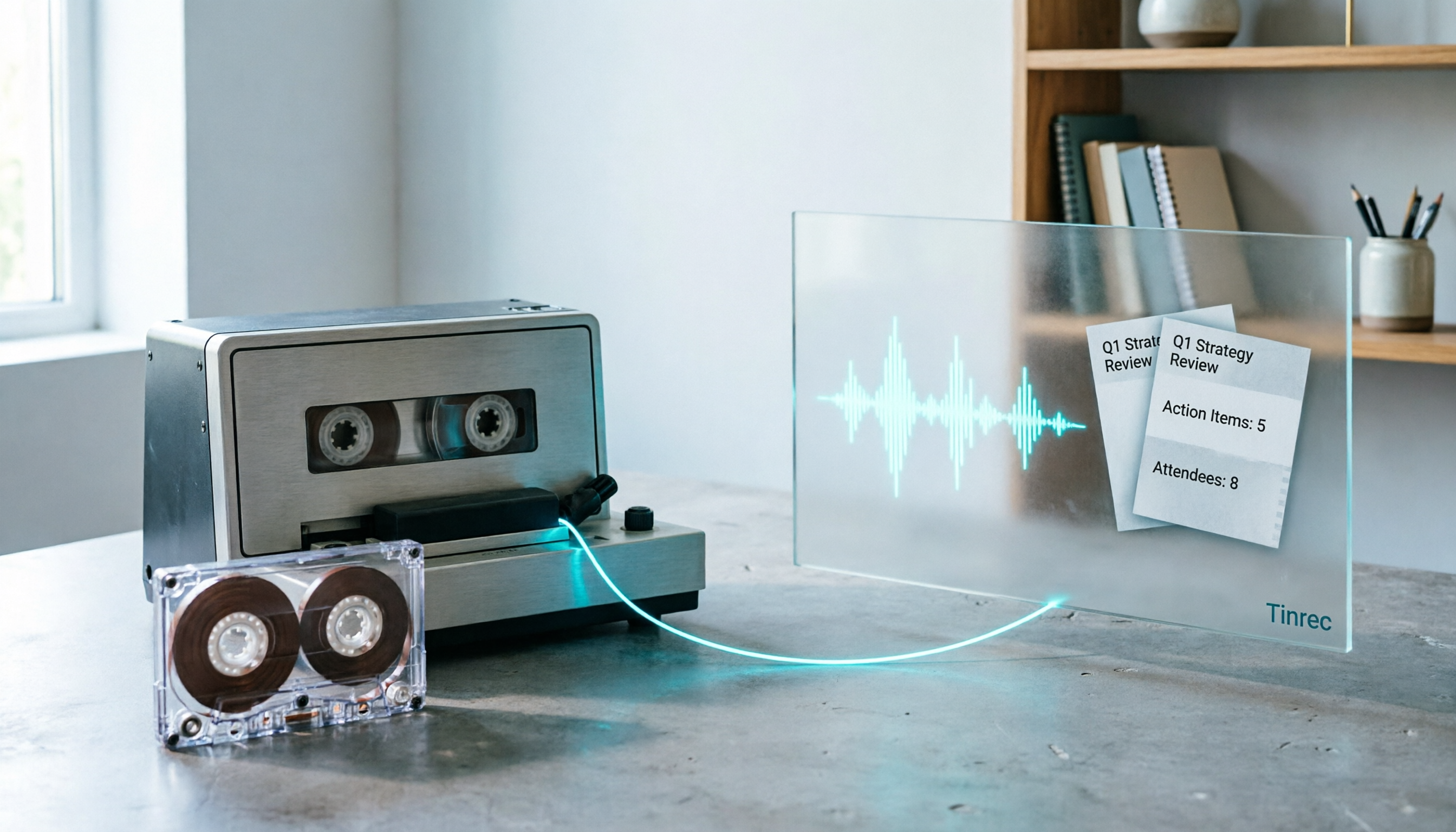
2026 Good Tapes Compared: Cassettes, Reel-to-Reel, and Audio Transcription — How to Choose
People searching for "2026 good tapes" are either looking for blank cassettes or packing tape. This guide first distinguishes four types of tape, then focuses on recording cassettes and reel-to-reel: the state of new production lines in 2026, what specs to check when choosing tapes, how to pick a vintage deck, and how to turn cassette recordings into searchable, queryable, deliverable transcripts and meeting notes with Tinrec.

Otter Chinese Free Plan 2026: 6 Meeting Transcription Tools Compared
People searching for "Otter Chinese free version" often face the same question: Otter.ai offers a generous free tier, but can it actually transcribe Chinese? This article first clarifies Otter's current Chinese support and free plan limitations, then compares the free quotas, pricing, and use cases of 6 meeting transcription tools to help you choose the right one.