
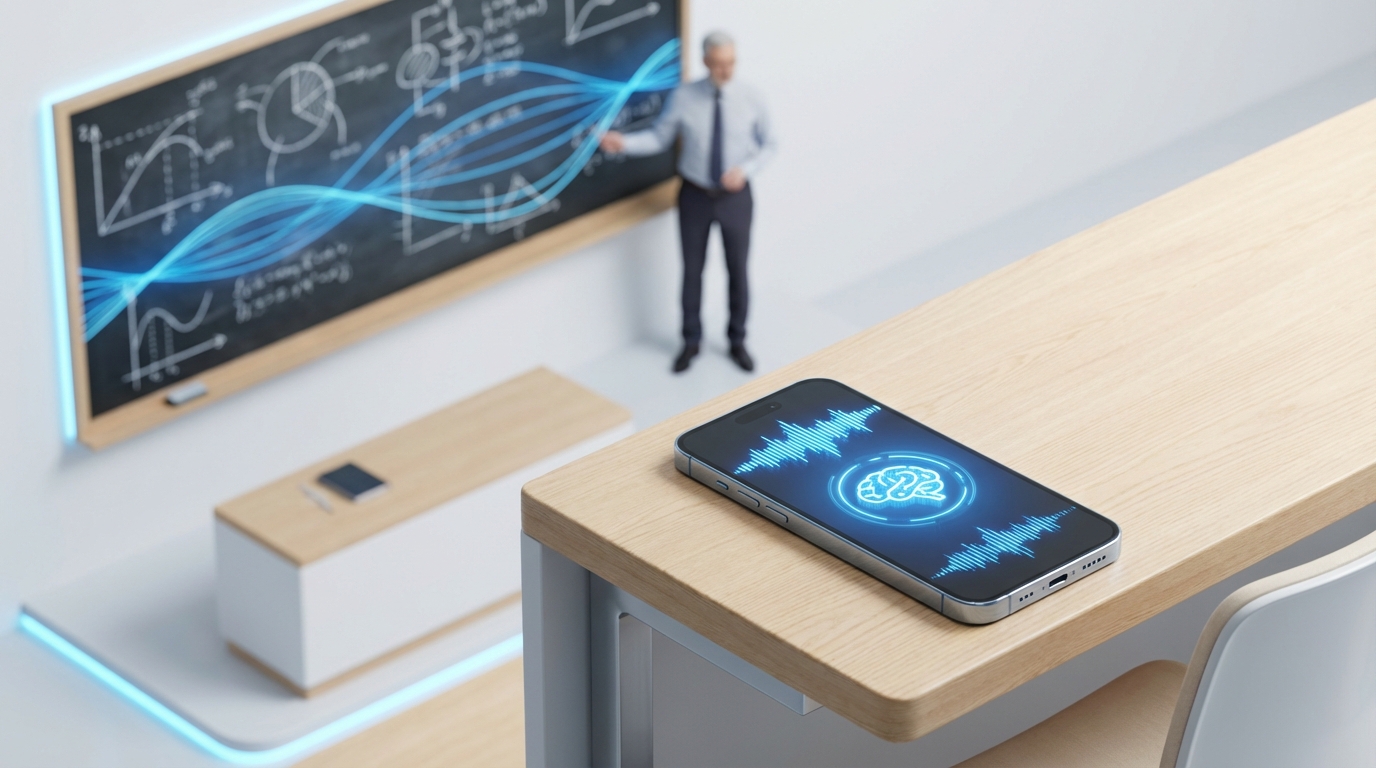
Turn recordings into transcripts and summaries in minutes
Upload audio or video for multilingual transcription, AI notes, and action items
In this era of information overload, traditional handwritten notes can no longer keep up with the intense demands of college or graduate school courses. Professors speak too fast, key points are missed, and reviewing messy scribbles after class is frustrating—these are common pain points for students. With the advancement of artificial intelligence, AI note-taking tools have emerged as the secret weapon of a new generation of top students.
Why You Need AI for Note-Taking
The biggest problem with traditional note-taking is the conflict between listening and writing. When you focus on copying formulas from the board or the professor's last sentence, you often miss the next important explanation. This multitasking not only exhausts your brain but also results in disjointed notes.
AI note-taking tools solve this core conflict. With advanced speech recognition technology, AI acts as your "second pair of ears," fully capturing lecture content and converting it into text. This means you can focus entirely on listening, thinking, and asking questions in class, while leaving the tedious recording to AI. Studies show that students using audio-to-text tools review material more than three times faster than those who take traditional notes.

How AI Transforms Learning: From Transcripts to Smart Summaries
Simply having a recording isn't enough, because listening to a 2-hour audio file is time-consuming. The real value of modern AI tools lies in understanding and summarizing.
- Accurate transcription: Convert fuzzy audio into editable text for easy keyword search.
- Smart summaries: Use natural language processing (NLP) to automatically extract lecture outlines, key concepts, and exam points.
- Multi-format support: Handle recordings from in-person classes or online course MP3s with ease.
Stop organizing recordings by hand
Upload audio or video and automatically get a transcript, summary, and action items
TinRec (Instant Audio Transcription): Your Personal AI Learning Assistant
Among the many AI tools, TinRec (Instant Audio Transcription) stands out with its powerful core features, becoming a reliable assistant for students and educators. It's not just a recording tool—it's a full-featured audio processing platform.
Product Name: TinRec (Instant Audio Transcription)
Website: https://tinrec.com/
Blog: https://tinrec.com/blog/
TinRec's design philosophy perfectly fits the learning scenario, solving the inertia of "recording but never listening." Through its core features—MP3 to text and AI meeting minutes—you can upload a professor's lecture audio recorded on your phone, and the system will quickly generate high-accuracy transcripts. Even better, its AI meeting summary function also works for classes, automatically extracting the lecture's "key points" and "action items" (e.g., assignment deadlines), just like a personal academic coach highlighting the essentials for you.
Real-World Applications of TinRec
1. In-Person Lecture Halls
Sitting in a lecture hall with hundreds of students, audio quality is often poor. Use your phone or a dedicated recorder to capture the lecture, then upload the MP3 file to TinRec after class. With its powerful MP3 to text feature, you'll get a full transcript in minutes. Combine it with AI summaries to quickly review all key theories covered by the professor.
2. Online Tutoring and Group Discussions
For those engaged in remote learning or group projects, TinRec's call recording to text feature is a game-changer. It captures every detail of online discussions, ensuring no member's ideas or task assignments are missed. With AI meeting summaries, the minutes are ready the moment the discussion ends.
3. Language Learning and Listening Practice
For international students or language learners, TinRec's transcription helps you compare audio with text, showing accurate spelling of words and allowing you to study AI-highlighted grammar points repeatedly.
Why Choose TinRec: Simple, Efficient, Accurate
While many note-taking apps exist, TinRec focuses on the "audio-to-value" conversion. No complex setup required—its intuitive interface is student-friendly. Whether you're cramming for finals or organizing a semester's worth of academic seminar recordings, TinRec saves you significant time.
Don't let heavy note-taking crush your passion for learning. Embrace AI tools and let TinRec be your best companion on your academic journey, spending your time on real thinking and understanding instead of mechanical copying.
Ready for a leap in learning efficiency?
Try TinRec now and start your AI learning journey: https://tinrec.com/
Turn every recording into actionable outcomes
Get 60 free transcription minutes when you sign in. No credit card required.
Related Reading
You might also like

2026 Product Meeting Notes Tools: 4 Tested + AI Action Item Auto-Organization
How to choose a meeting notes tool? This article addresses three common misconceptions, outlines 4 key selection criteria, and compares Tinrec, Otter.ai, Granola, and Notta on meeting recording methods, post-meeting organization capabilities, and pricing limits. It also includes a pitfalls guide and selection recommendations to help you find a solution that truly saves organization time.

6 Audio-to-Transcript Tools Tested and Compared for 2026: Which Saves the Most Time for Chinese Recognition and Post-Meeting Organization?
A review of 6 tools that generate transcripts from imported audio files, covering Tinrec's AI summaries, action items, AI Q&A, and team spaces, as well as the free and paid plans of Notta, cSubtitle, MyEdit, TurboScribe, and Yating Transcript. It also explains recording quality, export formats, and licensing issues to consider before importing.

2026 Comparison of 4 Audio/Video Transcription Tools: Which Saves the Most Time for Chinese Meeting Minutes?
Still typing transcripts after meetings? This article uses 5 key buying criteria to compare Tinrec, Notta, Otter.ai, and PLAUD Note in a hands-on test. From recording methods, post-meeting output, Chinese language experience, to team seat management, we cover it all, plus 4 common pitfalls to avoid.

5 WAV to Text Tools Tested for 2026: Which Saves the Most Time on Chinese Transcripts and Meeting Follow-Ups?
Have a WAV recording but dread listening to it from start to finish? This article examines real-world scenarios to explain what WAV-to-text can do, its core capabilities, and practical applications. Using Tinrec as an example, it covers a complete workflow for bot-free meeting recording, AI summaries, action item extraction, and team knowledge retention, plus 6 buying considerations and FAQs to help you decide which solution saves the most time.
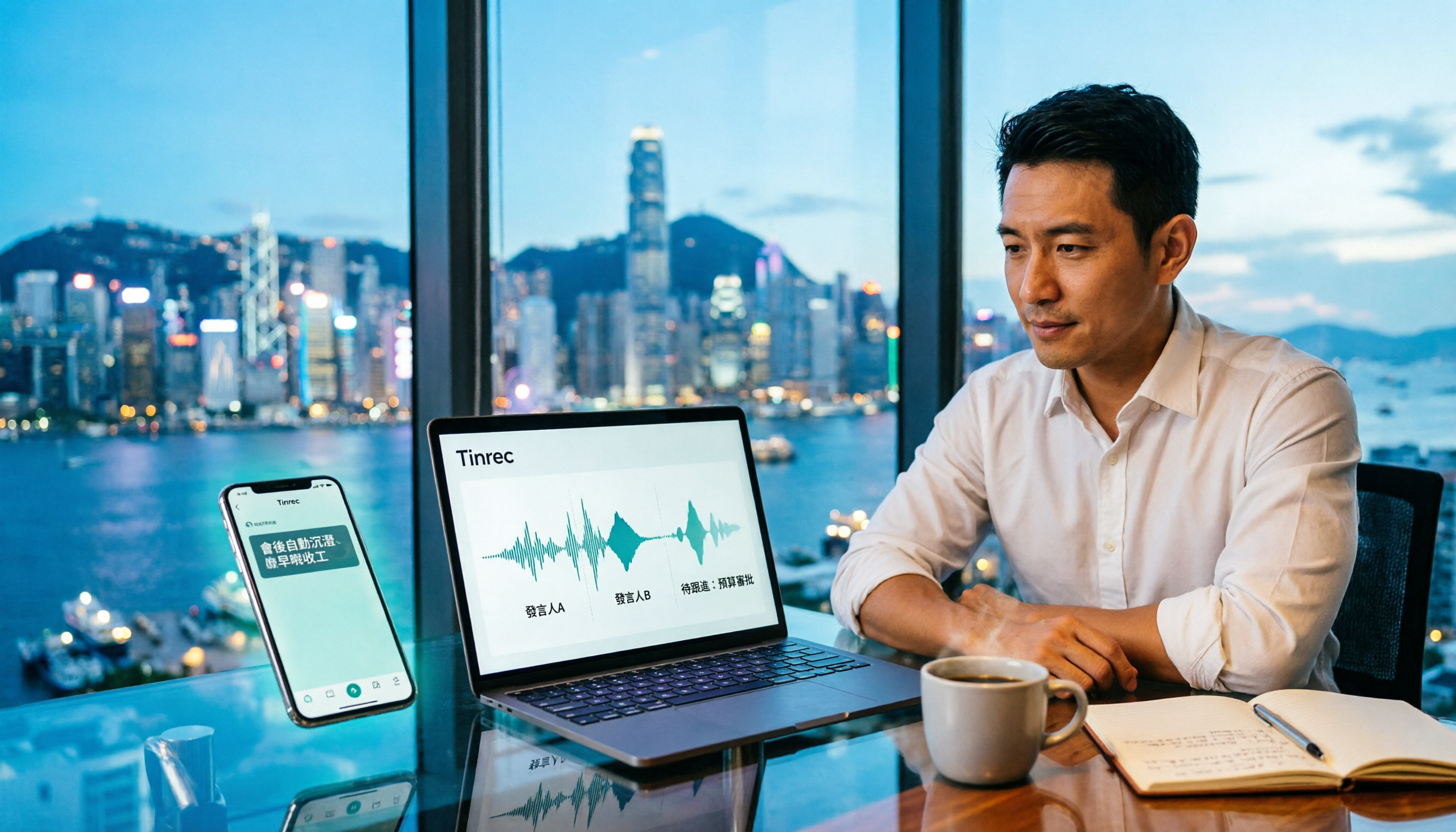
Tinrec Meeting Notes Guide 2026: No-Bot Recording vs Otter.ai
For Hong Kong office workers, post-meeting cleanup is the worst part: the meeting ends at 3 PM, but you're still at the office at 8 PM listening to recordings and typing. This article compares Tinrec and Otter.ai across five dimensions to test the workflow of turning recordings into meeting notes, breaking down Cantonese recognition, no-bot recording, post-meeting AI organization, team data retention, and pricing, helping you choose the right tool and leave work earlier.

4 AI Meeting Note Tools Tested in 2026: Which One Saves the Most Time on Auto-Organizing Transcripts?
The pain of meeting notes isn't slow typing—it's time-consuming organization. This article addresses common misconceptions, tests 4 AI meeting note tools, breaks down key buying factors, Tinrec's bot-free recording and AI Q&A workflow, team plan seats and data ownership, plus a pitfalls guide and selection advice.

2026 Teams Meeting Transcription Comparison: 4 Methods Tested — Is Avoiding a Meeting Bot Really Easier?
Teams built-in transcription requires both the organizer and each user to enable the policy, and live captions are not saved—so many people only discover after the meeting that there is no transcript at all. This article reviews four ways to transcribe Teams meeting recordings, from Teams built-in, Otter.ai, and Notta to Tinrec, comparing bot-free desktop recording, AI Q&A, action item extraction, and team seat management, with a pitfalls guide and scenario-based recommendations.

4 Video-to-Transcript Tools Tested and Compared in 2026: 3 Pitfalls to Understand Before Importing Video
Importing a video to generate a transcript looks simple, but the real bottlenecks are usually format support, time codes, and how usage limits are calculated. This article starts with common misconceptions, outlines 4 key points for choosing a tool, then shares a hands-on test of Tinrec from video import to AI summaries, action items, and team knowledge retention, and compares TurboScribe, Notta, and Granola for use cases and pitfalls to avoid.

How to Transcribe Classroom Recordings in 2026: A Complete 5-Step Guide
When it comes to transcribing classroom recordings, most people only ask which tool is the most accurate. But what really determines whether you'll be overwhelmed all semester is the audio source, the classroom language, and the total number of hours. This article uses university and graduate school classroom scenarios to compare Tinrec and Otter.ai across 5 dimensions, and provides a 5-step process you can follow directly, along with purchasing advice.