

Turn recordings into transcripts and summaries in minutes
Upload audio or video for multilingual transcription, AI notes, and action items
When it comes to organizing recordings, the first decision isn't actually "which AI to choose"—it's whether you want to keep being the person who listens to a 60-minute recording three times, jotting down to-dos as you go, or let a tool first generate a transcript and action items so you only spend ten minutes reviewing. The second decision is budget—should you pay directly, or use free quotas to get through this month's meeting load?
This article uses common workplace scenarios such as meetings, client interviews, and course recordings to review 4 tools that can turn recordings into to-do lists, explaining each one's free scope, registration and device requirements, representative features, and limitations. Prices and quotas were verified against product data and official pages as of August 2026; please refer to the official purchase pages for actual terms.
Missed to-dos are usually not a memory problem, but a process without an endpoint
After a one-hour meeting, the recording sits on your phone, and conclusions are scattered across chat rooms, blank paper, and someone's memory. This is the daily reality for most teams: it's not that there's no record, but that the record never becomes "who, does what, by when."
The second scenario is even more common: you have a transcript, but no one wants to dig through thirty pages of text to find conclusions. Rather than saying readers need a transcription tool, it's more accurate to say they need a step that compresses "discussion" into "action."
The third is cross-device fragmentation. Audio recorded on a phone needs to be reorganized when you're back at your computer; online meetings use platform built-in transcription, and afterward files are scattered in different places. When data can't be centralized, to-dos naturally get missed.
This article addresses exactly this gap: from recording to to-do, how to connect the process with a reasonable budget.
Before choosing a recording-to-to-do tool, understand these 4 key points
1. Can it import "already-recorded files" Many people only notice real-time recording, but what really needs organizing is the accumulated meetings and interviews from the past. When choosing a tool, first confirm whether it supports uploading audio and video files; otherwise, those recordings you already have will never become to-dos.
2. Are to-dos automatically extracted, or do you need to give instructions Some tools list to-dos and summaries directly after transcription, while others require you to input instructions to have them organized. Both work, but the former is much friendlier for people who don't want to learn prompts; the latter is more flexible but takes a few extra minutes. Either way, you'll ultimately need to manually add owners and deadlines.
3. How free quotas are calculated—don't just look at total minutes A common trap with free plans is limits like "120 minutes per month, but max 3 minutes per session," which is of limited help for a one-hour meeting. When checking quotas, confirm together: maximum length per session, number of files per month, and whether imports are restricted.
4. Can the generated to-dos be taken with you If the to-do list can only stay within the tool, it's as good as having to copy it manually. Confirming whether you can export to text files or paste directly into tools you already use like Notion or Google Docs will determine whether this workflow can run long-term.
If it's for team sharing, you also need to ask: how are members, roles, and seats divided. Being able to view data and being able to upload and edit are two different things.
Tinrec—From recording to to-do, the entire workflow in one workspace
Tinrec is an AI meeting notes and collaboration tool for individuals and teams, covering iOS, Android, desktop, and web. Its positioning isn't "recording to text," but rather organizing meeting content into searchable, queryable, and exportable data that ultimately lands in to-dos and team spaces.
During the meeting: no need to invite a bot The desktop version directly captures your computer's system audio, handling online meetings on Zoom, Google Meet, Microsoft Teams, Webex, etc., without requiring an additional meeting bot to join as a participant. To be precise: this isn't "automatically joining all meetings," but rather the user actively initiating recording via the desktop version, generating a transcript while recording. For offline meetings and interviews, you can use real-time recording directly or upload existing audio/video files afterward.
Five minutes after the meeting: to-dos and summaries generate themselves After transcription is complete, the system generates summaries, chapters, and key points, and extracts to-dos from the discussion. When you need more detailed follow-up questions, you can do AI Q&A around the meeting content—for example, confirming who proposed a certain decision or which section contains a budget figure. This is the biggest difference from pure transcription tools: what you're buying is the organized result, not just a transcript.
Stop organizing recordings by hand
Upload audio or video and automatically get a transcript, summary, and action items
To-dos must be portable to be real to-dos Organized content supports multiple export formats and can be brought into existing workflows like Notion, Google Docs, OneNote, and Dropbox. When formal delivery is needed, you can also use Agent post-processing to generate reports, tables, and meeting minutes. The team version centralizes transcripts, summaries, and to-dos in a single team space; members can view and read even without a seat, but only those with seats can record, upload, edit, and export.
Pricing and quotas (verified August 2026) The personal version starts with a free plan, which allows you to experience recording, importing, summaries, and transcription with basic quotas. There are also weekly cards, Pro monthly, and Pro annual plans, suitable for short-term sprints or long-term accumulation. The team version offers a 7-day trial for first-time eligible users, 1 free seat, and 300 minutes of team shared import quota; paid seats are USD 29.80/month or USD 199/year (approximately USD 16.58/month), with each paid seat providing 2,000 minutes of team shared import quota per month. Real-time recording under an active plan is currently not deducted by the minute.
Three practical advantages First, online meetings don't require an extra bot participant, which is especially convenient for external client meetings. Second, after transcription there are summaries, to-dos, Q&A, and export—essentially covering the "organizing" step as well. Third, team data belongs to the team; when members leave or lose their seats, resources can be handed over, so nothing disappears entirely when someone resigns.
Things to watch out for AI-extracted to-dos may still miss verbal commitments or vague time points; for important items, it's recommended to cross-check against the transcript timestamps and recording. Also, actual transcription quality is affected by microphone quality, noise, accents, multiple people talking over each other, and technical terminology—it won't be a fixed number. Free quotas are for trial purposes; heavy users should consider upgrading.
Who it's for For those who have regular meetings two or three times a week, need to organize Chinese and mixed Chinese-English content, want to ask questions directly about the recording after the meeting, or hope to turn meetings into team assets—this workflow is the smoothest.
Besides Tinrec, what other options are there?
Notta Known for multilingual transcription and translation. The free version offers 120 minutes per month with a maximum of 3 minutes per session; Pro annual billing is approximately USD 8.17/month with 1,800 minutes per month; Business annual billing is about USD 16.67/seat/month and provides role permissions and usage reports. Suitable for learning scenarios focused on file transcription, subtitles, and translation. However, if what you want is "asking follow-up questions directly about meeting content after the meeting and depositing to-dos into a team space," Tinrec's AI Q&A and team data management are stronger in this area.
Granola A bot-free AI meeting notes tool. Basic is free, Business is USD 14/user/month, Enterprise is USD 35/user/month. Its strength is combining user handwritten notes with meeting content. Note that it does not support uploading pre-recorded audio files and does not save meeting audio; if you need to go back and verify a specific commitment or organize existing recordings, Tinrec can retain recordings and supports file import—this is a key difference.
Otter.ai A mature choice for English business meetings. Basic is free with 300 minutes per month; Pro annual billing is approximately USD 8.49/user/month, including 1,200 minutes of in-app recording per month and 10 file imports. If your meetings are almost entirely in English, it offers great value. But for Chinese meetings, mixed Chinese-English, and real-time translation scenarios, Tinrec's Chinese experience and bilingual viewing are closer to the needs of teams in Taiwan.
Pitfall guide: 3 most common mistakes when organizing recording to-dos
Pitfall 1: Treating the transcript as meeting minutes A transcript is raw material, not a finished product. What really drives things forward are three things: owner, action, deadline. After getting the transcript, be sure to manually fill in these three columns—AI is only responsible for helping you identify candidate items.
Pitfall 2: Only looking at free minutes "120 minutes per month" sounds sufficient, but if the per-session limit is only 3 minutes, a one-hour meeting would need to be split into twenty segments. When choosing a tool, look at per-session length, file count, and import restrictions together, so you don't discover it's unsuitable only after the trial.
Pitfall 3: Ignoring whether the recording is saved Some tools only keep text, not audio. This is especially troublesome when "to-dos are written ambiguously," because you can't play back to confirm what the other person actually said. Choosing a solution that retains recordings is like leaving a verification path for your to-dos.
Pitfall 4: Forgetting to get consent Recording and transcription involve personal data and local regulations. You should inform participants before the meeting and obtain consent when necessary—this isn't something a tool can handle for you.
Conclusion: Which one should you actually choose?
In one sentence: if what you want is "recording in, to-dos out, and portable," Tinrec currently has the most complete workflow; if you only have a single need, other tools also have their place.
- Need Chinese meetings, mixed Chinese-English transcripts → Tinrec (Chinese experience and bilingual viewing)
- Don't want a bot joining online meetings → Tinrec (desktop captures system audio)
- Want to ask questions directly about the recording after the meeting and confirm decisions → Tinrec (AI Q&A)
- To-dos need to go into Notion or Google Docs → Tinrec (multiple export formats and Agent post-processing)
- Team needs to manage members, seats, and usage → Tinrec team version (spaces, roles, seats, usage, and audit)
- Meetings are almost entirely in English, budget is zero → Otter.ai (free 300 minutes/month)
- Only need bulk file transcription and subtitles → transcription tools like Notta or TurboScribe are more suitable
Practical advice: don't rush to pay. Use the free quota to run through one of your real meeting recordings and check two things—whether to-dos are captured accurately and whether the export format is convenient. If both pass, then choose a weekly card or Pro based on your meeting volume; for teams, start with a trial space to confirm that member and seat allocation matches your colleagues' usage habits before discussing upgrades.
References
Turn every recording into actionable outcomes
Get 60 free transcription minutes when you sign in. No credit card required.
Related Reading
You might also like

How to Transcribe Podcasts with Tinrec in 2026: Auto Transcripts + AI Q&A for Key Points
A student's hands-on comparison of Tinrec vs. Notta for podcast transcription: free tiers, mixed Chinese-English transcripts, AI summaries and Q&A, exports, and team collaboration for group projects—5 dimensions to help you choose the right tool.

Best AI Meeting Notes Tools in 2026: 5 Tested, This One Wins for Chinese Meetings
We break down the three most common pitfalls when using AI to write meeting notes: choosing the wrong audio capture method, getting only a transcript without post-processing, and data being stuck on personal devices. Using Tinrec as an example, we explain bot-free recording of online meetings, post-transcript summaries and action items, AI Q&A, team spaces and seat governance, plus 6 buying checkpoints and FAQs.

How to Write Meeting Minutes Fast in 2026: 3-Step Framework + AI-Generated Summaries and Action Items
Stuck writing meeting minutes after the meeting ends? This guide breaks down a 3-step framework for writing meeting minutes quickly, a fixed-format template, and 4 common mistakes. It also tests how Tinrec uses no-bot recording, AI summaries, and action item extraction to compress two hours of organizing into ten minutes after the meeting.

5 Best Audio Transcription Tools in 2026: Free Tiers, How to Use, and Which One Fits Your Needs
Free transcription tools exist, but each defines "free" differently. This side-by-side comparison of Tinrec, Otter.ai, Notta, TurboScribe, and Fireflies.ai breaks down how free quotas are calculated, common misconceptions, what you can actually accomplish for free, and the limitations. A comparison table and scenario-based recommendations help you pick the one that's sufficient for your needs. Data verified as of August 2026.

2026 Comparison of 4 Lecture Transcription Tools: Which Saves More Time in Chinese Recognition and Post-Meeting Organization?
The key to transcribing lecture recordings isn't just getting text—it's whether you can quickly find key points after transcription. This article starts with common misconceptions, outlines 4 key purchasing criteria, and tests Tinrec, Yating Transcription, TurboScribe, and PLAUD recording hardware in Chinese lecture scenarios, with a pitfall guide and scenario-based recommendations.

Zoom Meeting Transcription in 2026: 5 Solutions Compared — No-Bot Recording, Chinese Transcripts, and Post-Meeting Summaries
Should you use Zoom's built-in transcription, upload files to an AI tool, or record without a bot using a desktop app? This article breaks the process into four stages—recording, transcription, summary and action items, and export—and cross-checks official information, workflows, and pricing for Zoom built-in, Notta, Otter.ai, Fireflies.ai, and Tinrec. It honestly flags untimed and unconfirmed items to help you choose the right solution based on meeting type and budget.

2026 Comparison of 4 Interview Transcription Tools: Which Saves the Most Time on Chinese Transcripts and Post-Interview Organization?
Starting from the real pain points of reporters on the beat, this comparison examines Tinrec, Notta, Otter.ai, and Granola in terms of Chinese interview transcription, online meeting recording, post-meeting AI organization, and team collaboration, helping you choose the right recording-to-text tool for your interview workflow.
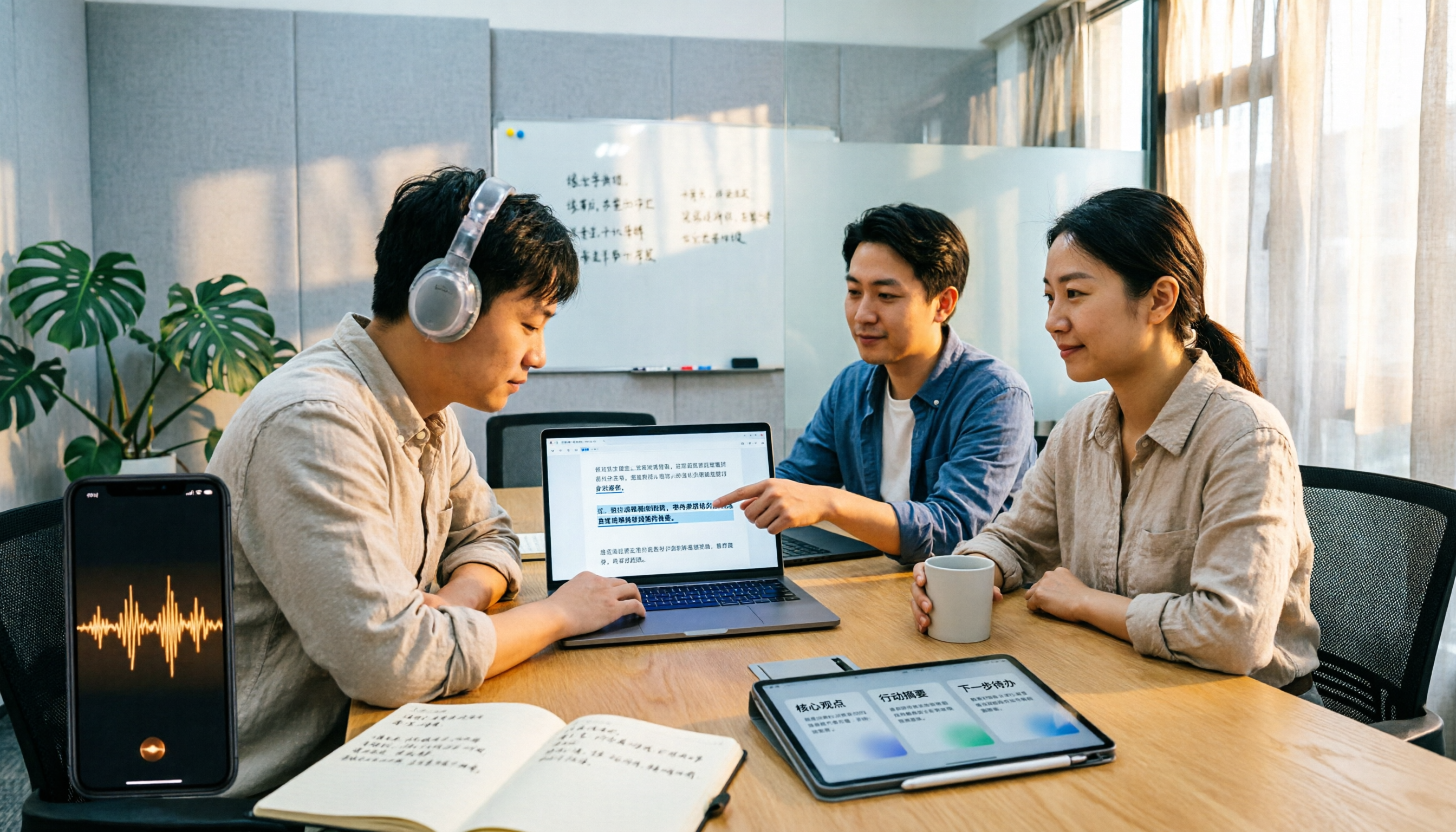
2026 M4A to Text Tools Compared: Which Saves More Time for Chinese Meeting Transcripts and AI Summaries?
How to choose an M4A to text tool? This article uses the same Chinese meeting recording to test Tinrec, Notta, TurboScribe, and VEED, comparing transcription readability, AI summaries, action item extraction, Chinese recognition, free quotas, and team collaboration to provide the most practical recommendations for 2026.
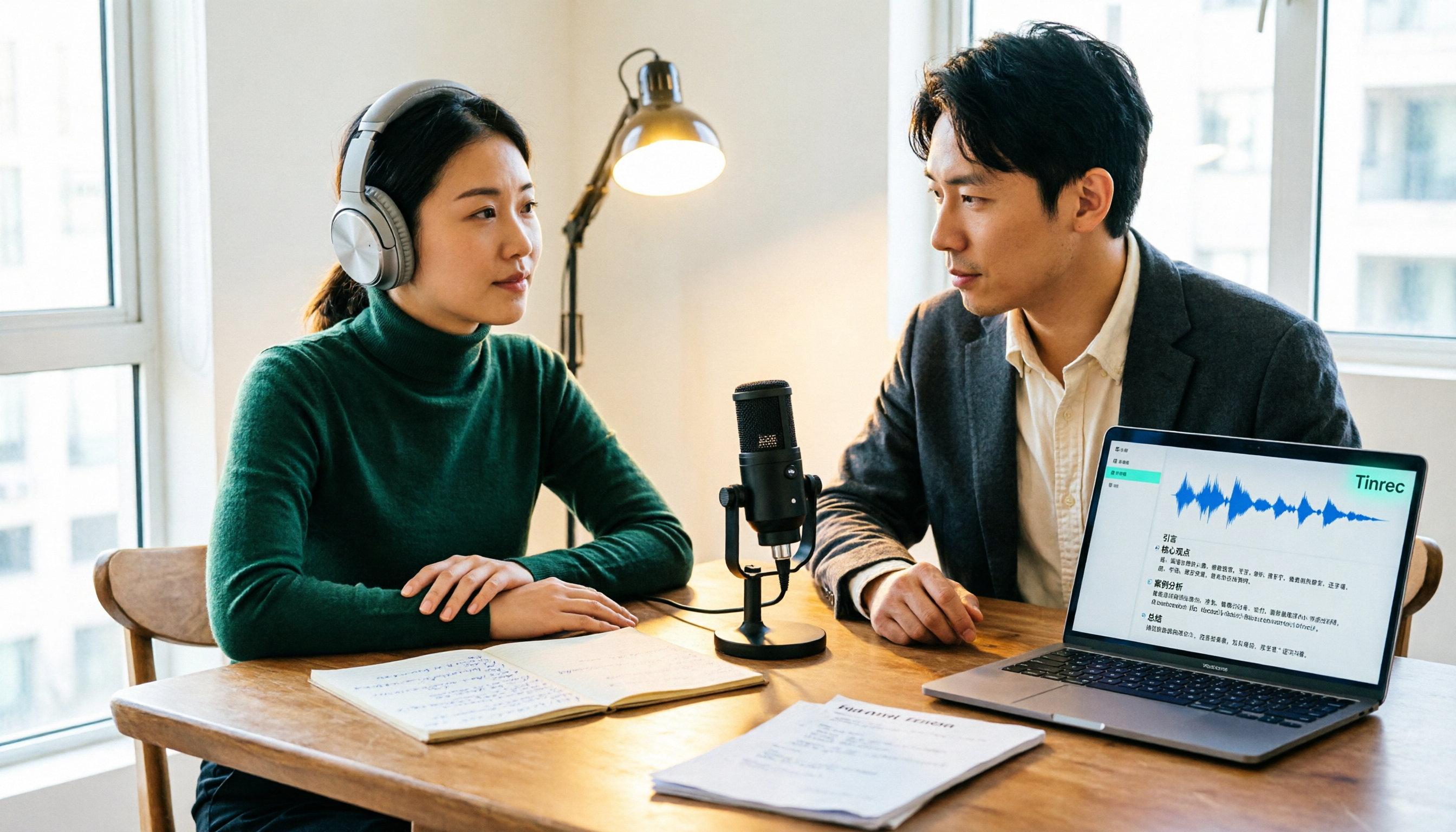
4 Podcast Transcription Tools Tested: Which One Turns Transcripts into Show Notes?
Podcast transcription isn't just about uploading an audio file. This article compares Tinrec, Notta, TurboScribe, and Granola from a practical workflow perspective, covering input methods, Chinese recognition, post-transcription organization, export, and team collaboration. It also highlights 3 common pitfalls to help you find a tool that turns transcripts into show notes.