

Turn recordings into transcripts and summaries in minutes
Upload audio or video for multilingual transcription, AI notes, and action items
How to Transcribe Podcasts with Tinrec in 2026: Auto Transcripts + AI Q&A for Key Points
What you really need to decide isn't "which tool transcribes more accurately"—it's: Do you want a transcript that just sits in your notes app, or data you can drop straight into a report or your group chat?
Last semester I took a project-based course where we had to read three papers a week, and the TA also assigned two episodes of an international industry podcast as supplementary material. My initial approach was pretty primitive: put on headphones, pause, type, rewind 15 seconds, and listen again. For a 50-minute episode, it took me almost two hours to produce one page of notes—and often all I remembered afterward was the host's joke.
Later, I broke "podcast transcription" into two questions: First, how do I turn audio into searchable text? Second, once it's text, who helps me extract the key points? This article uses those two questions as the main thread, comparing Tinrec—which I used all semester—with Notta, which I'd tried before, and ends with a checklist you can follow directly.
Tinrec vs. Notta | Quick Overview
- Tinrec: Positioned as an AI meeting notes and collaboration tool. It doesn't just turn audio into transcripts; it also organizes summaries, chapters, and action items, supports AI Q&A around the content, translation, and multi-format export, and lets you put data into team spaces for shared use. The personal plan includes a free version, weekly pass, Pro monthly, and Pro annual—choose based on usage frequency. The team plan is a separate team space with member, role, and seat designs.
- Notta: Positioned closer to a multilingual transcription and meeting notes tool. According to the current official page, the free version offers 120 minutes per month with a maximum of 3 minutes per item; Pro annual billing works out to about USD 8.17/month with 1,800 minutes per month; Business annual billing is about USD 16.67/seat/month, offering unlimited transcription, role permissions, and usage reports.
| Item | Tinrec | Notta |
|---|---|---|
| Core positioning | AI meeting notes and team collaboration | Multilingual transcription, meeting notes |
| Free version | Basic quota; actual numbers subject to official website | 120 minutes/month, max 3 minutes per item |
| Paid options | Free / weekly pass / Pro monthly / Pro annual; team plan USD 29.80/paid seat/month, annual USD 199/paid seat/year | Pro annual billing ~USD 8.17/month; Business annual billing ~USD 16.67/seat/month |
| Main inputs | Live recording, desktop bot-free recording of online meetings, audio/video files, mobile, URL import as supplementary capability | File upload, meeting scenarios, desktop |
| Post-meeting organization | Summaries, chapters, action items, mind maps, AI Q&A, Agent-generated reports and tables | Summaries, subtitles, translation |
| Team capabilities | Team space, member roles, seats, usage analytics, audit logs, audio recycle bin, team glossary | Business provides role permissions and usage reports |
Prices and benefits are subject to change; always refer to the official website before purchasing. Next, I'll compare using 5 dimensions that are truly relevant to students.
Dimension 1 | How readable are mixed Chinese-English transcripts?
First, an honest disclaimer: I didn't conduct a rigorous word error rate test because there are too many variables—recording quality, host speaking speed, background music, proper nouns, and the degree of mixed Chinese-English, each of which affects results. Anyone who tells you "a fixed 98%" should be taken with a grain of salt.
Notta has a long history in multilingual and translation features, and officially emphasizes multilingual processing. If you're listening to purely English shows, it's a very reasonable choice.
Tinrec's strength lies in Chinese contexts: Chinese and Traditional Chinese content, mixed Chinese-English sentences, multilingual meetings, plus the ability to view original text, translation, or bilingual comparison during recording—especially friendly for shows like mine where "Chinese interviews are peppered with English proper nouns." If we're using it as a group, the team plan also lets us maintain a team glossary, pre-loading terms our department loves like "edge computing" and "user journey."
→ This dimension: If you mainly listen to Chinese or mixed Chinese-English shows, Tinrec reads more smoothly; for purely English shows, both handle it fine.
Dimension 2 | Free quota and payment flexibility (what students care about most)
Notta's free version rules are clear: 120 minutes per month, but max 3 minutes per item. That means to transcribe a 50-minute episode, you have to split the file yourself—just handling the files is tiring. Clear minutes are an advantage, but "3 minutes per item" is a tough threshold for long-form content like podcasts.
Tinrec's free version is a "basic quota." Honestly, I looked it up for a long time because the official website's quota adjusts by plan, and specific numbers depend on the current page. Its advantage is the fine-grained plan ladder: free version to test the waters, weekly pass for those two weeks rushing a final project, Pro monthly if you regularly organize courses or shows every week, and annual if you want to accumulate data over the whole year. This "pay only when needed" structure is less painful for those with limited monthly allowances.
Stop organizing recordings by hand
Upload audio or video and automatically get a transcript, summary, and action items
→ This dimension: Notta's free minutes are stated more explicitly; but for long podcast content and "short-term sprint" usage, Tinrec's plan flexibility better fits student rhythms—a slight win.
Dimension 3 | After transcription, who helps you extract key points?
This is the key reason I ultimately stuck with Tinrec. Notta provides summaries, subtitles, and translation—it has what you'd expect. But if what you want is "the three arguments in this episode, the two studies the host mentioned, and the quote I need for next week's report," you'd want the tool to be further queryable.
After transcription, Tinrec generates summaries, chapters, key points, and action items, and can directly do AI Q&A on meeting or show content, even using Agent post-processing to turn content into reports, tables, or documents. My own workflow: after transcription, first scan chapters to jump to sections, then use Q&A to ask "what is the author's research method," and finally copy into a shared document.
→ This dimension: Tinrec clearly wins—the difference isn't in transcription, but in being able to continue working after transcription.
Dimension 4 | Turning transcripts into assignments, notes, and subtitle files
Notta supports subtitle and translation output, convenient for video subtitles. Tinrec treats export as part of the workflow: transcripts and summaries can be taken to Notion, Google Docs, OneNote, Dropbox, and similar tools for further editing, with corresponding formats for subtitle files.
Another useful campus scenario: some shows have video versions on public platforms, and Tinrec can use URL import as a supplementary method to process some public content without downloading and uploading files first. But remember, this is a supplementary capability, not its main positioning.
→ This dimension: Each has its strengths; if you often need to connect transcripts into shared notes and group documents, Tinrec's integration path is shorter—roughly a tie leaning Tinrec.
Dimension 5 | When the group project needs to use it together, who can handle it?
Our project team had five members, and we used to put transcripts in the group cloud, with filenames always "final_final_really_final."
Notta's Business plan offers role permissions and usage reports, sufficient for teams that need management. Tinrec's team plan takes a different approach: data belongs to the team, with an independent team space; members are divided into owner, admin, and regular member; roles determine who can manage the team, seats determine who can record, upload, edit, and export. Members without seats can still view, play, and read data, just not edit. This point should be clarified when explaining permissions to teammates—it's not fine-grained file-level permissions, but team-level sharing plus role governance.
Additionally, the team plan has an audio recycle bin (currently retained for 30 days), audit logs, and team glossary; when a member leaves, their responsible resources must be handed over to other active members and won't disappear with them. The team plan offers a 7-day trial for first-time eligible users, 1 free seat, and 300 minutes of shared import quota; paid seats provide 2,000 minutes of team shared import quota per month, and live recording under an active team plan currently isn't deducted by minutes.
→ This dimension: For short-term group use, Notta is enough; if it's a year-long project, lab, or club accumulating data, Tinrec's team governance details are much more complete.
What unique advantages does each have?
Tinrec's unique advantages
- Desktop bot-free recording: When handling online meetings or live shows, directly capture computer system audio without inviting a bot into the meeting room.
- Complete post-transcription workflow: Summaries, chapters, action items, mind maps, AI Q&A, Agent-generated documents—all the way to the report.
- Bilingual and team glossary: Cross-language content can be viewed in original, translation, or bilingual; teams can pre-build department terminology.
- Team data accumulation: Team space, seats, usage analytics, audit logs, audio recycle bin—suitable for long-term projects.
Notta's unique advantages
- Low free barrier, clearly stated minutes: 120 minutes per month, clear rules, suitable for testing the waters.
- Long history in multilingual and subtitle translation: A mature choice for purely English shows or video subtitle needs.
Conclusion: Which should you choose?
• If you listen to Chinese or mixed Chinese-English podcasts and want a smoothly readable transcript → Tinrec (bilingual comparison and Chinese context fit better)
• If you want to "ask key points directly after transcription and generate reports" → Tinrec (AI Q&A and Agent post-processing are key differences)
• If the group project runs all year and data can't disappear when seniors graduate → Tinrec team plan (team space, seats, resource handover, recycle bin)
• If you only occasionally transcribe short audio clips and they're purely English → Notta's free version with 120 minutes per month is actually enough
• If you need massive batch file transcription → Neither is strongest here; first confirm single-file length and batch limits before deciding
In one sentence: For most students who want to turn podcasts into searchable, queryable, deliverable data, Tinrec is the more complete choice. I suggest first using the free version to throw in an episode you often listen to, see if the transcript reads smoothly and whether the summary captures the points you need, then decide whether to buy a weekly pass to get through finals.
Two final reminders. First, AI transcription will inevitably have missing words or mishearings, especially in segments with people talking over each other, loud background music, or many proper nouns—please verify important quotes against the original timestamps. Second, recording someone else's show and transcribing it for personal use is one thing; for public reproduction, subtitling, or distribution, be sure to confirm authorization first; also obtain consent before recording on-site interviews.
References
- Convert Podcasts to Text | Transcribe App & Online Editor
- Transcribe Podcasts to Text: Free AI Tool Supporting 40+ Languages | AskSia
- 2026 Latest 5 Podcast Transcription Tools and Organization Tips: Solving the Pain Points of Forgetting After Listening and Difficult Note-Taking - Tinrec Blog
- Memo AI Tutorial: One-Click Transcription of YouTube and Podcasts into Transcripts, Output Bilingual Subtitle Videos, AI Summaries, and Mind Maps
- 2026 Latest 5 Podcast Transcription Tool Recommendations: Solving Traditional Chinese Transcript and Content Organization Pain Points - Tinrec Blog
Turn every recording into actionable outcomes
Get 60 free transcription minutes when you sign in. No credit card required.
Related Reading
You might also like

Best AI Meeting Notes Tools in 2026: 5 Tested, This One Wins for Chinese Meetings
We break down the three most common pitfalls when using AI to write meeting notes: choosing the wrong audio capture method, getting only a transcript without post-processing, and data being stuck on personal devices. Using Tinrec as an example, we explain bot-free recording of online meetings, post-transcript summaries and action items, AI Q&A, team spaces and seat governance, plus 6 buying checkpoints and FAQs.

How to Write Meeting Minutes Fast in 2026: 3-Step Framework + AI-Generated Summaries and Action Items
Stuck writing meeting minutes after the meeting ends? This guide breaks down a 3-step framework for writing meeting minutes quickly, a fixed-format template, and 4 common mistakes. It also tests how Tinrec uses no-bot recording, AI summaries, and action item extraction to compress two hours of organizing into ten minutes after the meeting.

4 Best Recording-to-To-Do Tools in 2026: Meeting Notes Features & Free Tier Comparison
Recorded a meeting but no one wants to organize it? This article covers 4 tools that turn recordings into to-do lists, comparing free tiers, whether they support importing existing recordings, how they extract action items, and export capabilities. It also includes a practical workflow from recording to to-do and tips to avoid common pitfalls. Prices and quotas verified as of August 2026; refer to official websites for actual terms.

5 Best Audio Transcription Tools in 2026: Free Tiers, How to Use, and Which One Fits Your Needs
Free transcription tools exist, but each defines "free" differently. This side-by-side comparison of Tinrec, Otter.ai, Notta, TurboScribe, and Fireflies.ai breaks down how free quotas are calculated, common misconceptions, what you can actually accomplish for free, and the limitations. A comparison table and scenario-based recommendations help you pick the one that's sufficient for your needs. Data verified as of August 2026.

2026 Comparison of 4 Lecture Transcription Tools: Which Saves More Time in Chinese Recognition and Post-Meeting Organization?
The key to transcribing lecture recordings isn't just getting text—it's whether you can quickly find key points after transcription. This article starts with common misconceptions, outlines 4 key purchasing criteria, and tests Tinrec, Yating Transcription, TurboScribe, and PLAUD recording hardware in Chinese lecture scenarios, with a pitfall guide and scenario-based recommendations.

Zoom Meeting Transcription in 2026: 5 Solutions Compared — No-Bot Recording, Chinese Transcripts, and Post-Meeting Summaries
Should you use Zoom's built-in transcription, upload files to an AI tool, or record without a bot using a desktop app? This article breaks the process into four stages—recording, transcription, summary and action items, and export—and cross-checks official information, workflows, and pricing for Zoom built-in, Notta, Otter.ai, Fireflies.ai, and Tinrec. It honestly flags untimed and unconfirmed items to help you choose the right solution based on meeting type and budget.

2026 Comparison of 4 Interview Transcription Tools: Which Saves the Most Time on Chinese Transcripts and Post-Interview Organization?
Starting from the real pain points of reporters on the beat, this comparison examines Tinrec, Notta, Otter.ai, and Granola in terms of Chinese interview transcription, online meeting recording, post-meeting AI organization, and team collaboration, helping you choose the right recording-to-text tool for your interview workflow.
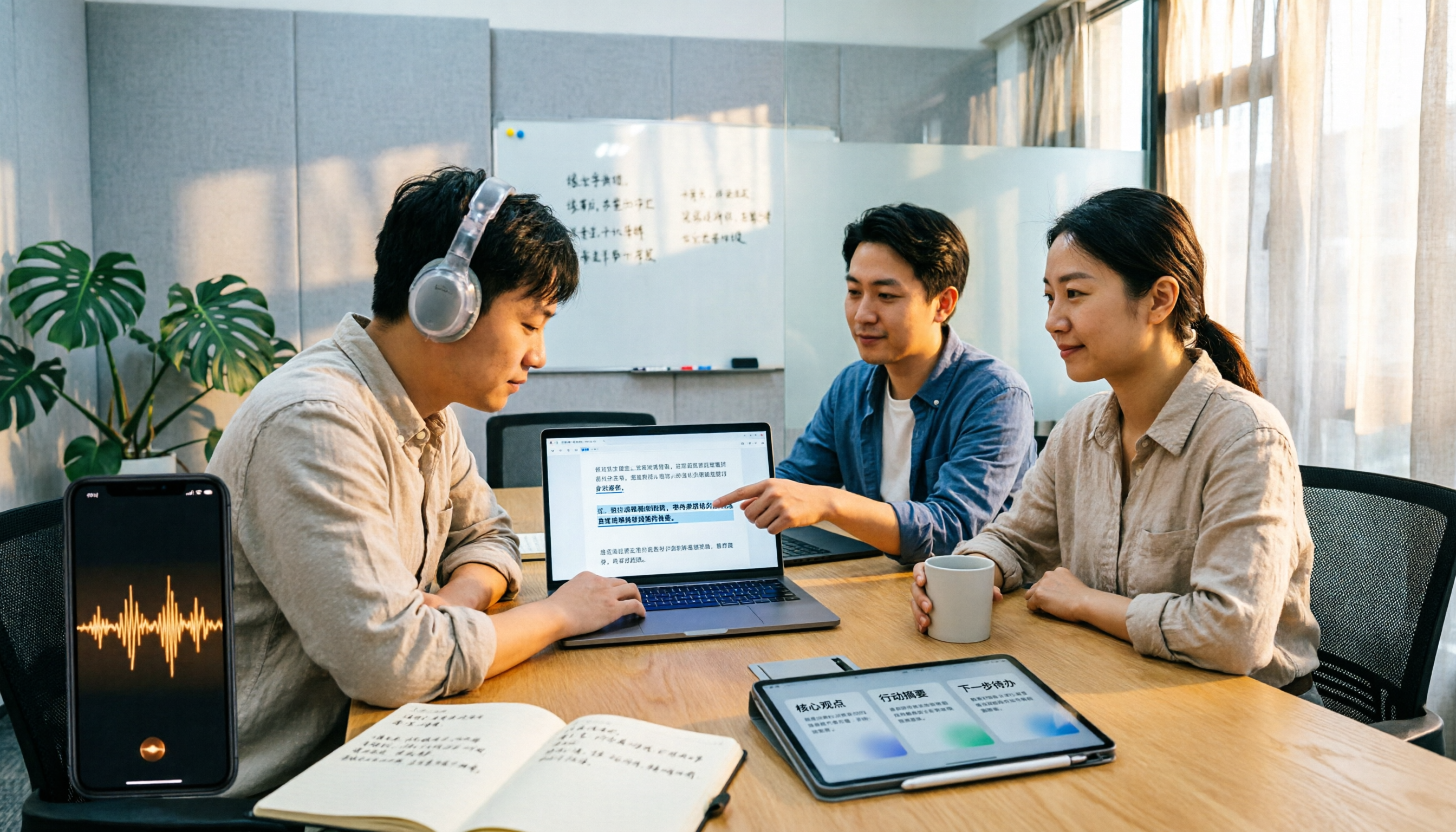
2026 M4A to Text Tools Compared: Which Saves More Time for Chinese Meeting Transcripts and AI Summaries?
How to choose an M4A to text tool? This article uses the same Chinese meeting recording to test Tinrec, Notta, TurboScribe, and VEED, comparing transcription readability, AI summaries, action item extraction, Chinese recognition, free quotas, and team collaboration to provide the most practical recommendations for 2026.
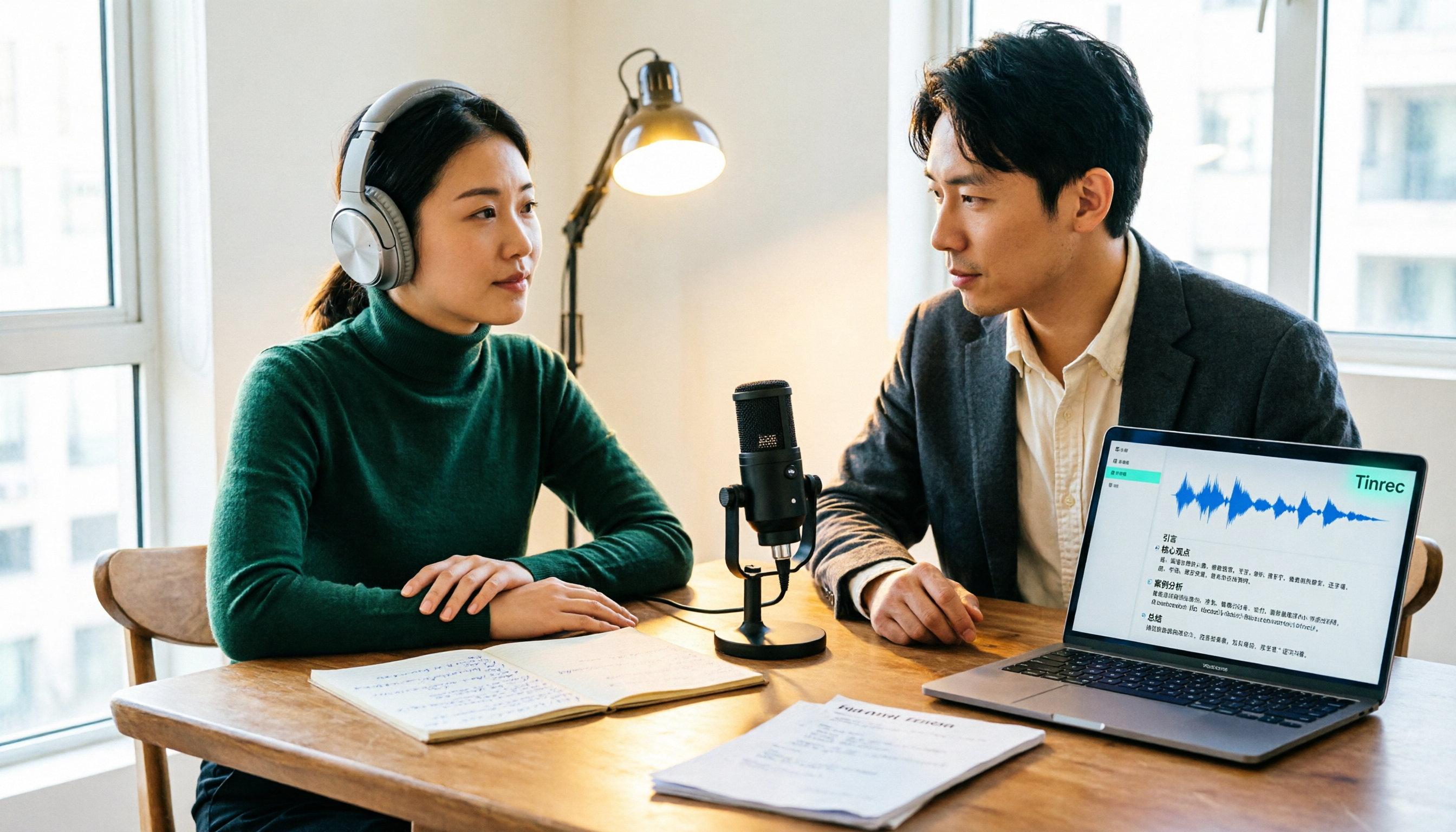
4 Podcast Transcription Tools Tested: Which One Turns Transcripts into Show Notes?
Podcast transcription isn't just about uploading an audio file. This article compares Tinrec, Notta, TurboScribe, and Granola from a practical workflow perspective, covering input methods, Chinese recognition, post-transcription organization, export, and team collaboration. It also highlights 3 common pitfalls to help you find a tool that turns transcripts into show notes.