

Turn recordings into transcripts and summaries in minutes
Upload audio or video for multilingual transcription, AI notes, and action items
How to Write Meeting Minutes Fast in 2026: 3-Step Framework + AI-Generated Summaries and Action Items
An hour after the meeting ends, your minutes are still stuck on the first line—the problem isn't your typing speed
The meeting ended at 4 p.m., and at 8 p.m. you're still at your desk re-listening to the recording. People talked fast, mixed English and Chinese, and two or three people spoke at once; all you have are a few lines of notes you can't even read yourself. This is the classic meeting minutes nightmare.
What's worse, after spending two hours writing it up, no one looks at it again after you send it out. Because it only says "who said what," not "so what did we decide, who's doing what, and when is it due."
Another increasingly common scenario: cross-border client meetings where the client speaks English, your colleagues speak Chinese, and a few product terms get mixed in. You're listening and typing at the same time, and in the end you didn't catch either side clearly.
This article isn't about typing speed. It breaks "writing meeting minutes fast" into a repeatable process you can copy, then explains how far AI tools in 2026 can take over and where humans still need to step in.
Before Writing Meeting Minutes Fast, Understand These 4 Key Points
1. The goal of minutes is convergence, not transcription Meeting minutes are not a verbatim transcript. What really needs to be kept is "the final conclusion on each topic" and "what needs to be done after the meeting." A 60-minute meeting condensed into half an A4 page is a qualified set of minutes. The test is simple: if someone pulls it out three months later, can they understand what was decided within 30 seconds?
2. Keep the format fixed—don't reinvent it every time The most time-saving skeleton is fixed: meeting name and date → one sentence on the problem this meeting is solving → conclusions for each topic → action items (who, what, when) → next meeting time. With a fixed skeleton, you know what to listen for during the meeting and don't have to think about formatting while listening.
3. Send within 24 hours after the meeting Wait more than a day, and even you will forget the context of that conclusion. Attendees' memory of the meeting also decays quickly; the longer you wait, the higher the cost of back-and-forth confirmation.
4. The tool must retain recordings and be queryable Just getting a transcript is actually of limited help—finding one sentence like "who mentioned the budget" in 30 pages of text is about as painful as re-listening to the recording. Being able to ask questions directly about the meeting content and automatically extract action items is the dividing line for choosing tools in 2026.
Tinrec—Cut Out the "Post-Meeting Re-Listening" Step Entirely
Tinrec is an AI meeting notes and collaboration tool for individuals and teams, available on iOS, Android, desktop, and web. It doesn't handle the "recording" step; it handles the most time-consuming organizing work after recording.
During the meeting: live transcript as you speak, no meeting bot needed The desktop version captures your computer's system audio directly. For online meetings on Zoom, Google Meet, Microsoft Teams, and Webex, you don't need to pull an extra bot account into the meeting room. This is especially practical for external meetings—you don't have to explain to the client "what that account joining the meeting is." For in-person meetings, you can use live recording and transcribe as you record.
After the meeting: summaries, chapters, and action items are already organized This is the most obvious time-saving part. AI breaks long meetings into chapters, generates summaries, and extracts action items from the discussion. What used to take two hours of listening and typing becomes "review the AI draft, correct names and numbers." Note that AI may mishear proper nouns or tone shifts, so the right approach is to use timestamps in the transcript to verify key segments, not re-listen to the whole thing.
Post-meeting follow-up: just ask it, no Ctrl+F needed This is where Tinrec differs most from most transcription tools. You can ask directly: "Who mentioned the budget adjustment in the last meeting?" "What were the client's concerns about the delivery date?" It gives answers based on semantic understanding, not a bunch of keyword search results. You can also continue generating reports, tables, or documents from the same meeting data, and export to Notion, Google Docs, OneNote, Dropbox, and other tools for further use.
Cross-language meetings: view original, translation, or bilingual side by side Real-time translation is supported; during recording you can switch between original, translation, or bilingual view. For meetings that mix Chinese and English, this is much more practical than translating the whole thing afterward.
Stop organizing recordings by hand
Upload audio or video and automatically get a transcript, summary, and action items
Team scenarios: data belongs to the team, not individuals If you're a team that meets regularly every week, the team version makes a clear difference: a separate team space centrally stores recordings, folders, and action items, and new members can directly view past meetings; admins can manage members, roles, and seats, and view usage trends and audit logs. Currently, the team monthly plan is USD 29.80 per paid seat per month, and the annual plan is USD 199 per paid seat per year; eligible teams get a 7-day trial, 1 free seat, and 300 minutes of shared import quota on first use, and paid seats provide 2,000 minutes of shared import quota per month. Under an active team plan and active seats, live recording is currently not deducted by the minute.
A few limitations that must be made clear First, Tinrec is not a calendar bot and won't automatically join all your meetings; you need to start recording yourself on the desktop version. Second, transcription accuracy is affected by recording quality, noise, accents, overlapping speech, and technical terminology; no tool should promise a fixed percentage. Third, the free version provides a basic quota; heavy users should evaluate paid plans.
Who it's for People who have more than 2 meetings a day and still have to organize minutes themselves; teams that handle mixed Chinese-English or cross-border meetings; and departments that want meeting data to be retained rather than scattered across individual computers.
Besides Tinrec, What Other Options Are There?
Otter.ai A mature choice for English business meetings. The Basic free plan offers a generous 300 minutes per month, and Pro annual billing works out to about USD 8.49 per user per month. If 90% of your meetings are purely in English and your team is comfortable with an English interface, it does the job well. But Chinese and mixed Chinese-English organizing is not its strong suit, and for post-meeting follow-up and report generation, Tinrec's workflow is closer to what Chinese-speaking teams are used to.
Notta Good multilingual transcription capability, with the highest overlap with Tinrec. The free plan offers 120 minutes per month with a 3-minute limit per item; Pro annual billing works out to about USD 8.17 per month with 1,800 minutes per month. Its strengths are file transcription and translation; but if what you want is "record online meetings without a bot, then ask questions directly about the content and extract action items," Tinrec's flow is more complete.
Granola Also takes the no-bot desktop recording route. Basic is free, Business is USD 14 per user per month, and its strength is combining user-written notes with AI. Note that it does not support uploading pre-recorded audio files and does not save meeting audio. Tinrec, on the other hand, retains recordings and supports importing audio and video files, which makes a big difference for people who need to go back and verify original statements.
Pitfall Guide: The 4 Most Common Mistakes in Writing Meeting Minutes
Pitfall 1: Writing minutes as a verbatim transcript The most common mistake for newcomers is fear of missing details, so they write down every sentence. The result is a 30-page document no one wants to read. The right approach is to keep only conclusions and actions, and let the recording and transcript carry the rest.
Pitfall 2: Recording only "what was said," not "what needs to be done" Action items without an owner and deadline are as good as no action items. Each action item should at least clearly state: who, what, and when.
Pitfall 3: Using abbreviations only you understand One function of meeting minutes is to "level the information" so people who didn't attend can understand. Made-up abbreviations and casual codes will leave even you guessing six months later.
Pitfall 4: Buying an AI tool but only using it for transcription This is the biggest waste. Most people use transcription tools as typewriters, but features like Tinrec's AI Q&A, action item extraction, export, and post-processing are the key to compressing "two hours of organizing" into "ten minutes of proofreading." Outputting only a transcript means using only one-third of its value.
Summary: How Should You Choose?
The core of writing meeting minutes fast isn't writing quickly—it's getting the order right: during the meeting, capture only conclusions and actions; send within 24 hours after the meeting; leave the rest to tools.
- Meetings mix Chinese and English and need bilingual transcripts → Tinrec (supports real-time translation and bilingual view)
- Want to ask questions directly to find key points after the meeting and avoid re-listening → Tinrec (AI Q&A and action item extraction)
- Don't want to pull a bot into online meetings → Tinrec desktop or Granola, but if you need to retain audio files and import old recordings, choose Tinrec
- Team needs to share meeting data and manage seats and usage → Tinrec team version
- All meetings are in English and you just want cheap → Otter.ai free version
Practical advice: don't rush to pay first. Use a meeting you were going to have anyway and run the process once: turn on transcription during the meeting, then see whether the AI summary and action items are enough for you before deciding whether to upgrade. Smooth meeting minutes save not only time, but also those hours you spend in the office every night.
References
- How to Do Meeting Minutes? A Complete Guide for Beginners in 2026 - Meta Note
- Meeting Minutes = Verbatim Transcript? Professional Minutes Record Only 3 Key Points | Writing Tips and Templates | 104 Workplace
- How to Do AI Meeting Minutes? A Complete Guide from Writing Principles to Tool Selection and Automation Prompts | Manager Today
- Meeting Minutes Format Template [Ready to Copy] 4 Key Points + Writing Examples, Fill It In and Submit
- How to Do Meeting Minutes? A Complete Guide: Practical Tips and Templates from Beginner to Expert - Roo.Cash
Turn every recording into actionable outcomes
Get 60 free transcription minutes when you sign in. No credit card required.
Related Reading
You might also like

How to Transcribe Podcasts with Tinrec in 2026: Auto Transcripts + AI Q&A for Key Points
A student's hands-on comparison of Tinrec vs. Notta for podcast transcription: free tiers, mixed Chinese-English transcripts, AI summaries and Q&A, exports, and team collaboration for group projects—5 dimensions to help you choose the right tool.

Best AI Meeting Notes Tools in 2026: 5 Tested, This One Wins for Chinese Meetings
We break down the three most common pitfalls when using AI to write meeting notes: choosing the wrong audio capture method, getting only a transcript without post-processing, and data being stuck on personal devices. Using Tinrec as an example, we explain bot-free recording of online meetings, post-transcript summaries and action items, AI Q&A, team spaces and seat governance, plus 6 buying checkpoints and FAQs.

4 Best Recording-to-To-Do Tools in 2026: Meeting Notes Features & Free Tier Comparison
Recorded a meeting but no one wants to organize it? This article covers 4 tools that turn recordings into to-do lists, comparing free tiers, whether they support importing existing recordings, how they extract action items, and export capabilities. It also includes a practical workflow from recording to to-do and tips to avoid common pitfalls. Prices and quotas verified as of August 2026; refer to official websites for actual terms.

5 Best Audio Transcription Tools in 2026: Free Tiers, How to Use, and Which One Fits Your Needs
Free transcription tools exist, but each defines "free" differently. This side-by-side comparison of Tinrec, Otter.ai, Notta, TurboScribe, and Fireflies.ai breaks down how free quotas are calculated, common misconceptions, what you can actually accomplish for free, and the limitations. A comparison table and scenario-based recommendations help you pick the one that's sufficient for your needs. Data verified as of August 2026.

2026 Comparison of 4 Lecture Transcription Tools: Which Saves More Time in Chinese Recognition and Post-Meeting Organization?
The key to transcribing lecture recordings isn't just getting text—it's whether you can quickly find key points after transcription. This article starts with common misconceptions, outlines 4 key purchasing criteria, and tests Tinrec, Yating Transcription, TurboScribe, and PLAUD recording hardware in Chinese lecture scenarios, with a pitfall guide and scenario-based recommendations.

Zoom Meeting Transcription in 2026: 5 Solutions Compared — No-Bot Recording, Chinese Transcripts, and Post-Meeting Summaries
Should you use Zoom's built-in transcription, upload files to an AI tool, or record without a bot using a desktop app? This article breaks the process into four stages—recording, transcription, summary and action items, and export—and cross-checks official information, workflows, and pricing for Zoom built-in, Notta, Otter.ai, Fireflies.ai, and Tinrec. It honestly flags untimed and unconfirmed items to help you choose the right solution based on meeting type and budget.

2026 Comparison of 4 Interview Transcription Tools: Which Saves the Most Time on Chinese Transcripts and Post-Interview Organization?
Starting from the real pain points of reporters on the beat, this comparison examines Tinrec, Notta, Otter.ai, and Granola in terms of Chinese interview transcription, online meeting recording, post-meeting AI organization, and team collaboration, helping you choose the right recording-to-text tool for your interview workflow.
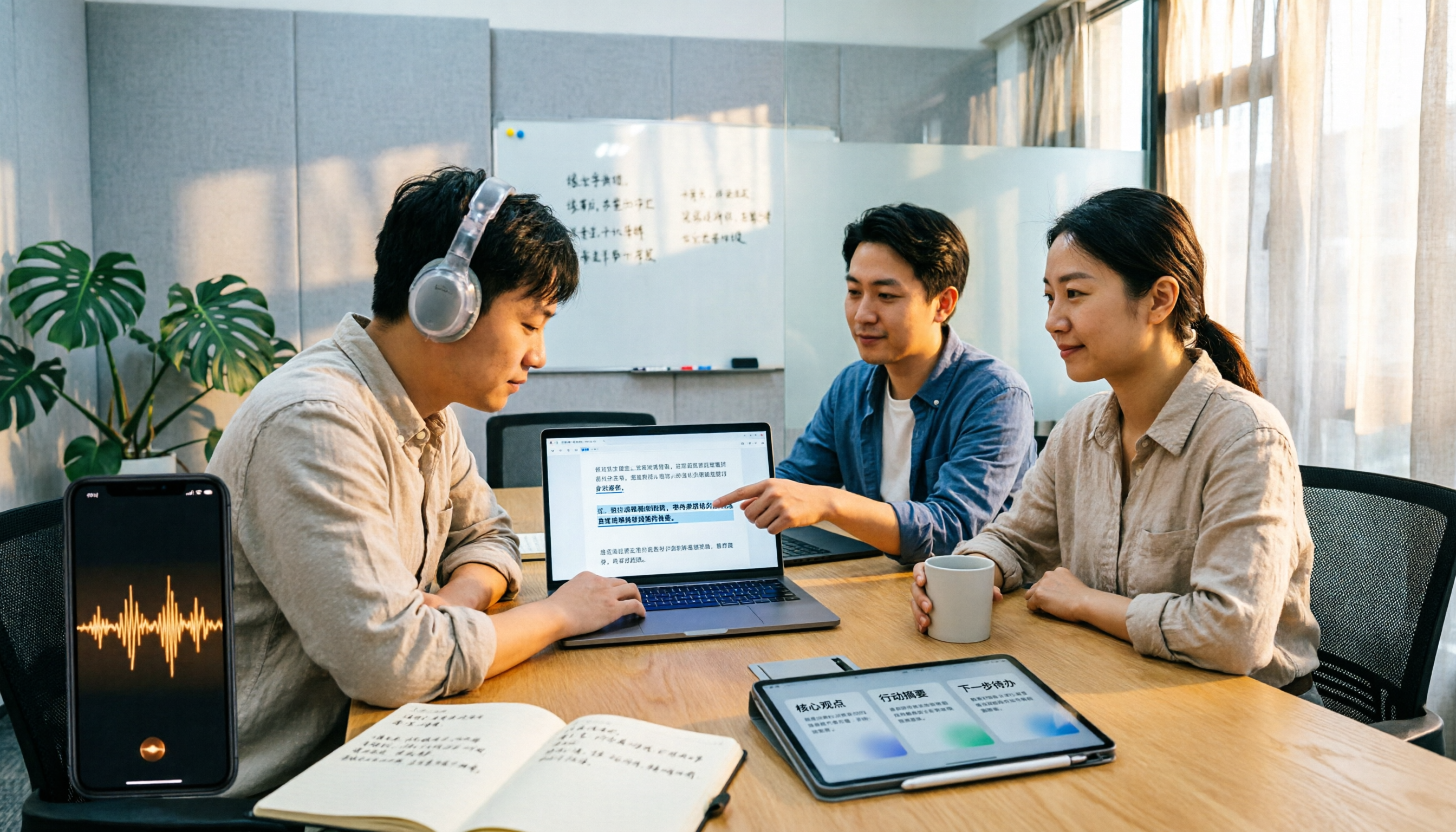
2026 M4A to Text Tools Compared: Which Saves More Time for Chinese Meeting Transcripts and AI Summaries?
How to choose an M4A to text tool? This article uses the same Chinese meeting recording to test Tinrec, Notta, TurboScribe, and VEED, comparing transcription readability, AI summaries, action item extraction, Chinese recognition, free quotas, and team collaboration to provide the most practical recommendations for 2026.
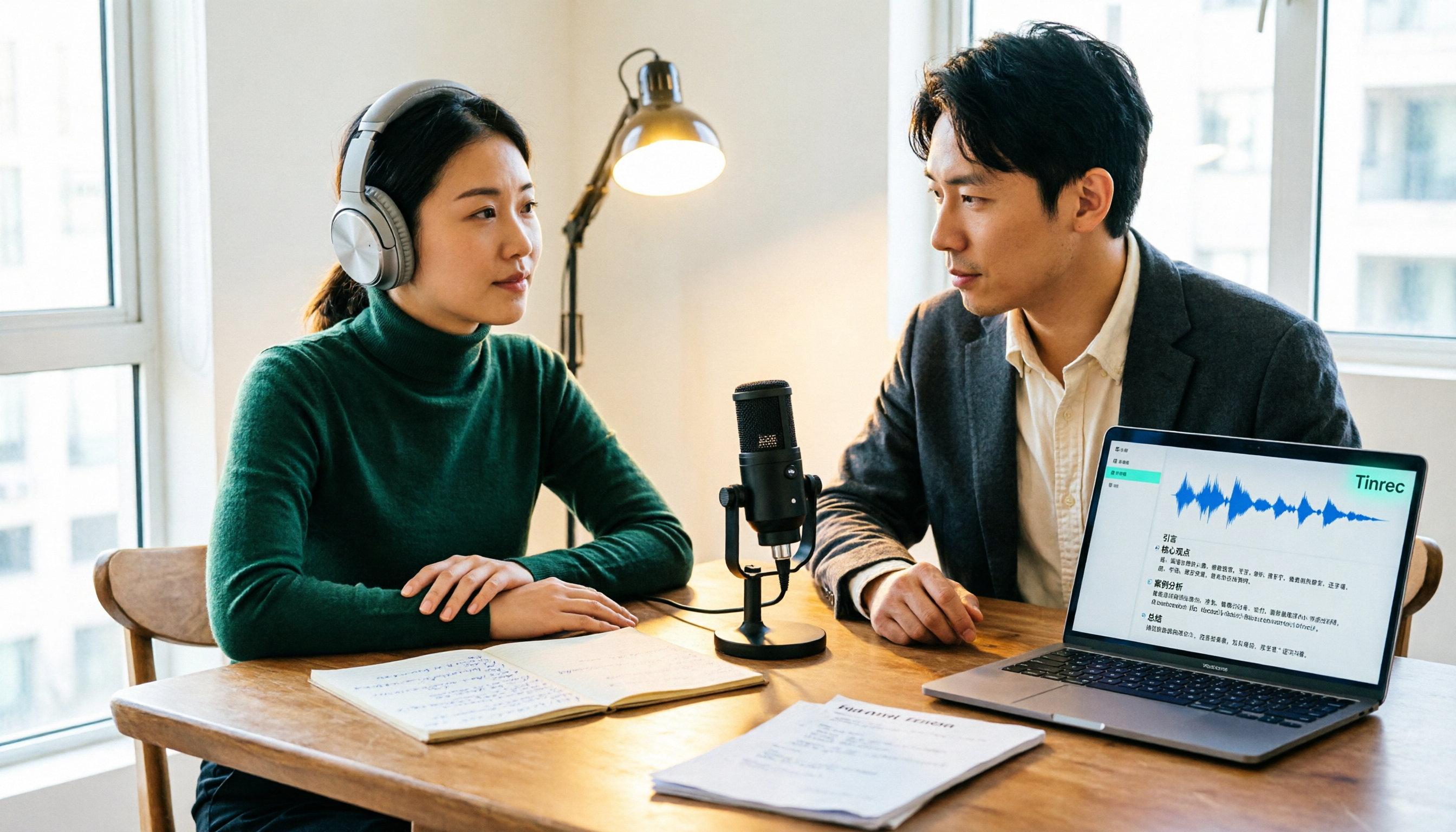
4 Podcast Transcription Tools Tested: Which One Turns Transcripts into Show Notes?
Podcast transcription isn't just about uploading an audio file. This article compares Tinrec, Notta, TurboScribe, and Granola from a practical workflow perspective, covering input methods, Chinese recognition, post-transcription organization, export, and team collaboration. It also highlights 3 common pitfalls to help you find a tool that turns transcripts into show notes.