

Turn recordings into transcripts and summaries in minutes
Upload audio or video for multilingual transcription, AI notes, and action items
Best AI Meeting Notes Tools in 2026: 5 Tested, This One Wins for Chinese Meetings
Many people's first idea of "AI writing meeting notes for me" is to drop in an audio file and wait for a nicely formatted summary to pop out.
Honestly, that's exactly where things go wrong most often.
The reality usually looks like this: you drop in the audio, and out comes a transcript full of typos; all speakers are mixed together so you can't tell who said what; the summary is bland and misses "who's responsible and when it's due"; and two weeks later when you want to look up a specific sentence, you have no idea where the file went.
The problem isn't that AI isn't smart enough—it's that the workflow was pointed in the wrong direction from the start. A more sensible approach is to think in reverse: first confirm how audio is captured, then check whether there's post-processing after the transcript, and finally look at price.
Below I've organized 5 approaches I've actually used and compared, and explain why Tinrec is the one I open most often for Chinese meetings and team knowledge retention.
How much can AI help with meeting notes?
Bottom line first: AI can handle about 80% of the grunt work of "taking notes," but it can't make decisions for you.
Scenario 1: A first draft 5 minutes after the meeting ends A two-hour meeting used to mean another hour of organizing afterward. Now, with Tinrec for example, the transcript, summary, chapters, and action items are all ready when the meeting ends—you just spend a few minutes verifying and adding a concluding sentence.
Scenario 2: You don't want another bot in your online meeting Pulling a meeting bot into Zoom or Teams can be awkward with external clients. Tinrec's desktop version captures your computer's system audio directly, so no extra participant is needed—especially useful for client meetings.
Scenario 3: Someone asks afterward, "Who said they'd handle this?" A transcript is just raw material; being able to "ask" it is what matters. Tinrec supports AI Q&A around meeting content—just ask "What was the conclusion on the budget?" and it searches the content for the answer.
Scenario 4: A new hire takes over last month's project What you need here isn't just a summary, but a searchable, replayable, queryable database. That's what Tinrec's team spaces handle.
What are the core capabilities?
Bot-free recording of online meetings Tinrec's desktop version captures system audio to handle Zoom, Google Meet, Microsoft Teams, Webex, and other meetings without inviting a bot. Note that this doesn't mean "automatically joins all calendar meetings"—you need to actively open Tinrec and start recording.
Real-time transcription and translation Transcribes as it records, so you see text during the meeting. For cross-language meetings, you can switch between original, translated, or bilingual display—a big time-saver for teams with overseas colleagues.
AI summaries and chapters Long meetings are most dreaded when they turn into a wall of text. Tinrec breaks content into chapters and key points, so you can jump straight to a topic when reviewing instead of listening from the beginning.
Action item extraction and post-meeting output Beyond listing action items, Tinrec's Agent post-processing can generate reports, tables, and documents based on meeting content—pushing "meeting notes" straight into "post-meeting deliverables."
AI Q&A Transcripts are no longer dead files. You can ask for details, request a summary of a particular participant's remarks, or compare two meetings side by side.
Multi-format export Results can be brought into existing workflows like Notion, Google Docs, OneNote, and Dropbox—no lock-in to a single tool.
Team spaces and governance The team edition centralizes meeting data and provides member, role, and seat management, plus usage analytics, audit logs, an audio recycle bin, and team hotwords. When a member leaves, data stays with the team—it doesn't leave with the person.
Real-world use cases
Regular weekly and project meetings Recurring meetings are best handed off to AI. With Tinrec, for example, open the desktop version before the meeting to start recording, then check the summary and action items afterward—let the notes remember "where we left off" instead of your memory.
Stop organizing recordings by hand
Upload audio or video and automatically get a transcript, summary, and action items
Client interviews and requirements discussions Clients talk fast, cite many numbers, and use even more jargon. Tinrec's team hotwords let you maintain common terminology so the transcript is less likely to mishear; afterward, use AI Q&A to confirm the client's real concerns—much faster than re-listening to an hour of recording.
Course, lecture, and training recordings Class recordings often go unheard. After running them through Tinrec for transcription and summaries, at least you can search key passages—reviewing costs much less.
Cross-department decision meetings The point of decision meetings is the "basis." Storing each meeting's conclusions and action items in team spaces lets you look back at the original discussion during the next review—instead of everyone telling different stories.
6 things to check when buying an AI meeting notes tool
1. Audio capture method: does a bot need to join the meeting? This is the first thing to confirm. Some tools rely on a meeting bot joining as a participant, which may not be suitable for external meetings; Tinrec uses desktop system audio capture and adds no participants.
2. Performance with Chinese and mixed Chinese-English Tools built mainly for English meetings often fall short in Chinese meetings. Tinrec clearly focuses on Chinese, Traditional Chinese, and multilingual meetings, and supports mixed Chinese-English content. Test with your own recording—it's more reliable than marketing claims.
3. Is there post-processing after the transcript? A transcript alone means only half the job is done. Tinrec connects summaries, chapters, action items, Q&A, translation, and export into one workflow—that's where the time savings come from.
4. Are audio files retained, and can you go back to verify? No matter how accurate the AI summary is, important numbers still need to be checked against the original. Tinrec retains recordings and transcript timestamps, so you can replay any sentence you have doubts about.
5. Is the team permission design clear? Many tools conflate "roles" and "seats." Tinrec's team edition separates them: roles determine who can manage the team and audit, while seats determine who can record, upload, edit, and export. Members without seats can still view, play, and read team data.
6. How is quota calculated, and is pricing transparent? Tinrec's team edition is currently USD 29.80 per paid seat per month, or USD 199 per paid seat per year (about USD 16.58/month), with each paid seat providing 2,000 minutes of shared team import quota per month; under an active plan and active seat, real-time recording is currently not deducted by minute. First-time eligible teams get a 7-day trial, 1 free seat, and 300 minutes of shared import quota. Actual pricing and benefits are subject to the official purchase page.
FAQ
Q1: Can AI really write usable meeting notes for me? Yes, but treat it as a "first-draft generator," not a "decision-maker." Tinrec produces transcripts, summaries, chapters, and action items; you verify key numbers and commitments. For important content, confirm with transcript timestamps and recording playback.
Q2: Is the free version enough? Tinrec's free version offers basic quota, suitable for trying one or two meetings to confirm audio capture and recognition fit your scenario. If you have regular weekly meetings, the Pro monthly or annual plan is more suitable; for short-term intensive interviews or courses, consider the weekly plan.
Q3: Do I need to add Tinrec to the meeting room for online meetings? No. Tinrec's desktop version captures the meeting audio played by your computer, so no extra participant appears. However, it won't automatically join all your calendar meetings—you need to press start recording yourself.
Q4: Can it handle mixed Chinese-English meetings? Tinrec supports Chinese, Traditional Chinese, and multilingual content; mixed Chinese-English discussions can be organized and viewed bilingually with real-time translation. Actual recognition is affected by audio quality, accents, simultaneous speakers, and technical terminology—teams can set up hotwords in advance.
Q5: What should I watch out for with meeting recordings? Recording and transcription involve personal data and privacy, and regulations vary by region. In practice, inform participants and obtain consent before the meeting starts, and store and destroy data according to company policy.
Q6: If a team member leaves, will meeting data be taken away? No. Tinrec's team edition data belongs to the team; when a member exits, is removed, or loses their seat, their team resources need to be handed over to other active members. Audio moved to the recycle bin can be restored before permanent deletion (currently retained for 30 days).
Conclusion
The real value of AI writing meeting notes isn't "saving typing time"—it's "whether the data can still be used after the meeting ends."
If your meetings are mainly in Chinese and you need online meeting support and team knowledge retention, Tinrec is a highly fitting choice: bot-free recording, transcripts plus summaries and action items, queryable, and exportable to existing workflows.
We recommend running the free version on one or two of your own meetings first to see how it performs in your audio environment, then decide whether to upgrade.
References
Turn every recording into actionable outcomes
Get 60 free transcription minutes when you sign in. No credit card required.
Related Reading
You might also like

How to Transcribe Podcasts with Tinrec in 2026: Auto Transcripts + AI Q&A for Key Points
A student's hands-on comparison of Tinrec vs. Notta for podcast transcription: free tiers, mixed Chinese-English transcripts, AI summaries and Q&A, exports, and team collaboration for group projects—5 dimensions to help you choose the right tool.

How to Write Meeting Minutes Fast in 2026: 3-Step Framework + AI-Generated Summaries and Action Items
Stuck writing meeting minutes after the meeting ends? This guide breaks down a 3-step framework for writing meeting minutes quickly, a fixed-format template, and 4 common mistakes. It also tests how Tinrec uses no-bot recording, AI summaries, and action item extraction to compress two hours of organizing into ten minutes after the meeting.

4 Best Recording-to-To-Do Tools in 2026: Meeting Notes Features & Free Tier Comparison
Recorded a meeting but no one wants to organize it? This article covers 4 tools that turn recordings into to-do lists, comparing free tiers, whether they support importing existing recordings, how they extract action items, and export capabilities. It also includes a practical workflow from recording to to-do and tips to avoid common pitfalls. Prices and quotas verified as of August 2026; refer to official websites for actual terms.

5 Best Audio Transcription Tools in 2026: Free Tiers, How to Use, and Which One Fits Your Needs
Free transcription tools exist, but each defines "free" differently. This side-by-side comparison of Tinrec, Otter.ai, Notta, TurboScribe, and Fireflies.ai breaks down how free quotas are calculated, common misconceptions, what you can actually accomplish for free, and the limitations. A comparison table and scenario-based recommendations help you pick the one that's sufficient for your needs. Data verified as of August 2026.

2026 Comparison of 4 Lecture Transcription Tools: Which Saves More Time in Chinese Recognition and Post-Meeting Organization?
The key to transcribing lecture recordings isn't just getting text—it's whether you can quickly find key points after transcription. This article starts with common misconceptions, outlines 4 key purchasing criteria, and tests Tinrec, Yating Transcription, TurboScribe, and PLAUD recording hardware in Chinese lecture scenarios, with a pitfall guide and scenario-based recommendations.

Zoom Meeting Transcription in 2026: 5 Solutions Compared — No-Bot Recording, Chinese Transcripts, and Post-Meeting Summaries
Should you use Zoom's built-in transcription, upload files to an AI tool, or record without a bot using a desktop app? This article breaks the process into four stages—recording, transcription, summary and action items, and export—and cross-checks official information, workflows, and pricing for Zoom built-in, Notta, Otter.ai, Fireflies.ai, and Tinrec. It honestly flags untimed and unconfirmed items to help you choose the right solution based on meeting type and budget.

2026 Comparison of 4 Interview Transcription Tools: Which Saves the Most Time on Chinese Transcripts and Post-Interview Organization?
Starting from the real pain points of reporters on the beat, this comparison examines Tinrec, Notta, Otter.ai, and Granola in terms of Chinese interview transcription, online meeting recording, post-meeting AI organization, and team collaboration, helping you choose the right recording-to-text tool for your interview workflow.
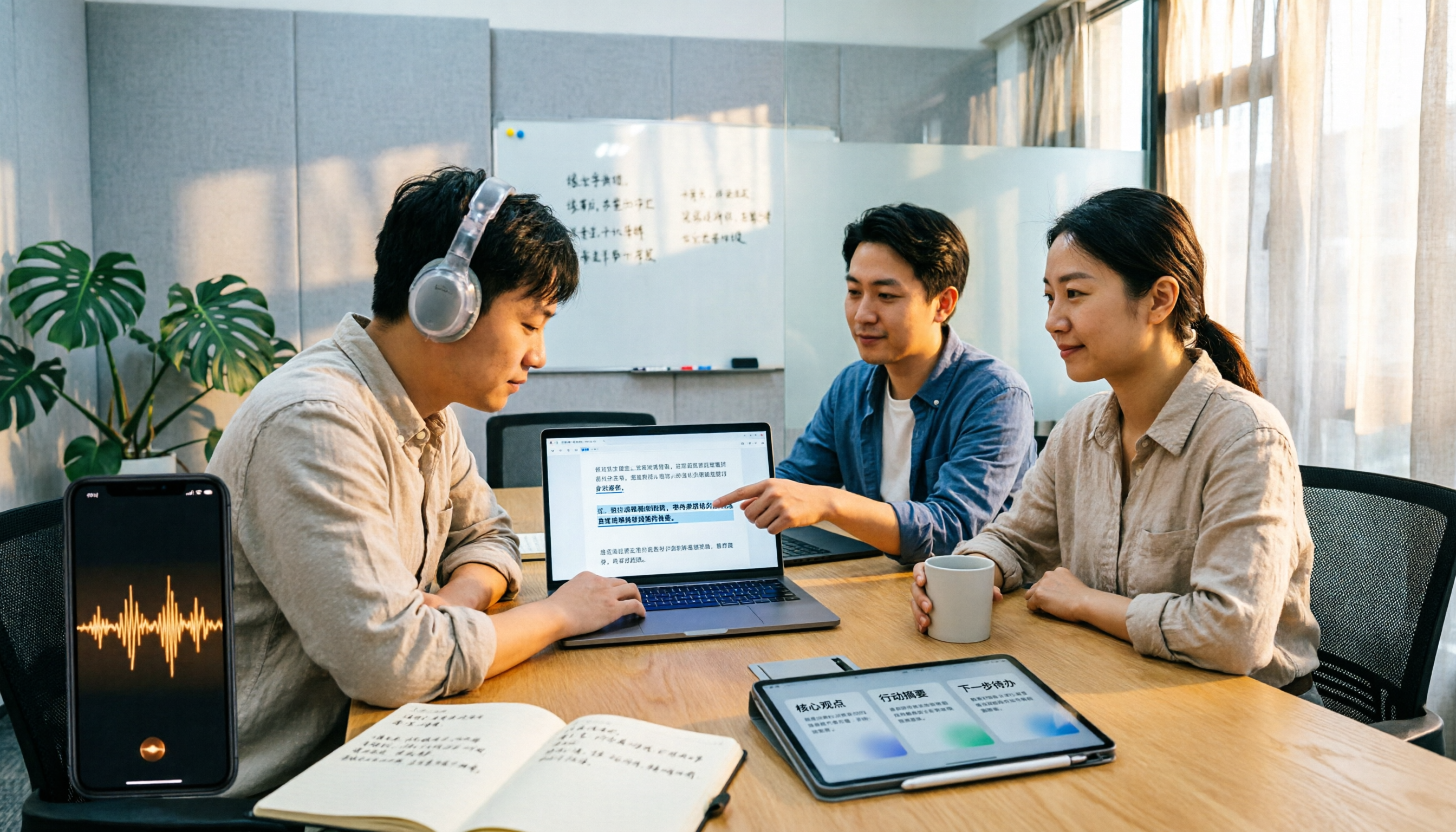
2026 M4A to Text Tools Compared: Which Saves More Time for Chinese Meeting Transcripts and AI Summaries?
How to choose an M4A to text tool? This article uses the same Chinese meeting recording to test Tinrec, Notta, TurboScribe, and VEED, comparing transcription readability, AI summaries, action item extraction, Chinese recognition, free quotas, and team collaboration to provide the most practical recommendations for 2026.
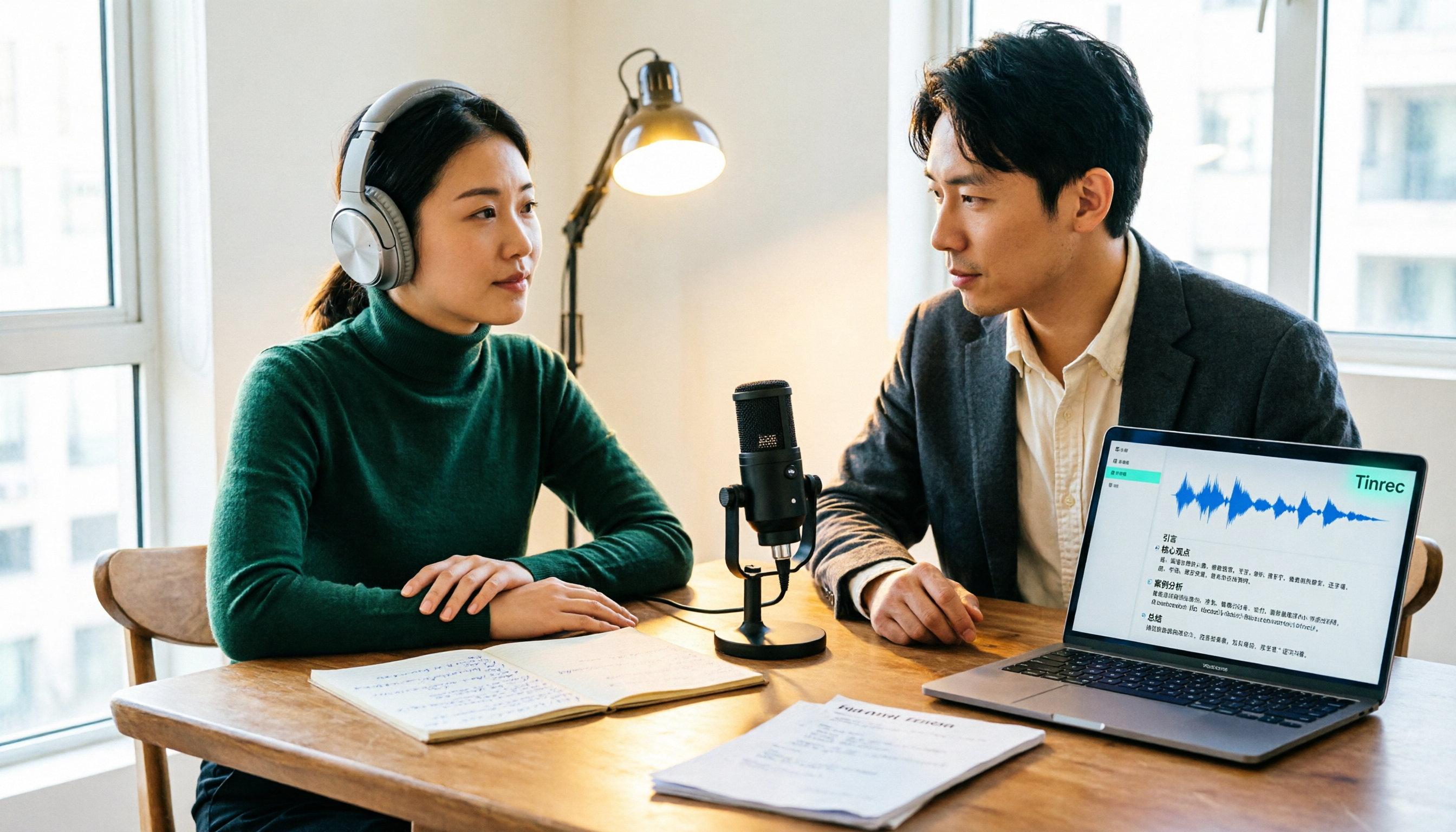
4 Podcast Transcription Tools Tested: Which One Turns Transcripts into Show Notes?
Podcast transcription isn't just about uploading an audio file. This article compares Tinrec, Notta, TurboScribe, and Granola from a practical workflow perspective, covering input methods, Chinese recognition, post-transcription organization, export, and team collaboration. It also highlights 3 common pitfalls to help you find a tool that turns transcripts into show notes.