
Turn recordings into transcripts and summaries in minutes
Upload audio or video for multilingual transcription, AI notes, and action items
In the era of digital offices, the need for **speech-to-text** is everywhere. Whether it's a multi-hour business meeting, a journalist interview recording, or student lecture notes, sticking to the traditional "listen and type" method is not only inefficient but also prone to missing key points due to fatigue.
With the rapid advancement of AI technology, MP3 to text software in 2026 can achieve extremely accurate automatic transcription. This article will analyze the latest transcription tools on the market, with a special focus on an all-in-one tool that integrates call recording and AI summaries — TinRec (Audio Recorder), helping you double your work efficiency.
Why Do You Need AI Speech-to-Text Software?
Converting MP3 audio files to text is not just about creating transcripts; it's about structuring data and making it searchable. Using professional software offers three major advantages:
- Save Time: Manually transcribing 1 hour of audio can take 3-4 hours, while AI software typically completes it in just minutes.
- Multi-Function Integration: Modern tools not only transcribe but also automatically identify speakers, generate meeting summaries, and even extract action items.
- Multilingual Support: For cross-border meetings, AI can handle mixed Chinese and English conversations and even provide real-time translation.
Product Recommendation: TinRec (Audio Recorder) - All-in-One AI Recording Assistant
Among many tools, TinRec (Audio Recorder) stands out with its powerful "call recording integration" and "multi-scenario support," making it one of the few solutions on the market that simultaneously handles mobile call recording and audio file transcription.
Stop organizing recordings by hand
Upload audio or video and automatically get a transcript, summary, and action items
Key Features
- MP3 to Text (Audio File Upload): Supports uploading MP3, WAV, M4A, and other formats. The AI engine quickly converts recordings into high-accuracy Traditional Chinese transcripts and supports speaker identification.
- Call Recording to Text: This is TinRec's killer feature. For salespeople or customer service agents, it can directly record phone calls and automatically transcribe them into text, making it easy to review customer needs without relying on memory.
- AI Meeting Summary & Minutes: For lengthy meeting recordings, TinRec's AI automatically extracts "key points," "decisions," and "action items," letting you review an hour-long meeting in just one minute.
- YouTube Subtitle Generation: A boon for content creators. Simply paste a video link to generate accurate timeline-aligned subtitle files, drastically reducing post-production time.
Use Cases
- Business Professionals: Automatically generate records after sales calls, ensuring no customer order details are missed.
- Project Managers (PM): Automatically produce meeting minutes from routine meetings, ready to send to team members.
- Journalists & Researchers: After an interview, your transcript is ready in the time it takes to drink a cup of coffee.
Comparison of Other Popular MP3 to Text Tools
To give you a broader perspective, here's a quick comparison of other common tools on the market:
- Google Live Transcribe:
- Pros: Completely free, strong real-time capability.
- Cons: Cannot directly upload MP3 files for post-recording transcription, and lacks AI summary features; more suitable for real-time hearing assistance.
- Free Online Converters:
- Pros: No installation required, ready to use instantly.
- Cons: Usually have file size limits (e.g., 10MB), lower privacy and security, inconsistent accuracy, and no speaker identification.
- Professional Desktop Software:
- While powerful, they are often expensive and require significant computer resources. In comparison, TinRec uses cloud-based AI computing, is lightweight and cross-platform, making it a more cost-effective choice.
How to Choose the Right Transcription Tool for You?
When selecting MP3 to text software, consider the following factors:
- Accuracy: Does it support Traditional Chinese context and mixed Chinese-English recognition?
- Privacy & Security: Meeting content often involves trade secrets; choosing a service provider with encryption is crucial.
- Value-Added Features: Basic transcription is now standard; what really boosts productivity is whether the tool offers AI summaries, mind maps, or subtitle export.
Conclusion: Free Your Hands with AI
From traditional manual transcription to today's AI automation, MP3 to text software has become an essential productivity tool in the workplace. If you're looking for a user-friendly, powerful AI assistant that supports call recording, TinRec is definitely worth a try.
Don't waste precious time on repetitive typing—experience the speed of AI now!
👉 Try TinRec (Audio Recorder) for Free Now: https://tinrec.com/
Turn every recording into actionable outcomes
Get 60 free transcription minutes when you sign in. No credit card required.
Related Reading
You might also like

2026 Product Meeting Notes Tools: 4 Tested + AI Action Item Auto-Organization
How to choose a meeting notes tool? This article addresses three common misconceptions, outlines 4 key selection criteria, and compares Tinrec, Otter.ai, Granola, and Notta on meeting recording methods, post-meeting organization capabilities, and pricing limits. It also includes a pitfalls guide and selection recommendations to help you find a solution that truly saves organization time.

6 Audio-to-Transcript Tools Tested and Compared for 2026: Which Saves the Most Time for Chinese Recognition and Post-Meeting Organization?
A review of 6 tools that generate transcripts from imported audio files, covering Tinrec's AI summaries, action items, AI Q&A, and team spaces, as well as the free and paid plans of Notta, cSubtitle, MyEdit, TurboScribe, and Yating Transcript. It also explains recording quality, export formats, and licensing issues to consider before importing.

2026 Comparison of 4 Audio/Video Transcription Tools: Which Saves the Most Time for Chinese Meeting Minutes?
Still typing transcripts after meetings? This article uses 5 key buying criteria to compare Tinrec, Notta, Otter.ai, and PLAUD Note in a hands-on test. From recording methods, post-meeting output, Chinese language experience, to team seat management, we cover it all, plus 4 common pitfalls to avoid.

5 WAV to Text Tools Tested for 2026: Which Saves the Most Time on Chinese Transcripts and Meeting Follow-Ups?
Have a WAV recording but dread listening to it from start to finish? This article examines real-world scenarios to explain what WAV-to-text can do, its core capabilities, and practical applications. Using Tinrec as an example, it covers a complete workflow for bot-free meeting recording, AI summaries, action item extraction, and team knowledge retention, plus 6 buying considerations and FAQs to help you decide which solution saves the most time.
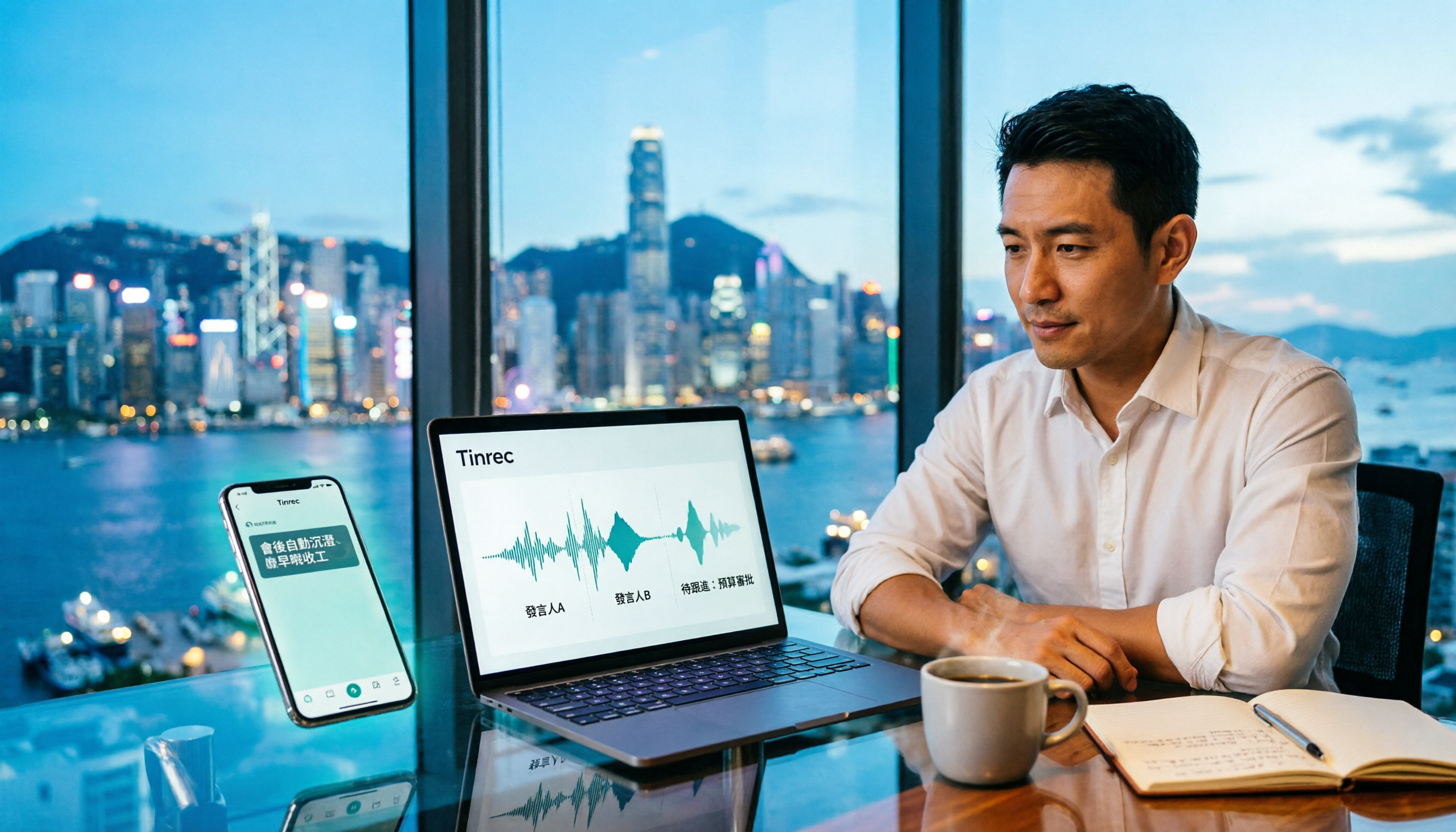
Tinrec Meeting Notes Guide 2026: No-Bot Recording vs Otter.ai
For Hong Kong office workers, post-meeting cleanup is the worst part: the meeting ends at 3 PM, but you're still at the office at 8 PM listening to recordings and typing. This article compares Tinrec and Otter.ai across five dimensions to test the workflow of turning recordings into meeting notes, breaking down Cantonese recognition, no-bot recording, post-meeting AI organization, team data retention, and pricing, helping you choose the right tool and leave work earlier.

4 AI Meeting Note Tools Tested in 2026: Which One Saves the Most Time on Auto-Organizing Transcripts?
The pain of meeting notes isn't slow typing—it's time-consuming organization. This article addresses common misconceptions, tests 4 AI meeting note tools, breaks down key buying factors, Tinrec's bot-free recording and AI Q&A workflow, team plan seats and data ownership, plus a pitfalls guide and selection advice.

2026 Teams Meeting Transcription Comparison: 4 Methods Tested — Is Avoiding a Meeting Bot Really Easier?
Teams built-in transcription requires both the organizer and each user to enable the policy, and live captions are not saved—so many people only discover after the meeting that there is no transcript at all. This article reviews four ways to transcribe Teams meeting recordings, from Teams built-in, Otter.ai, and Notta to Tinrec, comparing bot-free desktop recording, AI Q&A, action item extraction, and team seat management, with a pitfalls guide and scenario-based recommendations.

4 Video-to-Transcript Tools Tested and Compared in 2026: 3 Pitfalls to Understand Before Importing Video
Importing a video to generate a transcript looks simple, but the real bottlenecks are usually format support, time codes, and how usage limits are calculated. This article starts with common misconceptions, outlines 4 key points for choosing a tool, then shares a hands-on test of Tinrec from video import to AI summaries, action items, and team knowledge retention, and compares TurboScribe, Notta, and Granola for use cases and pitfalls to avoid.

How to Transcribe Classroom Recordings in 2026: A Complete 5-Step Guide
When it comes to transcribing classroom recordings, most people only ask which tool is the most accurate. But what really determines whether you'll be overwhelmed all semester is the audio source, the classroom language, and the total number of hours. This article uses university and graduate school classroom scenarios to compare Tinrec and Otter.ai across 5 dimensions, and provides a 5-step process you can follow directly, along with purchasing advice.