
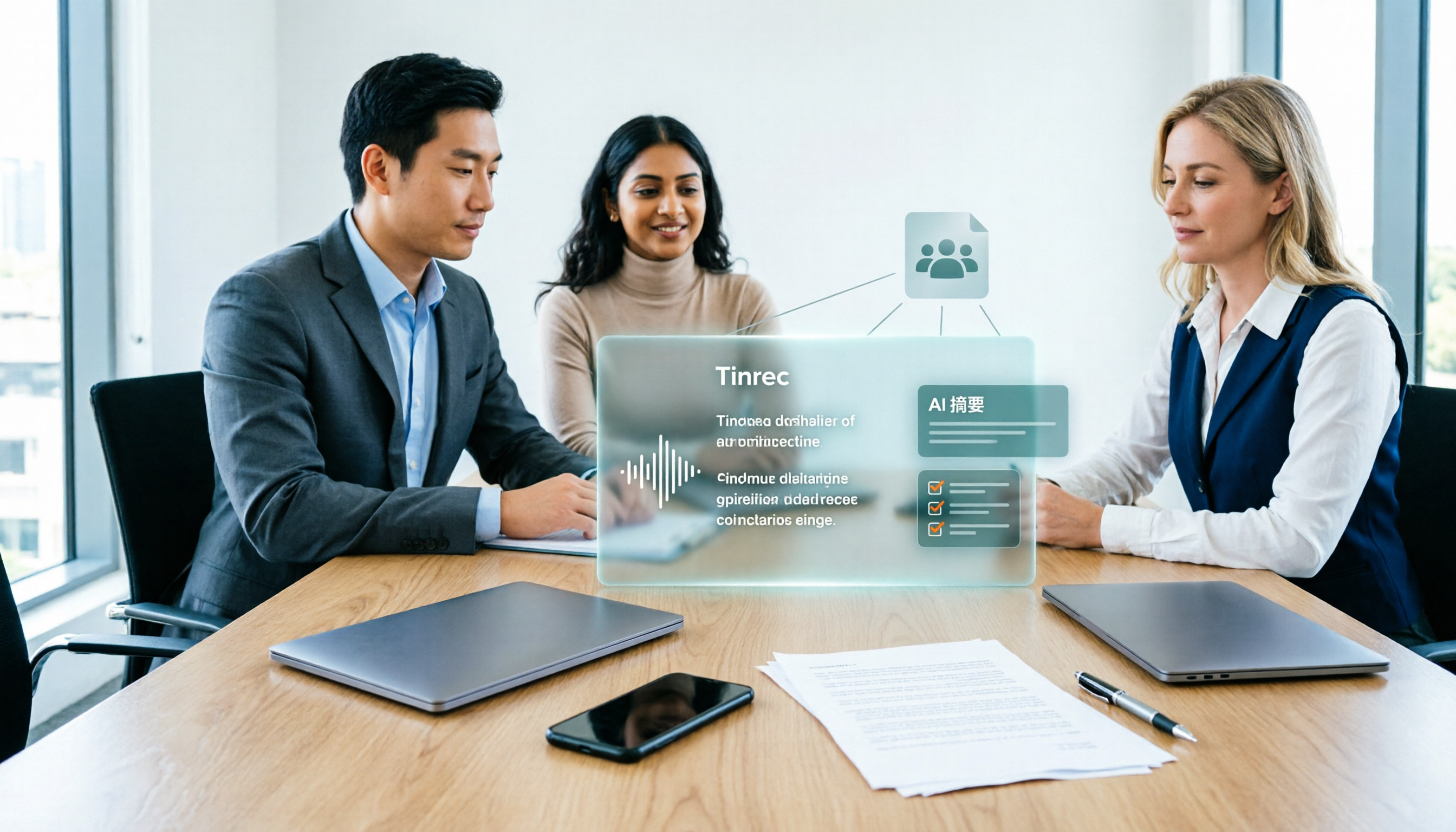
Turn recordings into transcripts and summaries in minutes
Upload audio or video for multilingual transcription, AI notes, and action items
5 Best Transcription Tools in 2026: What 'Verbatim' Means and How to Choose
"What does verbatim mean?" a junior colleague on my team asked me last week. She had just finished a two-hour client interview, and the recording was sitting on her phone with no idea how to turn it into usable text.
Honestly, I asked the same question ten years ago. Back then, my approach was to put on headphones and type while listening. A two-hour interview took me almost six hours to type up, finishing at 2 a.m.
Now there's no need for that at all. This article starts by clarifying the word "verbatim," then directly tells you how to choose a transcription tool, and finally walks through a real workflow using Tinrec, which I've been using as my main tool recently.
What Does Verbatim Mean? A One-Minute Explanation
"Verbatim" means in exact words, one after another; it refers to processing text in order, word by word.
So a "verbatim transcript" is a written record that captures every word of what was heard—including filler words, repetitions, and stutters.
It's different from "meeting minutes." Minutes condense the key points and conclusions, while a verbatim transcript preserves the original words.
When you need to quote, verify, or capture exactly what someone said, you rely on a verbatim transcript, not a summary.
What Can a Verbatim Transcript Do for You? 4 Real-World Scenarios
Scenario 1: Get text right after a meeting
In the past, after a one-hour meeting, I'd spend another forty minutes organizing notes. Now, meeting audio goes in and text comes out in sync.
Take Tinrec as an example: the desktop version captures your computer's system audio directly. It can record meetings played on your computer via Zoom, Google Meet, Microsoft Teams, or Webex—without inviting a meeting bot as a thirty-first participant.
Scenario 2: Capture exact quotes from client interviews
In sales interviews, the biggest fear is misremembering client needs. The advantage of a verbatim transcript is searchability—if a client said "budget cap," you can search for that phrase directly.
After transcription, Tinrec also lets you ask questions about the content. For example, "What were the three concerns the client mentioned?" It will answer based on semantic understanding.
Scenario 3: Cross-language meetings
In meetings with overseas colleagues, it's easy to miss things. Tinrec supports real-time translation, and you can switch between original text, translated text, or bilingual view.
Scenario 4: Team handovers
People leave, but meeting records shouldn't leave with them. Store data in a team space so new colleagues can see the historical context.
What Are the Core Capabilities of a Transcription Tool?
Real-time transcription: Text appears as you record, not after you finish. Tinrec's real-time transcription is great for in-person meetings and interviews—by the time you finish speaking, the text is already on screen.
Bot-free recording of online meetings: This is the most practical aspect of Tinrec's desktop version. It captures system audio without occupying a meeting seat or adding a strange account to the participant list.
AI summaries and chapters: No one wants to read a long meeting from start to finish. Tinrec automatically divides content into chapters and extracts key points, so for a two-hour meeting you can review the structure first and then decide which sections to read.
Action item extraction: Statements like "send the quote by next Wednesday" are organized into action items, so you don't have to dig through the transcript.
AI Q&A: This is the feature I find most impactful. Tinrec lets you ask questions about a single meeting or across multiple meetings—questions like "What was the price floor we discussed last time?" can be asked directly.
Export and post-processing: Transcribed text can be exported to Notion, Google Docs, OneNote, or Dropbox for further use, and you can also generate reports, tables, or meeting minutes through the Agent.
Practical Use Cases
Department weekly meetings: Eight-person weekly meetings are the easiest to go off-topic. Use Tinrec to record and transcribe simultaneously, then review the summary and action items afterward—who's responsible for what is crystal clear, and no time is wasted writing notes after the meeting.
Client visits and needs interviews: Start recording with Tinrec on your phone, then organize directly when back at the office. With the verbatim transcript and summary, you have a basis for quotes and proposals.
Stop organizing recordings by hand
Upload audio or video and automatically get a transcript, summary, and action items
Courses and lectures: In a three-hour class, the key points usually take only twenty minutes. Tinrec's chapters and AI Q&A let you jump directly to the sections you want to review.
Content creation: After interviewing a guest, the verbatim transcript becomes a material library—quotes can be directly inserted into articles, far more accurate than trying to recall from memory.
5 Things to Consider When Choosing a Transcription Tool
Tools on the market generally fall into three types: those that rely on a meeting bot to join, those built into platforms, and those like Tinrec that capture system audio on the desktop. The differences are bigger than you might think.
1. Don't trust fixed accuracy numbers
Any claim of 98% or 99% should be questioned. Actual performance depends on recording quality, noise, accents, people talking over each other, and specialized terminology. I recommend testing with a recording of your own. Tinrec performs reliably with clear audio sources, but it won't give you a pretty but meaningless percentage.
2. Check how it "joins" meetings
Some tools rely on a bot joining the meeting, which gets stuck when internal meetings or clients don't allow third parties. Tinrec's desktop version captures system audio and doesn't act as a participant—this makes a big difference for foreign clients or sensitive meetings.
3. Can it help you organize after transcription?
Having only a verbatim transcript is only half the job. Check whether it offers summaries, chapters, action items, translation, and Q&A. Tinrec's design connects the entire post-transcription workflow.
4. Does it handle Chinese and mixed Chinese-English?
Meetings in Taiwan almost always mix Chinese and English, so be sure to test such sentences when choosing a tool. Tinrec supports Chinese, Traditional Chinese, and multiple languages, and the team version has a hotword feature that lets you add your company's product codes and abbreviations.
5. Understand roles and seats in the team version
Many people stumble on this. Tinrec's team version separates "roles" and "seats": roles determine who can manage the team, members, and audits; seats determine whether you can record, upload, edit, import, and export. Members without a seat can still view, play, and read team data—sufficient for those who only need to reference past meetings.
Pricing is also clear: team monthly plan is USD 29.80 per paid seat per month, annual plan is USD 199 per paid seat per year (about USD 16.58 per month), and each paid seat gets 2,000 minutes of shared team import quota per month. Under an active team plan, real-time recording is currently not deducted by minutes. Eligible teams get a 7-day trial with 1 free seat and 300 minutes of shared import quota.
For individual use, it depends on frequency: the free version is enough for occasional transcription; a weekly pass is good for short-term intensive interviews or courses; Pro for weekly meetings; and an annual pass for long-term data accumulation. Actual prices are subject to the official purchase page.
Frequently Asked Questions
What's the difference between a verbatim transcript and meeting minutes?
A verbatim transcript preserves all original words, while minutes are condensed key points. For decision-making, look at minutes; for quoting or verifying responsibility, look at the verbatim transcript. Tinrec provides both.
Do I have to type a verbatim transcript word by word manually?
No. With AI transcription, a one-hour meeting usually produces a draft within minutes. Tinrec transcribes in real time, so by the time the meeting ends, the transcript is already there.
Does Tinrec require a meeting bot to join?
No. Tinrec's desktop version directly captures computer system audio; you just press start recording, and no extra account appears in the participant list. Note that it does not automatically join all meetings on your calendar—you need to initiate it manually.
Can I use the free version?
Yes, the free version provides basic quota to experience recording, import, summaries, and transcription. Decide whether to upgrade after the quota is used up. For detailed quota, refer to the official website.
If a team member leaves, will meeting data disappear?
It won't be taken away by individuals. Team resources belong to the team; when a member leaves or loses their seat, their responsible data can be handed over to other active members. Deleted audio also goes to a recycle bin, currently retained for 30 days.
What is the actual accuracy rate?
I won't give you a fixed number. It performs well with clear audio and single speakers; it degrades with people talking over each other, noisy environments, and heavy specialized terminology. For important content, I recommend replaying the recording at the timestamp in the transcript to verify.
Conclusion
"Verbatim" simply means word by word in order. The value of a verbatim transcript is turning meetings, interviews, and classes—content that would otherwise be lost—into searchable, quotable, and transferable data.
If you're still typing while listening, it's really time to change your approach.
My main tool right now is Tinrec: bot-free desktop recording, real-time transcription, AI summaries, action items, and Q&A all in one place, and team data can be accumulated uniformly. Try the free version on one meeting first, then decide whether to bring your team on board.
One final reminder: recording and transcription involve personal data. Follow local regulations—notify when required, and don't skip getting consent.
References
- Meaning of 逐字 | Han Dian "逐字" word explanation
- Meaning of 逐字 | Han Dian "逐字" word explanation (Traditional Chinese)
- Chinese Character Secrets: What Does 逐 Mean? A Comprehensive Analysis from Oracle Bone Script to Modern Context - UpToGo
- 逐字 - Baidu Baike
- Explanation of 逐字 - Online Xinhua Dictionary - Hanwenxue
Turn every recording into actionable outcomes
Get 60 free transcription minutes when you sign in. No credit card required.
Related Reading
You might also like

How to Screen Record on Windows and Mac (2026): Built-in Tools + How to Organize Your Recording
Your computer already has built-in screen recording: Windows uses Xbox Game Bar, and Mac uses Shift+Cmd+5. This guide, based on a student's real testing, covers step-by-step instructions for both systems, their limitations, and how to turn a two-hour recording into searchable, queryable notes.

5 Best PC Audio-Only Recording Tools in 2026: Built-in, Free Open-Source, and AI Transcription Compared
Trying to record only the sound playing on your computer, but the built-in recorder only captures your microphone? This guide covers five methods—Windows Voice Recorder, Xbox Game Bar, OBS Studio, Bandicam, and Tinrec—comparing audio sources, output formats, free tiers, and limitations, with recommendations based on your use case.

2026 iPhone Notes Alternatives Tested: Is Tinrec the Easiest for Cross-Device Meeting Notes?
iPhone Notes doesn't require a download, but when you need cross-device access or want to turn meeting recordings into transcripts and action items, the built-in app falls short. This article first answers 'Can you download iPhone Notes?' then compares the built-in Notes, downloadable note-taking services, and Tinrec on input sources, post-meeting output, cross-device use, and team collaboration to help you decide which one to use.

4 Best Windows Recording Tools in 2026: Built-in Features, Meeting Notes, and Free Tier Comparison
Windows does have built-in recording features—more than one, in fact—but the audio sources they can capture vary widely. This article compares four options: Windows Voice Recorder, Xbox Game Bar, OBS Studio, and Tinrec, covering recording sources, post-meeting organization capabilities, and free tiers to help you choose the right tool for your situation.

2026 Comparison of 4 Meeting Notes Tools: Transcripts, Summaries, and AI Follow-up Capabilities
The pain of meeting notes usually isn't typing speed—it's choosing the wrong workflow and tools. Based on a mid-level manager's practical experience with 15 meetings per week, this article highlights key comparison points for 4 meeting notes tools: bot-free recording, transcript and summary quality, AI follow-up, and team seat management, along with a pitfalls guide and selection advice.

2026 Smart Meeting Collaboration Tools Tested: Which Chinese Meeting Assistant from Dcard Discussions Saves the Most Effort?
Starting from a Dcard discussion thread, we tested 4 smart meeting collaboration tools, comparing bot-free recording, Chinese transcripts, AI Q&A, action item extraction, and team knowledge retention. Tinrec is the smoothest for Chinese meetings and post-meeting workflows. This article also covers the use cases and pitfalls of Notta, Granola, and TurboScribe.

4 Free AI Meeting Collaboration Tools in 2026: Free Tiers, Meeting Notes Use Cases & Comparison Table
This article reviews the free tiers, meeting capture methods, post-meeting organization, and team collaboration capabilities of four free AI meeting collaboration tools: Tinrec, Notta, Fireflies.ai, and Granola. It includes a comparison table and a buying guide to help you choose the right solution for your meeting scenarios.

How to Take Sales Meeting Notes in 2026: 5 Steps + 3 AI Tools Compared
Sales meeting notes aren't transcripts—they're the foundation for follow-up. This guide walks through 5 key steps and compares AI tools like Tinrec, Otter.ai, and Notta to help you choose the best meeting notes solution for your team.

2026 Comparison of 4 Sales Meeting Notes Tools: From Templates to AI Summaries, Which Method Saves the Most Time?
Sales meeting notes aren't about transcribing every word—they're about capturing customer needs, commitments, and next steps. This article compares 4 writing methods and tools, with ready-to-use fields, pitfalls to avoid, and the Tinrec workflow.