

Turn recordings into transcripts and summaries in minutes
Upload audio or video for multilingual transcription, AI notes, and action items
2026 Smart Meeting Collaboration Tools Tested: Which Chinese Meeting Assistant from Dcard Discussions Saves the Most Effort?
Last week, I dropped a 40-minute client interview recording into a folder, planning to write the report that afternoon.
When I opened the folder, I realized: the audio file was on my phone, the conclusions were in a photo of the meeting room whiteboard, and the action items were in my notes app. Each place had half the answer.
I used to resign myself to listening to the recording again. This time, I let the tool organize it first, and I realized the problem isn't "whether there's a recording"—it's "how to use it after recording."
Recently, there was a discussion thread on Dcard asking: is there a "smart meeting assistant" that automatically organizes conclusions right after a meeting? The list of recommendations in the comments was long, and I tried them one by one.
Most people get stuck not because there aren't enough tools, but because they choose the wrong type of tool.
Meeting Notes Pain Points—You Need a Solution, Not Just a Tool
Two-hour meetings followed by two hours of organizing notes—this is the daily routine for many professionals.
What's more troublesome is Chinese meetings: mixed Chinese and English, product terminology, two people talking over each other. Just because a transcript can be generated doesn't mean you can understand it.
Another pain point is "not being able to find things again." The budget range the client mentioned last month, who promised to send the quote in the last meeting—all buried in a 40-minute recording. You can only listen from the beginning or try your luck with keywords.
So, instead of asking "which tool transcribes more minutes," ask: "At the moment the meeting ends, can it directly tell me the conclusions, action items, and risks?"
With the right tool, the end of a meeting should be the start of work, not the start of organizing.
Before Choosing a Smart Meeting Collaboration Tool, Understand These 4 Key Points
The first key point is the capture method.
There are two common types: a meeting bot that joins online meetings as a participant; and a desktop version that directly captures computer system audio without an extra bot entering the meeting room.
Bots are convenient, but some clients mind having an extra recorder in the meeting. The desktop version requires you to actively start recording. Neither is absolutely better, but you need to know which type you're buying.
The second key point is post-meeting usability.
Providing only a transcript is equivalent to handing the organizing work right back to you. What you should look at is: are there summaries, chapters, action item extraction, and can you ask questions directly about the meeting content?
The third key point is Chinese and multilingual support.
Mixed Chinese-English, proper nouns, team-specific jargon—these are what real meetings are like. Whether the tool can maintain team hotwords and show bilingual transcripts while recording is more impactful than the number of languages on paper.
The fourth key point is team governance.
When meeting data shifts from a personal tool to a team asset, roles, seats, usage, and auditing become important. Who can manage? Who can upload? Who owns the data after a member leaves? These questions must be clarified during the trial.
Tinrec—Our Top Choice After Testing
Tinrec is an AI meeting notes and collaboration tool for individuals and teams, available on web, desktop, and mobile. Its positioning is not "audio-to-text" but turning meetings into searchable, collaborative, and actionable data.
The first scenario is online meetings.
I used the desktop version to directly capture computer system audio and record a client interview on Google Meet. No need to invite a meeting bot, and no extra account appears in the participant list. Meetings played on a computer like Zoom, Microsoft Teams, and Webex follow the same logic.
(Screenshot: Tinrec desktop recording interface, arrow pointing to "System Audio" source, with live transcript displayed alongside.)
The second scenario is post-meeting organization.
After the meeting ends, Tinrec generates a transcript, summary, and chapters, and organizes action items from the discussion into to-dos. While reading the summary, I use AI Q&A to follow up: "What budget range did the client mention?" "Who is responsible for sending the quote next week?" It answers based on the meeting content, rather than just giving me keyword search results.
(Screenshot: Tinrec post-meeting AI Q&A interface, entering "What budget range did the client mention?", with the answer annotated with the corresponding transcript timestamp.)
The third scenario is team knowledge retention.
The team version is not multiple people sharing a personal account, but an independent team space. Meeting data belongs to the team, and administrators can invite members, assign seats, view usage trends, and audit logs. When a member leaves or loses their seat, the team resources they are responsible for must be handed over to other active members, so data does not leave with the individual.
Stop organizing recordings by hand
Upload audio or video and automatically get a transcript, summary, and action items
The team version is currently priced per paid seat: USD 29.80/paid seat per month, USD 199/paid seat per year (equivalent to about USD 16.58/month). Each paid seat provides 2,000 minutes of team shared import quota per month; live recording is currently not deducted by minutes under active plans and seats. Eligible teams get a 7-day trial, 1 free seat, and 300 minutes of team shared import quota for the first time. Prices and benefits are subject to the official purchase page.
I also tested the same 5-minute mixed Chinese-English recording with air conditioning noise and two people talking over each other.
I didn't calculate percentage error, because real meetings are not a laboratory. What I looked at was: did the summary list the three action items? Can I find the budget the client mentioned with one sentence? The answer is yes. That's enough.
For Tinrec's advantages, I'll note these three points:
First, you get usable minutes and action items directly after the meeting, without reading the transcript from the beginning.
Second, Chinese meetings and mixed Chinese-English content are organized smoothly, and real-time translation lets you view the original, translation, or bilingual text side by side.
Third, the team version turns meeting data into a team asset, and data is not taken away when members change.
Limitations should also be clearly stated.
The free version has a basic quota, and heavy users need to pay; the team version is priced per paid seat. Live recording requires you to actively start it, not automatically join all calendar meetings. For highly regulated scenarios such as healthcare, legal, and finance, you must confirm authorization and compliance requirements before recording.
If you frequently hold Chinese meetings, want to use AI to find key points directly after meetings, or need to retain meeting data in a team space, Tinrec is a very suitable choice at present.
Here is a set of post-meeting follow-up templates I often use; you can copy and use them directly:
Based on the transcript of this meeting, please organize:
- Three decision conclusions
- The person responsible and deadline for each conclusion
- Unresolved risks
- Needs and concerns explicitly stated by the client
- Materials to prepare before the next meeting
Besides Tinrec, What Other Options Are There?
Notta is a choice with high overlap with Tinrec, covering multi-platform transcription, meeting notes, document import, translation, and team plans. The free version offers 120 minutes per month, with a maximum of 3 minutes per item; Pro annual billing is about USD 8.17/month, with 1,800 minutes per month; Business annual billing is about USD 16.67/seat/month, offering unlimited transcription, role permissions, and usage reports. It suits people already accustomed to Notta's transcription workflow. However, Tinrec adds an Agent post-processing layer that can directly generate reports, tables, and documents from meetings; Notta's focus remains on transcription, translation, and team plans. Prices are subject to the official page.
Granola is a bot-free AI meeting notes tool that transcribes in real time through desktop system audio and microphone, then combines with your handwritten notes to generate content. Basic is free; Business is USD 14/user/month; Enterprise is USD 35/user/month. It does not save meeting audio and does not support uploading pre-recorded audio. If you need to keep recordings, import existing files, do Chinese real-time translation, and manage team data, Tinrec is more suitable.
TurboScribe is a cost-effective file transcription tool, focusing on long files, batch uploads, subtitles, and translation. The free version allows 3 files per day, with a maximum of 30 minutes per file; Unlimited annual billing is USD 120, equivalent to about USD 10/month, with a maximum of 10 hours or 5 GB per file, and up to 50 files per upload. It is suitable for batch transcription of large existing files, but does not focus on live meeting recording, AI Q&A, and team meeting data retention; these are exactly Tinrec's workflow.
Pitfall Guide: The 3 Most Common Mistakes When Choosing Meeting Collaboration Tools
Pitfall 1: Looking only at transcription minutes.
Minutes are a cost, not value. What you really need to ask is: can it let me find "who promised what" with one sentence? If not, more minutes just delay the organizing work.
Pitfall 2: Ignoring the capture method.
Meeting bots join as participants, which is convenient, but some clients mind. Desktop system audio capture is another option, but remember to actively start recording. During the trial, test with a real meeting first, don't just look at official website mockups.
Pitfall 3: Treating the team version as "multiple people sharing one account."
For the team version, look at roles, seats, data ownership, and handover after members leave. Tinrec's team version separates roles and seats: roles determine who can manage the team, seats determine who can record, upload, edit, and export. Members without seats can view, play, and read team data, but cannot upload or edit. These details must be asked before purchasing.
Conclusion: Which One Should You Choose?
If you want Chinese meeting collaboration that is "ready to use right after the meeting," Tinrec is the smoothest choice after my testing.
Scenario breakdown is simple:
Need Chinese meetings, mixed Chinese-English, post-meeting AI Q&A → Tinrec.
Need bot-free recording of online meetings without buying extra hardware → Tinrec desktop version.
Team needs to retain meeting data, manage seats and usage → Tinrec team version.
Large existing audio and video files for batch transcription, limited budget → TurboScribe, but it does not focus on live meetings and team collaboration.
Commonly use Notion, Google Docs, OneNote, Dropbox, and need to bring meeting results into existing workflows → Tinrec supports multi-format export.
Finally, here's a quick start checklist:
- First, use the free version to test with a regular meeting.
- On the desktop version, select the system audio source and confirm that audio from Zoom, Meet, Teams, or Webex is coming in.
- After the meeting, look at the summary and chapters first; don't rush to read the transcript from the beginning.
- Use AI Q&A to follow up on decisions, responsible persons, deadlines, and risks.
- Export action items to your existing workflow.
- When the team needs to retain data, create a team space, invite members, assign seats, and then start sharing meetings.
Test step by step, and you'll gradually master this method.
(Data sources: Tinrec product information; Notta, Granola, TurboScribe official pricing pages, verified in 2026. Prices and benefits are subject to each official page.)
References
Turn every recording into actionable outcomes
Get 60 free transcription minutes when you sign in. No credit card required.
Related Reading
You might also like

2026 Comparison of 4 Meeting Notes Tools: Transcripts, Summaries, and AI Follow-up Capabilities
The pain of meeting notes usually isn't typing speed—it's choosing the wrong workflow and tools. Based on a mid-level manager's practical experience with 15 meetings per week, this article highlights key comparison points for 4 meeting notes tools: bot-free recording, transcript and summary quality, AI follow-up, and team seat management, along with a pitfalls guide and selection advice.

4 Free AI Meeting Collaboration Tools in 2026: Free Tiers, Meeting Notes Use Cases & Comparison Table
This article reviews the free tiers, meeting capture methods, post-meeting organization, and team collaboration capabilities of four free AI meeting collaboration tools: Tinrec, Notta, Fireflies.ai, and Granola. It includes a comparison table and a buying guide to help you choose the right solution for your meeting scenarios.

How to Take Sales Meeting Notes in 2026: 5 Steps + 3 AI Tools Compared
Sales meeting notes aren't transcripts—they're the foundation for follow-up. This guide walks through 5 key steps and compares AI tools like Tinrec, Otter.ai, and Notta to help you choose the best meeting notes solution for your team.

2026 Comparison of 4 Sales Meeting Notes Tools: From Templates to AI Summaries, Which Method Saves the Most Time?
Sales meeting notes aren't about transcribing every word—they're about capturing customer needs, commitments, and next steps. This article compares 4 writing methods and tools, with ready-to-use fields, pitfalls to avoid, and the Tinrec workflow.

6 Smart Meeting Collaboration Tools Compared for 2025: Which Saves the Most Time for Chinese Meetings and Post-Meeting Work?
A list of 6 smart meeting collaboration tools in 2025, evaluated by bot-free recording, Chinese-language meetings, post-meeting summaries, AI Q&A, team seats, and pricing, to help professionals and teams determine which tool fits their meeting scenarios.

2025 Smart Meeting Collaboration Platforms Comparison: Which One Turns Meetings into Actionable Team Data?
This article compares four smart meeting collaboration platforms for 2025 enterprise selection, covering differences in meeting capture, post-meeting organization, Chinese language experience, and team governance, with Tinrec as the primary example. It is a feature comparison and data compilation, not a hands-on recording test.

2026 Comparison of 4 Sales Meeting Notes Tools: How to Choose from Recording Transcription to Post-Meeting Follow-Up
Poor sales meeting notes are usually not due to slow typing, but to missing fields, lack of convergence, and no follow-up. This article compiles practical formats and writing steps for sales meeting notes, and compares Tinrec, Otter.ai, Fireflies.ai, and Notta on recording, transcription, summarization, action items, and team governance using the same criteria, with copyable organization prompts and a price verification table.

2026 Comparison of 4 Smart Meeting Collaboration Platforms: Meeting Notes Are Just the Beginning—What Matters Is Whether You Can Use Them Afterward
How do you choose a smart meeting collaboration platform? This article starts with the key question: do you want a transcript, or data you can still use after the meeting? It breaks down 4 key purchasing criteria, tests Tinrec's bot-free recording, AI Q&A, and team governance capabilities, and briefly assesses who Granola, Notta, and Otter.ai are each best for, with a guide to avoiding pitfalls and a getting-started checklist.
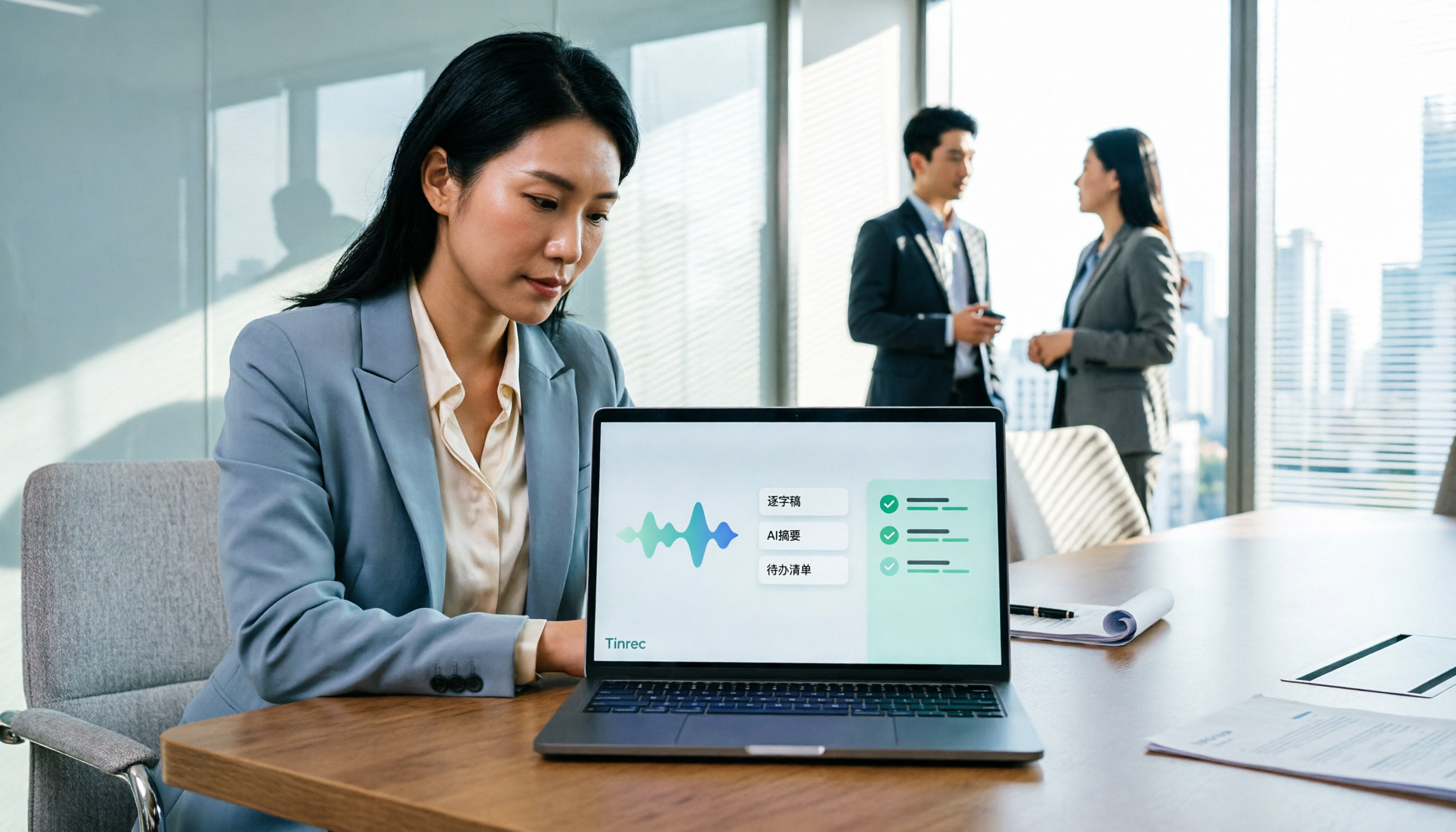
2026 Smart Meeting Collaboration Tools Tested: From Pre-Meeting Audio to Post-Meeting Action Items, Which Workflow Saves the Most Effort?
Meeting notes shouldn't eat up the two hours before you leave work. Using a real ~90-minute meeting recording as an example, this article breaks smart meeting collaboration into 5 actionable steps, showing how to use Tinrec from recording, transcription, proofreading, AI summaries and action items all the way to export and team sharing, and compares how Otter.ai, Fireflies.ai, Notta, and Granola fit into the workflow.