

Turn recordings into transcripts and summaries in minutes
Upload audio or video for multilingual transcription, AI notes, and action items
2026 Comparison of 4 Meeting Notes Tools: Transcripts, Summaries, and AI Follow-up Capabilities
First, ask yourself: where does your meeting notes process get stuck?
I attend about 15 meetings a week: weekly meetings, project status meetings, one-on-ones, cross-department coordination. The most annoying part was never the meeting itself—it was afterward, because once the meeting ended, my work was just beginning.
Before choosing a tool, figure out which stage you're stuck at, because different bottlenecks require completely different capabilities:
Bottleneck 1: You can't keep up during the meeting. You're listening, writing, and responding all at once, and your notes end up as a few incomprehensible keywords. What you need here is a better "input method"—can it convert speech to text in real time instead of catching up afterward?
Bottleneck 2: You have the transcript, but can't find the conclusion. A 30-minute meeting produces a dozen pages of text. When your boss asks "What was that decision last time?" you Ctrl+F for three minutes and still can't find it. What you need here is "post-processing"—summaries, chapters, action items, and the ability to ask questions directly about the meeting content.
Bottleneck 3: Data is scattered across personal accounts and chat logs. Meeting recordings are on a colleague's phone, conclusions are in a LINE group, and action items are in your own notebook. When someone leaves, the data trail breaks. What you need here is a "team workspace" and permission governance.
No single tool solves all three bottlenecks, but you can first identify which one hurts the most, then look at the comparison below.
Before Choosing a Meeting Notes Tool, Understand These 4 Criteria
1. Does it just give you a transcript, or can it help you find answers? A transcript is raw material, not a finished product. What really saves time is "what happens after transcription": Is there an automatic summary? Does it extract "who is responsible for what and by when"? Can you directly ask it "What was the conclusion of this meeting?" With a pure transcription tool, you still have to read through a dozen pages yourself.
2. How do you record online meetings? Bot or system audio? A bot that joins the meeting is convenient, but it appears on the participant list, and in some client meetings you may not want a recording bot present; also, some platforms have approval restrictions on bot joining. Another approach is to capture system audio directly from your computer without adding a participant. Neither approach is inherently better—it depends on how often you meet with external clients.
3. Are the input sources diverse enough? Your meetings aren't all one format: in-person meetings, Zoom, Teams, client phone calls, old recording files sent by colleagues. If a tool can only handle live meetings, you'll still have to figure out what to do with your backlog of audio files.
4. Is the team plan "shared account" or a "real team workspace"? Many people think a team plan means giving colleagues the password to a personal account. A real team plan should manage "roles" and "seats" separately: roles determine who can manage members and audits, seats determine who can record, upload, and edit. Mixing these two together means you won't know who's responsible when problems arise.
Tinrec — My Team's Current Primary Tool
Bottom line first: my team's meeting notes workflow now runs on Tinrec, not because it's the best at everything, but because it saves me the most time in two areas: "no scrambling during the meeting" and "no re-reading the full text afterward."
One-sentence positioning: Tinrec is an AI meeting notes and collaboration tool for individuals and teams, available on iOS, Android, desktop, and web.
During the meeting: no need to invite a bot. The desktop version captures your computer's system audio directly, handling meetings played on your computer via Zoom, Google Meet, Microsoft Teams, and Webex without adding an extra bot as a participant. For teams like ours that often meet with external clients, this matters more than you'd think—clients do ask when there's an extra recording bot on the list. Note that you need to actively start recording; it doesn't automatically join all calendar meetings.
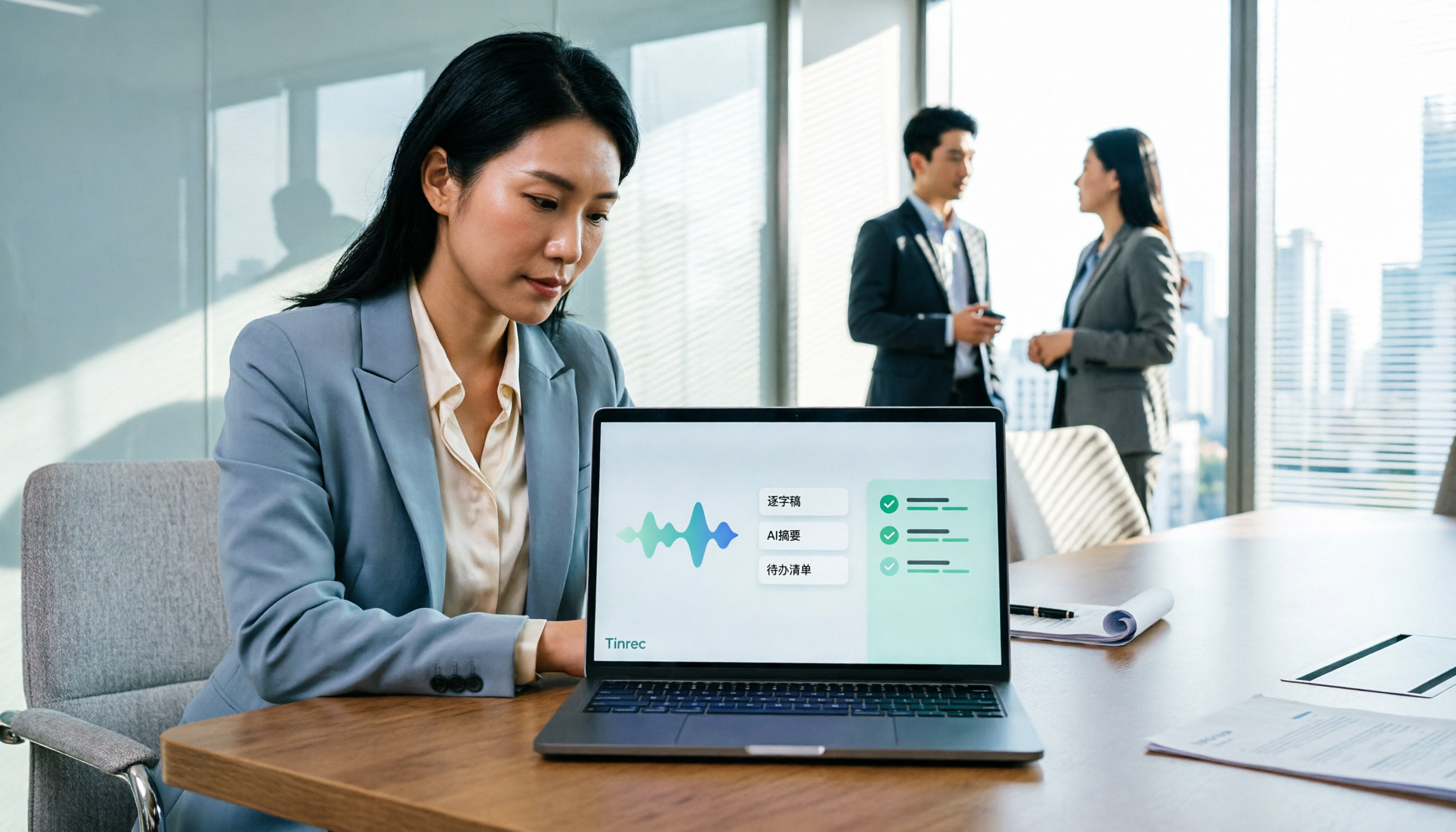
After the meeting: summaries, chapters, and action items are already there. This is where my time was really being eaten. I used to re-listen to recordings, fill in notes, and extract action items afterward. Now, as soon as the meeting ends, the transcript, summary, chapters, and action items are already generated. I spend about five to ten minutes verifying names and proper nouns, then I can send out the conclusions. The common industry practice is also to capture the skeleton during the meeting and fill in details within 24 hours—the tool just compresses the "fill in details" part to a few minutes.
Post-meeting follow-up: this is the key reason I stayed. After recording, you can directly ask it "Who mentioned the budget in the last meeting?" or "What was the decision on this project?" It gives answers based on semantic understanding, not keyword search results. Our team runs five or six projects simultaneously, and I often need to look up conclusions from a meeting two months ago—this feature saves very concrete time. It can also generate reports, tables, and documents, and export to Notion, Google Docs, OneNote, and Dropbox—tools we already use.
Stop organizing recordings by hand
Upload audio or video and automatically get a transcript, summary, and action items
Team plan: solving the "data follows the person" problem. The team plan is a separate team workspace, not multiple people sharing a personal account. You can create multiple teams, invite members via link, set owners/admins/regular members, and assign or revoke seats. One easy misunderstanding: members without a seat can still view, play, and read team data, but cannot upload, edit, or export. Also, when a member leaves or is removed, their team resources must be handed over to other active members—they don't get taken away personally. Admins can also view usage trends, member details, operation audits, and the audio recycle bin.
Limitations, stated clearly: First, it's not a meeting bot that automatically joins all meetings—you have to press record yourself. Second, the team plan currently focuses on team-level sharing, not file-level granular permissions—all active members can read team data, so don't expect "this file is only visible to three people." Third, transcription quality is still affected by the recording environment—overlapping speakers, air conditioning noise, and proper nouns will reduce accuracy, so I always recommend verifying the original text after important meetings.
Who it's for: If your meetings are in Chinese or mixed Chinese-English, you often have online meetings with external clients, you need to look up past conclusions afterward, and your team is starting to feel pressure to "keep data in the company"—Tinrec is currently the closest fit for this combination.
Besides Tinrec, What Other Options Are There?
Notta: Mature multi-platform transcription and translation. Free plan: 120 minutes per month (3 minutes per session max). Pro annual billing works out to about USD 8.17/month with 1,800 minutes per month. Business is about USD 16.67/seat/month. If your need is simply "convert files to text + subtitles," it's more than enough. But its online meeting feature leans toward bot-joining mode, while Tinrec captures system audio on desktop without adding a participant; additionally, Tinrec's Agent post-processing (directly generating reports and tables) is currently a differentiator.
Otter.ai: A mature choice for English business meetings. Free plan: 300 minutes per month. Pro annual billing works out to about USD 8.49/user/month, including 1,200 minutes and 10 file imports. If 90% of your meetings are in English, it will be smoother than Tinrec—this is one of the few situations in this article where I'd suggest looking elsewhere. But for Chinese meetings, mixed Chinese-English discussions, and bilingual transcript comparison, Tinrec's experience better matches the actual situation of Taiwanese teams.
Granola: Also takes the bot-free approach, capturing meeting audio from the desktop and combining it with your handwritten notes to generate meeting content. Basic is free; Business is about USD 14/user/month. Its strength is "your notes + AI enhancement." Two limitations to note: it doesn't support uploading existing pre-recorded audio files, and it doesn't save meeting audio. If you need to keep recordings, organize historical audio files sent by colleagues, and manage data at the team level, Tinrec is much more complete in these areas.
Pitfalls Guide: The 4 Most Common Mistakes When Choosing a Meeting Notes Tool
Pitfall 1: Only looking at the official accuracy numbers. Those numbers are usually measured in a quiet environment. Real meeting rooms have air conditioning, keyboards, and five or six people talking over each other—performance drops noticeably. A more practical approach is to take a recording of your noisiest meeting and try it out—see if it can recognize your company's product names and people's names.
Pitfall 2: Treating "having a transcript" as "having meeting notes." These are very different. The essence of meeting notes is "what problem did this meeting solve, and who does what next"—not a verbatim record of who said what. The real test is: can someone who didn't attend the meeting understand the conclusion at a glance, and is there a clear action item list (who, what, by when)? Notes without next steps are as good as not written.
Pitfall 3: Waiting more than 24 hours to organize. I've fallen into this trap myself. If you wait two days to organize, you'll find you can't even remember why you made that decision—you have to re-listen. Finish it the same day if possible; the tool is meant to help you wrap up quickly while your memory is fresh.
Pitfall 4: Thinking "team sharing" means "independent permissions for each file." Many team plan tools (including Tinrec's current design) use team-level sharing: all active members can read, roles manage governance, seats manage usage eligibility—but it's not file-level permission control. If your company has a hard requirement like "this project can't be seen by that department," confirm before purchasing—don't buy it and then discover you need to create a separate team workspace.
Conclusion: Which One Should You Choose?
In one sentence: the quality of a meeting notes tool isn't about how fast it transcribes, but whether it saves you that one hour.
Scenario-based recommendations:
- Need Chinese/mixed Chinese-English meetings + don't want a bot in the meeting room → Tinrec. Desktop captures system audio, so there's no extra recording bot on the client list.
- Want to directly ask "What was the conclusion last time?" after the meeting → Tinrec. AI follow-up is the clearest distinction between it and pure transcription tools.
- Team needs to accumulate meeting assets and manage members and usage → Tinrec team plan. Roles, seats, usage, audits, and audio recycle bin are designed separately, so data stays with the team when members change.
- 90% of meetings are in English → Otter.ai. This is the only situation in this article where I'd suggest looking elsewhere.
- Just need to convert a bunch of audio files to text → File transcription tools like Notta or TurboScribe are more cost-effective.
One final practical tip: don't decide on a purchase all at once. Take your most recent, most realistic, noisiest meeting and run through the complete workflow with the free version—from recording, transcription, and summary review to actually sending out the conclusions. The number for "how long it takes to wrap up after the meeting" is what you should base your decision on. If your team wants to try it, first confirm the number of seats and sharing quota during the trial period, then decide how many paid seats to buy—don't roll it out to everyone from the start.
(Product features and plan details in this article are based on official information verified in August 2026; competitor prices and benefits may change—please refer to each official page before making a decision. Please comply with local regulations regarding recording and transcription, and obtain participant consent when necessary.)
References
- How to Take Meeting Minutes? A Complete Guide for Beginners in 2026 - Meta Note
- Taking meeting minutes is painful? Learn to use "NotebookLM + a set of prompts" and send the email 3 minutes after the meeting! | BusinessNext
- Easily Complete Meeting Minutes Before Leaving Work: Three Efficient Methods for Handling Meeting Minutes
- How to Do AI Meeting Minutes? A Complete Tutorial from Writing Principles and Tool Selection to Automation Prompts | Manager Today
- How to Take Meeting Minutes? A Complete Guide: Practical Tips and Templates from Beginner to Expert - Roo.Cash
Turn every recording into actionable outcomes
Get 60 free transcription minutes when you sign in. No credit card required.
Related Reading
You might also like

2026 Smart Meeting Collaboration Tools Tested: Which Chinese Meeting Assistant from Dcard Discussions Saves the Most Effort?
Starting from a Dcard discussion thread, we tested 4 smart meeting collaboration tools, comparing bot-free recording, Chinese transcripts, AI Q&A, action item extraction, and team knowledge retention. Tinrec is the smoothest for Chinese meetings and post-meeting workflows. This article also covers the use cases and pitfalls of Notta, Granola, and TurboScribe.

4 Free AI Meeting Collaboration Tools in 2026: Free Tiers, Meeting Notes Use Cases & Comparison Table
This article reviews the free tiers, meeting capture methods, post-meeting organization, and team collaboration capabilities of four free AI meeting collaboration tools: Tinrec, Notta, Fireflies.ai, and Granola. It includes a comparison table and a buying guide to help you choose the right solution for your meeting scenarios.

How to Take Sales Meeting Notes in 2026: 5 Steps + 3 AI Tools Compared
Sales meeting notes aren't transcripts—they're the foundation for follow-up. This guide walks through 5 key steps and compares AI tools like Tinrec, Otter.ai, and Notta to help you choose the best meeting notes solution for your team.

2026 Comparison of 4 Sales Meeting Notes Tools: From Templates to AI Summaries, Which Method Saves the Most Time?
Sales meeting notes aren't about transcribing every word—they're about capturing customer needs, commitments, and next steps. This article compares 4 writing methods and tools, with ready-to-use fields, pitfalls to avoid, and the Tinrec workflow.

6 Smart Meeting Collaboration Tools Compared for 2025: Which Saves the Most Time for Chinese Meetings and Post-Meeting Work?
A list of 6 smart meeting collaboration tools in 2025, evaluated by bot-free recording, Chinese-language meetings, post-meeting summaries, AI Q&A, team seats, and pricing, to help professionals and teams determine which tool fits their meeting scenarios.

2025 Smart Meeting Collaboration Platforms Comparison: Which One Turns Meetings into Actionable Team Data?
This article compares four smart meeting collaboration platforms for 2025 enterprise selection, covering differences in meeting capture, post-meeting organization, Chinese language experience, and team governance, with Tinrec as the primary example. It is a feature comparison and data compilation, not a hands-on recording test.

2026 Comparison of 4 Sales Meeting Notes Tools: How to Choose from Recording Transcription to Post-Meeting Follow-Up
Poor sales meeting notes are usually not due to slow typing, but to missing fields, lack of convergence, and no follow-up. This article compiles practical formats and writing steps for sales meeting notes, and compares Tinrec, Otter.ai, Fireflies.ai, and Notta on recording, transcription, summarization, action items, and team governance using the same criteria, with copyable organization prompts and a price verification table.

2026 Comparison of 4 Smart Meeting Collaboration Platforms: Meeting Notes Are Just the Beginning—What Matters Is Whether You Can Use Them Afterward
How do you choose a smart meeting collaboration platform? This article starts with the key question: do you want a transcript, or data you can still use after the meeting? It breaks down 4 key purchasing criteria, tests Tinrec's bot-free recording, AI Q&A, and team governance capabilities, and briefly assesses who Granola, Notta, and Otter.ai are each best for, with a guide to avoiding pitfalls and a getting-started checklist.
2026 Smart Meeting Collaboration Tools Tested: From Pre-Meeting Audio to Post-Meeting Action Items, Which Workflow Saves the Most Effort?
Meeting notes shouldn't eat up the two hours before you leave work. Using a real ~90-minute meeting recording as an example, this article breaks smart meeting collaboration into 5 actionable steps, showing how to use Tinrec from recording, transcription, proofreading, AI summaries and action items all the way to export and team sharing, and compares how Otter.ai, Fireflies.ai, Notta, and Granola fit into the workflow.