

Turn recordings into transcripts and summaries in minutes
Upload audio or video for multilingual transcription, AI notes, and action items
ChatGPT Voice Mode vs Tinrec in 2026: 5-Dimension Comparison — Which Is More Practical for Recording Length and Post-Meeting Organization?
A two-hour meeting, then two more hours replaying the recording — what you need isn't a recording, it's the time you save
Once the meeting ends, the real overtime begins. A two-hour meeting means two hours to replay it, plus another two hours to type notes while listening — and your weekly report is still waiting.
Multi-person meetings are even trickier: who said what, who committed to what, and when the deadline is all rely on memory. By the time you need to submit a progress update next week, you realize no one remembers who said "I'll follow up on this."
This article doesn't discuss microphone audio quality. It answers two more specific questions: how long your tool can record, and what you actually get after recording. Understand these two things, and you'll know whether to stick with ChatGPT's Voice Mode or switch to a tool built for meetings.
Before Choosing a Recording Tool, Understand These 5 Key Points
1. The single-session recording limit determines whether you can use it for meetings Many people assume recording means pressing a button and recording as long as they want. In reality, most tools have a single-session limit — long meetings get cut off, and you have to manually stitch together the second segment. When choosing a tool, first ask: how long are my meetings usually? If they often run 90 minutes or more, the limit is a hard requirement.
2. After recording, do you get a transcript or something you can actually deliver? If all you get is a long transcript, the organization work is handed right back to you. What truly saves time is: summaries, chapters, action items — and ideally the ability to ask it directly, "What did this meeting ultimately decide?"
3. Does it recognize Chinese and mixed Chinese-English? Meetings in Taiwan and Hong Kong are rarely pure Chinese — "roadmap," "follow up," and "Q3 goals" fly around constantly. English-only tools make frequent errors in these settings, and technical terms, product codes, and names are especially error-prone.
4. Are audio files retained, and who can see them? Company meetings involve client lists and pricing. Where recordings are stored, how long they're kept, and who can access them are questions worth asking before looking at feature lists. Also note: before recording others' voices, confirm local laws and obtain necessary consent — this responsibility lies with the person recording.
5. Is this a personal matter or a team matter? For personal use, accurate transcription is enough. But if a department needs to share meeting notes, check whether it has team spaces, member permissions, usage tracking, and audit logs. No matter how good a personal account is, it can't support team data governance.
Tinrec — Our Top Pick After Hands-On Testing
Tinrec is an AI meeting notes and collaboration tool for individuals and teams, available on iOS, Android, web, and desktop. It doesn't just turn audio into text — it turns meetings into searchable, queryable data you can keep working with.
No bot needed to record online meetings — this is its most practical feature. The desktop version captures system audio directly, handling Zoom, Google Meet, Microsoft Teams, Webex, and other meetings without adding a meeting bot as a participant. The difference is obvious in external meetings: the participant list stays clean, with no unknown recording account appearing.
It organizes while recording. Transcripts appear in real time, and you can view the original text, translation, or bilingual content during the meeting — no need to wait until after cross-language meetings to translate. After the meeting, it automatically generates summaries, chapters, and action items, listing who's responsible for what and where the deadlines are.
You can ask questions about the meeting afterward. This is where it stands out from most similar tools: you can directly ask "Who mentioned the budget in the last meeting?" or "What concerns did the client raise about the delivery date?" and it answers based on meaning rather than dumping keyword search results. Recorded audio and transcripts can also be turned into reports, tables, or documents and exported to Notion, Google Docs, OneNote, or Dropbox for further use.
Hands-on experience. In indoor settings with clear audio and mixed Chinese-English project discussions, names and product codes — the most error-prone terms — were mostly recognized correctly. In cases of multiple people talking over each other or loud air conditioning noise, we still recommend checking against the original text. Actual performance depends on recording quality, accents, noise, and technical terminology; no tool should be treated as 100% accurate.
The team version is a separate offering. It provides independent team spaces where meeting data belongs to the team rather than individuals, with management of members, roles, and seats. Note that roles and seats are two different things: roles determine who can manage the team and audit settings, while seats determine who can record, upload, edit, and export; members without seats can still view, play, and read team data. It also includes team usage analytics, audit logs, team hotwords, and a 30-day retention audio recycle bin. Pricing: team monthly is USD 29.80 per paid seat per month, annual is USD 199 per paid seat per year (about USD 16.58 per month), with each paid seat providing 2,000 minutes of team shared import quota per month; under an active plan and active seats, real-time recording currently does not deduct minutes, while file and web imports consume the team shared quota. First-time eligible teams can try 7 days with 1 free seat and 300 minutes of shared import quota.
Stop organizing recordings by hand
Upload audio or video and automatically get a transcript, summary, and action items
Limitations should also be clear. The personal free version has limited quota, and heavy users need to pay; the team version currently focuses on team-level sharing and does not support file-level granular permissions. If your need is "show a document to only two people," it's not suitable at this stage.
Besides Tinrec, What Other Options Are There?
ChatGPT Voice Mode: How long can it record in one session?
To answer your most pressing question directly: according to OpenAI's Help Center, the screen transcribes in real time during recording, a timer shows elapsed recording time, and you can pause or resume at any time; however, the official page does not specify a fixed minute limit. Multiple media reports at launch pointed to about 2 hours per session (EJ Tech, under Hong Kong Economic Journal, ran the headline "Up to 2 Hours"; BusinessNext also used a 2-hour meeting as an example). In practice, refer to your plan and the latest official documentation — if your meeting exceeds two hours, be prepared to split it.
Other operational details: during recording, you can cancel by tapping the "X" in the top-left corner; after finishing, you can upload the transcript and summary to ChatGPT, and notes appear as a canvas or attached note; after transcription, the audio file is deleted immediately, while transcript and summary retention follows workspace settings. It can distinguish multiple speakers, using labels like "Speaker 1" when names aren't recognized, which can be renamed afterward. Regarding plans, this feature is available to paid subscribers including Enterprise, Edu, Team, and Pro, and Plus has also been tested as usable; Enterprise and Edu workspaces have it disabled by default and require the workspace owner to manually enable it in workspace controls in settings.
Who it's for: if you're already a paid user and only occasionally need to record a meeting or a flash of inspiration, ChatGPT Voice Mode is nearly zero-cost. But its output remains single-recording notes — no team seats, usage reports, audit logs, or batch file import. If what you want is "cross-meeting search, follow-up questions, and building a team knowledge base," Tinrec's team spaces and AI Q&A are what it currently doesn't offer.
Otter.ai
A veteran choice for English business meetings, with a free version offering 300 minutes per month and Pro at about USD 8.49 per user per month billed annually, including 1,200 minutes per month. English meetings and existing integrations with Zoom and Teams are its strong suit. But if your meetings are mainly in Chinese or mixed Chinese-English, the recognition experience still lags behind Tinrec's Chinese-oriented approach, and it lacks Tinrec's method of consolidating entire meetings into team spaces with semantic follow-up questions afterward.
PLAUD Note Series
A representative of AI recording hardware, with NotePin officially priced at USD 159 and Note Pro at USD 189, plus membership fees (Pro about USD 99.99 per year). Its advantage is portability — it can record in-person conversations and phone calls, and the hardware form factor itself is the selling point. The trade-off is carrying an extra device and an additional hardware expense, while system audio handling for online meetings, cross-device post-meeting organization, and team collaboration are things Tinrec can do without buying hardware.
Pitfall Guide: The 4 Most Common Mistakes When Choosing a Recording Tool
Pitfall 1: Only looking at "how long it can record," not "what it gives you after recording." Recording 3 hours but only producing a transcript hands the work right back to you. First confirm whether there are summaries, chapters, and action items — that's what truly saves time.
Pitfall 2: Ignoring whether the meeting is online or offline. The key for online meetings is system audio permission — the first time you use it, be sure to authorize both microphone and system audio, or you'll only record yourself speaking. For offline interviews, check the stability of phone recording.
Pitfall 3: Treating "having a recording" as "having notes." An audio file nobody listens to is as good as not recorded. Choose a tool that lets you ask questions directly after recording and export to your existing workflow, so the data actually gets used.
Pitfall 4: Using a personal account to force-fit team needs. When a colleague leaves, meeting data disappears with their personal account — one such incident is painful enough. For team use, choose a tool with team spaces, roles and seats, and resource handover capabilities. For example, Tinrec's team version requires handing over responsible team resources to other active members when a member leaves or loses their seat.
Conclusion: Which One Should You Choose?
In one sentence: if you only record occasionally and are already a ChatGPT paid user, ChatGPT Voice Mode is sufficient, and the roughly 2-hour single-session limit is enough for most single meetings.
But if what you care about is "not spending another two hours organizing after recording," the choice is clear:
- Frequent Chinese or mixed Chinese-English meetings → Tinrec, with Chinese experience and bilingual transcripts as the main differentiators.
- Meetings on Zoom, Meet, or Teams, and you don't want a bot joining → Tinrec desktop captures system audio directly.
- Want to ask "Who mentioned the budget last time?" right after recording → Tinrec's AI Q&A, which few competitors at the same price point currently match.
- Department needs to share meeting notes and manage members and usage → Tinrec team version, where data belongs to the team rather than individuals.
- Pure English meetings with zero budget → Otter.ai free version at 300 minutes per month is one of the few exceptions in this article.
- Need to record in-person conversations and phone calls → Hardware devices like PLAUD still have their place.
Practical advice: first run two or three meetings with Tinrec's free version to see if the transcripts and summaries can be delivered directly, then decide whether to pay. Whether a tool is good or not becomes clear after one meeting — no need to commit to an annual plan from the start.
References
- ChatGPT Record | OpenAI Help Center
- ChatGPT Voice Mode Launched! One-Click Summary + Action Items for 2-Hour Meetings | Future Commerce
- ChatGPT Voice Mode Launched! One-Click "Key Summary + Action Items" for 2-Hour Meetings: 4-Step Tutorial | BusinessNext
- How to Use ChatGPT Voice Mode (Record): Auto-Generate Meeting Minutes, What to Do If the Button Is Missing or There's No Sound (Updated 2026-10) - Bigolab
- ChatGPT New Feature | Adds Recording Function Up to 2 Hours - EJ Tech
Turn every recording into actionable outcomes
Get 60 free transcription minutes when you sign in. No credit card required.
Related Reading
You might also like

3 Transcript Export Tools Tested for 2026: How to Export Yating Transcripts and Is Tinrec Easier?
First, a quick answer on how to export Yating transcripts, then a comparison of Tinrec from the perspectives of post-export workflow, AI organization, online meeting capture, and team collaboration to see if it better suits those who need to repeatedly organize meeting content.

ChatGPT Speech-to-Text in 2026: Testing 3 Methods to See If You Really Get a Meeting Transcript
Can ChatGPT transcribe audio? Yes, but there are three paths: mobile voice input, macOS recording mode, and the Whisper API—each with real limits like a 25MB file cap and no speaker labels. This article breaks down the boundaries of each method from a mid-level manager's real-world usage, shares 4 key factors for choosing a solution, and explains why Tinrec stood out in testing for meeting transcripts, AI summaries with action items, and team knowledge retention.

2026 Speech-to-Text Tool Comparison: Is Yating Taiwanese? Feature and Plan Differences
Is Yating Taiwanese? Two conflicting claims are circulating online. This article first sorts out verifiable sources and points of conflict, then compares Yating, Notta, TurboScribe, and Tinrec across five angles: accent recognition, post-meeting organization, online meeting recording methods, free quotas, and team data ownership, to help you decide which tool fits your meeting scenario.
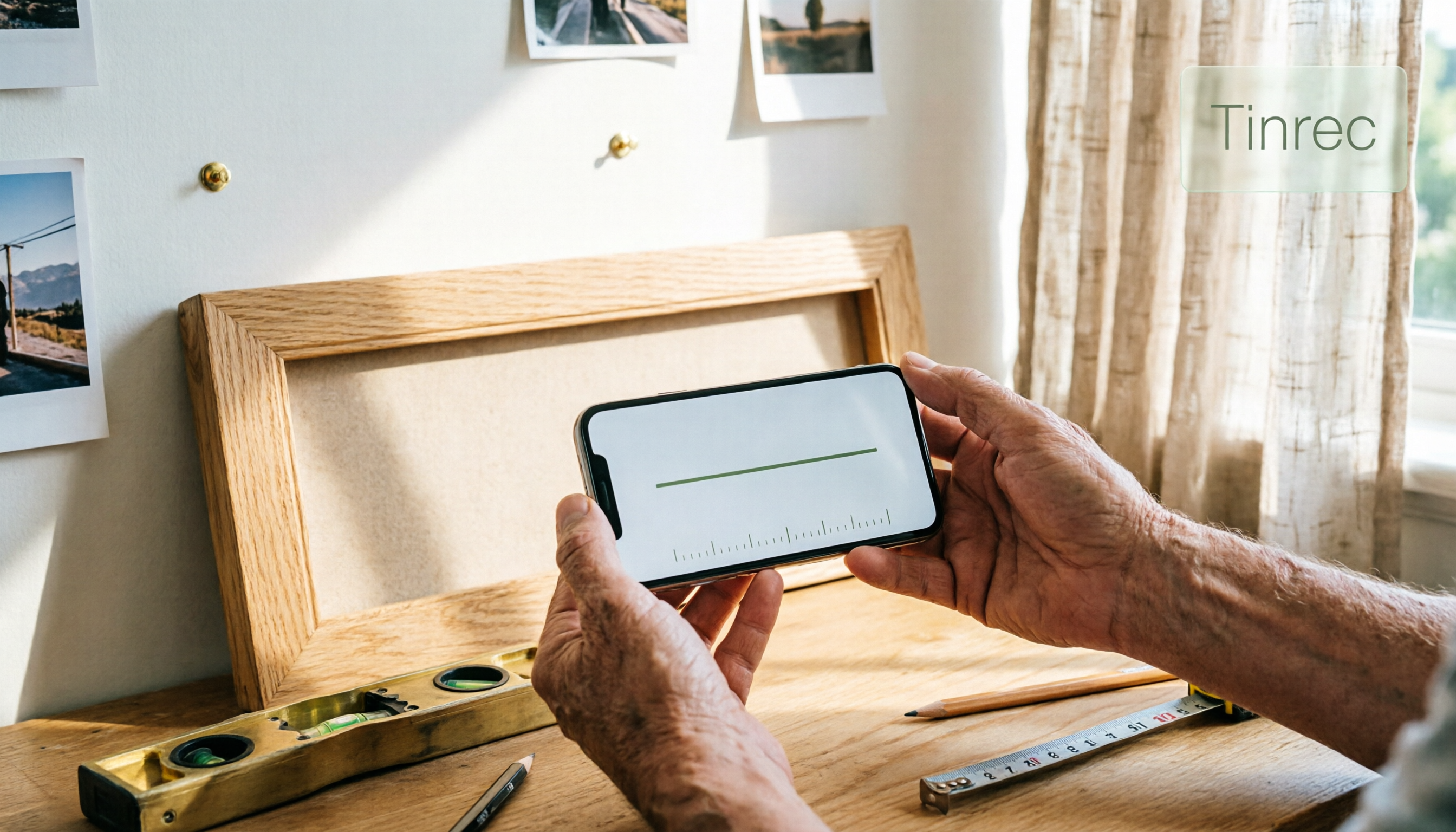
3 Ways to Use iPhone as a Level: Flat, Side, or With a Case — Which Is Most Accurate?
Can your iPhone work as a level? Yes, and you don't need to download any app. This guide tests three real-world methods — laying it flat, standing it on its side, and using it with a protective case — for hanging pictures, installing shelves, and mounting monitor arms. We break down the error caused by the camera bump, explain the difference between the Compass app's level page and the iOS 17 camera level, and honestly tell you when it's still worth grabbing a traditional bubble level.

4 Word Video Recording Alternatives Tested and Compared in 2026: How to Choose Between Audio Recording, Transcription, and Screen Recording
Word itself cannot record video, and its built-in dictation/transcription only converts speech to text. This article clarifies the boundaries of Word's video recording, audio recording, and transcription capabilities, compares four alternative approaches—Tinrec, Word dictation, Community Clips, and Otter.ai—and organizes selection criteria, pitfalls to avoid, and team pricing to help you decide whether to use screen recording or an AI meeting notes tool.
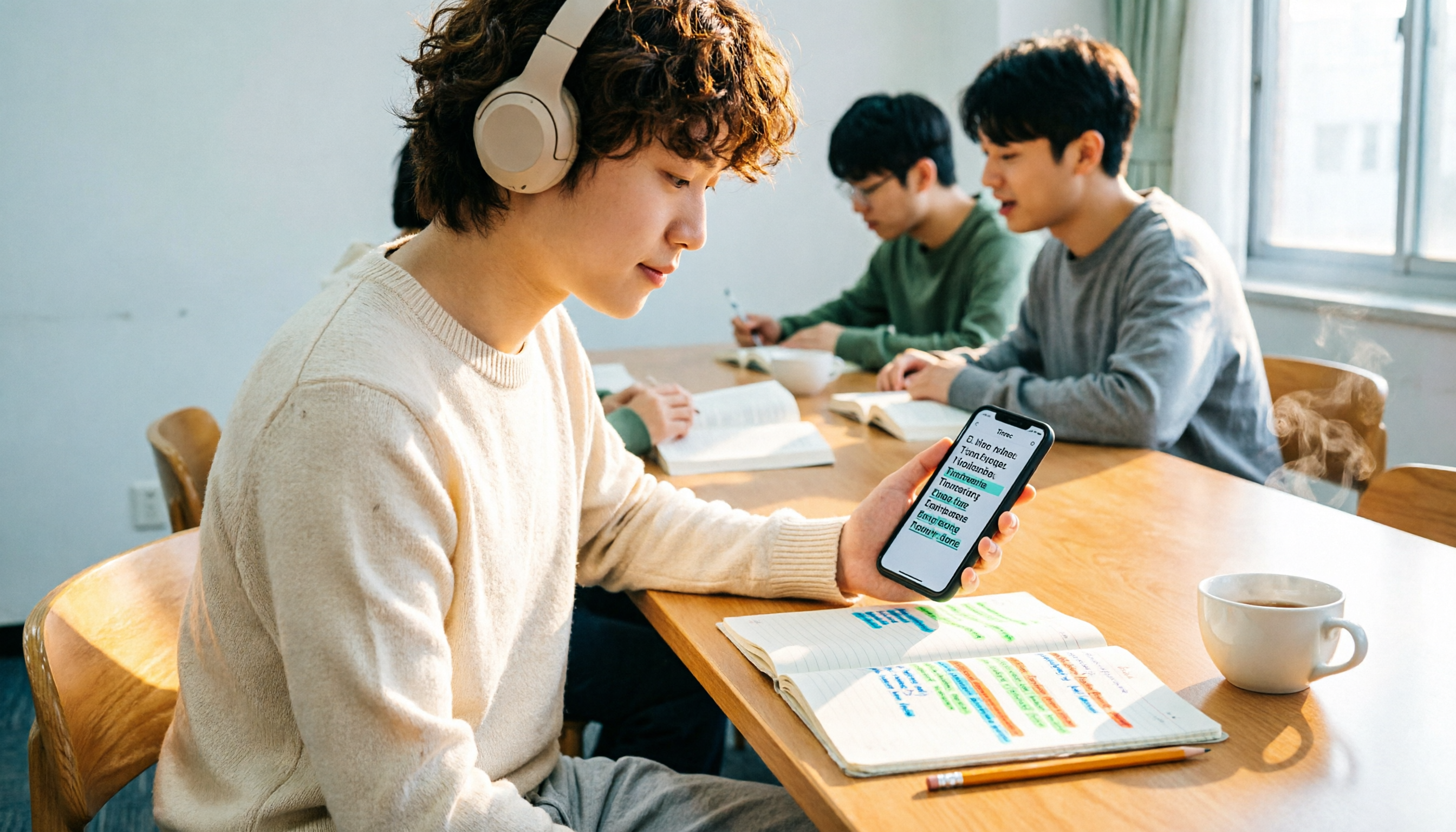
How to Use iPhone Text-to-Speech in 2026: 4 Built-in Methods + Recording-to-Text Workflow
Your iPhone can read text aloud out of the box, but you need to pick the right path first: Live Speech, Speak Screen, or Shortcuts for audio files? This guide breaks down 4 built-in methods using real student scenarios, and explains how to have Tinrec transcribe class recordings into text first, then let your iPhone read it back to you.

2026 Vocal AI Comparison: 4 Tools Tested for Meeting Transcription vs. Vocal Separation
When you search "Is vocal AI good?" first clarify whether you need music vocal processing or meeting transcription. This article focuses on meeting notes, comparing Tinrec, Otter.ai, Notta, and TurboScribe—their differences, pricing, and use cases—plus buying criteria and pitfalls to avoid.

ChatGPT Audio Recording Guide 2026: Upload Limits and Better Alternatives
Can ChatGPT read recordings? This guide breaks down ChatGPT's recording mode and the real limits of audio uploads, including plan requirements, the 512MB cap, and format issues. It also explains why meeting notes need a more complete workflow. Using Tinrec as an example, it covers bot-free online meeting recording, real-time transcription, summary and action items, and team sharing—so you can see how to choose and use the right tool.

3 AI Meeting Recording Tools Tested for 2026: How Long Can ChatGPT Record, and What Tinrec Adds
Many people search for "how long can ChatGPT record," but the real limits are usually plan permissions, consent requirements, and what happens to the data after recording. This article addresses common misconceptions, explains the official stance and practical limits of ChatGPT's recording mode, and compares Tinrec on bot-free recording, Chinese transcription, AI Q&A, and team data retention to help you decide which is better for long-term meeting records.