

Turn recordings into transcripts and summaries in minutes
Upload audio or video for multilingual transcription, AI notes, and action items
ChatGPT Speech-to-Text in 2026: Testing 3 Methods to See If You Really Get a Meeting Transcript
Last Wednesday afternoon, I finished a 90-minute cross-departmental budget coordination meeting. Back at my desk, I opened my notebook and found only five lines: "Q3 budget freeze," "Marketing needs to resubmit," "Numbers due by next Wednesday." And then? Who said it, under what conditions, and were there any caveats—all gone.
The next morning my boss asked, "What was the conclusion yesterday?" I flipped through my notes for three minutes and still couldn't explain it clearly.
A colleague saw me struggling and said offhandedly, "Don't you have ChatGPT? Just throw the recording in and tell it to transcribe."
That comment made me seriously test it out. So this article answers the question many people have asked: Can ChatGPT actually do speech-to-text? Yes, but it depends on whether you're "talking to it" or "have a recorded audio file"—these two are very different in difficulty.
At the End of a Meeting, You Don't Need a Recording—You Need Usable Content
Let's start with a familiar scenario.
The meeting is over, the recording is on your phone, 40 minutes long. You tell yourself you'll "organize it later," and it sits there for three weeks. Because you know that listening to a 40-minute recording and typing as you go actually takes about 80 minutes—you'll keep rewinding because the fast parts still aren't clear the second time.
The second scenario is even more painful: verbal instructions. You tell a subordinate, "Get this to me by next Wednesday." Two days later you ask, and they say, "I remember it was next Friday." Without a record, there's no right or wrong—just conflicting accounts.
The third scenario is cross-departmental. The real time sink isn't the communication itself, but the follow-up: where decisions are written, who's responsible, and when to verify. If these only exist in your head, they'll all disappear the day you take leave.
The common thread across these three scenarios: What you're missing is never the recording—it's content that can be searched, pulled up, and acted upon. This article revolves around that, laying out ChatGPT's three paths and practical approaches.
The Bottom Line: ChatGPT Can Do Speech-to-Text, but in Three Different Cases
I've organized what ChatGPT can currently do into three paths, with clear limits for each:
Path 1: Voice input (dictation) on mobile or web. Tap the microphone icon, speak, and it turns your words into text. This works on all plans, including free, and responds quickly. Good for dictating ideas, writing drafts, and getting thoughts out of your head. The limit: it's "you talking," not "it listening to a meeting"—you have to speak in segments, and Chinese punctuation often requires extra instructions, plus long speech needs to be broken up.
Path 2: Recording mode on macOS desktop. If you use the macOS desktop app and subscribe to Plus, Pro, or Enterprise, you can use its recording feature: open the app, hit record, play the audio file to the microphone, and get a summary. Sounds convenient, but it's essentially "playback and re-record"—you need a quiet place, and if someone's nearby, it gets awkward.
Path 3: Whisper API. This is the proper way to handle existing audio files: apply for an OpenAI API key, upload the file to the transcription endpoint, and get back a JSON transcript. The hard limit is each file must be under 25MB. This is often underestimated—a 60-minute MP3 recorded at 128kbps is about 57.6MB, more than double the limit. You have to split the file, upload, and then merge the results yourself.
All three paths share a blind spot: none directly produce a multi-speaker meeting transcript showing who said what. A 90-minute client meeting with four participants is the most common use case, but you get a big block of text and have to manually match speakers.
So my judgment is simple: if you just occasionally dictate a paragraph, ChatGPT is perfectly fine; if you want to "turn a meeting into searchable, trackable data," it's more like a semi-finished product.
Before Choosing a Solution, Understand These 4 Key Points
1. Are you dealing with "live sound" or "already-recorded files"? These are completely different paths for tool selection. Live dictation depends on response speed and punctuation handling; existing audio depends on file formats, length limits, and batch processing. Many people buy the wrong tool because they didn't first clarify which type they are.
2. What are the file size and length limits? Numbers like 25MB don't mean much on a spec sheet—you only feel the pain when you use it. Just ask: "For a two-hour meeting, how many steps do I need to start transcription?" If the answer is more than two steps, you'll probably give up after three tries.
3. What do you need to do after the transcript? The transcript is raw material, not the final product. What you really need is summaries, decisions, action items, and the ability to ask follow-up questions like "Who said that number last time?" A tool that only gives you a transcript is essentially handing back the most time-consuming work.
4. Is this for one person or the whole team? If it's just for you, a personal plan is fine. But if you want team members to access past meetings and ensure data doesn't leave with people, you need to look at "who has team spaces, member management, seats, and usage logs." These are two different levels of purchasing decisions.
Tinrec—The One I Kept After Testing
One-line positioning: Tinrec is an AI meeting notes and collaboration tool for individuals and teams, turning meetings into searchable, collaborative, actionable data.
My initial need was simple: with a dozen meetings a week, I needed a process where "something is there when the meeting ends." In practice, it solved three specific scenarios:
Scenario 1: Online meetings without adding another bot. Tinrec's desktop app captures system audio directly, handling meeting audio from Zoom, Google Meet, Microsoft Teams, and Webex without pulling in an extra bot as a participant. This is important for someone like me who often meets with external clients—you don't have to explain to the client before the meeting that "an AI will join," and you don't worry about the other company's security policies blocking the bot.
Stop organizing recordings by hand
Upload audio or video and automatically get a transcript, summary, and action items
Scenario 2: When the meeting ends, the summary and action items are already there. It records and transcribes in real time, with the transcript growing live. As soon as the meeting ends, the AI summary, chapters, key points, and action items are organized—who's responsible for what and when it's due, no need to listen again from the start. It also creates mind maps to lay out the structure of long meetings, which is especially useful for reporting upward.
Scenario 3: You can ask it questions directly after recording. This is where I see the biggest difference. Last month I needed to recall a budget figure, so I asked directly in the meeting data: "In the last budget discussion, what number did Marketing propose, and what were the caveats?" It didn't give me keyword search results—it gave me the answer directly. Few competitors at the same price point currently offer this kind of AI Q&A around meeting content.
Hands-on notes (honestly): I ran a test with my own team's weekly meeting recording. After the Chinese transcript came out, the main things needing manual correction were proper nouns and names—which is why I later added our team's common product terms to "team hotwords," and it looked much better. Transcription quality is affected by the recording environment: distant microphones, people talking nearby, and multiple people interrupting will degrade performance—same for any tool.
Three reasons I kept it:
- The workflow connects: transcript, summary, action items, export to Notion, Google Docs, OneNote, Dropbox, plus generating reports, tables, and documents based on meeting content—from "recording" all the way to "delivery."
- Cross-device without pain: record on phone, organize on computer, view on web—no need to buy another set when switching devices.
- Team knowledge stays: the team plan has independent team spaces where meeting data belongs to the team; members can view, play, and read historical data; admins can manage roles, seats, sharing permissions, usage analytics, and audit logs, plus a 30-day audio recycle bin to recover accidentally deleted recordings. When a member leaves or loses a seat, data is transferred to other members—it doesn't disappear with the person.
Limitations (to be clear): The free plan offers a basic quota for testing, but if you're a heavy user with daily meetings, you'll need to pay. The team plan currently focuses on team-level sharing—active members can read team data, but need a seat to record, upload, edit, and export; it's not a file-level granular permission system, so consider this before purchasing.
Pricing reference (subject to official purchase page): Personal plans include free, weekly card, Pro monthly, and Pro annual—choose based on usage frequency. The team plan is currently USD 29.80 per paid seat per month, or USD 199 per paid seat per year (about USD 16.58/month); eligible teams can try 7 days free with 1 free seat and 300 minutes of shared team import quota; paid seats include 2,000 minutes of shared import quota per month. Under an active team plan and active seat, real-time recording currently does not deduct minutes.
Who it's for: If you have regular weekly meetings, need Chinese meeting transcripts and minutes, want to use AI to find key points after meetings, or need a unified meeting database for your team—this is my current go-to choice.
Besides Tinrec, What Are the Alternatives?
ChatGPT mobile app voice input Free to use—tap the microphone and speak to turn speech into text, great for dictating drafts and ideas. But it handles "what you're saying now," not "already-recorded meetings." Tinrec can directly process existing audio files and online meeting audio, which this can't do.
ChatGPT macOS desktop recording mode Requires Plus, Pro, or Enterprise; plays audio to the microphone and outputs a summary. Suitable for individual users who just want quick key points. But it's summary-oriented, not a verbatim transcript, and macOS only. Tinrec offers full transcripts, chapters, action items, and AI follow-up questions, and works across iOS, Android, and web.
Whisper API The most proper way to handle existing audio files, outputting JSON transcripts with high flexibility. The cost is applying for your own key, dealing with the 25MB limit, and splitting/merging files; multi-speaker audio won't automatically map to individuals. Tinrec wraps these steps into its interface and adds summaries, action items, translation, and team spaces.
Pitfall Guide: The 3 Most Common Mistakes When Using ChatGPT for Speech-to-Text
Pitfall 1: Assuming you can drop an audio file into the chat box and get a transcript. Many people try this first and get responses like "I can't process audio." The stable way to handle audio is the API or desktop recording mode, not dragging files into the chat. Test with a 3-minute audio clip first to see what your account and device can do.
Pitfall 2: Underestimating the 25MB limit and the time cost of splitting files. 25MB sounds large, but a 128kbps MP3 is 57MB per hour. What you think is "just upload it" is actually "split, upload in batches, and paste back together." Fine for a one-time task, but when it becomes a weekly routine, these manual steps are the last straw.
Pitfall 3: Treating the transcript as the end goal. Getting a big block of text is actually just the beginning. The real time savings come from summaries, action items, follow-up questions, and exports. If you only use the tool for "audio to text," you're using only a third of its value—the point of meeting notes is never "having a record," but "being able to find and follow up."
A reminder: Before recording, check company policies and get participant consent when needed—this isn't a formality; it protects you.
Conclusion: Which One Should You Use?
To sum up in one sentence: ChatGPT can do speech-to-text, but it's more like "turning your words into text" than "turning your meeting into data."
It's clearer to route by scenario:
- Just dictating drafts, writing emails, organizing thoughts → ChatGPT mobile app voice input, free, fast enough, no need to overthink.
- Have a short audio file, transcribe occasionally → Whisper API, most flexible, but be prepared to handle file splitting.
- Regular weekly meetings, need Chinese transcripts and minutes → Tinrec, a straight line from recording, transcription, summary, action items to export.
- Want to ask "What was that conclusion last time?" after meetings → Tinrec's AI Q&A, my most frequent reason to keep using it.
- Team needs shared meeting data, seat and usage management → Tinrec team plan, data belongs to the team, stays when people leave.
My advice is practical: Don't pay first. Take a meeting you already have next week, run it through the free plan once, and see if you can take that summary straight to your boss ten minutes after the meeting. If yes, then talk upgrade; if not, at least you spent only ten minutes to confirm the answer.
Tools won't attend meetings for you or make decisions for you. But they can take over the most mechanical part—post-meeting organization—and for someone with a dozen meetings a week, that alone is worth it.
References
- Can ChatGPT Transcribe Audio? 3 Methods and Real Limitations (2026)
- How to Use ChatGPT App Voice-to-Text for Meeting Notes and Note-Taking to Boost Output Efficiency - TNL The News Lens
- Can ChatGPT Transcribe Speech to Text? And How to Use It
- 2026 Latest: Solutions for ChatGPT Unable to Transcribe Speech and 3 Recommended Tools | AI Transcription Service—Mr. Transcription
- The Ultimate Workflow: ChatGPT Speech-to-Transcript and Organizing into Notes - GenApe
Turn every recording into actionable outcomes
Get 60 free transcription minutes when you sign in. No credit card required.
Related Reading
You might also like

3 Transcript Export Tools Tested for 2026: How to Export Yating Transcripts and Is Tinrec Easier?
First, a quick answer on how to export Yating transcripts, then a comparison of Tinrec from the perspectives of post-export workflow, AI organization, online meeting capture, and team collaboration to see if it better suits those who need to repeatedly organize meeting content.

2026 Speech-to-Text Tool Comparison: Is Yating Taiwanese? Feature and Plan Differences
Is Yating Taiwanese? Two conflicting claims are circulating online. This article first sorts out verifiable sources and points of conflict, then compares Yating, Notta, TurboScribe, and Tinrec across five angles: accent recognition, post-meeting organization, online meeting recording methods, free quotas, and team data ownership, to help you decide which tool fits your meeting scenario.

ChatGPT Voice Mode vs Tinrec in 2026: 5-Dimension Comparison — Which Is More Practical for Recording Length and Post-Meeting Organization?
How long can ChatGPT Voice Mode record in a single session? OpenAI's Help Center doesn't specify a fixed minute limit, and external reports generally point to a cap of about 2 hours. This article compares ChatGPT Voice Mode and Tinrec across five dimensions — single-session recording length, Chinese recognition, post-meeting organization, team collaboration, and import sources — and highlights the most common practical pitfalls to help you decide which tool to use for meeting notes.
3 Ways to Use iPhone as a Level: Flat, Side, or With a Case — Which Is Most Accurate?
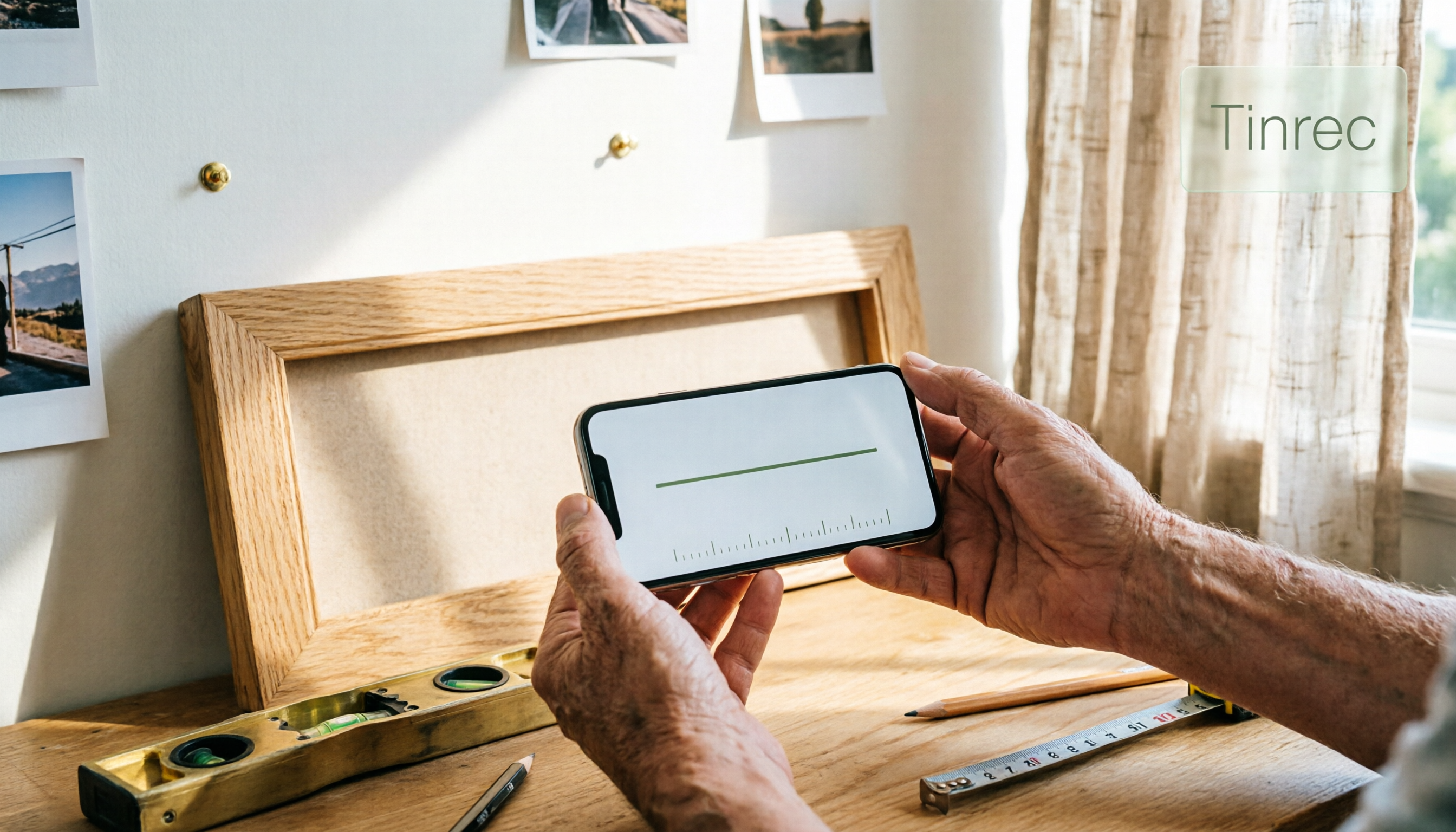
Can your iPhone work as a level? Yes, and you don't need to download any app. This guide tests three real-world methods — laying it flat, standing it on its side, and using it with a protective case — for hanging pictures, installing shelves, and mounting monitor arms. We break down the error caused by the camera bump, explain the difference between the Compass app's level page and the iOS 17 camera level, and honestly tell you when it's still worth grabbing a traditional bubble level.

4 Word Video Recording Alternatives Tested and Compared in 2026: How to Choose Between Audio Recording, Transcription, and Screen Recording
Word itself cannot record video, and its built-in dictation/transcription only converts speech to text. This article clarifies the boundaries of Word's video recording, audio recording, and transcription capabilities, compares four alternative approaches—Tinrec, Word dictation, Community Clips, and Otter.ai—and organizes selection criteria, pitfalls to avoid, and team pricing to help you decide whether to use screen recording or an AI meeting notes tool.

How to Use iPhone Text-to-Speech in 2026: 4 Built-in Methods + Recording-to-Text Workflow
Your iPhone can read text aloud out of the box, but you need to pick the right path first: Live Speech, Speak Screen, or Shortcuts for audio files? This guide breaks down 4 built-in methods using real student scenarios, and explains how to have Tinrec transcribe class recordings into text first, then let your iPhone read it back to you.

2026 Vocal AI Comparison: 4 Tools Tested for Meeting Transcription vs. Vocal Separation
When you search "Is vocal AI good?" first clarify whether you need music vocal processing or meeting transcription. This article focuses on meeting notes, comparing Tinrec, Otter.ai, Notta, and TurboScribe—their differences, pricing, and use cases—plus buying criteria and pitfalls to avoid.

ChatGPT Audio Recording Guide 2026: Upload Limits and Better Alternatives
Can ChatGPT read recordings? This guide breaks down ChatGPT's recording mode and the real limits of audio uploads, including plan requirements, the 512MB cap, and format issues. It also explains why meeting notes need a more complete workflow. Using Tinrec as an example, it covers bot-free online meeting recording, real-time transcription, summary and action items, and team sharing—so you can see how to choose and use the right tool.

3 AI Meeting Recording Tools Tested for 2026: How Long Can ChatGPT Record, and What Tinrec Adds
Many people search for "how long can ChatGPT record," but the real limits are usually plan permissions, consent requirements, and what happens to the data after recording. This article addresses common misconceptions, explains the official stance and practical limits of ChatGPT's recording mode, and compares Tinrec on bot-free recording, Chinese transcription, AI Q&A, and team data retention to help you decide which is better for long-term meeting records.