

Turn recordings into transcripts and summaries in minutes
Upload audio or video for multilingual transcription, AI notes, and action items
2026 Comparison of 4 Chinese Audio Summary Tools: Which Saves the Most Time?
Monday morning, you're still dragging the progress bar to find that budget cap—you don't need a tool, you need a solution
Monday morning, you open last Friday's meeting recording, trying to find the budget cap your manager mentioned. You drag the progress bar three times, but still can't find it.
It's not that your memory is bad; it's that the recording hasn't become searchable, summarizable content.
Chinese meetings, interviews, and course recordings are piling up. The real trouble is never the recording itself, but the organizing after recording.
If you've ever experienced "recorded 40 minutes, spent two hours organizing," this article is for you.
Before Choosing a Chinese Audio Summary Tool, Understand These 4 Key Points
1. Chinese transcription and mixed Chinese-English Chinese meetings inevitably include English terms. Look at how the tool handles Chinese, Traditional Chinese, and mixed Chinese-English content, not just English demos.
2. Can the summary be used directly? Having a summary doesn't mean the summary is usable. Check if it can divide into sections, capture key points, list to-dos, and ideally serve as a draft for meeting notes.
3. Input sources and recording methods Online meetings, offline recordings, existing audio and video files are three different scenarios. Some tools excel at uploading files, others at live meetings; first confirm which one you encounter most.
4. Can it be used after the meeting? Transcripts should be searchable, queryable, and exportable. For team use, also consider shared spaces, member roles, seats, and usage management—these determine whether data can be retained.
Tinrec—Our Top Choice After Testing
Tinrec is an AI meeting notes and collaboration tool for individuals and teams, available on web, desktop, and mobile. It not only converts audio to text but also organizes meetings into searchable, summarizable, queryable, and exportable data.
First, online meetings. Tinrec desktop version directly captures computer system audio, without needing to invite a meeting bot to Zoom, Google Meet, Microsoft Teams, or Webex. You open Tinrec to start recording and get live transcription. For those who don't want an extra "Tinrec Bot" in the meeting list, this is a thoughtful feature.
For offline meetings and interviews, use real-time recording to text. It handles Chinese, Traditional Chinese, and mixed Chinese-English content, and automatically generates summaries, chapters, key points, and to-dos after the meeting. We tested three scenarios: a 15-minute Chinese online meeting (indoor office environment with keyboard and air conditioning noise), a mixed Chinese-English interview, and a 30-minute existing recording file. Test conditions were primarily Mandarin with some proper nouns. Transcripts are directly searchable, and summaries and to-dos can serve as meeting notes drafts; proper nouns and overlapping speakers still require manual verification—keep this in mind.
Even better is post-meeting querying. You can directly ask Tinrec: "Who mentioned the budget in this meeting?" It answers based on semantic understanding, not just a list of keyword search results. This turns the transcript from an "archive" into "data you can continue working with." It can also export results to Notion, Google Docs, OneNote, Dropbox, or further generate reports, tables, and meeting minutes. For cross-language meetings, you can enable real-time translation and view in original, translated, or bilingual mode.
For team use, Tinrec Team Edition is a separate team space, not multiple people sharing a personal account. Team data belongs to the team, with role and seat management, shared import quota, usage analytics, audit logs, audio recycle bin, and team hotwords. Note that roles and seats are two different things: active members without a seat can still view, play, and read team data, but only those with a seat can record, upload, edit, and import/export. Pricing: team monthly is USD 29.80/paid seat/month, annual is USD 199/paid seat/year, equivalent to about USD 16.58/month; first eligible team trial is 7 days, 1 free seat, 300 minutes team shared import quota, paid seats provide 2,000 minutes team shared import quota per month. Real-time recording currently does not deduct minutes; file and web imports use team shared quota. Actual prices and benefits are subject to the official purchase page.
Stop organizing recordings by hand
Upload audio or video and automatically get a transcript, summary, and action items
Three advantages I'd note: complete Chinese meeting experience, no meeting bot, complete post-meeting workflow. Limitations to clarify: free version is basic quota, heavy use requires payment; transcription quality is affected by recording quality, accent, noise, and overlapping speakers; team edition is currently team-level sharing, not file-level permissions. If you frequently hold Chinese meetings, need post-meeting summaries and to-dos, want to use AI to query meeting content, or your team needs to retain meeting data, Tinrec is a very suitable choice.
Besides Tinrec, What Other Options Are There?
Notta Notta overlaps significantly with Tinrec, covering multi-platform transcription, meeting notes, file import, translation, and team plans. Free version: 120 minutes per month, max 3 minutes per session; Pro annual equivalent to USD 8.17/month, 1,800 minutes per month; Business annual equivalent to USD 16.67/seat/month, offering unlimited transcription, role permissions, and usage reports. If you're already using Notta for file transcription and translation, you can continue; but if you want bot-free recording of online meetings and to put summaries, to-dos, AI Q&A, and team data retention in one workflow, Tinrec's meeting collaboration focus is more concentrated.
Otter.ai Otter is a mature English meeting assistant. Basic free: 300 minutes per month; Pro annual equivalent to USD 8.49/user/month, including 1,200 minutes in-app recording and 10 file imports per month. It has a strong reputation for English business meetings. However, Chinese meetings and mixed Chinese-English are not its primary scenarios. Tinrec is closer to Chinese teams in Chinese experience, desktop bot-free recording, and real-time translation; if you mainly record English meetings, Otter is still worth considering.
Granola Granola is a bot-free AI meeting notes tool. Basic free, Business USD 14/user/month, Enterprise USD 35/user/month. It transcribes in real-time via desktop system audio and microphone, and combines handwritten notes to generate content. Suitable for English meetings and those who like to take notes during meetings. Note that Granola does not save meeting audio and does not support uploading pre-recorded audio files; Tinrec retains recordings, supports file import, and offers Chinese experience, real-time translation, more export options, and team data management. If you need to listen back to original audio or organize existing recordings, Tinrec is more suitable.
Pitfall Guide: 3 Most Common Mistakes When Choosing a Chinese Audio Summary Tool
Pitfall 1: Only looking at English demos Many tools have beautiful English transcription, but Chinese meetings have mixed Chinese-English, accents, and technical terms. Try with your own Chinese recordings, don't just look at official samples.
Pitfall 2: Treating "has summary" as "usable summary" Some summaries just compress the transcript, without chapters, key points, and to-dos. When choosing, check if the summary can directly serve as a meeting notes draft and if you can continue to query.
Pitfall 3: Ignoring team permissions and data ownership Team meeting data stored in personal accounts becomes troublesome when members leave. Distinguish roles and seats: members can view, but only seat holders can upload and edit. Tinrec Team Edition makes data belong to the team, allowing resource handover when members change; but it is team-level sharing, not file-level ACL, so don't assume you can set independent permissions for each file.
Conclusion: Which One Should You Choose?
- Mainly Chinese meetings, need post-meeting summaries, to-dos, and AI querying → Tinrec (bot-free recording, Chinese experience, complete post-meeting workflow)
- Online meetings across Zoom, Meet, Teams, Webex, don't want to add a bot → Tinrec desktop version
- Need to organize existing recording files and keep original audio → Tinrec supports audio and video import
- Team needs to retain meeting data, manage members and usage → Tinrec Team Edition
- Mainly record English meetings, team already uses Otter → Otter.ai (the only exception in this article)
In short, if you want "after a Chinese meeting, immediately summarize, query, export, and share with the team," Tinrec is currently the closest choice. We recommend trying the free version first with your own Chinese meeting recording to see if summaries and to-dos can be directly useful. If it fits, consider upgrading—no need to pay upfront.
References
Turn every recording into actionable outcomes
Get 60 free transcription minutes when you sign in. No credit card required.
Related Reading
You might also like

5 Best M4A to Text Tools in 2026: Which One Turns Recordings into Usable Meeting Notes?
M4A to text tools aren't just about speed—they need to produce output you can actually use. We tested Tinrec, Notta, TurboScribe, UniScribe, and VEED on Chinese recognition, post-meeting organization, audio retention, and free tier limits, plus 4 common pitfalls to help you choose the one that truly saves time.

Google Lens vs LINE in 2026: 4-Dimension Comparison — Which Is Better for Photo-to-Text?
Starting from common misconceptions, this comparison of Google Lens and LINE covers their photo-to-text workflows, translation, use cases, and limitations, and explains the difference between meeting audio transcription and photo OCR.

5 Best Free Speech-to-Text Apps in 2026: Free Tiers, Signup Limits, and Real-World Use
We tested Otter.ai, Notta, TurboScribe, Granola, and Tinrec on free minutes, per-file limits, signup and installation requirements, and post-meeting organization. Includes a 10-person team lead's actual selection order and upgrade criteria.
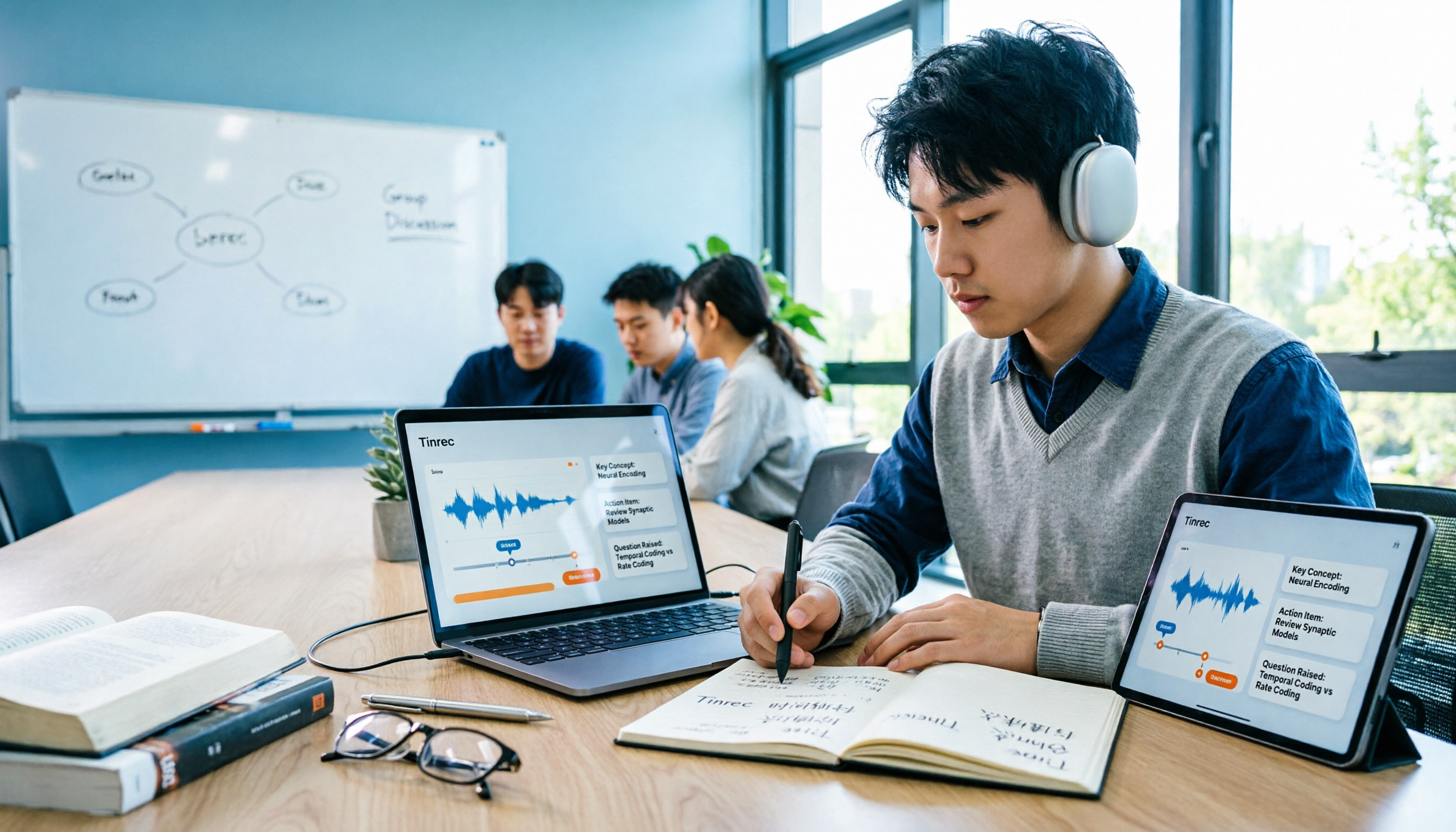
MyEdit vs Tinrec in 2026: A 5-Dimension Comparison — Great for Photo Editing, But It Won't Save Your Class Notes
Is MyEdit good? It's handy for photo and audio editing, but it can't help when you need to organize class recordings or group discussions. This article starts from real student scenarios and compares MyEdit and Tinrec across 5 dimensions, plus when Notta and Otter.ai each make sense and 4 common mistakes when choosing tools—so you spend your limited budget on what you'll actually reuse every week.

2026 Comparison of 4 Meeting Software: Free Tiers and Post-Meeting Organization—Which Is Most Sufficient?
How to choose meeting software? This article examines free tiers, meeting audio capture methods, Chinese transcription, and post-meeting organization, comparing Tinrec, Otter.ai, Notta, and Google Meet. It also outlines the limitations of personal and team plans to help professionals and small teams find suitable meeting software.

2026 Tinrec AI Meeting Notes Review: Chinese Transcripts + Auto To-Dos
Which AI meeting notes tool is best? This guide starts with common buying mistakes and compares Tinrec with Otter.ai, Notta, and others on Chinese recognition, bot-free recording, post-meeting summaries, action item extraction, team collaboration, and free tiers to help US professionals find the right AI meeting notes tool.

Tinrec vs Notta 2026: 5-Dimension Comparison — Which Is Better for Chinese Meeting Notes and Team Knowledge?
Which real-time meeting transcription app should you choose? This article compares Tinrec and Notta across 5 dimensions: audio capture, post-meeting organization, Chinese language experience, team governance, and pricing/quotas. It also covers use cases for Otter.ai and TurboScribe to help you find the tool that truly saves time on transcripts.
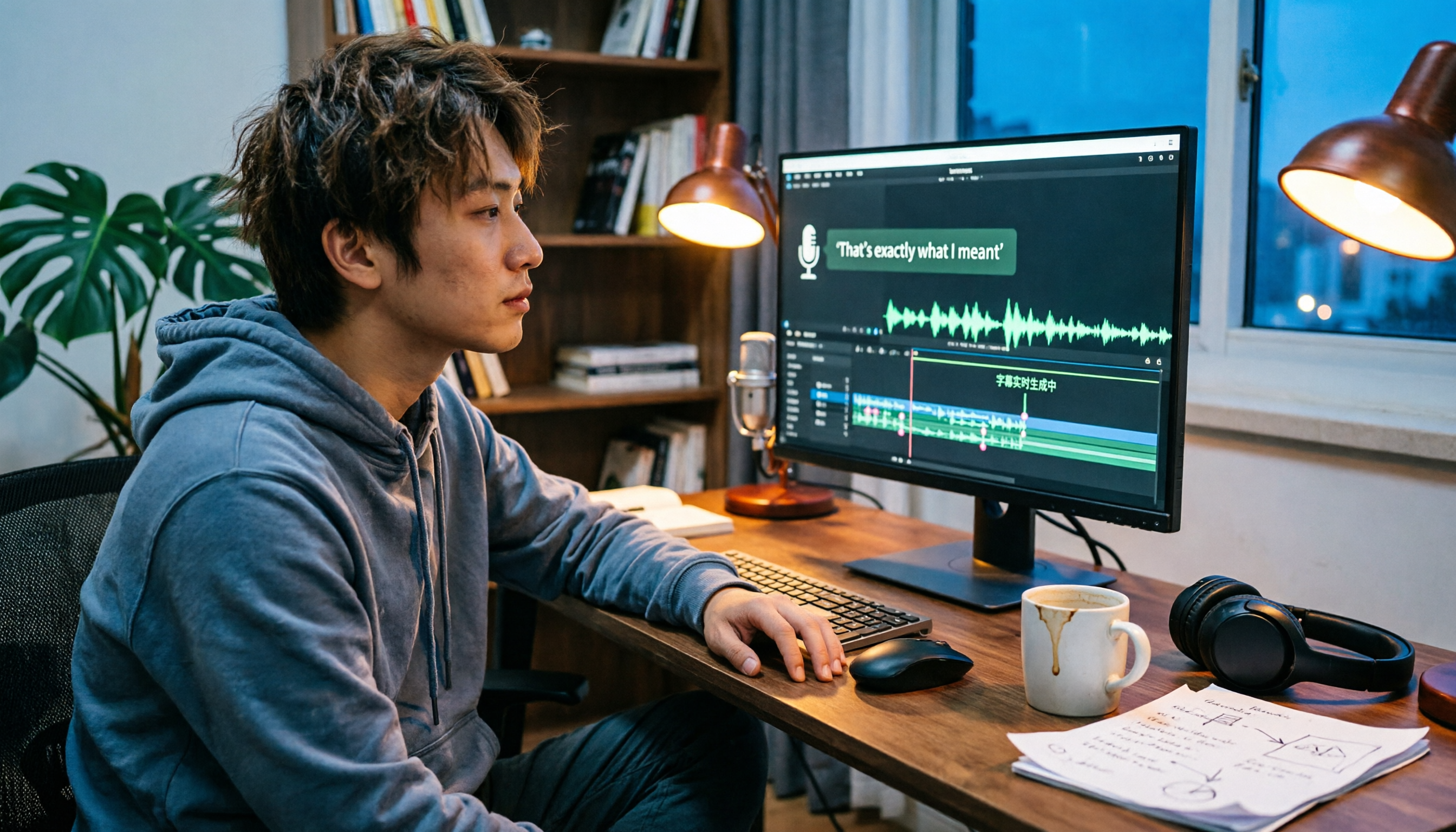
2026 Vlog Video Editing & Voice-to-Text Tools Compared: Which Saves the Most Time on Voiceover to Subtitles?
Filming your Vlog is done, but adding voiceover and subtitles takes forever? This article breaks down three workflows—voice to text to subtitles—and compares Tinrec, Jianying, CapCut, and Subanana on Chinese transcription, AI summaries, subtitle drafts, and editing integration to help you choose the right tool and avoid late nights.

How to Do Audio-to-Text Transcription in 2026: 5 Steps from Recording to Team Transcript
Meeting recordings sit unprocessed, and interviews need to be replayed three times to find that one key sentence—the real challenge with audio-to-text isn't transcription itself, but what you do with the output. This article breaks down the complete workflow in 5 steps: recording, transcription, summarization, follow-up questions, and export. It also compares Tinrec, Notta, Otter.ai, and TurboScribe to help you choose the right tool for your needs, including free tiers and paid pricing.