
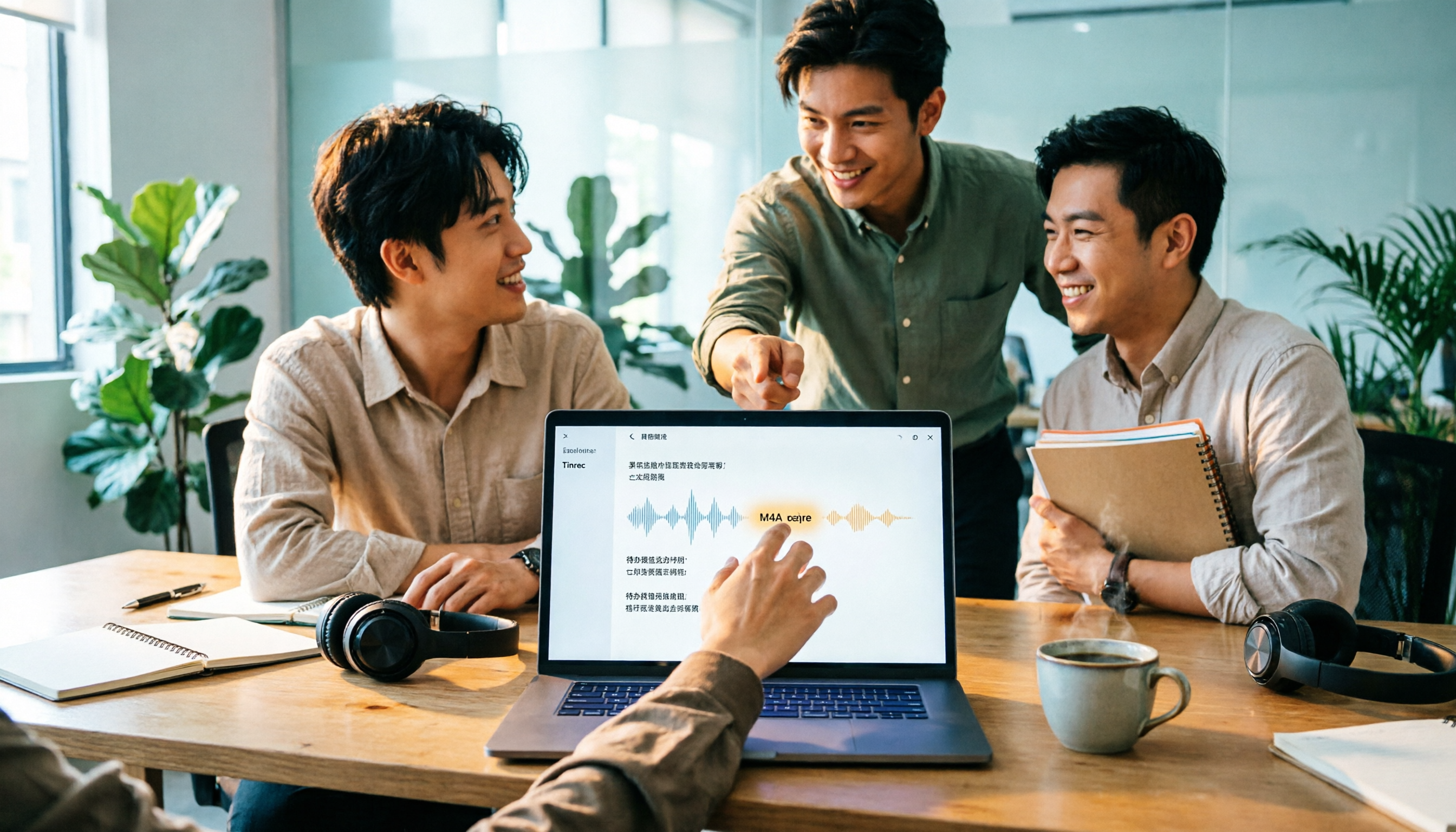
Turn recordings into transcripts and summaries in minutes
Upload audio or video for multilingual transcription, AI notes, and action items
One-Hour Recording, Two-Hour Cleanup—Is Transcription Really the Problem?
The interview ends, the meeting disperses, and you're left with a 48-minute M4A file on your phone. The filename is recording_20260312.m4a. You know it contains important content, but you're not ready to deal with it yet.
Most people upload it to a transcription service, wait ten minutes or so, and get back a few thousand words of plain text. Then what? No paragraphs, no speaker labels, no conclusions. You rub your eyes and read from the first line to the last, manually adding headings in Word as you go.
Another scenario is even more common. There's never just one M4A: voice memos from your phone, recordings from computer software, audio saved from online meetings—same format, different sources, all sitting in your Downloads folder. You have to open each one just to figure out which meeting it was.
So this article isn't going to convince you that "transcription is convenient." Transcription is already convenient. What really holds people up is what comes after—how to turn it into something you can understand, search, and hand off directly.
Before Choosing an M4A to Text Tool, Understand These 4 Key Points
1. Chinese and mixed Chinese-English recognition Meetings in Taiwan rarely stay purely in Chinese—product names, job titles, and KPIs are almost always in English. The "98% accuracy" claimed on websites is usually measured in a quiet recording studio. Real meetings have air conditioning noise, keyboard clicks, people talking over each other, and accents. Test with your own M4A files instead of relying on marketing numbers.
2. What you get after transcription A plain text transcript versus a document with summaries, chapters, and action items represent two very different workloads. Most tools stop at "turning audio into text," while a few go a step further and organize the meeting into something you can report on. This difference often determines how many hours you'll save more than accuracy rates do.
3. Whether audio files are retained Some AI meeting note tools only keep text and don't save the original audio. The upside is less privacy concern; the downside is that when you suspect a sentence was misheard, there's nothing to go back and check. If the meeting involves commitments, quotes, or decisions, being able to replay is important.
4. How free tiers are calculated This is where people get burned most often. They all say "free," but some offer 120 minutes per month with a 3-minute limit per file (Notta free plan), some allow 3 files per day with a 30-minute cap per file (TurboScribe free plan), and others give 120 minutes per month with up to 3 uploads per day (UniScribe free plan). Whether you're looking at monthly totals or per-file limits directly determines whether your 90-minute M4A can be processed for free.
Tinrec—After Trying Them All, I Kept It on My Toolbar
Tinrec is an AI meeting notes and collaboration tool for individuals and teams, supporting live recording, desktop online meeting recording, audio and video file uploads, and mobile use. Its biggest difference from pure transcription services is that the transcript is just an intermediate product, not the end goal.
Just upload your M4A directly. No need to convert to MP3 first. What you get isn't just a transcript—the system simultaneously generates summaries, chapters, and action items. For a 60-minute weekly meeting, you can jump through chapters, confirm the conclusions section first, then go back for details. This is especially noticeable when you're pressed for time.
No bot needs to join your online meetings. If your M4A comes from Zoom, Google Meet, Microsoft Teams, or Webex, the Tinrec desktop app captures system audio directly—no need to invite an extra meeting bot into the room. This is practical for external meetings or client interviews—participants won't see a strange account on the list. Note that this is "user-initiated recording," not automatic joining of all calendar meetings.
You can keep asking questions after recording. Beyond summaries and action items, Tinrec supports AI Q&A around meeting content, allowing cross-meeting queries like "What was the budget cap we discussed last time?" It also offers real-time translation and bilingual viewing during recording, plus export to common workflows like Notion, Google Docs, OneNote, and Dropbox. You can also use Agent post-processing to generate reports, tables, and formal meeting minutes from the meeting content.
The team plan isn't "multiple people sharing one account." It provides independent team spaces: create multiple teams, invite members via link, set roles as Owner/Admin/Member, and assign or revoke seats. Paid seats include 2,000 minutes of shared team import quota per month; with an active plan and valid seats, live recording currently doesn't deduct minutes. First-time eligible teams can try 7 days with 1 free seat and 300 minutes of shared import quota. Team monthly billing is USD 29.80 per paid seat per month, annual billing is USD 199 per paid seat per year (about USD 16.58/month). There are also usage analytics, audit logs, audio recycle bin (30-day retention), and team hotwords. Please refer to the official purchase page for current pricing and benefits.
Stop organizing recordings by hand
Upload audio or video and automatically get a transcript, summary, and action items
Three advantages I actually use:
- Ready to deliver right after transcription. Summaries, chapters, and action items all in one go—no need to format from scratch.
- No bot needed for online meetings—less awkward for external communications.
- Clear team data ownership. When members leave or are removed, resources can be transferred to other valid members instead of disappearing with the individual account.
Two limitations to know upfront:
- The free tier is suitable for light use. If you have many meetings every week, you'll need a paid plan.
- It's not a batch transcription tool for "dropping 50 long files at once." For bulk file processing, services like TurboScribe are more suitable. The team plan is also team-level sharing, not file-level granular permissions.
Overall, if what you want is "turning M4A into meeting notes, action items, and a searchable database" rather than "transcribing a batch of audio files at once," Tinrec currently offers the smoothest workflow.
Besides Tinrec, What Other M4A to Text Options Are There?
Notta: A veteran tool for multi-platform transcription and meeting notes, supporting file import, translation, and team plans. The free plan offers 120 minutes per month but limits each session to 3 minutes; Pro annual billing works out to about USD 8.17/month (1,800 minutes per month). Its plan design is friendly for short audio, but for meeting M4As over 40 minutes, the free plan almost always requires splitting files. Tinrec, on the other hand, directly produces summaries and action items after upload, saving a round of post-meeting organization.
TurboScribe: The representative of high cost-performance file transcription. Free plan allows 3 files per day with a 30-minute cap per file; Unlimited annual billing is USD 120 (about USD 10/month), with paid plans supporting files up to 10 hours or 5 GB and up to 50 files at once. If you have a batch of historical recordings to clear out, its efficiency is hard to beat. However, it focuses on file processing, while Tinrec additionally offers desktop bot-free online meeting recording, plus team spaces, seat allocation, and usage auditing for collaboration governance.
UniScribe: Works in the browser. Free plan offers 120 minutes per month with up to 3 files per day, supports 60+ languages, automatically generates summaries, mind maps, and key insights, and can export to txt, pdf, docx, srt, csv, vtt, or share via link. Lightweight and quick to learn are its strengths. The difference is that Tinrec can directly capture meeting system audio on your computer and consolidate meetings into a team space with role and seat management.
VEED: A transcription feature attached to an online video editing platform. M4A can be converted to text and exported as SRT, VTT, or TXT, and audio files can be turned into MP4 for further editing—all in the browser. Downloading transcription files requires a subscription; Pro annual billing is USD 24/month. If you're already working on video subtitles, it's convenient. But if your goal is meeting notes, action items, and post-meeting queries, Tinrec's workflow is a better fit.
Pitfall Guide: The 4 Most Common M4A to Text Mistakes
Pitfall 1: Only looking at "minutes per month" without checking per-file limits. Many free plans look great on paper but actually mean "3 minutes max per session." Your 90-minute M4A would need to be split into 30 segments. Check per-file limits before trying—it's more important than total minutes.
Pitfall 2: Treating the transcript as a finished product. A transcript is raw material, not a finished product. If the tool only gives you plain text, you still have to write summaries, extract action items, and add headings yourself. When choosing a tool, including "what it produces after the meeting" in your evaluation is more practical than just looking at accuracy.
Pitfall 3: Not confirming whether audio files will be deleted. Some AI meeting note tools only keep text and don't save audio. Normally that's fine, but when you need to verify "did they say the 15th or the 50th," without audio you can only re-record. For meetings involving amounts, timelines, and commitments, always confirm whether playback is available.
Pitfall 4: Treating "multiple people sharing one account" as a team plan. What really needs to be distinguished is roles and seats: roles govern administration (who can manage members, view audits), seats govern usage (whether one can upload, edit, export). Valid team members without a seat can still view, play, and read materials but cannot edit or export. Asking about this layer before purchasing can save you a lot of trouble.
Conclusion: Which One Should You Choose?
In one sentence: if what you want is "M4A in, usable meeting materials out," Tinrec has the most complete workflow among these five.
- Need Chinese meeting transcripts and summaries with mixed Chinese-English → Tinrec, with chapters and action items right after transcription.
- Want to record Zoom, Meet, Teams without a bot on the list → Tinrec desktop app captures system audio directly.
- Want to use AI to ask "what was the conclusion, who's responsible for what" after the meeting → Tinrec's meeting Q&A is one of the few built into the workflow.
- Team needs to share meeting materials and manage seats and usage → Tinrec team plan has independent spaces, roles, seats, auditing, and recycle bin.
- Zero budget, only need to handle a few short audio files → Use UniScribe or TurboScribe free plans for now.
- Need to clear out dozens of long historical recordings at once → TurboScribe's batch and long-file capabilities are more suitable.
I recommend taking your most difficult M4A and running it through the free tier first. If what comes out can go directly into meeting notes or reports, that's what saving time means. If you still have to manually reorganize everything, then for you it's just a typewriter.
References
Turn every recording into actionable outcomes
Get 60 free transcription minutes when you sign in. No credit card required.
Related Reading
You might also like

Google Lens vs LINE in 2026: 4-Dimension Comparison — Which Is Better for Photo-to-Text?
Starting from common misconceptions, this comparison of Google Lens and LINE covers their photo-to-text workflows, translation, use cases, and limitations, and explains the difference between meeting audio transcription and photo OCR.

5 Best Free Speech-to-Text Apps in 2026: Free Tiers, Signup Limits, and Real-World Use
We tested Otter.ai, Notta, TurboScribe, Granola, and Tinrec on free minutes, per-file limits, signup and installation requirements, and post-meeting organization. Includes a 10-person team lead's actual selection order and upgrade criteria.
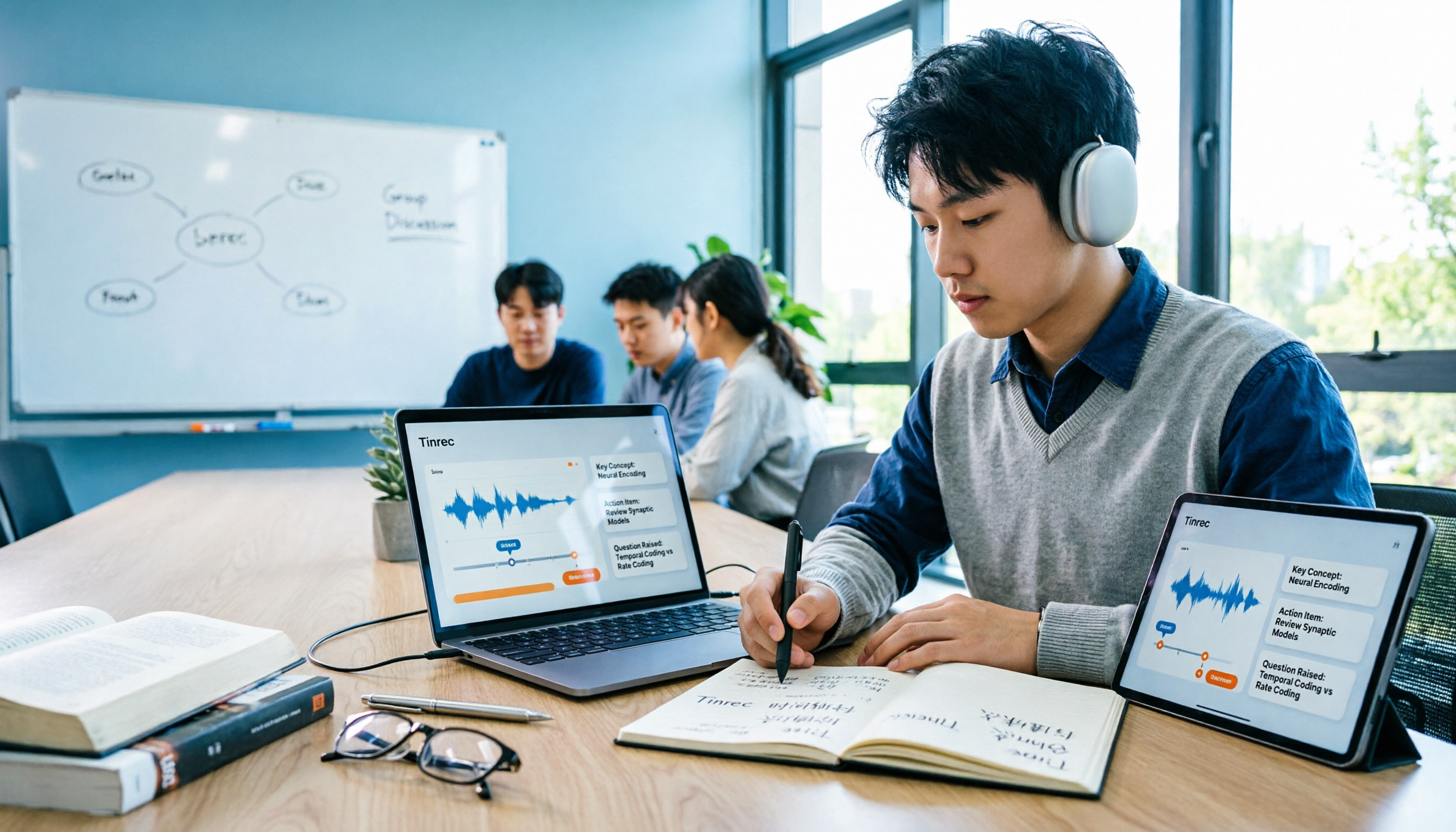
MyEdit vs Tinrec in 2026: A 5-Dimension Comparison — Great for Photo Editing, But It Won't Save Your Class Notes
Is MyEdit good? It's handy for photo and audio editing, but it can't help when you need to organize class recordings or group discussions. This article starts from real student scenarios and compares MyEdit and Tinrec across 5 dimensions, plus when Notta and Otter.ai each make sense and 4 common mistakes when choosing tools—so you spend your limited budget on what you'll actually reuse every week.

2026 Comparison of 4 Chinese Audio Summary Tools: Which Saves the Most Time?
How to choose a Chinese audio summary tool? This article tests and compares Tinrec, Notta, Otter, and Granola across three scenarios: online meetings, offline interviews, and existing recordings. It covers Chinese transcription, summarization, to-dos, AI Q&A, team collaboration, and pricing to help you find the right summary tool for Chinese meetings.

2026 Comparison of 4 Meeting Software: Free Tiers and Post-Meeting Organization—Which Is Most Sufficient?
How to choose meeting software? This article examines free tiers, meeting audio capture methods, Chinese transcription, and post-meeting organization, comparing Tinrec, Otter.ai, Notta, and Google Meet. It also outlines the limitations of personal and team plans to help professionals and small teams find suitable meeting software.

2026 Tinrec AI Meeting Notes Review: Chinese Transcripts + Auto To-Dos
Which AI meeting notes tool is best? This guide starts with common buying mistakes and compares Tinrec with Otter.ai, Notta, and others on Chinese recognition, bot-free recording, post-meeting summaries, action item extraction, team collaboration, and free tiers to help US professionals find the right AI meeting notes tool.

Tinrec vs Notta 2026: 5-Dimension Comparison — Which Is Better for Chinese Meeting Notes and Team Knowledge?
Which real-time meeting transcription app should you choose? This article compares Tinrec and Notta across 5 dimensions: audio capture, post-meeting organization, Chinese language experience, team governance, and pricing/quotas. It also covers use cases for Otter.ai and TurboScribe to help you find the tool that truly saves time on transcripts.
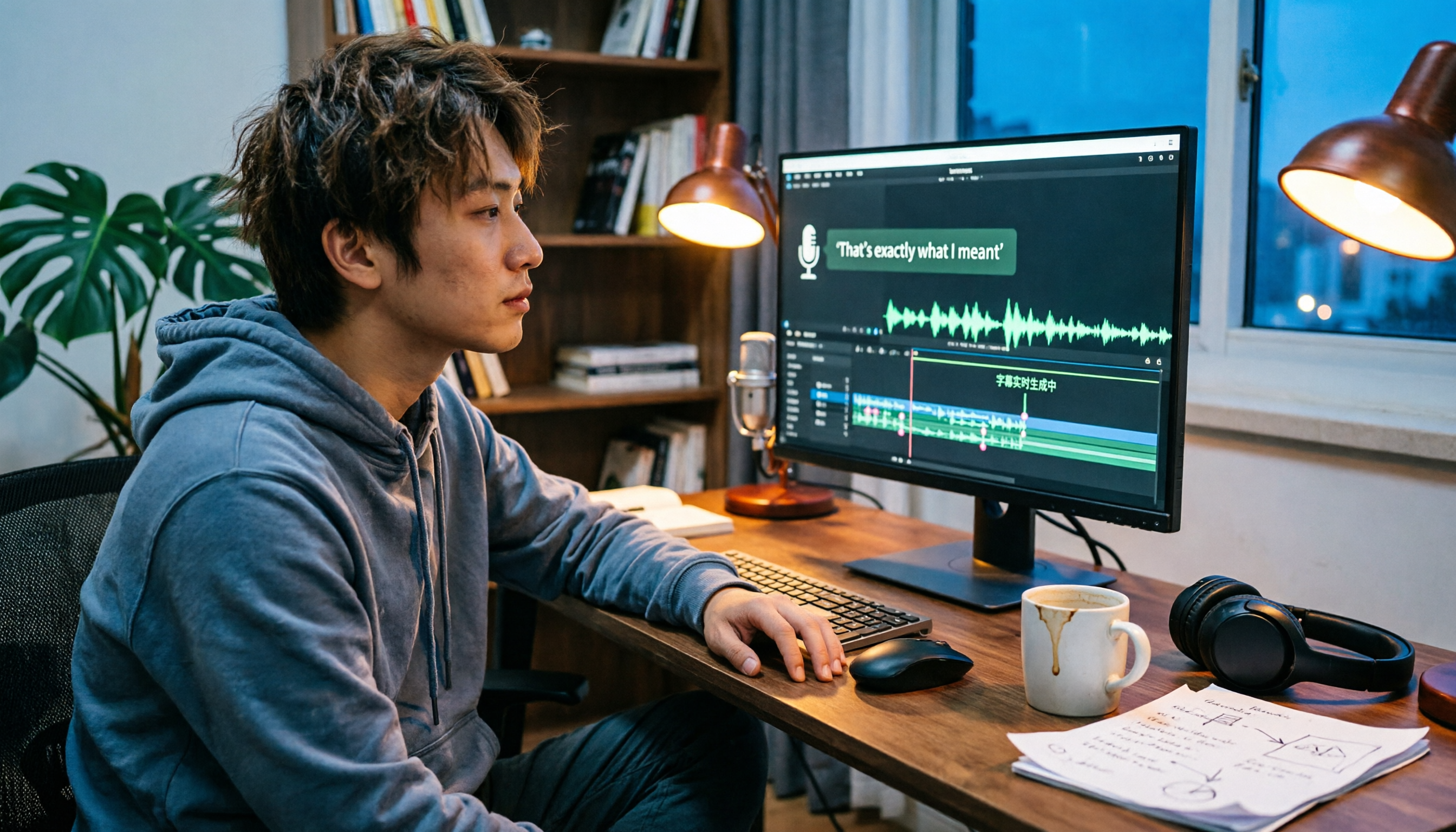
2026 Vlog Video Editing & Voice-to-Text Tools Compared: Which Saves the Most Time on Voiceover to Subtitles?
Filming your Vlog is done, but adding voiceover and subtitles takes forever? This article breaks down three workflows—voice to text to subtitles—and compares Tinrec, Jianying, CapCut, and Subanana on Chinese transcription, AI summaries, subtitle drafts, and editing integration to help you choose the right tool and avoid late nights.

How to Do Audio-to-Text Transcription in 2026: 5 Steps from Recording to Team Transcript
Meeting recordings sit unprocessed, and interviews need to be replayed three times to find that one key sentence—the real challenge with audio-to-text isn't transcription itself, but what you do with the output. This article breaks down the complete workflow in 5 steps: recording, transcription, summarization, follow-up questions, and export. It also compares Tinrec, Notta, Otter.ai, and TurboScribe to help you choose the right tool for your needs, including free tiers and paid pricing.