

Turn recordings into transcripts and summaries in minutes
Upload audio or video for multilingual transcription, AI notes, and action items
5 Free Speech-to-Text Apps in 2026: Free Tiers, Signup Limits, and Real-World Use
Most people start by comparing how many free minutes each speech-to-text app offers. I did the same at first, but later realized this approach has at least two problems.
First problem: mistaking a "free trial" for "free forever." Some tools advertise a large number of minutes, but that's a one-time trial for new users—once it's used up, only a very limited quota remains. Truly long-term free plans usually offer only enough minutes per month to organize two or three meetings.
Second problem: assuming a transcript means the work is done. I have about 15 meetings a week. When a 5,000-word transcript comes back, I still have to read through it from the beginning to find decisions and action items. That just replaces "re-listening" with "re-reading," and the time saved is less than you'd think.
This article focuses only on what you can actually use for free or at a low barrier to entry: how free quotas are calculated, whether signup is required, whether a desktop app is needed, whether Chinese is supported, and whether the output is just a transcript or also includes summaries and action items. Prices and quotas were checked against official pages in August 2026 and may change; refer to the official websites for the latest information.
What to Check Before Using for Free
- Long-term free vs. new-user trial: Both may say "free," but one is a fixed monthly quota, while the other is a one-time trial or a very small daily quota. The former can be a daily tool; the latter is only for testing.
- Quota units aren't directly comparable: Some count "minutes per month," some limit "file length per upload," and some count "files per day." A 60-minute meeting is a non-starter with a 3-minute per-file limit.
- Signup and desktop app requirements: Pure online tools usually just require signup; but to record meeting audio playing on your computer, you often need to install a desktop program.
- Chinese and mixed Chinese-English: This is where practical differences are biggest. Tools designed primarily for English meetings often require manual cleanup of Chinese transcripts for wording and punctuation.
- How far the output goes: Is it just a transcript, or does it include summaries, chapters, action items, and even the ability to ask follow-up questions? This determines whether you'll spend a second round of time re-reading.
The five tools below happen to follow my own path from "English-meeting-focused" to "Chinese meetings plus post-meeting organization," which also matches what most people will go through.
1. Otter.ai: Start Here If Your Meetings Are Mostly in English
Otter was the first tool I used. The free Basic plan offers 300 minutes per month—roughly five 60-minute meetings. The paid Pro plan, billed annually, works out to about USD 8.49 per user per month, including 1,200 minutes of recording and 10 file imports per month.
Its signature features are real-time transcription and speaker identification. The typical workflow: log in and start recording on the web or app, or let it join online meetings; after the meeting, view the transcript and summary in the records, then ask questions directly about the content.
The limitations are clear: if your team's meetings include a lot of Chinese and mixed Chinese-English, the transcript still needs manual cleanup; and since the free quota is a fixed monthly amount, once it's used up you have to wait until next month—an extra meeting can leave you stuck.
2. Notta: Smoother Chinese Transcription, but the Free Version Is Sliced Too Thin
As Chinese meetings increased, I switched to Notta for a while. The free version offers 120 minutes per month, with a 3-minute limit per upload—practically fatal: a 60-minute meeting would need to be split into 20 segments, making it only useful for testing recognition quality, not for daily workflows.
Paid plans are much more reasonable: Pro billed annually is about USD 8.17 per month with 1,800 minutes per month; Business billed annually is about USD 16.67 per seat per month, offering unlimited transcription, role permissions, and usage reports.
The workflow is to upload audio files or start recording, select the language, and wait for the transcript and summary. It suits people who have many existing audio files to transcribe and need multilingual support and translation; if you want recording to start during the meeting and action items to be generated right after, that's not its focus.
3. TurboScribe: The Cheap, High-Volume File-Based Tool
For a while I had a large number of interview audio files to process, so I used TurboScribe. The free version allows 3 files per day, up to 30 minutes per file; Unlimited billed annually is USD 120 (about USD 10 per month), and after paying, each file can be up to 10 hours or 5 GB, with up to 50 files uploaded at once.
Its value is in batch and long-file processing: upload several audio files at once and get transcripts back, with subtitles and translation handled as well.
But it's a file-based tool, not a meeting tool. It can't help while a meeting is in progress, and there's no post-meeting organization layer like summaries or action items. If your need is to "digitize recordings sitting on your hard drive," it's a great deal; if your need is "keep records of 15 meetings a week," it only solves a third of the problem.
4. Granola: No Bot, but No Audio Files Kept
I really like Granola's approach: the desktop app captures system audio and microphone directly, transcribes during the meeting, and feeds your typed notes to the AI to produce highlights closer to what you care about. The free Basic plan lets you get started; Business is USD 14 per user per month, and Enterprise is USD 35 per user per month.
Stop organizing recordings by hand
Upload audio or video and automatically get a transcript, summary, and action items
In practice, its drawbacks hit my work habits: it doesn't support uploading pre-recorded audio files and doesn't save meeting audio. That means if I want to replay a certain passage to confirm tone or numbers, I can't—and for someone like me who uses meeting records to report to the boss, that's critical.
5. Tinrec: Chinese Meetings, Post-Meeting Organization, Team Knowledge Retention
In the end, I settled on Tinrec. Its approach is somewhat similar to Granola: the desktop version captures computer system audio directly, handling online meetings on Zoom, Google Meet, Microsoft Teams, Webex, and similar platforms without pulling a meeting bot into the room; but it fills in the "post-meeting" and "team" parts more completely.
The free version lets you experience recording, importing, summaries, and transcription with a basic quota (actual quota is subject to the official website); the personal plan also offers a weekly card, Pro monthly card, and Pro annual card, so short-term project sprints and long-term use can be chosen separately.
Actual workflow: open the desktop app to record, generate a real-time transcript during the meeting (real-time translation can be enabled when needed, viewed as original, translation, or bilingual), automatically generate summaries, chapters, and action items after the meeting, ask follow-up questions via AI Q&A, and finally export to Notion, Google Docs, OneNote, or Dropbox for further processing; existing audio or video files can also be uploaded directly to fill in historical meeting data.
I'll be honest about the limitations. First, it requires you to actively open the desktop app to start recording—it doesn't "automatically join all calendar meetings." Second, I won't guarantee a fixed recognition accuracy rate; audio quality, accents, people talking over each other, and technical terms all affect results, so important numbers should be verified by replaying the transcript at the relevant timestamp. Third, the team plan is "team-level sharing": all active members can read team data, roles govern administration, and seats govern usage eligibility—it's not fine-grained file-level permissions.
The current team plan terms are: first-time eligible users get a 7-day trial, 1 free seat, and 300 minutes of shared team import quota; monthly billing is USD 29.80 per paid seat per month, annual billing is USD 199 per paid seat per year (about USD 16.58 per month), each paid seat gets 2,000 minutes of shared team import quota per month, and real-time recording under active seats is currently not deducted by the minute. For a 10-person team, the point isn't how many minutes each person gets, but that meeting data belongs to the team and doesn't leave with members when they do.
Free Feature Comparison Table
| Tool | Platform | Signup/Installation | Free Quota | Key Features | Main Limitations |
|---|---|---|---|---|---|
| Otter.ai | Web/App/Desktop | Signup required | 300 minutes per month | Real-time transcription, speaker ID, AI Q&A | Chinese needs manual cleanup; stops when quota runs out |
| Notta | Web/App | Signup required | 120 minutes per month, 3-minute limit per upload | Multilingual transcription, translation | Free version too fragmented for daily use |
| TurboScribe | Web | Signup required | 3 files per day, 30 minutes per file | Batch long-file transcription, subtitles | Not a real-time meeting tool; no post-meeting organization |
| Granola | Desktop-first | Signup and installation required | Basic free | System audio transcription + note enhancement | Doesn't save audio; can't upload pre-recorded files |
| Tinrec | Web/Desktop/Mobile | Signup required; desktop version needed for online meeting recording | Free version basic quota; team first-time 7-day trial, 1 seat, 300 minutes shared import | Bot-free recording, summaries/chapters/action items, AI Q&A, export, team space | Requires manual recording start; no fixed accuracy guarantee; team-level sharing |
Data source: official pricing and feature pages of each product, checked August 2026; quotas and prices may change—please check the official websites again before purchasing.
Which One Is Right for You?
- Zero budget, just want to test: Use Otter's 300 minutes per month or Tinrec's free version on a real meeting you actually need to organize next week, and see how much cleanup the transcript needs.
- English meetings mainly: Otter's maturity is still top-tier; upgrade to Pro when the quota runs out.
- Lots of existing audio files, need cheap: TurboScribe's batch and long-file handling is the best value.
- Many Chinese meetings, need more than a transcript: Notta's paid version or Tinrec—focus on whether they directly give you summaries and action items.
- Don't want any audio files retained: Granola; but you must accept that you can't replay to verify afterward.
- Want to use it with a team: Look not at individual minutes but at how seats are allocated, how shared quotas are calculated, and who owns data after a member leaves. Tinrec's team space and seat design are relatively complete here; if only two or three people occasionally share, it's more practical to get the workflow running on the personal plan first.
My selection order: first calculate your actual monthly meeting minutes (I have about 15 meetings per week, which far exceeds any free quota), then confirm whether the per-upload limit is enough for one meeting, and finally check whether summaries and action items can be generated directly after the meeting. Free quota is a ticket in, not the solution.
References:
- Otter.ai official pricing page
- Notta official pricing page
- TurboScribe official pricing page
- Granola official pricing page, Granola transcription documentation
- 104 Career Power: Free transcript tool roundup
- CyberLink: Online speech-to-text tool roundup
References
- Tested: 4 Best Online Speech-to-Text Tools That Turn Recordings into Transcripts for Free
- [AI Voice Notes] 5 Highly Recommended AI Transcription Tools! Generate Transcripts and Meeting Notes, Free vs. Subscription, Pros and Cons | 104 Career Power
- Want to Transcribe Recordings for Free? Which of 6 Speech-to-Text Apps Is Best for Quick Drafts - Tinrec Blog
- 7 Free and Easy-to-Use Speech-to-Text Tools [for Android/iOS/Windows]
- Want to Transcribe Recordings for Free on Your Phone? 7 Speech-to-Text Apps in 2026 for Quick Notes (Including Tinrec Review) - Tinrec Blog
Turn every recording into actionable outcomes
Get 60 free transcription minutes when you sign in. No credit card required.
Related Reading
You might also like

5 Best M4A to Text Tools in 2026: Which One Turns Recordings into Usable Meeting Notes?
M4A to text tools aren't just about speed—they need to produce output you can actually use. We tested Tinrec, Notta, TurboScribe, UniScribe, and VEED on Chinese recognition, post-meeting organization, audio retention, and free tier limits, plus 4 common pitfalls to help you choose the one that truly saves time.

Google Lens vs LINE in 2026: 4-Dimension Comparison — Which Is Better for Photo-to-Text?
Starting from common misconceptions, this comparison of Google Lens and LINE covers their photo-to-text workflows, translation, use cases, and limitations, and explains the difference between meeting audio transcription and photo OCR.
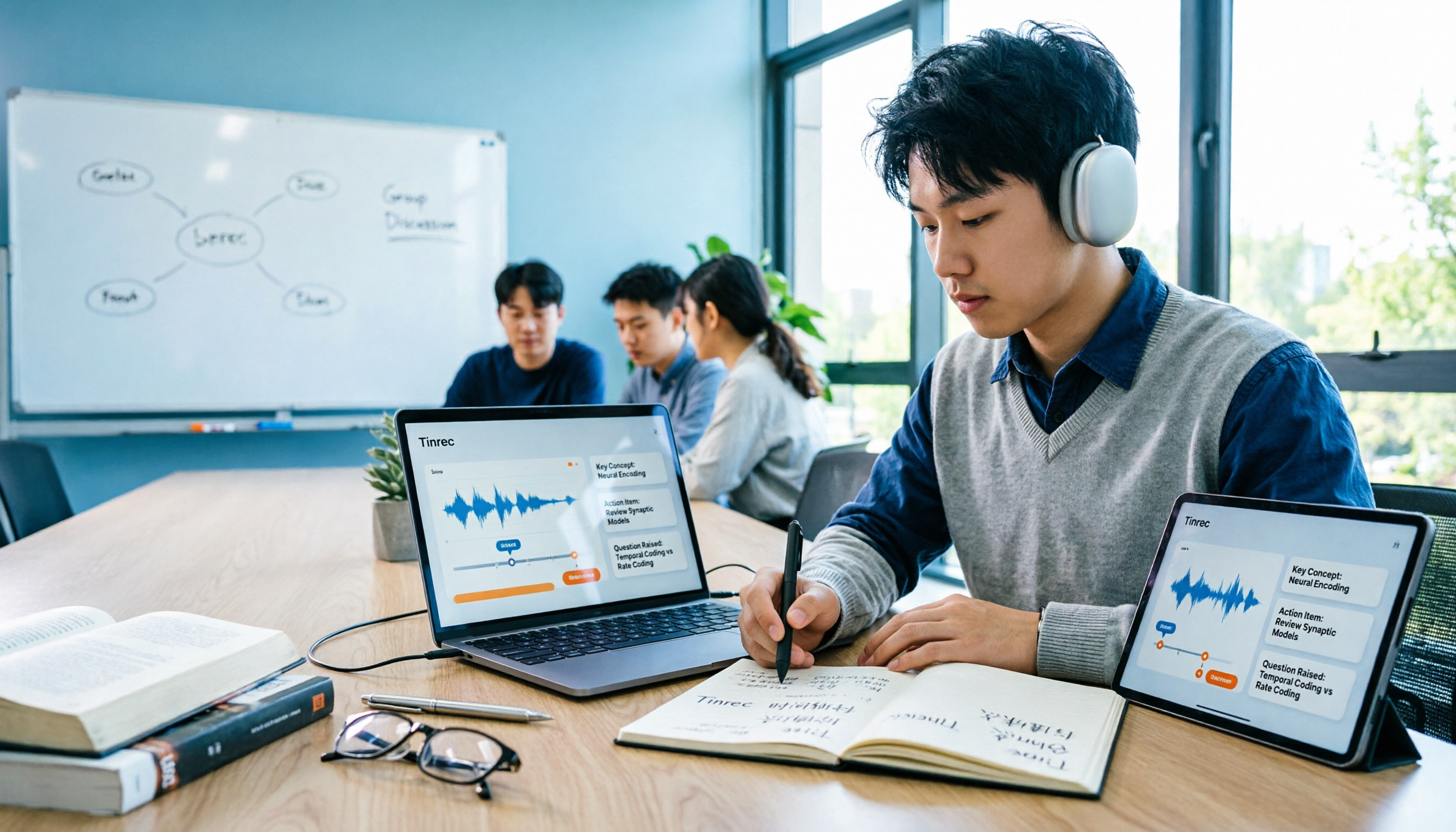
MyEdit vs Tinrec in 2026: A 5-Dimension Comparison — Great for Photo Editing, But It Won't Save Your Class Notes
Is MyEdit good? It's handy for photo and audio editing, but it can't help when you need to organize class recordings or group discussions. This article starts from real student scenarios and compares MyEdit and Tinrec across 5 dimensions, plus when Notta and Otter.ai each make sense and 4 common mistakes when choosing tools—so you spend your limited budget on what you'll actually reuse every week.

2026 Comparison of 4 Chinese Audio Summary Tools: Which Saves the Most Time?
How to choose a Chinese audio summary tool? This article tests and compares Tinrec, Notta, Otter, and Granola across three scenarios: online meetings, offline interviews, and existing recordings. It covers Chinese transcription, summarization, to-dos, AI Q&A, team collaboration, and pricing to help you find the right summary tool for Chinese meetings.

2026 Comparison of 4 Meeting Software: Free Tiers and Post-Meeting Organization—Which Is Most Sufficient?
How to choose meeting software? This article examines free tiers, meeting audio capture methods, Chinese transcription, and post-meeting organization, comparing Tinrec, Otter.ai, Notta, and Google Meet. It also outlines the limitations of personal and team plans to help professionals and small teams find suitable meeting software.

2026 Tinrec AI Meeting Notes Review: Chinese Transcripts + Auto To-Dos
Which AI meeting notes tool is best? This guide starts with common buying mistakes and compares Tinrec with Otter.ai, Notta, and others on Chinese recognition, bot-free recording, post-meeting summaries, action item extraction, team collaboration, and free tiers to help US professionals find the right AI meeting notes tool.

Tinrec vs Notta 2026: 5-Dimension Comparison — Which Is Better for Chinese Meeting Notes and Team Knowledge?
Which real-time meeting transcription app should you choose? This article compares Tinrec and Notta across 5 dimensions: audio capture, post-meeting organization, Chinese language experience, team governance, and pricing/quotas. It also covers use cases for Otter.ai and TurboScribe to help you find the tool that truly saves time on transcripts.
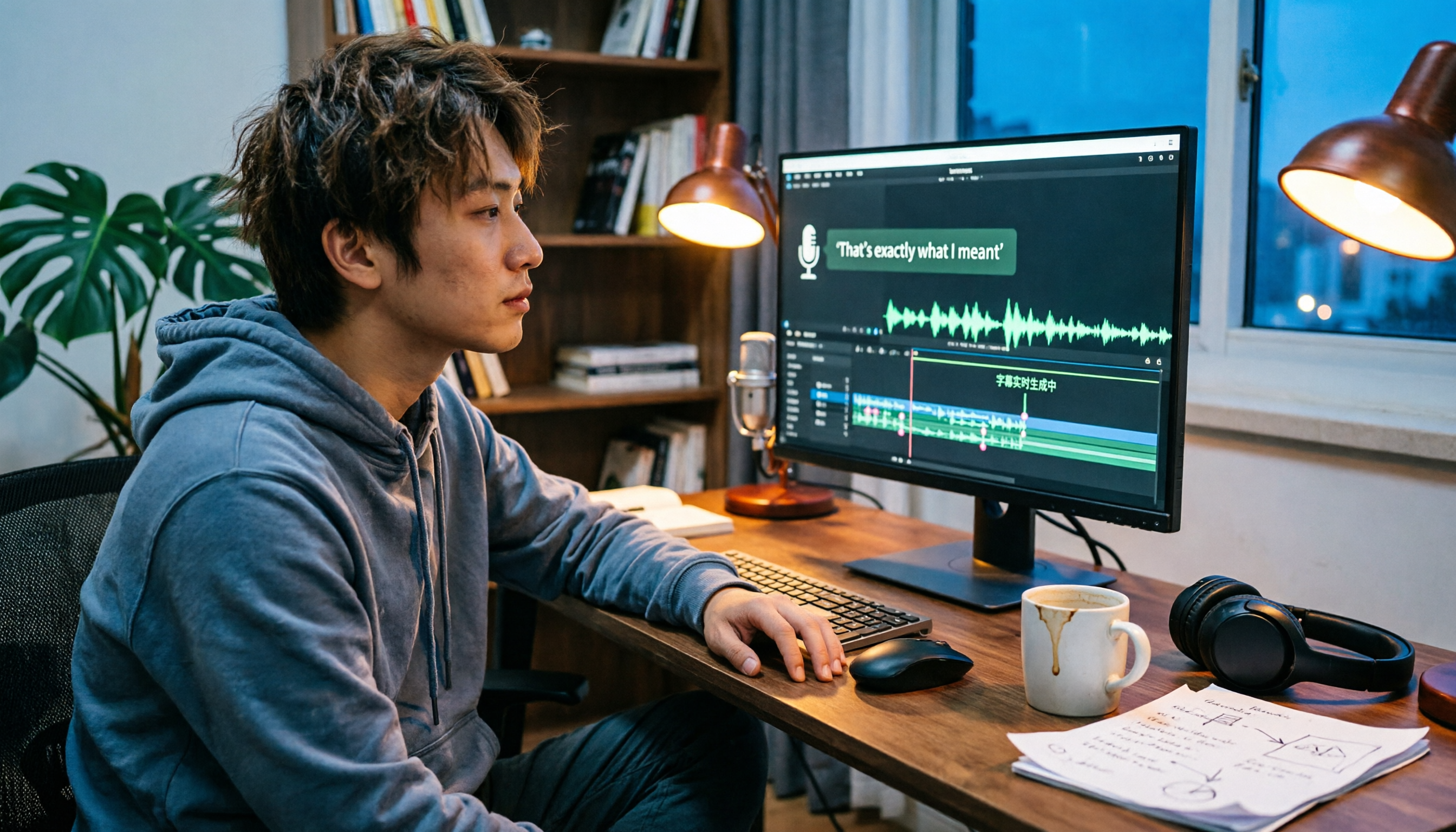
2026 Vlog Video Editing & Voice-to-Text Tools Compared: Which Saves the Most Time on Voiceover to Subtitles?
Filming your Vlog is done, but adding voiceover and subtitles takes forever? This article breaks down three workflows—voice to text to subtitles—and compares Tinrec, Jianying, CapCut, and Subanana on Chinese transcription, AI summaries, subtitle drafts, and editing integration to help you choose the right tool and avoid late nights.

How to Do Audio-to-Text Transcription in 2026: 5 Steps from Recording to Team Transcript
Meeting recordings sit unprocessed, and interviews need to be replayed three times to find that one key sentence—the real challenge with audio-to-text isn't transcription itself, but what you do with the output. This article breaks down the complete workflow in 5 steps: recording, transcription, summarization, follow-up questions, and export. It also compares Tinrec, Notta, Otter.ai, and TurboScribe to help you choose the right tool for your needs, including free tiers and paid pricing.