
Turn recordings into transcripts and summaries in minutes
Upload audio or video for multilingual transcription, AI notes, and action items
Efficiency is competitiveness. Have you ever missed key discussions during a multi-hour meeting because you were busy taking handwritten notes? Or spent an entire afternoon switching between audio files and transcripts to organize them?
AI meeting note tools are designed to solve these pain points. Using advanced speech recognition and natural language processing, these tools not only accurately convert speech to text but also automatically generate summaries and action items. This article will help you understand how to choose the right tool and introduce a standout all-in-one assistant — TinRec (秒聽錄音).
Why You Need an AI Meeting Note Tool
Traditional meeting notes come with hidden costs:
- Split focus: Jotting down details often prevents full engagement in the discussion.
- Information gaps: Manual notes can miss or misinterpret points, leading to execution errors.
- Hard to search: Audio files are difficult to scan; finding a specific section can be like looking for a needle in a haystack.
AI tools automate "recording, transcription, and summarization." You focus on communication; AI handles the rest. They save over 70% of your organizing time, build a searchable knowledge base, and make team information sharing more transparent.
How to Choose the Right AI Speech-to-Text Tool
Many tools exist, like Otter.ai or Fireflies, but when selecting, consider these three points:
- Chinese support: Many foreign tools struggle with Chinese (especially Traditional Chinese or mixed Chinese-English).
- Feature variety: Does it only work for online meetings? Can it handle local audio files or video links?
- Ease of use: Is the interface intuitive? Does it require complex installation?
Based on these criteria, for Chinese-speaking users, we especially recommend TinRec (秒聽錄音).
Stop organizing recordings by hand
Upload audio or video and automatically get a transcript, summary, and action items
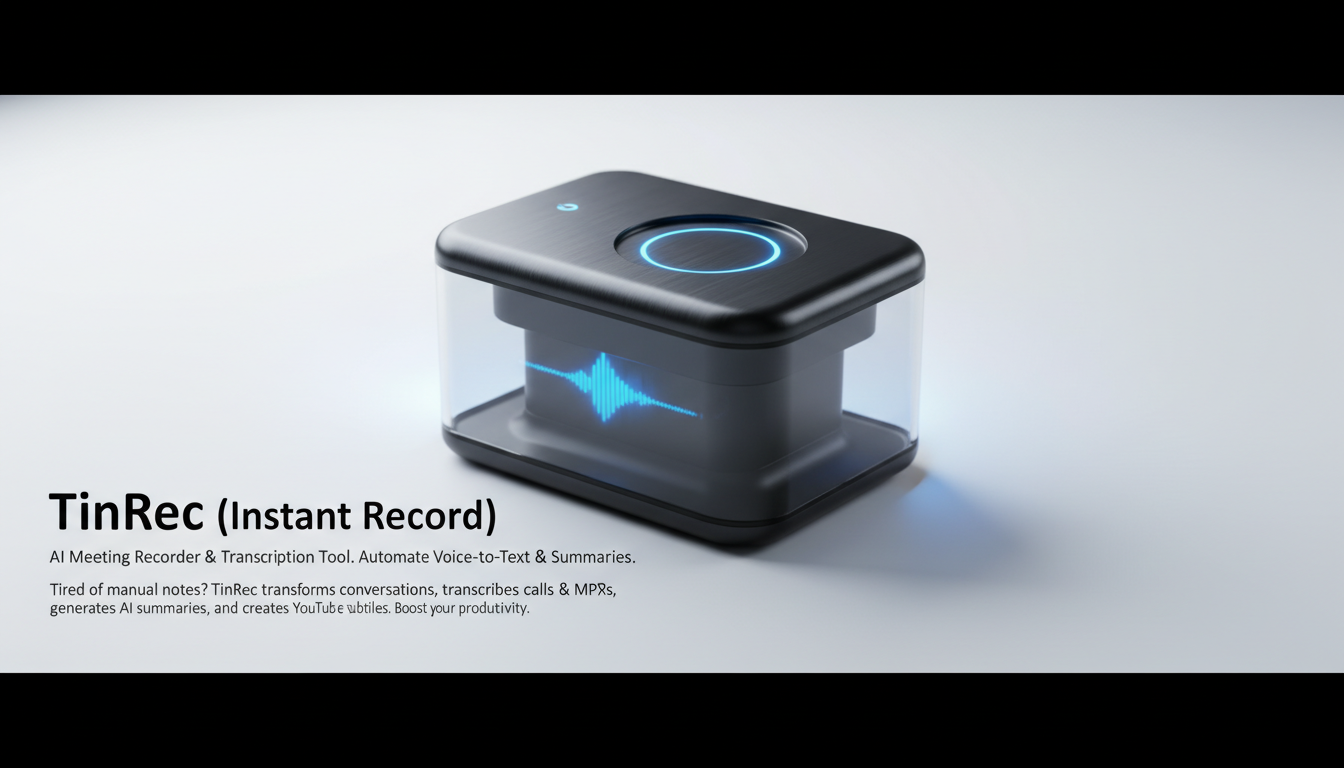
Product Recommendation: TinRec (秒聽錄音) — Your All-Round AI Voice Assistant
TinRec (秒聽錄音) is an AI tool designed to boost productivity. It's not just a transcription software; it's a smart assistant that understands content. Here are its core advantages:
1. Powerful Call Recording and MP3-to-Text
Whether it's online meetings on Zoom or Google Meet, phone call recordings, or interview audio files, TinRec handles them easily. It supports multiple audio format uploads and quickly converts MP3 to text. For journalists or researchers who need to process large amounts of interview content, this feature is a lifesaver.
2. Accurate AI Meeting Summaries and Minutes
Faced with a two-hour meeting recording, TinRec's AI meeting minutes feature automatically extracts key information. It generates structured summaries listing discussion points, decisions, and follow-up action items. You don't need to re-listen to the entire recording to grasp the meeting's essence in seconds.
3. YouTube Subtitle Generation and Content Creation
This is another highlight. For video creators, simply paste a YouTube video link, and TinRec automatically generates accurate subtitle files and content summaries. This speeds up post-production and helps viewers quickly understand key points of long videos.
Product Basic Information:
- Product Name: TinRec (秒聽錄音)
- Core Features: Call recording to text, MP3 to text, AI meeting summary, AI meeting minutes, YouTube subtitle generation.
Real-World Use Cases
Scenario 1: International Business Meetings
In multilingual environments (e.g., tech meetings mixing Chinese and English), TinRec demonstrates excellent recognition. The AI summary sent automatically after the meeting allows executives who missed it to quickly get up to speed, ensuring team alignment.
Scenario 2: Academic Research and Lecture Notes
Students or researchers can use TinRec to record an entire lecture. After class, use the AI feature to "ask" the recording, e.g., "What are the three core theories the professor mentioned?" TinRec extracts the answer directly from the content, turning the recording into an interactive study resource.
Scenario 3: Marketing and Content Repurposing
Marketers can import their company's webinar video into TinRec to quickly generate blog post outlines or social media content, enabling a "record once, use multiple times" content strategy.
Conclusion
Stop letting tedious typing consume your valuable time. Choosing the right AI tool shifts your workflow from "passive note-taking" to "active creation."
If you're looking for a meeting note tool that supports Traditional Chinese, is powerful, and easy to use, TinRec (秒聽錄音) is definitely worth trying in 2026. Experience the efficiency revolution powered by AI now!
Turn every recording into actionable outcomes
Get 60 free transcription minutes when you sign in. No credit card required.
Related Reading
You might also like

2026 Product Meeting Notes Tools: 4 Tested + AI Action Item Auto-Organization
How to choose a meeting notes tool? This article addresses three common misconceptions, outlines 4 key selection criteria, and compares Tinrec, Otter.ai, Granola, and Notta on meeting recording methods, post-meeting organization capabilities, and pricing limits. It also includes a pitfalls guide and selection recommendations to help you find a solution that truly saves organization time.

6 Audio-to-Transcript Tools Tested and Compared for 2026: Which Saves the Most Time for Chinese Recognition and Post-Meeting Organization?
A review of 6 tools that generate transcripts from imported audio files, covering Tinrec's AI summaries, action items, AI Q&A, and team spaces, as well as the free and paid plans of Notta, cSubtitle, MyEdit, TurboScribe, and Yating Transcript. It also explains recording quality, export formats, and licensing issues to consider before importing.

2026 Comparison of 4 Audio/Video Transcription Tools: Which Saves the Most Time for Chinese Meeting Minutes?
Still typing transcripts after meetings? This article uses 5 key buying criteria to compare Tinrec, Notta, Otter.ai, and PLAUD Note in a hands-on test. From recording methods, post-meeting output, Chinese language experience, to team seat management, we cover it all, plus 4 common pitfalls to avoid.

5 WAV to Text Tools Tested for 2026: Which Saves the Most Time on Chinese Transcripts and Meeting Follow-Ups?
Have a WAV recording but dread listening to it from start to finish? This article examines real-world scenarios to explain what WAV-to-text can do, its core capabilities, and practical applications. Using Tinrec as an example, it covers a complete workflow for bot-free meeting recording, AI summaries, action item extraction, and team knowledge retention, plus 6 buying considerations and FAQs to help you decide which solution saves the most time.
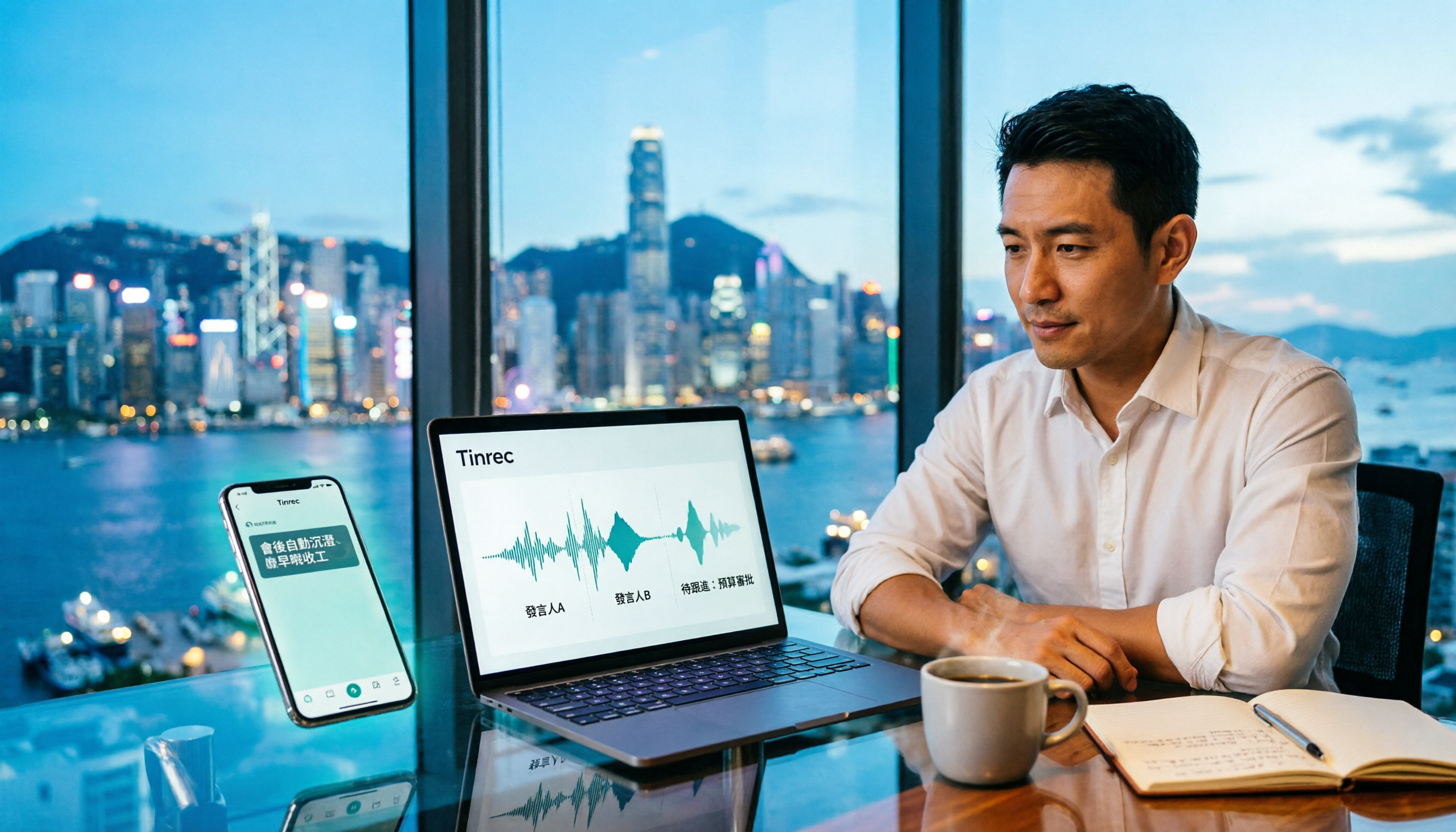
Tinrec Meeting Notes Guide 2026: No-Bot Recording vs Otter.ai
For Hong Kong office workers, post-meeting cleanup is the worst part: the meeting ends at 3 PM, but you're still at the office at 8 PM listening to recordings and typing. This article compares Tinrec and Otter.ai across five dimensions to test the workflow of turning recordings into meeting notes, breaking down Cantonese recognition, no-bot recording, post-meeting AI organization, team data retention, and pricing, helping you choose the right tool and leave work earlier.

4 AI Meeting Note Tools Tested in 2026: Which One Saves the Most Time on Auto-Organizing Transcripts?
The pain of meeting notes isn't slow typing—it's time-consuming organization. This article addresses common misconceptions, tests 4 AI meeting note tools, breaks down key buying factors, Tinrec's bot-free recording and AI Q&A workflow, team plan seats and data ownership, plus a pitfalls guide and selection advice.

2026 Teams Meeting Transcription Comparison: 4 Methods Tested — Is Avoiding a Meeting Bot Really Easier?
Teams built-in transcription requires both the organizer and each user to enable the policy, and live captions are not saved—so many people only discover after the meeting that there is no transcript at all. This article reviews four ways to transcribe Teams meeting recordings, from Teams built-in, Otter.ai, and Notta to Tinrec, comparing bot-free desktop recording, AI Q&A, action item extraction, and team seat management, with a pitfalls guide and scenario-based recommendations.

4 Video-to-Transcript Tools Tested and Compared in 2026: 3 Pitfalls to Understand Before Importing Video
Importing a video to generate a transcript looks simple, but the real bottlenecks are usually format support, time codes, and how usage limits are calculated. This article starts with common misconceptions, outlines 4 key points for choosing a tool, then shares a hands-on test of Tinrec from video import to AI summaries, action items, and team knowledge retention, and compares TurboScribe, Notta, and Granola for use cases and pitfalls to avoid.

How to Transcribe Classroom Recordings in 2026: A Complete 5-Step Guide
When it comes to transcribing classroom recordings, most people only ask which tool is the most accurate. But what really determines whether you'll be overwhelmed all semester is the audio source, the classroom language, and the total number of hours. This article uses university and graduate school classroom scenarios to compare Tinrec and Otter.ai across 5 dimensions, and provides a 5-step process you can follow directly, along with purchasing advice.