

Turn recordings into transcripts and summaries in minutes
Upload audio or video for multilingual transcription, AI notes, and action items
Many people imagine "meeting transcription" like this: press record, open the transcript after the meeting, and the meeting notes are done.
But after going through a full cycle, you'll realize that a transcript only turns sound into text—a two-hour meeting still means two hours of reading. Who said what, what the conclusions were, and who is responsible for what are all still buried inside.
Another common pitfall is "using built-in dictation as a meeting tool." System built-in voice input is suitable for short phrases; it struggles with long recordings, multiple speakers, and mixed Chinese-English speech, let alone uploading existing audio files.
A more reasonable approach is to first ask yourself, "What do I need to deliver after the meeting?" If the answer is meeting minutes with conclusions and action items, then you need more than a transcription tool—you need a tool that helps you organize meeting content.
Below, I'll use Tinrec as the main example to break down the evaluation points.
What Can Meeting Transcription Do for You?
Scenario 1: No need to listen from the beginning after the meeting After a two-hour meeting, the most painful part is re-listening. With Tinrec, for example, after recording ends, it automatically generates a summary and chapters, breaking the long meeting into easy-to-browse sections and extracting action items from the discussion. You open the highlights, not a running log.
Scenario 2: No extra bot for online meetings For client negotiations or cross-department meetings, having an extra recording account in the participant list is awkward. Tinrec's desktop version directly captures computer system audio, so when handling online meetings on Zoom, Google Meet, Microsoft Teams, or Webex, you don't need to invite a meeting bot.
Scenario 3: Recover previously recorded audio Interviews, courses, and old meeting recordings sitting in folders can be imported as audio/video files and organized into searchable text data at once.
Scenario 4: Understand cross-language meetings Tinrec supports real-time translation; during recording, you can switch between original text, translation, or bilingual view, so English meetings or mixed Chinese-English discussions don't just fade away after listening.
What Are the Core Capabilities of Meeting Transcription Tools?
Real-time transcript: text appears as you record Not transcribed only after recording. During the meeting, text is generated synchronously, so you can check for missed key points while reading, and later quickly locate a discussion using keywords.
AI summary and chapters: make long meetings short A summary is not just condensing the transcript into a paragraph; it's structured organization. Tinrec produces meeting topics, chapter segments, and key points, letting you grasp two hours of content in five minutes.
Action item extraction: pull action items from discussions The most valuable part of a meeting is often the last few sentences: "who will do what by when." Tinrec extracts action items from the discussion, saving the manual work of going back through the transcript.
AI Q&A: ask the meeting content directly After transcription, you can ask it like a colleague: "What was the conclusion about the budget?" "What concerns did the client mention?" It answers based on the meeting content, closer to how humans understand semantics than Ctrl+F for keywords.
Post-meeting output and export: results must be portable Tinrec supports generating reports, tables, and documents, and can export results to Notion, Google Docs, OneNote, Dropbox, and other tools for further processing. This is important—no matter how powerful the tool, if the results stay trapped inside, they're useless.
Team space: data not tied to individual accounts The team version makes meeting data owned by the team; members can share, view, search, and ask questions. Administrators can manage members, roles, seats, usage, and audit logs, and when members change, resources can be handed over to other members.
Practical Application Scenarios
Department weekly meetings and project meetings Regular weekly meetings easily accumulate a pile of unorganized recordings. With Tinrec, you get summaries and action items right after recording, confirm action items before the meeting ends, and refer back to previous conclusions at the next meeting.
Customer interviews and requirements interviews Every sentence a customer says could be a requirement. Tinrec retains the transcript and recording, so you can ask follow-up questions about specific segments later, and compile them into requirement documents or post-meeting reports without relying on memory.
Online courses and lectures You can't take notes fast enough during class, and you don't want to rewatch the entire video afterward. Import the audio to transcribe, then use AI Q&A to capture key points—review efficiency improves significantly.
Stop organizing recordings by hand
Upload audio or video and automatically get a transcript, summary, and action items
Content creation and interview organization Interview recordings often last an hour; the transcript is a material library. Tinrec's chapters and summaries help you first see the structure of the interviewee's answers, then go back to pick quotes and cited paragraphs.
5 Things to Note When Choosing a Meeting Transcription Tool
1. Look at post-meeting output, not just transcription Transcription is only the first step. When choosing a tool, first see if it can give you summaries, chapters, action items, and follow-up questions. Tinrec's positioning is to organize meetings into searchable, queryable, and exportable data, not just stop at the transcript.
2. Confirm how meetings are recorded Common methods include meeting bots joining, desktop capturing system audio, and uploading audio files. Tinrec takes the bot-free route: the desktop version captures system audio, while the microphone handles in-person speech. Note that this does not mean "automatically joining all calendar meetings"; you start recording yourself.
3. Performance with Chinese and mixed Chinese-English The difficulty of Chinese meetings lies in technical terms, accents, and mixed Chinese-English. Tinrec covers Chinese, Traditional Chinese, and multilingual scenarios, and provides team hotwords so you can maintain company-specific terminology. Actual performance is still affected by recording quality, noise, accents, and overlapping speakers; for important content, it's recommended to replay and verify with timestamps.
4. Whether audio is retained and can be replayed Some tools keep only text and not audio, so you can't confirm tone or who said what later. Tinrec supports retaining recordings; the team version also has an audio recycle bin, where accidentally deleted files can be restored before permanent cleanup (currently retention period is 30 days).
5. Team governance capabilities Personal use is convenient temporarily but risky long-term. When choosing a team plan, understand the difference between "roles" and "seats": roles determine who can manage the team and members, seats determine who can record, upload, edit, and export. Tinrec's team version focuses on team-level sharing; effective members can view and play data even without a seat—confirm this when evaluating internal policies.
Is the Free Version Enough? How to Choose Between Personal and Team Versions
Tinrec's free version provides a basic quota, allowing you to experience recording, import, summary, and transcription, suitable for occasional meeting organization or trying it out.
If you have regular meetings every week or need to accumulate recording data long-term, go for the paid Pro plan; for short-term intensive interviews, courses, or project sprints, consider a weekly card.
The team version is another matter. Currently, the first eligible team trial is 7 days, 1 free seat, and 300 minutes of team shared import quota; monthly payment is USD 29.80 per paid seat per month, annual payment is USD 199 per paid seat per year (about USD 16.58 per month), and each paid seat provides 2,000 minutes of team shared import quota per month.
Clarify the calculation: file import and web link import consume team shared import minutes, not individual member quotas; under an active team plan and active seat, real-time recording currently does not deduct minutes. Actual prices and benefits are subject to the official purchase page.
FAQ
Q1: Is the free version enough? You can try it first. The free version provides a basic quota covering recording, import, summary, and transcription, suitable for light use or to confirm whether transcription quality meets your meeting scenarios. If you have meetings over an hour every day, it's better to evaluate a paid plan directly.
Q2: Do I have to let a meeting bot join? No. Tinrec's desktop version captures computer system audio, so when handling Zoom, Google Meet, Microsoft Teams, or Webex, no extra account appears in the participant list. Note that this is not an official partnership with these platforms, nor does it automatically join all calendar meetings.
Q3: Can transcription accuracy be guaranteed? It's not advisable to promise fixed numbers. Any tool performs best in a quiet environment with a single speaker and standard speed; real meetings have air conditioning noise, keyboard sounds, interruptions, and unusual accents. A practical approach is to test with a short recording of your own and see how it performs in your scenario.
Q4: What's the difference between team and personal versions? It's not about minutes, but data ownership and governance. Personal version data belongs to the individual account; the team version has an independent team space, data belongs to the team, and provides members, roles, seats, sharing benefits, usage analysis, audit logs, and audio recycle bin.
Q5: Will meeting data disappear after a member leaves? It doesn't follow the person. Team resources belong to the team; when a member exits, is removed, or loses their seat, their responsible resources can be handed over to other active members. This is also something to think through before adoption.
Q6: Does recording involve privacy? Yes. Recording and transcription involve personal data and privacy; please comply with local regulations and obtain participant consent when necessary, regardless of which tool you use.
Conclusion
The value of meeting transcription is not "turning sound into text," but "being able to use it directly after the meeting." If your current process is still record, re-listen, and type manually, the time saved will be very noticeable.
With Tinrec as an example, from bot-free recording of online meetings, real-time transcript, summary chapters, action item extraction to AI Q&A and export, it's a complete post-meeting workflow; when you need multiple people to share meeting data, move to the team version.
We recommend using the free version for one or two meetings you actually encounter, to see how it performs with your familiar language, accent, and meeting rhythm, then decide whether to pay. Others saying it's good is never better than trying it yourself once.
References
- 5 Meeting Real-time Transcription Traditional Chinese Tools Tested: Accuracy, Summary Capabilities, Pricing including Tinrec Review - Tinrec Blog
- [Audio to Text] 5 AI Tools Comparison: How to Choose Meeting Summary and Transcript Efficiency - Tinrec Blog
- 2026 Meeting Notes Template and AI Tool Review: Comparison of 5 Efficient Transcription Software, Tinrec Chinese Recognition Test Analysis - Tinrec Blog
- 2026 Comparison of 4 Meeting Audio-to-Text Tools: Automatically Generate Minutes Without Installing a Meeting Bot - Tinrec Blog
- 2026 Comparison of 4 Audio-to-Text Tools: Which Saves the Most Time for Chinese Meeting Transcripts? - Tinrec Blog
Turn every recording into actionable outcomes
Get 60 free transcription minutes when you sign in. No credit card required.
Related Reading
You might also like
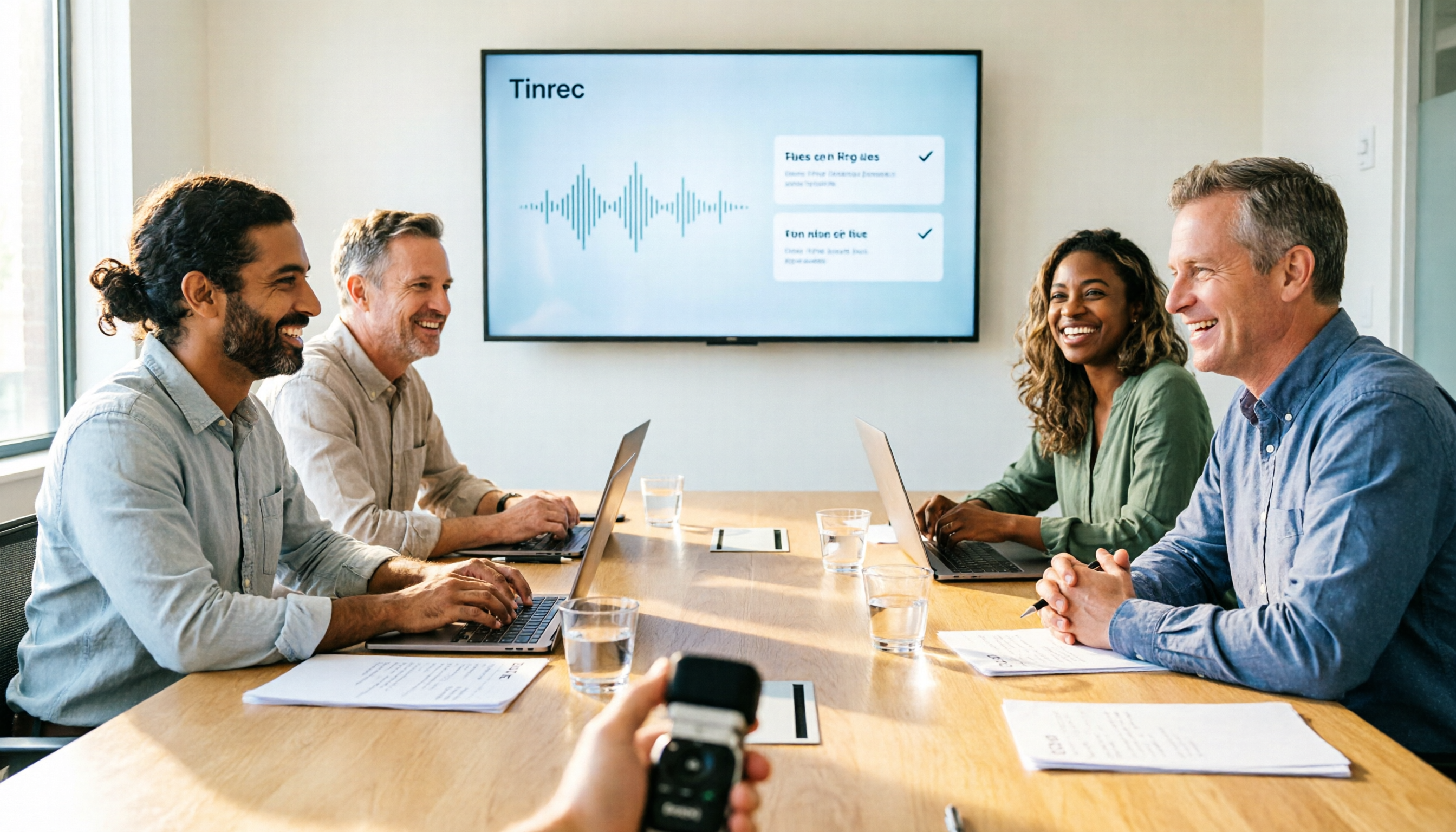
2026 Comparison of 4 Meeting Transcription Platforms: From Upload to Meeting Minutes, Which Saves the Most Post-Meeting Time?
After a meeting, do you want a verbatim transcript or a meeting record you can send out directly? This article compares the actual capabilities and limitations of four meeting transcription platforms—Tinrec, Otter.ai, Notta, and Granola—across five stages: import, transcription, summarization, action items, and export. It also compiles pricing and quotas verified in August 2026 to help you choose the right platform based on your needs.
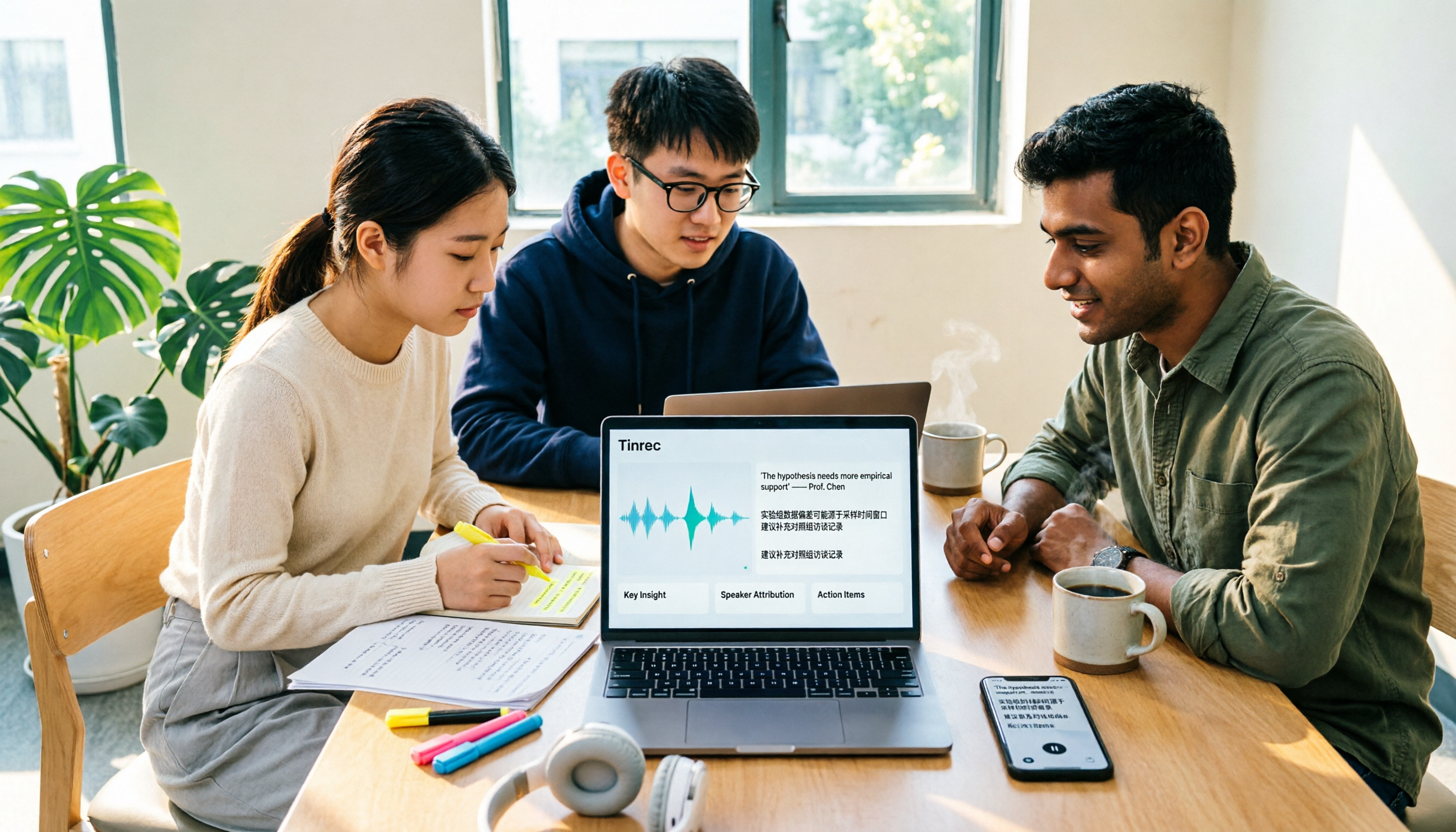
Best Meeting Transcription Tools of 2026: 4 Tested, This Free Version Is Enough for Students
Starting from real struggles with class recordings and group discussions, we tested four meeting transcription tools—Tinrec, Otter.ai, Notta, and TurboScribe—comparing free tiers, Chinese and mixed Chinese-English recognition, post-meeting summaries, and export capabilities. We also outline key decision points and three common pitfalls to help budget-conscious students find a tool they'll actually stick with.

5 Meeting Transcription Tools Tested and Compared for 2026: A Complete Guide from Recording to Meeting Minutes
Meeting transcription isn't as simple as pressing record and getting minutes. This guide covers the actual positioning, operation, and pricing of 5 tools, plus common pitfalls before, during, and after recording, to help you choose the right tool for your scenario.

2026 Complete Guide to Meeting Recording Transcription: Chinese Transcripts, AI Summaries, and Tool Comparison
How to choose a meeting recording transcription tool? This article breaks down 5 key purchasing factors, from Chinese recognition, meeting recording methods, post-meeting organization, quota calculation, to team data governance, and compares Tinrec, Otter.ai, Notta, and TurboScribe in terms of use cases and pricing to help you pick the one that saves the most time.

2026 Comparison of 4 Meeting Transcription Tools: Free Tiers, AI Summaries, and Team Collaboration
How to choose a meeting transcription tool? This article starts from the decision point of 'do you want a verbatim transcript or actionable meeting results?' and covers 4 key selection criteria, hands-on testing of Tinrec, Otter.ai, Notta, and Granola, and honestly explains free tiers, team seats, and pricing to help you avoid common pitfalls like focusing only on accuracy or buying a tool just for transcription.

5 Meeting Transcription Methods Tested and Compared in 2026: The Verbatim Transcript Is Just the Beginning
Meeting transcription isn't just about turning audio into text. This article addresses three common misconceptions and breaks down the actual workflows for real-time transcription, bot-free recording, AI summaries, action item extraction, AI Q&A, and team knowledge retention. It also covers 5 key purchasing checkpoints and FAQs to help you find a method that truly saves time.

2026 Meeting Transcription Comparison: Bot-Free Recording + Auto-Generated Minutes
Tired of spending two hours after every meeting organizing notes? This guide tackles real workplace pain points and compares Tinrec, Notta, Otter.ai, and Granola for meeting transcription. It covers bot-free recording, Chinese and mixed Chinese-English transcription, post-meeting summaries and action items, team data ownership, and pricing. Includes 5 key buying criteria, 4 common pitfalls to avoid, and scenario-based recommendations (prices and plans verified as of August 2026).

2026 Comparison of 4 Meeting Transcription Tools: Which Saves the Most Time from Transcript to Meeting Minutes?
How to choose a meeting transcription tool? This article starts from the decision point: do you need a verbatim transcript or meeting minutes you can send out directly? It covers 4 key selection criteria and compares Tinrec, Otter.ai, Notta, and Granola in Chinese transcription, post-meeting organization, audio retention, and team collaboration, with 3 common pitfalls and scenario-based recommendations.

4 Free Meeting Transcription Tools in 2026: Free Tiers and Transcript Workflow Comparison
Turning meeting recordings into text is easy; turning transcripts into sendable meeting minutes is the hard part. This article compares Tinrec, Otter.ai, Notta, and TurboScribe from a practical workflow perspective—covering free tiers, speaker labeling, export formats, and post-meeting organization—plus four common pitfalls and selection advice. Data verified August 2026.