
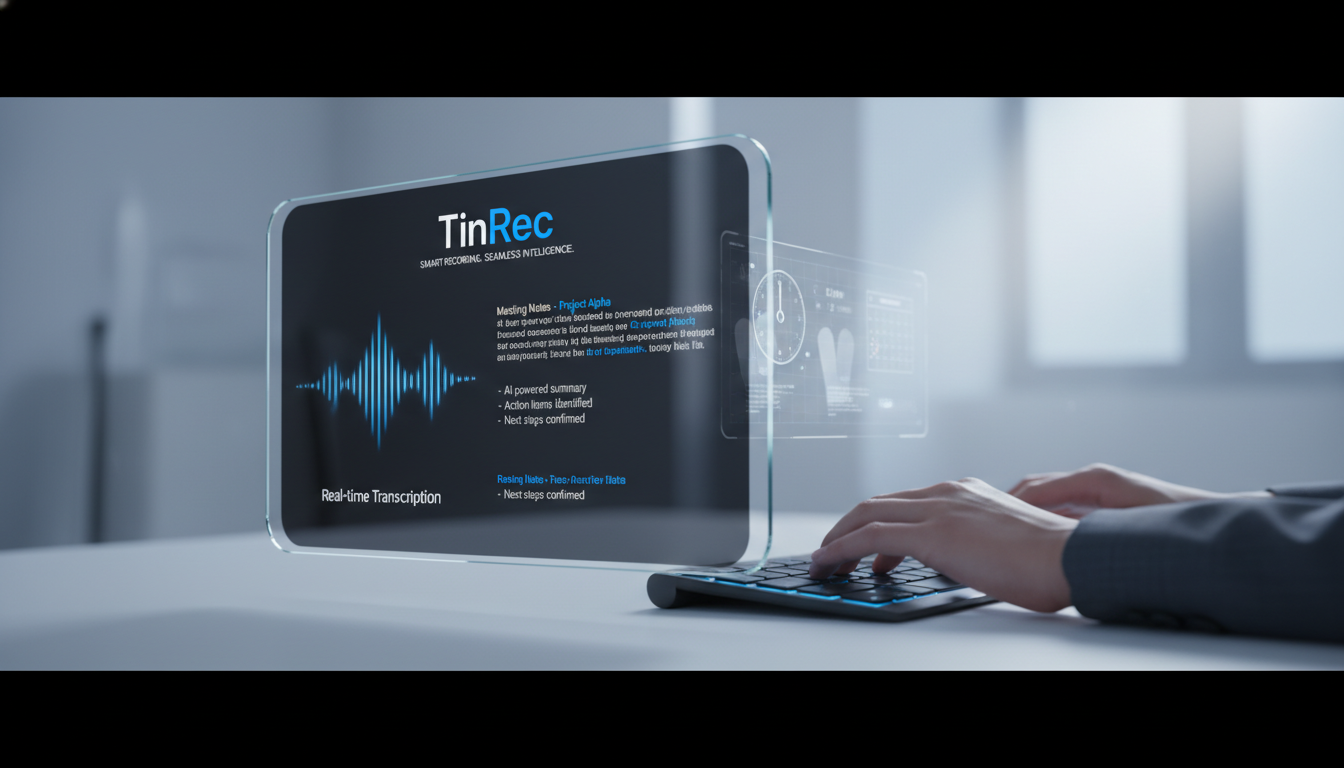
Turn recordings into transcripts and summaries in minutes
Upload audio or video for multilingual transcription, AI notes, and action items
Whether it's business meetings, academic interviews, or online courses, we generate a lot of audio recordings. However, recording is easy, but organizing them is hard. “Listening and transcribing” is often a nightmare for administrative staff, students, and writers. Fortunately, with the rapid advancement of AI speech recognition technology, converting MP3 to text is no longer a time-consuming chore. This article will guide you through how to use AI tools to boost efficiency and recommend a powerful all-in-one tool—TinRec (Miao Ting Lu Yin).
Why Do You Need an AI Audio-to-Text Tool?
Traditional manual transcription takes an average of 3 to 4 hours to transcribe a 1-hour recording, which is not only inefficient but also prone to errors due to mental fatigue. Using an AI-powered MP3 to text tool offers three major advantages:
- Lightning-fast conversion speed: AI can process hours of audio in minutes, reducing half a day's work to the time it takes to drink a cup of coffee.
- High accuracy and multilingual support: Modern AI models (like OpenAI Whisper) have greatly improved recognition of Chinese, English, and even dialects, accurately identifying technical terms.
- Automatic speaker diarization: For multi-person meetings, AI automatically labels different speakers, making transcripts clearer to read.
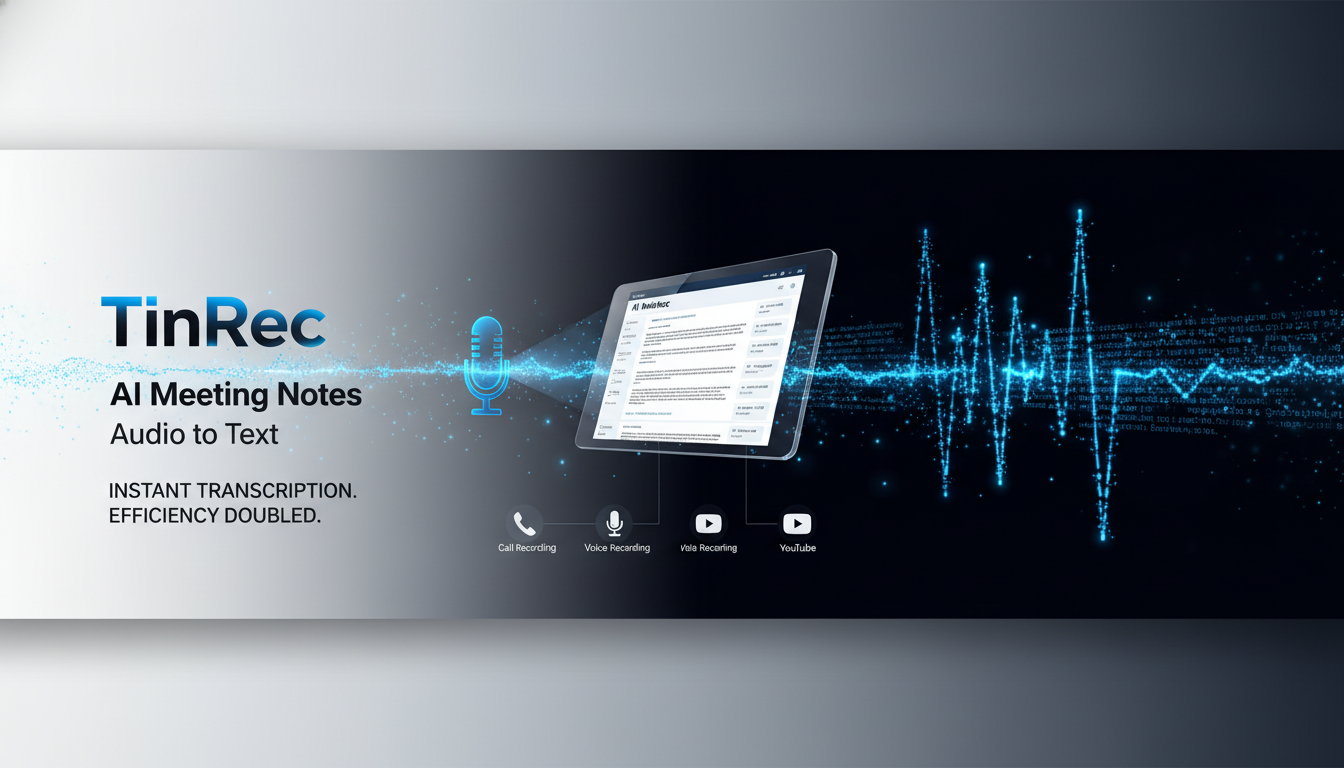
Common Use Cases: A Comprehensive Solution from Meetings to Learning
The need for MP3 to text is no longer limited to professional secretaries. Here are some of the most common scenarios:
- Business meetings and interviews: Sales calls, weekly department meetings, or client calls can be quickly transcribed to generate meeting minutes, ensuring no important decisions are missed.
- Students and academic research: Lecture recordings and interview data can be converted into key notes for easier review and keyword search.
- Content creators (YouTubers/Podcasters): When creating subtitles for videos or rewriting podcast content into blog posts, AI tools can automatically generate timestamped subtitle files (SRT), drastically reducing post-production time.
Stop organizing recordings by hand
Upload audio or video and automatically get a transcript, summary, and action items
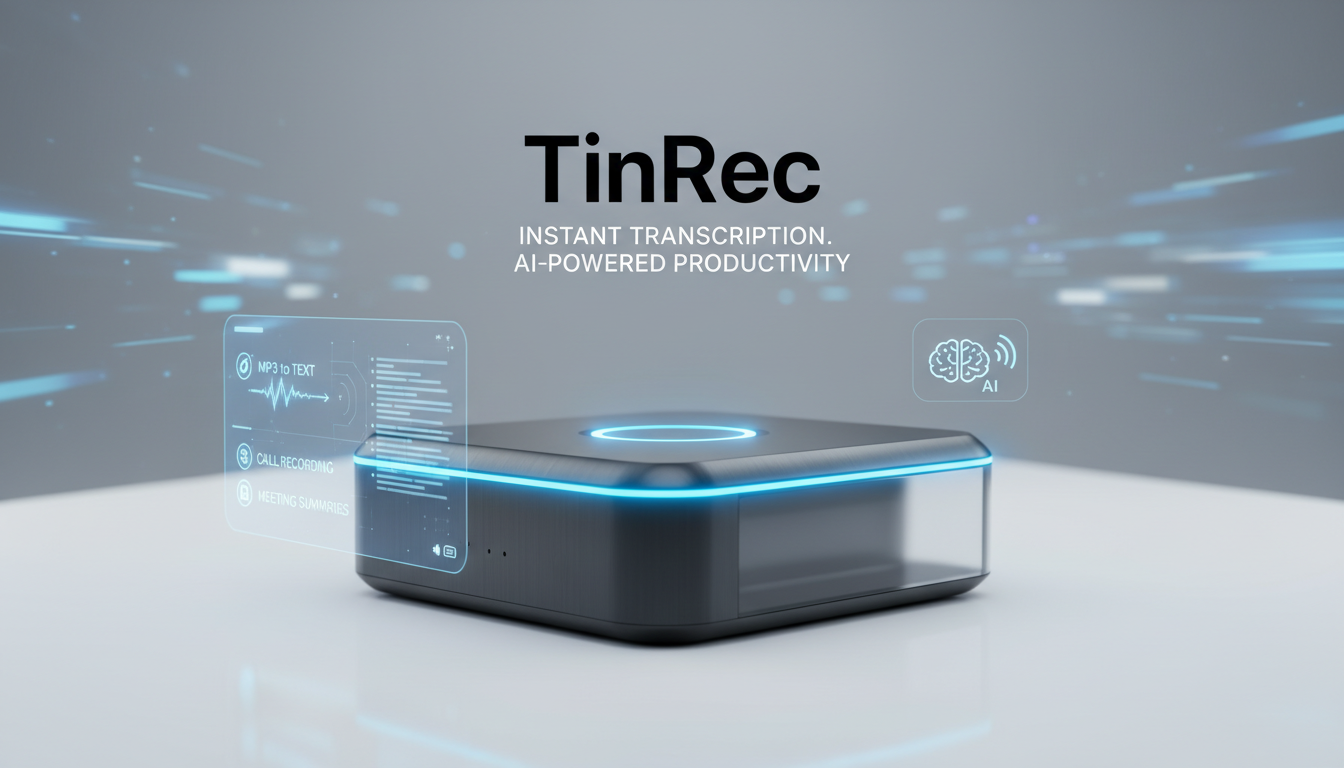
Product Recommendation: TinRec (Miao Ting Lu Yin) — Your All-in-One AI Voice Assistant
There are many transcription tools on the market, but if you're looking for a comprehensive, easy-to-use product optimized for Chinese, TinRec (Miao Ting Lu Yin) is definitely a top recommendation. It's not just a simple conversion tool but an intelligent voice management platform.
Key Features of TinRec:
- MP3/M4A multi-format to text: Supports importing various common audio formats, whether from a voice recorder or phone, quickly converting them into accurate transcripts.
- Call recording to text: This is a killer feature of TinRec. For users who frequently have phone meetings or interviews, it can directly process call recordings, solving the pain point of traditional recorder apps not being able to record calls or transcribe them.
- AI meeting summaries and minutes: Too much text to read? TinRec's built-in powerful AI analysis can generate “meeting summaries” with one click, automatically extracting key decisions, action items, and key takeaways, allowing you to grasp the meeting content instantly.
- YouTube subtitle generation: Simply input a YouTube video link, and TinRec will extract the audio and generate subtitles and summaries, making it a great tool for learning foreign language videos or organizing video notes.
How to Use TinRec to Boost Productivity?
Using TinRec (Miao Ting Lu Yin) is very intuitive and can be done in a few simple steps to complete tedious tasks:
- Upload file: Log in to the website or app, upload your MP3 recording, or use the app to record directly.
- Wait for AI processing: The system will automatically perform speech recognition; typically, a 1-hour recording takes just minutes to transcribe.
- Review and edit: After transcription, you can use the audio playback feature to quickly proofread the text. TinRec's interface is user-friendly; clicking on text jumps to the corresponding audio segment.
- Generate AI summary: Click the “AI Summary” button to get a structured meeting minutes and share the results with team members.
Why Choose TinRec Over Other Free Tools?
While there are many free online converters, they often have file size limits, lack Chinese optimization, or raise data privacy concerns. TinRec (Miao Ting Lu Yin) stands out by integrating “recording,” “transcription,” and “AI analysis” into a one-stop service.
Especially for business professionals who need call recording to text or project managers who need AI meeting summaries to quickly review key points, TinRec offers value far beyond a simple text conversion tool. It not only saves you typing time but also saves you the mental effort of “organizing and summarizing.”
Stop letting tedious transcription work consume your precious time. Experience the efficiency revolution of AI now!
👉 Try TinRec (Miao Ting Lu Yin) for free now: https://tinrec.com/
Turn every recording into actionable outcomes
Get 60 free transcription minutes when you sign in. No credit card required.
Related Reading
You might also like

2026 Product Meeting Notes Tools: 4 Tested + AI Action Item Auto-Organization
How to choose a meeting notes tool? This article addresses three common misconceptions, outlines 4 key selection criteria, and compares Tinrec, Otter.ai, Granola, and Notta on meeting recording methods, post-meeting organization capabilities, and pricing limits. It also includes a pitfalls guide and selection recommendations to help you find a solution that truly saves organization time.

6 Audio-to-Transcript Tools Tested and Compared for 2026: Which Saves the Most Time for Chinese Recognition and Post-Meeting Organization?
A review of 6 tools that generate transcripts from imported audio files, covering Tinrec's AI summaries, action items, AI Q&A, and team spaces, as well as the free and paid plans of Notta, cSubtitle, MyEdit, TurboScribe, and Yating Transcript. It also explains recording quality, export formats, and licensing issues to consider before importing.

2026 Comparison of 4 Audio/Video Transcription Tools: Which Saves the Most Time for Chinese Meeting Minutes?
Still typing transcripts after meetings? This article uses 5 key buying criteria to compare Tinrec, Notta, Otter.ai, and PLAUD Note in a hands-on test. From recording methods, post-meeting output, Chinese language experience, to team seat management, we cover it all, plus 4 common pitfalls to avoid.

5 WAV to Text Tools Tested for 2026: Which Saves the Most Time on Chinese Transcripts and Meeting Follow-Ups?
Have a WAV recording but dread listening to it from start to finish? This article examines real-world scenarios to explain what WAV-to-text can do, its core capabilities, and practical applications. Using Tinrec as an example, it covers a complete workflow for bot-free meeting recording, AI summaries, action item extraction, and team knowledge retention, plus 6 buying considerations and FAQs to help you decide which solution saves the most time.
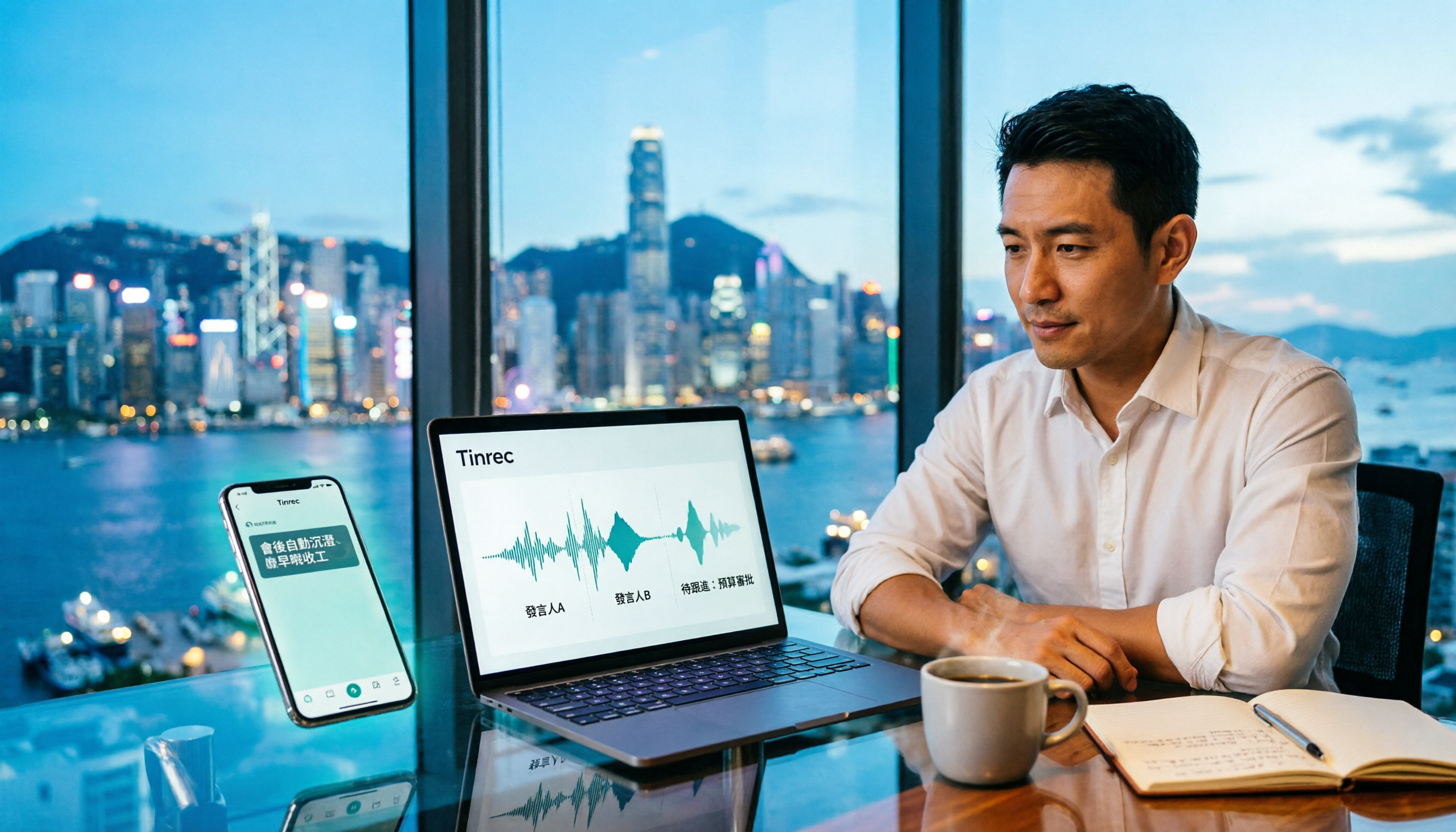
Tinrec Meeting Notes Guide 2026: No-Bot Recording vs Otter.ai
For Hong Kong office workers, post-meeting cleanup is the worst part: the meeting ends at 3 PM, but you're still at the office at 8 PM listening to recordings and typing. This article compares Tinrec and Otter.ai across five dimensions to test the workflow of turning recordings into meeting notes, breaking down Cantonese recognition, no-bot recording, post-meeting AI organization, team data retention, and pricing, helping you choose the right tool and leave work earlier.

4 AI Meeting Note Tools Tested in 2026: Which One Saves the Most Time on Auto-Organizing Transcripts?
The pain of meeting notes isn't slow typing—it's time-consuming organization. This article addresses common misconceptions, tests 4 AI meeting note tools, breaks down key buying factors, Tinrec's bot-free recording and AI Q&A workflow, team plan seats and data ownership, plus a pitfalls guide and selection advice.

2026 Teams Meeting Transcription Comparison: 4 Methods Tested — Is Avoiding a Meeting Bot Really Easier?
Teams built-in transcription requires both the organizer and each user to enable the policy, and live captions are not saved—so many people only discover after the meeting that there is no transcript at all. This article reviews four ways to transcribe Teams meeting recordings, from Teams built-in, Otter.ai, and Notta to Tinrec, comparing bot-free desktop recording, AI Q&A, action item extraction, and team seat management, with a pitfalls guide and scenario-based recommendations.

4 Video-to-Transcript Tools Tested and Compared in 2026: 3 Pitfalls to Understand Before Importing Video
Importing a video to generate a transcript looks simple, but the real bottlenecks are usually format support, time codes, and how usage limits are calculated. This article starts with common misconceptions, outlines 4 key points for choosing a tool, then shares a hands-on test of Tinrec from video import to AI summaries, action items, and team knowledge retention, and compares TurboScribe, Notta, and Granola for use cases and pitfalls to avoid.

How to Transcribe Classroom Recordings in 2026: A Complete 5-Step Guide
When it comes to transcribing classroom recordings, most people only ask which tool is the most accurate. But what really determines whether you'll be overwhelmed all semester is the audio source, the classroom language, and the total number of hours. This article uses university and graduate school classroom scenarios to compare Tinrec and Otter.ai across 5 dimensions, and provides a 5-step process you can follow directly, along with purchasing advice.